

Can thin and light laptops unlock a desktop-level high frame rate experience? Huawei Hi GT Cube Graphics Cube Unboxing
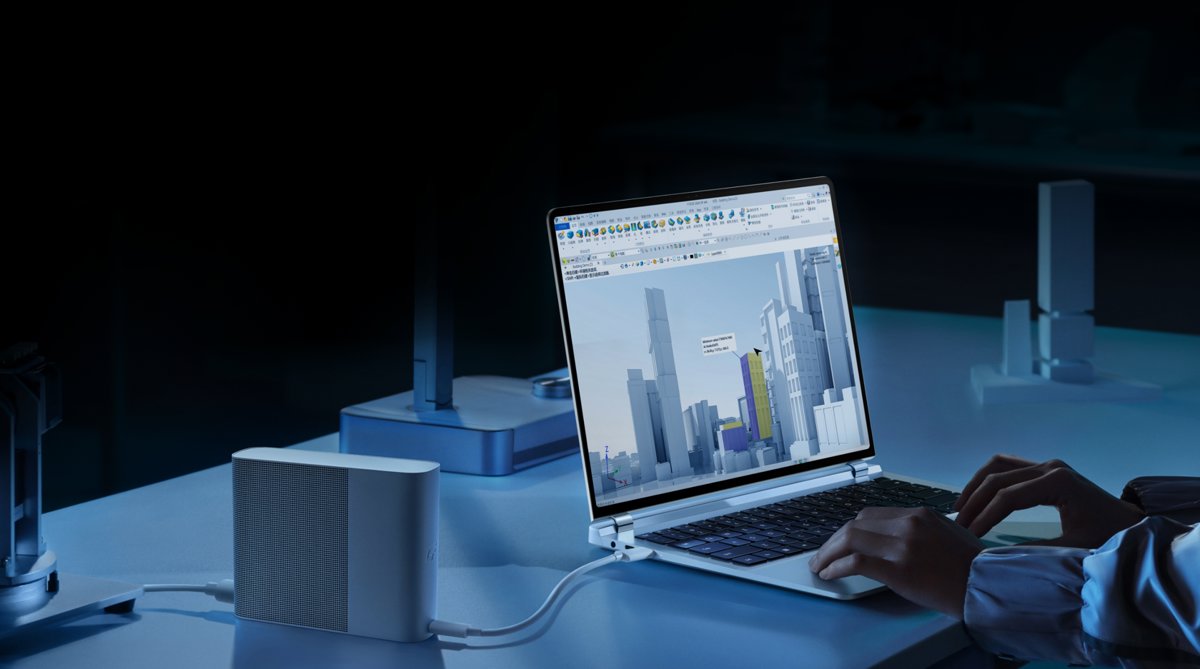
As mentioned before, the RedmiBook 14x is very practical, and it also features a Thunderbolt port. Now, the ecosystem for Thunderbolt ports has become quite rich. Even Huawei has started offering cost-effective products; for example, the eGPU dock launched alongside the MateBook GT laptop offers great value for money.
目录25 个章节
Preface
I mentioned earlier that the Jige 14x is really easy to use and even comes with a Thunderbolt interface, and now the Thunderbolt ecosystem has become much richer.
Even Huawei has started releasing cost-effective products. This eGPU dock (显卡坞), launched alongside the MateBook GT laptop, offers quite a good price-to-performance ratio.
PS: Though it seems that for some reason, this product is sold under the name of a foreign company (Wiko).
What is an eGPU Enclosure?
A Thunderbolt eGPU enclosure (eGPU, External GPU Enclosure) is an external hardware device that allows users to connect a desktop graphics card to a laptop or other devices with a Thunderbolt interface to significantly enhance graphics processing performance. This type of enclosure typically connects to the computer via a Thunderbolt (or USB4) interface, providing high-bandwidth and low-latency transfer speeds to ensure the graphics card can deliver maximum performance.
Recently, another type of eGPU enclosure has also gained popularity, represented by Oculink interface eGPU enclosures from brands like Open Universe (开源宇宙). This interface is essentially a PCIe interface, offering higher speeds and lower performance loss. It is said that when using an external graphics card with an external monitor, the performance loss can be controlled to under 5%.
On the other hand, with a Thunderbolt eGPU enclosure connected to an external monitor, the performance loss is typically over 15%. If using the laptop's built-in screen, the loss is even greater, usually reaching 30% or more.
However, Thunderbolt eGPU enclosures also have advantages. Many compact products are available, some with built-in power supplies that can also charge the laptop. They can also serve as a port expansion hub.
For example, the Huawei eGPU enclosure I unboxed this time has a built-in 240W power supply and supports charging the laptop at 100W (this specific parameter is not listed on the official website; the data comes from online sources). This is very convenient, as it means you don’t even need to bring the laptop’s charger when going out. Plus, the power supply uses a three-prong plug, which can solve the issue of leakage on many metal-body thin and light laptops (I’m looking at you, Brother Ji 14x—点名鸡哥14x).
Oh, by the way, I haven’t mentioned the most critical specs yet. The eGPU enclosure comes with an AMD 7600M XT graphics card, whose performance is theoretically similar to that of a 4060. However, for portability, the graphics card’s power limit in this enclosure has been reduced to only 80W, so its performance is naturally compromised…
Packaging
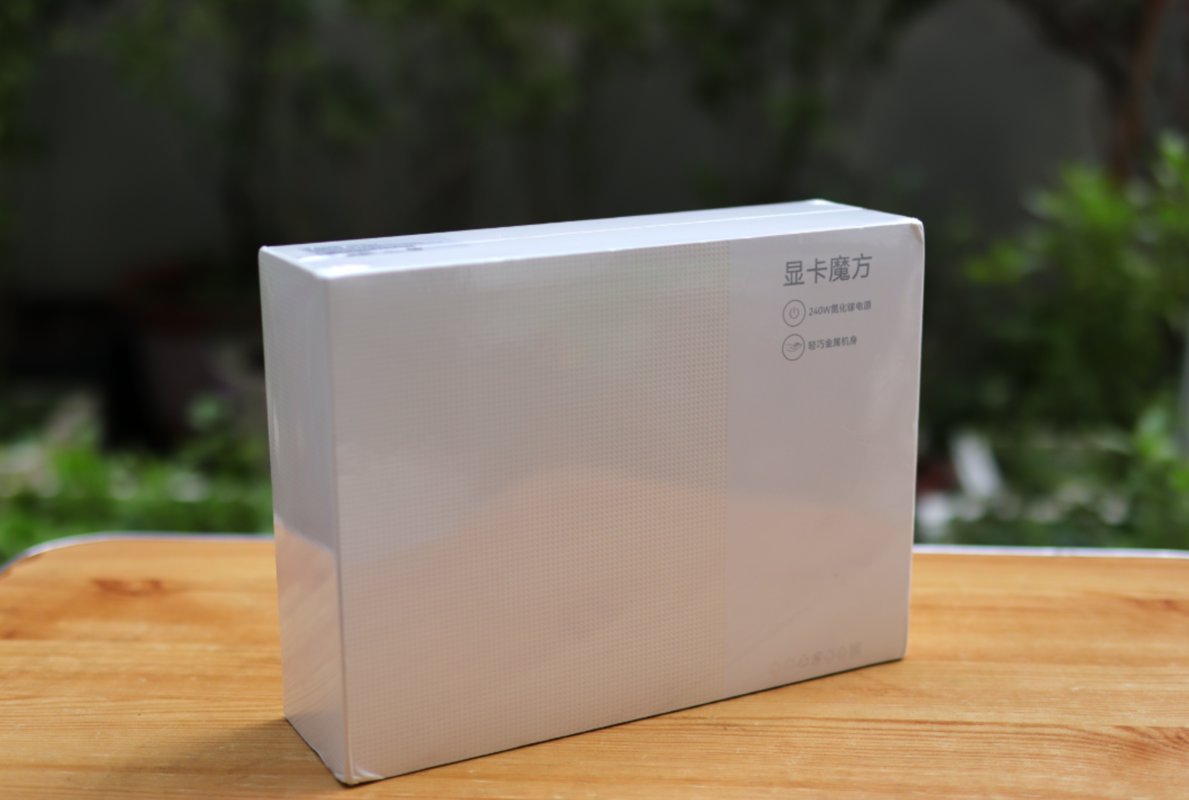
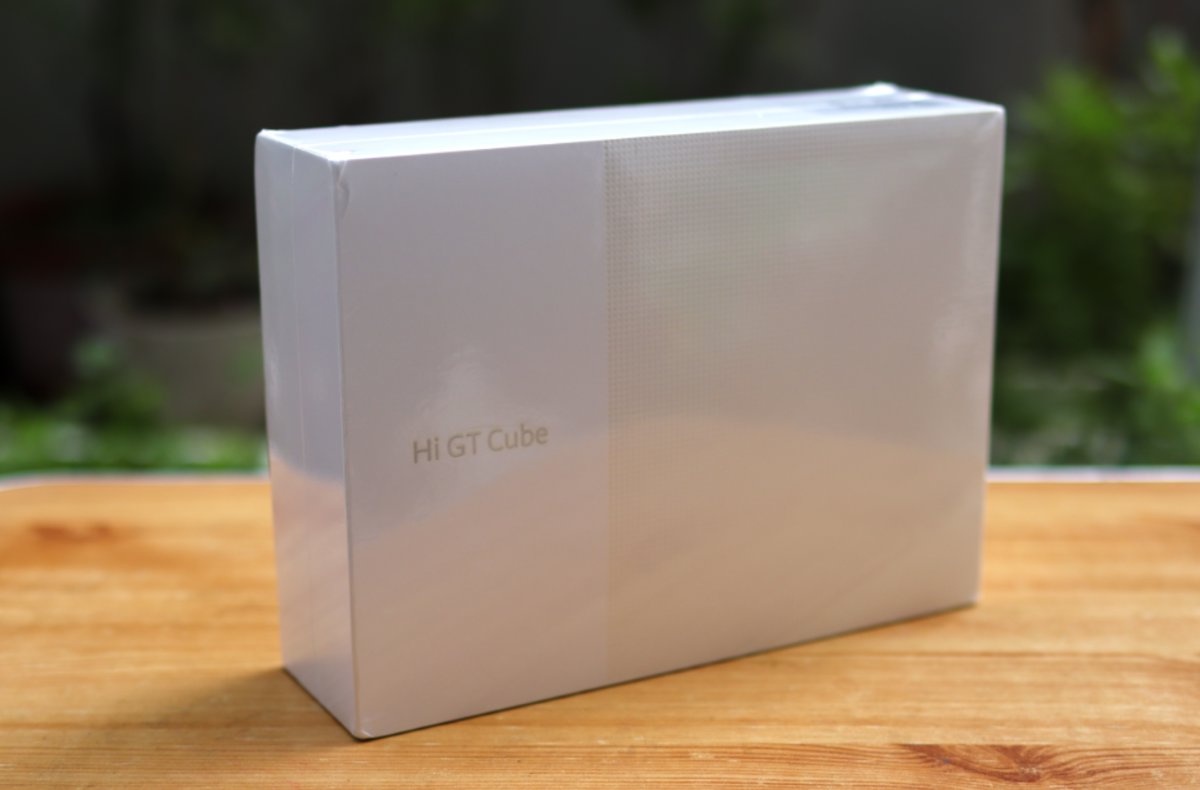
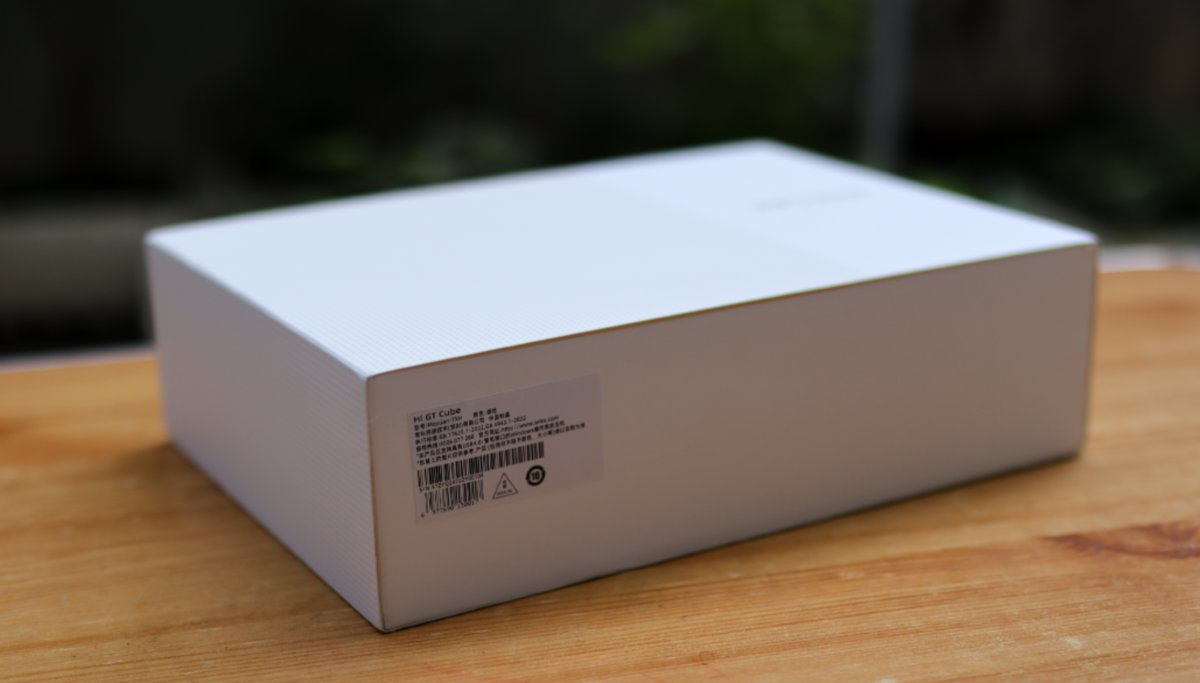
Very minimalist packaging, consistent with Huawei's usual design approach.
Back
Side
Unboxing
This design is simple and elegant.
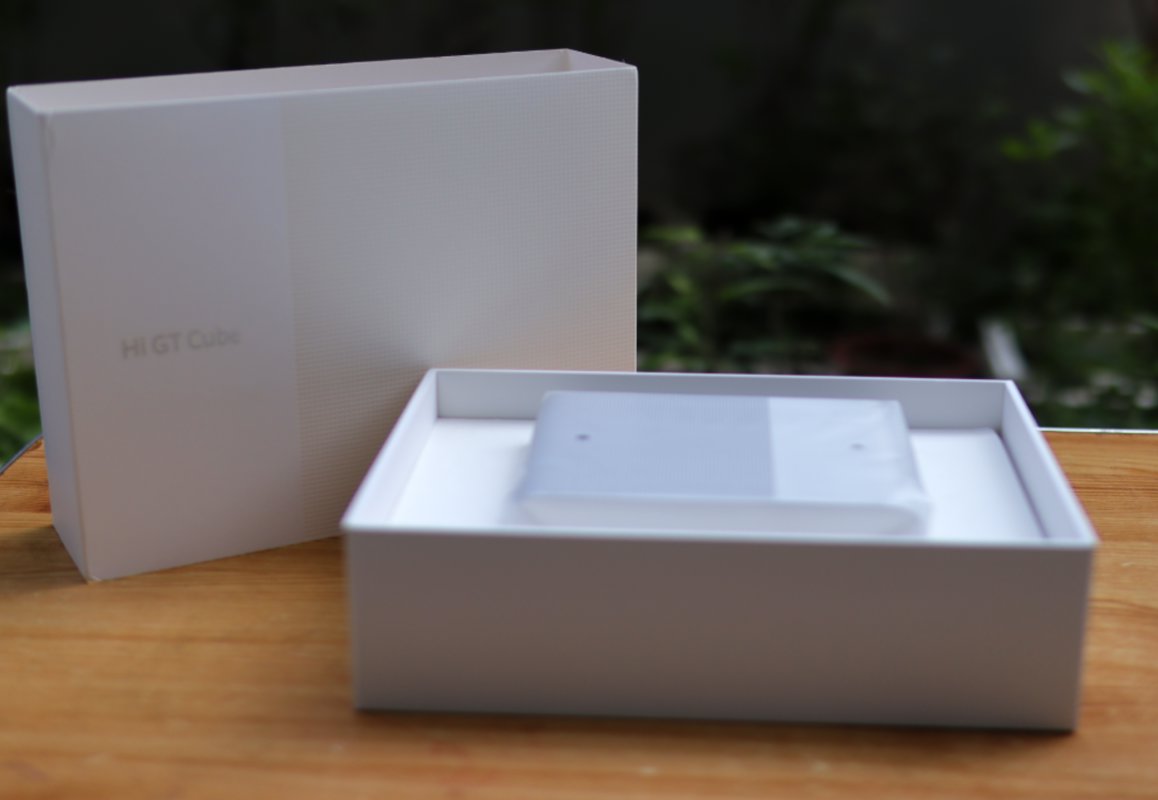
Another Angle
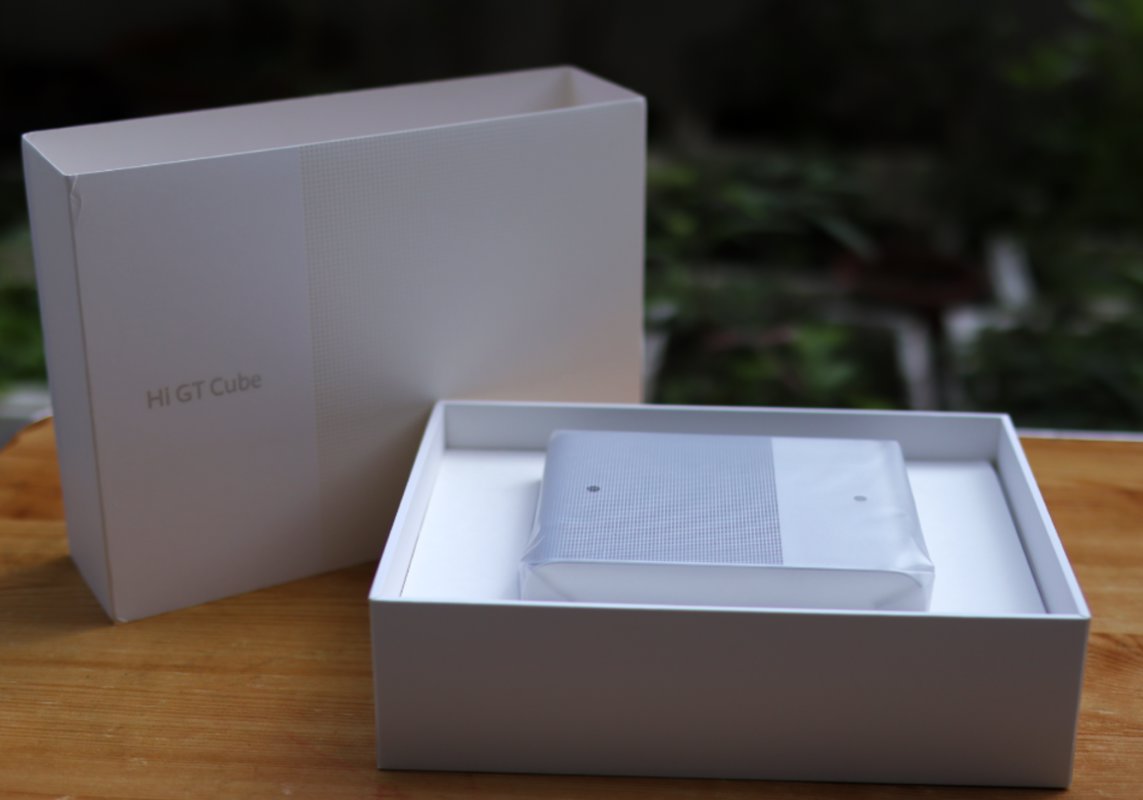
Graphics Card Dock
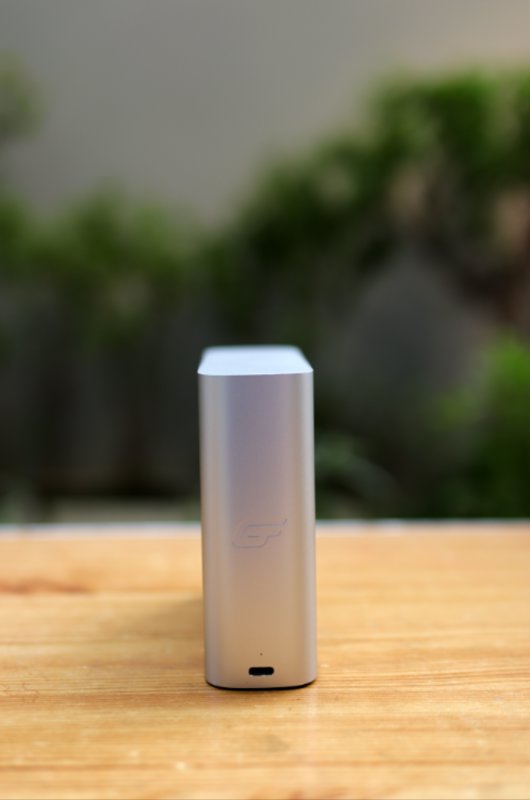
Much smaller than I expected
Very portable
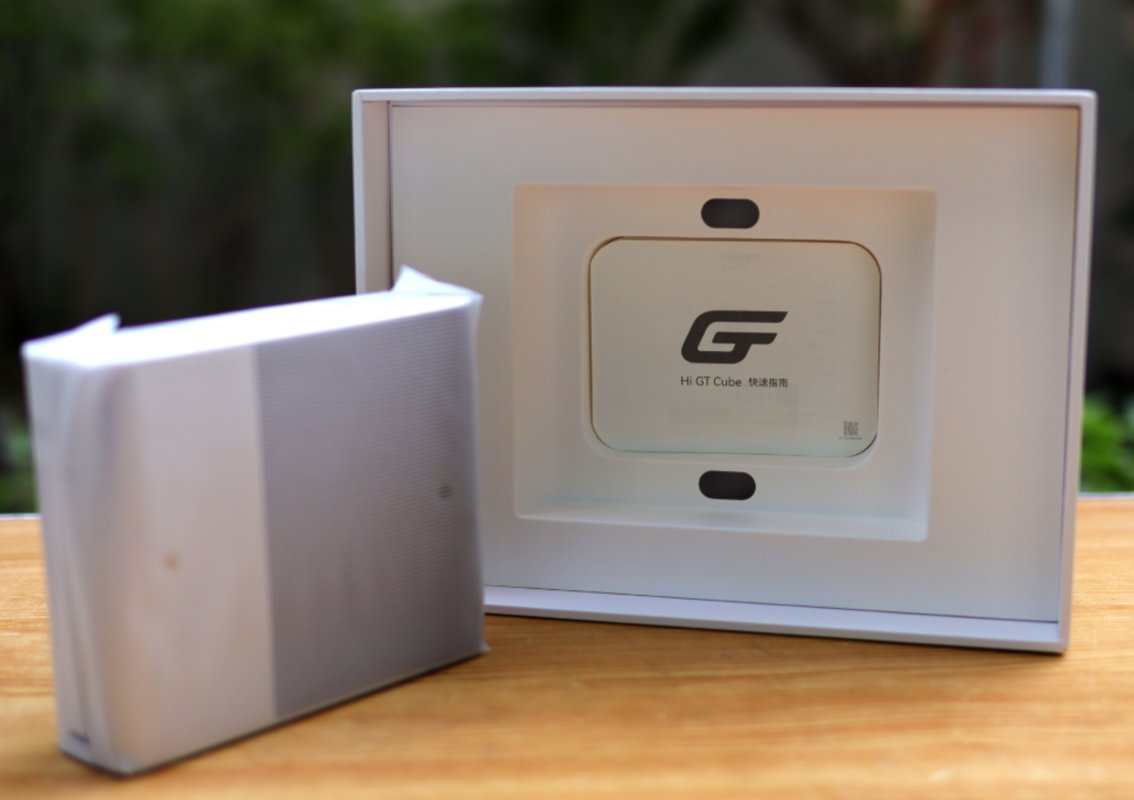
Standing Up
| Front | Back |
|---|---|
 | 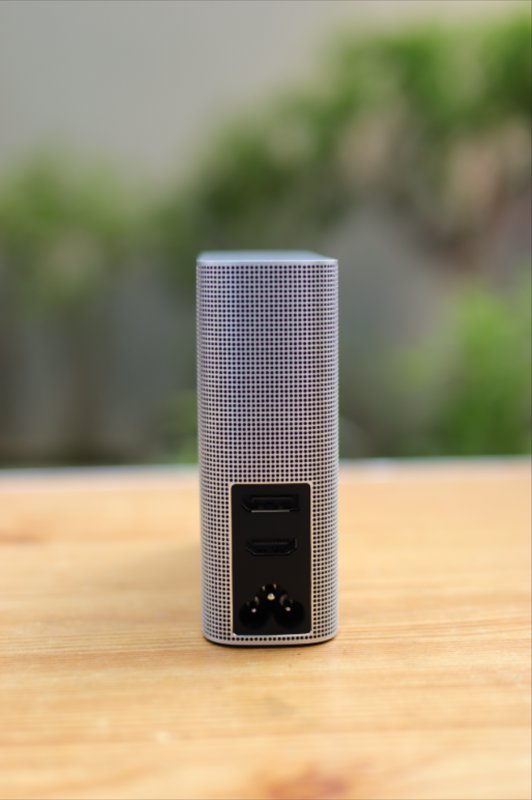 |
A Different Perspective
| 1 | 2 |
|---|---|
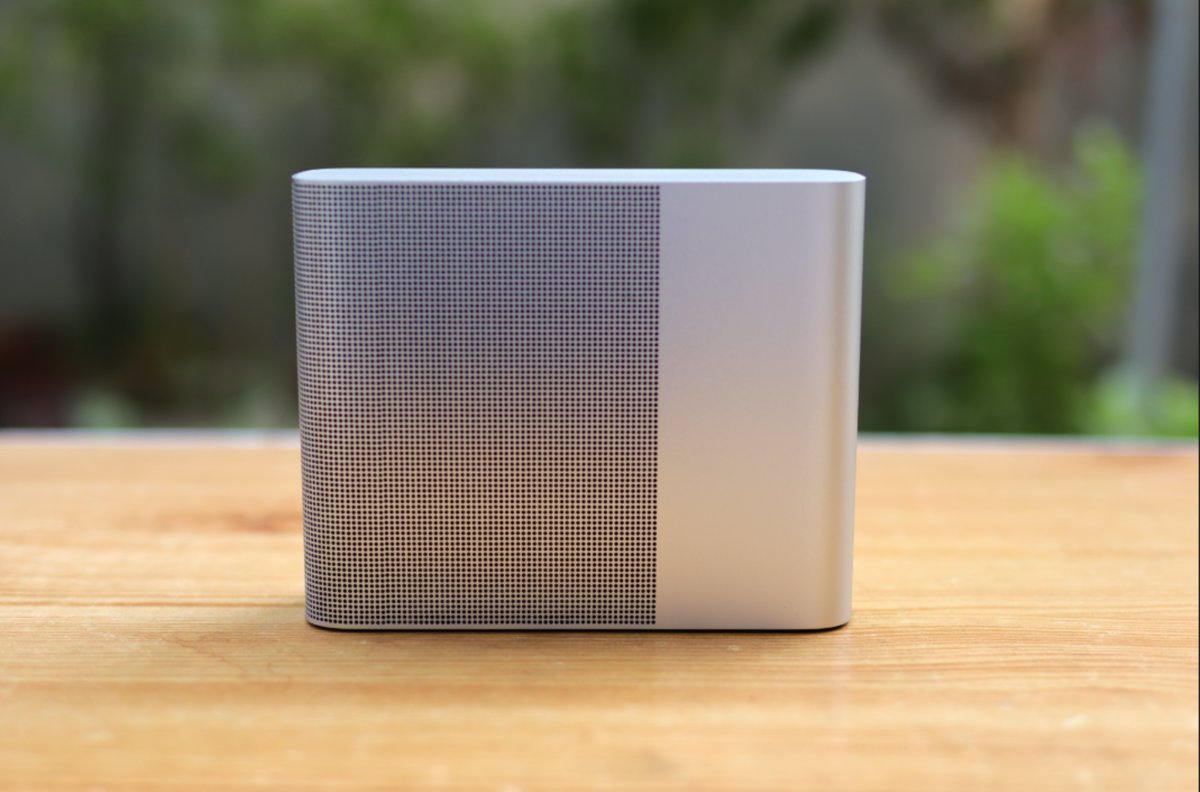 | 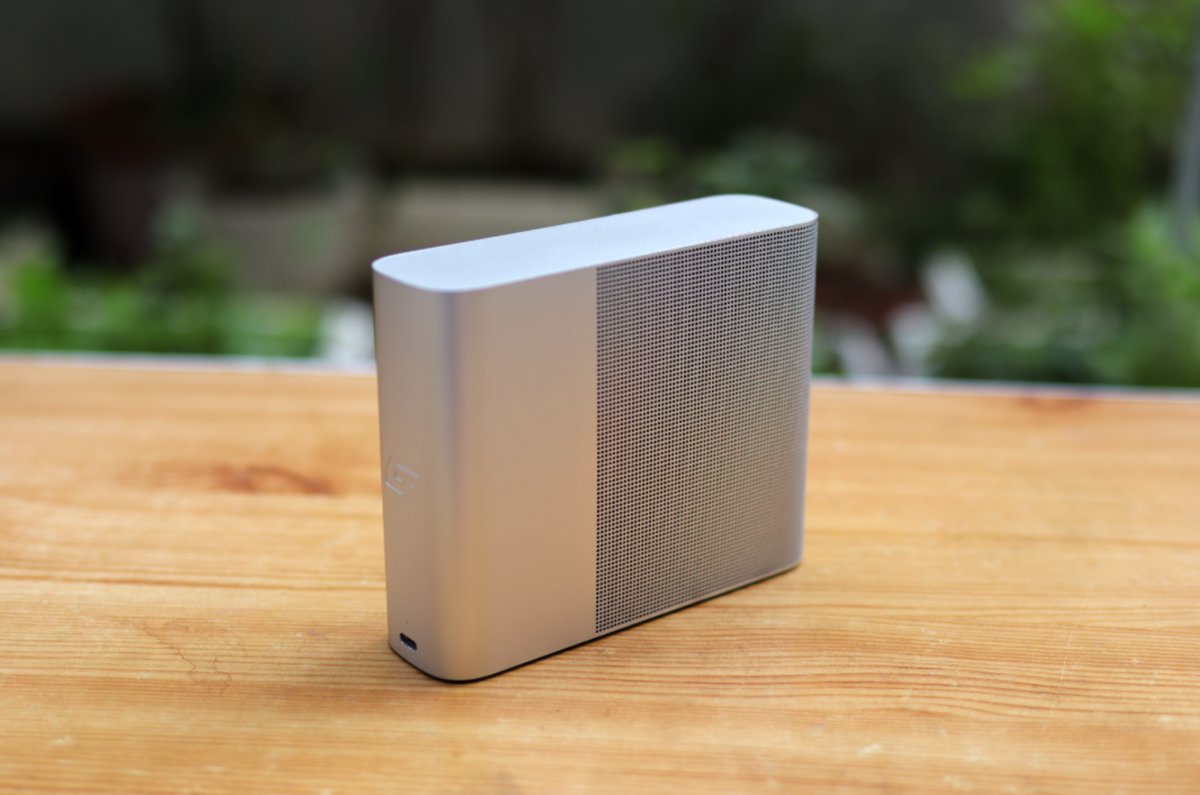 |
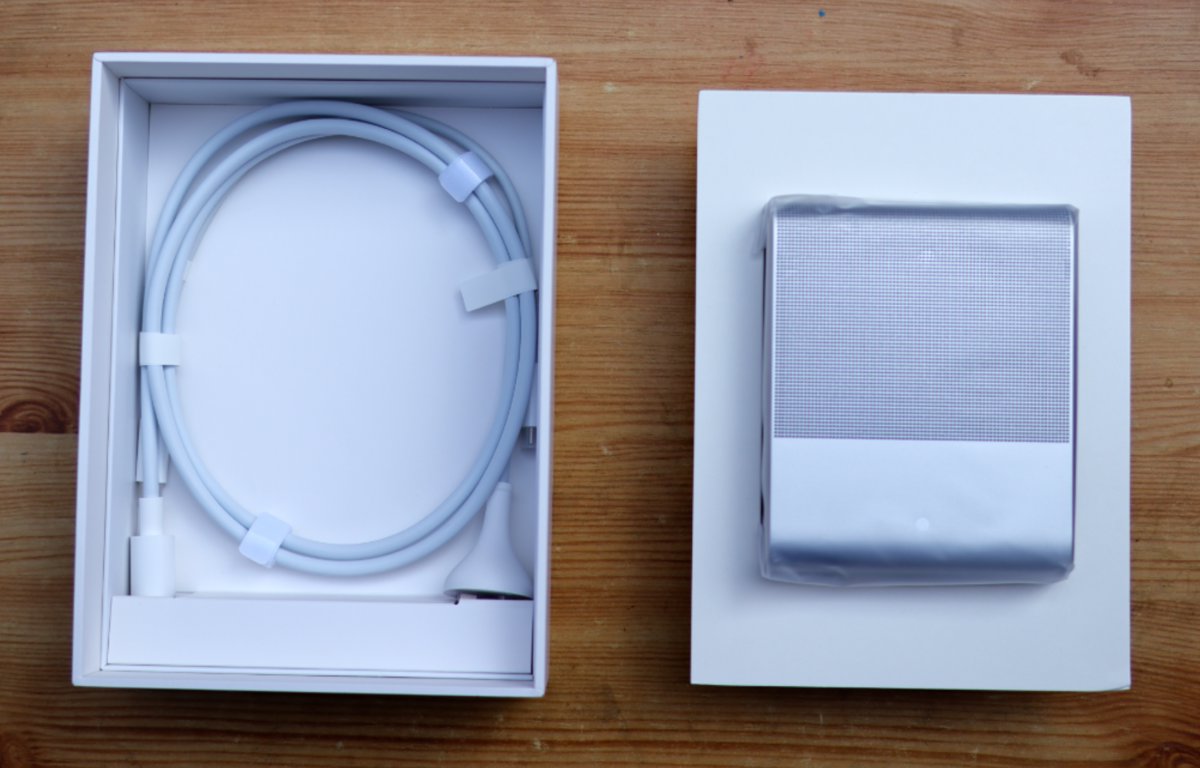
Accessories
The accessories are simple: power cable + Thunderbolt cable.
Driver
When I first set up my computer, it wasn't ready to use right out of the box.
I suspected it was a driver issue (since I reinstalled Windows 10 myself—the system originally came with Windows 11).
First, I went to the Mechrevo official website to download drivers: https://www.mechrevo.com/service/
I typed "14x" in the search box to find and download the corresponding graphics driver, but it turned out the motherboard chipset driver didn't support Windows 10—how ridiculous.
Later, it became clear that the graphics driver wasn't actually the problem.
It wasn't until I opened Device Manager that I discovered the driver for the Thunderbolt port (USB4) wasn't set up properly.
Since Mechrevo's official driver support wasn't reliable, I went directly to AMD's official website to download drivers.
AMD's official site has Windows 10 drivers. After downloading and installing them, the issue should normally be resolved.
If it's still not fixed, open Device Manager, identify which device has a problem, right-click to update the driver, and browse to the local directory C:\AMD (which the installation process automatically extracts to this location).
Once the driver issue is resolved, connecting the external graphics dock should trigger a notification in the lower-right corner indicating the dock is connected…
Actual Test
Let's run a benchmark first
Benchmarks
Integrated Graphics (核显)
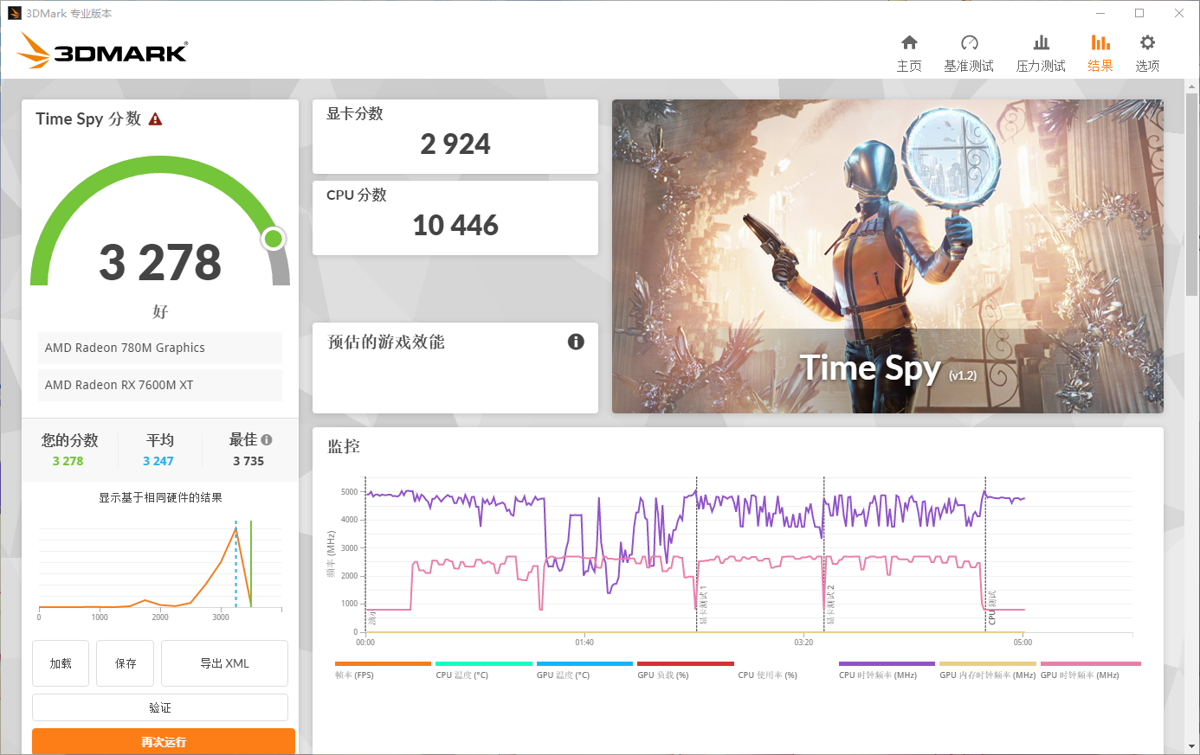
First, here are the benchmarks for the integrated graphics (780M) running on the laptop's internal display. The scores are relatively low, which may be due to lower memory frequency.
Graphics Dock (显卡坞)
External Monitor
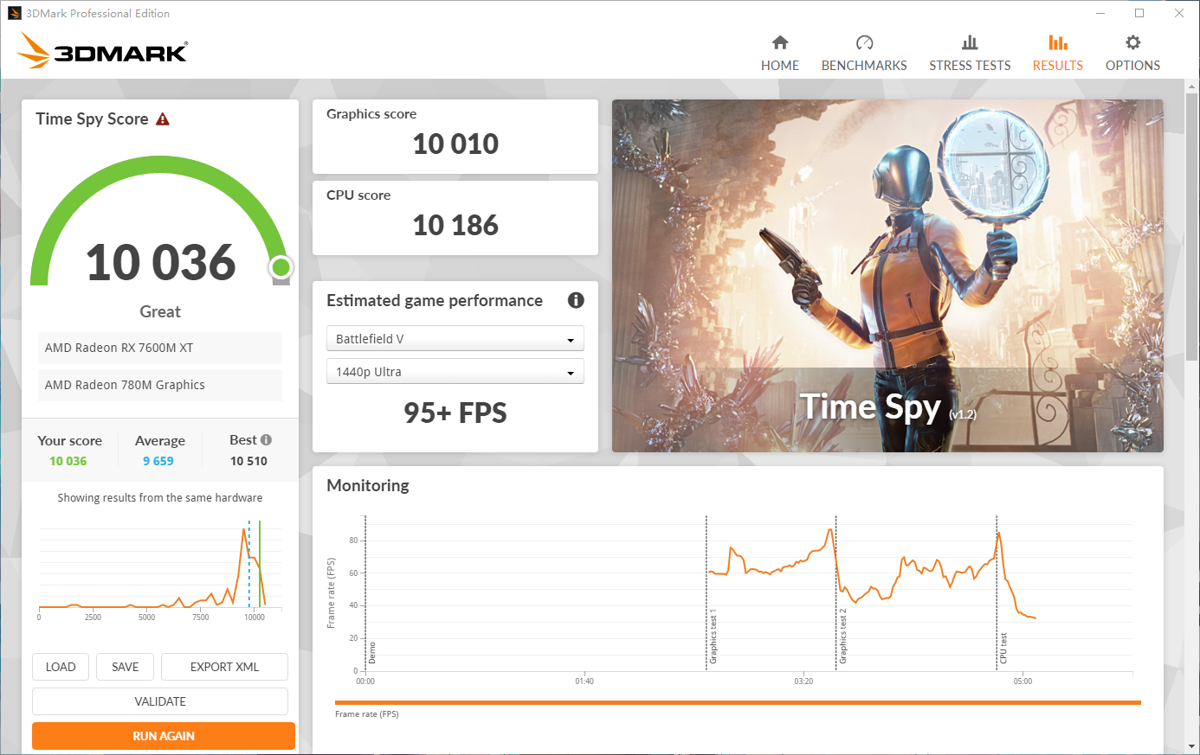
Benchmark results with an external 1080p monitor connected, immediately hitting 10,000 points.
Internal Display Native Resolution
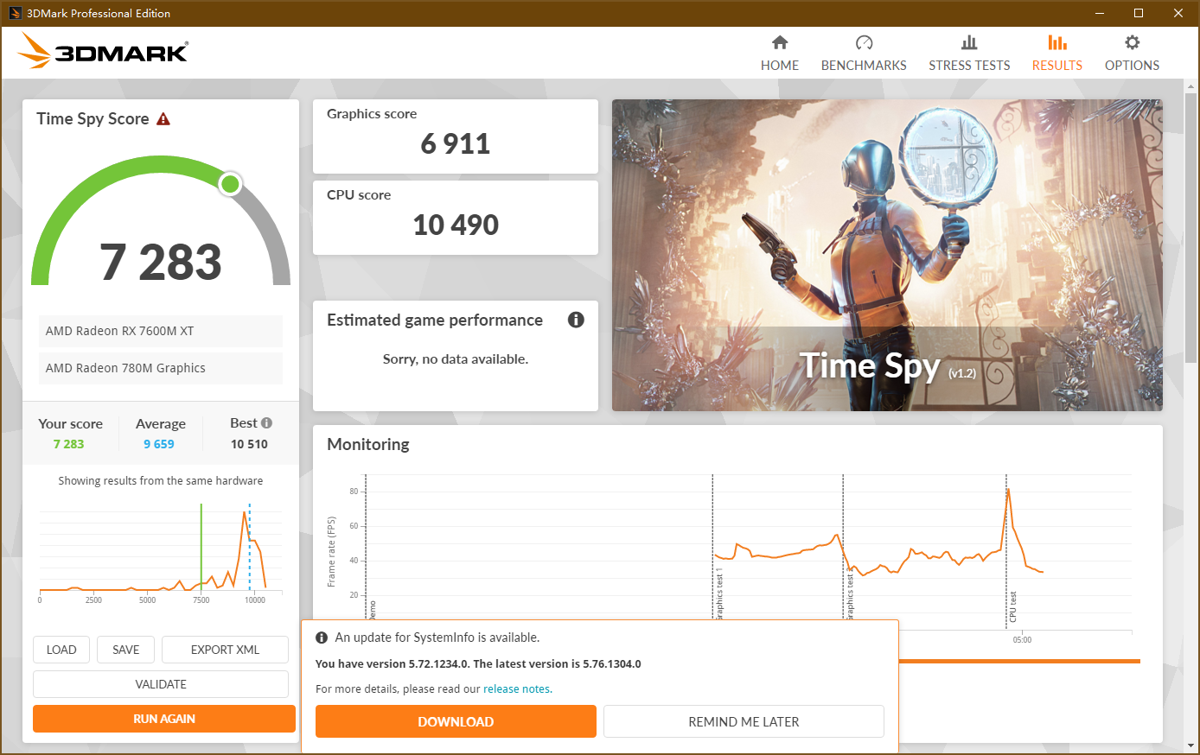
It seems my laptop has a 2K screen.
Internal Display 1080p
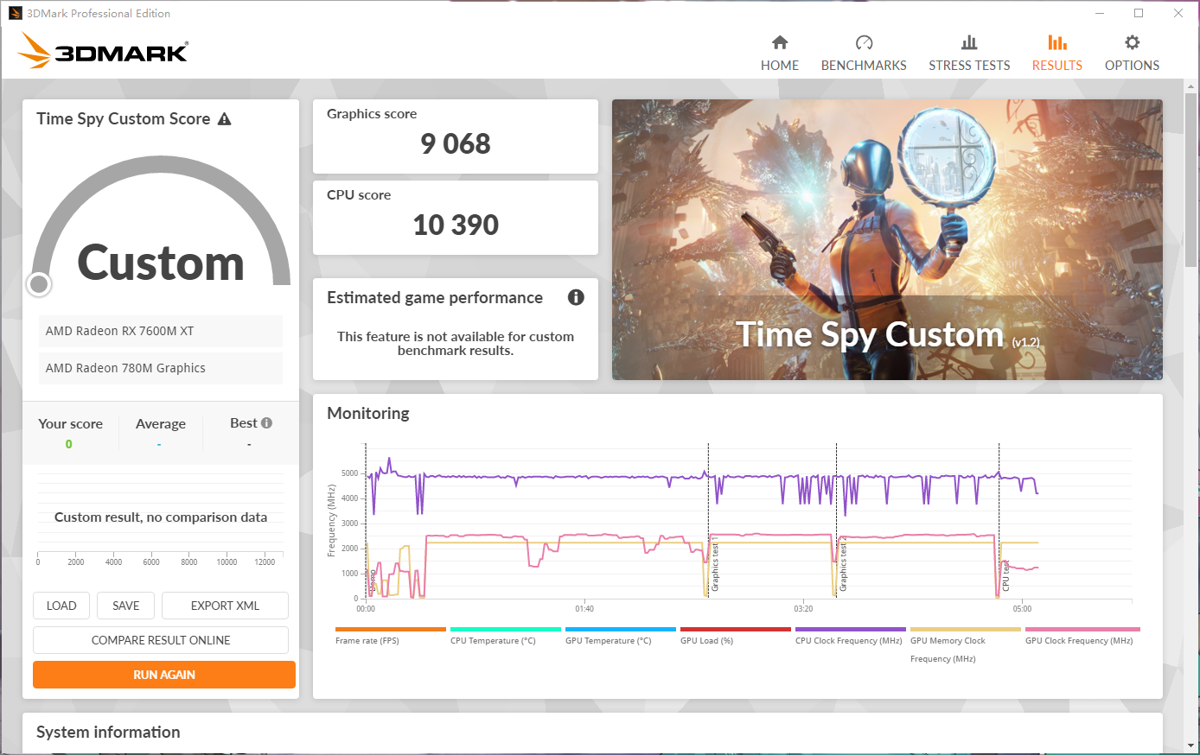
After setting the resolution to 1080p, the benchmark scores increased significantly.
Master Lu Benchmark (娱乐大师跑分)
Finally, here is a round of Master Lu benchmarking.

Hands-on Tests
Cyberpunk2077
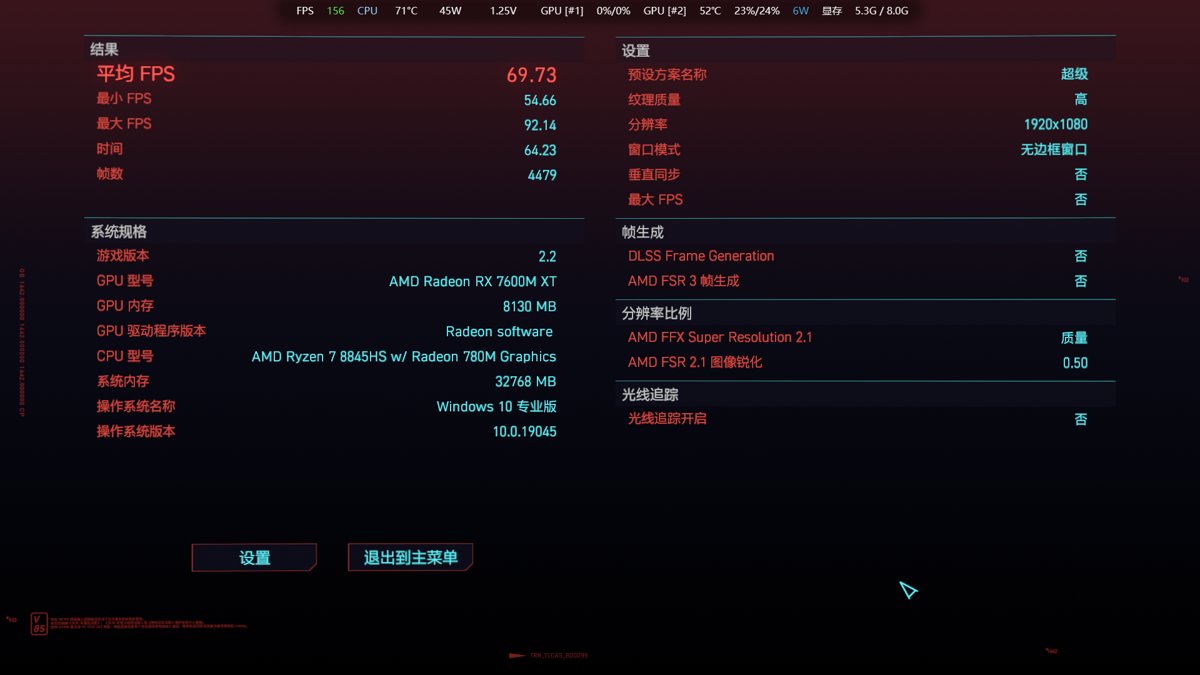
External 1080p monitor, graphics settings at maximum, close to 70 frames.
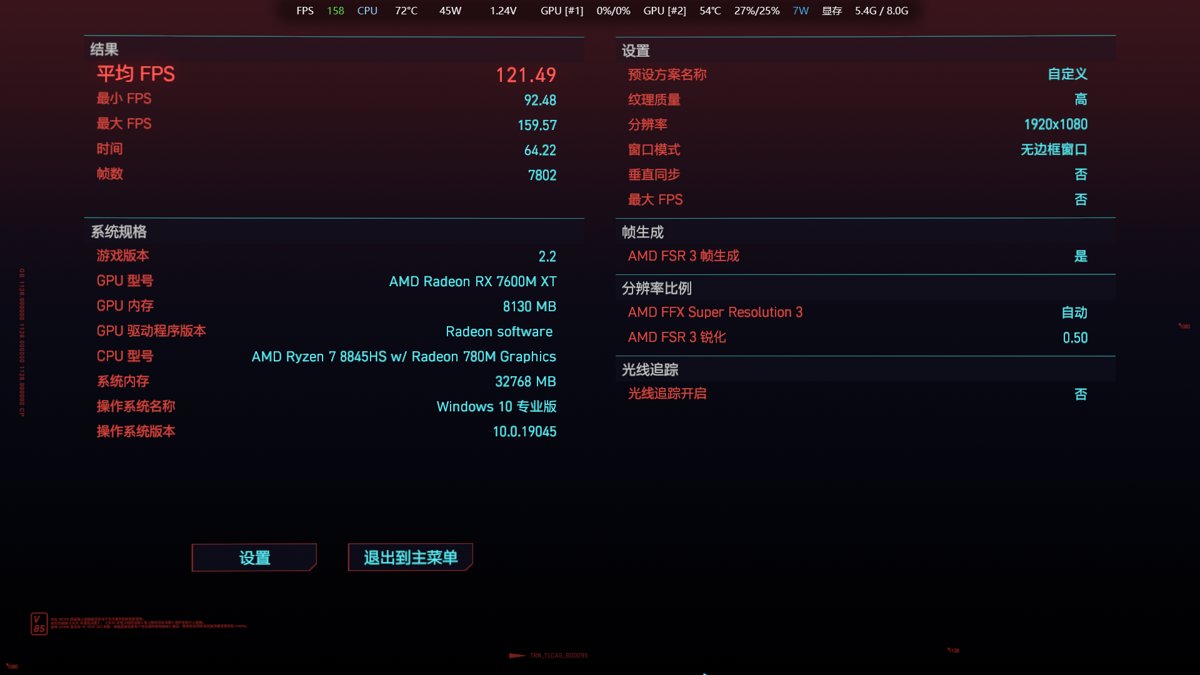
After enabling AMD FSR3, the frame rate doubles.
Horizon Zero Dawn
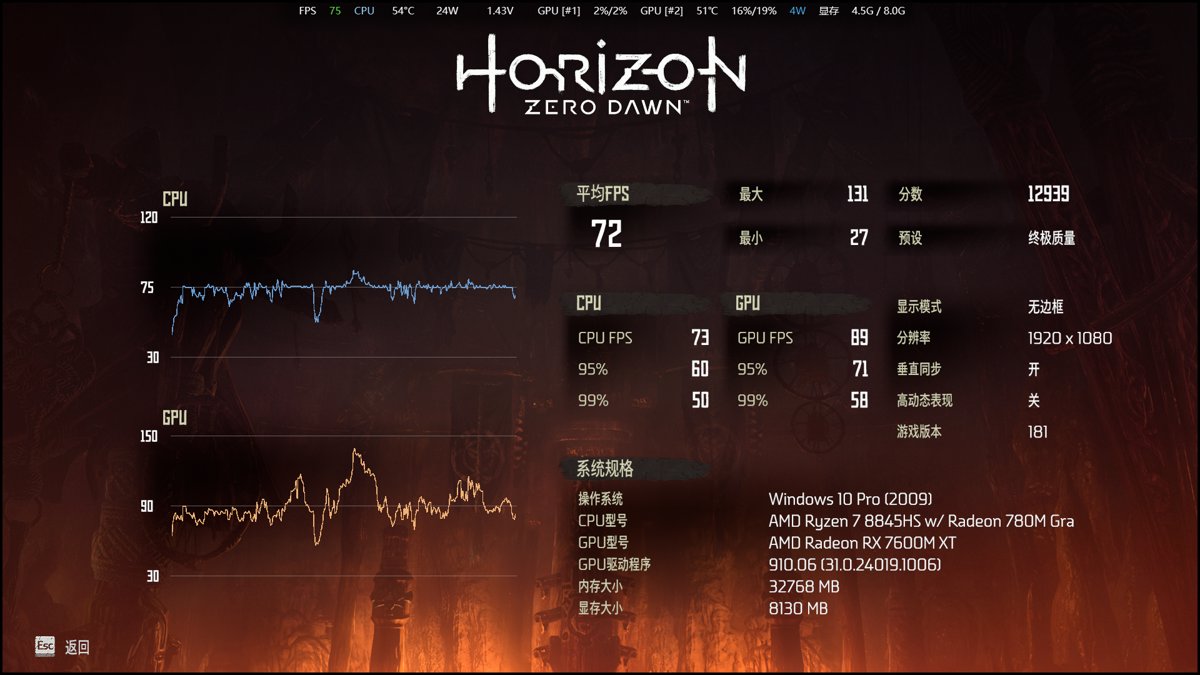
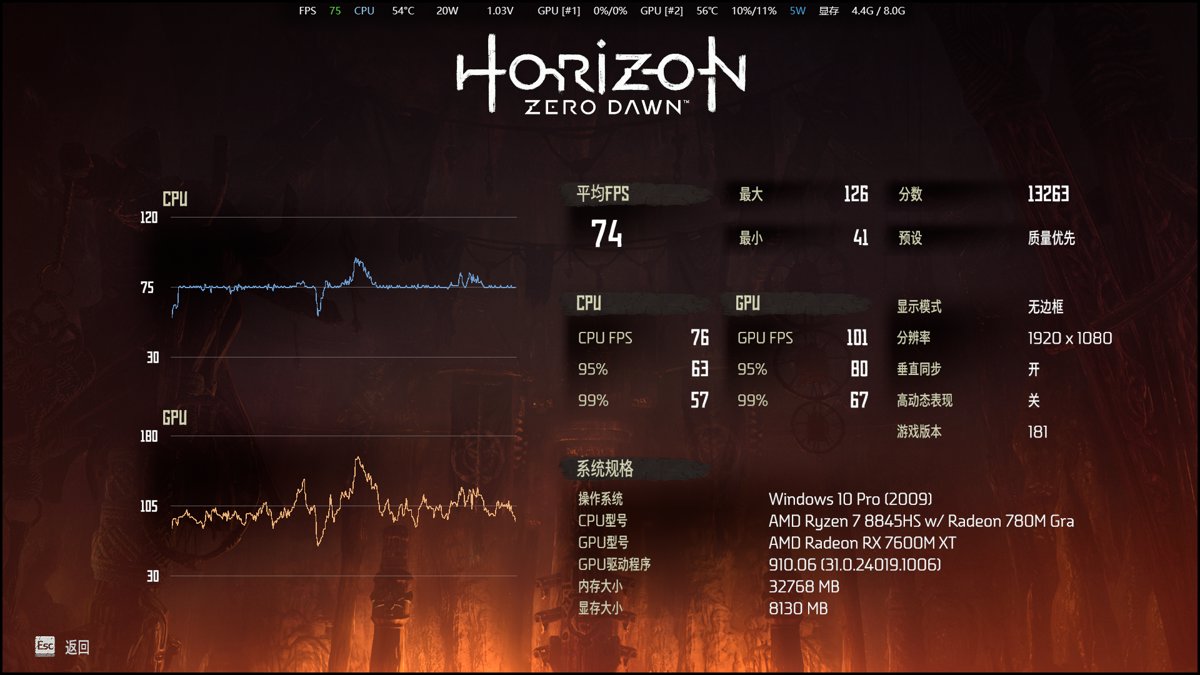
All tests were conducted on an external 1080p monitor.
Ultimate Quality preset, achieving 72 frames.
Quality-prioritized preset, 74 frames.
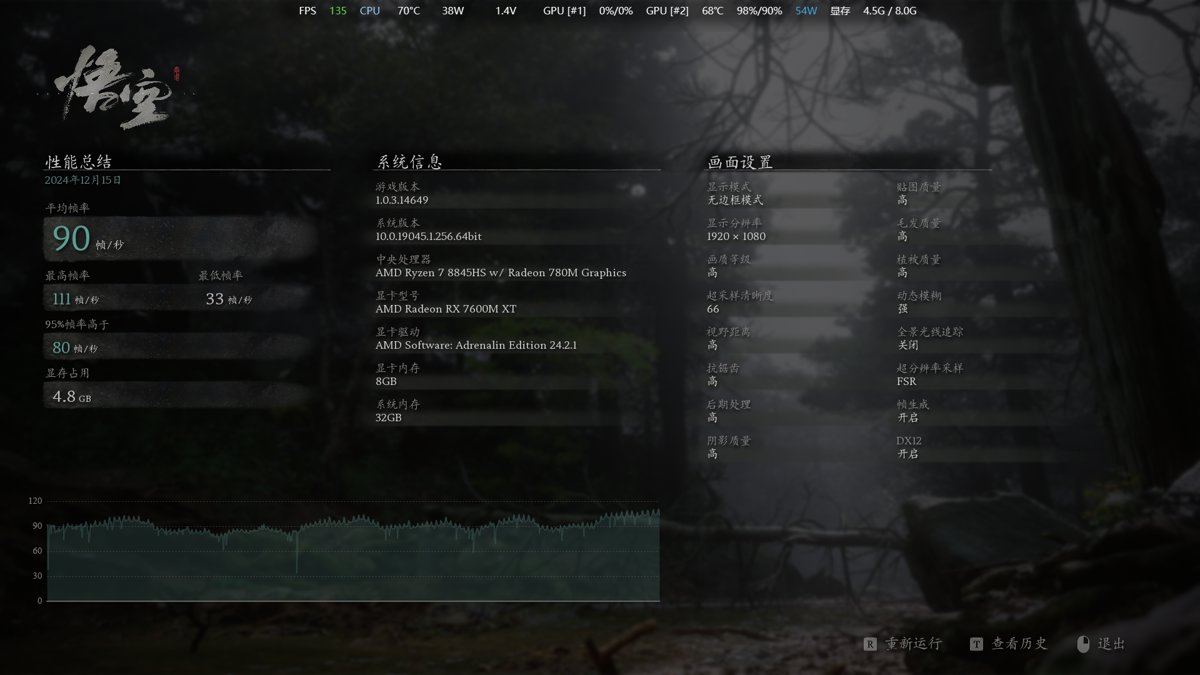
Black Myth: Wukong
High graphics preset, with an external 1080p setup, reached 90 frames.
Summary
Playing single-player AAA games is basically not a problem.
However, online games that are more CPU-intensive don't perform as well. For example, in games like Zenless Zone Zero, the average frame rate is only around 55.
Also, the common setup of having one screen for a strategy video and another for the game screen (like opening treasure chests) becomes very laggy.
I checked the Task Manager, and the browser, OBS, and the game were all running on the external graphics card. I suspect the bottleneck is the limited bandwidth of the Thunderbolt port, which is causing the stuttering.
Manually adjusting settings to make the laptop's internal display programs run on the integrated graphics, while only the external monitor's programs use the graphics dock, might improve things. But tinkering with all this is too much hassle, and honestly, it's not worth it.
Even connecting the monitor directly to the laptop's HDMI port, instead of the graphics dock, performs better. However, this means all graphics processing falls on the integrated graphics, which reduces performance.
In summary, the external graphics dock is still a niche product for enthusiasts. For true graphical performance, a desktop PC is still the way to go. Alternatively, investing a bit more in a versatile, thin-and-light laptop like the ASUS ZenBook Air would provide a much better experience than an external GPU setup. (That said, if the graphics dock becomes cheap enough, it might be worth considering—if Huawei's model drops below 1500 RMB, I'd say just go for it! 😄)
_EOF_
Can thin and light laptops unlock a desktop-level high frame rate experience? Huawei Hi GT Cube Graphics Cube Unboxing
- 本文作者:
- 程序设计实验室
- 版权声明:
- 本博客所有文章除特别声明外,均采用 BY-NC-SA 许可协议。转载请注明出处!
相关文章
终于对雷电显卡坞死心了……这应该是最后一次开箱雷电显卡坞了吧
鸡哥14x还卡?雷电显卡坞救不了你。小厂出品果然垃圾,吵得像飞机起飞,连电源键都没有?比华为GT Cube还差?
2025-10-28 · 显卡坞 · 约 1 分钟
Python-Web:Django模板继承
模板可以用继承的方式来实现复用。 接下来我们先创建之前项目的 templates 目录中添加 base.html 文件,代码如下: !DOCTYPE html html head meta charset=utf-8 title标题/title /head body h1Hello World!/h1 pDA Django 测试。/p {% block mainbody %
2021-12-18 · 0_Python-Web-Django入门系列笔记 · 约 1 分钟
Win10的Linux子系统也能运行图形程序
前言 之前写了一篇在Win10中安装Linux子系统的文章,虽然Linux子系统既实用又方便,不过有些同学可能会觉得只有命令行挺无聊的,所以今天分享一个运行图形程序的方法,经过试用效果还是不错的。 本文将带领你一步一步在Win10的子系统里安装运行Gimp(PS:Gimp是Linux上的PS,功能还是灰常强大滴),还有其他一些Linux的图形化软件。 准备工作 Linux子系统必备的哈,这个不用多
2021-12-18 · Windows · 约 1 分钟
没有学会正确审视自己,不能说是真正的成长
前言 某一天在洗澡的时候,我突然思考起来,最近几年,最大的收获是什么? 从专业技术知识想到了为人处世,想来想去,觉得最大的收获,大概就是终于初步学会审视自己了。 学会批判自己 批判别人不算本事,因为我们总是可以很容易的找出别人的缺点,就算他真的做的很完美无可挑剔了,还是能够从鸡蛋里挑骨头,然而反过来批判自己却不是每个人都能做得到的,认识到自己的错误是很难的一件事情,更何况是正确地审视自己。 曾子曰
2022-11-07 · 2017 · 约 1 分钟
讨论
共 0 条加载评论中…