Unboxing two Type-C docking stations
I bought two Type-C docking stations; the UGREEN one was cheap but had few ports, so I didn’t dare use it for charging, while the Lenovo one was expensive but had all the ports, making it worth it. The window management on the MacBook is subpar, and the swipe gestures are annoying.
目录4 个章节
Preface
Recently, I got a MacBook, but it has limited ports. So I bought a USB-C hub to easily connect various external devices (essentially using it as a desktop computer).
I first bought one from UGREEN, which was relatively affordable, but it lacked an Ethernet port. Then I got this one from Lenovo, which has many ports and seems pretty good.
UGREEN
This hub has two USB 2.0 ports, one USB 3.0 port, an HDMI port, and a Type-C PD input. It's rated for 100W, but I didn't dare use it for charging, fearing it might burn out (there are many cases online).
It's quite affordable, around 50+.
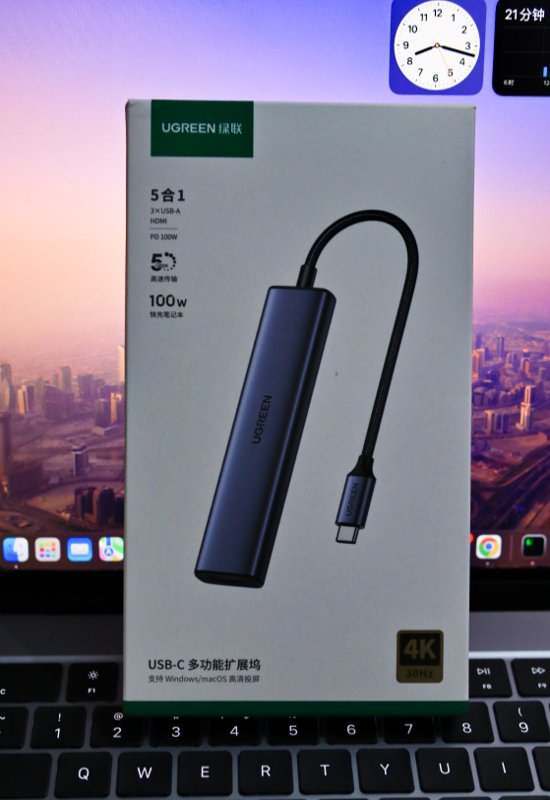
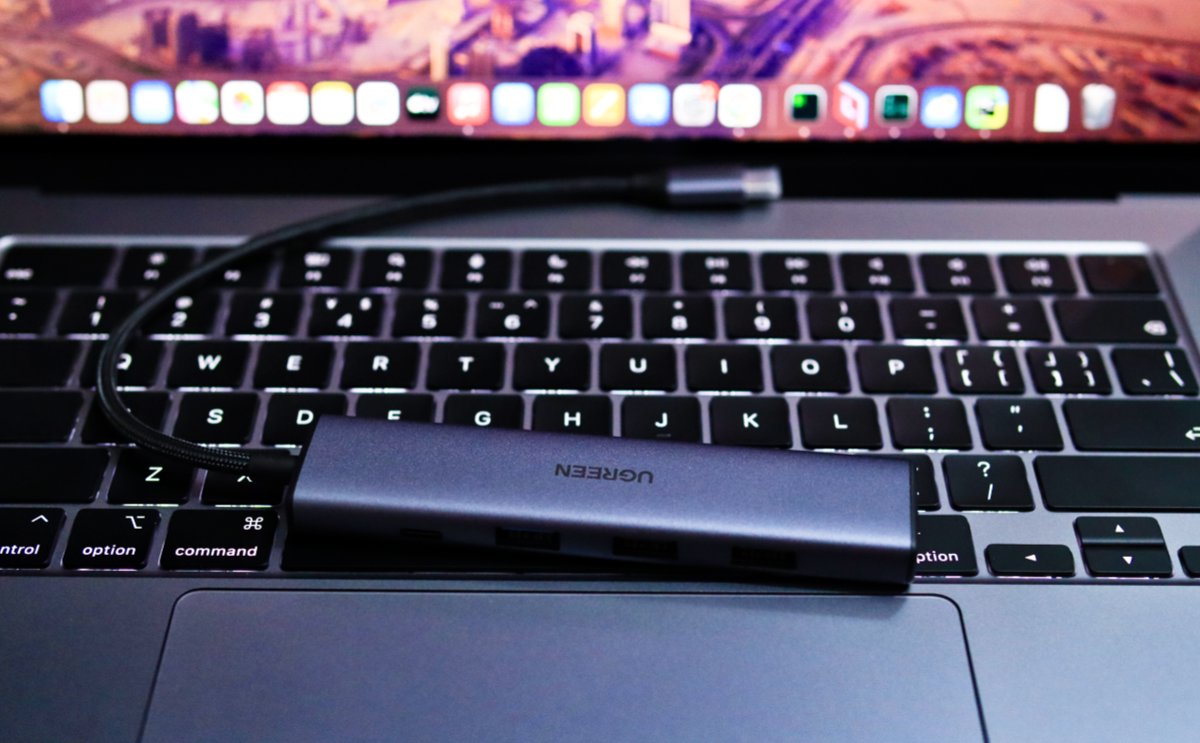
After unboxing, this is the main unit. It's made of metal and feels good quality.
The Type-C port even has a small protective cap on it.
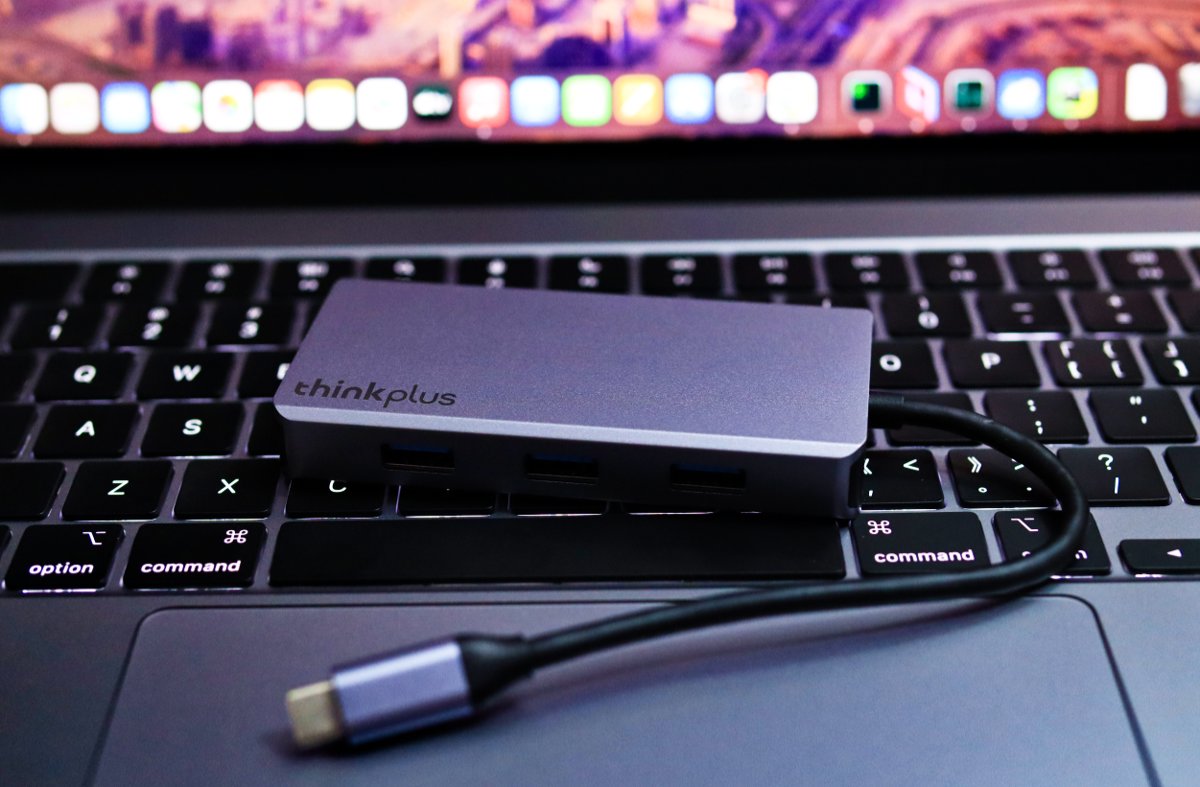
Lenovo
This one has quite a few more ports, priced at twice the cost of the UGREEN model.
The difference is that all three USB ports are USB 3.0.
It also includes an Ethernet port and two card readers.
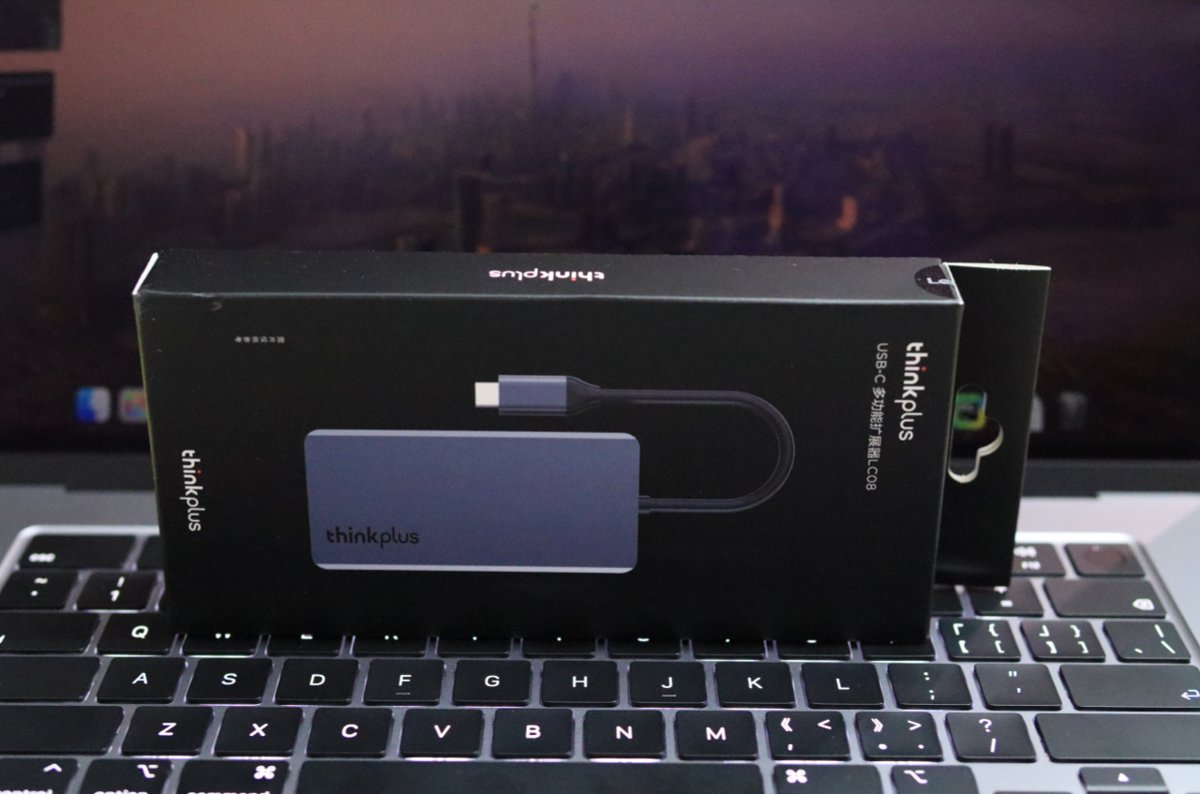
Unboxing
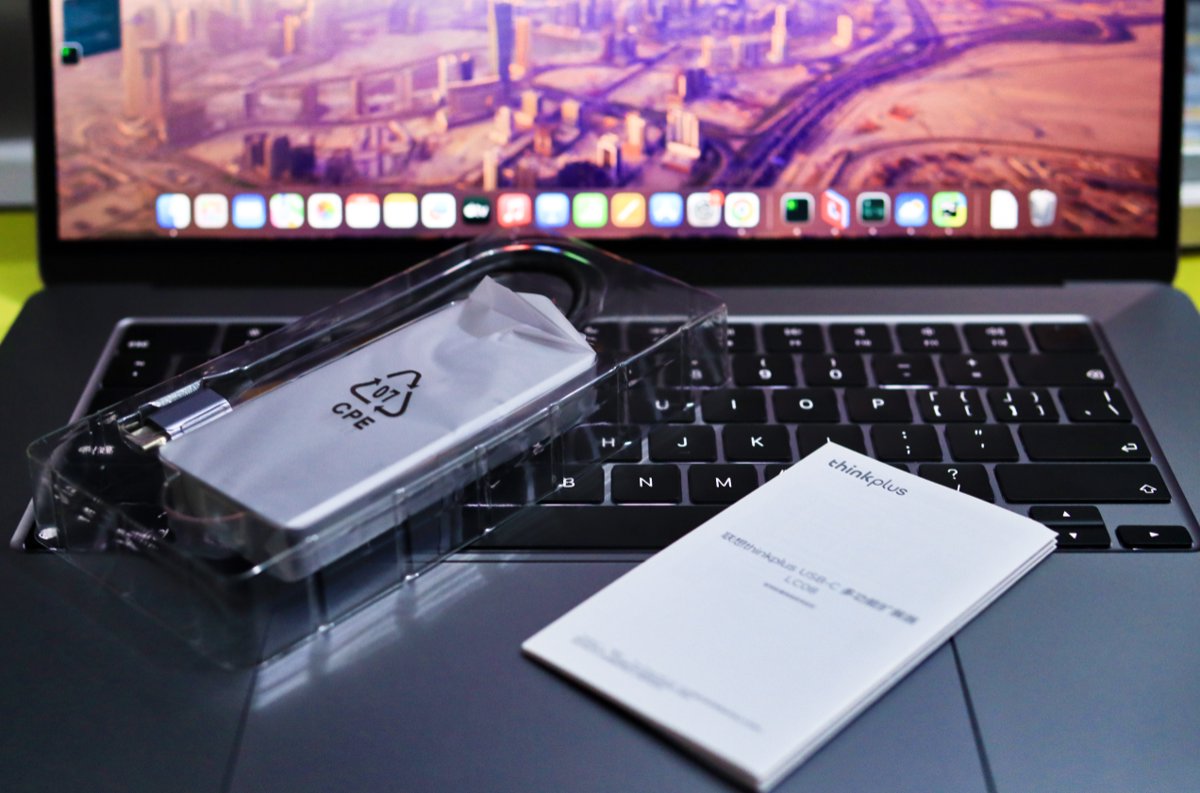
The build quality is actually similar to the UGREEN one; both are made of metal.
Summary
I think Lenovo is better, it's all-in-one, with more ports
Also, I'm still not used to the Mac system
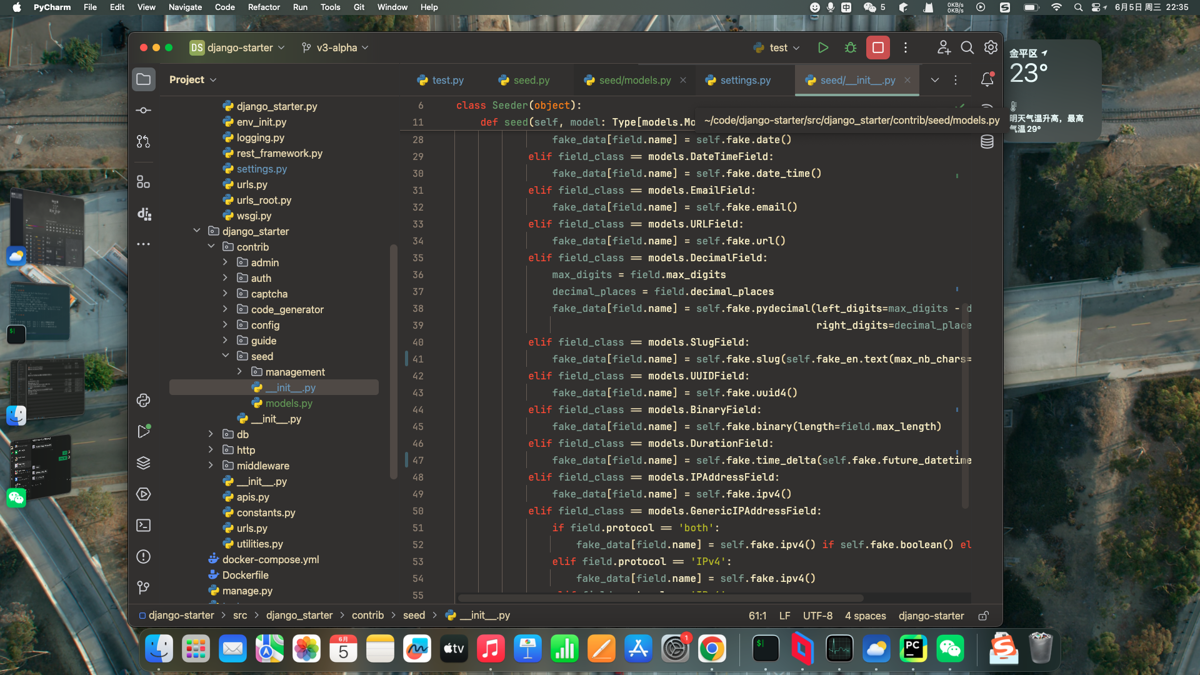
This window management is still a bit inferior, although there's "Stage Manager," the usable space is still limited. If you go full-screen, you still have to swipe around on the trackpad...
I'll find time later to write an unboxing post for the MacBook 😃
_EOF_
Unboxing two Type-C docking stations
- 本文作者:
- 程序设计实验室
- 版权声明:
- 本博客所有文章除特别声明外,均采用 BY-NC-SA 许可协议。转载请注明出处!
相关文章
宏碁USB2.0拓展坞开箱
4块钱的宏碁USB 2.0拓展坞,专治笔记本USB口不够用,包装居然还有盒子,良心得有点可疑。全塑料但小巧,勤恳接鼠标键盘;用了一个月就只供电不传数据,售后换新,倒也算值回票价。
2026-09-08 · 拓展坞 · 约 1 分钟
绿联USB3.0拓展坞开箱
之前家里用的USB拓展坞是USB2.0的好像 这次我就没带过来 于是张罗着买个USB3.0以上的新拓展坞来用 看了下3.0和3.2价格差距有点多,只是用来插鼠标和键盘适配器的话,似乎不需要那么高的速度,所以入手了绿联3.0的拓展坞
2026-09-08 · 拓展坞 · 约 1 分钟
川宇 USB3.0 拓展坞开箱
老台式机没有 Type-C?那就用川宇 USB3.0 拓展坞凑合,鼠标键盘接收器照样工作。11元买到还能接受,涨到20元后,塑料质感也突然显得更诚实了。
2026-09-08 · 拓展坞 · 约 1 分钟
使用EarTrumpet代替windows默认的音量调节功能
Windows 默认的音量调节功能挺弱的,要分别调节各个应用的音量得进入二级菜单,麻烦得很。有了这个功能就很方便了
2025-01-26 · Windows · 约 1 分钟
讨论
共 0 条加载评论中…