

Ubuntu-18-04-Enable tray icon click to minimize
Introduction Ubuntu's tray looks nice, but the only drawback is that clicking an open application icon doesn't minimize it like in Windows. Operation gsettings set org.gnome.shell.extensions.dash-to-dock click-action 'minimize' Screenshots
目录3 个章节
Foreword
Ubuntu's tray is quite good-looking, but the downside is that clicking an open application icon doesn't minimize it like in Windows.
Operations
gsettings set org.gnome.shell.extensions.dash-to-dock click-action 'minimize'
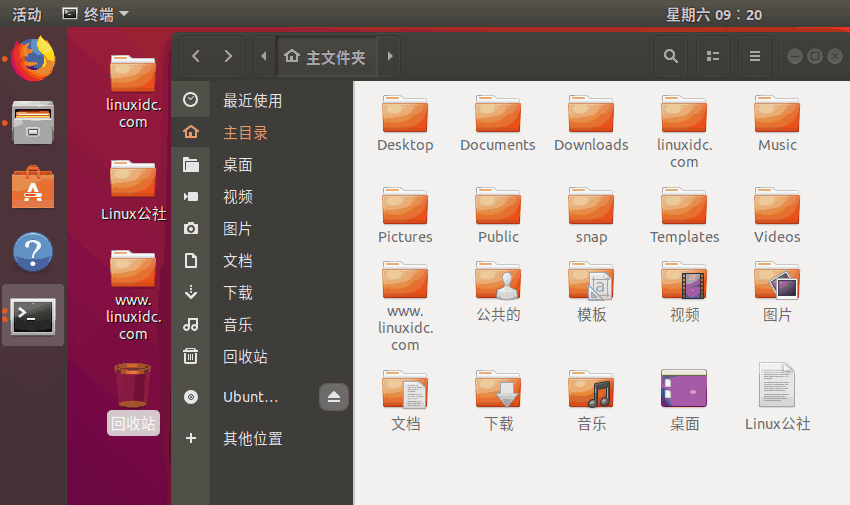
Screenshot
_EOF_
Ubuntu-18-04-Enable tray icon click to minimize
- 本文作者:
- 程序设计实验室
- 版权声明:
- 本博客所有文章除特别声明外,均采用 BY-NC-SA 许可协议。转载请注明出处!
相关文章
修改Linux系统的鼠标滚轮的速度
Linux默认的鼠标滚轮实在太慢了,总是让我有一种Linux很卡的错觉,而且还不像Windows那样可以直接修改所有程序中的鼠标滚轮速度,不过没事,可以用imwheel这个工具来修改~ 安装 Debian系: sudo apt install imwheel Arch: sudo pacman -S imwheel 配置 创建~/.imwheelrc文件 nano ~/.imwheelrc 编辑内
2025-10-27 · 系统配置 · 约 1 分钟
服务器时间漂移,如何开启Linux NTP自动同步
本文记录了作者在服务器运维中发现时间漂移问题,并通过启用NTP同步、使用Chrony等工具进行排查与解决的全过程。文章强调了NTP同步的重要性,介绍了排查思路和高效工具的使用,以及如何同步硬件时钟(RTC),为服务器时间精准同步提供了解决方案。
2025-10-27 · 系统配置 · 约 1 分钟
linux配置sendmail发邮件服务
前言 因为开发需要,搞了个wiki系统,并且用到了邮件订阅,所以研究了一番发送邮件的方法。 安装 没什么好说的,先安装必要组件。 apt install sendmail-bin apt install sendmail apt install sendmail-cf #配置工具 配置sendmail sendmail默认是本机用户发送给本机,所以需要修改可以发送到整个Internet: 修改se
2025-10-27 · 系统配置 · 约 1 分钟
关闭CentOS-6-防火墙,关闭Linux系统防火墙
前言 最近部署服务的时候需要临时关闭一下防火墙,所以记个笔记,如何关闭CentOS防火墙。 查看系统版本 输入:cat /etc/issue 查看版本 通过service关闭 service命令开启以及关闭防火墙为即时生效,下次重启机器的时候会自动复原。 查看防火墙状态: service iptables status 记得在CentOS6.9中是输入iptables,网上有些教程使用serv
2025-10-27 · 系统配置 · 约 1 分钟
讨论
共 0 条加载评论中…