

65% layout keyboards really make you have a love-hate relationship... Once again, I got my hands on the RK-R65.
Bought another RK R65? Paying for its looks and feel, yet the driver software remains underwhelming. What about customizing the FN+arrow keys? The official website has mixed sales of old and new versions, and domestically, they only offer the old model?
目录9 个章节
Preface
Last July, I got the RK R65.
Its compact design and excellent feel left a deep impression on me.
However, the biggest issue was: the drivers were terrible—FN2 + arrow keys couldn't be customized, which is simply inexcusable! Most custom keyboards can do that.
It was this point that drove me away, but after all this time, I still can't get over this keyboard's appearance and typing feel.
In the end, I couldn't resist getting it again this time, to see if the driver experience has improved with the new version.
Advantages of the 65% Layout
Lightweight, portable
This is what I consider the biggest advantage of the 65% layout.
After taking a 65% layout keyboard to places like Starbucks and the library, I truly appreciated this advantage even more.
It strikes a balance between portability and typing feel—surprisingly, the typing feel is even better than some of the 75% layout keyboards I've been using…
Packaging
Still featuring RK's cute design style
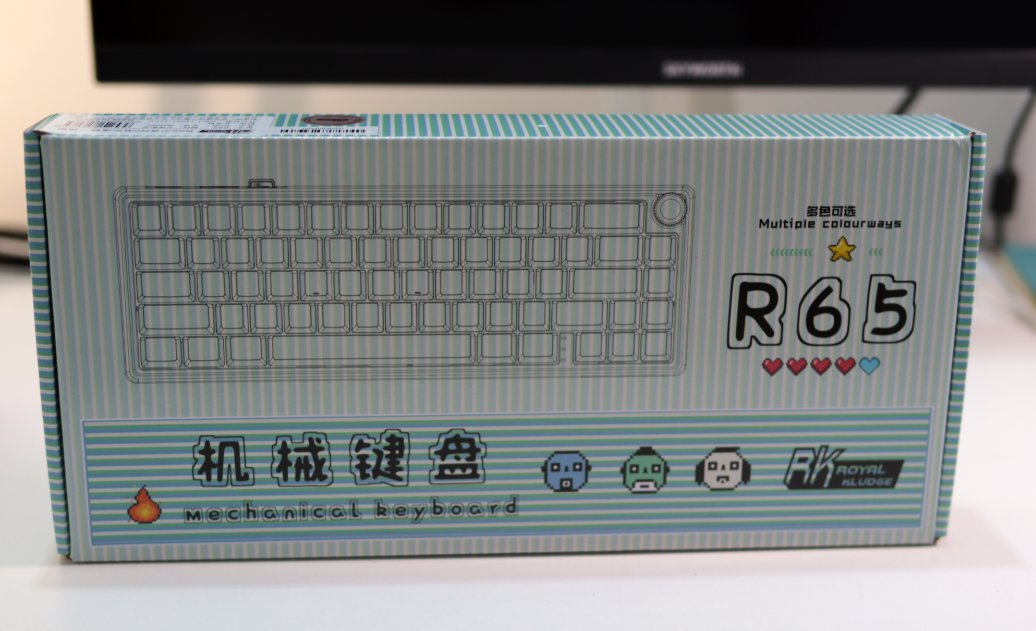
Unboxing
I really like the design of the RK R65
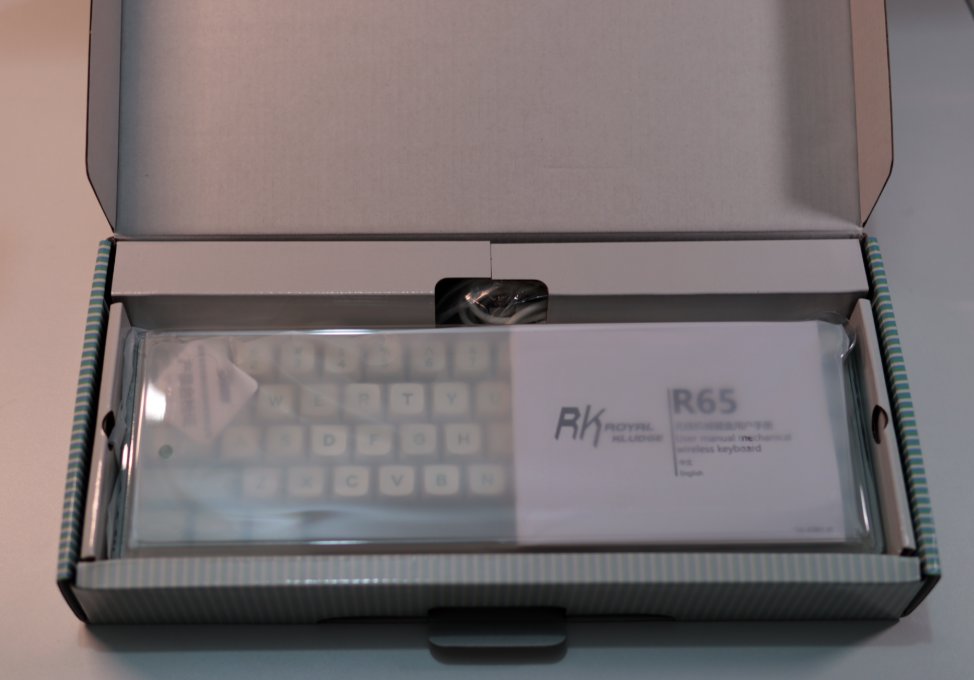
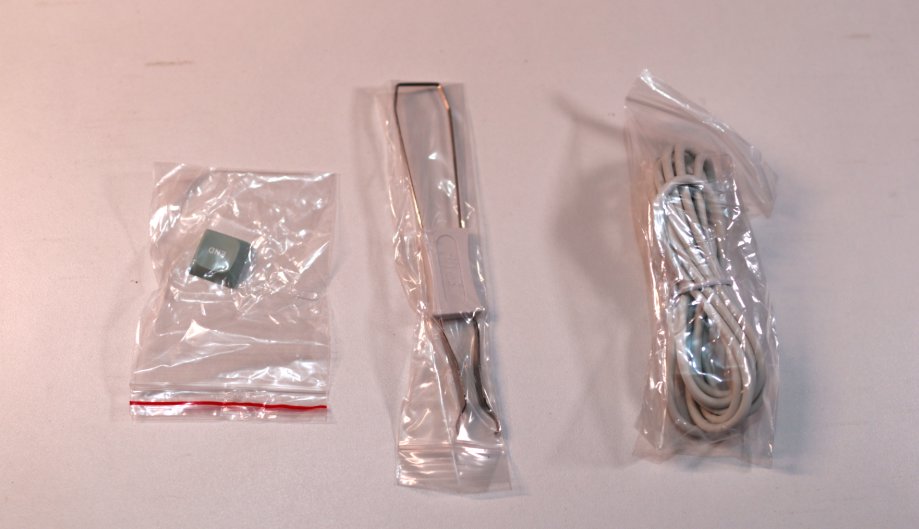
Accessories
These humble few
Keyboard Body
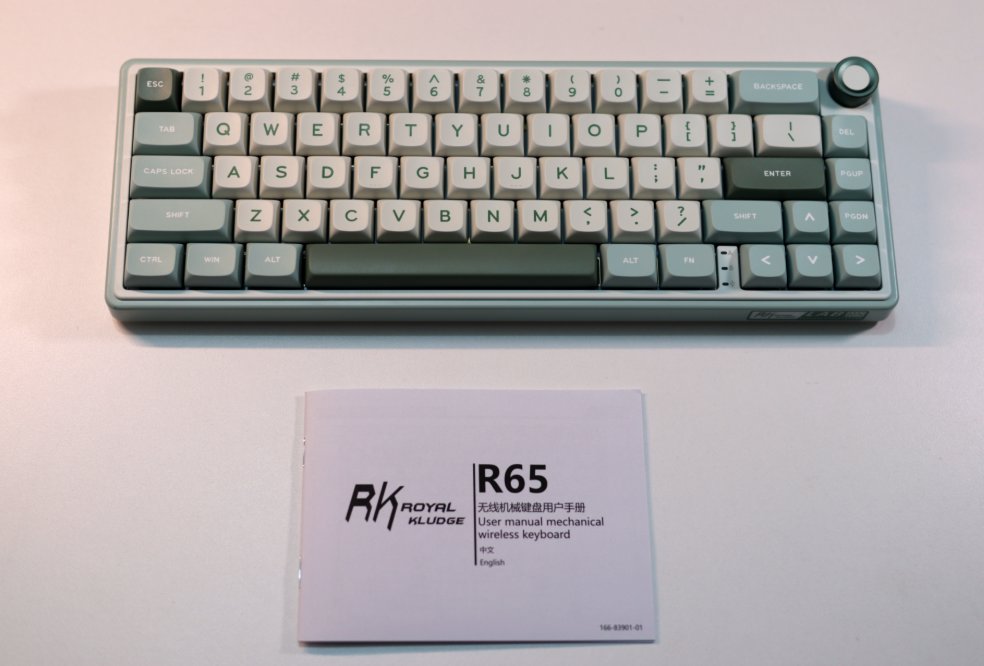
Still as compact as ever
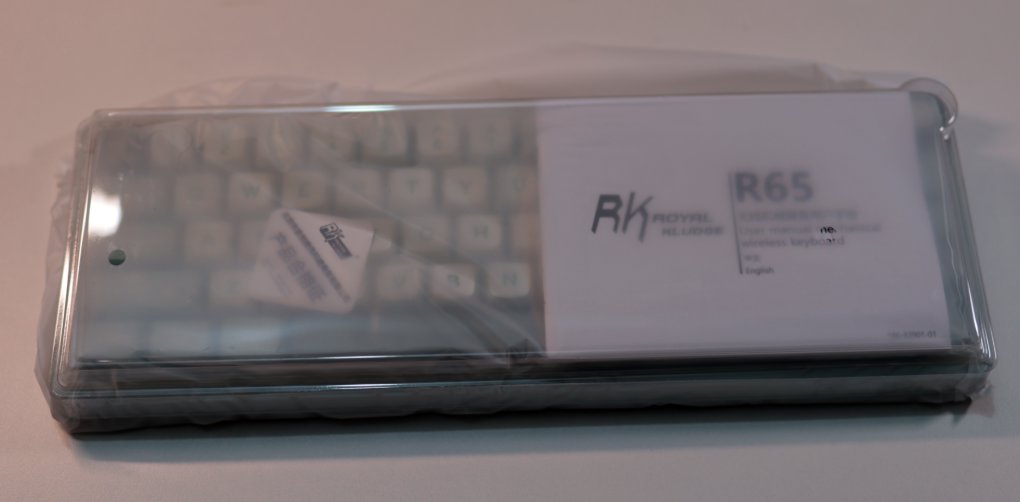
This time, the new color scheme is even cleaner and fresher than the last one.
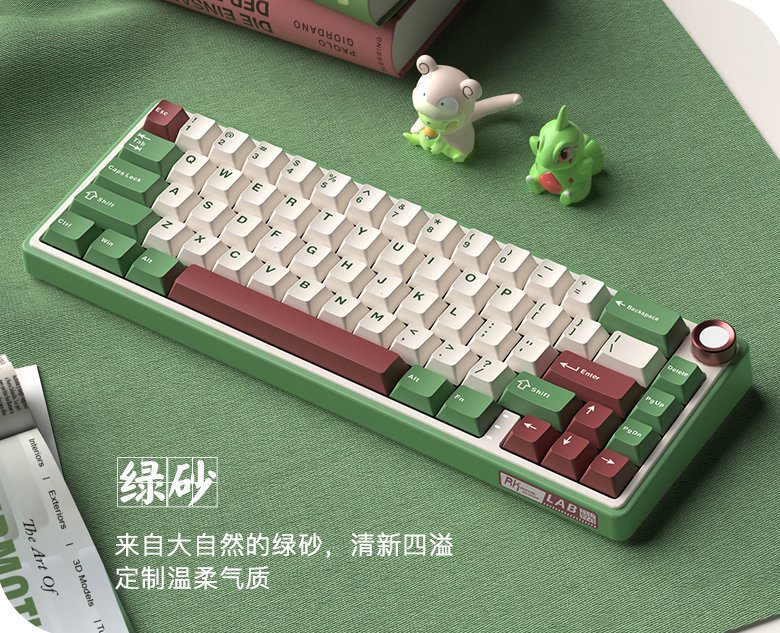
Do you remember the previous color scheme? Let's take another look:
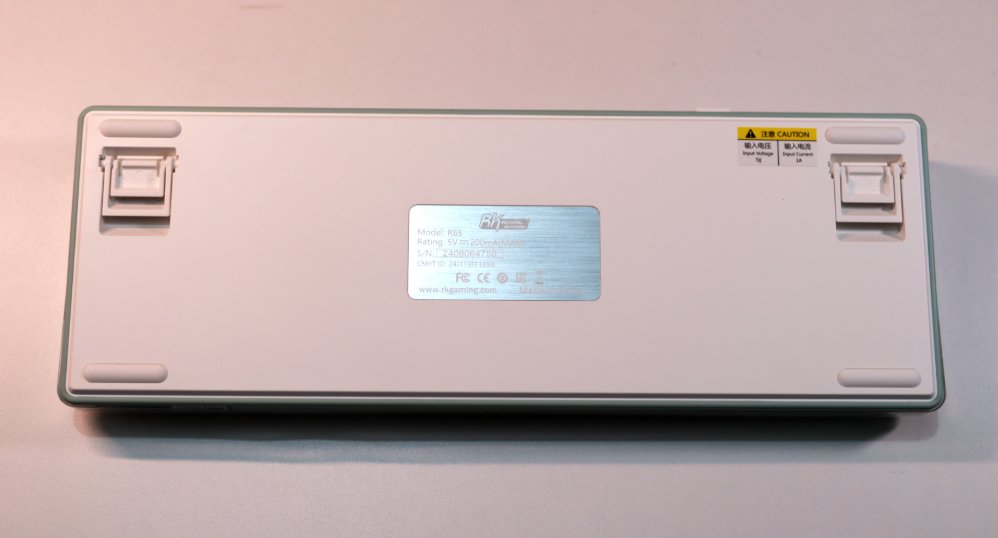
Back of Keyboard
Drivers
Unfortunately
The drivers for this RK R65 are still not working well
Just as underwhelming as last year
While I was trying to adapt to the 65% layout, I searched online for how to configure the key layout for a 65% keyboard
I found user reviews about this keyboard: everyone thinks it offers good value for money and a nice feel, but the software is truly terrible.
The instructions aren't detailed either. The FN + left CTRL key combo can toggle the function of the number row, switching between numbers and F-keys. This feature is present on many 65% keyboards, and the RK R65 is no exception, but the manual doesn't mention it at all.
Mixed Sale of Old and New Models
After some further online browsing,
I learned that RK later released a new version of the R65, which significantly improves the driver and supports the QMK/VIA protocol, allowing key remapping directly via a web interface. It also has better support for Mac.
https://rkgamingstore.com/products/r65-wired-gaming-mechanical-keyboard
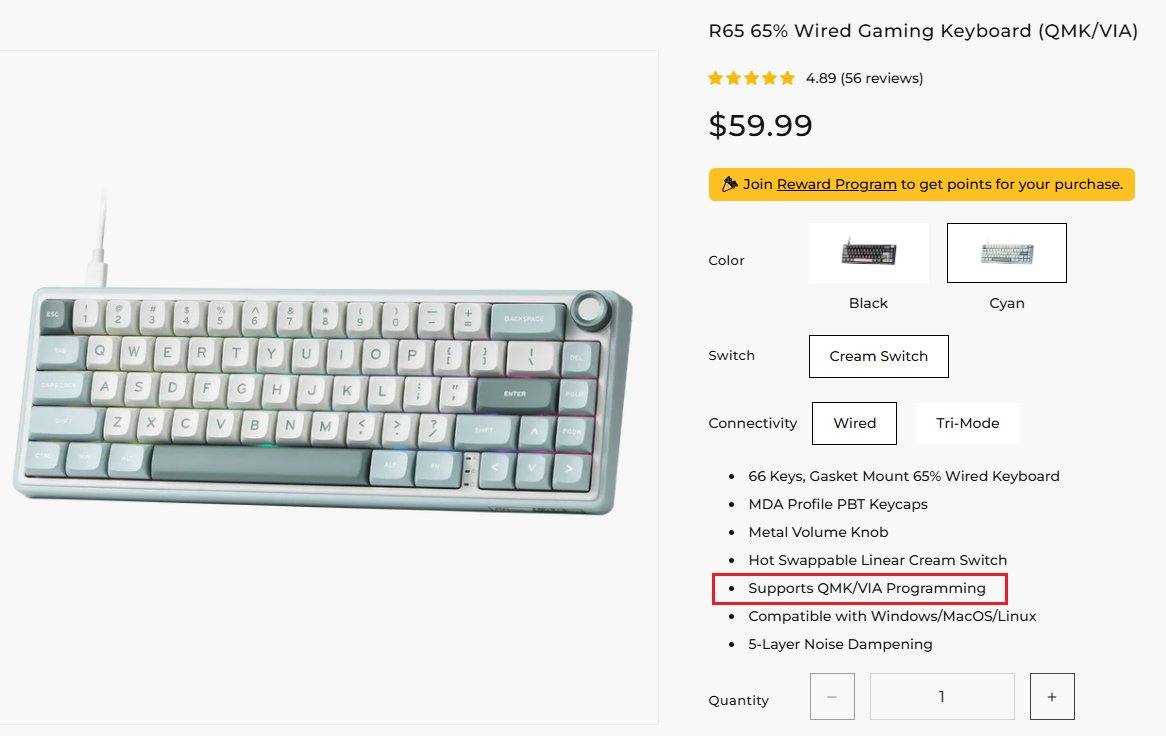
However, it currently appears to be sold only on RK's official international online store. When inquiring on domestic platforms, all turn out to be the old model...
Even the international store has a mix of old and new models.
Therefore, if you're looking to purchase this keyboard, it's best to wait for the new version with QMK/VIA support to be listed domestically.
_EOF_
65% layout keyboards really make you have a love-hate relationship... Once again, I got my hands on the RK-R65.
- 本文作者:
- 程序设计实验室
- 版权声明:
- 本博客所有文章除特别声明外,均采用 BY-NC-SA 许可协议。转载请注明出处!
相关文章
RK-S75键盘开箱
又一个键盘?RK-S75均衡,小屏幕只显示模式和电量,省电却无趣。价格香,数据线独特,但缺独立开关,关机还得手动,啧。
2025-10-28 · 键盘 · 约 1 分钟
复古风格键盘,雷神ZERO75开箱
雷神ZERO75复古键盘,轻便786克配4000mAh电池,旋钮侧置还行。但PC键帽易沾指纹,接口内凹兼容性差,后续换PBT。带屏幕版贵200,离谱!
2025-10-28 · 键盘 · 约 1 分钟
第一次用矮轴键盘,黑爵AK832Pro开箱评测
便携?呵,黑爵AK832Pro轻得能盖笔记本,结果小屏幕时间错得离谱,驱动也改不了。手感?薄膜键盘都不如,杂音一堆,劝退了。
2025-10-28 · 键盘 · 约 1 分钟
继续体验 65 配列键盘,银雕Y65S WGA轴体实测,中下手感值不值
银雕Y65S,颜值在线,手感却沙沙闷响,中下水准。 驱动比RK顺眼,可木叶轴58gf全程到底,谁给的勇气? 左侧多一块,误触到怀疑人生。
2025-10-28 · 键盘 · 约 1 分钟
讨论
共 0 条加载评论中…