

Retro-style keyboard, ThundeRobot ZERO75 unboxing
Thunderobot ZERO75 retro keyboard, lightweight at 786 grams with a 4000mAh battery, the side knob placement is decent. However, the PC keycaps easily attract fingerprints, and the recessed port has poor compatibility—planning to switch to PBT keycaps later. The version with a screen is 200 more expensive, which is outrageous!
目录17 个章节
Preface
The main goal for my recent keyboard selection has been portability.
I've finally found a good option:
Thunderobot ZERO75 Retro Keyboard (雷神ZERO75复古键盘)
Weight: 786g±50
Holding it in hand, it's indeed much lighter than the previous Noppoo.
With such a lightweight design, it still manages to fit a 4000mAh battery inside, which is quite impressive.
Moreover, Thunderobot is a reasonably established brand; I previously purchased their monitor light bar, and it was decent.
I bought this one on JD, and unlike the previous Noppoo, it didn't have the issue of the keyboard falling apart.
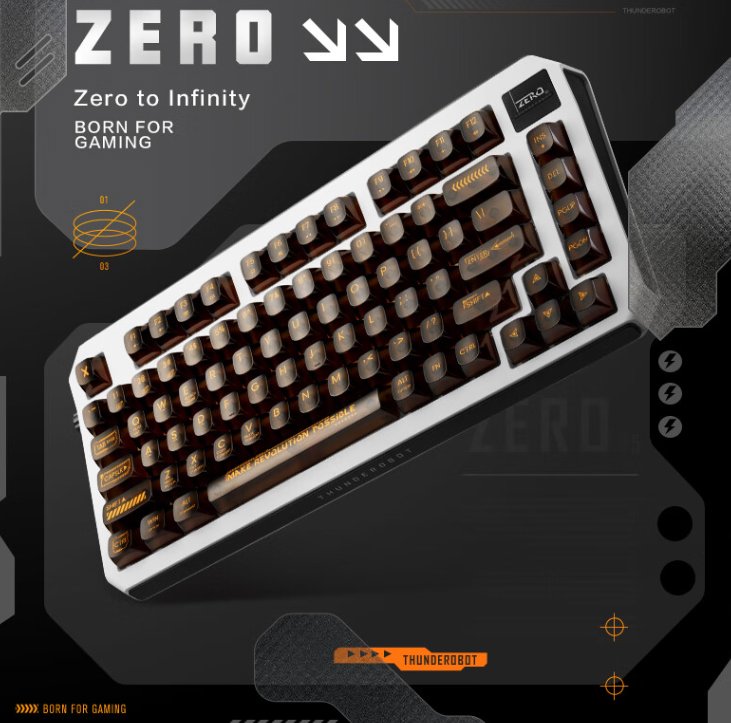
Official Website Images
This time, the official website images aren't paired with a Mac and Switch for staged photoshoots like other keyboards.
Packaging
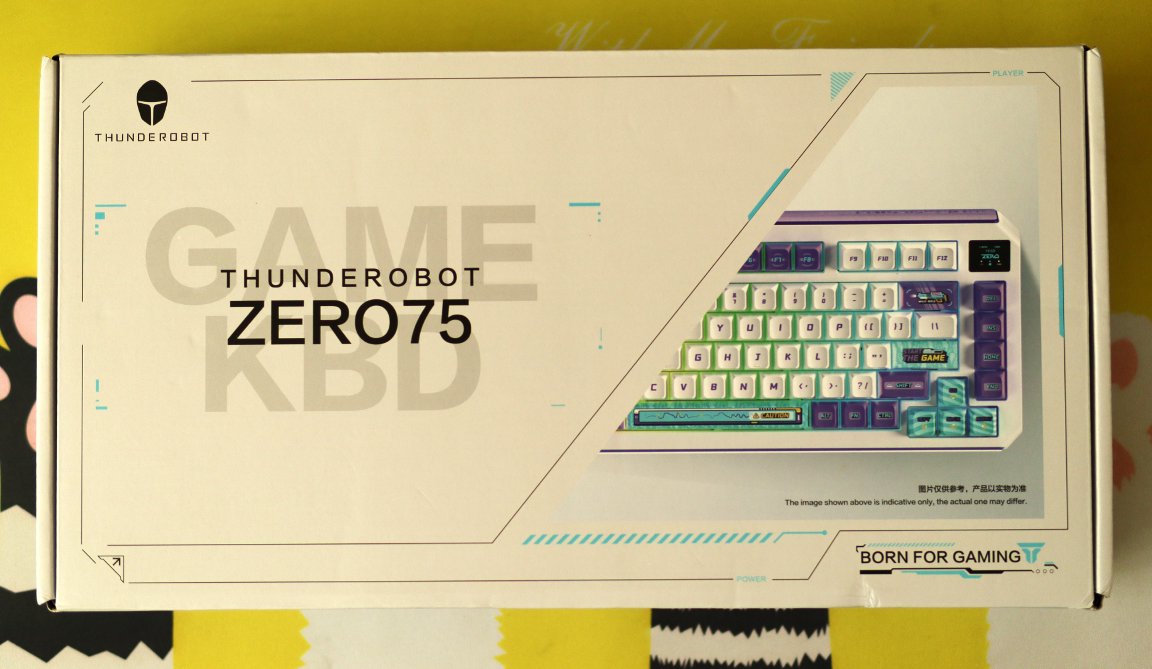
This one also features a minimalist packaging design.
However, the keyboard shown on the packaging is not the model I purchased.
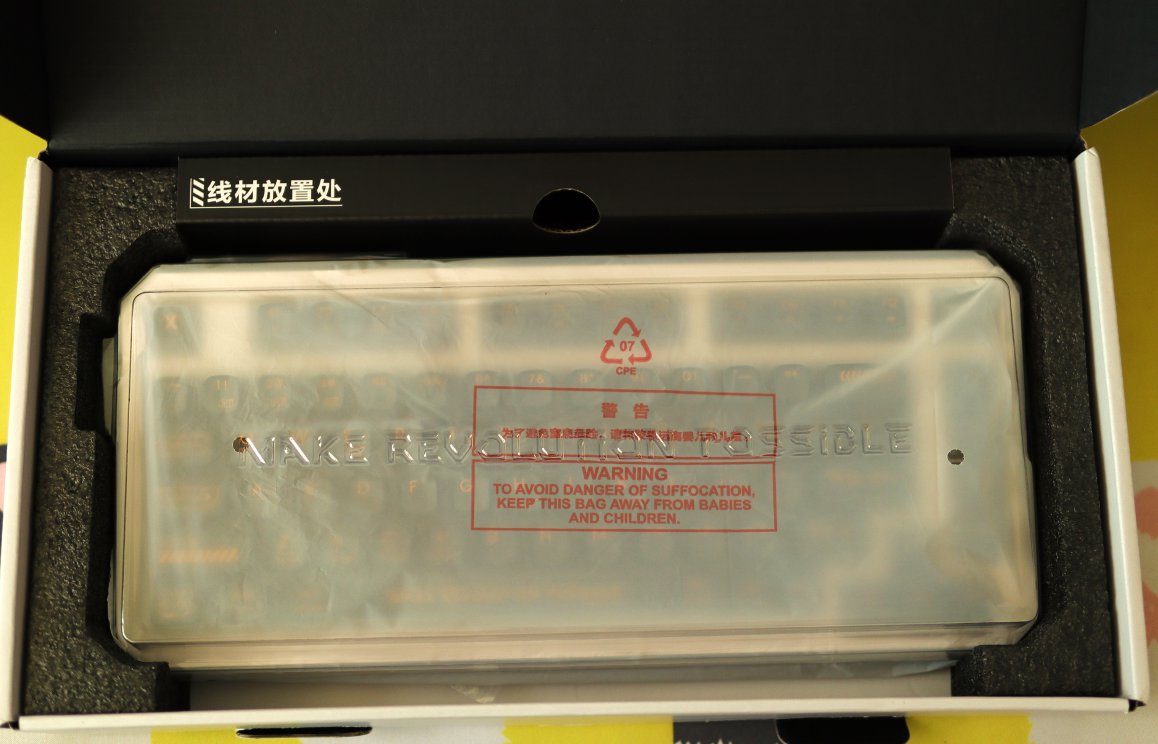
Unboxing
Nothing worth photographing on the back
I'm going straight into the unboxing
Accessories
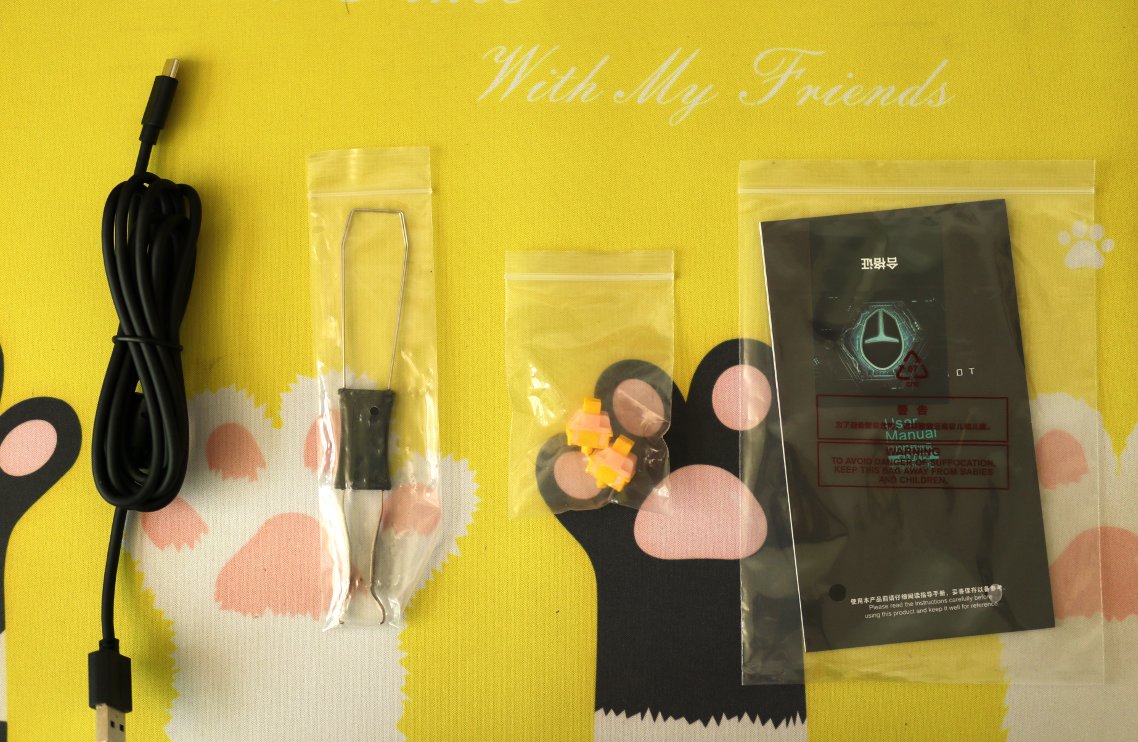
The familiar trio: data cable, keycap puller, and user manual.
Plus two extra switches.
Keyboard Body
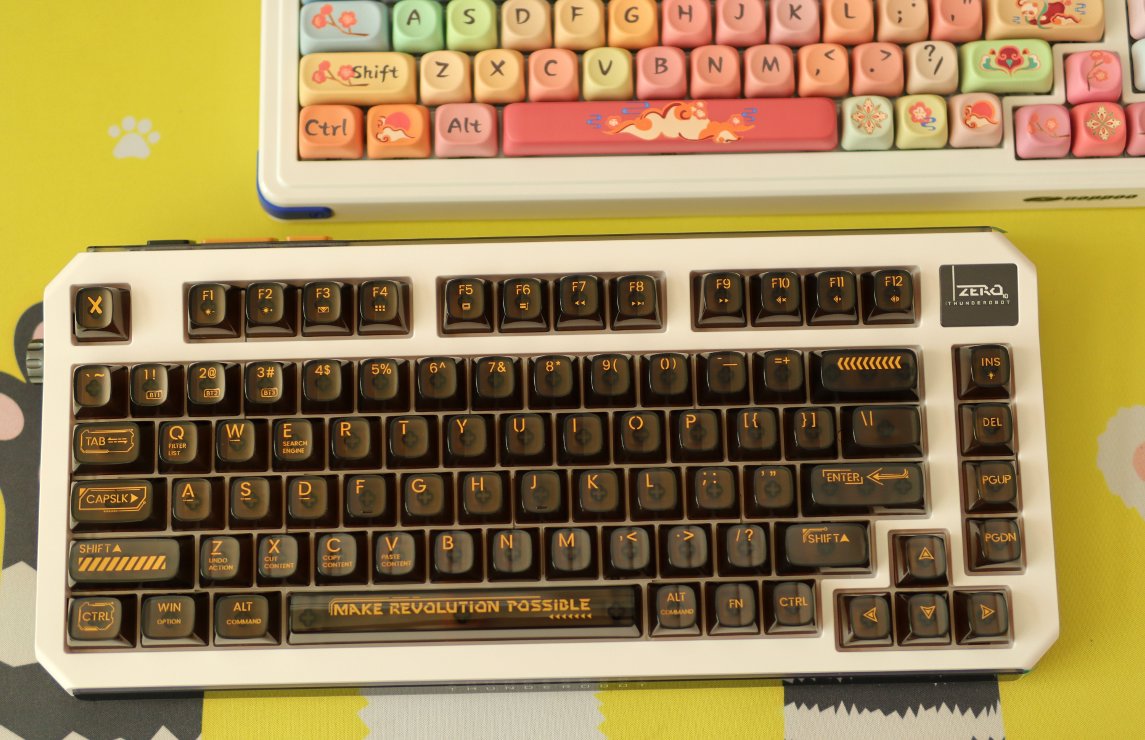
The top one is the previous noppoo, the keycaps are very attractive.
The bottom one is this time's Thundobot ZERO75, the retro keyboard has a tech vibe.
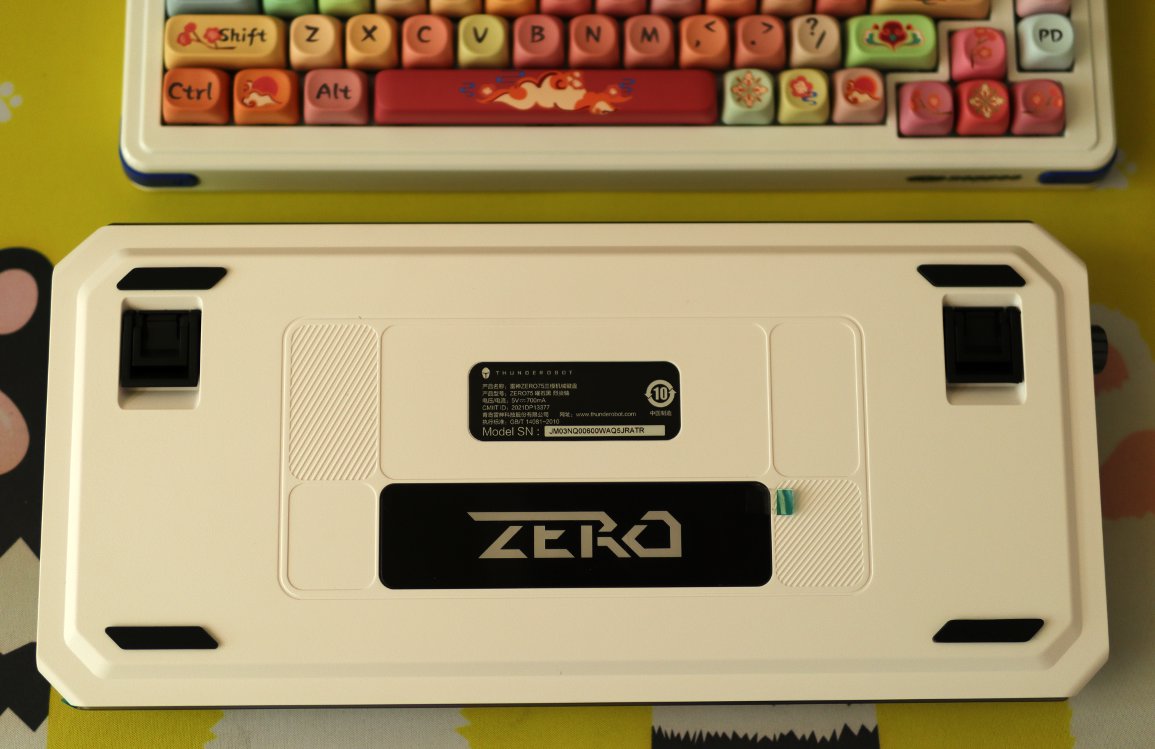
Keyboard Back
A standard and conservative back design
Interface
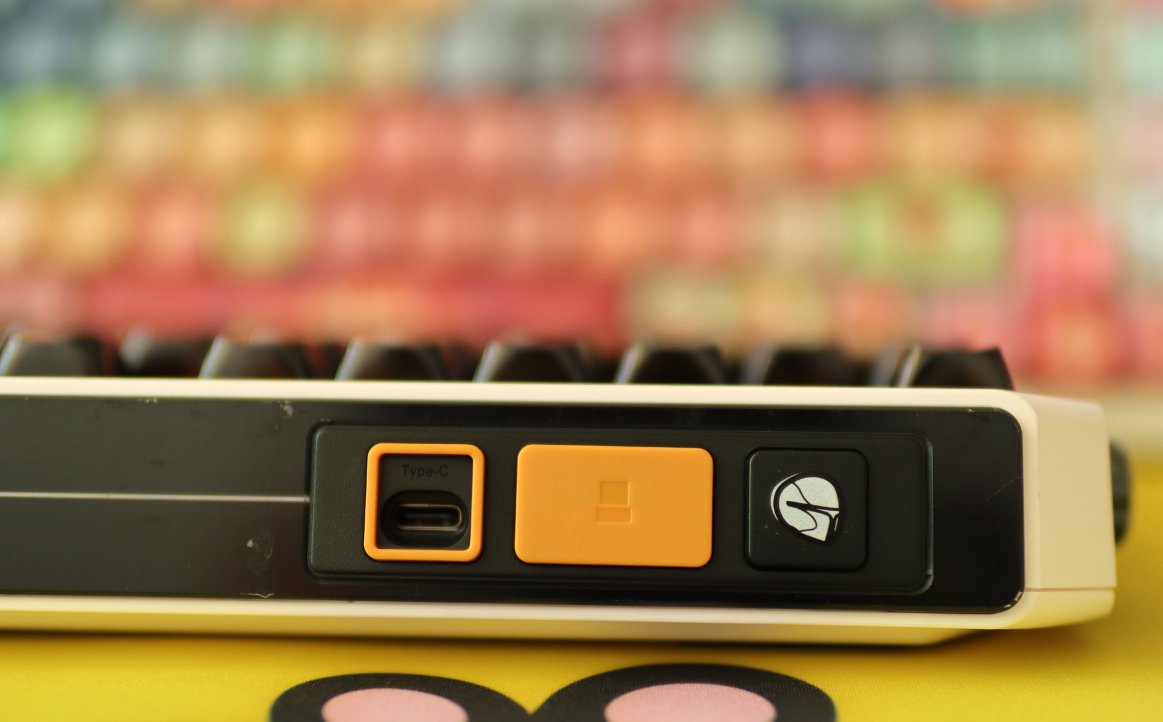
The interface is on the left. A slightly negative point is that this interface is recessed, and the border is too narrow, making it difficult to plug in some cables (to put it simply, this interface has poor compatibility).
The yellow compartment is the receiver's storage bay. The yellow cover on the outside is magnetic, which seems decent.
The icon on the right appears to be purely decorative.
Knob
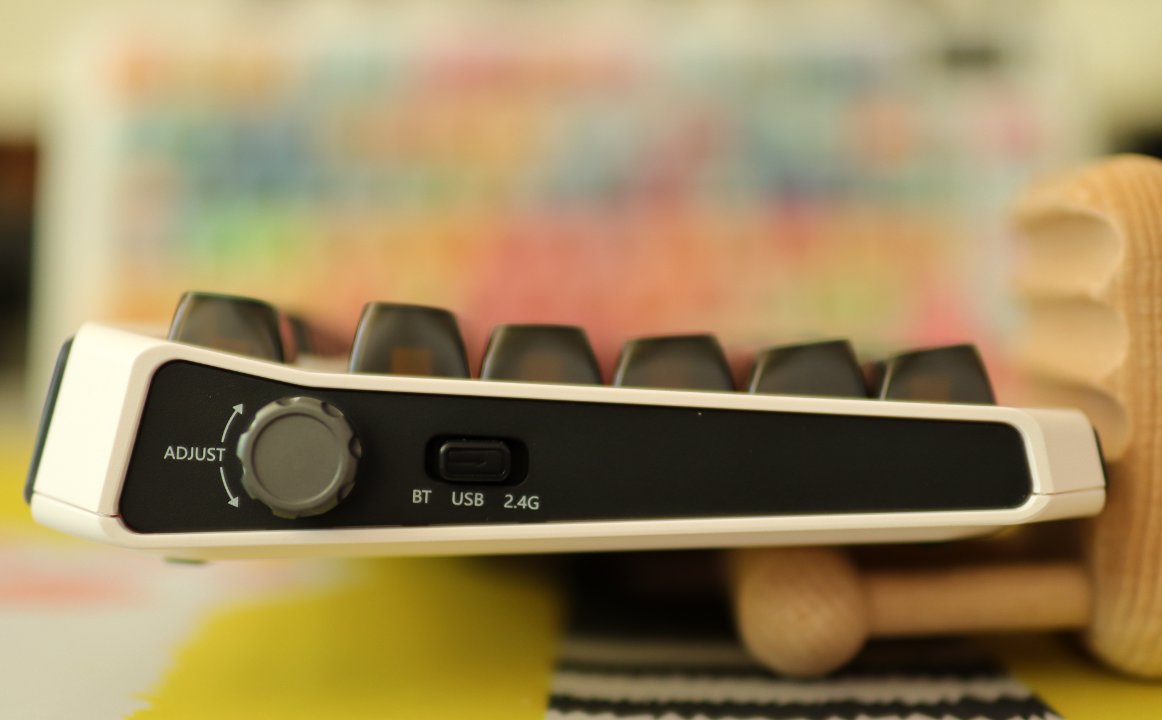
The most important knob hasn't been left out either.
This keyboard's knob is located on the left side, which is quite innovative.
Although it's not a scroll wheel, this side-mounted knob design still allows single-finger scrolling to adjust the volume.
This knob also adjusts 2 levels of system volume per notch, which is a plus.
Additionally, the three-mode switching button is also on the left side.
Overall, it still looks quite refined.
Keycaps
The keycaps of this keyboard are made of PC (polycarbonate) material, semi-transparent keycaps.
All the keyboards I've used before had PBT keycaps.
This is my first time using this type of transparent PC keycaps, which feels quite novel. They look crystal clear, especially when the backlight is turned on.
However, PC material is reportedly not very durable and is prone to fingerprints, alas 😮💨. Let's leave it at that for now; after using it for a while, I'll probably have to replace the keycaps.
About Keycap Materials
The main materials are ABS, PBT, and PC.
- ABS is scientifically known as Acrylonitrile Butadiene Styrene Copolymer (丙烯腈-丁二烯-苯乙烯共聚物). It features low density and easy colorability. Therefore, ABS keycaps are renowned for precise color and a fine, delicate feel. They can provide a keyboard with superior color aesthetics and a warm, jade-like touch, making typing very comfortable. However, due to ABS's lower hardness, ABS keycaps are prone to wear after friction from finger strikes, and the surface can become shiny and sticky—a common issue often referred to as ABS keycap "greasing."
- PBT is scientifically known as Polybutylene Terephthalate (聚对苯二甲酸丁二酯). It is characterized by high hardness and high density, making PBT keycaps famous for durability. Although the touch is relatively rough, it resists "greasing" even after prolonged finger tapping and friction, ensuring long-lasting durability. Furthermore, thanks to PBT's excellent heat resistance, complex and colorful patterns can be transferred onto PBT keycaps using a sublimation printing process (热升华工艺), creating very exquisite and unique themed keycap sets. However, PBT's color vibrancy and light transmission are mediocre, making it unsuitable for backlit keycaps. Additionally, PBT keycaps can easily deform during the sublimation process, which is why many sublimated PBT spacebars end up warped or uneven.
- PC is scientifically known as Polycarbonate (聚碳酸脂). It features low density and high light transmission, making PC keycaps common on transparent keyboards. They can give the keyboard a more crystal-clear appearance and allow the keyboard backlight to fully shine through, maximizing RGB effects. However, the PC surface is extremely prone to fingerprint smudges and scratches, and it oxidizes easily when exposed to air, typically yellowing after a year or so. Thus, PC keycaps are better admired from afar rather than used closely.
Generally speaking, PBT is usually quite good. ABS is not considered, and PC material is actually not that great either—it's mostly for novelty. Transparent keycaps do indeed look crystal clear.
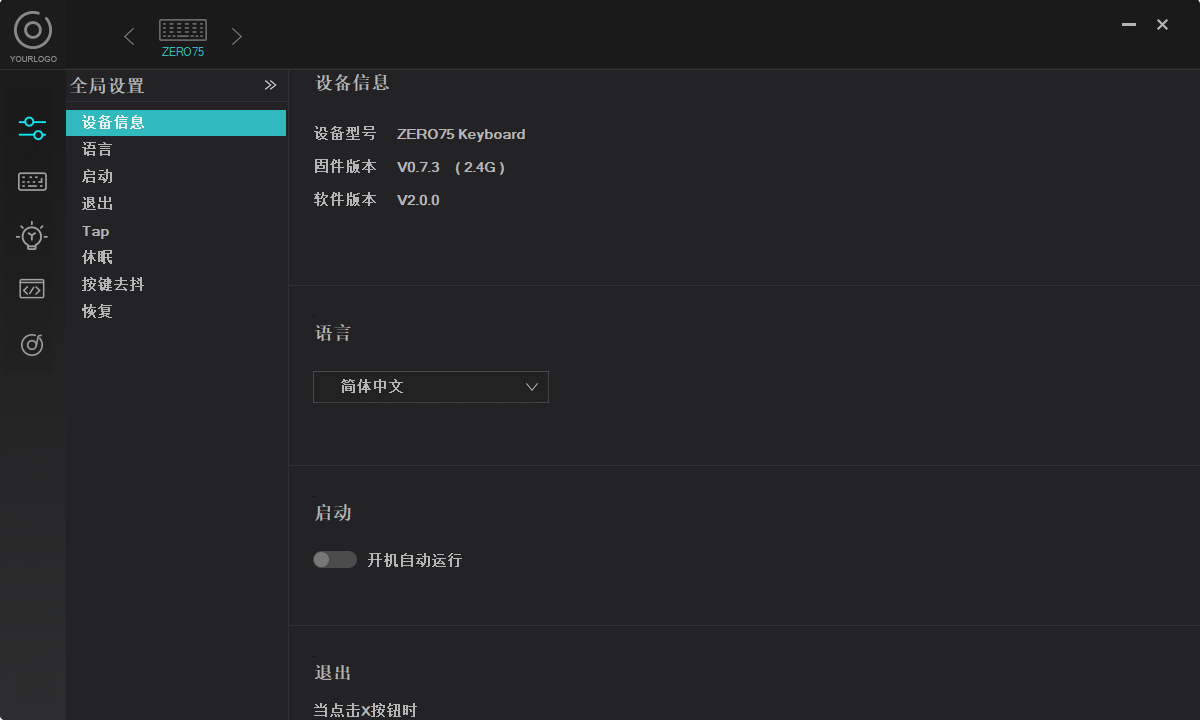
Driver
The driver of this keyboard is unremarkable.
It works.
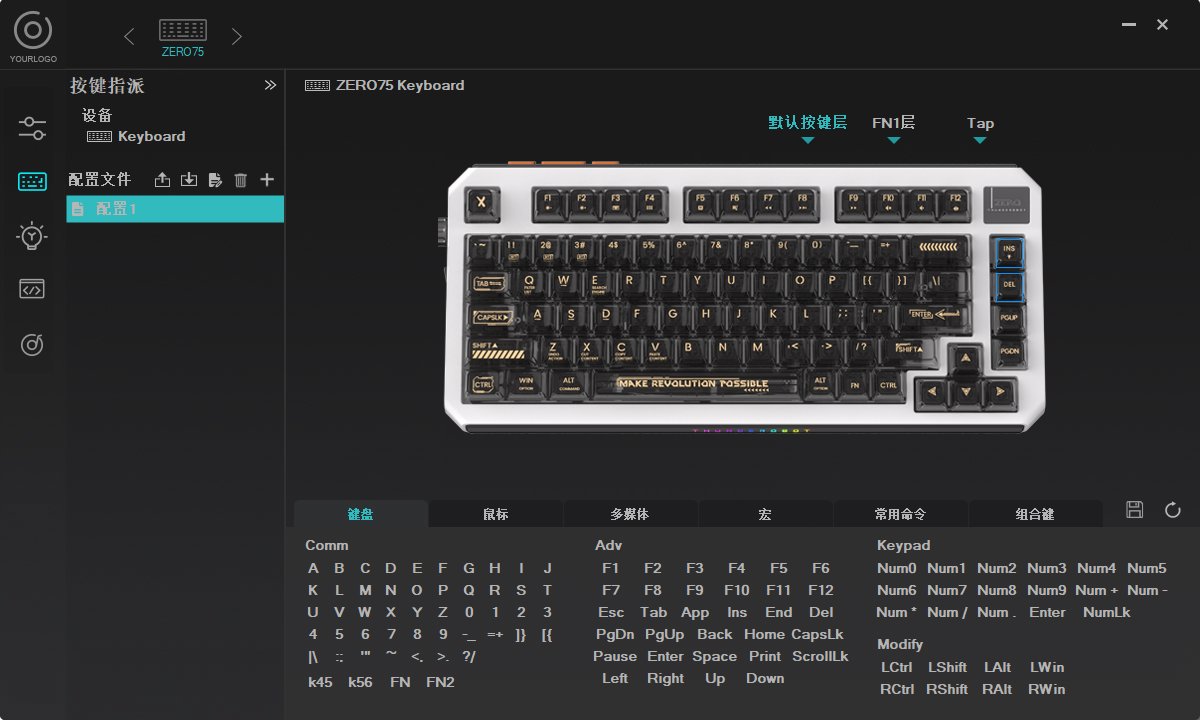
Key Settings
There's only a single-layer FN, but with an added Tap layer.
Although I still haven't fully figured out this Tap layer yet.
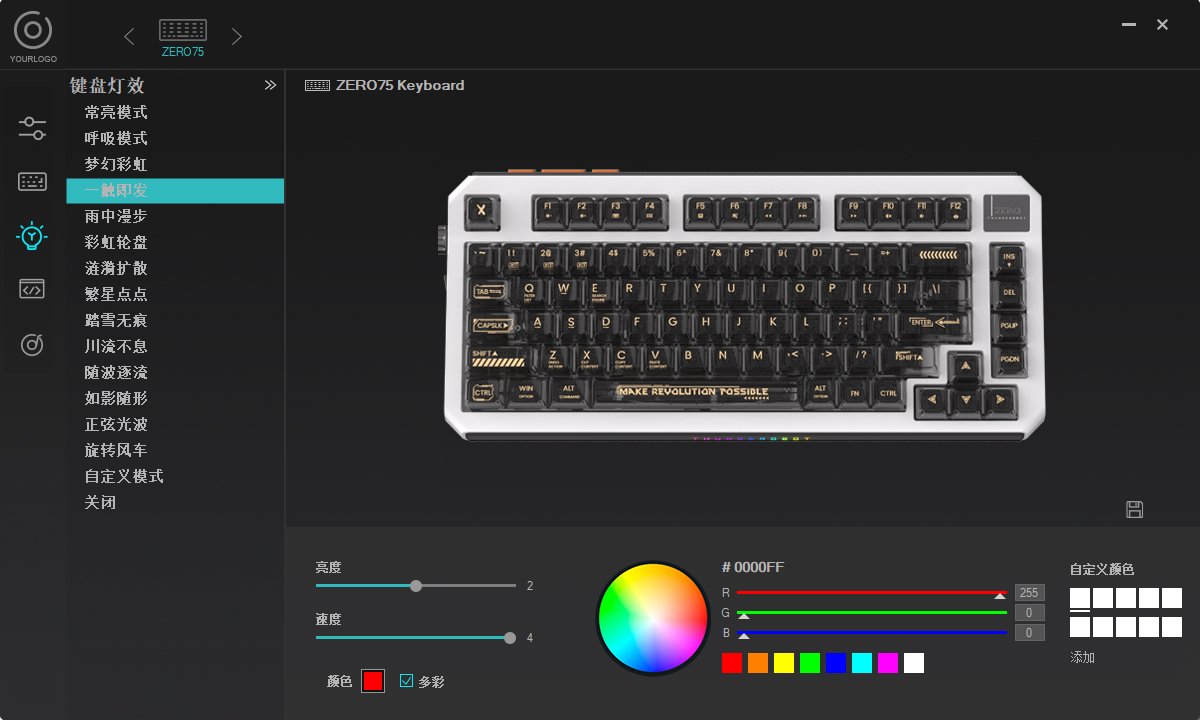
Lighting Configuration
It's the same as other keyboards.
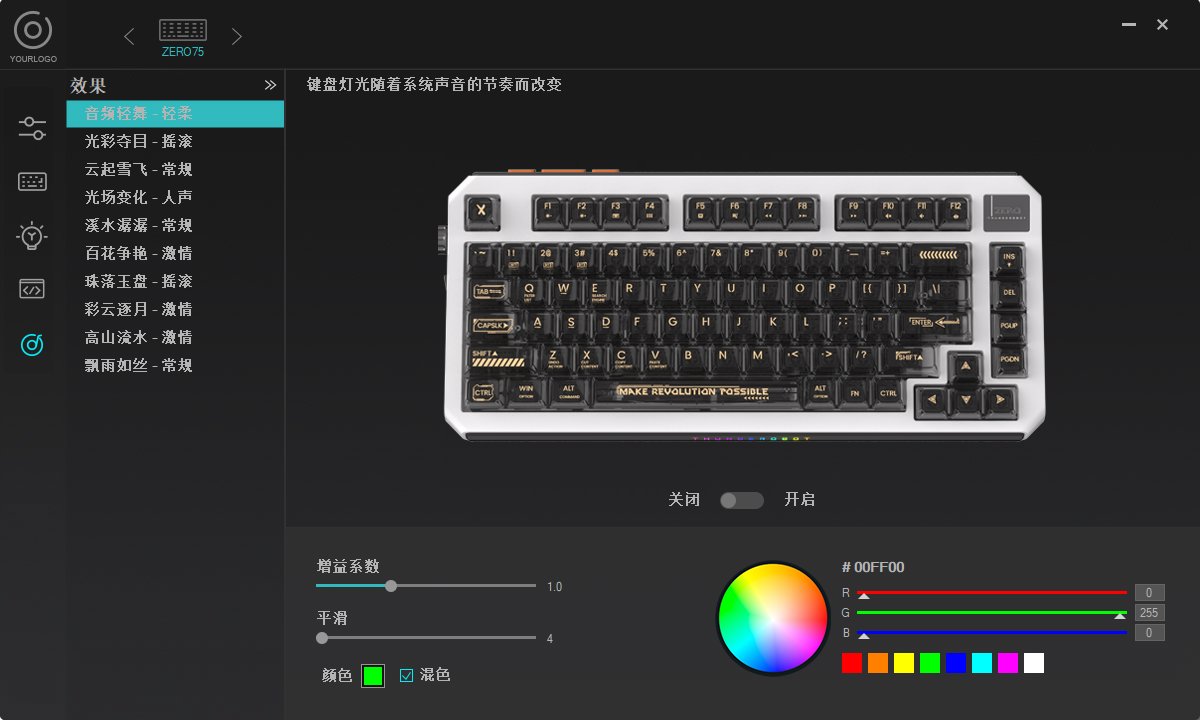
There's also a music rhythm mode, which is also available on other keyboards.
Switches
Now keyboards all use custom switches.
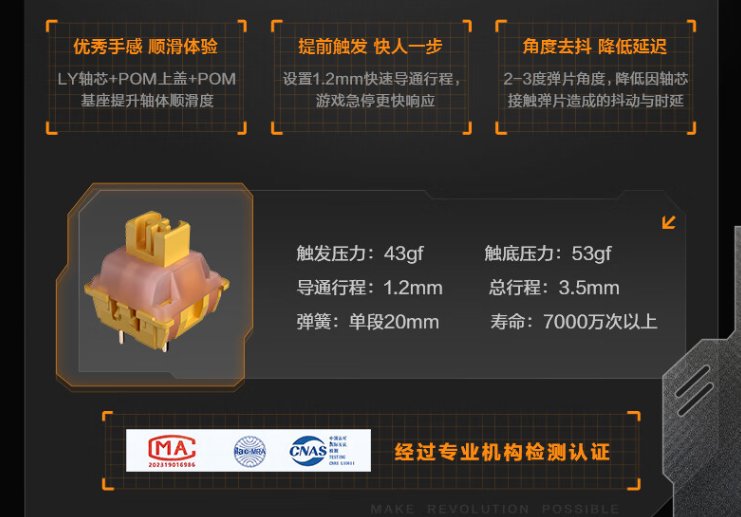
This keyboard uses switches called Lieyan switches (烈炎轴).
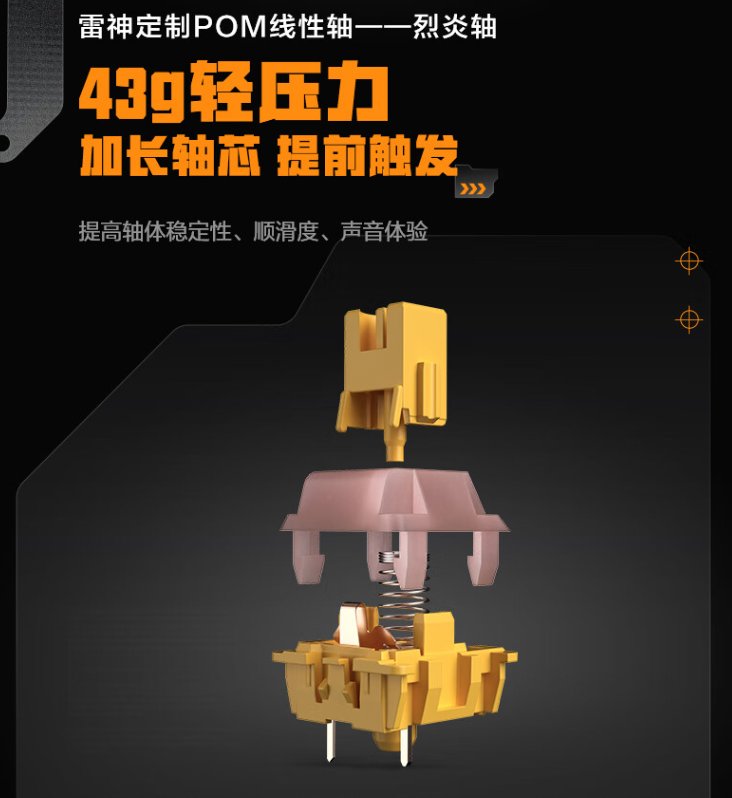
The feel is decent. I’ve already gotten used to this short-travel switch type.
The actuation force is acceptable, and the sound is quite pleasant (though when it comes to switches, I still prefer the Silver-Wood switches (银木轴) from Noppoo that I tried last time).
Summary
Overall, it's okay.
At this price point, there really isn't a perfect option.
This keyboard is lightweight and basically meets my needs for portability and key feel.
It's also a decent kit, though the keycaps aren't very durable; I'll have to replace them later.
There's also a version of this keyboard with PBT keycaps and a screen (even called a "smart screen"), but it costs an extra 200, which is a bit steep.
References
_EOF_
Retro-style keyboard, ThundeRobot ZERO75 unboxing
- 本文作者:
- 程序设计实验室
- 版权声明:
- 本博客所有文章除特别声明外,均采用 BY-NC-SA 许可协议。转载请注明出处!
相关文章
瓦尔基里VK99键盘开箱
经过详细的开箱体验和简单的探索。从其精美的包装到每一个设计细节,这款键盘无疑是为追求高颜值和功能性的用户量身打造的。背面的大面积喷绘、侧面的完美处理,以及前所未有的旋钮和显示屏设计,都让VK99在众多机械键盘中脱颖而出。加之灵活的驱动配置、个性化的灯光效果和音乐律动功能,更是提升了整体使用体验。
2025-10-28 · 键盘 · 约 1 分钟
另一款矮轴键盘,红龙TL84开箱评测
另一款矮轴键盘,红龙LT84开箱评测
2025-10-28 · 键盘 · 约 1 分钟
京东京造JZ750(贱驴A3)键盘开箱
厌倦旧键盘,被京东JZ750颜值旋钮吸引,包装简陋、做工松垮得令人发指。冰晶轴滑爽,但配列反人类,方向键奇葩,无end键。为颜值,忍了。
2025-10-28 · 键盘 · 约 1 分钟
第一次使用磁轴键盘,还是为颜值买单了
瓦尔基里这键盘,颜值确实能打,二次元元素堆料挺足。磁轴手感嘛,竞技游戏或许适合,日常码字我反而不太感冒,感觉有点闷。驱动功能倒是挺丰富,可惜AI助手聊着聊着就露怯了。
2025-10-28 · 键盘 · 约 1 分钟
讨论
共 0 条加载评论中…