

Configure domestic repositories on Manjaro
Preface I have always used the official source before, but recently I noticed it has become slower. So I decided to switch to a domestic source and made a note of it while doing so. Procedure Use the following command to generate a list of available China mirror sites: sudo pacman-mirrors -i -c China -m rank After refreshing the list, a dialog box will pop up for you to choose a software source. All the sources listed here are domestic ones, and you can choose any one you like (of course, selecting more than two is also fine.) Daily desktop screenshot
目录2 个章节
Preface
I previously used the official repository, but recently noticed it has become slower. So I decided to switch to a domestic repository and was taking notes along the way.
Operations
Use the following command to generate a list of available Chinese mirror sites:
sudo pacman-mirrors -i -c China -m rank
After refreshing the list, a dialog will pop up to let you select software sources. All the sources listed here are from within China; just choose one you prefer (selecting two or more is also perfectly fine).
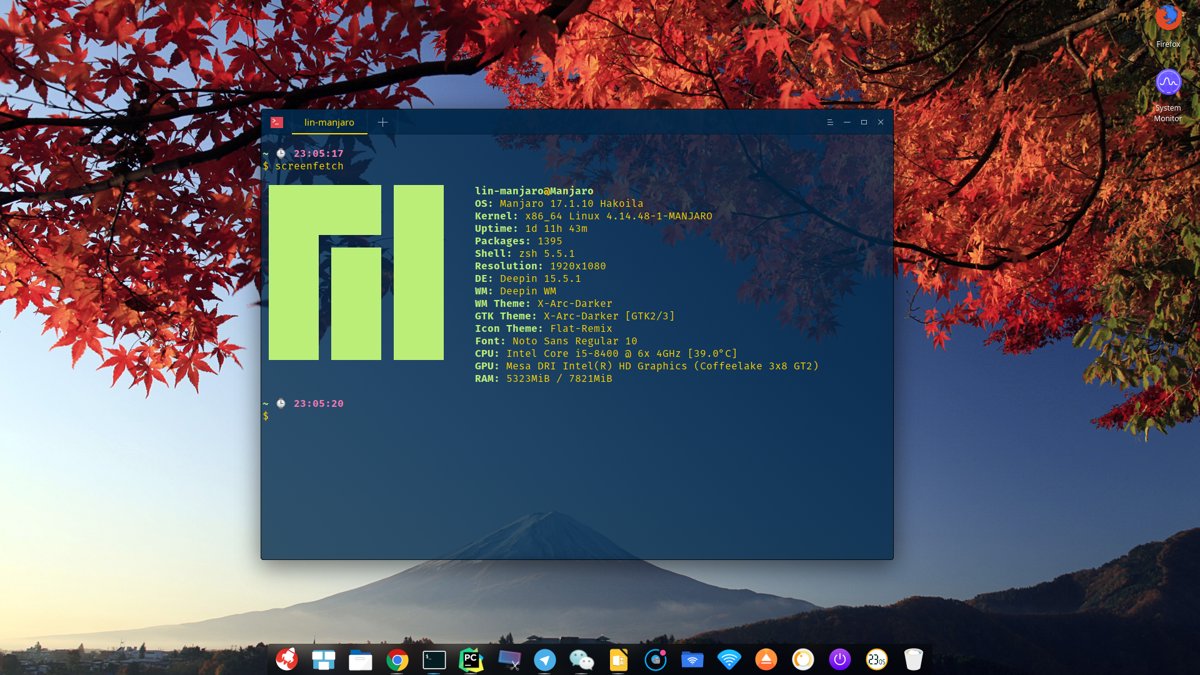
Daily Desktop Screenshot
_EOF_
Configure domestic repositories on Manjaro
- 本文作者:
- 程序设计实验室
- 版权声明:
- 本博客所有文章除特别声明外,均采用 BY-NC-SA 许可协议。转载请注明出处!
相关文章
Ubuntu-18-04-安装最新版VLC播放器
添加软件源 sudo add-apt-repository ppa:videolan/master-daily sudo apt update Install sudo apt install vlc qtwayland5 运行VLC播放器 安装额外解码器 vlc-plugin-access-extra - multimedia player and streamer (extra access
2025-10-27 · 系统配置 · 约 1 分钟
别再手动复制SSH公钥了,Linux服务器一键从GitHub快速导入公钥
输入GitHub用户名就自动导入SSH公钥?Ubuntu这懒人功能挺省事。原理不就是爬取`https://github.com/用户名.keys`吗?手动用`curl`也能实现,装`ssh-import-id`更高效,但谁稀罕这些花里胡哨的。
2026-03-11 · 系统配置 · 约 1 分钟
在Linux上安装Windows字体
前言 Linux系统下为安装WPS后,由于版权问题并没有自带字体,而这些字体又是平时必须使用的,下面介绍为Linux系统添加字体的方法。 操作 由于Windows系统自带了完善的字体,所以可以从安装的windows系统下拷贝。首先执行命令: mkdir /usr/share/fonts/wps_symbol_fonts/ //创建WPS的字体目录 然后到windows字体目录下,C:/Win
2025-10-27 · 系统配置 · 约 1 分钟
Linux安装zsh并使用oh-my-zsh配置
安装zsh sudo apt install zsh 配置 oh my zsh curl sh -c $(curl -fsSL https://raw.github.com/robbyrussell/oh-my-zsh/master/tools/install.sh) wget sh -c $(wget https://raw.github.com/robbyrussell/oh-my-zsh/m
2025-10-27 · 系统配置 · 约 1 分钟
讨论
共 0 条加载评论中…