

Configure domestic repositories on Manjaro
Preface I have always used the official source before, but recently I noticed it has become slower. So I decided to switch to a domestic source and made a note of it while doing so. Procedure Use the following command to generate a list of available China mirror sites: sudo pacman-mirrors -i -c China -m rank After refreshing the list, a dialog box will pop up for you to choose a software source. All the sources listed here are domestic ones, and you can choose any one you like (of course, selecting more than two is also fine.) Daily desktop screenshot
目录2 个章节
Preface
I previously used the official repository, but recently noticed it has become slower. So I decided to switch to a domestic repository and was taking notes along the way.
Operations
Use the following command to generate a list of available Chinese mirror sites:
sudo pacman-mirrors -i -c China -m rank
After refreshing the list, a dialog will pop up to let you select software sources. All the sources listed here are from within China; just choose one you prefer (selecting two or more is also perfectly fine).
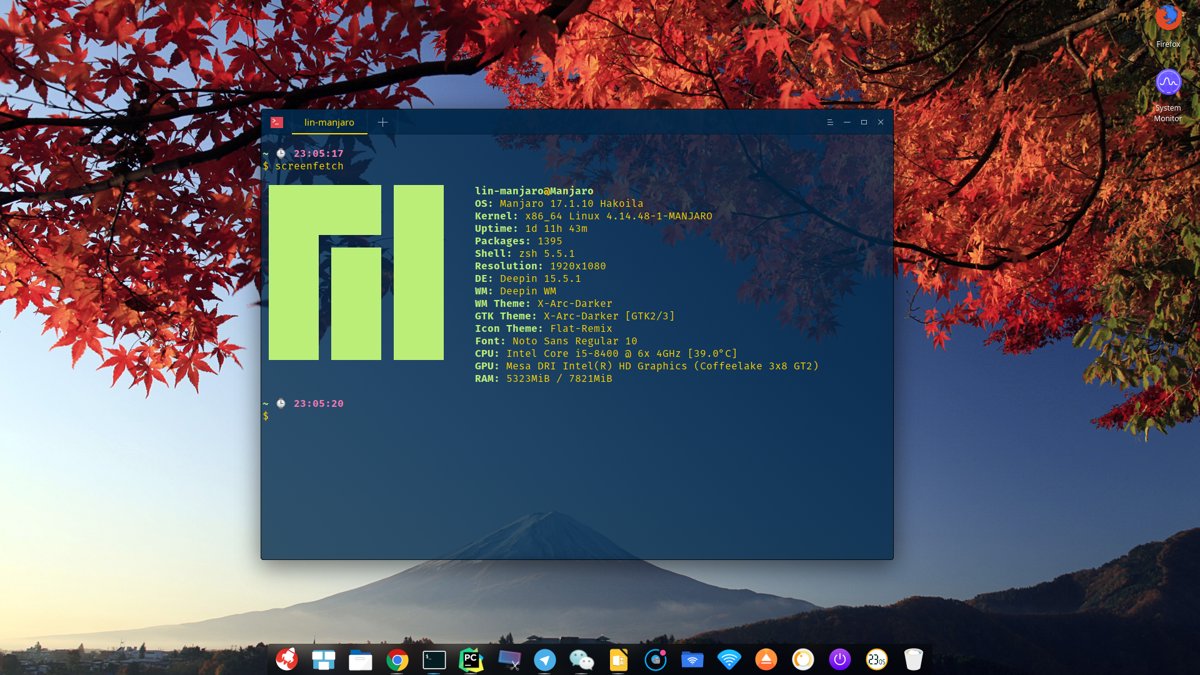
Daily Desktop Screenshot
_EOF_
Configure domestic repositories on Manjaro
- 本文作者:
- 程序设计实验室
- 版权声明:
- 本博客所有文章除特别声明外,均采用 BY-NC-SA 许可协议。转载请注明出处!
相关文章
Nginx配置http跳转https-强制https访问
前言 最近上线了好几个项目,同时也申请了相应的SSL证书,不过发现了一个问题,用户在浏览器直接输入域名的时候,浏览器默认访问的是http站点,然而我们的网站只支持https访问,所以就访问不了咯。 其实可以在nginx全局配置里面把所有访问重定向到https,不过服务器有些站点是提供http服务的,所以只能每个站点分别配置。 根据搜索引擎找到的资料,本文总结了三种配置方法,有需要的朋友可以选择中意
2025-10-27 · 系统配置 · 约 1 分钟
linux配置sendmail发邮件服务
前言 因为开发需要,搞了个wiki系统,并且用到了邮件订阅,所以研究了一番发送邮件的方法。 安装 没什么好说的,先安装必要组件。 apt install sendmail-bin apt install sendmail apt install sendmail-cf #配置工具 配置sendmail sendmail默认是本机用户发送给本机,所以需要修改可以发送到整个Internet: 修改se
2025-10-27 · 系统配置 · 约 1 分钟
给你的Deepin系统换主题~
我现在的桌面: 因为美国封锁然后华为电脑用上Deepin系统的事情,Deepin系统最近名声大噪,其实Deepin本来的界面就很好看,号称打造最适合国人的系统不是盖的。 不过Deepin有一个坏处,就是默认主题的标题栏太大了…… 太占空间。所以我们要换主题折腾一下。 Deepin的桌面是Qt写的,所以首先要换KDE主题,然后再安排一下GTK3的主题,在Deepin系统设置里面换的主题就是GTK的,
2025-10-01 · 系统配置 · 约 1 分钟
设置Linux默认的文件管理器
搜索了半天,也试了很久。 用以下命令可以: 使用Xfce的文件管理器 xdg-mime default Thunar.desktop inode/directory thunar.desktop换成你想要的文件管理器名称 再不行就只能把原来的那个文件管理器卸载掉= =。 我比较喜欢用Gnome的文件管理器: xdg-mime default org.gnome.Nautilus.desktop i
2025-10-27 · 系统配置 · 约 1 分钟
讨论
共 0 条加载评论中…