

Unboxing a 2K 14-inch Portable Monitor for Just Over 300 Yuan: How's the Value?
That author finally remembered he still has a tech account. A 376-yuan 2K portable monitor: the stand is finally not brain-dead, but the sound quality is as rotten as a dinosaur toy. The most annoying part is it doesn't even support DDC/CI. Luckily there's an unorthodox tool like ClickMonitorDDC that can force-control it, though brightness only goes up to 35% — so cheap stuff isn't good stuff, do I still need to teach you that?
目录10 个章节
Preface
Yesterday I was too lazy and forgot to keep writing the unboxing article.
After I resumed posting recently, readership has gradually recovered too, but I see most of it comes from recommendations and search — the share of old readers is very low, which is a bit sad 😭
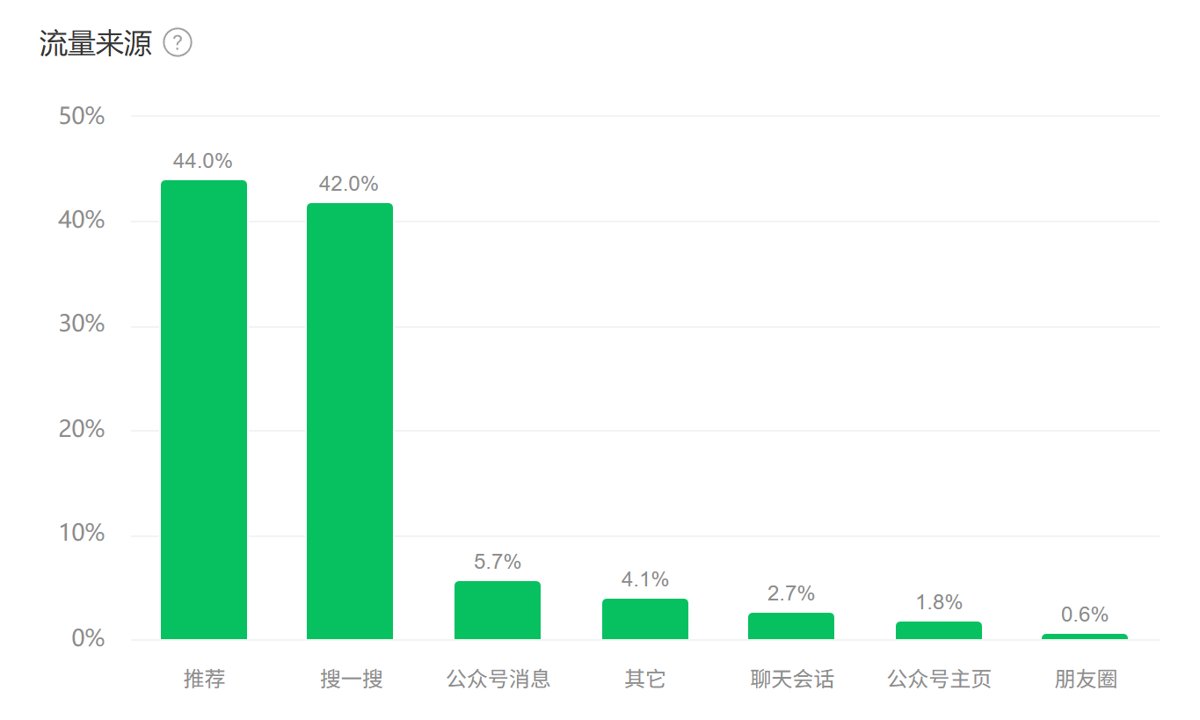
Anyway, I'll still keep updating. Compared with caring about the numbers, I still mainly want to share and record life; traffic and such can just be extra rewards~
At the end of the article I'll explain how to control brightness from the computer when the monitor doesn't support DDC/CI.
The Product
So today I'll continue unboxing another portable monitor.
The 2026 aigo 14 last time left me very disappointed, so I then picked up another portable monitor, one recommended by people on Zhihu.
ithink 2K portable monitor, bought on JD for 376 yuan.
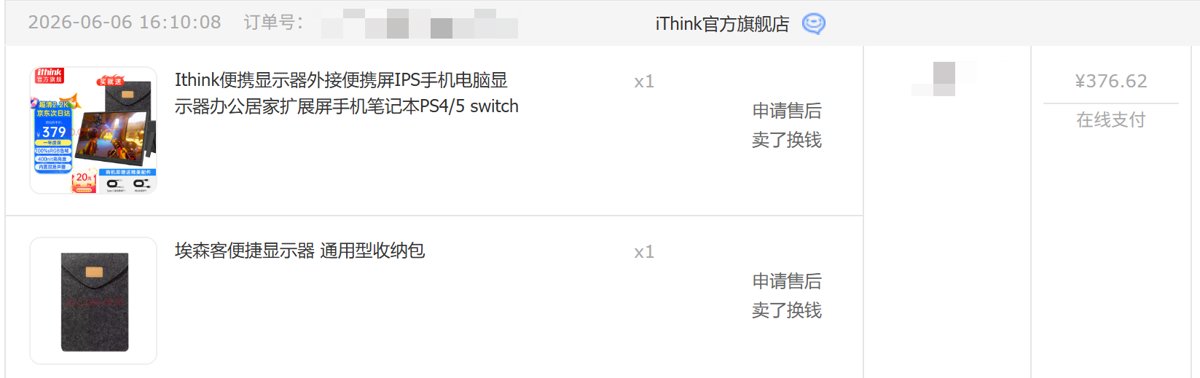
It even came with a carrying case (though I haven't used it)
I think this price is pretty decent — after all it's a 2K screen. All the portable monitors I bought before were 1080p; this is also my first time using a 2K portable monitor.
Packaging
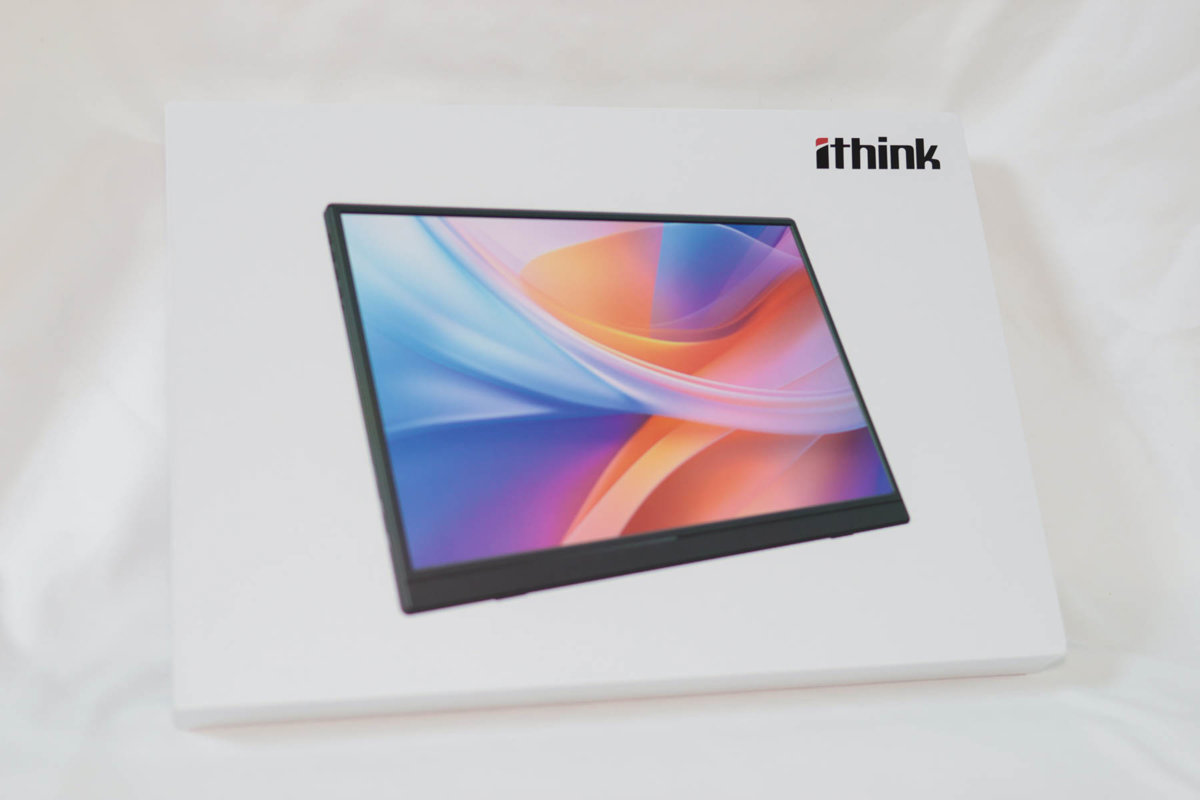
This packaging is pretty similar to the aigo one's.
No wonder there's talk online that this ithink is OEM'd by aigo. Of course I can't vouch for that — I haven't verified the source.
Unboxing
Open it up and there's a user manual.
The way the screen is packed is basically the same as the aigo one.
Accessories
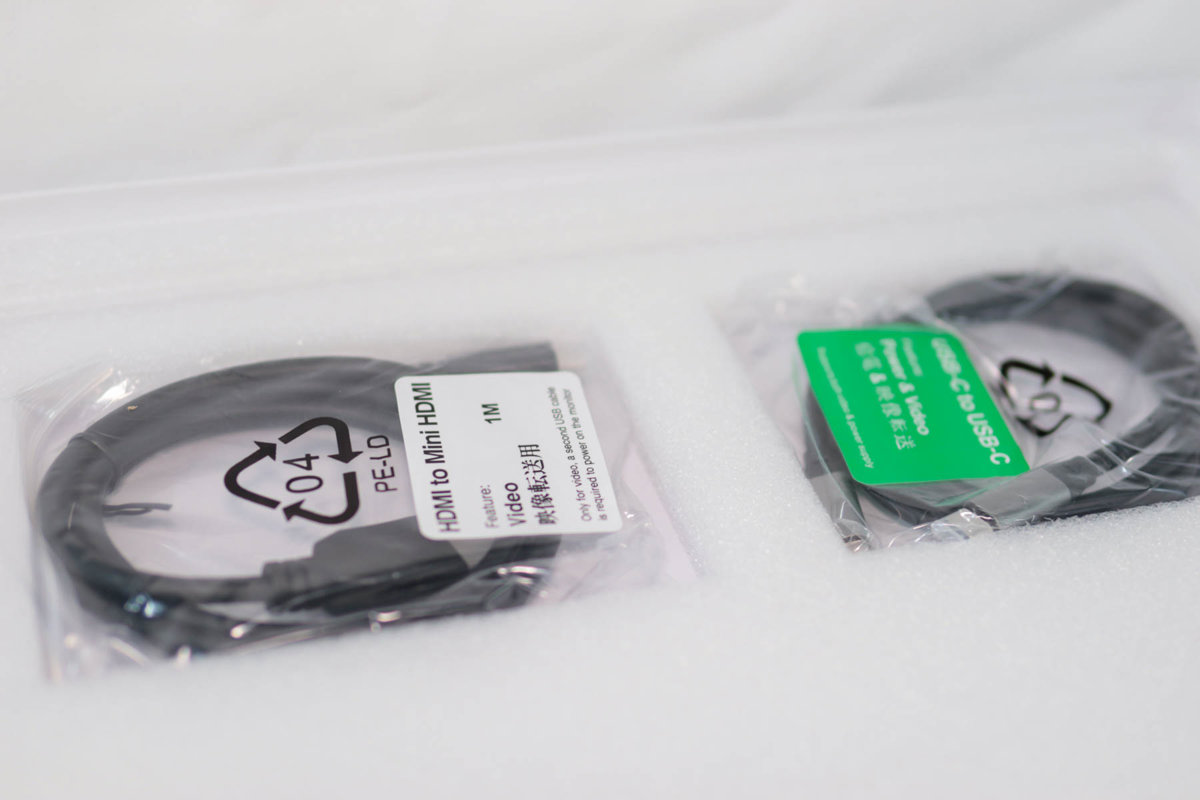
One HDMI-mini HDMI cable, and one C to C data cable.
Stand
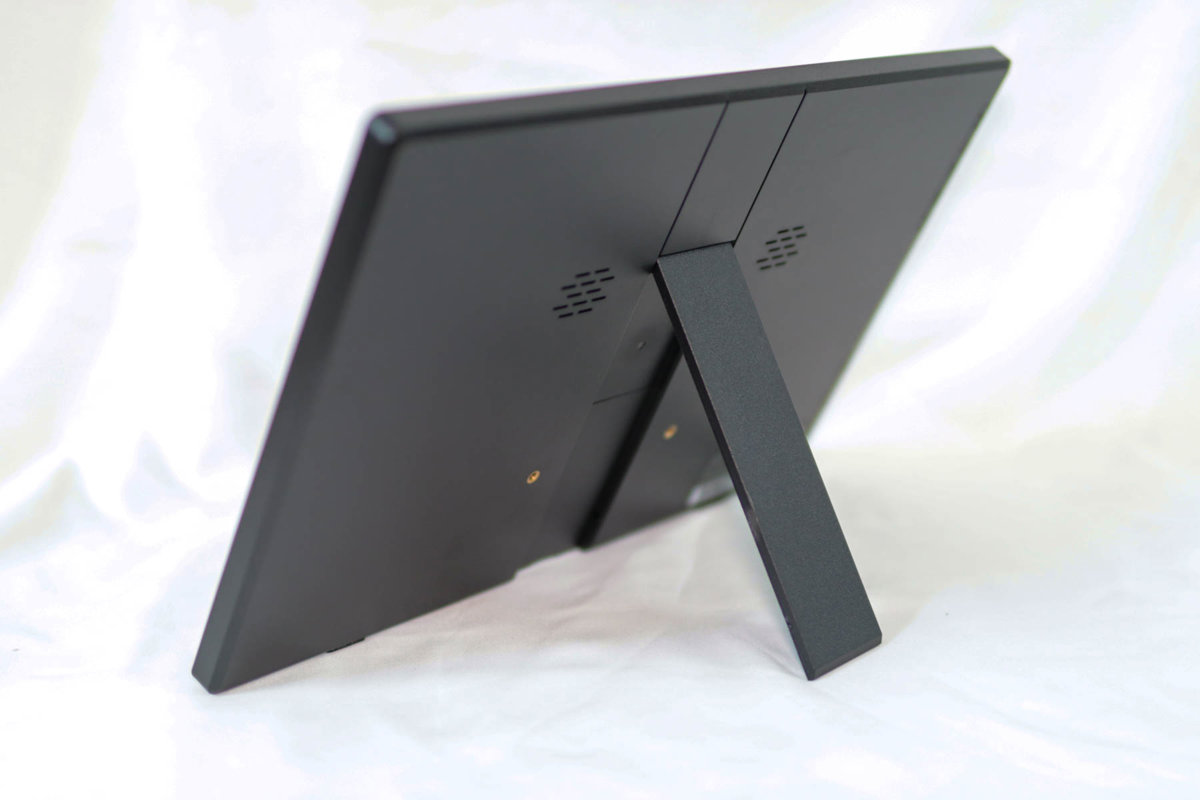
This stand is much better than the aigo one. The back is completely flat, so it won't cause accidental keypresses when placed on a laptop keyboard.
But this stand, like last year's aigo, is hard to pry open — very stiff.
The Screen
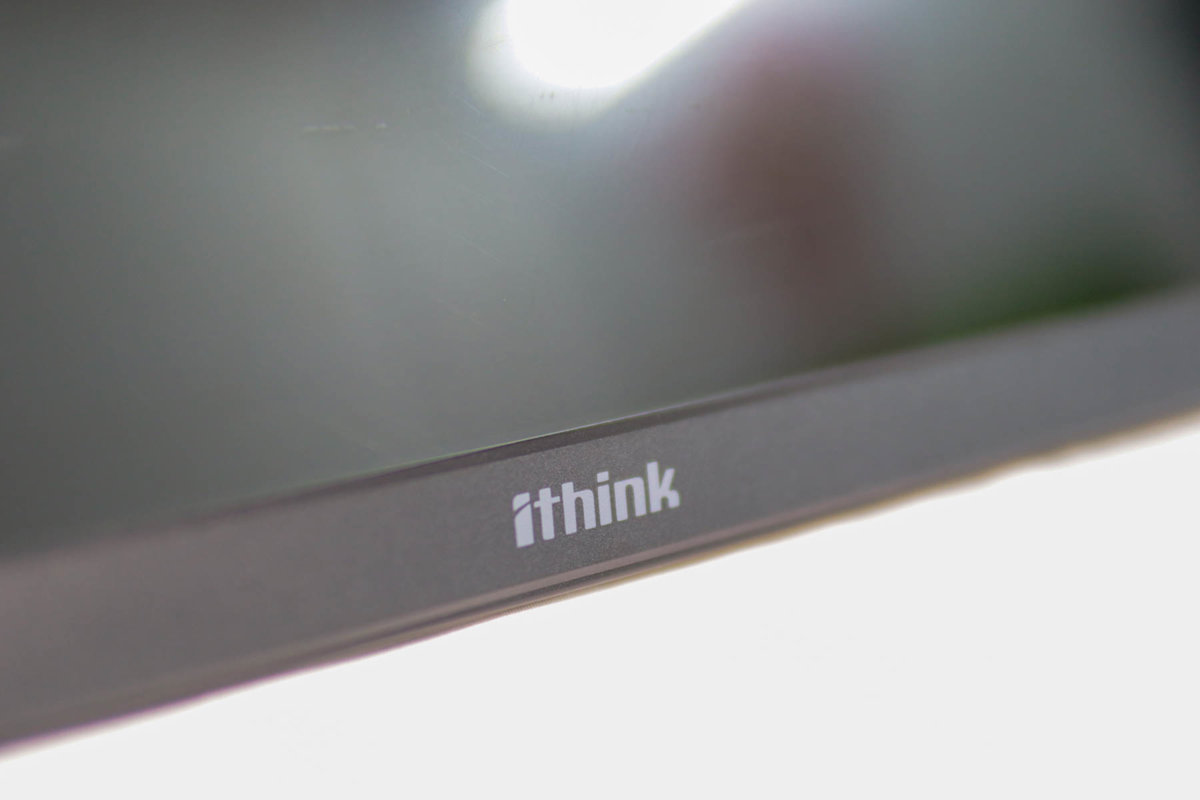
The screen looks like a matte panel; anti-glare might be a bit better than a glossy screen.
Display Quality
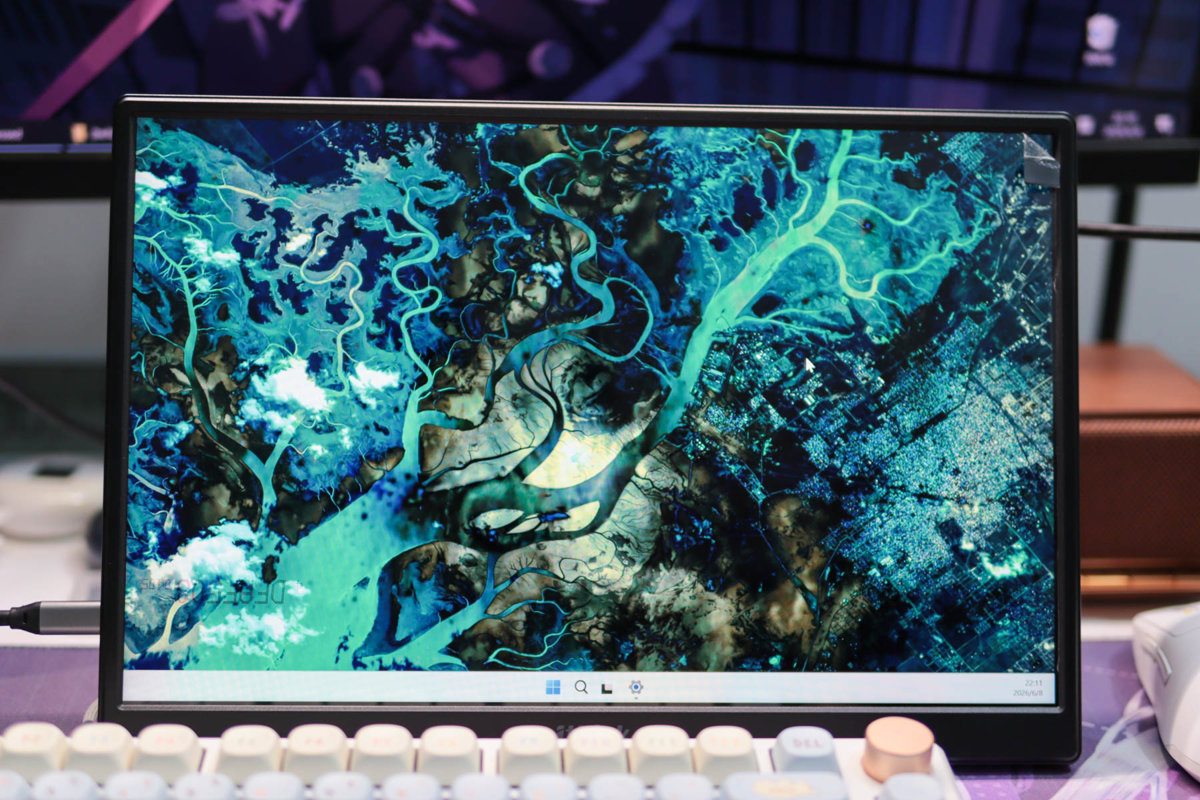
I used it as an external display for my laptop; it looks pretty decent.
But I found a problem: this Jige laptop of mine actually can't drive two external displays at the same time…
It can't even beat a MacBook Air 😂
Wrap-up
I've taken this portable monitor out a few times; it feels pretty okay. Rated brightness is 400 nits, which is enough for most scenarios.
As for outdoors, I haven't tried it; it should probably still be readable.
Although it has built-in speakers, the sound quality is even worse than this Jige laptop's own speakers, and it can't even begin to compare with a MacBook. You could say this portable monitor's sound quality is like those dinosaur toys kids play with 😂 — never mind just hearing something, you can't even make out the lyrics.
In short, don't count on the sound quality.
As for the DDC/CI protocol used to adjust brightness and contrast, it doesn't support that either.
In fact, for most portable monitors, when I asked customer service they all said they don't support DDC/CI (though I suspect customer service might not even know what that is 😂)
But this time I used a magic tool to solve this problem.
How to Control Brightness Without DDC/CI Support
In the previous article I said I'd found a way to adjust monitor brightness without going through DDC/CI; I'll introduce it here.
The tool used is ClickMonitorDDC, which you can download from this address: https://clickmonitorddc.com/
This tool seems to control things at a lower level, so even if the monitor's control panel doesn't support DDC/CI, you can still adjust brightness, contrast, and other settings.
After installing and opening it, it looks like this. You can select different monitors to control; PM1402 is this portable monitor.
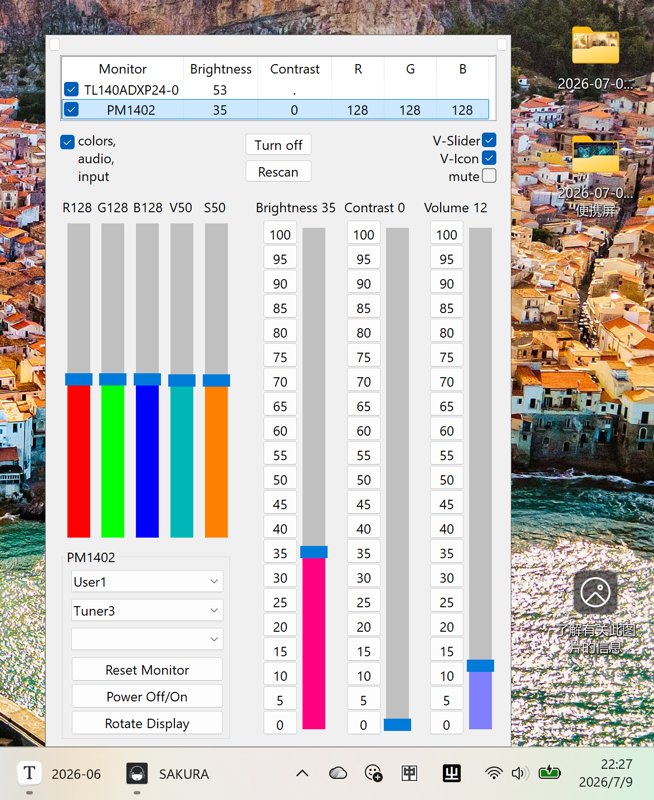
After using it I found a problem, which is pretty much a common issue with portable monitors.
Maximum brightness only goes to 35%; going any higher does nothing.
The few DDC/CI-supporting portable monitors I bought last year were the same. It's probably a driver board issue — I don't really get it either.
But it's usable enough.
In actual use it might not have the claimed 400-nit brightness, but I don't have professional equipment to test, so I can't really say. Anyway, indoors with the lights on you can still see it clearly.
_EOF_
Unboxing a 2K 14-inch Portable Monitor for Just Over 300 Yuan: How's the Value?
- 本文作者:
- 程序设计实验室
- 版权声明:
- 本博客所有文章除特别声明外,均采用 BY-NC-SA 许可协议。转载请注明出处!
相关文章
便携屏搭配笔记本,比我想象的更有用:爱国者aigo14开箱
笔记本加个便携屏,瞬间变双屏?这搭配挺有意思。爱国者这14寸屏够便携,但支架和扬声器差点意思。小瑕疵能忍,性价比就这样。
2025-11-19 · 显示器 · 约 1 分钟
便携屏最不能缺的功能是什么?ARZOPA 给了反面教材
348买的ARZOPA,CNC外壳挺秀,支架比爱国者强,可惜没DDC/CI。雾面屏看着就廉价,色彩也比不上aigo14。精致是精致,关键功能阉割,谁用谁知道。
2025-11-20 · 显示器 · 约 1 分钟
反向升级,爱国者aigo14便携屏2026新款开箱
2026款“爱国者”便携屏,涨了两块钱却砍掉了DDC/CI调亮度,还把支架改得又丑又没法搁笔记本键盘上。什么叫反向升级?这就叫反向升级。
2026-07-07 · 显示器 · 约 1 分钟
298 元买了个没人听过的便携屏,我到底图啥?
买Eimio便携屏就为了试试皮套?298块,参数一般,包装简陋,亮度调到20%还是最亮,这DDC/CI功能简直是反人类设计。还不如直接买个内胆包+支架,至少稳定。
2025-11-22 · 显示器 · 约 1 分钟
讨论
共 0 条加载评论中…