

Did a thorough cleaning for the computer and NAS.
The article documents the author's thorough cleaning of the desktop computer and NAS after moving. Due to long-distance transportation, the machines accumulated significant dust, prompting the author to disassemble and clean them, replace the thermal paste, and focus on cleaning components like the fans and motherboard. After cleaning, the machines run more quietly and have better heat dissipation. However, the desktop computer lost one chassis foot during transport, and the author is preparing to replace it. Although the cleaning process was laborious, the results were remarkable, rejuvenating the aging equipment.
目录12 个章节
Foreword
I'm exhausted from the recent move
After taking apart and packing my desktop PC and NAS, I had them transported here via a cargo moving service
Tips: When a desktop computer needs long-distance transport, you must remove components like the graphics card, cooler, and RAM to prevent damage from vibrations during transit
When I was about to reassemble them, I noticed both machines were incredibly dusty, with thick layers of grime
So I decided to give them a thorough "spring cleaning"—completely removing all the dust and reapplying thermal paste
Prepare the Tools
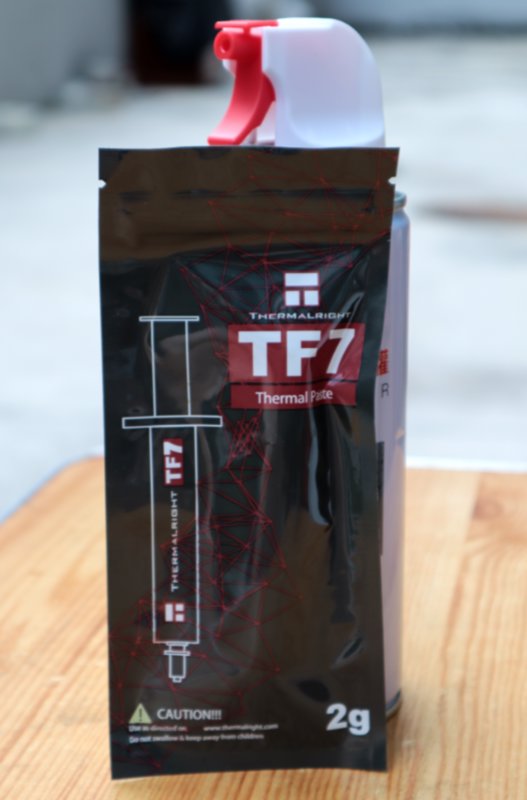
Since I was ready to go, I immediately ordered compressed air and thermal paste.
This is my first time using compressed air; before, I'd only used it in PC-building simulators. I feel like it'll be very satisfying for dust removal.
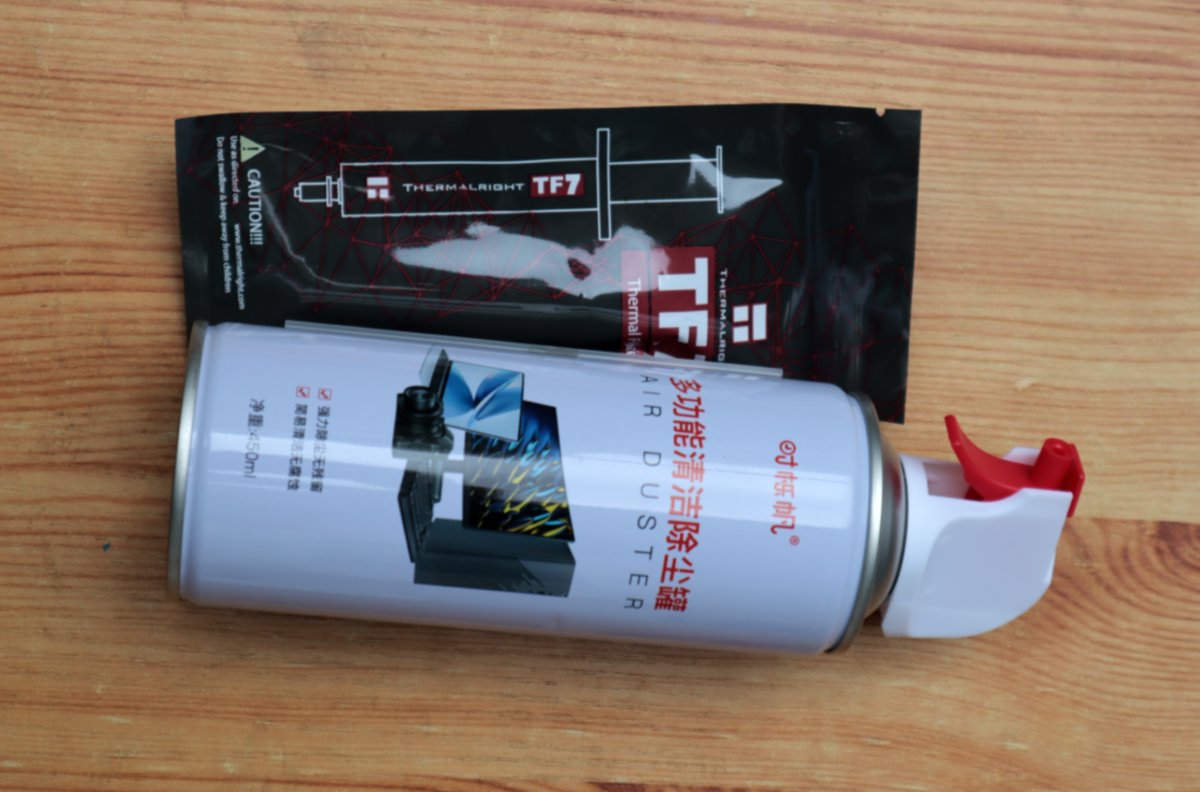
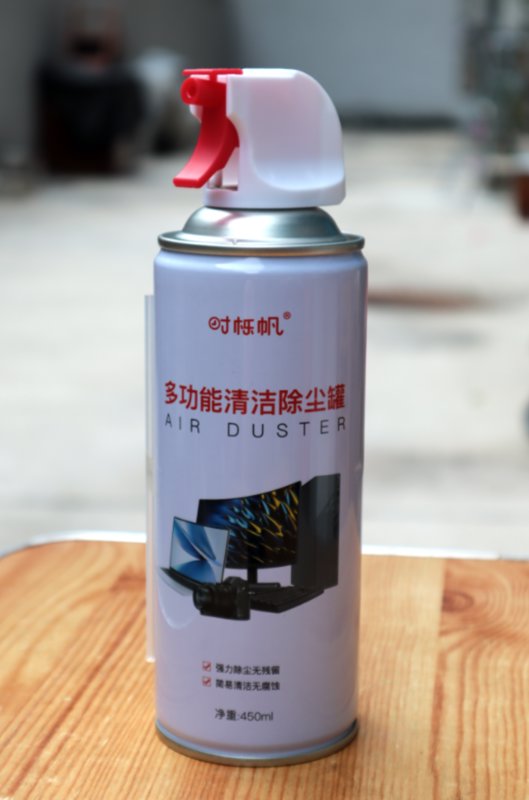
Besides these two, there are also a small brush and an air blower, all essential tools for cleaning dust.
Here’s a special shot of them.
This is the thermal paste.
NAS
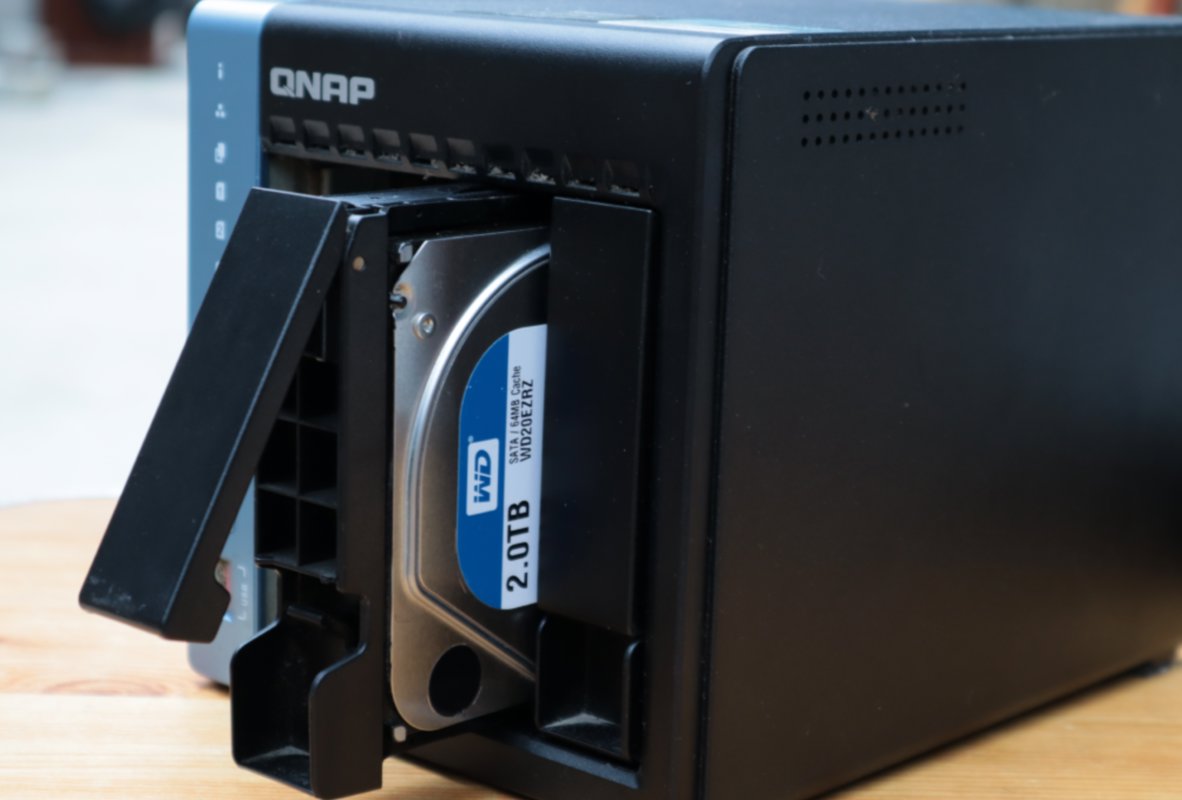
First, let's clean up the dirtiest NAS.
This NAS I have is a QNAP TS464C bought a few years ago. I even wrote an article about it back then: Personal Data Preservation Plan: (1) NAS Unboxing
Disassembly
Remove the screws from the casing
By sliding it, the casing can be removed
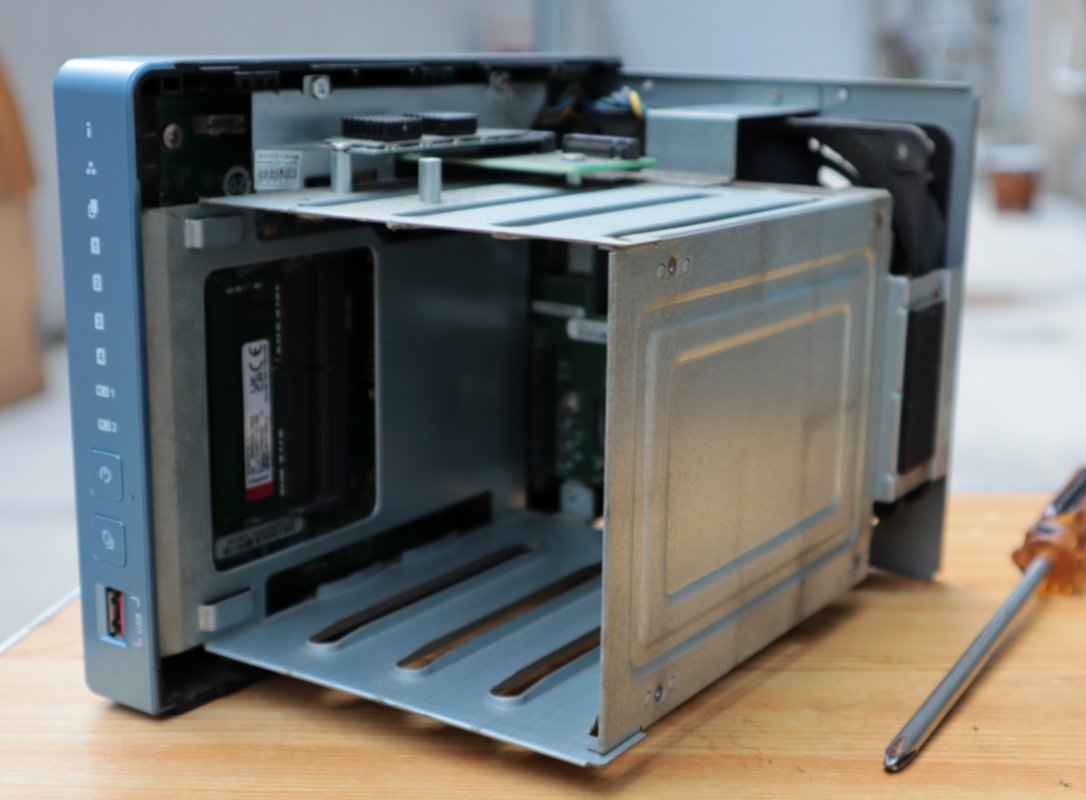
Remove the metal frame securing the hard drive to reveal the motherboard
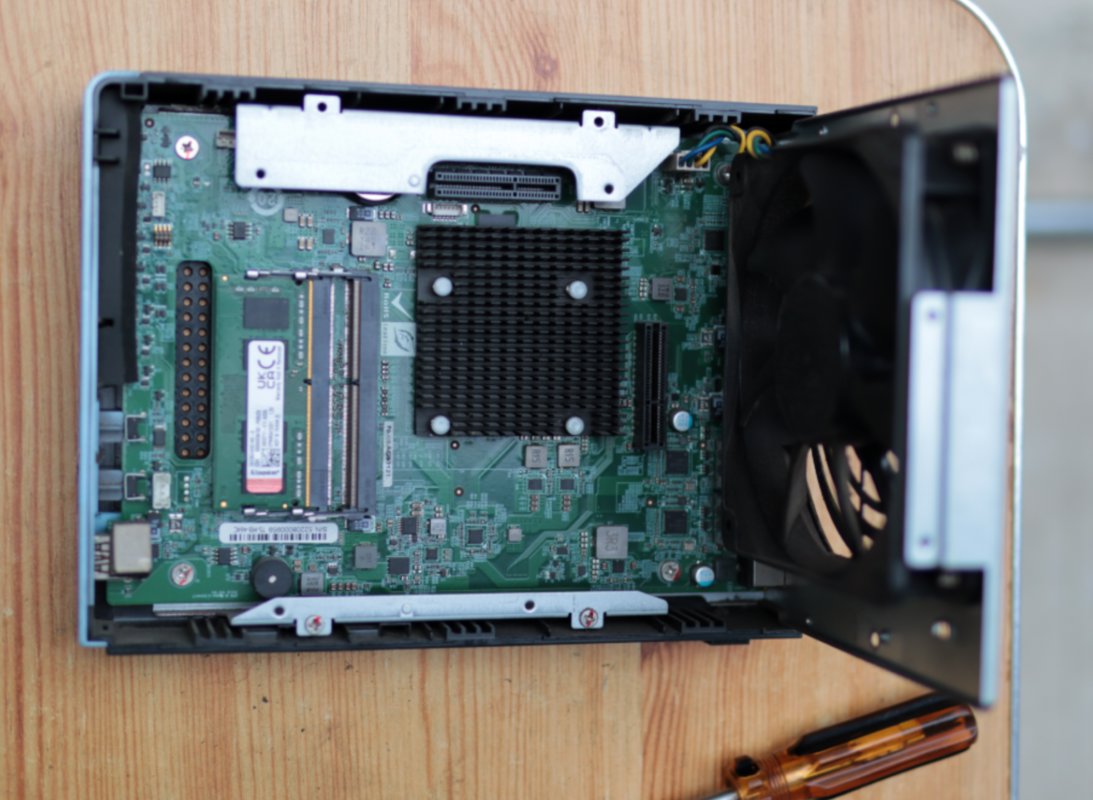
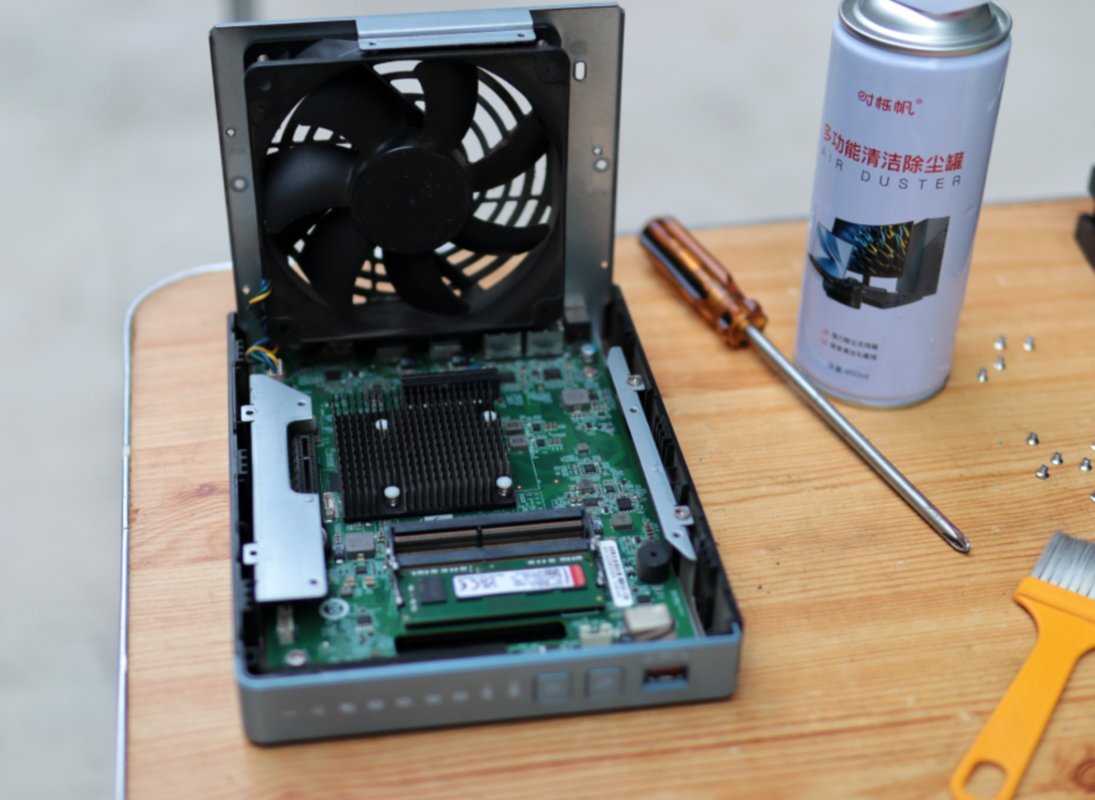
I didn't expect the CPU to have no fan; it is cooled by the heatsink (散热片)
Look at how dirty this fan is, covered in a thick layer of dust
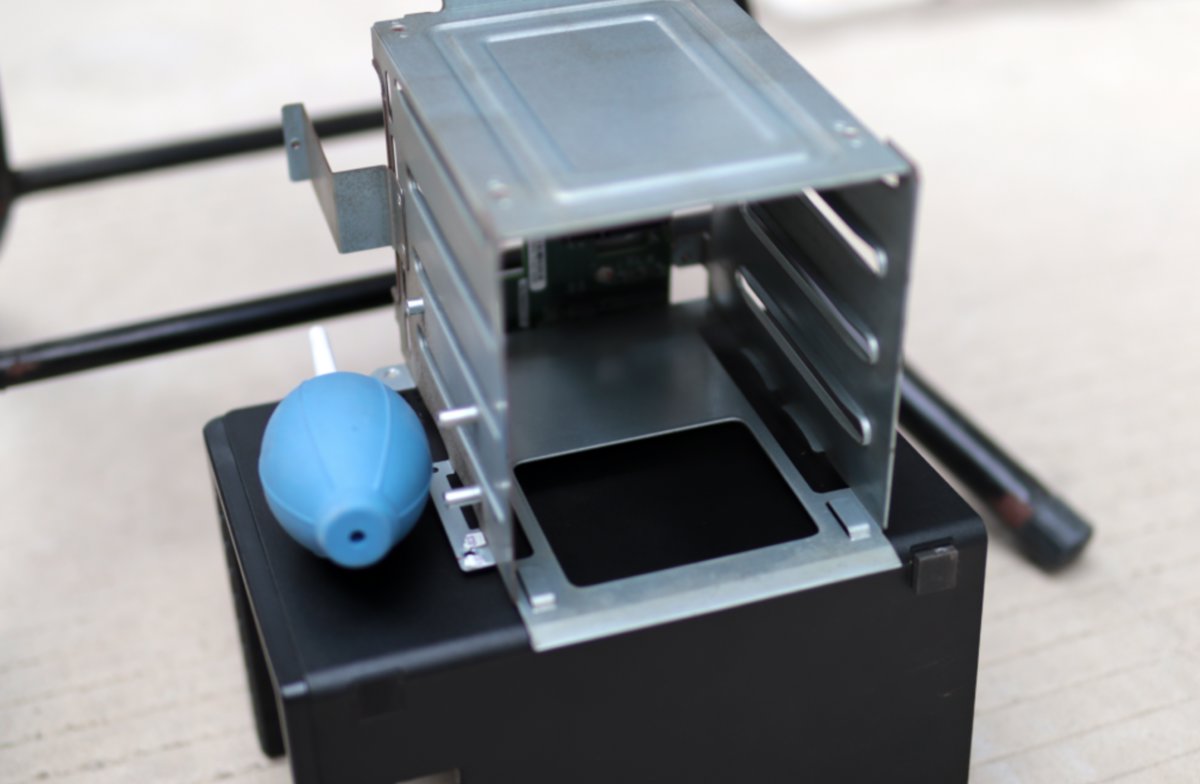
The removed metal casing looks like this
Fan
The fan is the focus of cleaning
Too much dust can prevent the fan from spinning, reducing its cooling effectiveness.
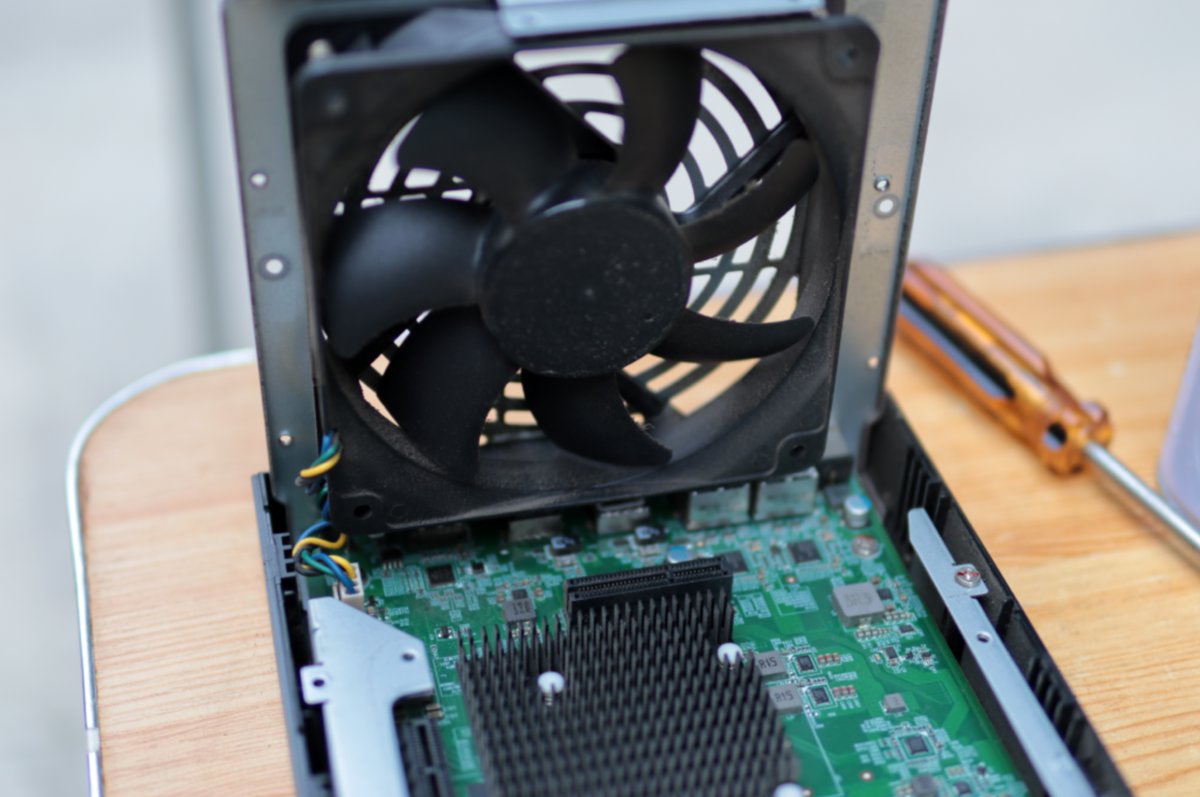
From a different angle
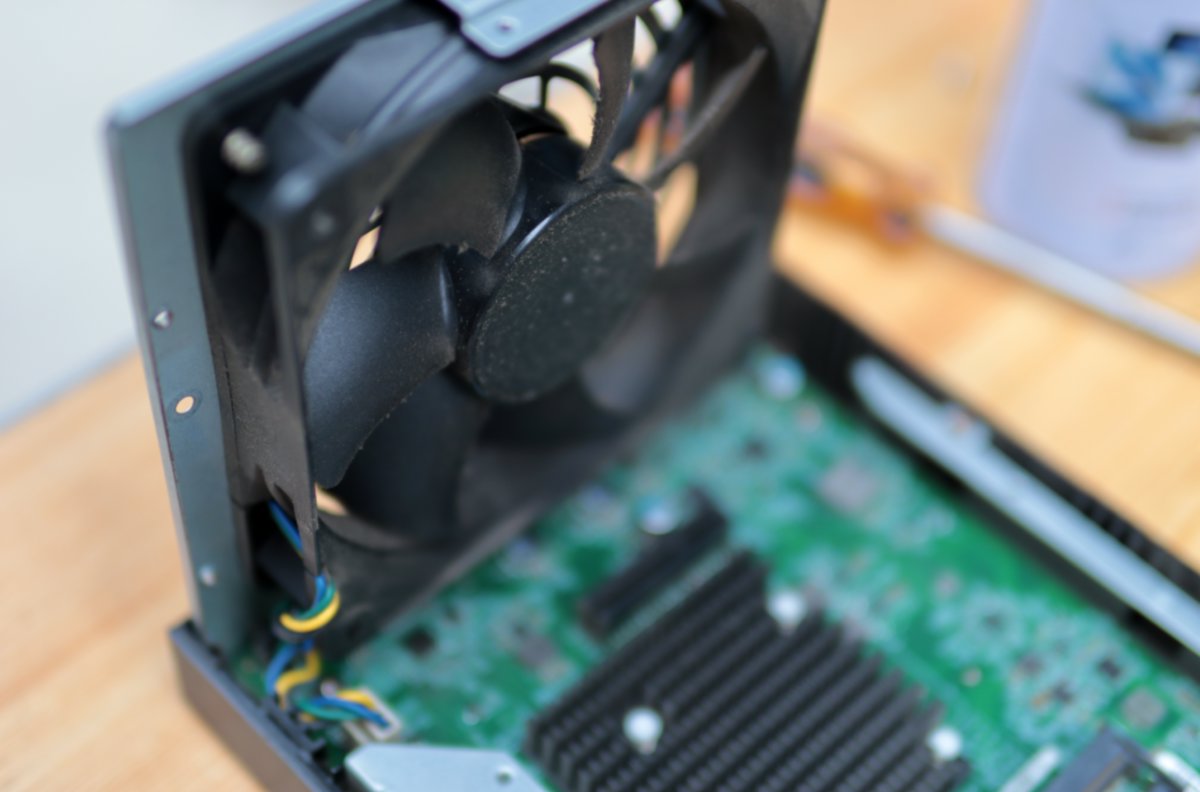
After disassembly
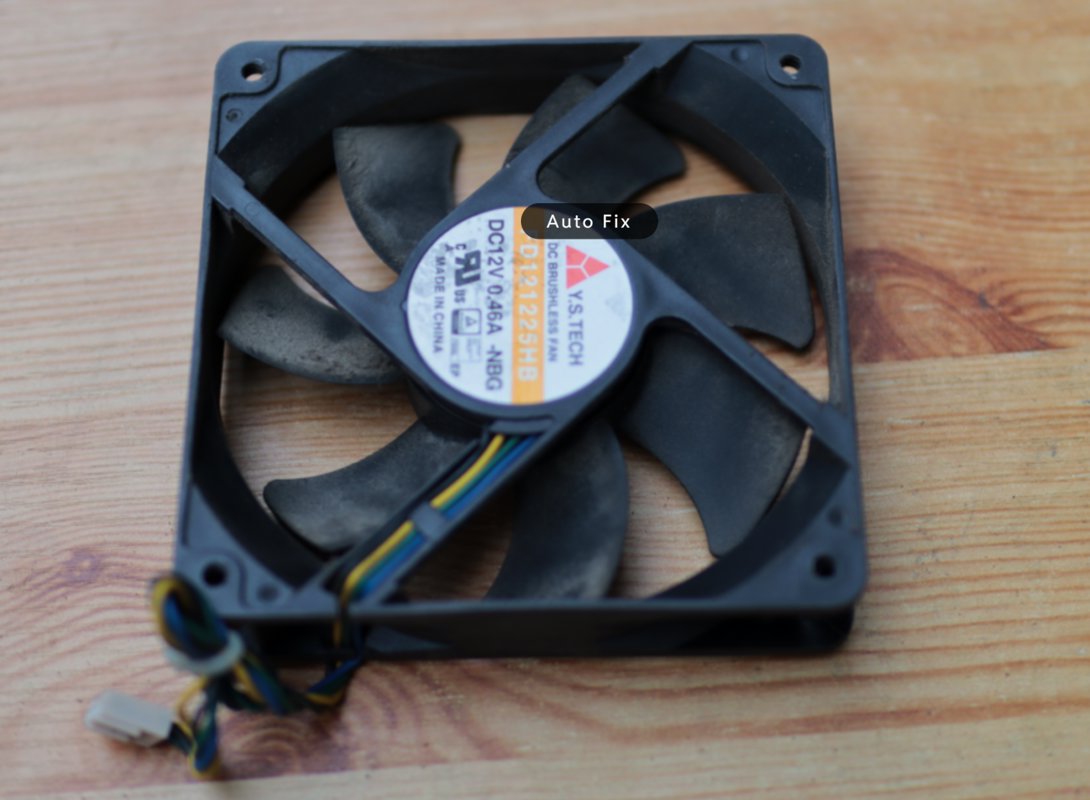
Other Components
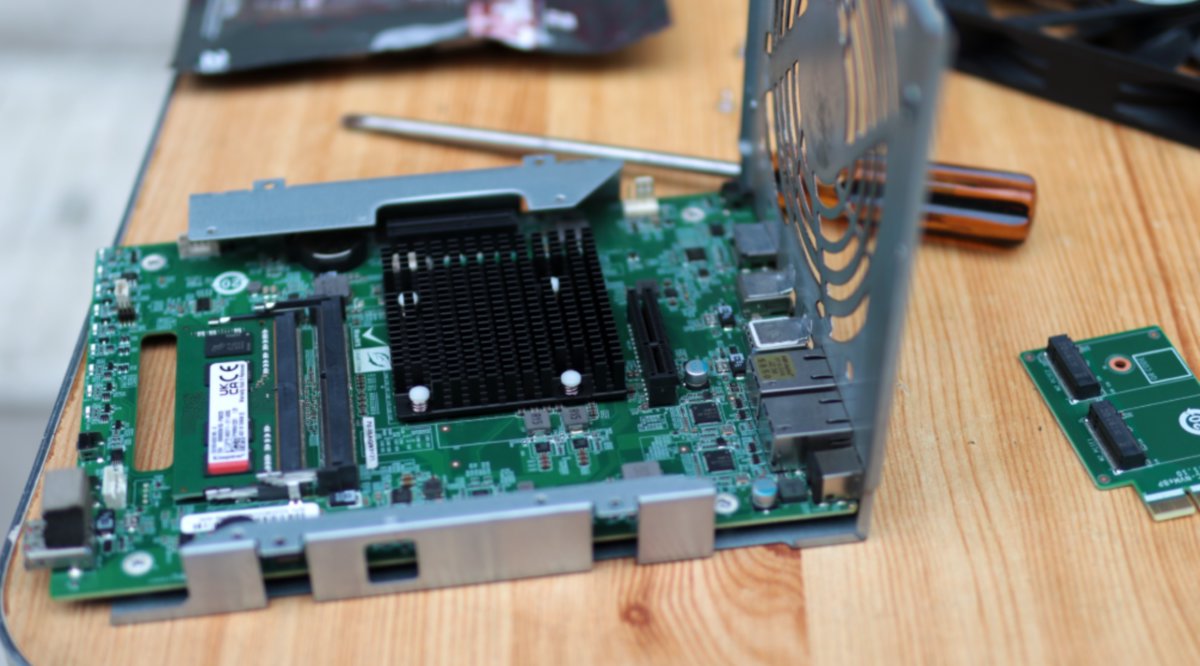
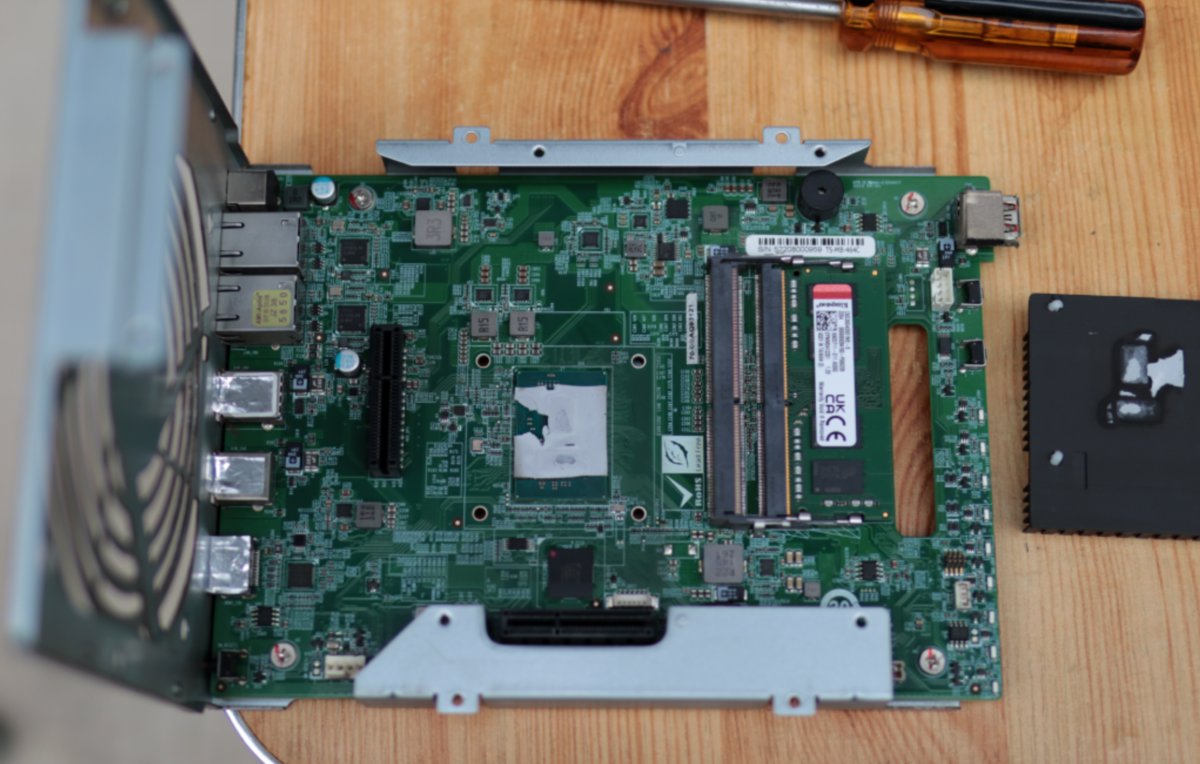
Motherboard
The motherboard also requires dust removal to enhance its heat dissipation capability.
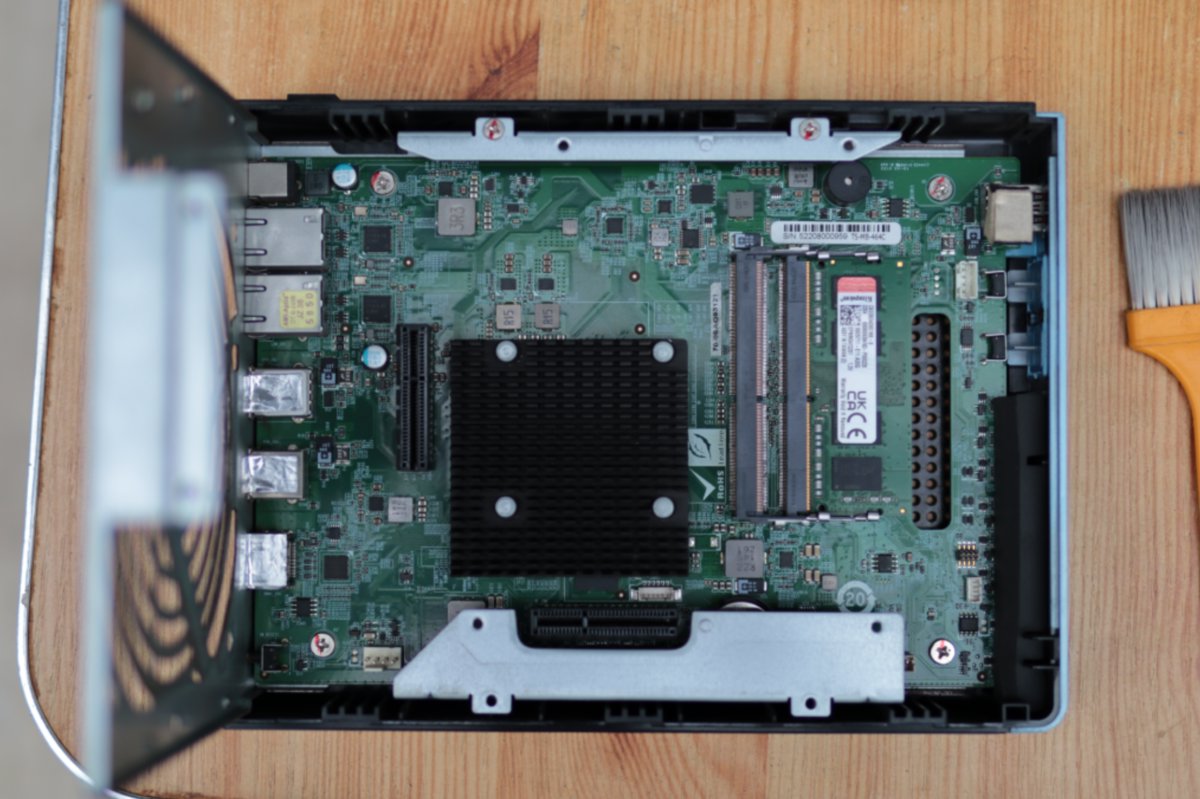
From a different angle
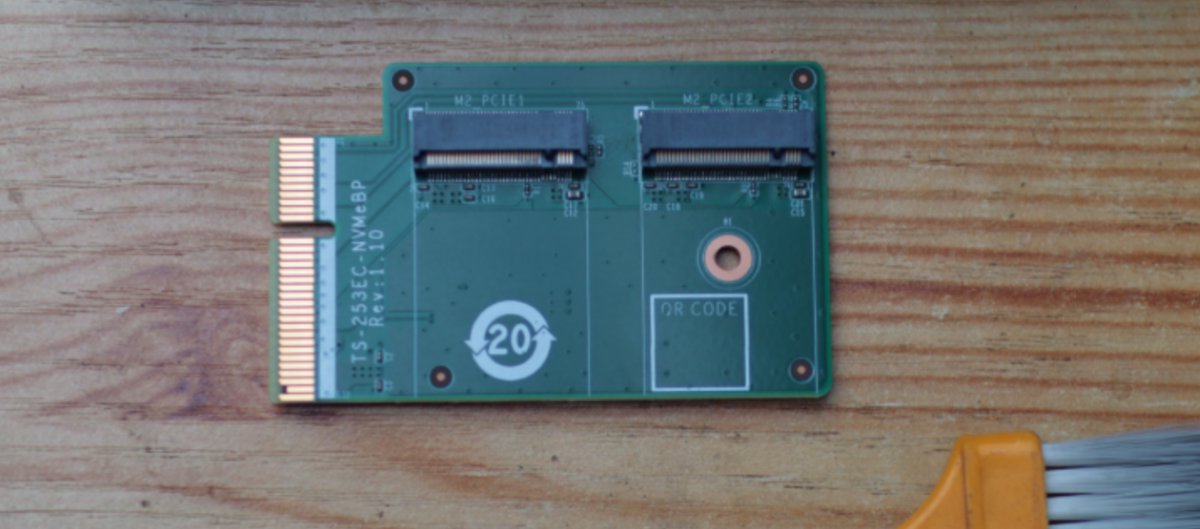
M.2 SSD Expansion Card
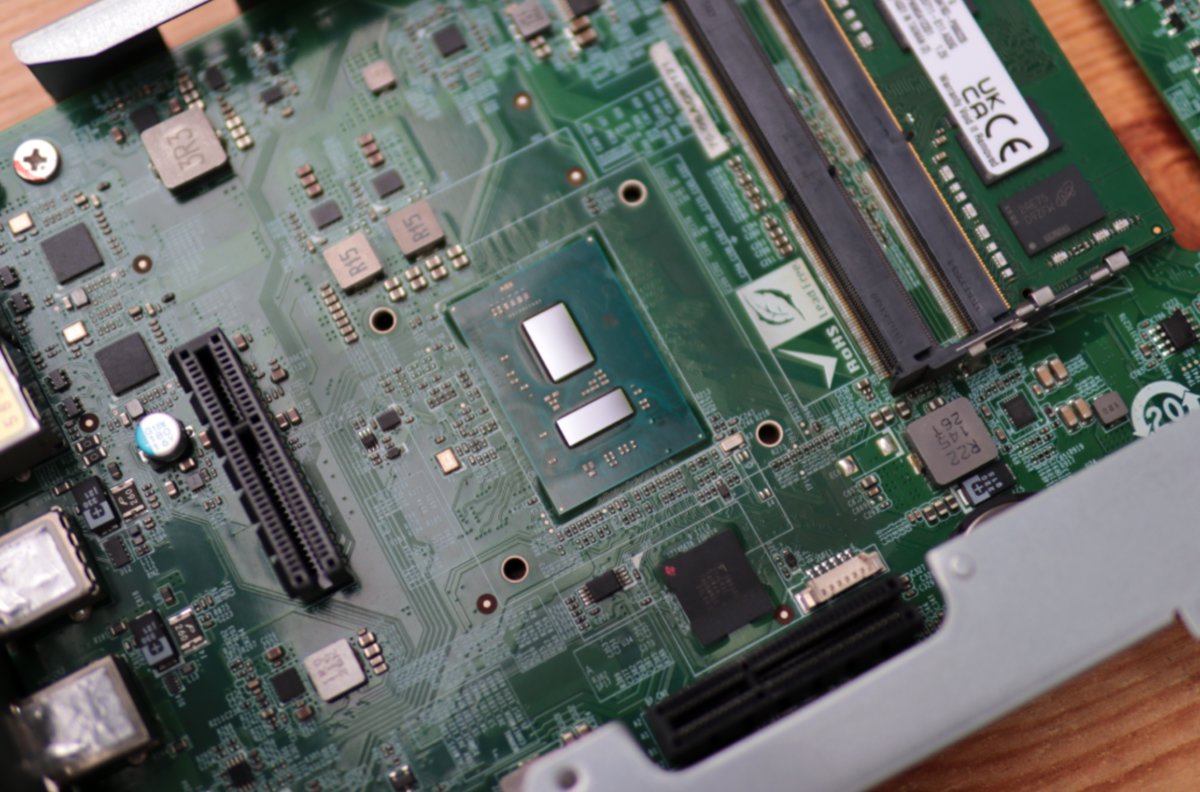
CPU
The heatsink requires removing four plastic pins on the back of the motherboard—just press with a flathead screwdriver to detach it.
After removal, you can see the CPU's thermal paste (硅脂) has completely dried out.
First, clean off the old thermal paste thoroughly.
Take out the thermal paste and the small tool, and prepare to apply the thermal paste.
![image-20250606001541963]
Actually, you don’t necessarily need to use this scraper either.
Once applied, just press down with the heatsink, and you’re good to go.
Summary
With that, the NAS major cleaning is complete. The next step is to put all the components back together.
Be careful not to finish the assembly and realize you have a few extra screws left over! 😃
However, after I put it back together, I found I had installed a few screws in the wrong places 😂. But it shouldn't be a big problem—as long as it fits, it's fine~
After cleaning the dust and replacing the thermal paste, the biggest difference is the quietness. This NAS has been in use for several years, and the noise had increased, with quite noticeable heat generation.
As you can see from the disassembly, the CPU doesn't have a fan. Therefore, after prolonged use, once the thermal paste dries out, the heat output becomes significantly higher.
Desktop
This was relatively simple, no major issues.
The thermal paste was indeed dried out; during the last transport, I didn't replace it, which often caused overheating and crashes.
After clearing the dust and replacing the thermal paste this time, it's much quieter and generates less heat.
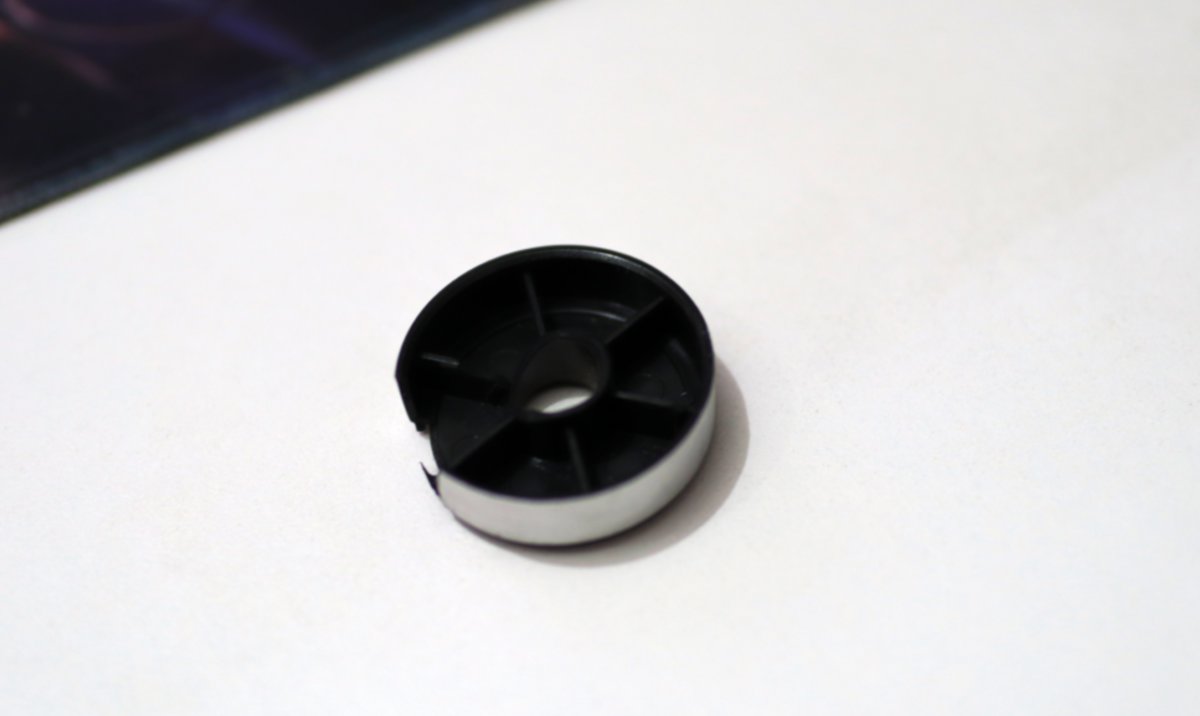
However, I noticed that Huolala seems to have damaged one of my desktop's feet. 😂
![image-20250606002409364]
I found the broken foot inside the cardboard box.
The middle part snapped off and is beyond repair.
I've already opened the shopping app and started browsing for a new computer case. 😂
Summary
After the 14x was sent for repair last time, many netizens said that there was too much dust in my machine causing cooling issues.
Now I pay more attention to the issue of dust removal and cooling. After giving the machine a thorough cleaning, the improvement was indeed very noticeable, though I was completely exhausted... 😂
_EOF_
Did a thorough cleaning for the computer and NAS.
- 本文作者:
- 程序设计实验室
- 版权声明:
- 本博客所有文章除特别声明外,均采用 BY-NC-SA 许可协议。转载请注明出处!
相关文章
独立开发者的一周:我这次是真的开始搞项目了
半年才动项目?独立开发者时间管理真成学问。AirPad MVP丝滑,Y项目备案堪比谍战片,Taro4稳定性堪忧?日常记录App?程序员三件套是吧。
2025-11-16 · 2025 · 约 1 分钟
使用GTD工作法提升效率
GTD 即 Getting Things Done (儘管去做) 的首字母縮寫字,這是一種由 David Allen 在 2001 年首次提出的生產力方法。Allen 在其書中這樣描述 GTD 法:「儘管去做:毫無壓力的生產力藝術。」
2025-01-13 · 2025 · 约 1 分钟
不到半年,我的鸡哥14x也翻车了……
本文作者分享了其机械革命无界14X笔记本电脑的翻车经历。尽管该款电脑在性能和外观上受到好评,但作者不慎遇到键盘Tab键失灵的问题。文章详细记录了作者自行更换硬盘及申请售后服务的过程,并分享了维修进度视频。作者对机械革命的售后服务表示满意,但同时也对品控问题表示担忧。
2025-05-11 · 2025 · 约 1 分钟
为什么说 Edge/Serverless 是最适合独立开发者的开发方式?
Edge-Serverless?不过是独立开发者偷懒的捷径罢了。国内环境又添堵,Vercel Cloudflare在国外爽得飞起,国内却要自己动手丰衣足食?Node.js全栈框架倒是适配得挺好,但谁不烦这堆麻烦事?
2025-09-14 · 2025 · 约 1 分钟
讨论
共 0 条加载评论中…