

Change your Deepin system's theme ~ Let's go!
My current desktop: Due to the U.S. sanctions leading Huawei computers to adopt the Deepin system, Deepin has recently gained significant attention. In fact, Deepin's interface has always been quite attractive—its claim of creating the most suitable system for Chinese users is not just talk. However, Deepin has one downside: the title bar in the default theme is too large, taking up too much space. That's why we need to switch themes and make some adjustments. Deepin's desktop is built with Qt, so the first step is to change the KDE theme, followed by arranging the GTK3 theme. The themes you can switch to in Deepin's system settings are actually GTK themes.
My current desktop:
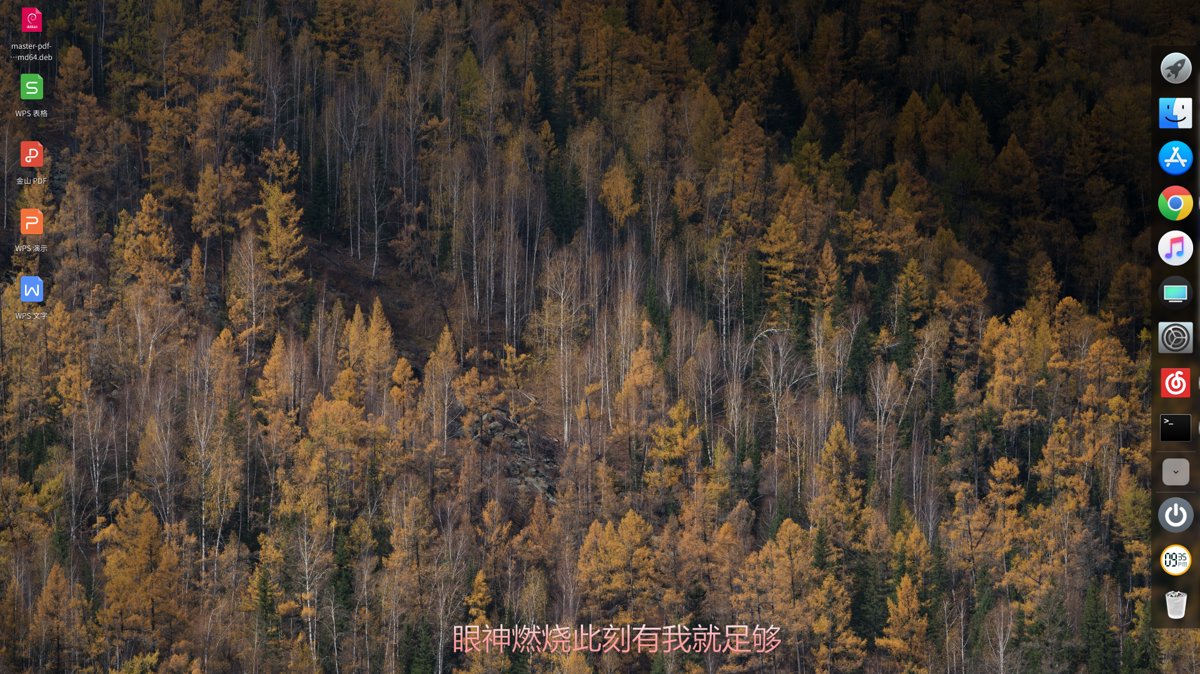
Due to the U.S. sanctions and Huawei's adoption of the Deepin operating system, Deepin has recently gained significant attention. In fact, Deepin's interface has always been visually appealing—it's no exaggeration when they claim to have built a system most suitable for Chinese users.
However, one downside of Deepin is that the title bar in the default theme is oversized... it takes up too much space. That's why we're going to tweak it with a theme change.
Deepin's desktop is built on Qt, so we'll first need to switch to a KDE theme and then set up a GTK3 theme. The themes you change within Deepin's system settings are actually GTK themes, which only affect GTK applications.
First, download this theme: pingguo-aurorae
Then, extract it into the Home directory / .local / share / aurorae / themes/ directory. If any of these folders are missing, just create them yourself.
You'll also need to install the KDE Settings application, as we need to set the theme for Qt applications. Deepin's system settings cannot change Qt themes. Here's how:
sudo apt install systemsettings
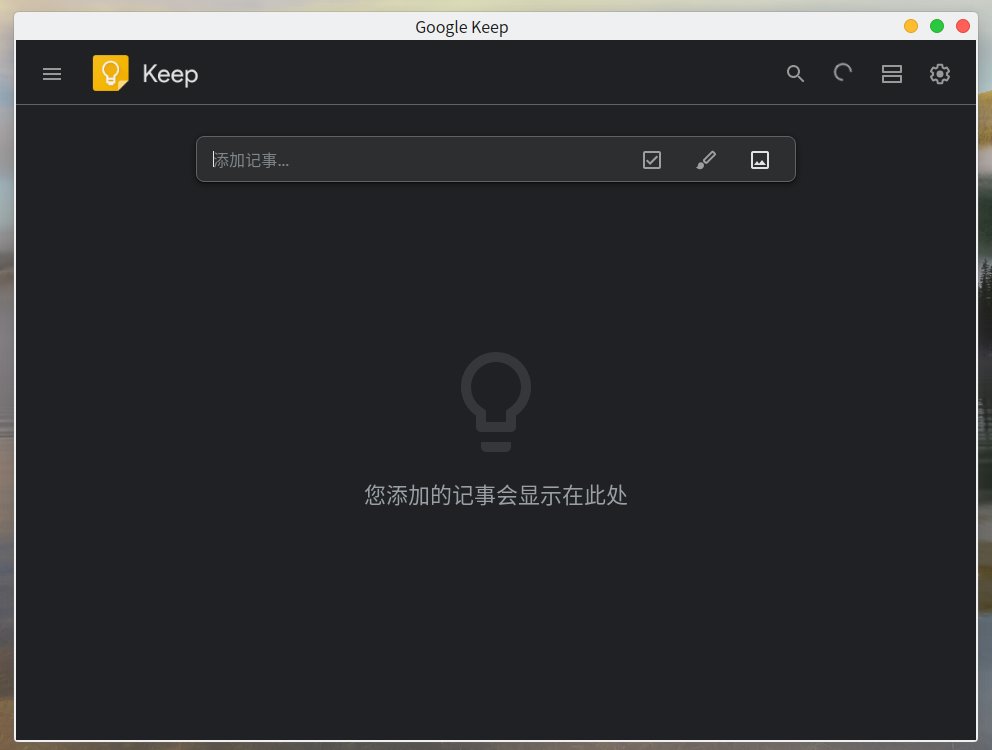
After that, open KDE Settings, go to Application Style, and choose a color scheme you like.
The effect after setup:
_EOF_
Change your Deepin system's theme ~ Let's go!
- 本文作者:
- 程序设计实验室
- 版权声明:
- 本博客所有文章除特别声明外,均采用 BY-NC-SA 许可协议。转载请注明出处!
相关文章
Ubuntu-18-04-修复-Telegram-中文输入法
前言 Ubuntu 18.04,新的 Gnome 桌面的确好看很多。但同时出现了很多之前在 Unity 没有出现过的 BUG,例如在 Telegram 下无论怎么切换输入法都不能输入中文。 大概是所有 QT 编写的应用程序在 Gnome3 下都会出现这个问题,解决方法是引入 QT_IM_MODULE 变量。大致 步骤如下 编辑~/.local/share/applications/telegram
2025-10-27 · 系统配置 · 约 1 分钟
Debian配置默认不开启图形界面
前言 Linux的图形界面实在是太耗资源了,同时开几个虚拟机感觉已经hold不住了,赶紧把这些Linux服务器的图形界面都关掉。 CLI:command Line Interface,命令行界面。 现在的Linux发行版默认登陆界面几乎都是默认为GUI界面,如果按照旧版本的修改inittab文件,在一些比较新的版本是没有这个文件的(Linux的启动服务机制发生改变) 修改Grub配置文件 打开gr
2025-10-27 · 系统配置 · 约 1 分钟
linux配置sendmail发邮件服务
前言 因为开发需要,搞了个wiki系统,并且用到了邮件订阅,所以研究了一番发送邮件的方法。 安装 没什么好说的,先安装必要组件。 apt install sendmail-bin apt install sendmail apt install sendmail-cf #配置工具 配置sendmail sendmail默认是本机用户发送给本机,所以需要修改可以发送到整个Internet: 修改se
2025-10-27 · 系统配置 · 约 1 分钟
在Manjaro上配置国内源
前言 之前我一直用官方源的,但是最近发现官方源变慢了,于是想要切换国内源,顺手做个笔记。 操作 使用以下命令,生成可用中国镜像站列表: sudo pacman-mirrors -i -c China -m rank 刷新完列表之后会弹出来一个框让你选择软件源,这里的就都是国内源了,选择一个喜欢的就行(当然要选择两个以上也没问题。) 日常桌面截图
2025-10-27 · 系统配置 · 约 1 分钟
讨论
共 0 条加载评论中…