

Change your Deepin system's theme ~ Let's go!
My current desktop: Due to the U.S. sanctions leading Huawei computers to adopt the Deepin system, Deepin has recently gained significant attention. In fact, Deepin's interface has always been quite attractive—its claim of creating the most suitable system for Chinese users is not just talk. However, Deepin has one downside: the title bar in the default theme is too large, taking up too much space. That's why we need to switch themes and make some adjustments. Deepin's desktop is built with Qt, so the first step is to change the KDE theme, followed by arranging the GTK3 theme. The themes you can switch to in Deepin's system settings are actually GTK themes.
My current desktop:
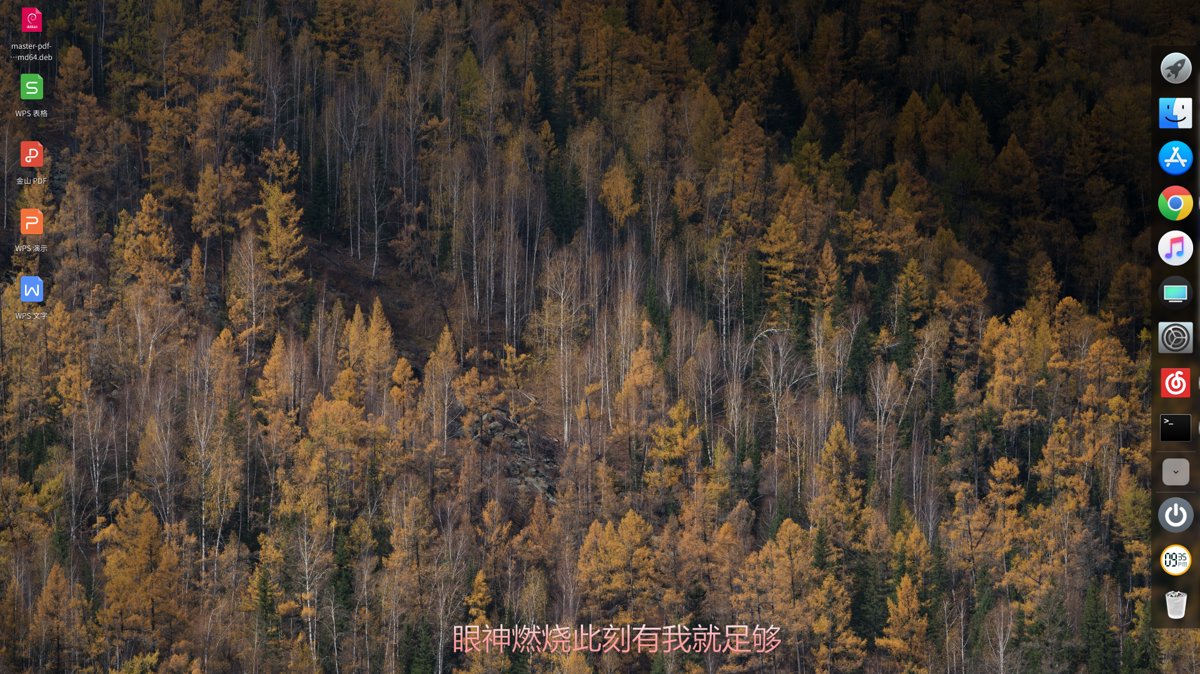
Due to the U.S. sanctions and Huawei's adoption of the Deepin operating system, Deepin has recently gained significant attention. In fact, Deepin's interface has always been visually appealing—it's no exaggeration when they claim to have built a system most suitable for Chinese users.
However, one downside of Deepin is that the title bar in the default theme is oversized... it takes up too much space. That's why we're going to tweak it with a theme change.
Deepin's desktop is built on Qt, so we'll first need to switch to a KDE theme and then set up a GTK3 theme. The themes you change within Deepin's system settings are actually GTK themes, which only affect GTK applications.
First, download this theme: pingguo-aurorae
Then, extract it into the Home directory / .local / share / aurorae / themes/ directory. If any of these folders are missing, just create them yourself.
You'll also need to install the KDE Settings application, as we need to set the theme for Qt applications. Deepin's system settings cannot change Qt themes. Here's how:
sudo apt install systemsettings
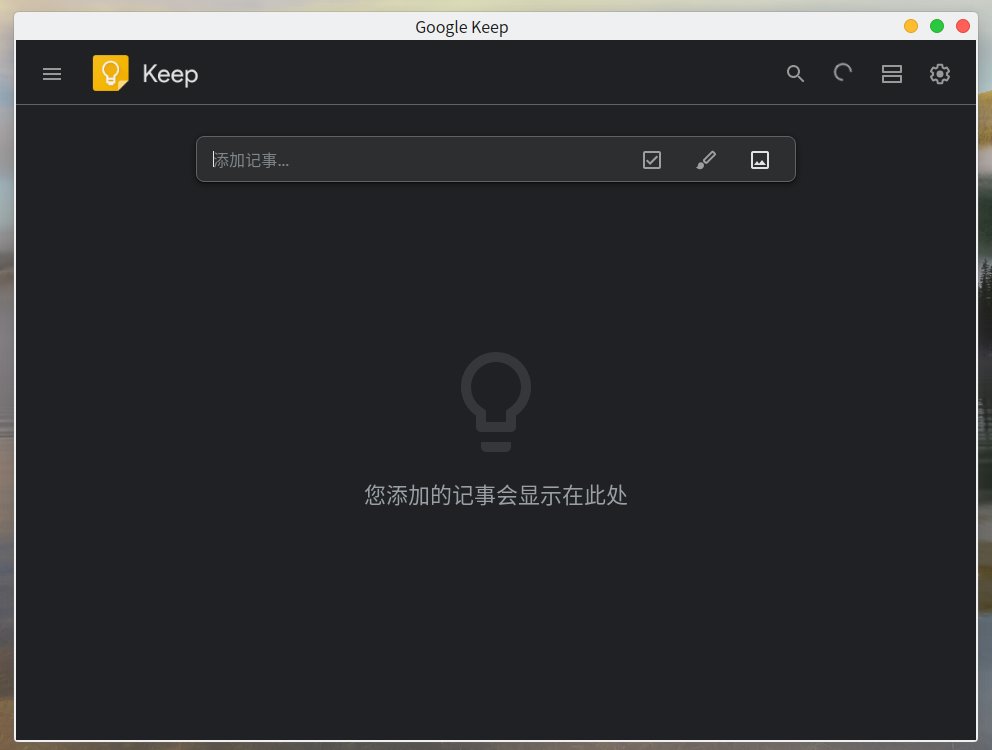
After that, open KDE Settings, go to Application Style, and choose a color scheme you like.
The effect after setup:
_EOF_
Change your Deepin system's theme ~ Let's go!
- 本文作者:
- 程序设计实验室
- 版权声明:
- 本博客所有文章除特别声明外,均采用 BY-NC-SA 许可协议。转载请注明出处!
相关文章
Ubuntu-18-04-开启托盘图标点击最小化
前言 Ubuntu的托盘挺好看的,美中不足的就是点击一个打开的应用图标不能像Windows那样最小化。 操作 gsettings set org.gnome.shell.extensions.dash-to-dock click-action 'minimize' 截图
2025-10-27 · 系统配置 · 约 1 分钟
别再手动复制SSH公钥了,Linux服务器一键从GitHub快速导入公钥
输入GitHub用户名就自动导入SSH公钥?Ubuntu这懒人功能挺省事。原理不就是爬取`https://github.com/用户名.keys`吗?手动用`curl`也能实现,装`ssh-import-id`更高效,但谁稀罕这些花里胡哨的。
2026-03-11 · 系统配置 · 约 1 分钟
Debian下SSH服务的安装与配置
https://cnzhx.net/blog/linux-server-ssh-key-auth-configuration/
2025-10-27 · 系统配置 · 约 1 分钟
Linux设置系统邮件转发到指定邮箱
前言 在Linux的操作中,有的时候每敲一下回车,就出来You have new mail in /var/spool/mail/root的提示,究竟是为什么呢? Linux 系统经常会自动发出一些邮件来提醒用户系统中出了哪些问题(收件箱位置:/var/mail/)。可是这些邮件都是发送给 root 用户的。出于系统安全考虑,通常不建议大家直接使用 root 帐户进行日常操作。所以要想点办法来让系
2025-10-27 · 系统配置 · 约 1 分钟
讨论
共 0 条加载评论中…