

Reverse Upgrade: Unboxing the 2026 aigo14 Portable Monitor
The 2026 “aigo” portable monitor costs two yuan more, yet they cut DDC/CI brightness control and redesigned the stand to be both ugly and unusable on a laptop keyboard. What is a reverse upgrade? This is a reverse upgrade.
目录6 个章节
Preface
A year later, I'm back buying a portable monitor again~
The aigo14 I bought last year was a decent experience, and it was also the only portable monitor that offered DDC/CI support, which left a pretty good impression on me, so when I saw they released a 2026 model this year, I ordered one again.
This time, though, I was slightly disappointed.
The price is ¥278; the one I bought last year was 276, pretty much the same.
Packaging
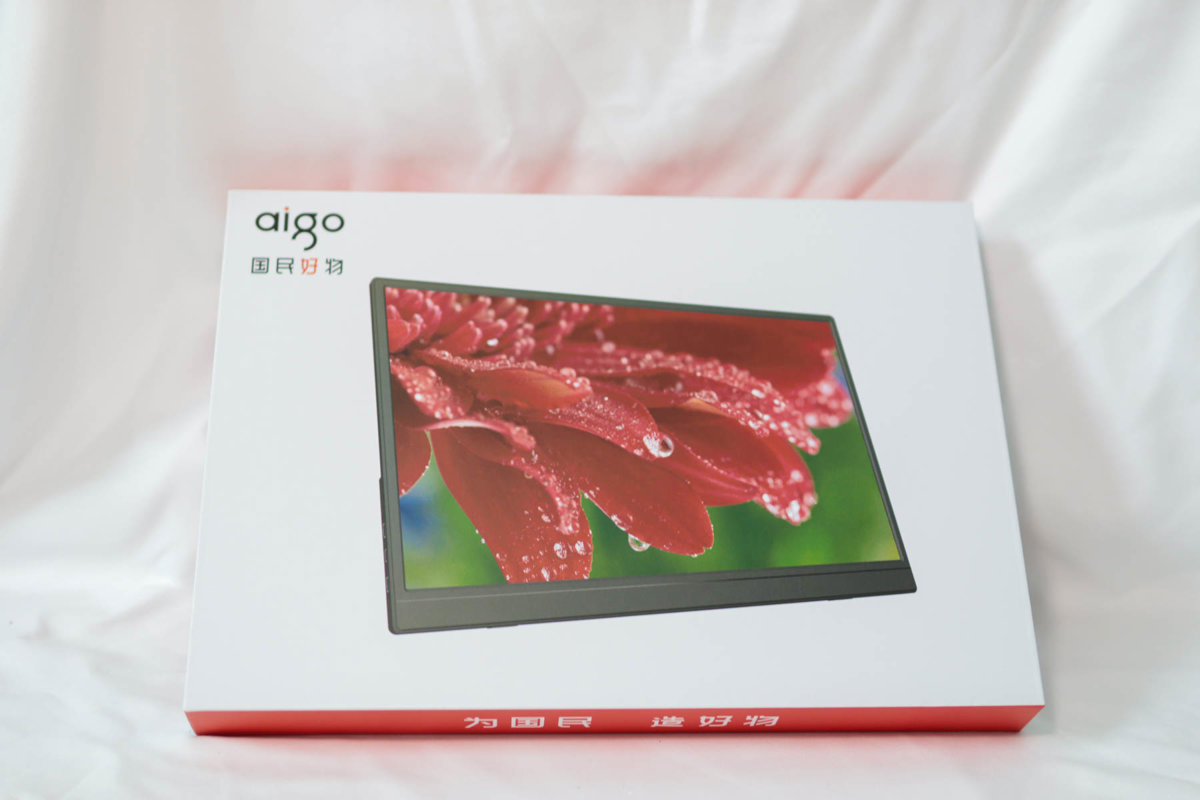
The packaging is still the same as last year's.
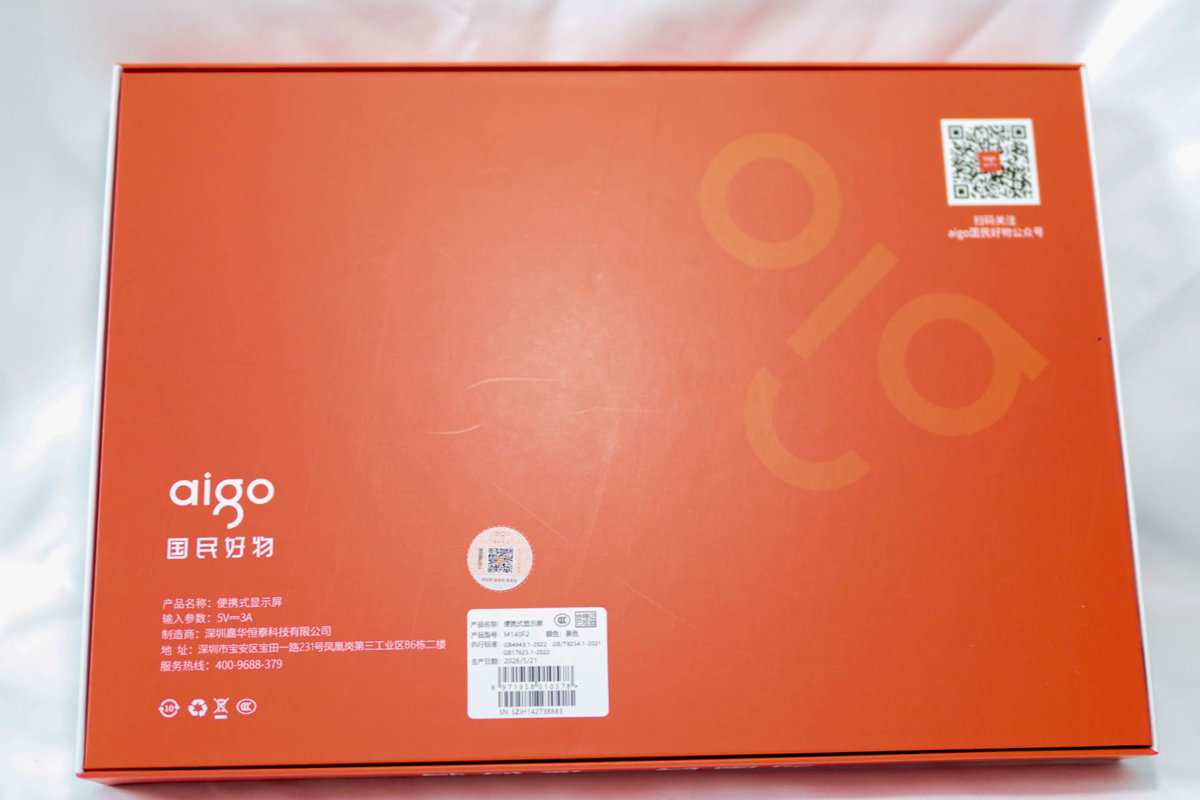
Back
Pretty much no difference, still this red design.
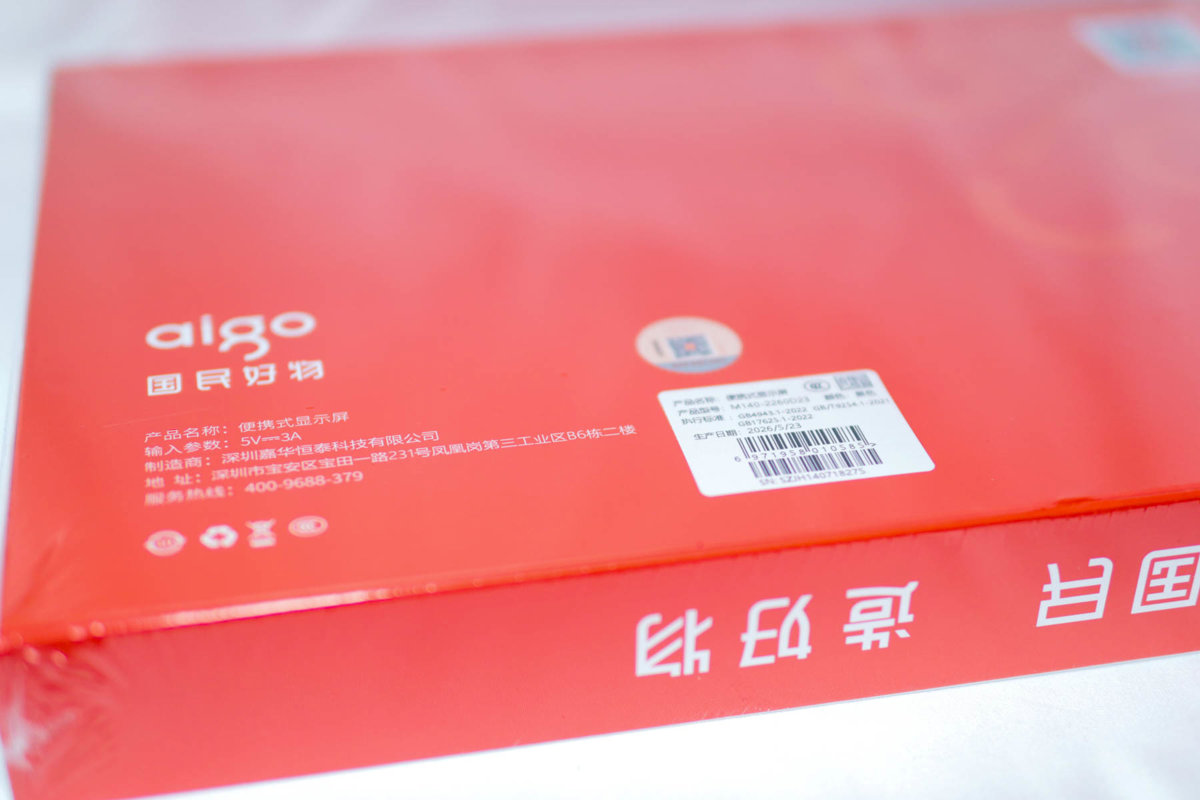
Maybe there's a difference in the serial number?
The Screen Itself
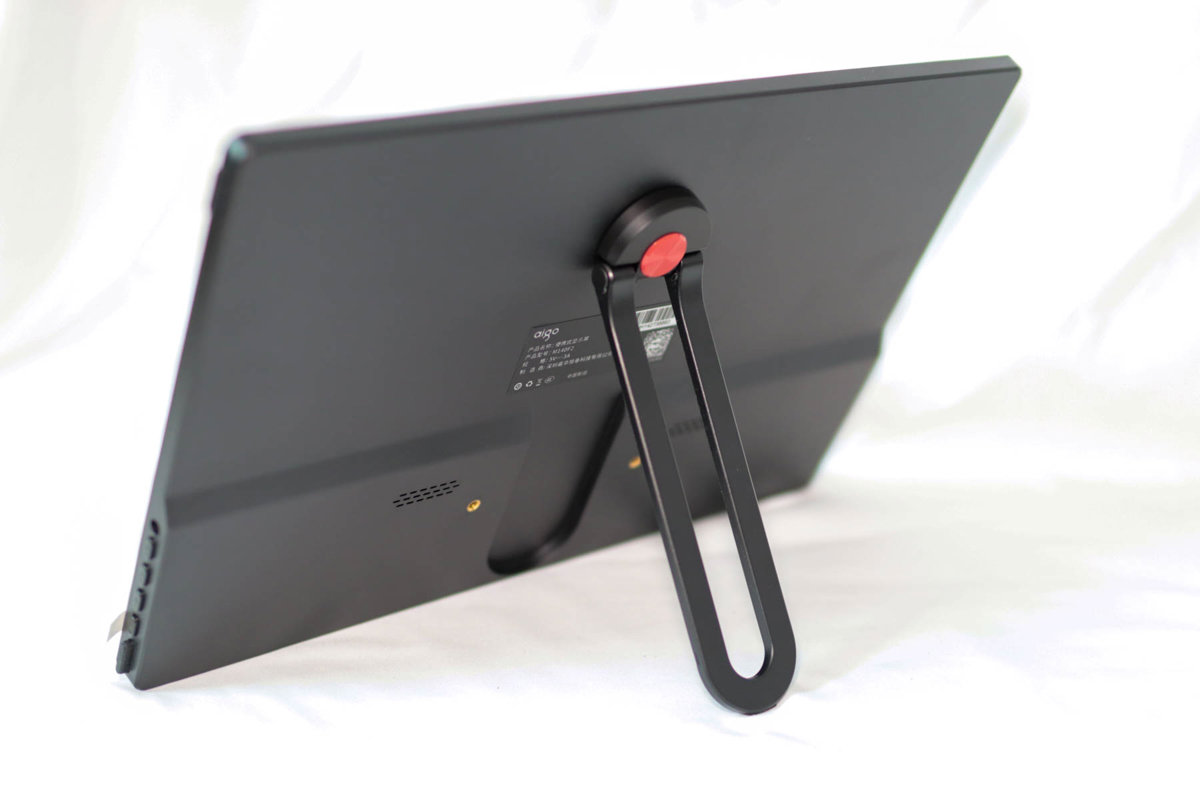
The biggest difference this time is that the stand has been redesigned.
Last year's stand was hard to pry open; the new stand is indeed easier to open, but why does it look so ugly 😂
The back still retains screw holes, making it convenient to mount on a stand.
The Stand
This stand supports rotation, so you can easily set the screen upright.
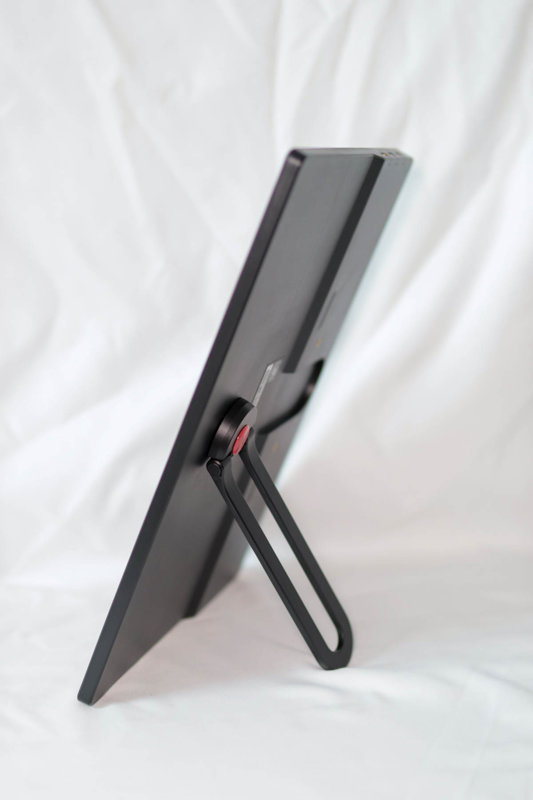
Adjusting the angle.
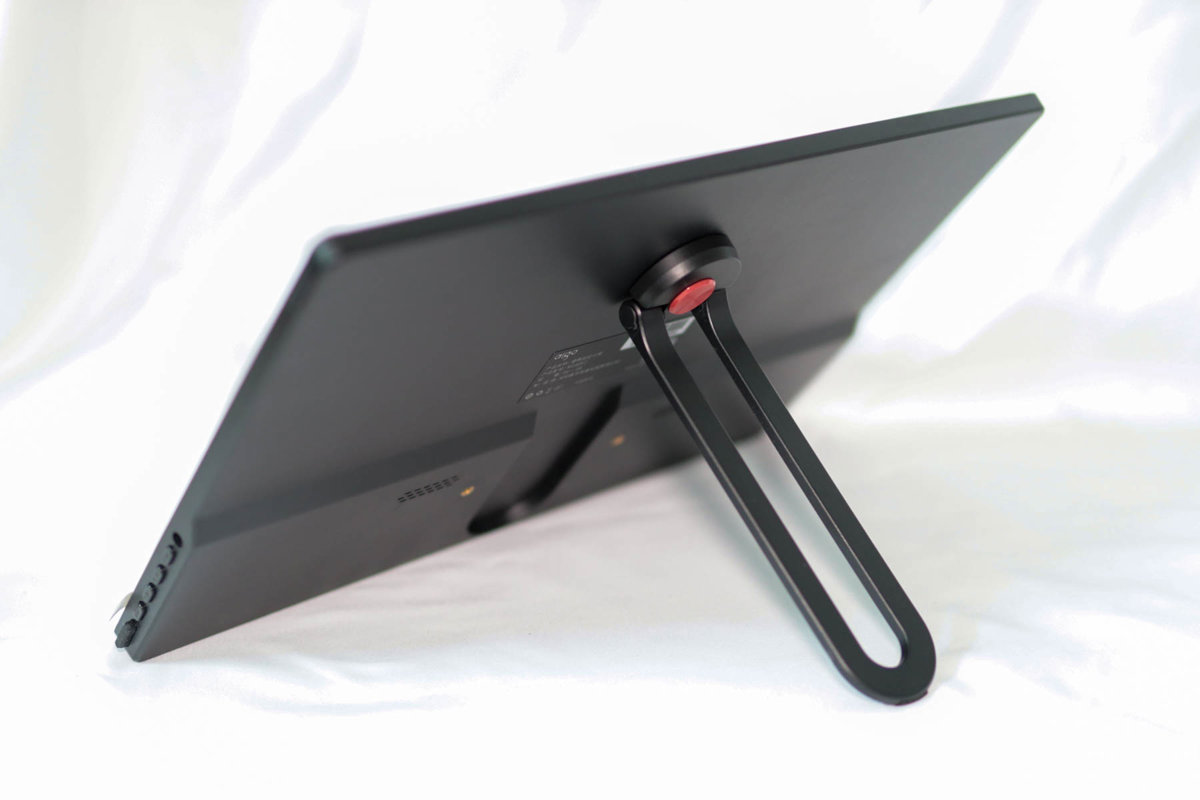
Overall, although this stand is ugly, it's reasonably practical.
But does everyone remember how I used it before? Placing the portable monitor on the laptop keyboard for a dual-screen effect.
Like in the picture below.
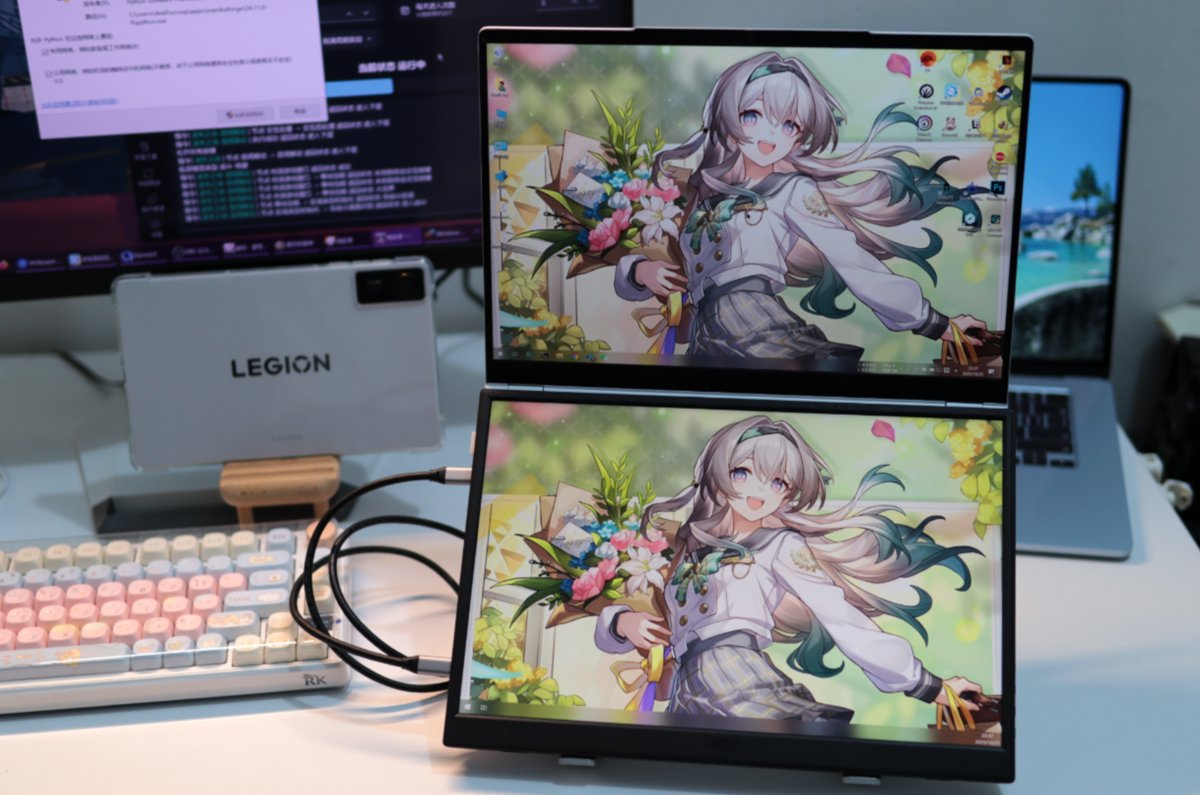
Previous portable monitors had basically flat backs, so placing them on the keyboard was no problem, but this new aigo14's stand has a very large protrusion that presses the keys when placed on the keyboard, basically ruling out this usage.
Usage Experience
In terms of color, it's basically the same as the one I bought last year.
But this year's model surprisingly doesn't support the DDC/CI protocol, so you can't adjust this display's brightness directly from the computer.
That's really not right—last year's still supported it.
It's not completely hopeless, though. I later learned how to adjust brightness on displays that don't support the DDC/CI protocol. Of course, that's a story for later, and I didn't test it on this aigo14 at the time.
I'll introduce this method in the next article.
_EOF_
Reverse Upgrade: Unboxing the 2026 aigo14 Portable Monitor
- 本文作者:
- 程序设计实验室
- 版权声明:
- 本博客所有文章除特别声明外,均采用 BY-NC-SA 许可协议。转载请注明出处!
相关文章
便携屏搭配笔记本,比我想象的更有用:爱国者aigo14开箱
笔记本加个便携屏,瞬间变双屏?这搭配挺有意思。爱国者这14寸屏够便携,但支架和扬声器差点意思。小瑕疵能忍,性价比就这样。
2025-11-19 · 显示器 · 约 1 分钟
便携屏最不能缺的功能是什么?ARZOPA 给了反面教材
348买的ARZOPA,CNC外壳挺秀,支架比爱国者强,可惜没DDC/CI。雾面屏看着就廉价,色彩也比不上aigo14。精致是精致,关键功能阉割,谁用谁知道。
2025-11-20 · 显示器 · 约 1 分钟
300 多块钱的 2K 14寸便携屏开箱,大家觉得性价比如何?
那位作者终于想起自己还有个数码号了。376块的2K便携屏,支架终于不智障了,音质却烂得跟恐龙玩具似的。最烦的是连DDC/CI都不支持,还好有ClickMonitorDDC这种邪门工具可以强控,不过亮度最高只能到35%——所以便宜没好货,这道理还要我教?
2026-07-09 · 显示器 · 约 1 分钟
298 元买了个没人听过的便携屏,我到底图啥?
买Eimio便携屏就为了试试皮套?298块,参数一般,包装简陋,亮度调到20%还是最亮,这DDC/CI功能简直是反人类设计。还不如直接买个内胆包+支架,至少稳定。
2025-11-22 · 显示器 · 约 1 分钟
讨论
共 0 条加载评论中…