

2021-11-03: 2021 6th Wo Cybersecurity Competition - WriteUp - MISC
Preface I haven't updated the blog or the WeChat official account for a long time. Some friends asked if I was cooking up something big, but I'm too embarrassed to admit that I've just been too lazy lately, slacking off like a salted fish… Once I realized I hadn't posted in ages, I did want to write something, but after all that slacking it seemed like there was nothing to share. I just took part in a CTF contest, so I'll share some of my solving process and thought process as a CTF newbie~ Because this would be too long, this first post will only cover the MISC part. Compared with the more fixed types of challenges, MISC is the most fun and really tests the breadth of your knowledge and imagination~~(and
目录14 个章节
Preface
I haven't updated the blog or the WeChat official account for a long time. Some friends asked if I was cooking up something big, but I'm too embarrassed to admit that I've just been too lazy lately, slacking off like a salted fish…
Once I realized I hadn't posted in ages, I did want to write something, but after all that slacking it seemed like there was nothing to share. I just took part in a CTF contest, so I'll share some of my solving process and thought process as a CTF newbie~
Because this would be too long, this first post will only cover the MISC part. Compared with the more fixed types of challenges, MISC is the most fun and really tests the breadth of your knowledge and imagination~~(and there are check-in challenges)~~
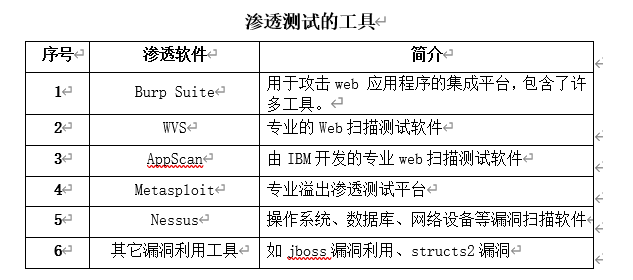
Recommended Penetration Testing Tools
Contest Recap
Let's take a look at what challenges this contest had
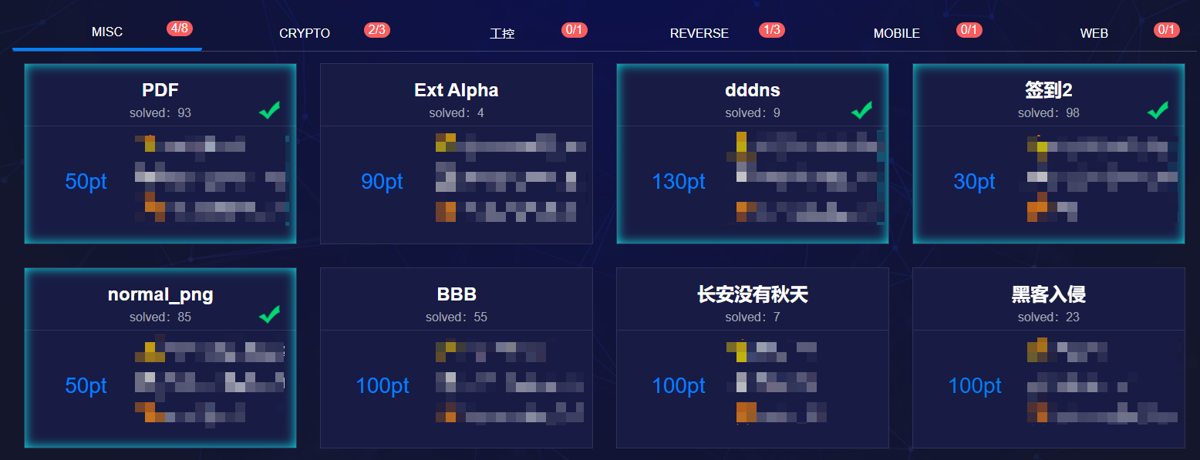
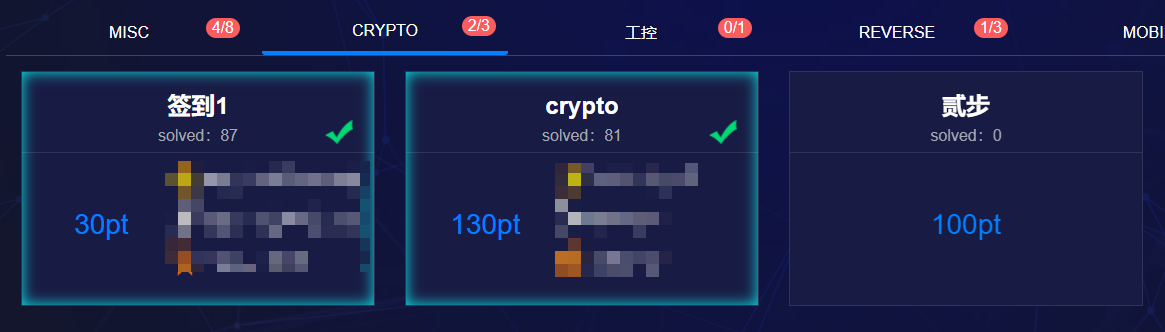
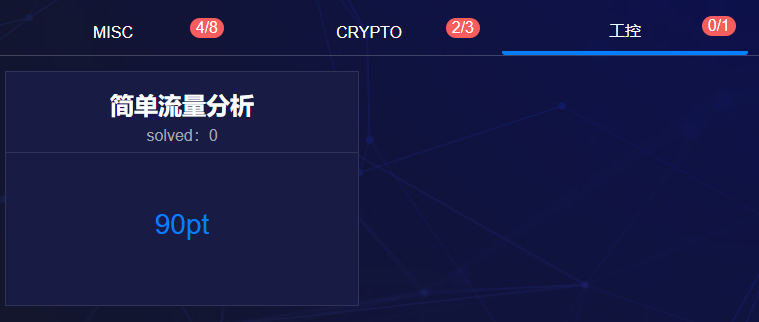
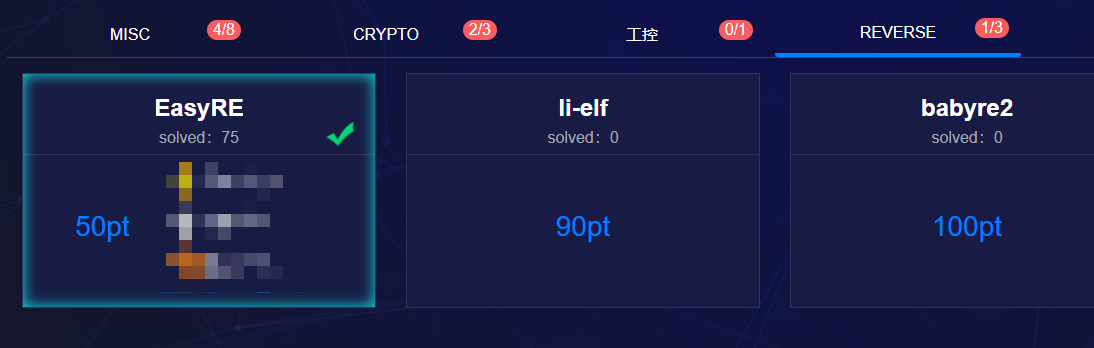
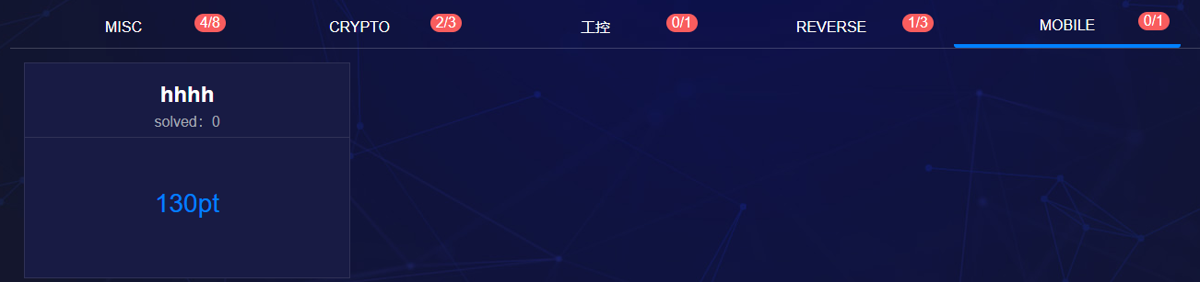
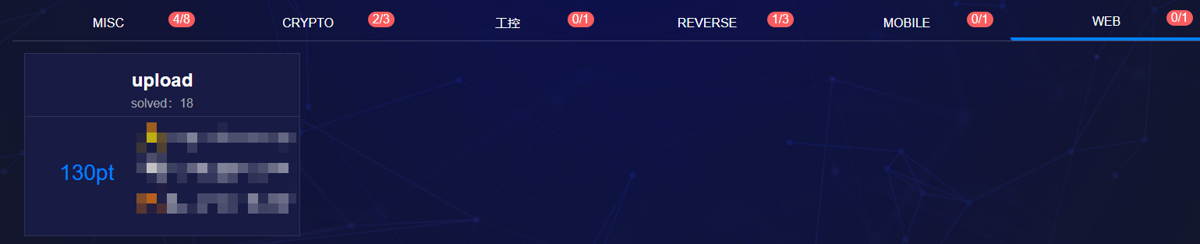
MISC
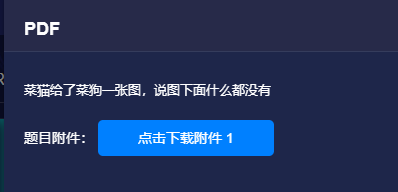
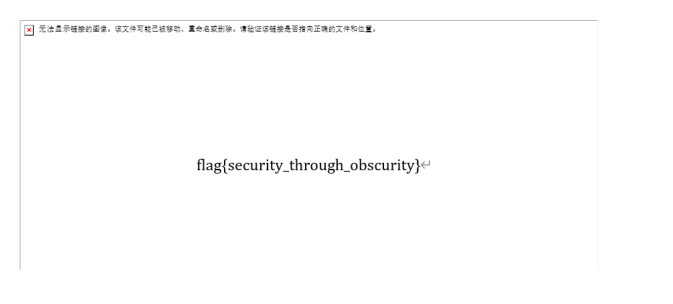
After downloading, it was a PDF with only one image inside, nothing else

Tried converting it to Word and got the flag
Ext Alpha
Looking at the challenge, there's no hint at all. Okay, download it first and take a look
Opening it shows a garbled file

Hmm… feels like a binary file, throw it into binwalk for analysis

Couldn't get anything out of it… then tried opening it with hex editors like UE and HEdit, but that didn't help. Could it be some other weird binary format? Let me try again
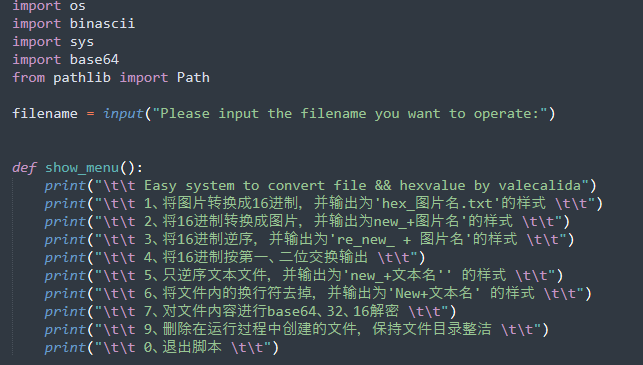
Found a Python file conversion script to try, still no luck
In the end I looked at the official writeup and learned there's a text encoding called Ext Alpha. Speechless =.= My approach was wrong from the start
The official WriteUp opened this file with Word.. as follows:
We first open it with txt and take a look:
Garbled. We need to open it another way. At this point we can try opening it with Word. Because when most fonts are uncommon under the initial text encoding, Word will pop up a font encoding change window. As follows:
Windows Simplified Chinese text encoding shows garbled text, so we can consider switching to other encodings:
As we can see, Ext Alpha is the encoding of this misc txt. The flag is: flag{0a07c11e46af753fd24d40023f0fdce1}


The challenge is literally named Ext Alpha, and the file encoding turned out to be exactly that. I really didn't expect it—I still don't have enough experience~
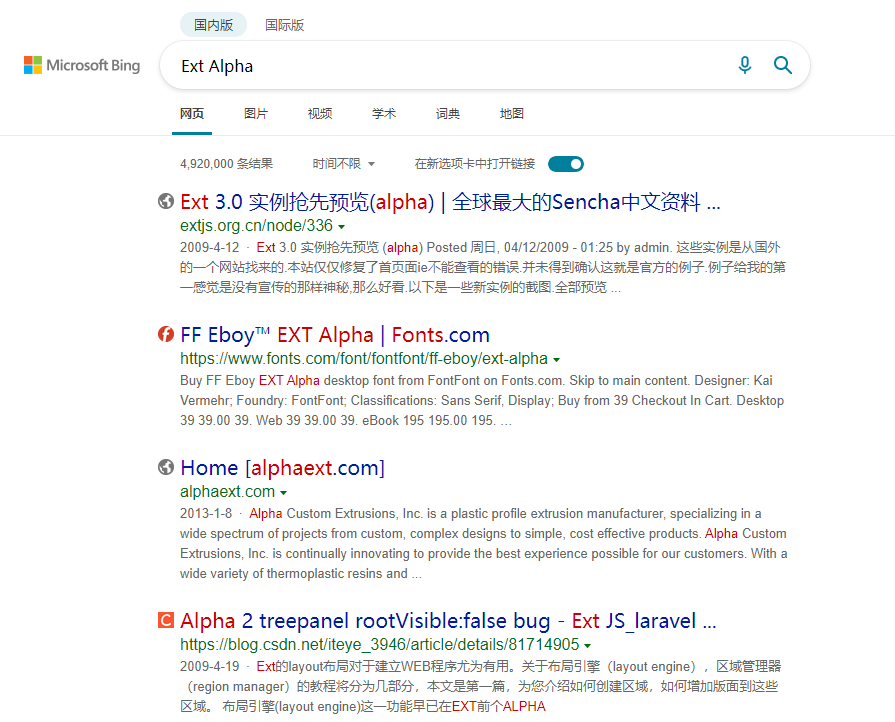
And this encoding is really that obscure; I couldn't even search it up…
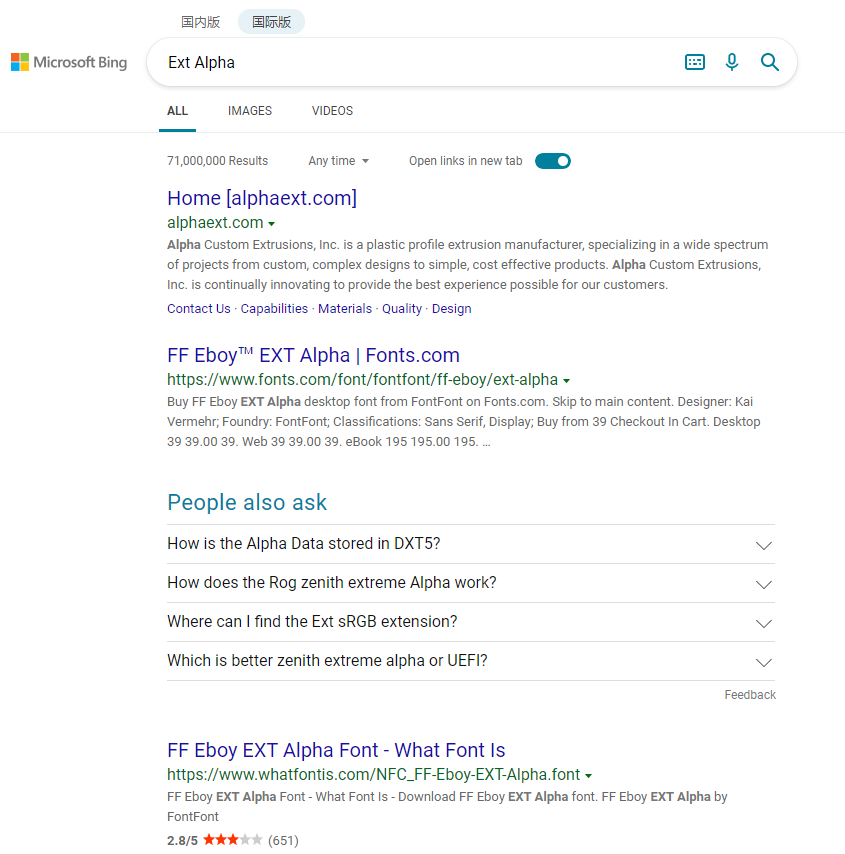
All I can say is, I learned something. 666
dddns
Another challenge with no hints. Let's download the attachment first
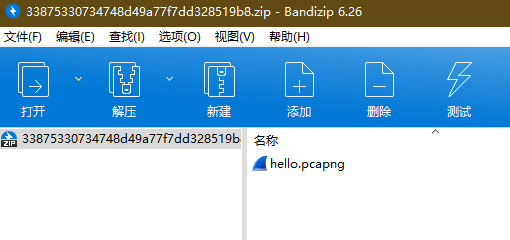
The download is a zip, and inside there's a Wireshark traffic capture
Opening it, it's all DNS traffic
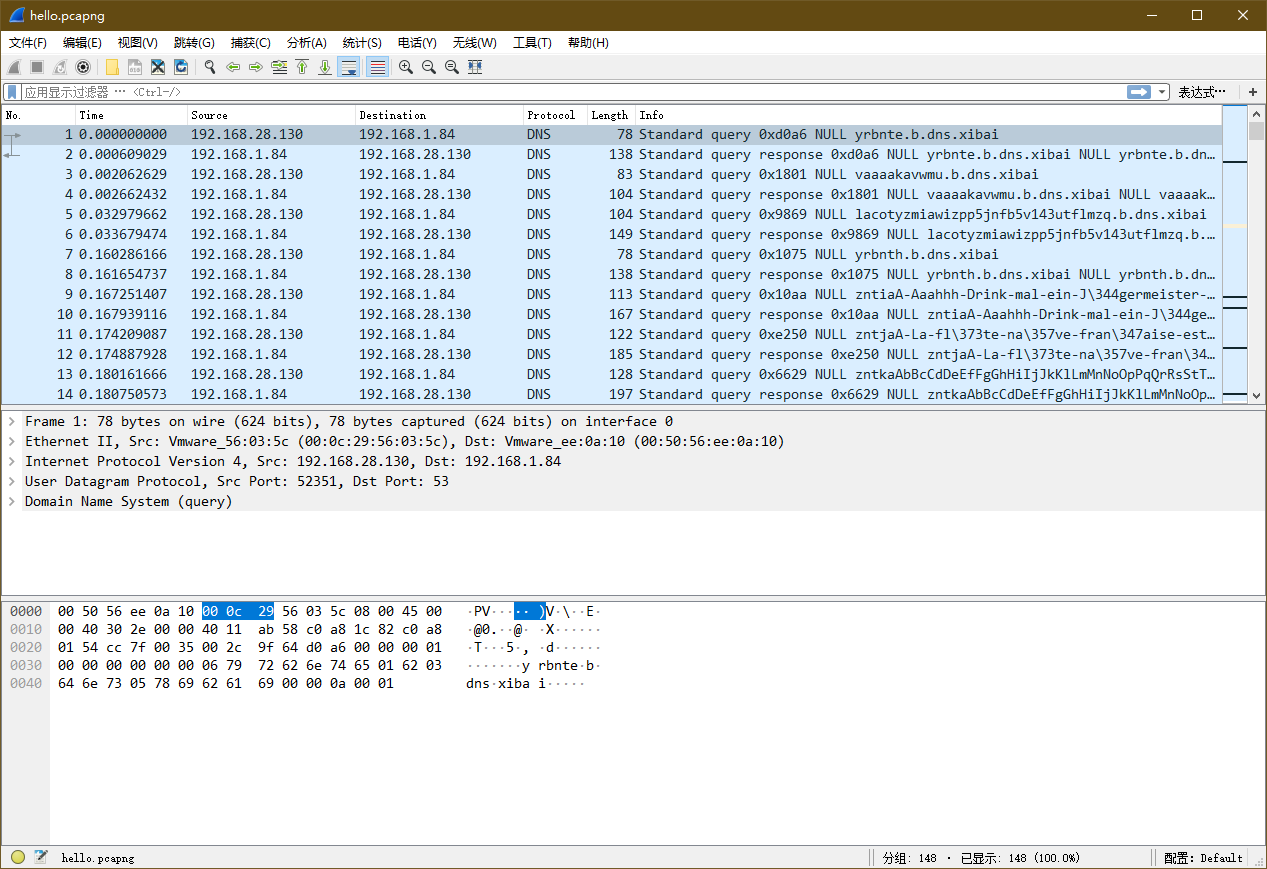
Analyzing the DNS traffic characteristics
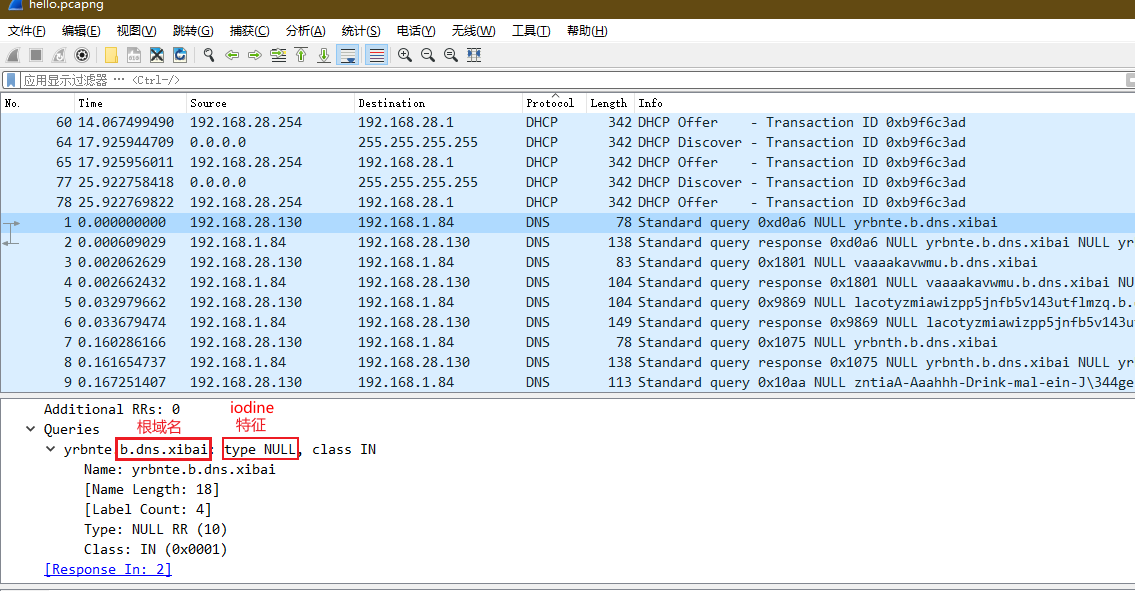
From that we get two pieces of information:
- Root domain: b.dns.xibai
- Keyword feature
type NULL: we can tell that the traffic in this capture is a DNS tunnel established with the iodine tool
Reference: DNS_Tunnel Analysis
The official writeup also has a script, probably found somewhere online~ Here's what the official writeup says:
"Note: do not use the pyshark library. When it parses domain names in DNS, it will decode non-ASCII characters into other garbled values. Just implement a simple DNS traffic parsing function yourself by hand"
I'm not very familiar with Wireshark packet analysis (didn't study computer networks seriously in college), but based on the analysis in the reference article, I found a ready-made script that can decrypt iodine traffic (parse the plaintext requests and responses carried in the DNS traffic)
I won't paste the code; I found it here: hxp CTF 2017 - Write-ups | Rawsec
After running it, it extracted
Successfully extracted 23 packets into test.pcapng
Open it again with Wireshark and follow the TCP stream
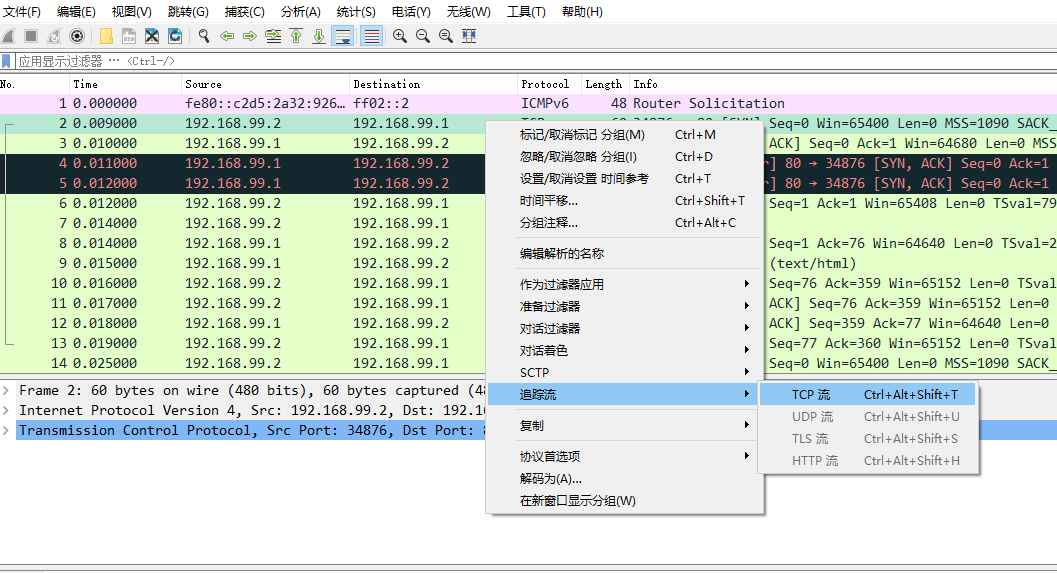
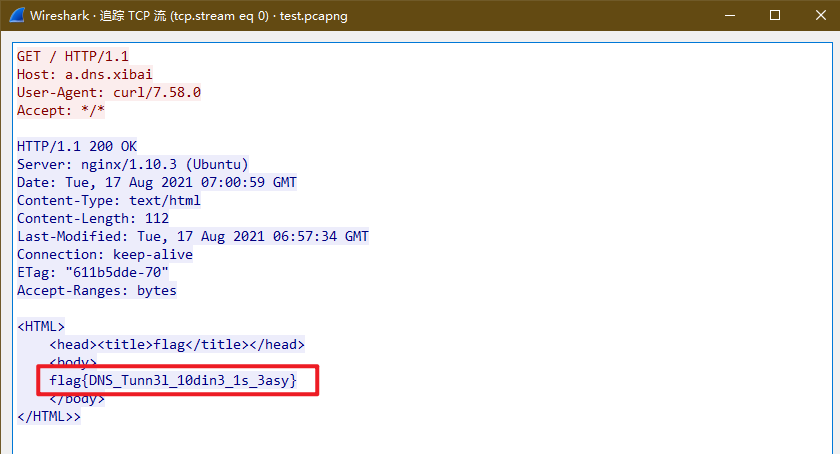
The flag came out!
Check-in 2
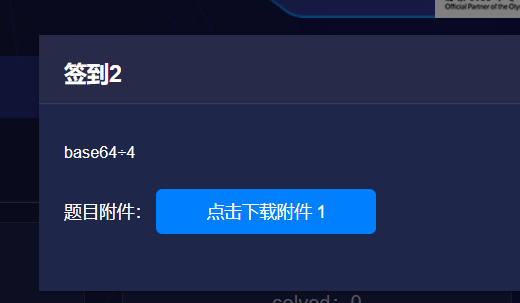
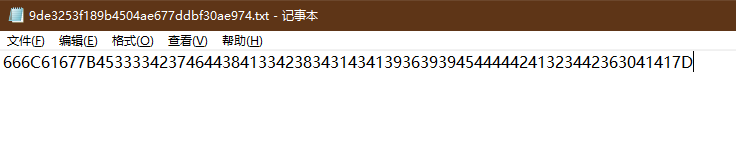
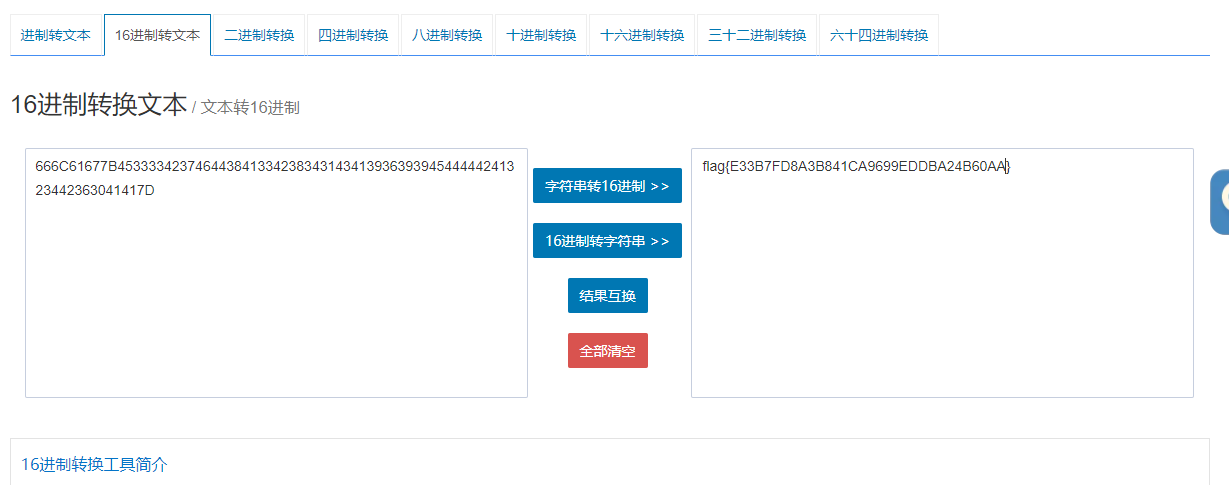
The challenge hint is "Base64÷4", but Base64 decoding doesn't work, and Base16 doesn't either. Guessed it was hex to string, and successfully got the flag
normal_png
Still nothing in the challenge description
Downloaded it to take a look—just a simple image

Same old routine, analyze it with binwalk

Sure enough it wasn't a simple image; something was hidden. Pull up Hex Editor; this time we modify the PNG height to reveal what's hidden
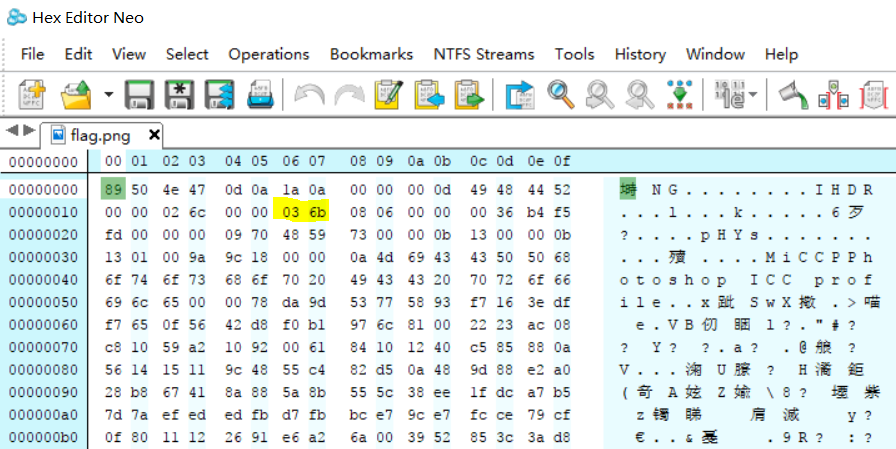
Change 03 6b to 04 6b
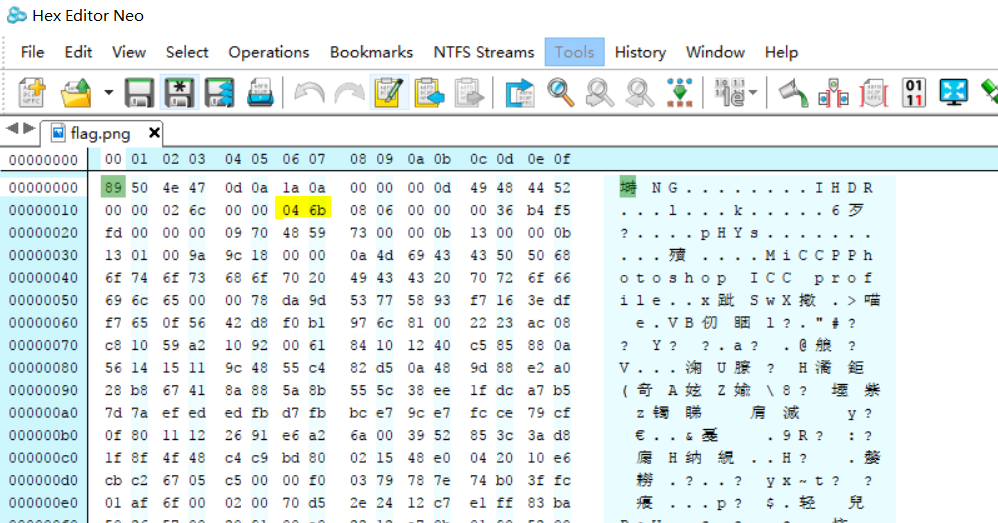
You can see the flag appeared

BBB
Still no challenge description
The file is a zip; inside there's Python code
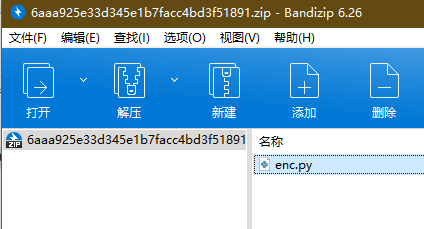
Open it and take a look
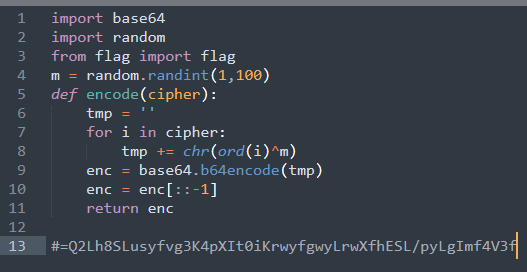
Looks like this is encryption code, and the comment on line 13 is the ciphertext after encryption.
So here we write a decryptor based on this encryption function, plug in the ciphertext and decrypt
From the code, the encryption approach is: first generate a random number (between 1 and 100), XOR the ASCII value of each character in the plaintext with that random number, then Base64-encode the XOR result, then reverse it to get the ciphertext.
Write the decryption code with reverse thinking: first Base64-decode the ciphertext then reverse it, then brute-force the random number to get the flag
def decode(enc):
    tmp = base64.b64decode(enc[::-1])
    for k in range(1, 100):
        flag = ""
        for i in tmp:
            flag += chr(ord(i) ^ k)
        if "flag" in flag:
            return flag
PS: For Python 3, change
flag += chr(ord(i) ^ k)toflag += chr(i ^ k)
Run it
print(decode('=Q2Lh8SLusyfvg3K4pXIt0iKrwyfgwyLrwXfhESL/pyLgImf4V3f'))
Brute-forced: flag{963f488de2659f523448ca2a6f274686}
Chang'an Has No Autumn
No challenge description. Not sure what this name is about
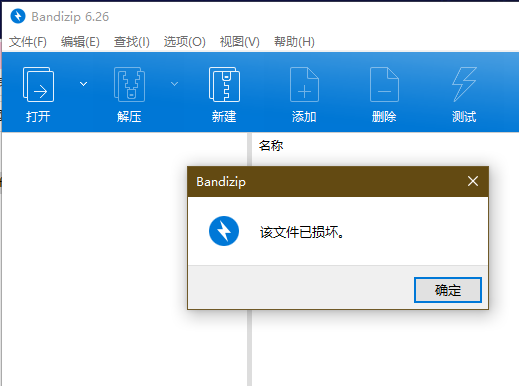
Another zip. Oho, it's a corrupted archive
There's a comment, and it's encrypted
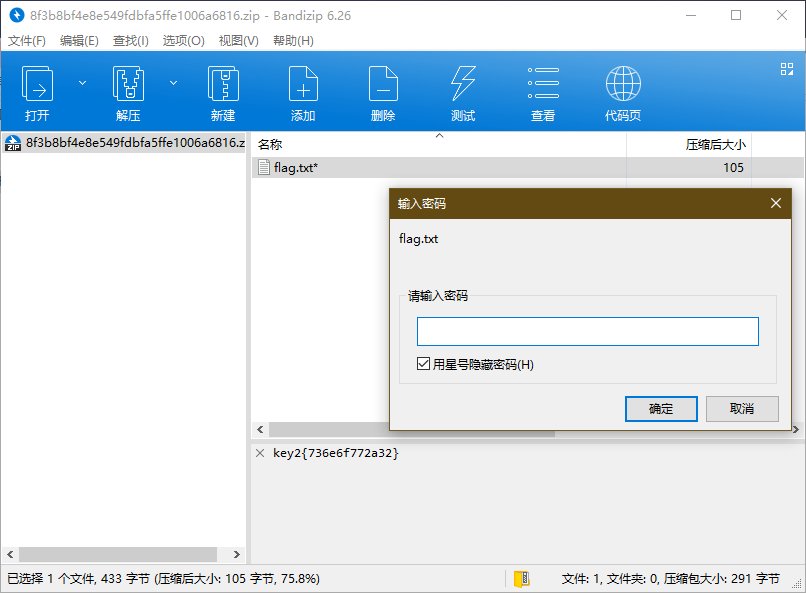
The flag is in that file inside, so let's see what the password is
First there's this comment key2{736e6f772a32}, which looks like a hex string. Decode it and get snow*2
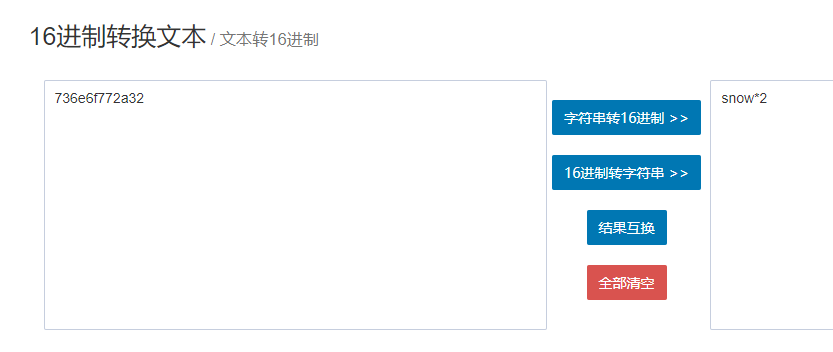
Tried snow*2 and snowsnow as passwords, neither worked. But of course the challenge wouldn't be that easy. Since this is key2, there should also be a key1.
Recalling that it prompted that the archive was corrupted when we opened it, there should still be something hidden in this zip. Open it with 010 Editor and take a look~ Sure enough, there was some extra stuff tucked in
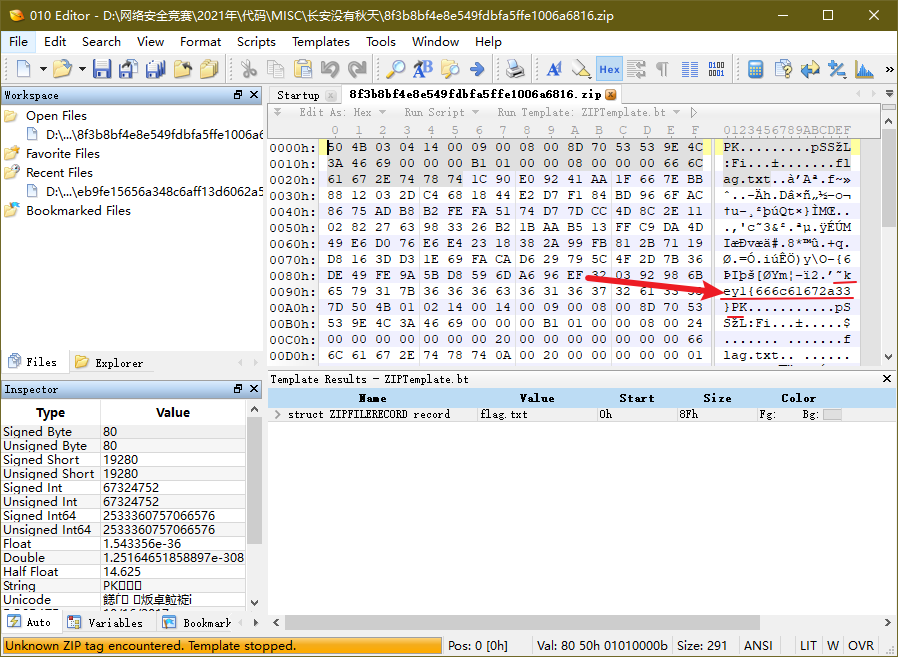
So we got key1: key1{666c61672a33}. Decode the hex again
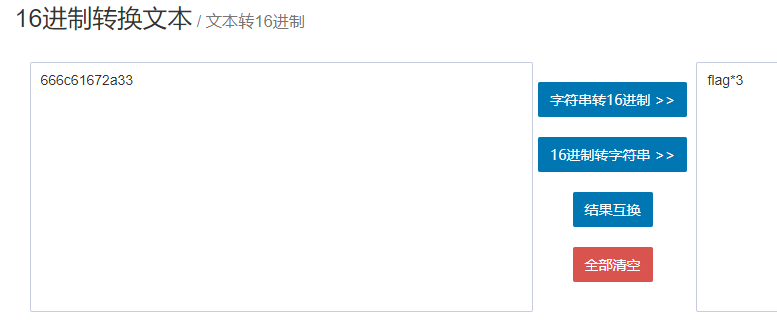
Tried unzipping the flag with flag*3 and flagflagflag. It worked, but this file…… is a bit weird
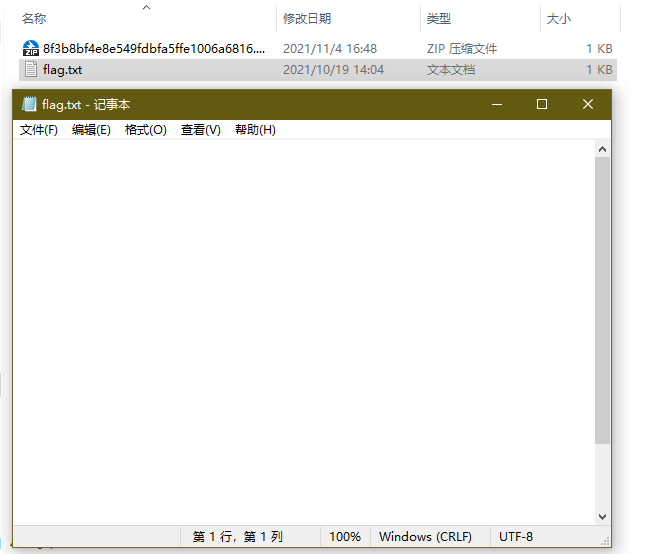
It looks like a blank file, but there's actually something in it
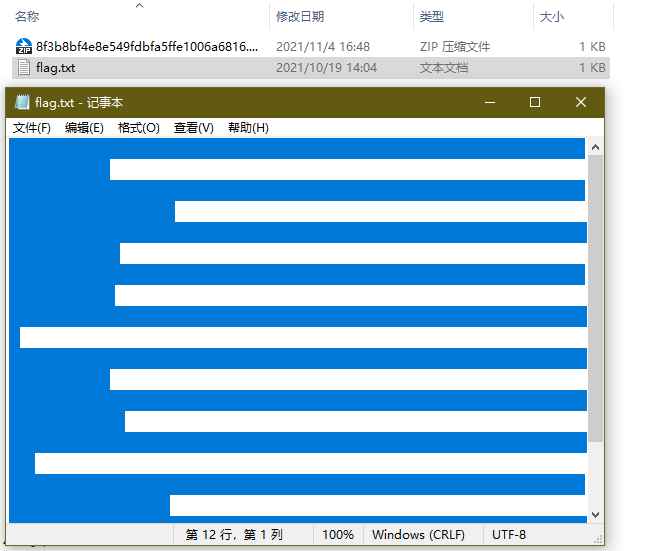
Combined with key2 having snow*2 earlier, that suggests snow steganography, and the password should be snowsnow~
References:
- CTF Steganography Notes - Jianshu (jianshu.com)
- CTF-MISC Steganography Summary - FreeBuf Cybersecurity Industry Portal
- Snow - Whitespace Steganography Tool (sbmlabs.com)
- SNOW tool download: The SNOW Home Page (darkside.com.au)
Try decoding with the snow tool:

Nice! Got the flag! Next challenge~
Hacker Intrusion
Last challenge of the MISC section~ This time there's actually a hint, but it's not very useful
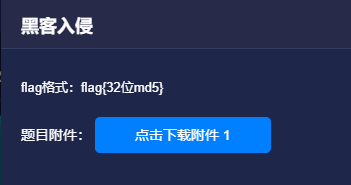
Downloaded it, still a zip, and nested too
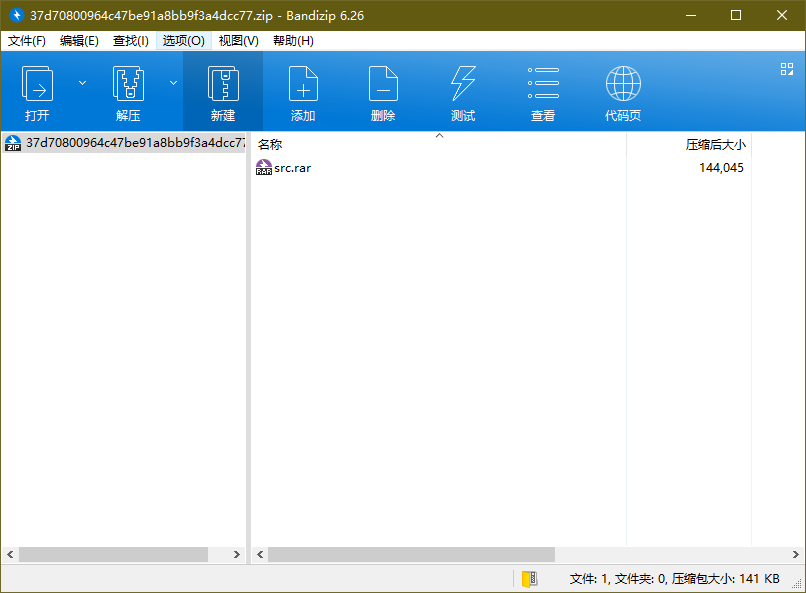
So I keep unzipping
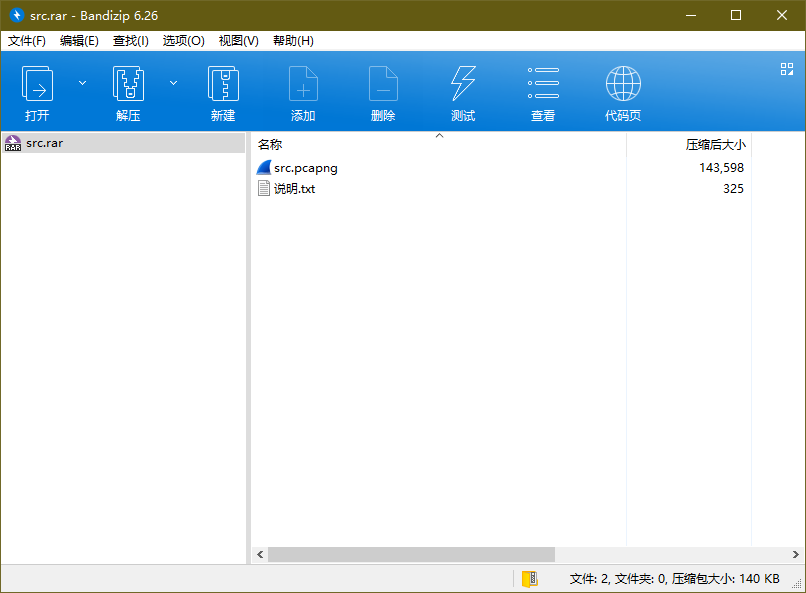
There's also a readme
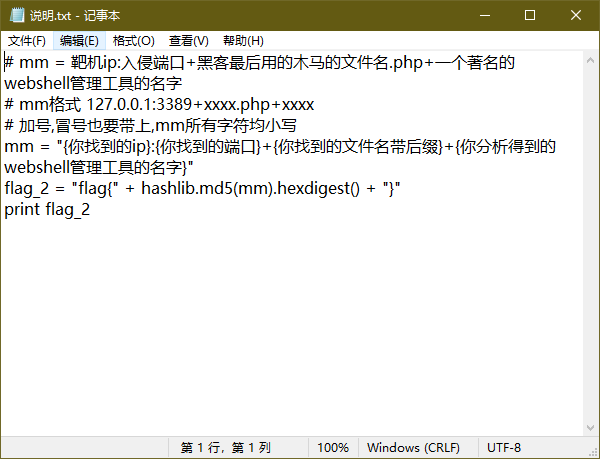
So we need to analyze the traffic and identify the webshell. Let's get started, first open it in Wireshark
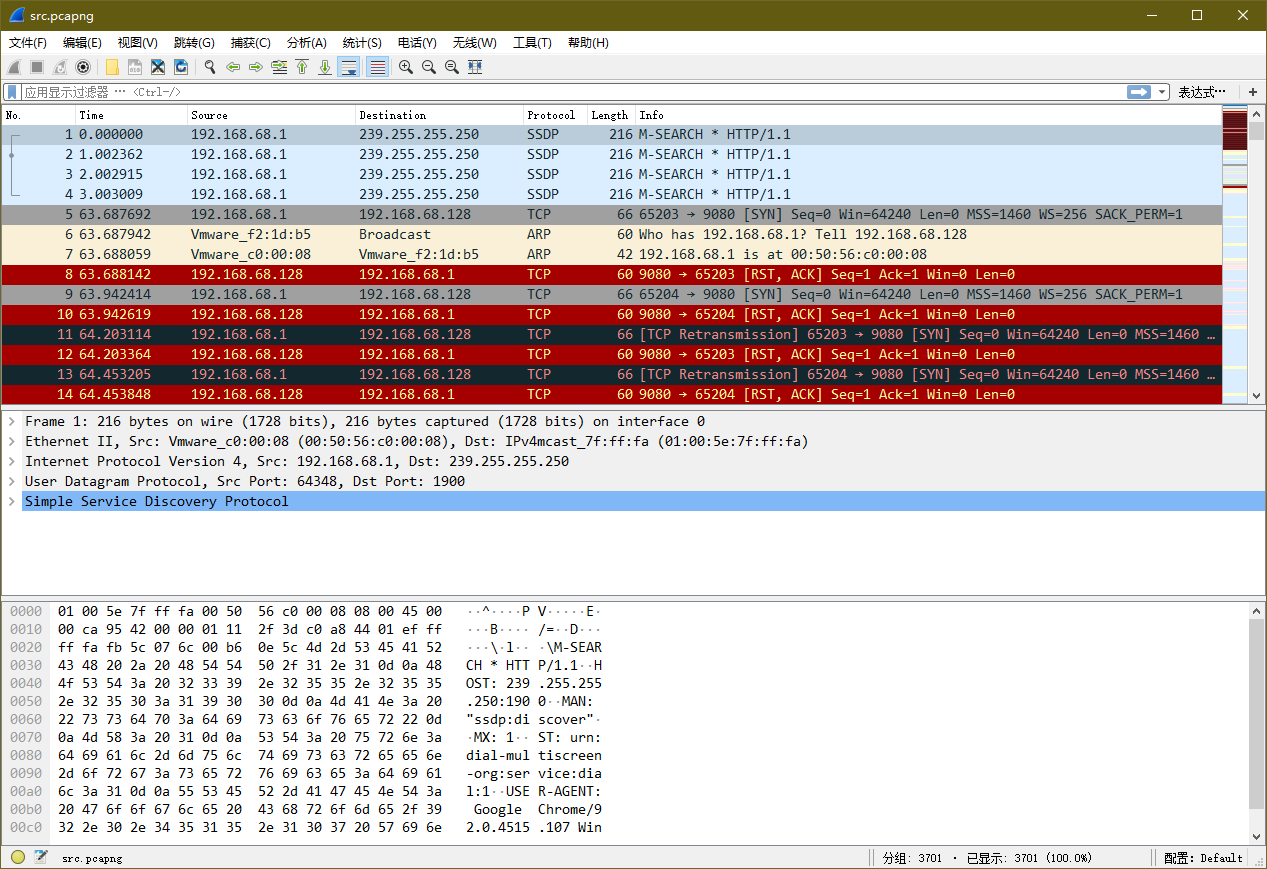
Filter for the HTTP protocol, and see that all the requests are from IP 192.168.68.128
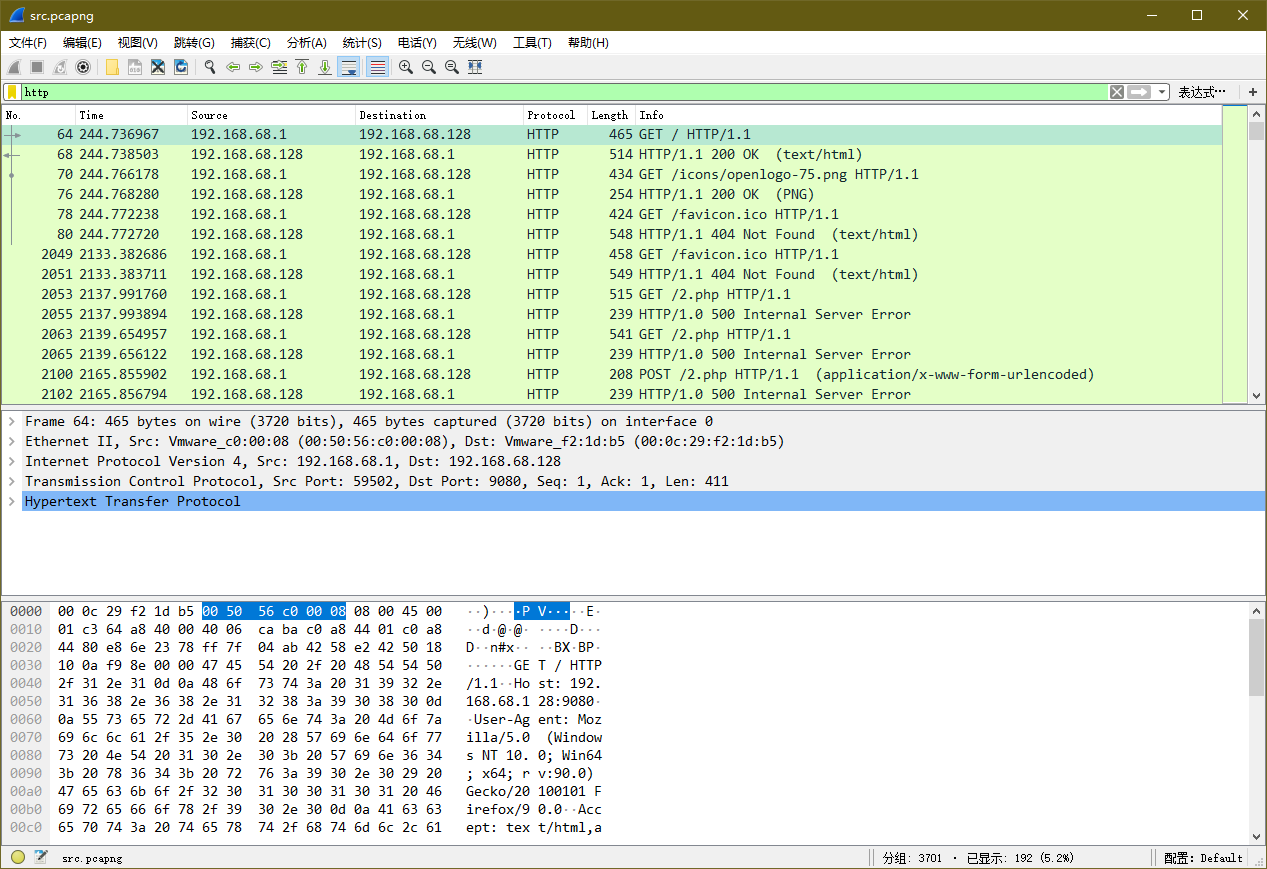
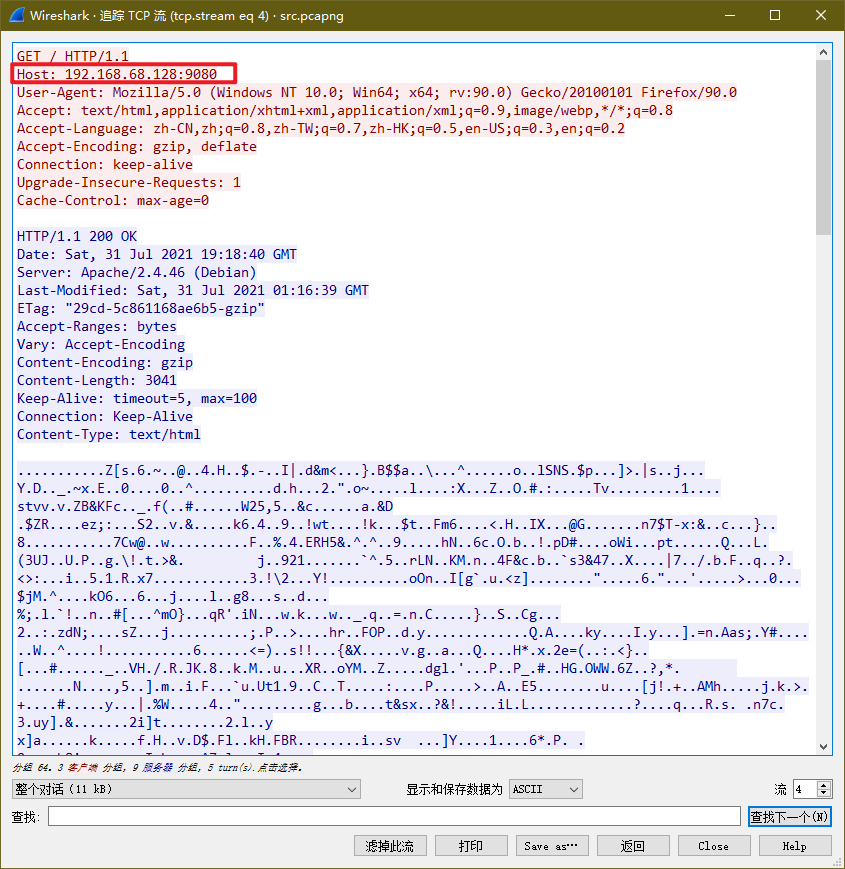
Follow the TCP stream, Host: 192.168.68.128:9080, port 9080
The hint asks for the filename of the last trojan the hacker used, so find the HTTP request packet with the largest no. value
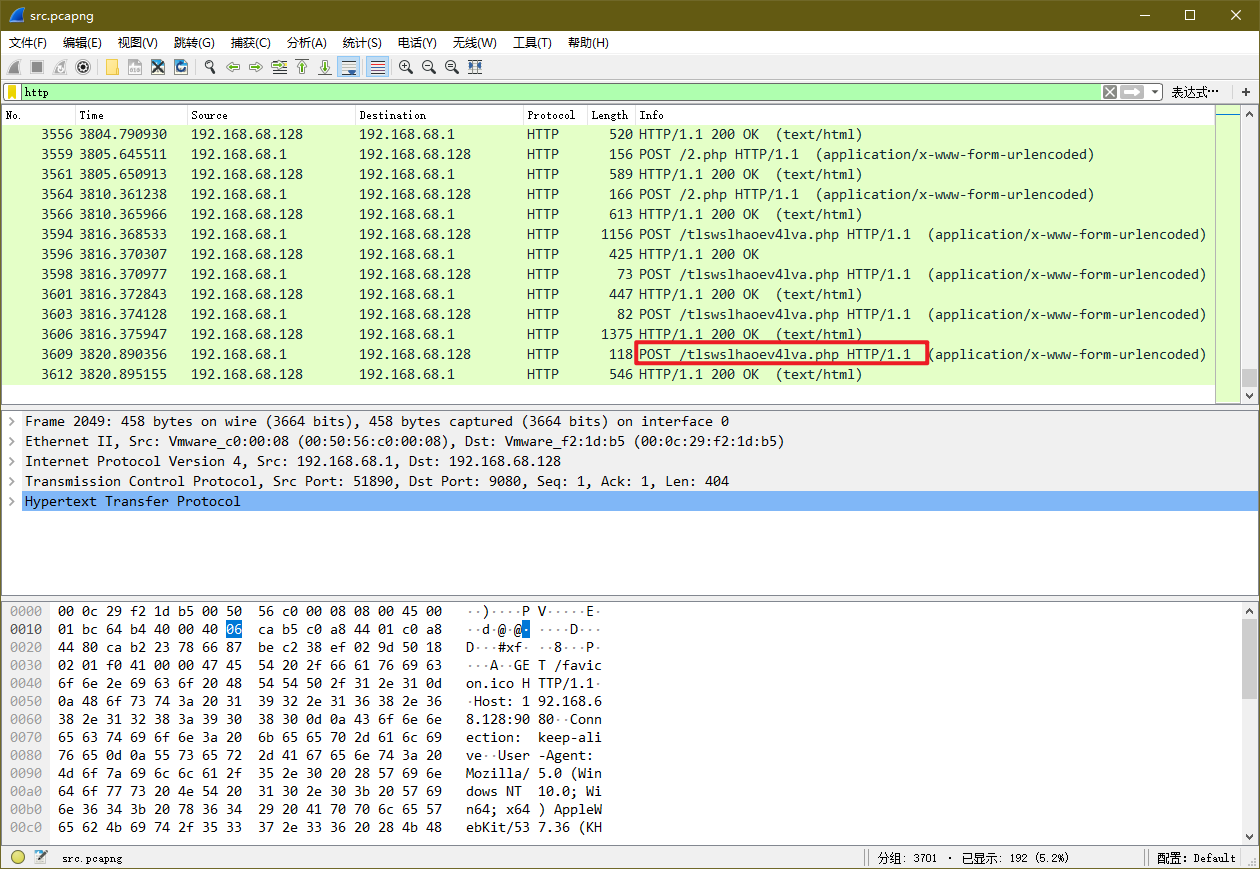
So the last trojan name is: tlswslhaoev4lva.php
Next we need to find “the name of a well-known webshell management tool”. Continue following the TCP stream
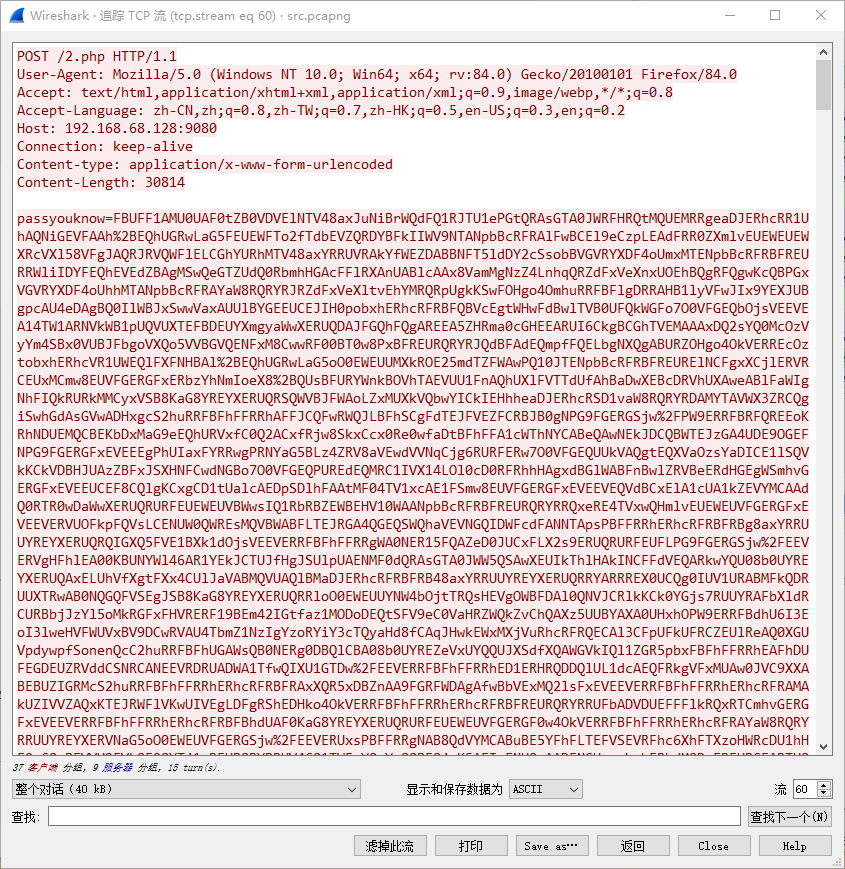
The traffic is encrypted. Continue
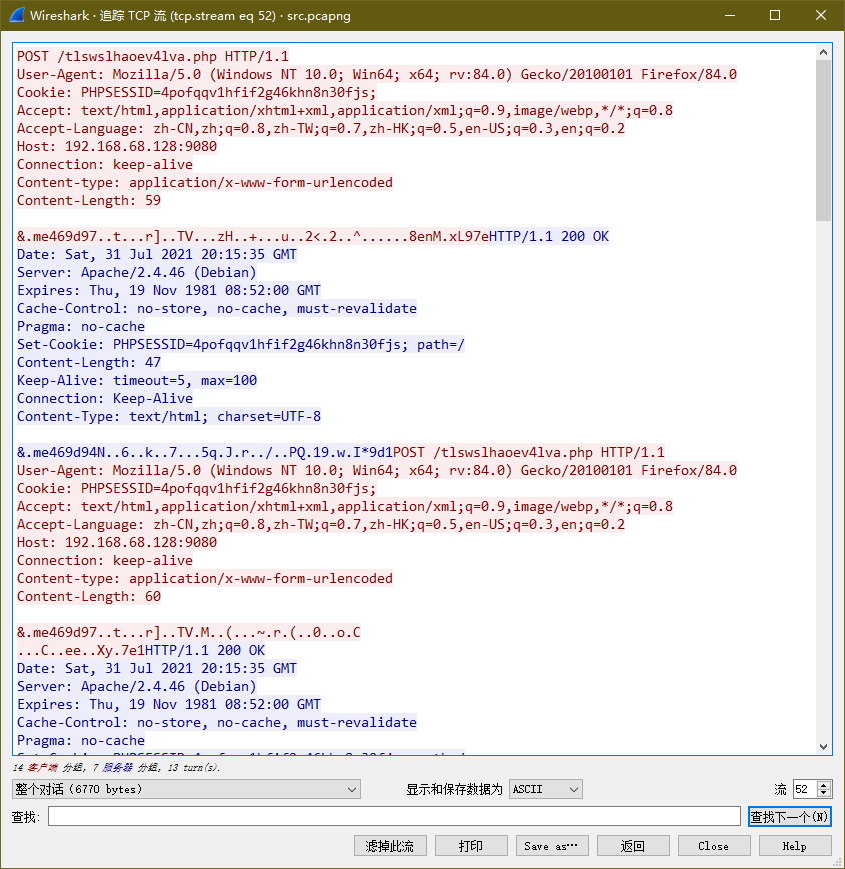
Alright, here we can only rely on experience, or just try the few mainstream webshell management tools one by one
- godzilla
- caidao
- antsword
- behinder
This signature should be godzilla. Next, compute the MD5 and we can get the flag~
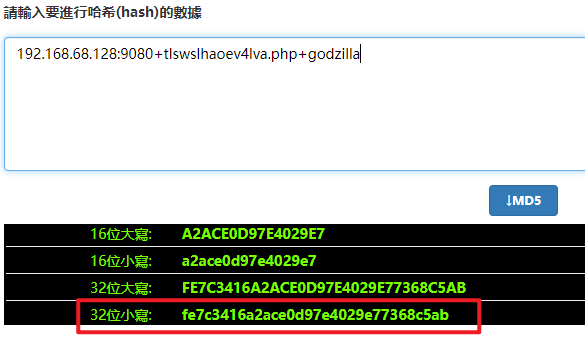
Online tool: MD5 Online Encryption (HASH) Tool - 010tools
Final flag: flag{fe7c3416a2ace0d97e4029e77368c5ab}
References
- Shiyanbar CTF Problem Set - WEB (partial)
- "Baidu Cup" CTF September Contest Upload Solution - Wangluo Ganshen's Blog - CSDN Blog
- Common Sensitive File List in CTF - Jianshu (jianshu.com)
- Virginia (Vigenère) Keyless Decryption - Aslani's Blog - CSDN Blog
- CTF-Misc (base64÷4, Magical Modbus) - m0_46335150's Blog - CSDN Blog
- XCTF-Attack and Defense World-Cryptography crypto-Advanced Zone-writeup - Ryannn_'s Blog - CSDN Blog
- CTF Vigenère Cipher shanghai (copyfuture.com)
- Better2021 CTF Writeup(2): A Simple Math Problem - Zhihu (zhihu.com)
Online Tools
_EOF_
2021-11-03: 2021 6th Wo Cybersecurity Competition - WriteUp - MISC
- 本文作者:
- 程序设计实验室
- 版权声明:
- 本博客所有文章除特别声明外,均采用 BY-NC-SA 许可协议。转载请注明出处!
相关文章
五彩斑斓的黑:记一次学习和一场比赛
题记 说起黑客, 我就想起之前看过的《中国黑客史》 作为熟读n部知名黑客小说的人 我最向往的是世纪之交的那个 “中国黑客的黄金时代” 那个黑客精神高于一切的 五彩斑斓的时代。 网安 这是我第一次参加网络信息安全类的竞赛,虽然以前就觉得黑客技术很酷,但一直没啥机会学习,所以对我来说,黑客的各种眼花缭乱的操作着实很神秘,不过等到真正开始学习,开始实操之后我就发现了,网络安全领域,真的很吃经验,各种奇奇
2022-06-17 · CTF · 约 1 分钟
2020-09-08-第一天:CTF-Crypto
这第一天CTF记录?一堆图啥也没说,看得我翻白眼。谁会浪费时间看这种东西?
2021-12-18 · CTF · 约 1 分钟
2020-09-08-第一天学习:概念了解
第一天学习概念了解?呵,无聊透顶。概念?就这?翻白眼。
2021-12-18 · CTF · 约 1 分钟
博客上线
终于上线啦! StarBlog博客项目从春节开始,跨越三个季节终于上线了~ 其实服务器这几天已经部署好了,然后我又测试了一会,暂时觉得OK,终于可以和大家分享了~ 博客地址是:blog.deali.cn 欢迎访问哈~ PS:友链模块即将完成,欢迎各位站长大佬们来交换友链~! 系列文章 顺便回顾一下已更新的12篇文章,接下来要介绍RESTFul接口和管理后台的前端开发了,欢迎继续关注~ 基于.Net
2022-06-20 · StarBlog博客开发笔记 · 约 1 分钟
讨论
共 0 条加载评论中…