Continuing the experience with a 65% layout keyboard, testing the Silver Eagle Y65S with WGA switches, is the mid-range switch feel worth it?
Yindiao Y65S, good-looking but with a mushy and dull typing feel, just average. The driver interface is more pleasant than RK's, but the Muye switches with 58gf actuation force bottom out throughout—who gave them the courage? There's an extra piece on the left side, causing accidental touches to the point of doubting life.
目录15 个章节
Preface
Keyboard is definitely something young people can't resist touching 🤦♀️
I've played with so many 75% keyboards ⌨️
Recently, I've become obsessed with 65% layouts (Is it just as the "keyboard guru 😎" says, that customization eventually leads you to a 45% layout?)
Last time we talked about the RK R65
It’s good, but the driver is terrible, and the official business practices are a bit ugly 💩. A year has passed, and they’re still clearing inventory with the old model that doesn’t support QMK/VIA protocols, even though it has been on sale abroad for a long time.
But despite the criticism, if the new model goes on sale domestically, I’ll still buy it through tears 😭
OK, this time I’ve set my eyes on another 65% layout keyboard, the Silver Y65S. Let’s take a look at how it is~
Packaging
Standard packaging
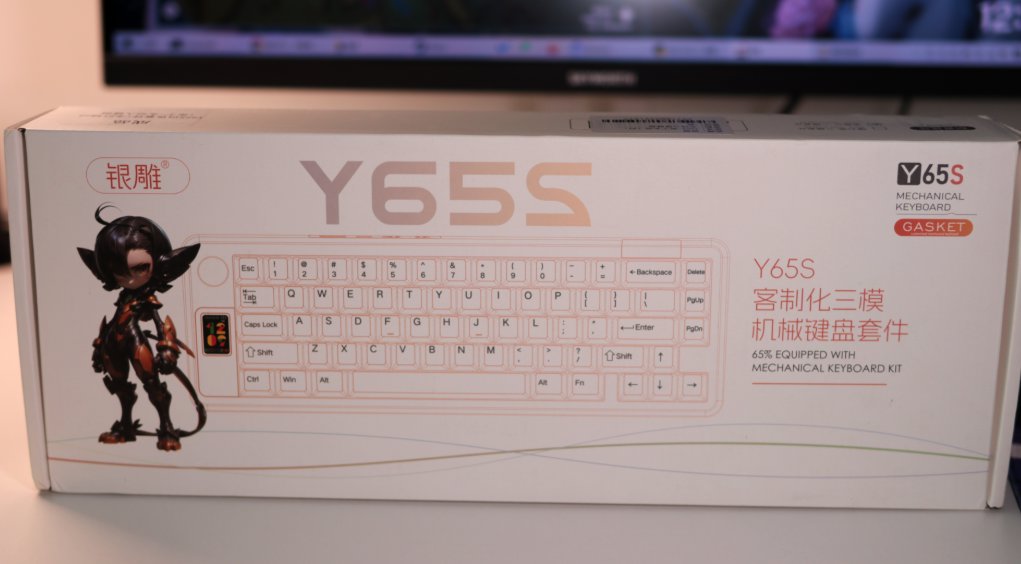
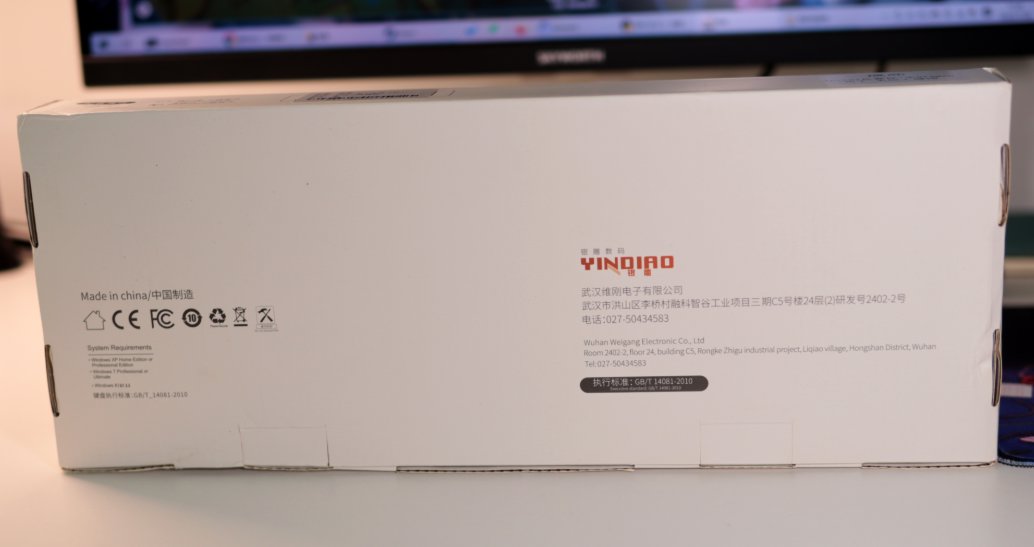
Back view
Unboxing
That's it
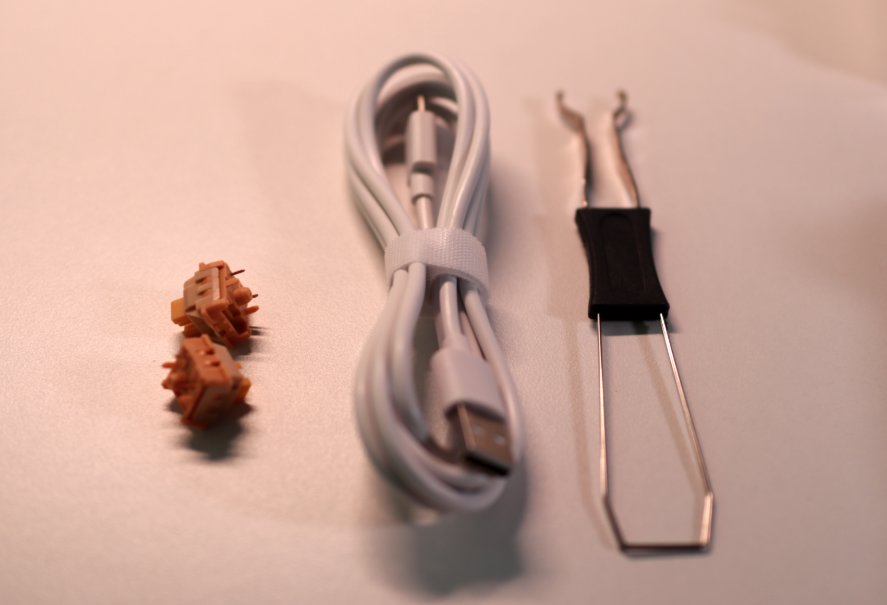
Accessories
Classic Three-Piece Set
The Keyboard Itself
So flashy! I love this color scheme.
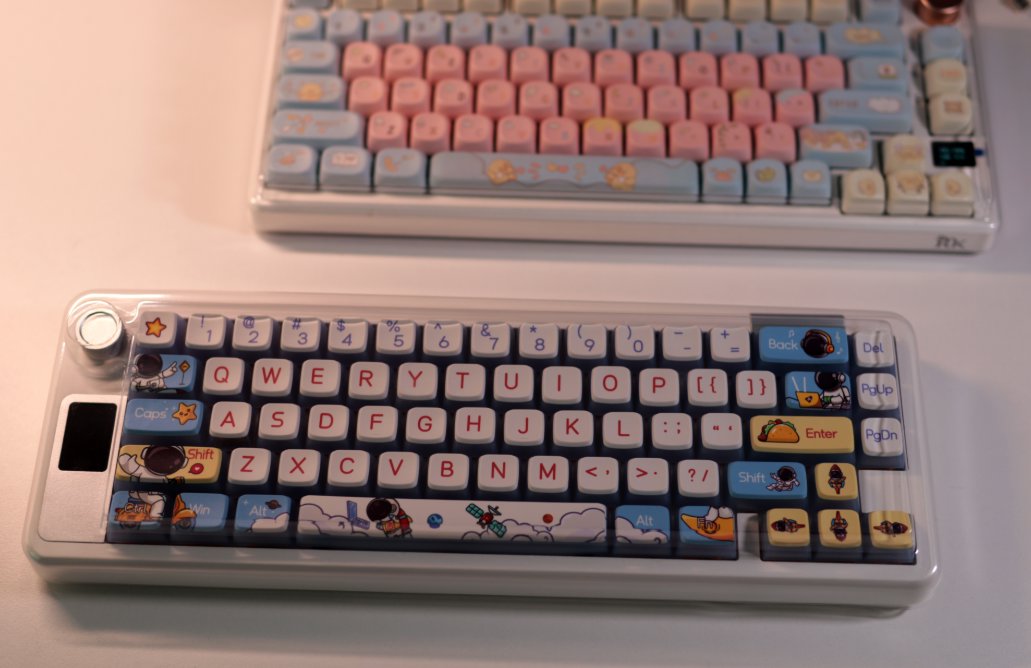
Remove the Dust Cover
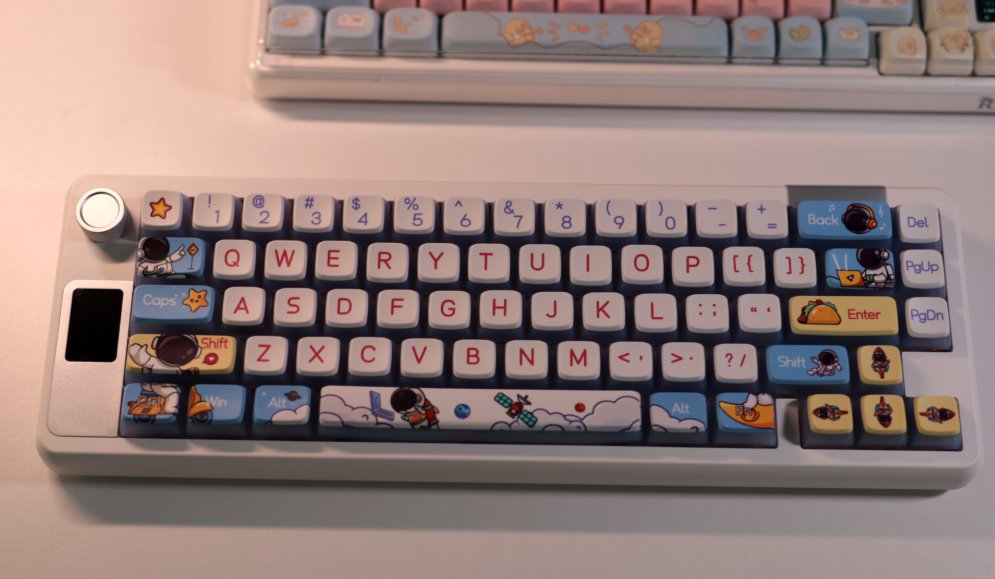
Back of the Keyboard
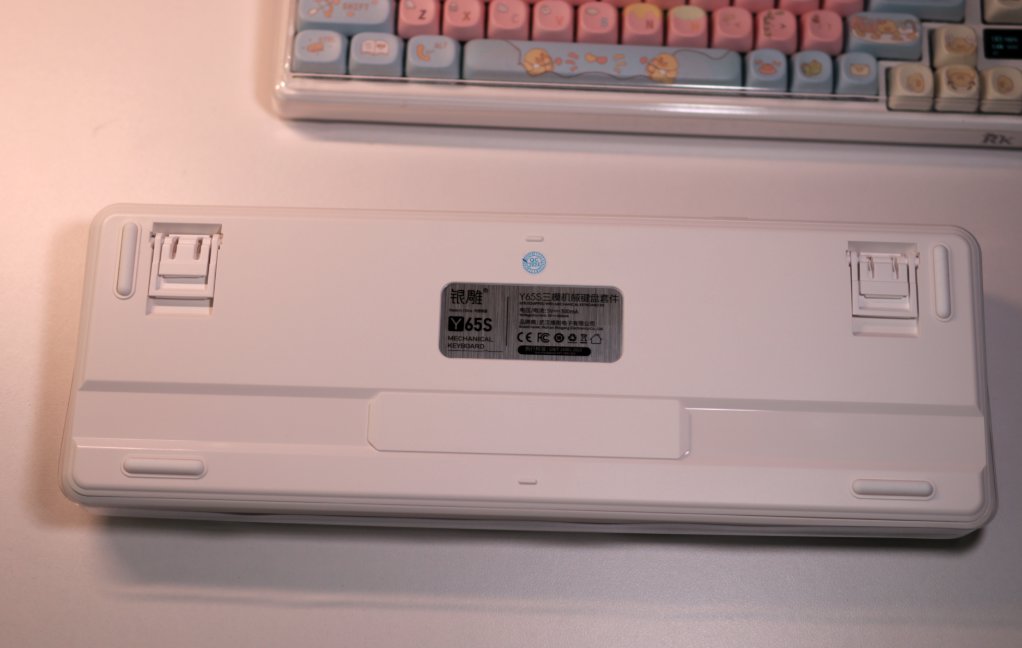
Small screen + knob
This combination was very popular last year~
However, by 2025, many people may have already cooled down on flashy but impractical small screens~
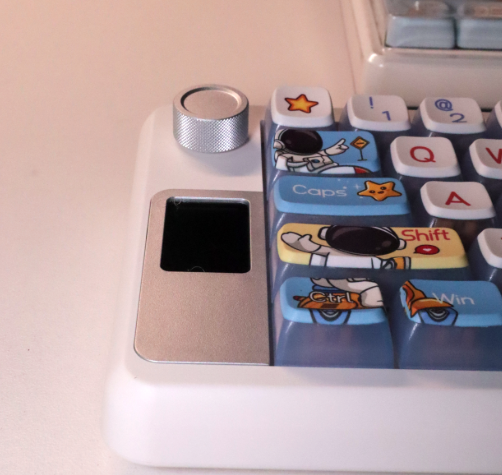
Turn on the Light
The keycaps on this keyboard are semi-transparent.
They are similar to the Hatsune Miku keycaps I bought last time.
The effect looks pretty good after turning on the light.
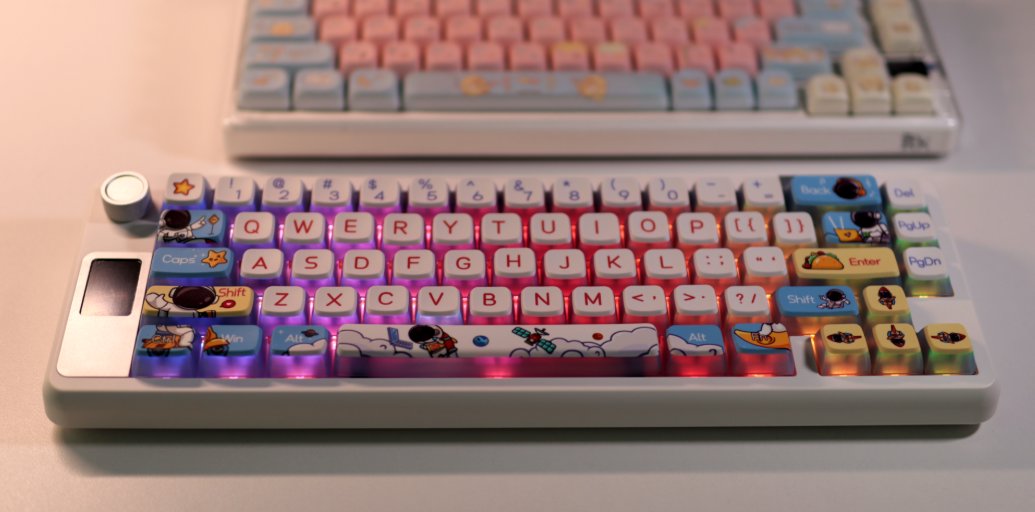
Here's a shot from the front.
(This one doesn't look as good, probably due to lighting issues.)
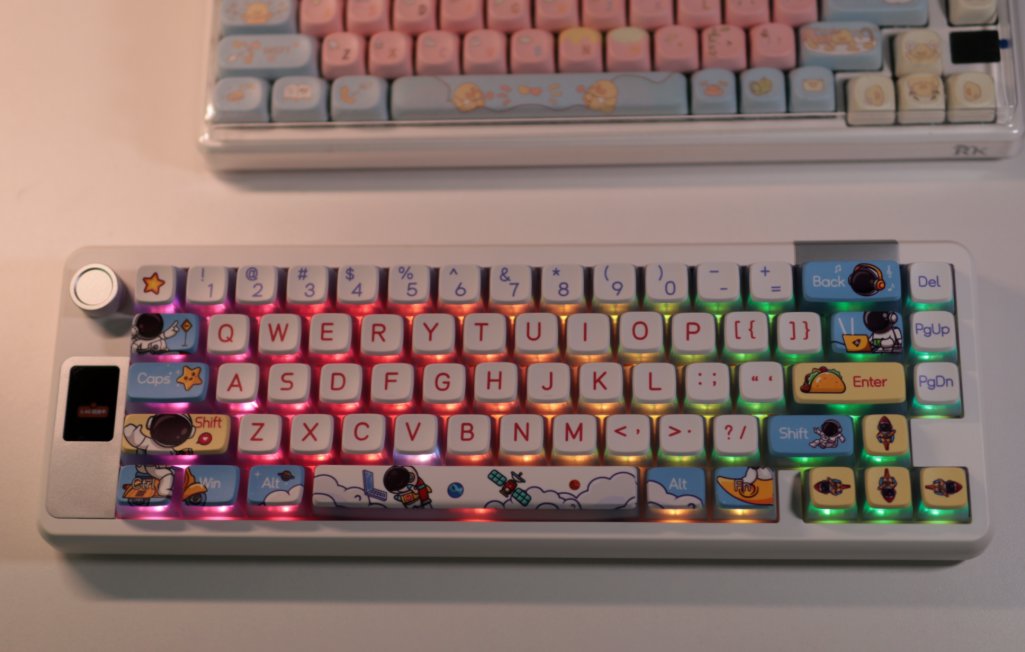
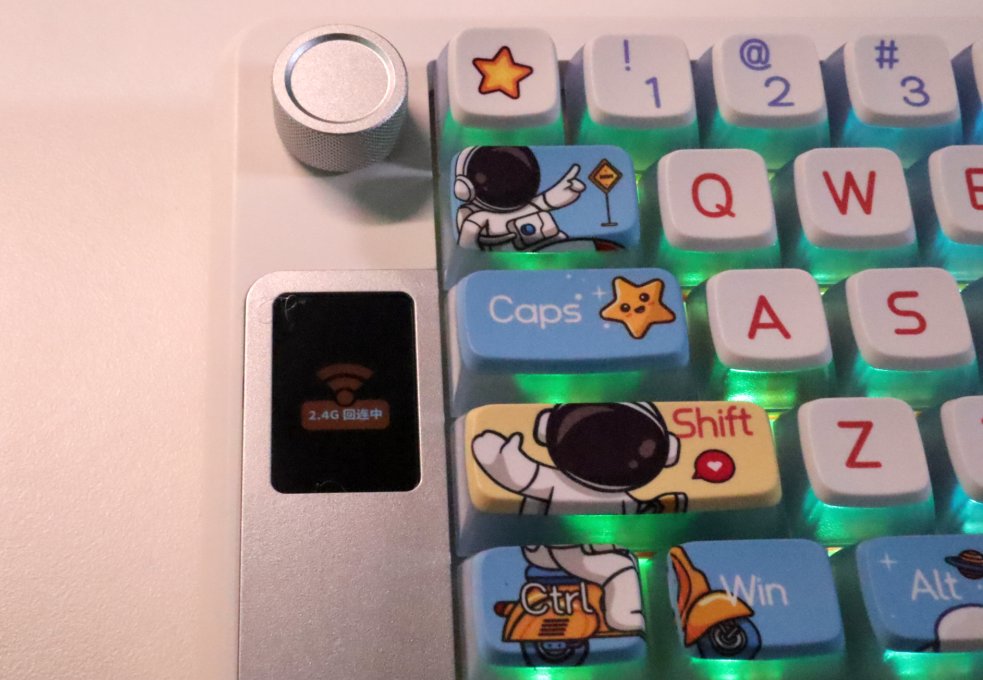
Small Screen
The experience on this small screen seems decent.
After booting up, it displays "Connecting..."
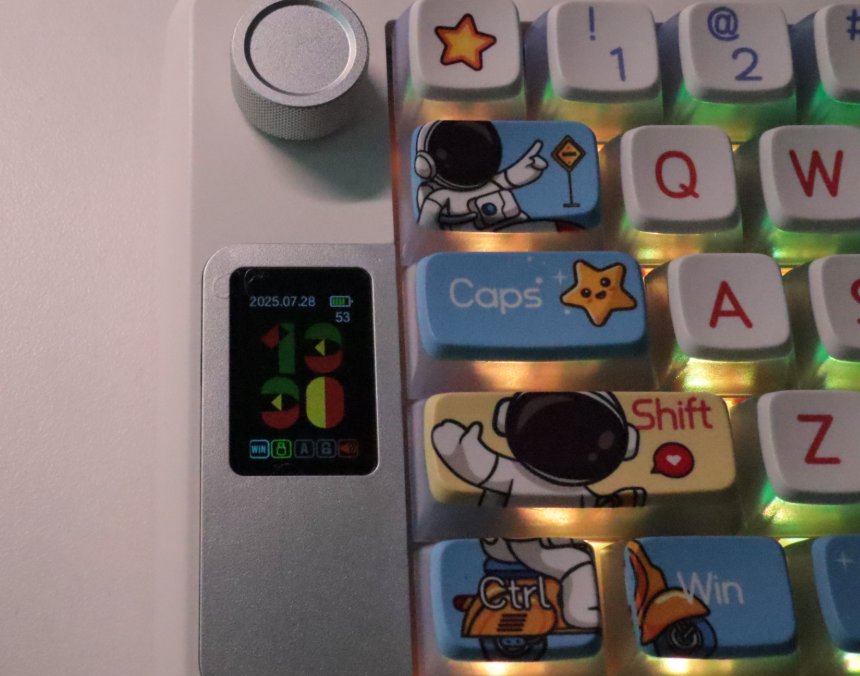
Display
This design is okay, I guess.
There are two modes: one is the time mode, and the other is animation.
When adjusting the volume, the small screen displays a volume bar, but it's not synchronized with the system's, and the upper and lower limits are also longer than the system's. This feels like a bug.
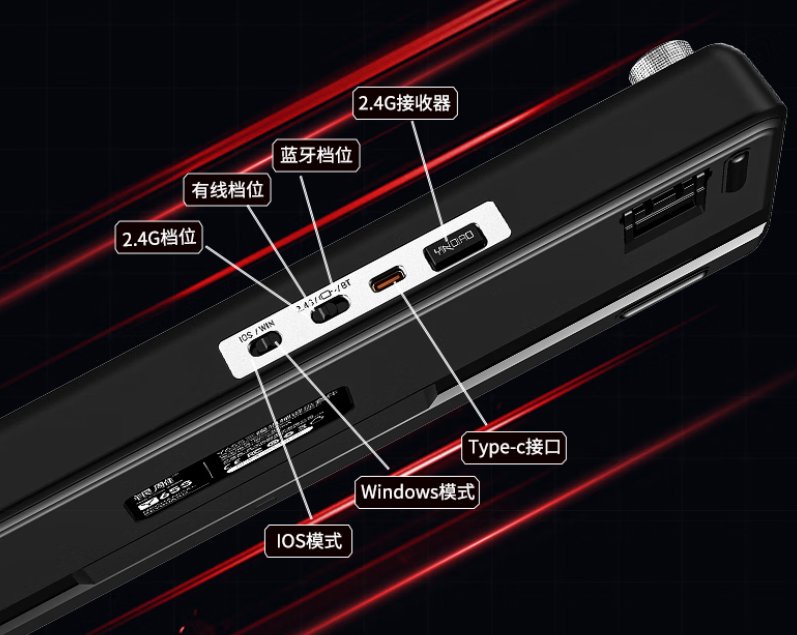
Interfaces & Switches
I forgot to take a photo.
Let me grab an image from the product page.
Driver
This manufacturer doesn't even have an official website.
I searched for a long time but couldn't find the driver.
Until I contacted customer support.

After installation, this is what it looks like when opened.
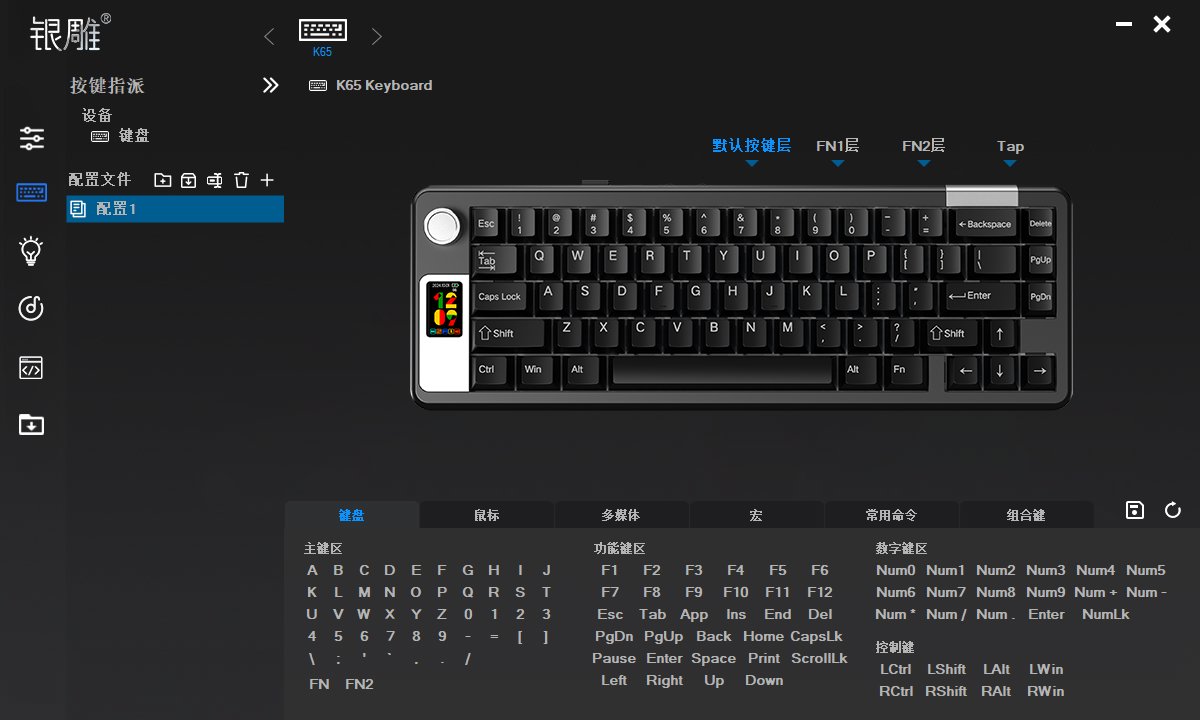
Such a familiar interface.
These drivers are mostly similar.
This driver looks very similar to the one for my previous retro keyboard, the Thunderobot ZERO75.
The dual-layer Fn (功能键) is pretty much standard on modern keyboards.
Furthermore, Fn2 + arrow keys can also be customized. Here, I have to call out the RK R65 for this.
Key Switches
The keyboard this time uses the WGA Leaf Switch (Naruto??)
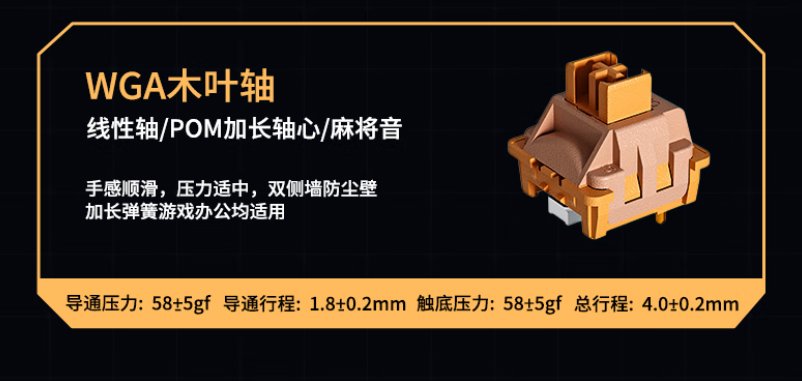
The actuation force and bottom-out force are both listed as 58 ± 5gf. I suspect this might be a typo, but I found this exact switch sold individually on Taobao with the same data, which is quite peculiar~
Feel is subjective, but the feel of this keyboard is, among the keyboards I've used, at a below-average level... 😑
It feels like the keypress isn't crisp enough, somewhat scratchy, and the sound is rather muffled. It's hard to say whether this is due to the switch itself or the overall keyboard design, as a keyboard is a complete unit, and its feel is influenced by many factors.
Here, I need to bring out my switch comparison table again.
Arranged in reverse order of acquisition time, my current favorites are still the RK R65 and the Grey Wood V3 (灰木轴V3).
Next would be the Crystal Ice Switch from JZ750 (JZ750冰晶轴), which are the ones I've been using continuously.
| Switch | Initial Force | Bottom-out Force | Actuation Travel | Total Travel |
|---|---|---|---|---|
| Silver Eagle WGA Leaf | 58 ± 5gf | 58 ± 5gf | 1.8 ± 0.2mm | 4.0 ± 0.2mm |
| RK-R65 Kailh Zhisu | 42 ± 8gf | 2.0 ± 0.4mm | 3.4 ± 0.4mm | |
| Chixiao (Magnetic) | 30 ± 5gf | 55 ± 10gf | 3.5 ± 0.1mm | |
| VK99 Rapid Silver | 38 ± 10gf | 55 ± 10gf | 1.2 ± 0.4mm | 3.0 ± 0.4 mm |
| JZ750 Crystal Ice | 37 ± 8gf | 47 ± 8gf | 2.0 ± 0.4mm | 3.8 ± 0.2mm |
| Dareu Sky V3 | 40 ± 3gf | 50 ± 5gf | 2.0 ± 0.3mm | 3.8 ± 0.3mm |
| Langtu LT75 Silver Jade | 36 ± 10gf | 48 ± 5gf | 2.0 ± 0.5mm | 3.6 ± 0.3mm |
| Grey Wood V3 | 40 ± 3gf | 1.5 ± 0.3mm | 3.6 ± 0.3mm | |
| Thunderobot Zero75 Blaze | 43gf | 53gf | 1.2mm | 3.5mm |
| Peach V2 (Silent) | 40 ± 10gf | 2.0 ± 0.6mm | 3.5 ± 0.2mm | |
| HelloGanss Rose Pink | 37 ± 5gf | 45 ± 5gf | 1.8 ± 0.3mm | 3.5 ± 0.5mm |
| Noppoo Silver Wood | 40 ± 2gf | 55 ± 5gf | 1.5 ± 0.3mm | |
| RK-R65 Smoky Blue | 43 ± 10gf | 1.7 ± 0.4mm | 3.5 ± 0.3mm | |
| RK-S75 Cloudy Mist | 45 ± 5gf | 2.0 ± 0.4mm | 3.4 ± 0.4mm |
Summary
The keyboard has a nice appearance, though it is heavier than the RK R65.
The texture and tactile feel are also slightly inferior, but the driver software is better.
However, the extra section on the left side still feels quite awkward for me.
It’s easy to press the wrong keys, especially since the left side relies on the edge of the keyboard for positioning. When I first started using it, I often made mistakes.
After using it for a while, I gradually got used to it, but it still feels uncomfortable… It seems hard to adapt to this design. I feel it’s unnecessary, perhaps it’s just to force a distinct design feature?
_EOF_
Continuing the experience with a 65% layout keyboard, testing the Silver Eagle Y65S with WGA switches, is the mid-range switch feel worth it?
- 本文作者:
- 程序设计实验室
- 版权声明:
- 本博客所有文章除特别声明外,均采用 BY-NC-SA 许可协议。转载请注明出处!
相关文章
第一次用矮轴键盘,黑爵AK832Pro开箱评测
便携?呵,黑爵AK832Pro轻得能盖笔记本,结果小屏幕时间错得离谱,驱动也改不了。手感?薄膜键盘都不如,杂音一堆,劝退了。
2025-10-28 · 键盘 · 约 1 分钟
HelloGanss-XS75T键盘开箱
HelloGanss XS75T,屏幕旋钮buff叠满,性价比最高?就这颜值,啧。轴体行程短手感硬,麻将音晚上吵,键帽高度不对回弹崩了,呵呵。可拆卸电池设计,但电池仓盖难拆,拨杆鸡肋,算差异点?勉强吧。
2025-10-28 · 键盘 · 约 1 分钟
第一次用65配列,RK-R65键盘开箱
RK-R65键盘,颜值尚可,重量712g,勉强接受。烟青轴手感不错,麻将音悦耳,但无F1-F12键,方向键无间隔,定位困难。驱动奇怪,方向键功能写死,fn2+无效,啧。尝试适应65配列,看能否习惯。
2025-10-28 · 键盘 · 约 1 分钟
第一次使用磁轴键盘,还是为颜值买单了
瓦尔基里这键盘,颜值确实能打,二次元元素堆料挺足。磁轴手感嘛,竞技游戏或许适合,日常码字我反而不太感冒,感觉有点闷。驱动功能倒是挺丰富,可惜AI助手聊着聊着就露怯了。
2025-10-28 · 键盘 · 约 1 分钟
讨论
共 0 条加载评论中…