Xuanpai Xuanmao P1 Mouse Unboxing
Old mouse battery leaking? This nonsense again, so I switched to a Xuanpai Xuan Panda P1. The three-mode toggle switch is absurdly stiff—pushed it too hard and it switched to Bluetooth mode, ugh. The button clicks are as loud as drumbeats, but everything else is passable.
目录6 个章节
Foreword
Recently, I cleaned out several of my old wireless mice.
One was a Huawei Bluetooth mouse (that came bundled with the Matebook14 I bought previously).
One was a Logitech 2.4g mouse.
Another was a Logitech 2.4g/Bluetooth dual-mode mouse.
Each of these mice had its own set of issues.
Moreover, they all required batteries, but since I didn't use them often, I frequently forgot to take the batteries out. The result was that the batteries in several mice leaked...
This time, I had to get a new mouse.
I casually found a review video on Bilibili to watch and discovered that nowadays, mice have so many nuances...
This time, I bought two: one XuPai Xuan Panda P1 and one Edifier. This article will first introduce the XuPai model.
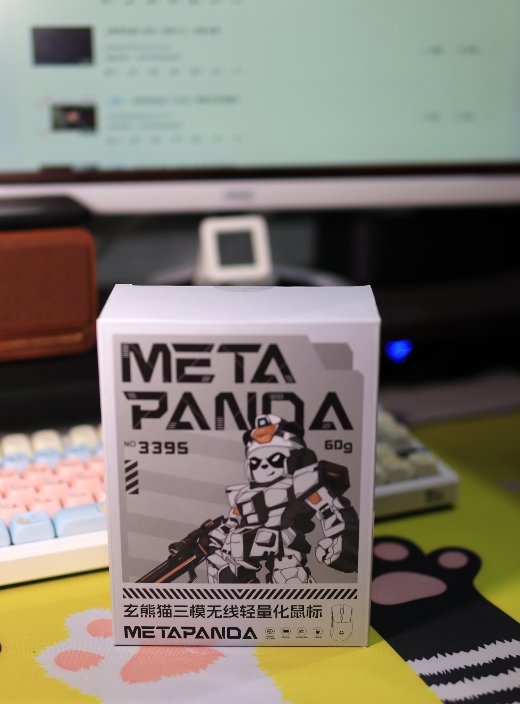
Packaging
Very minimalist packaging.
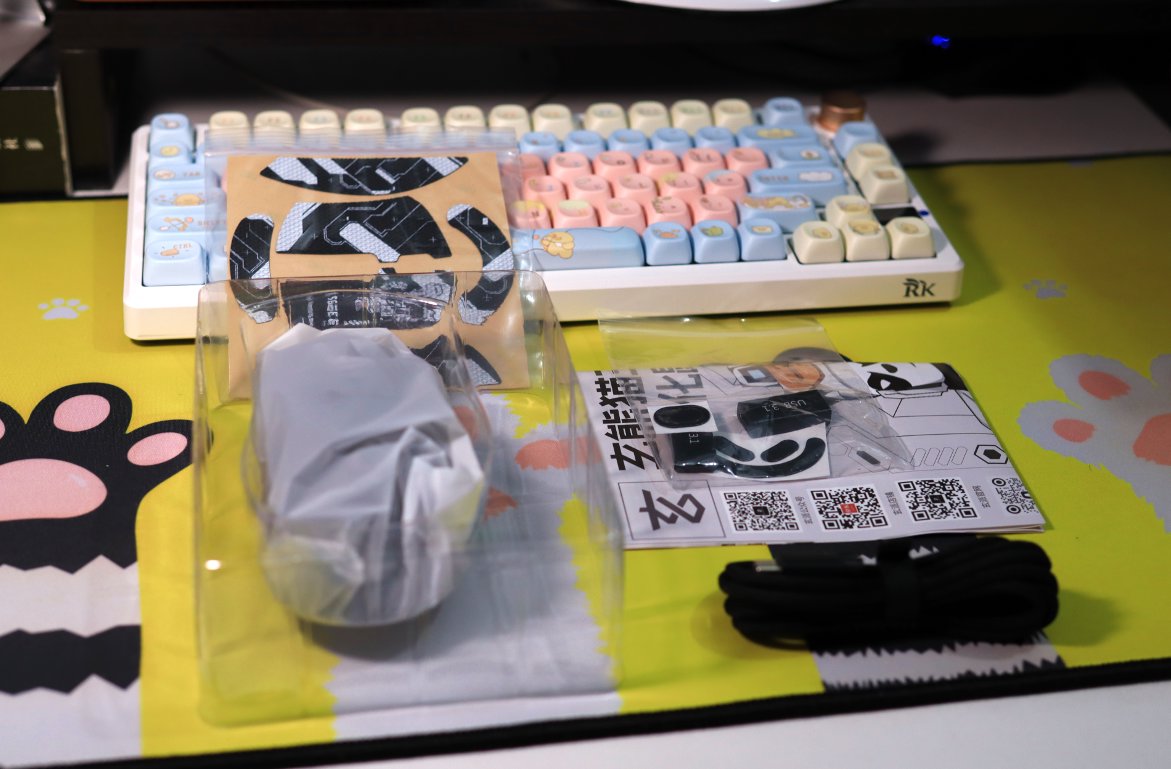
Unboxing
Nothing special inside, I just started using it directly
Mouse Body
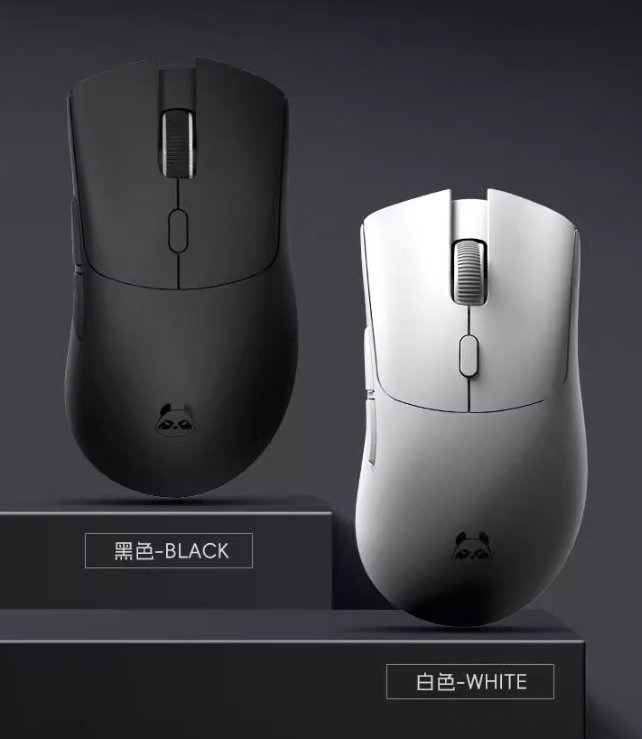
I forgot to take photos of the body.
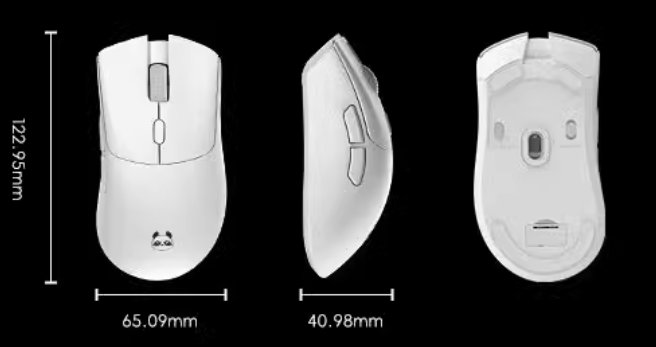
I'll steal a picture from the official website.
I bought the black version.
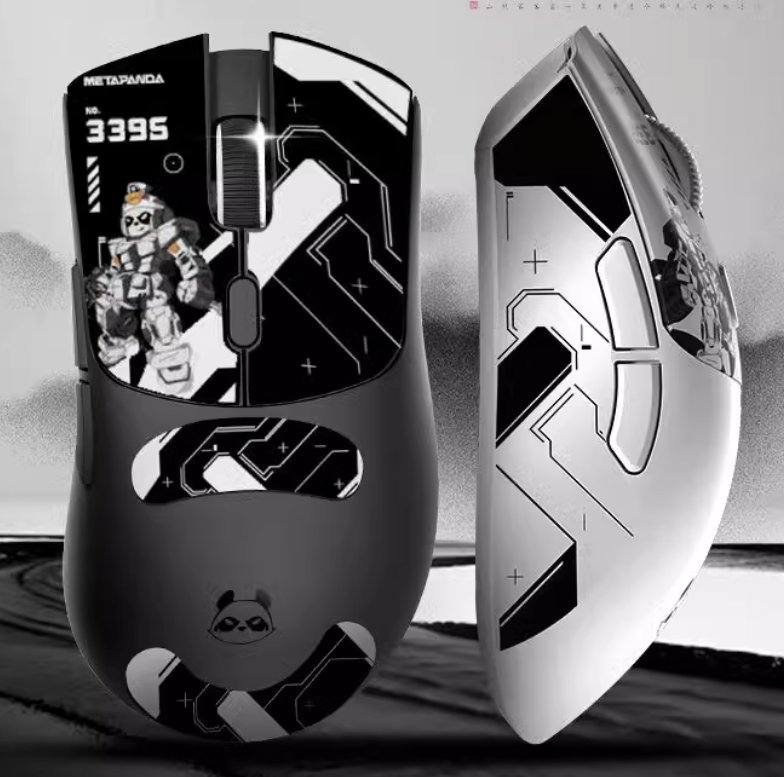
It also came with stickers, and here's how it looks after applying them.
Driver
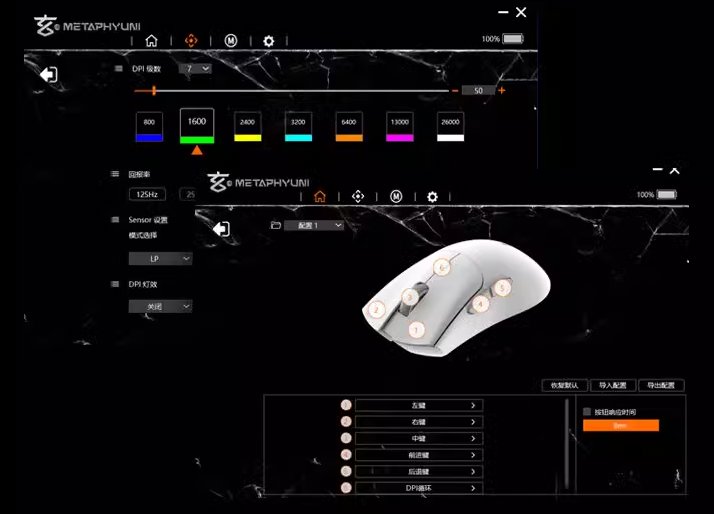
This type of mouse usually comes with a driver, which can be used to modify some simple settings.
I don't use it much. For me, the driver is mainly used to check the battery level, haha 😃
User Experience
The mouse now has a lot of professional terminology, such as sensors, polling rate, and similar specs.
At this price range, they seem pretty comparable—most use the 3395 sensor.
This model, like the keyboard, supports triple-mode connectivity: Bluetooth, 2.4GHz, and wired.
However, the triple-mode switch on the bottom is a bit stiff. Often when turning it off from 2.4GHz mode, it gets pushed slightly over and switches to Bluetooth mode.
Another point is that the click sound is a bit loud.
Apart from that, it’s nothing special—feels okay overall.
_EOF_
Xuanpai Xuanmao P1 Mouse Unboxing
- 本文作者:
- 程序设计实验室
- 版权声明:
- 本博客所有文章除特别声明外,均采用 BY-NC-SA 许可协议。转载请注明出处!
相关文章
漫步者HECATE G3Mpro鼠标开箱
漫步者HECATE G3Mpro,颜值在线,静音微动翻倍爽。三模切换?滚轮+后退键三秒搞定,比玄熊猫那破开关强多了。63g超轻,70H续航,天天用,真香。驱动简单,键盘手感稀烂?呵。
2025-10-28 · 鼠标 · 约 1 分钟
英菲克in6鼠标开箱
鸡哥电脑一直和其他电脑共用之前的「漫步者鼠标」 这次单独配了个鼠标方便使用 简单在B站看了下选购视频 就入手了这款英菲克in6
2025-10-28 · 鼠标 · 约 1 分钟
百元级三模鼠标:前行者X23 Pro简单开箱体验
95块到手37,优惠堆叠得确实够努力。但手感轻飘飘、塑料毛刺感,果然一分钱一分货。驱动靠WebHID还能用——也就这点值得夸一下。
2026-07-23 · 鼠标 · 约 1 分钟
使用easy_thumbnails轻松为图片创建缩略图
关于Django的缩略图 我在Django的官方文档里看了一下,没有找到有关缩略图的官方库,不过在Django的Wiki里头倒是看到了一篇关于使用缩略图的介绍,请参考:https://code.djangoproject.com/wiki/ThumbNails 关于Problem的描述 The majority of applications that have images, probably
2022-08-26 · Django · 约 1 分钟
讨论
共 0 条加载评论中…