

Xinmeng M75-Pro Keyboard Unboxing
Someone accidentally chose silent switches, which feel like pressing cotton and offer no feedback at all—quite a misstep. The New Meng M75-Pro screen is refined, and the build quality is decent, but it loses points due to the volume knob and keycaps being sharp to the touch. Although the price is attractive, the switch choice was a mistake.
目录12 个章节
Foreword
After trying a fully customized keyboard for the first time (the Léijiāzé KW75S introduced in the previous article), I felt that this customization approach gave me a feeling of piecing things together.
So I continued to look at mass-produced customizable keyboards from brands.
This time I chose the Xinmeng M75-Pro, which compared to the regular version simply adds a screen.
There's a little anecdote: When I was selecting the switches, I didn't pay close attention and accidentally bought silent switches (静音轴)...
Using silent switches for the first time, the feel is very unaccustomed!
Without sound, the feedback feels a bit weak, which makes it a bit unsatisfying to use.
However, the keyboard's overall feel is still quite nice, giving me a relatively refined impression. Considering the price, it's still pretty good value.
(PS: If it weren't for the fact that the volume knob requires two clicks to adjust the volume, this would be a pretty good kit.)
Image
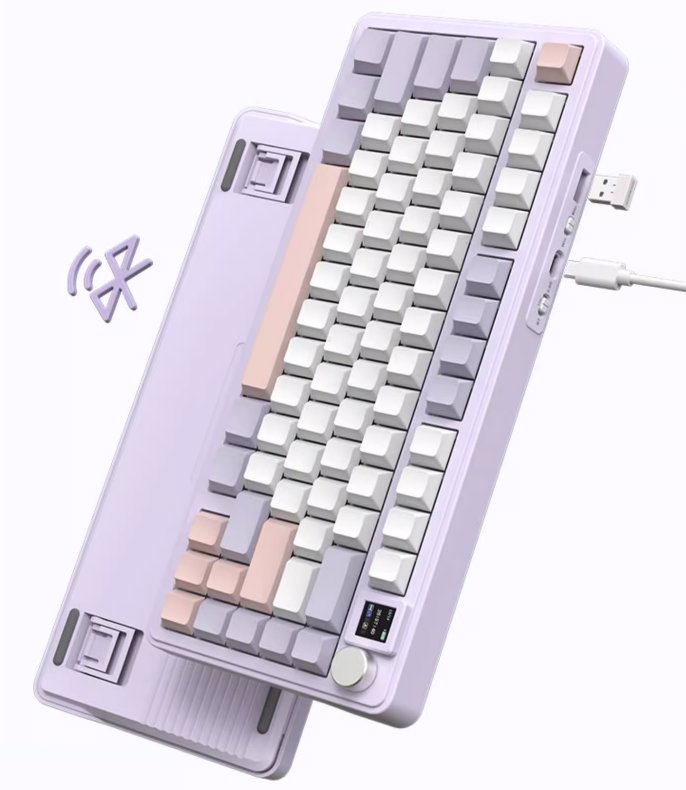
Swiped a few official images
Image 1
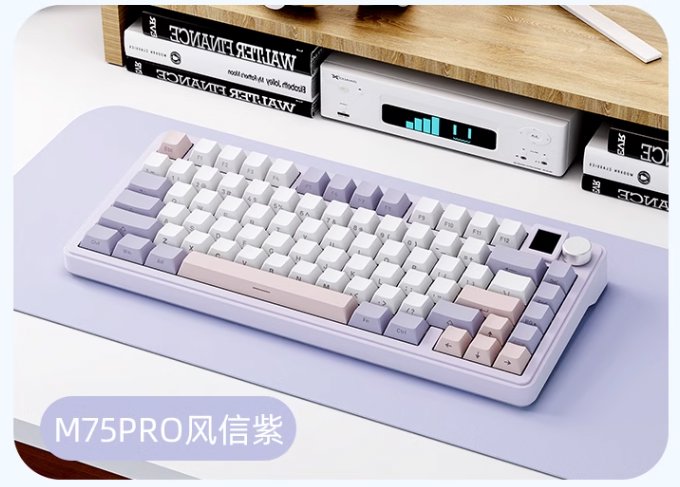
Image 2
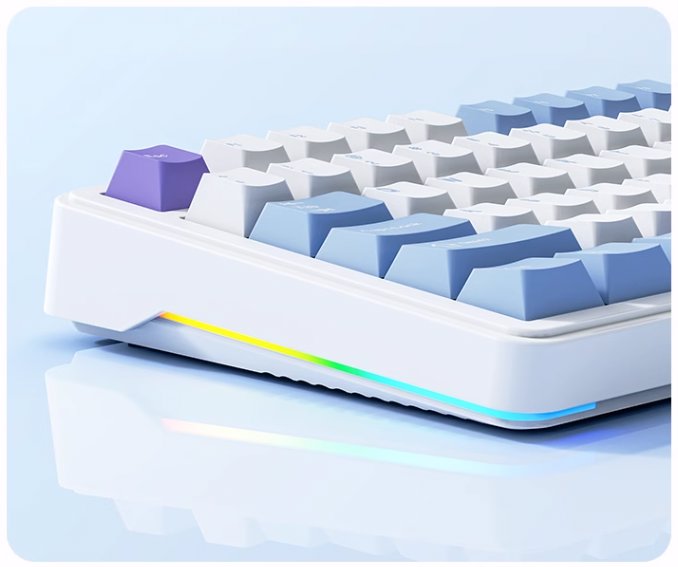
The side light strip is quite flamboyant, and at this price, it's even more appealing.
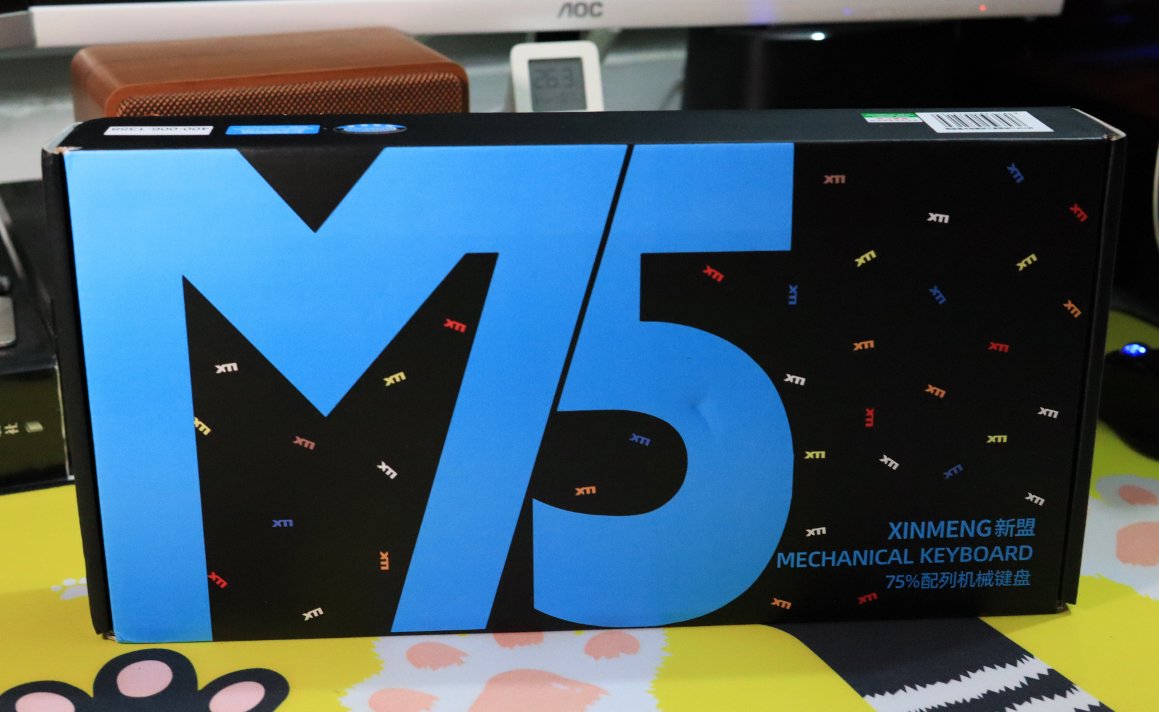
Packaging
Unboxing
Opening the box
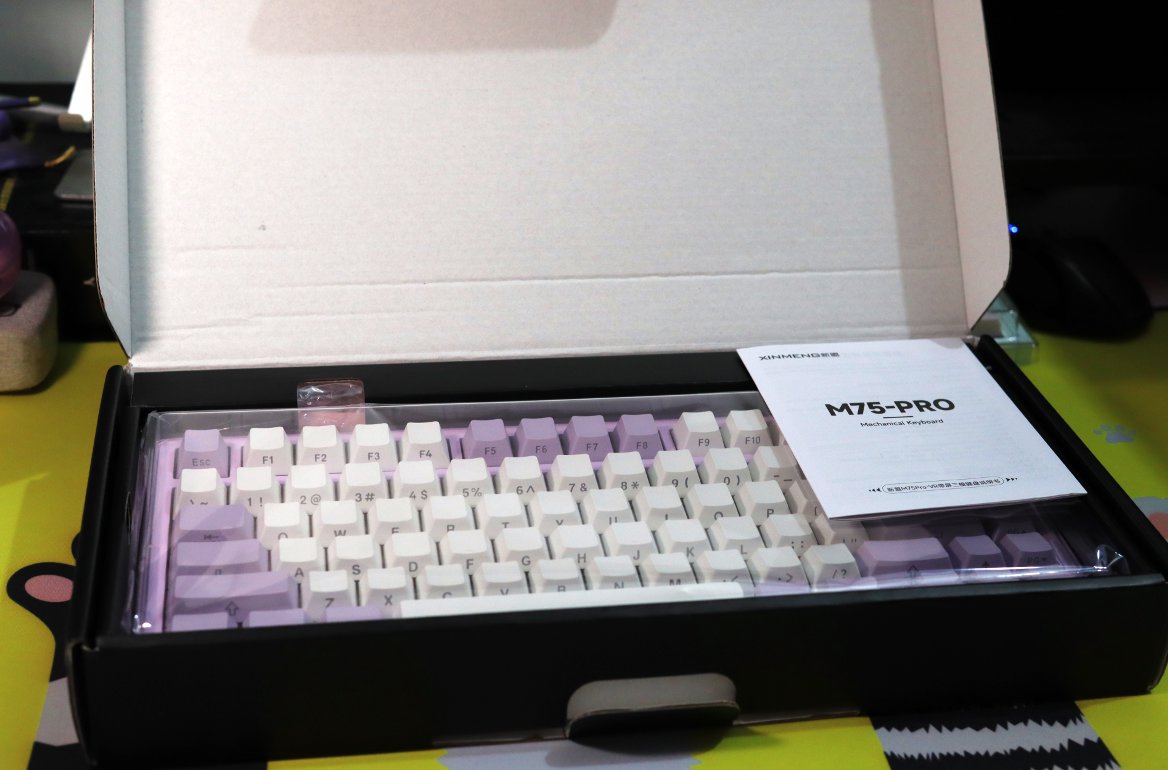
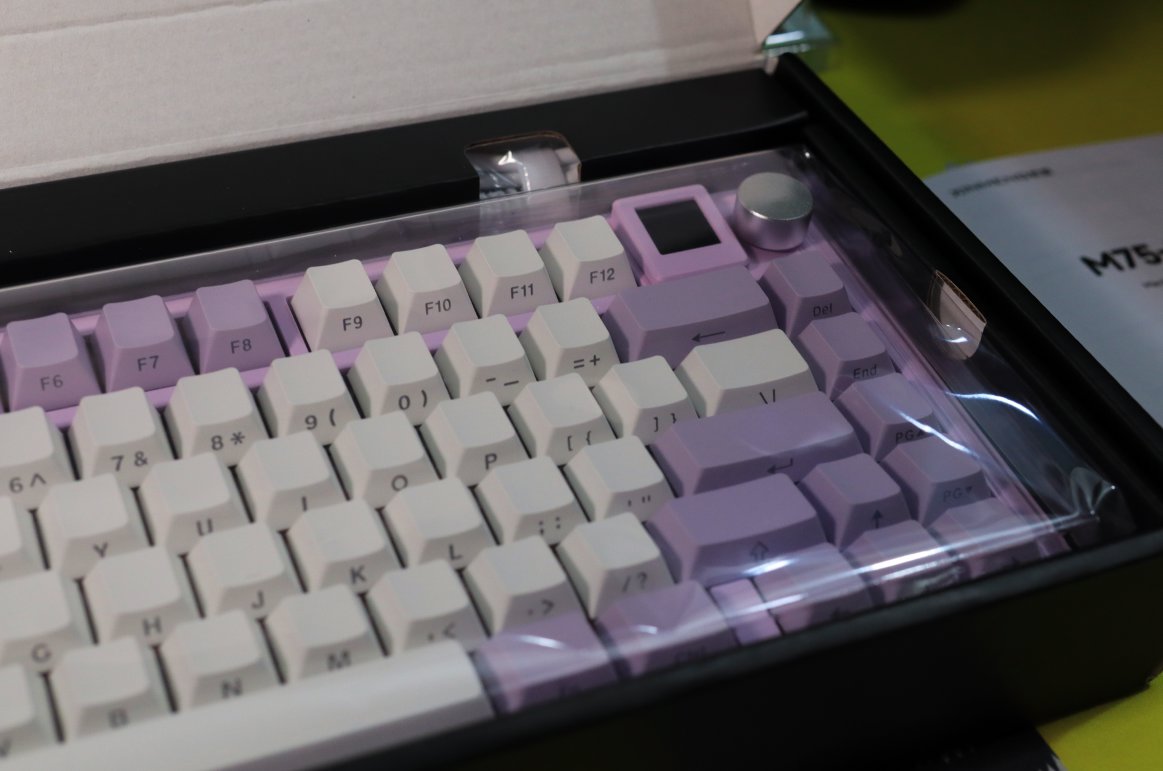
This small screen looks neat and sleek.
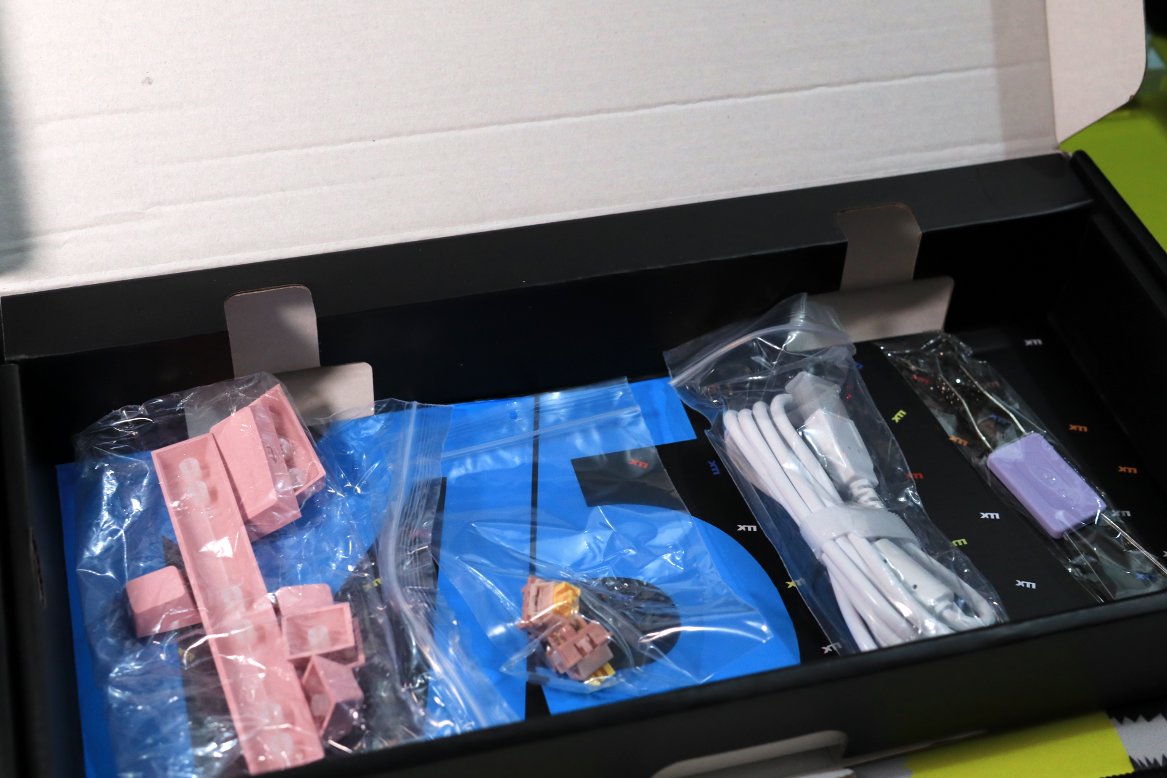
Accessories
It came with several pink keycaps and a couple of switches.
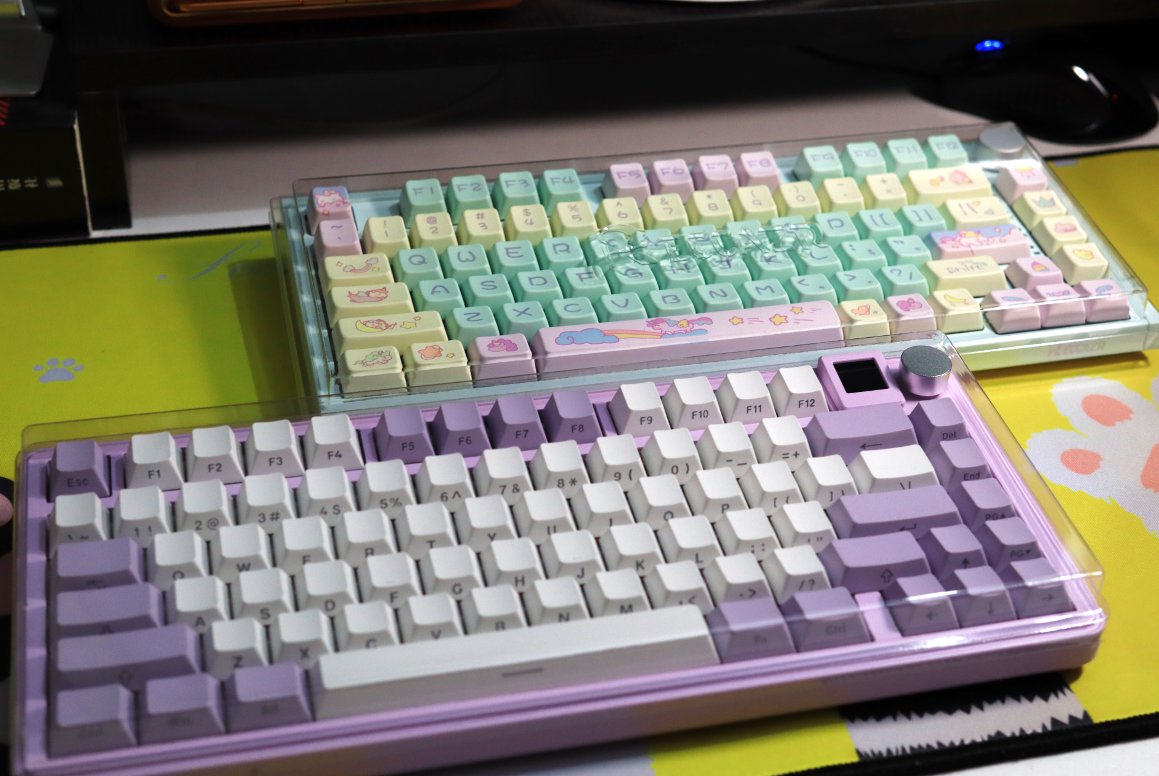
Let's Compare
Small Screen Close-up
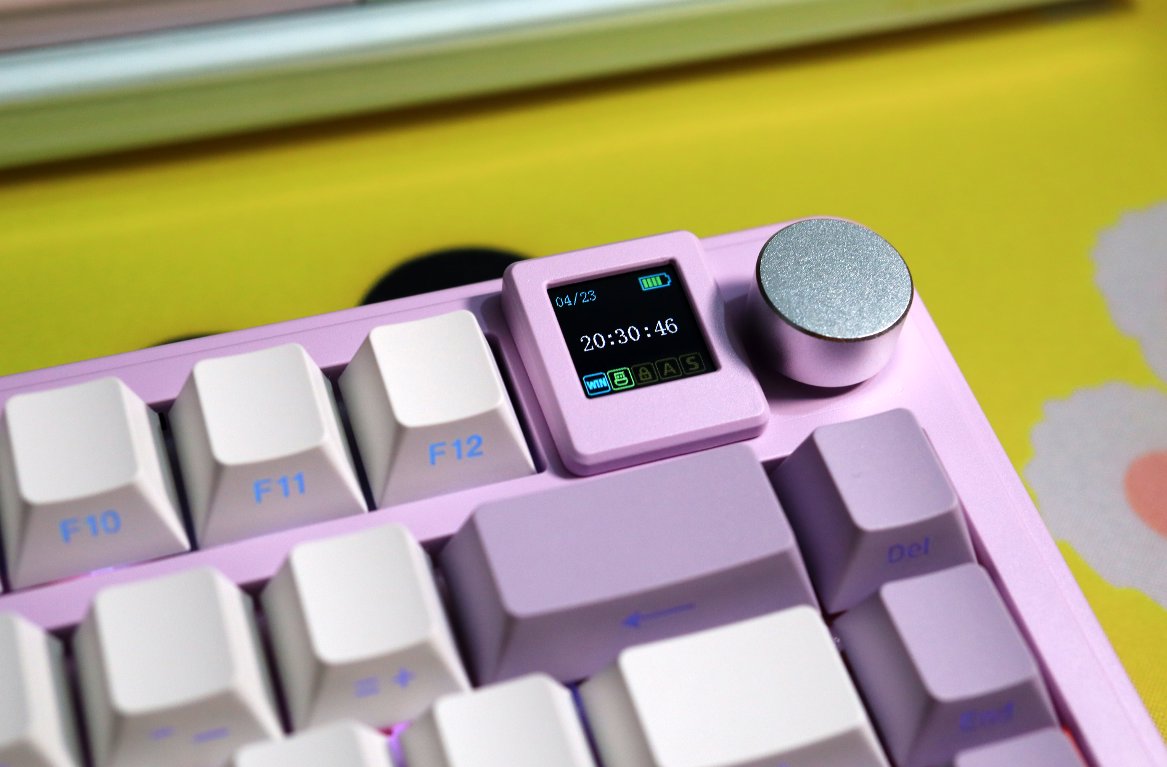
Top
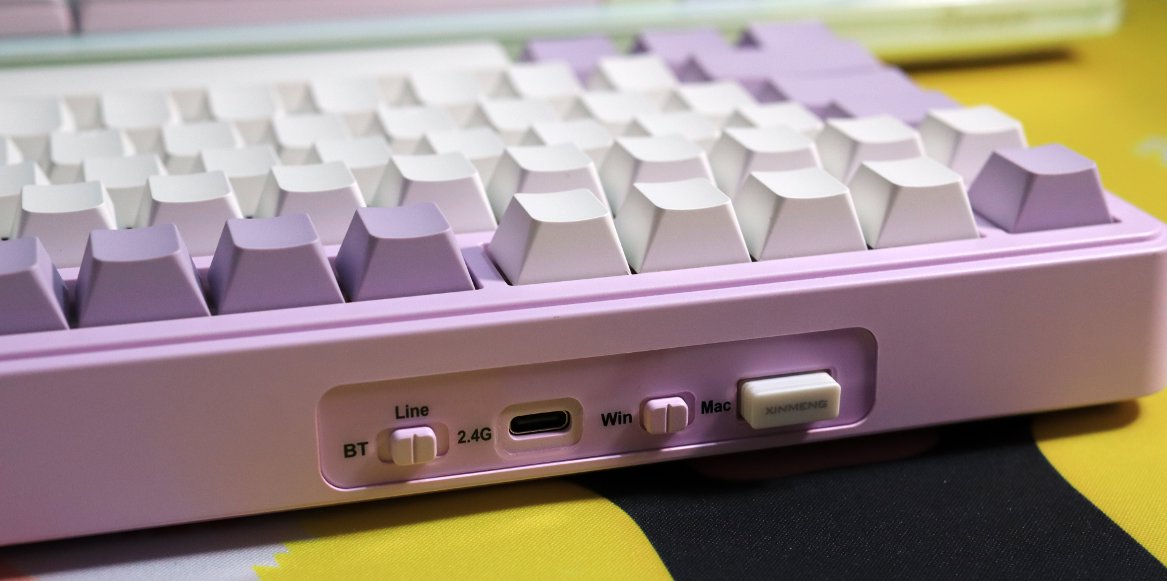
Back
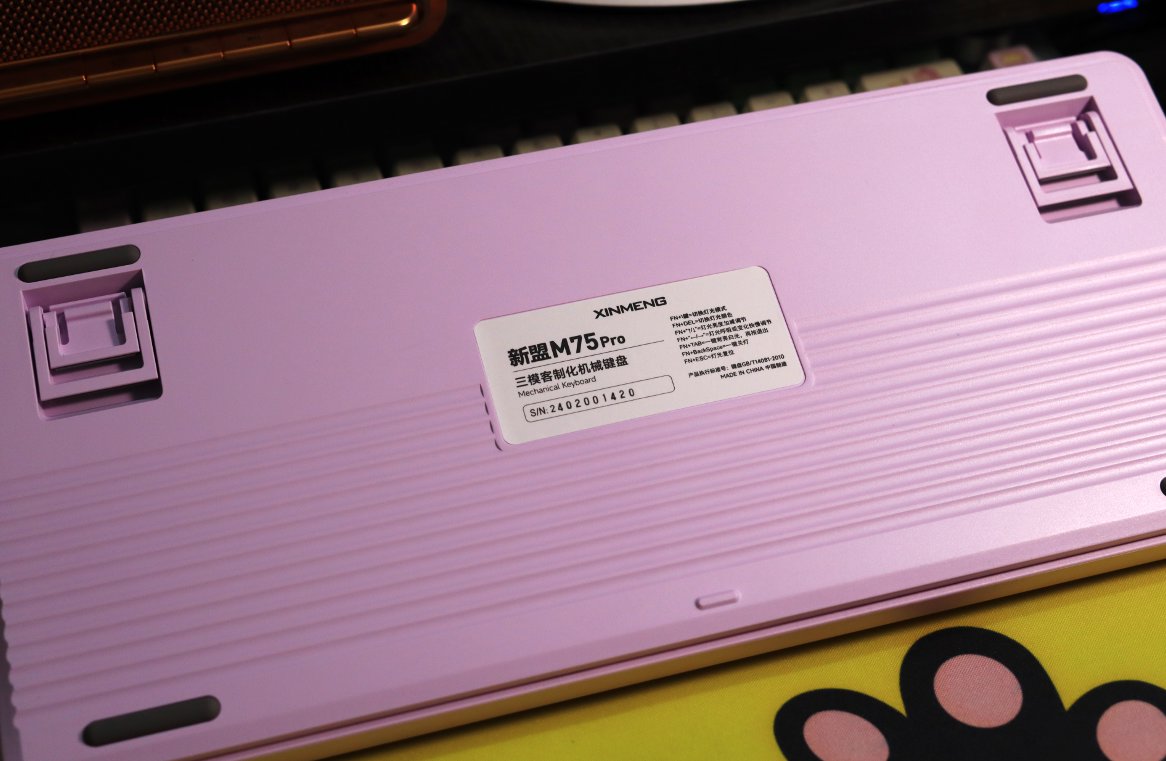
Switches
Let's first take a look at the available switch options.
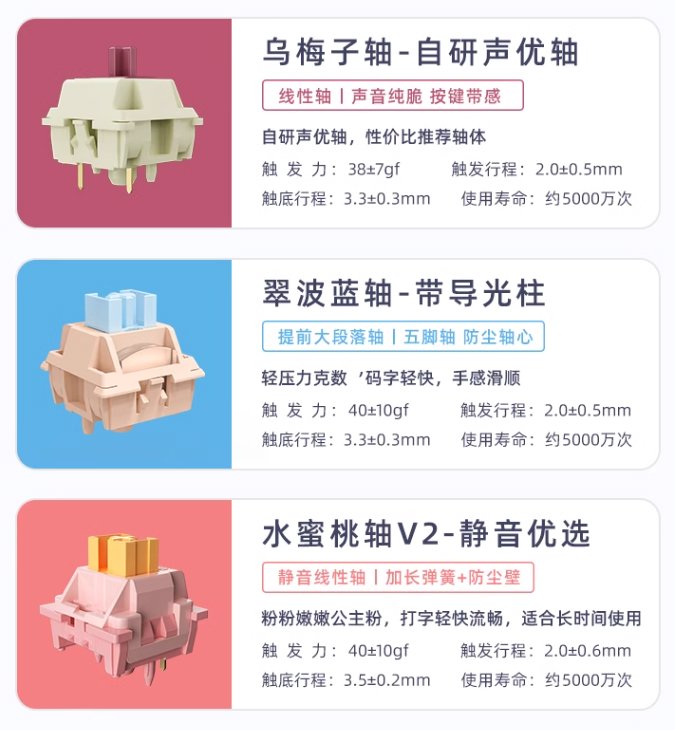
Then, I chose the Peach switch. I didn't look closely, and it turned out to be a silent switch.
A bad move!
It feels like pressing cotton when typing, with very little feedback.
It seems silent switches are only suitable for certain specific scenarios.
If I were to make a purchase, I could only recommend this Raspberry switch, but its travel distance is also quite short, at only 3.3, which might take some getting used to...
As a barebones kit, it's still acceptable. You can always swap out the switches yourself, replacing the ones in the letter area.
Summary of Advantages and Disadvantages
Advantages:
- Large battery capacity (5000mAh)
- Comes with 2 extra switches and several keycaps (not as many as the GANSS XS75T, but still decent)
- Good build quality; feels quite refined
- Side-lit keycaps (侧刻) are a nice bonus at this price point
Disadvantages:
- The volume knob requires rotating 2 notches to adjust the volume.
- The Pro version is not available in black. To get a black colorway, you have to forgo the screen.
- Keycaps have sharp edges and provide a mediocre feel.
_EOF_
Xinmeng M75-Pro Keyboard Unboxing
- 本文作者:
- 程序设计实验室
- 版权声明:
- 本博客所有文章除特别声明外,均采用 BY-NC-SA 许可协议。转载请注明出处!
相关文章
京东京造JZ750(贱驴A3)键盘开箱
厌倦旧键盘,被京东JZ750颜值旋钮吸引,包装简陋、做工松垮得令人发指。冰晶轴滑爽,但配列反人类,方向键奇葩,无end键。为颜值,忍了。
2025-10-28 · 键盘 · 约 1 分钟
寻遇记主题键帽开箱
圆润键帽手感尚可,MCA高度?呵,不习惯。包装小清新?呵,简陋。效果颜色不搭,建议换白壳。性价比高?112键68块,勉强及格。
2025-10-28 · 键盘 · 约 1 分钟
HelloGanss-XS75T键盘开箱
HelloGanss XS75T,屏幕旋钮buff叠满,性价比最高?就这颜值,啧。轴体行程短手感硬,麻将音晚上吵,键帽高度不对回弹崩了,呵呵。可拆卸电池设计,但电池仓盖难拆,拨杆鸡肋,算差异点?勉强吧。
2025-10-28 · 键盘 · 约 1 分钟
原来矮轴也能这么爽?柯芝 I75 键盘开箱
矮轴还能这么玩?柯芝I75这手感颠覆认知,金属边框质感拉满。居然还配了旋钮,果然是懂行的。这键盘,真香。
2025-10-28 · 键盘 · 约 1 分钟
讨论
共 0 条加载评论中…