

WSL Tips: Switching to zsh and Adding to the Right-Click Menu
Switching to zsh Notes In Windows Subsystem for Linux, running chsh -s /bin/zsh does not successfully change the default shell to zsh. When opening WSL, the default shell is still bash. This is because WSL does not execute login-related components at startup, and these components are related to the default shell. Microsoft is already aware of this issue, but has no plans to fix it. Method We can
目录6 个章节
Switching to zsh
Notes
In Windows Subsystem for Linux, running chsh -s /bin/zsh does not successfully change the default shell to zsh. When opening WSL, the default shell is still bash. This is because WSL does not execute login-related components at startup, and these components are related to the default shell. Microsoft is already aware of this issue, but has no plans to fix it.
Method
We can use a simple workaround to open zsh at the same time when opening WSL. Add the following to ~/.bashrc
bash -c zsh
References
https://github.com/Microsoft/WSL/issues/477
Adding to the Right-Click Menu
-
Open Run, type
regeditto launch Registry Editor -
Find this folder in the registry
\HKEY_CLASSES_ROOT\Directory\Background\shell\ -
Select the shell folder, right-click to create a new key, double-click the Default value, and change it to
WSL Shell Here; this is the name displayed in the right-click menu -
Add a string value under Default, named
Icon, double-click to change its value to the path of the icon you want, which can be.icoand.exefiles -
Under
WSL Shell Here, create a new key namedcommand, and change this key's Default value to the Ubuntu exe file path; mine is"C:\Windows\System32\bash.exe", note that there should be double quotes on both sides
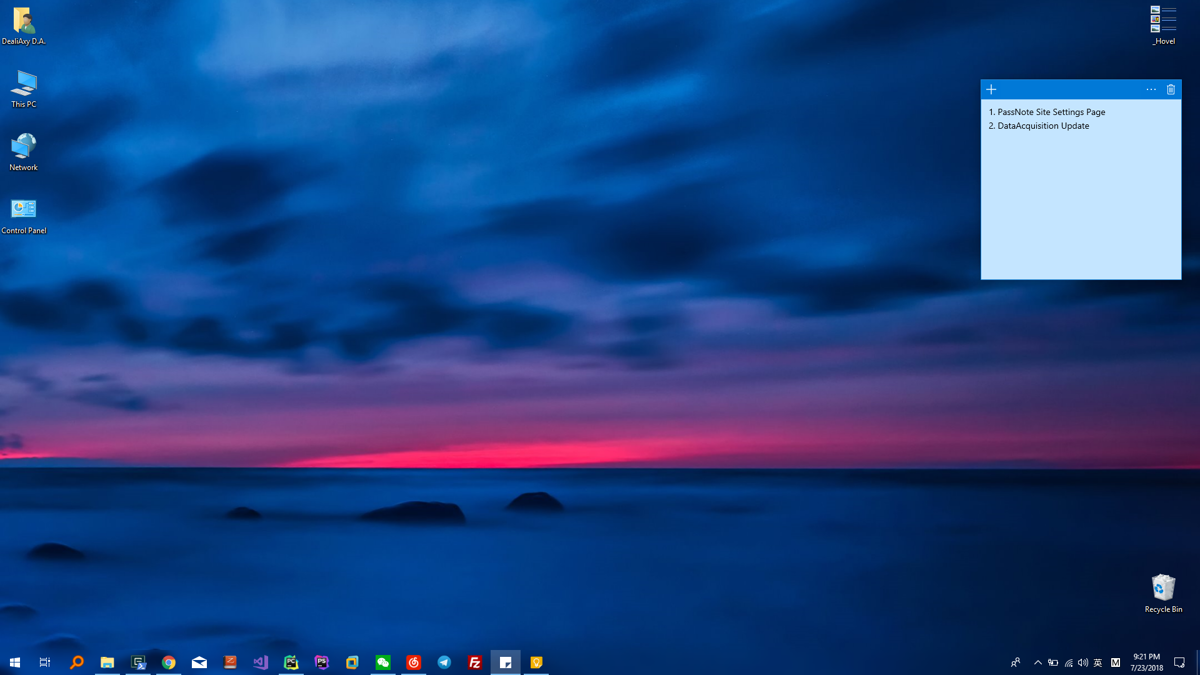
Ps: Why does today's screenshot look like this = =.. Reason: Out and about. Can only use Windows on my laptop
About

For more interesting tips, follow my WeChat official account: DealiAxy Every article is collected on my blog: blog.deali.cn
_EOF_
WSL Tips: Switching to zsh and Adding to the Right-Click Menu
- 本文作者:
- 程序设计实验室
- 版权声明:
- 本博客所有文章除特别声明外,均采用 BY-NC-SA 许可协议。转载请注明出处!
相关文章
2024年,提升Windows开发和使用体验实践 - 小工具篇
本来是一篇文章的,不知不觉写成了系列。 其实开工那几天就已经写好了长文,这几天一忙就没连着发了。 本文介绍一些 Windows 上用的小工具。
2024-02-29 · Windows · 约 1 分钟
Windows也能拥有好用的命令行吗?Powershell+Terminal折腾记录(v1.0版本)
Windows一向以图形化操作入门容易著称,所以对于命令行的支持一直为人所诟病,比起Linux或者mac都是被吊打的。这一局面在最近几个版本的Windows10更新里,特别是微软官方出了WindowsTerminal这个大杀器之后有所改善~ 所以对于标题的这个问题,只能说「勉强可以吧」,本文介绍几个折腾命令行的方法。 效果图 ~~偷一张官方的截图,应该没人发现吧~~ 建议先熟读官方文档:https
2024-02-29 · Windows · 约 1 分钟
IT之家学院:让你的Win10桌面比macOS还简洁漂亮高大上
感谢IT之家网友 yiyueduzui 的原创投稿 直奔主题,先给大家看看我的电脑桌面: 有人开始骂了:你特么逗我呢?这明明就是一张图片好不啦! 我读书那么多,怎么会骗你,这真的是我的电脑桌面,不还有个桌面数字时钟呢嘛!论简洁,还有谁? 那这啥都没有,要怎么用啊? 看好啦,当我的鼠标移动到屏幕下方的时候, 出现了一个Dock栏,跟苹果系统的一样一样的。 有些图标其实是一个目录或者文件夹,当它展开的
2021-12-18 · Windows · 约 1 分钟
使用twinkle-tray快捷调整多个显示器的亮度
自从安装了这个小工具,我再也没用过笔记本键盘上的快捷键了~
2025-01-26 · Windows · 约 1 分钟
讨论
共 0 条加载评论中…