It was my first time using a magnetic axis keyboard, and I ended up paying for its looks.
The Valkyrie keyboard does have stunning aesthetics, with plenty of anime elements. As for the magnetic switch feel, it might be suitable for competitive gaming, but for daily typing, I'm not too fond of it—it feels a bit dull. The driver functions are quite extensive, though the AI assistant falls short once you start chatting.
目录26 个章节
Preface
This is my first time using a magnetic axis keyboard (磁轴键盘), and it feels quite fresh.
However, what attracted me wasn't the magnetic axis—it's the keyboard's appearance.
I've always been weak for flashy keyboards like this.
Valkyrie (瓦尔基里) is pretty good at making these anime-style keyboards (二次元键盘). I bought one from them last time too, though it was a 99-key layout, and I wasn't quite used to it.
This time, seeing a 75% layout available, along with a national subsidy (hard to imagine keyboards even qualify for those), I decided to buy it right away without hesitation.
PS: Although all keyboards in Valkyrie's series feature the same IP, their designs are still somewhat different.
Packaging
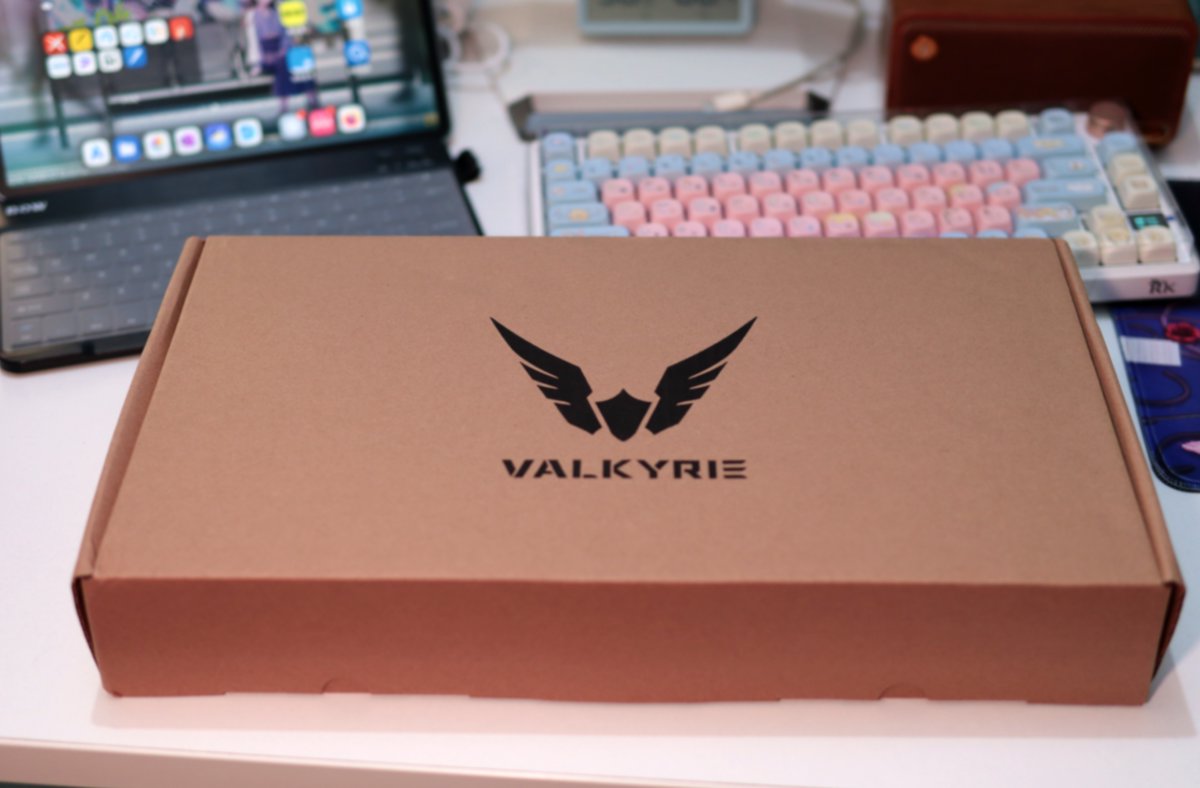
Simple and clean packaging, with the logo on top
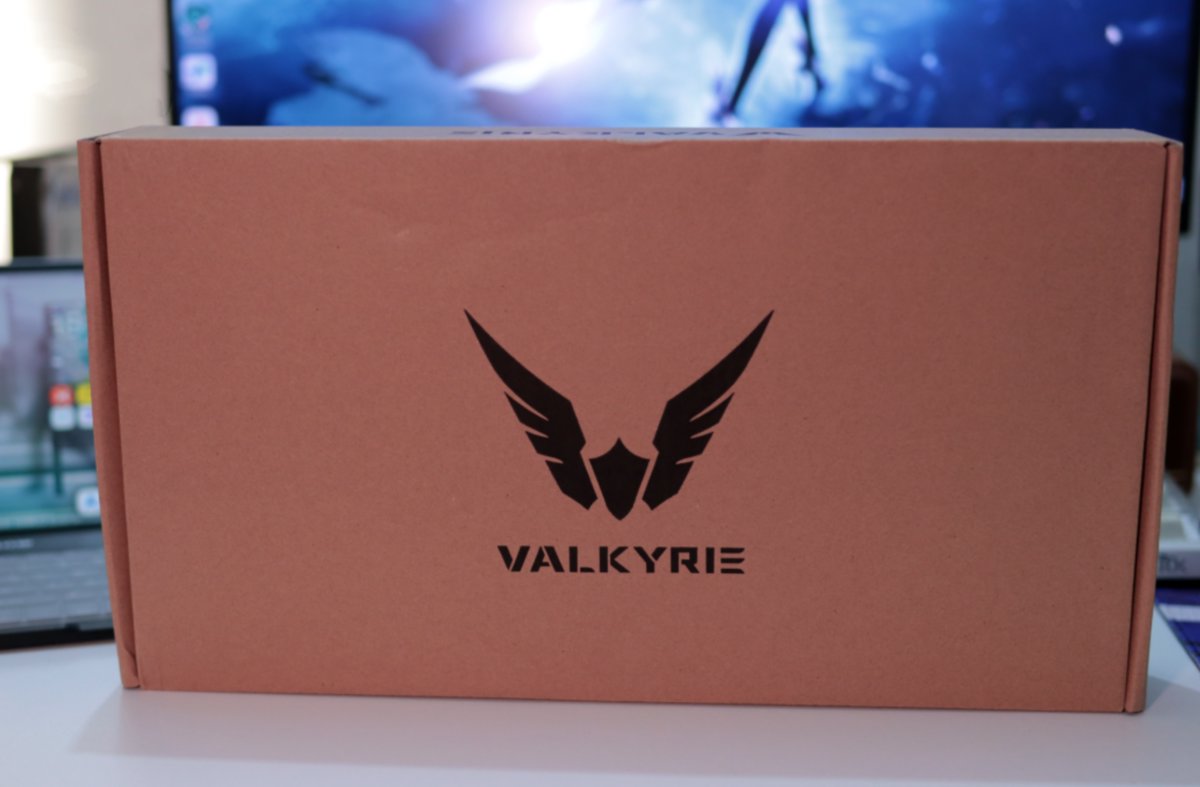
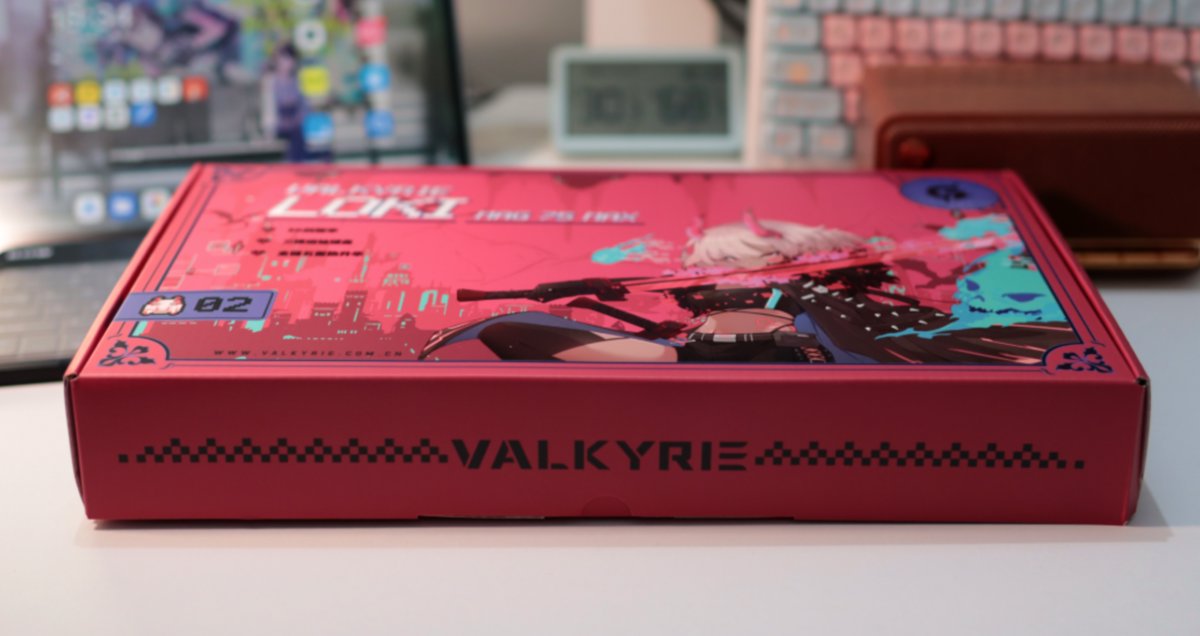
Let's take a look from the side
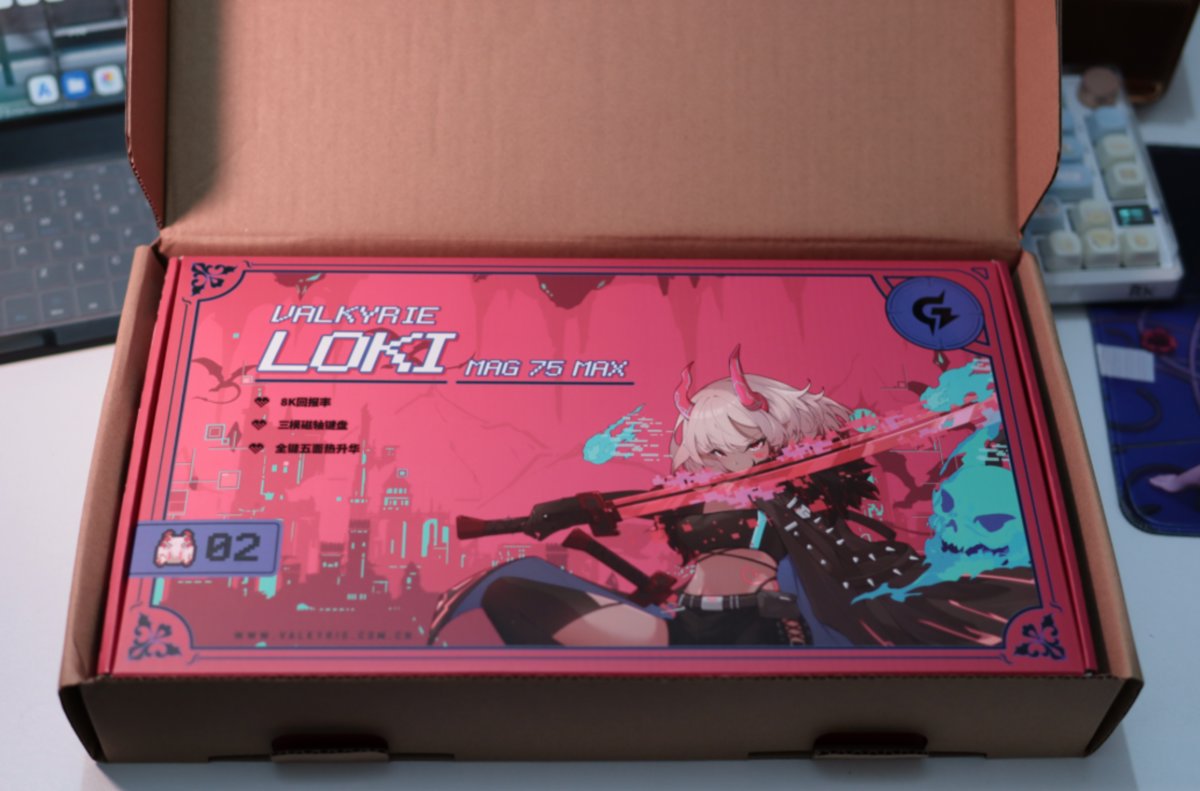
Inner Packaging
Open the outer box, and inside there is another color box (彩盒).
This box looks very beautiful, making one reluctant to throw it away.
The complete set.
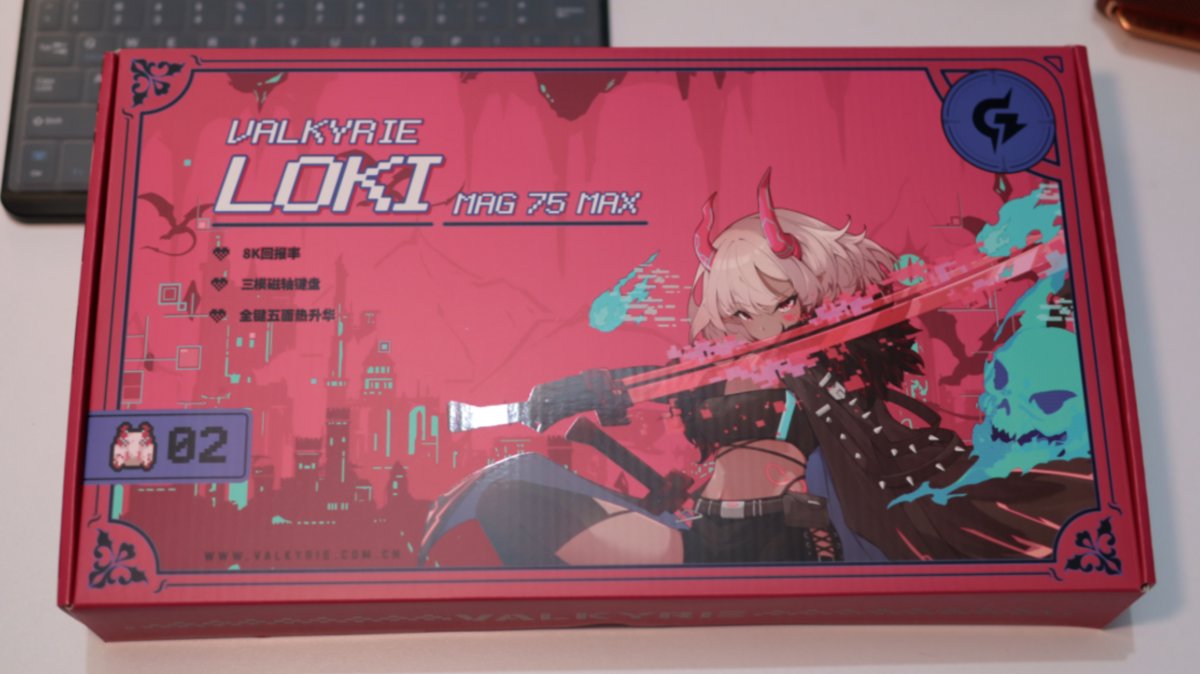
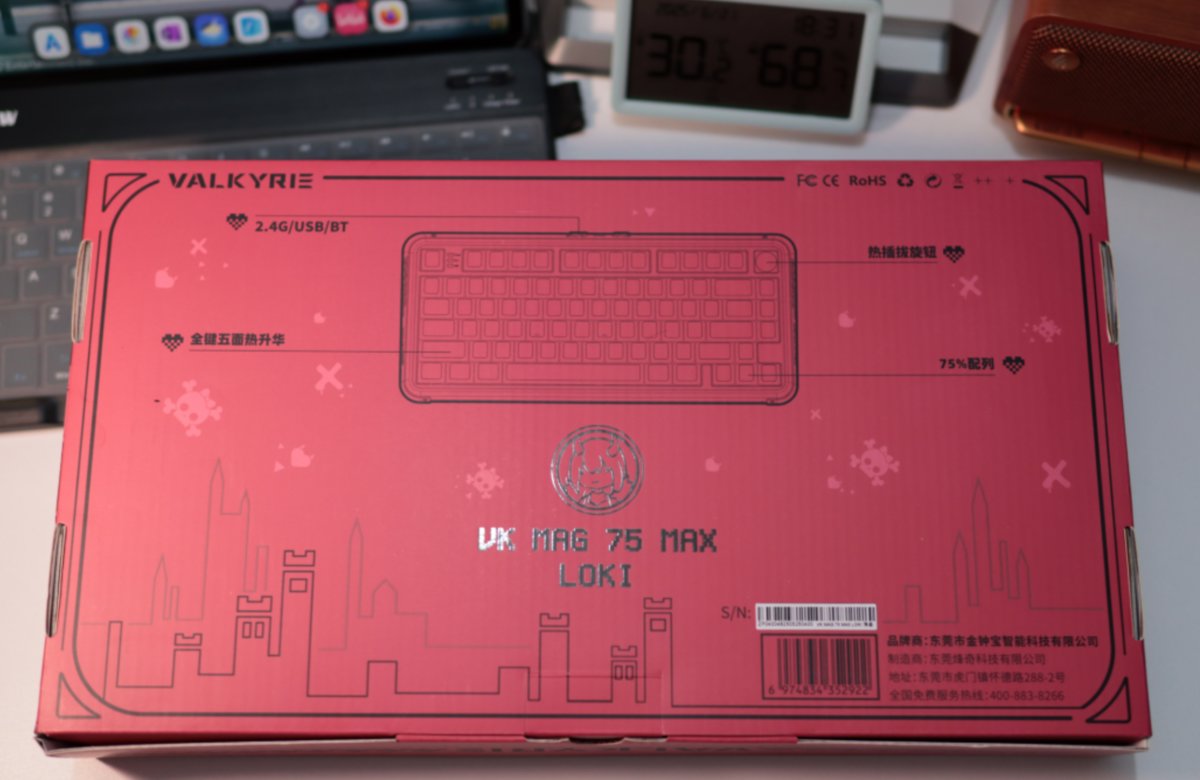
Back view.
Side view.
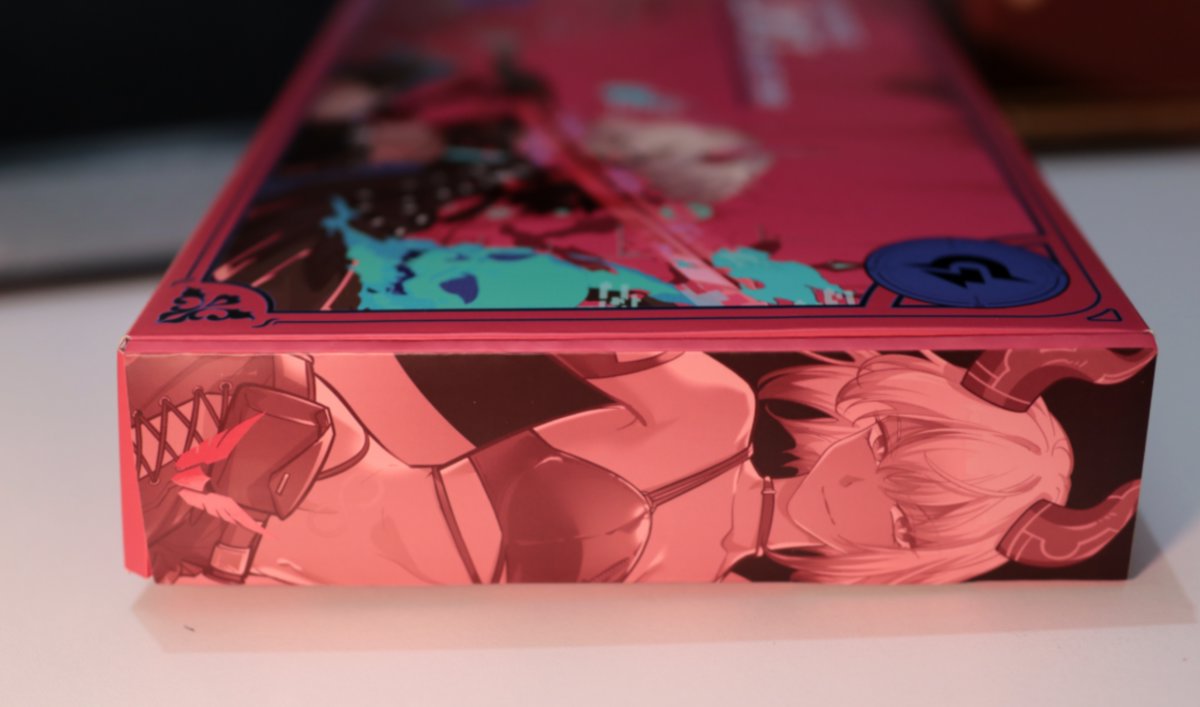
Even both sides have patterns.
Unboxing
This protective film has a really nice texture.
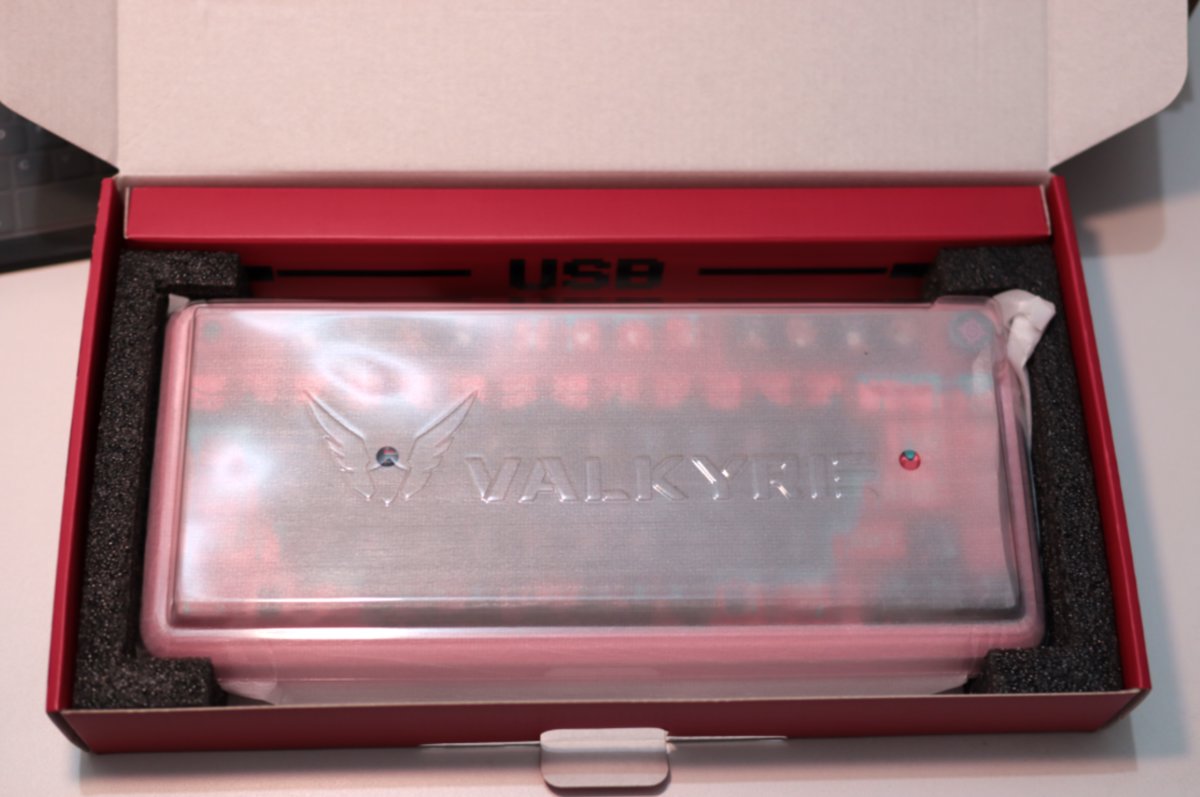
The design of this cable packaging is also quite interesting.
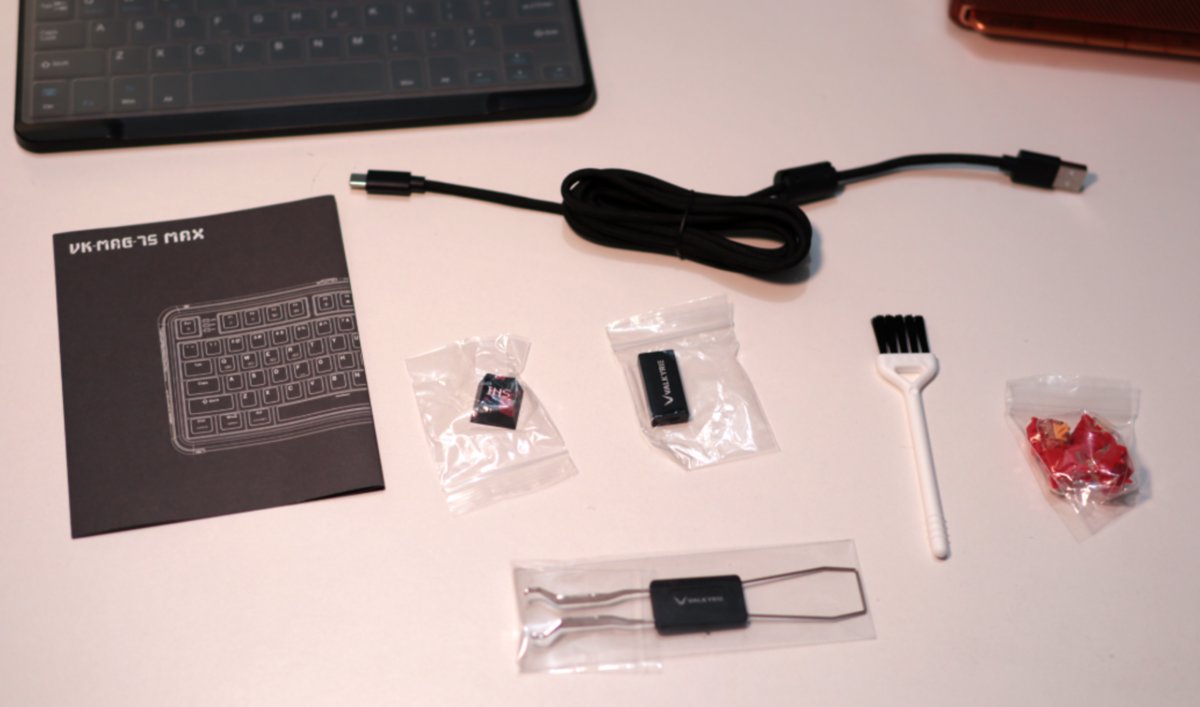
Accessories
This time it comes with a bunch of small accessories.
All shown in the image, so I won’t list them one by one.
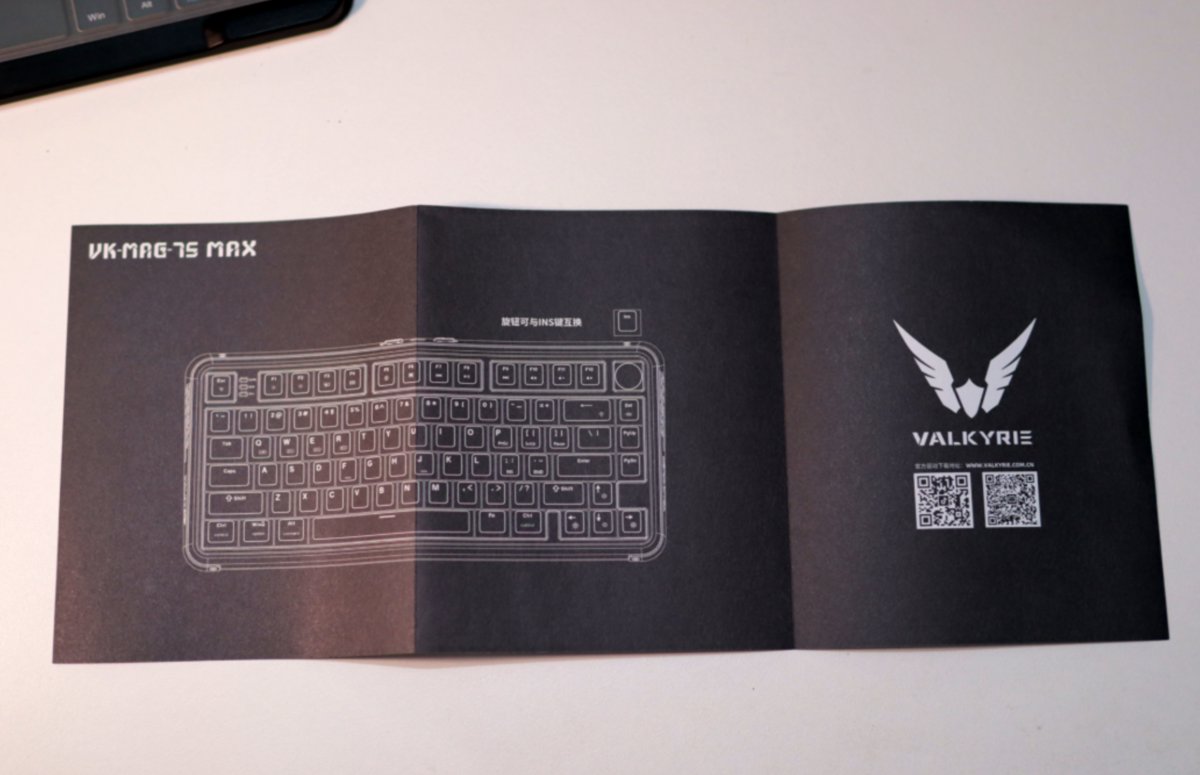
Manual
A one-page manual
But the paper quality is decent
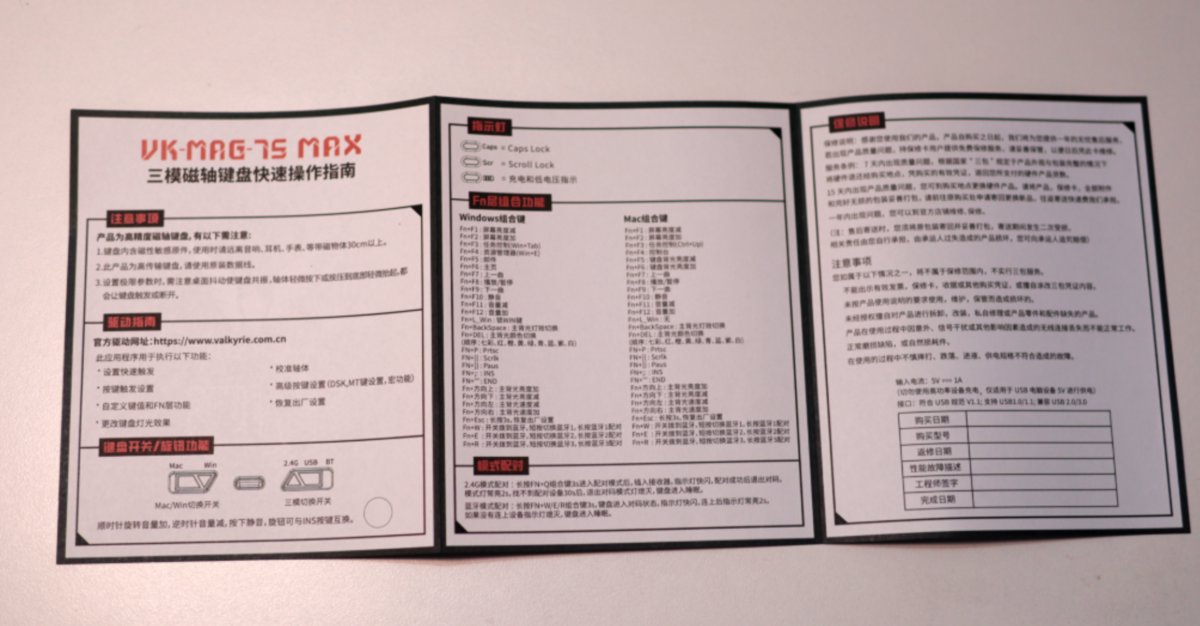
Back of the manual (As expected, out of focus again 😂)
The Keyboard Itself
No issues with misleading photos here
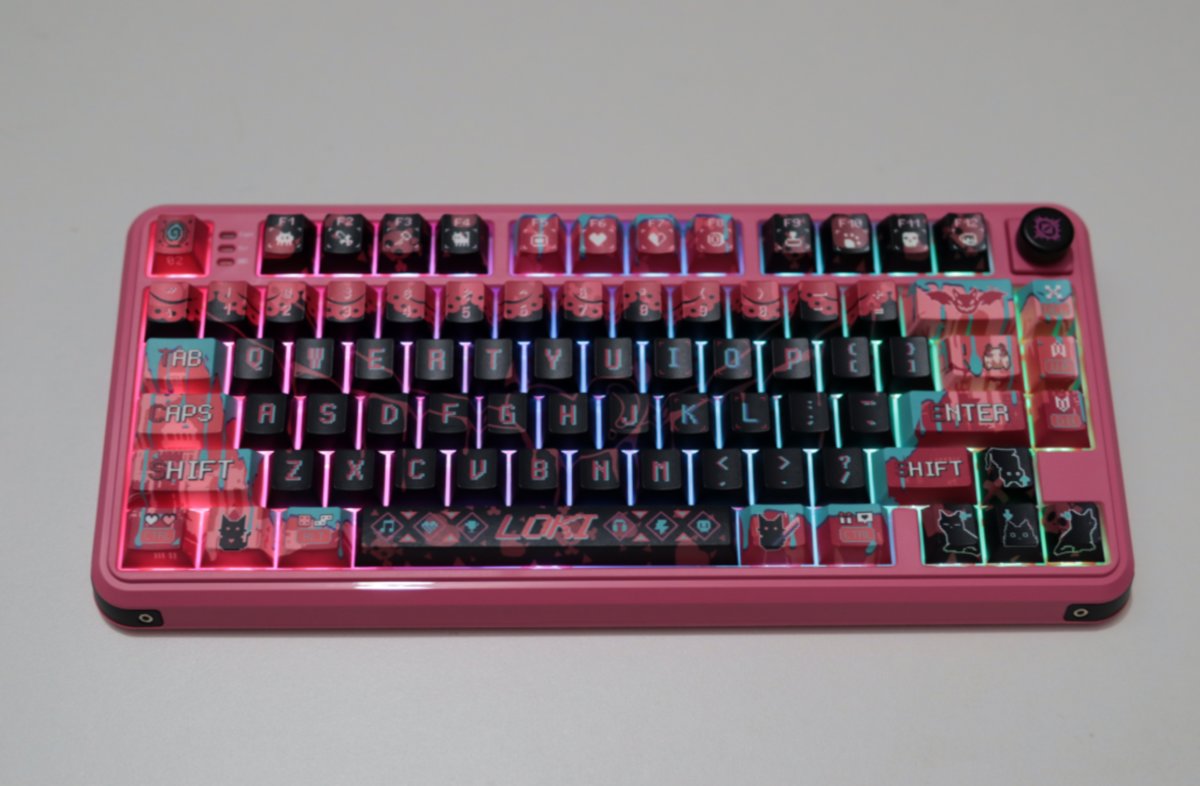
The keyboard itself looks great too
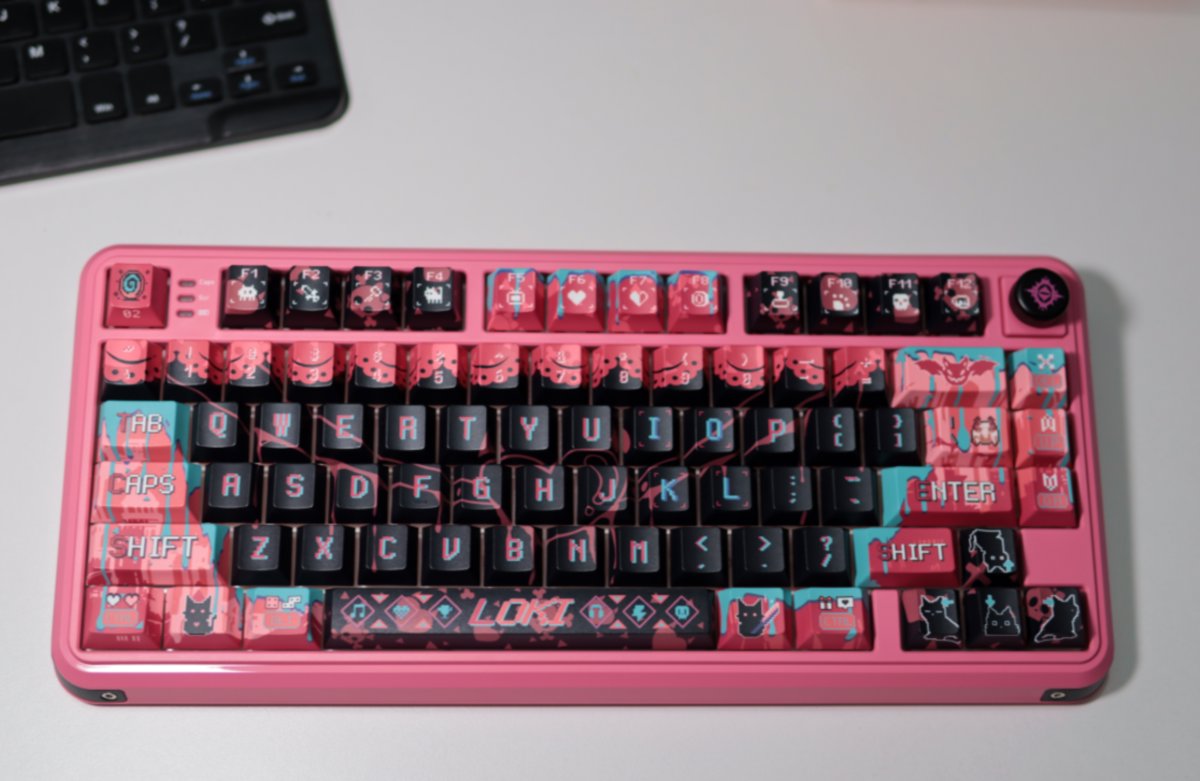
Let's look at it from a different angle
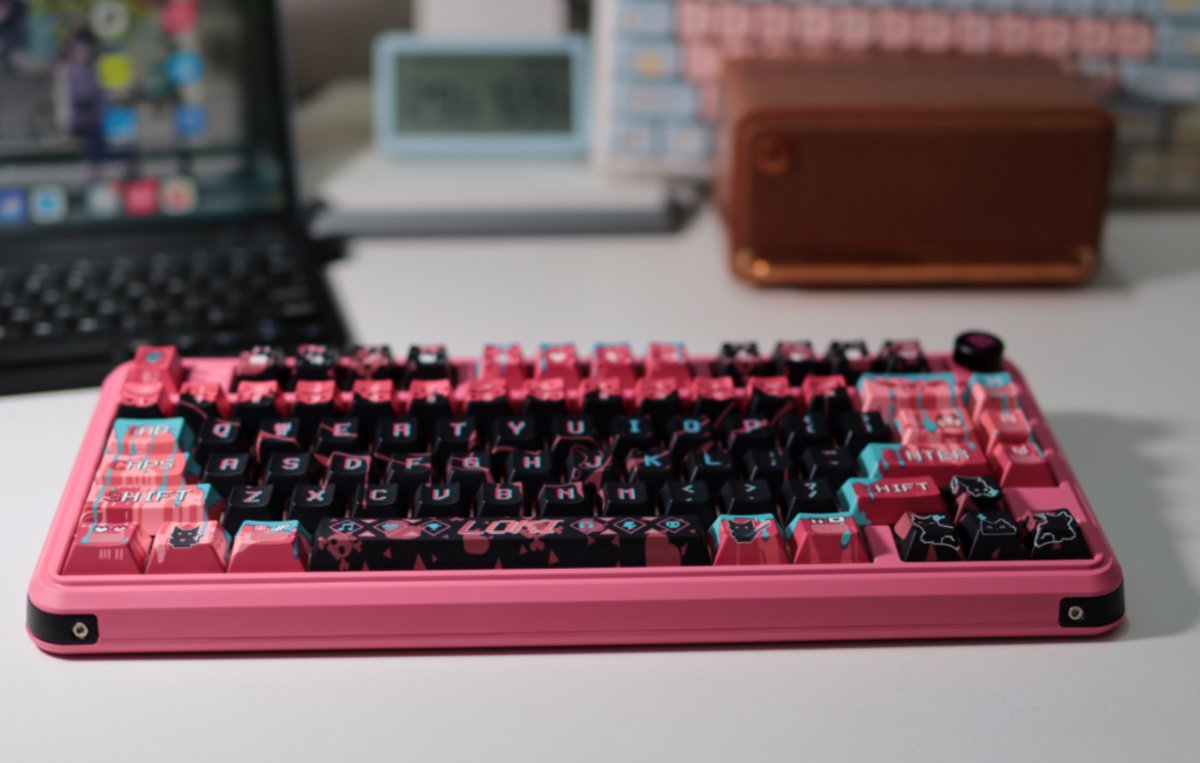
Interface and Switches
The interfaces and switches of this keyboard are all located at the top.
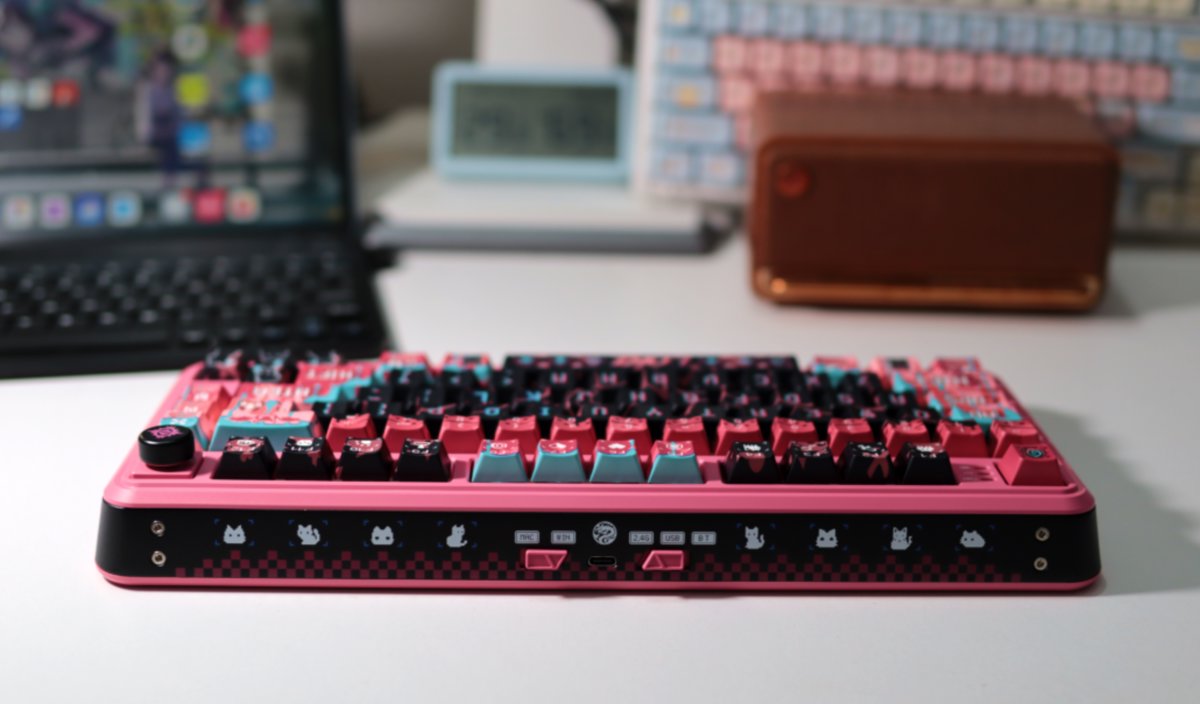
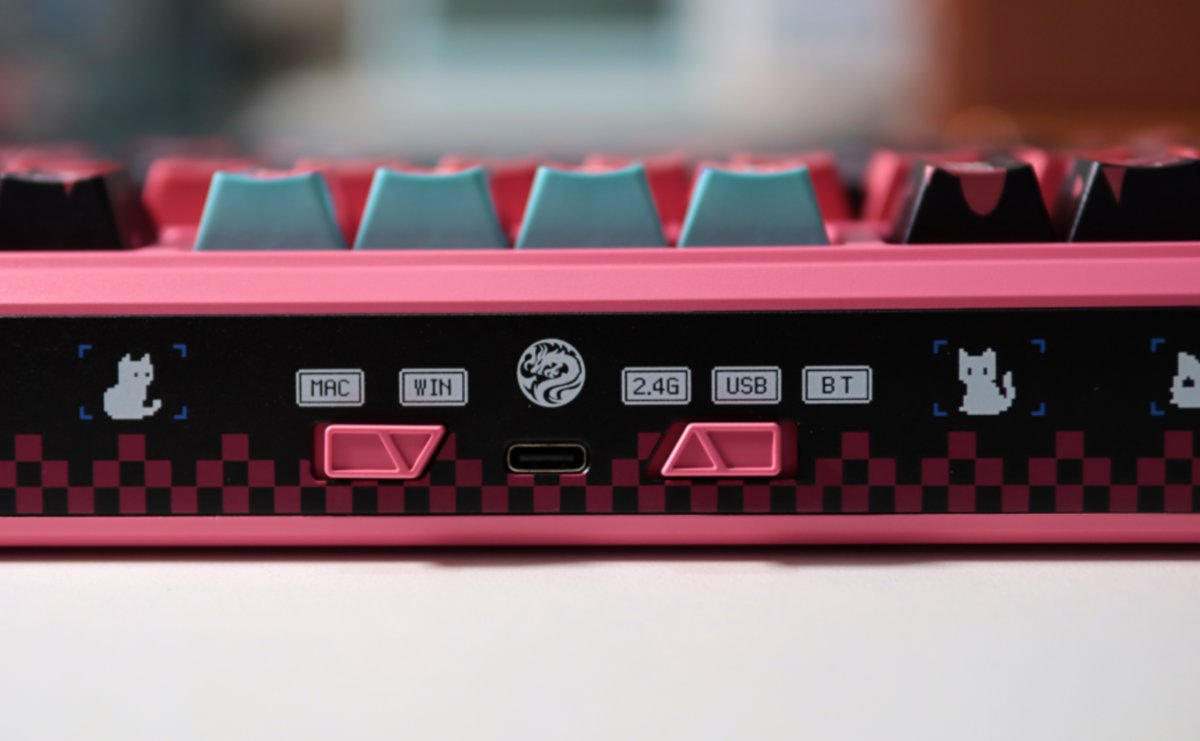
Let's take a closer look at the details.
There is a very convenient Mac/Windows switching switch.
And a three-stage, three-mode switch.
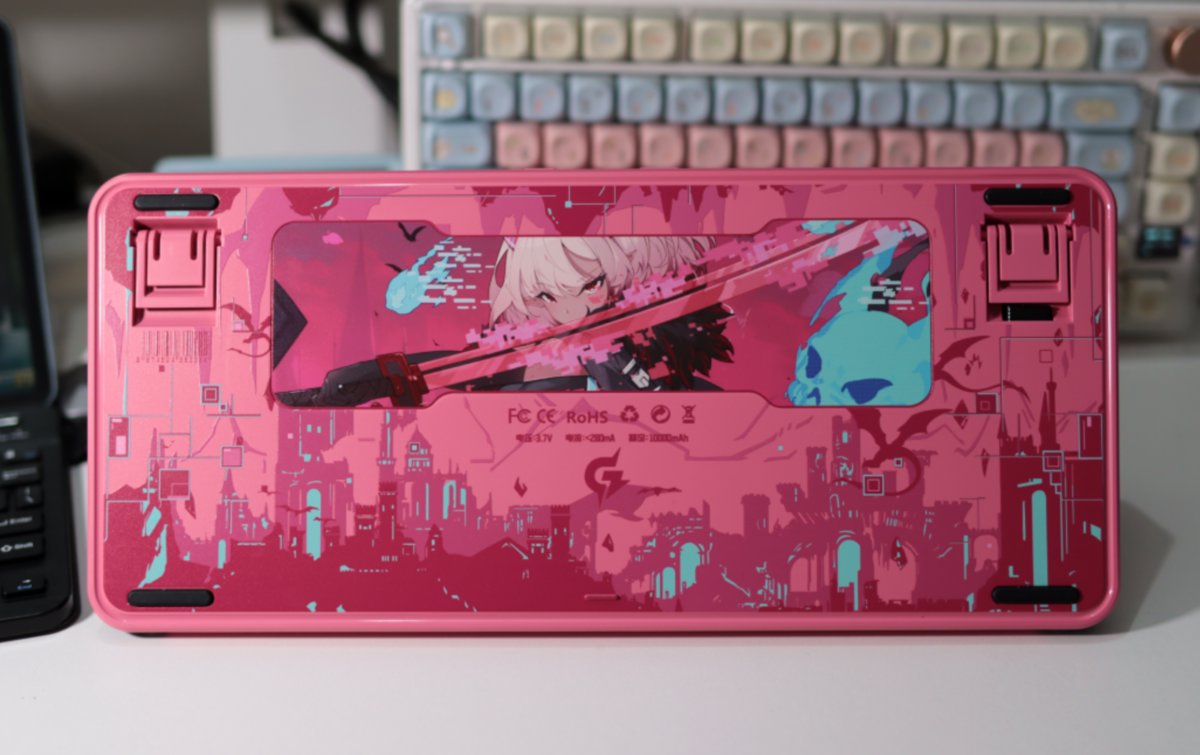
Back
The characteristic of this 2D anime keyboard is that the entire keyboard is covered in skin.
The back is no exception.
Some Details
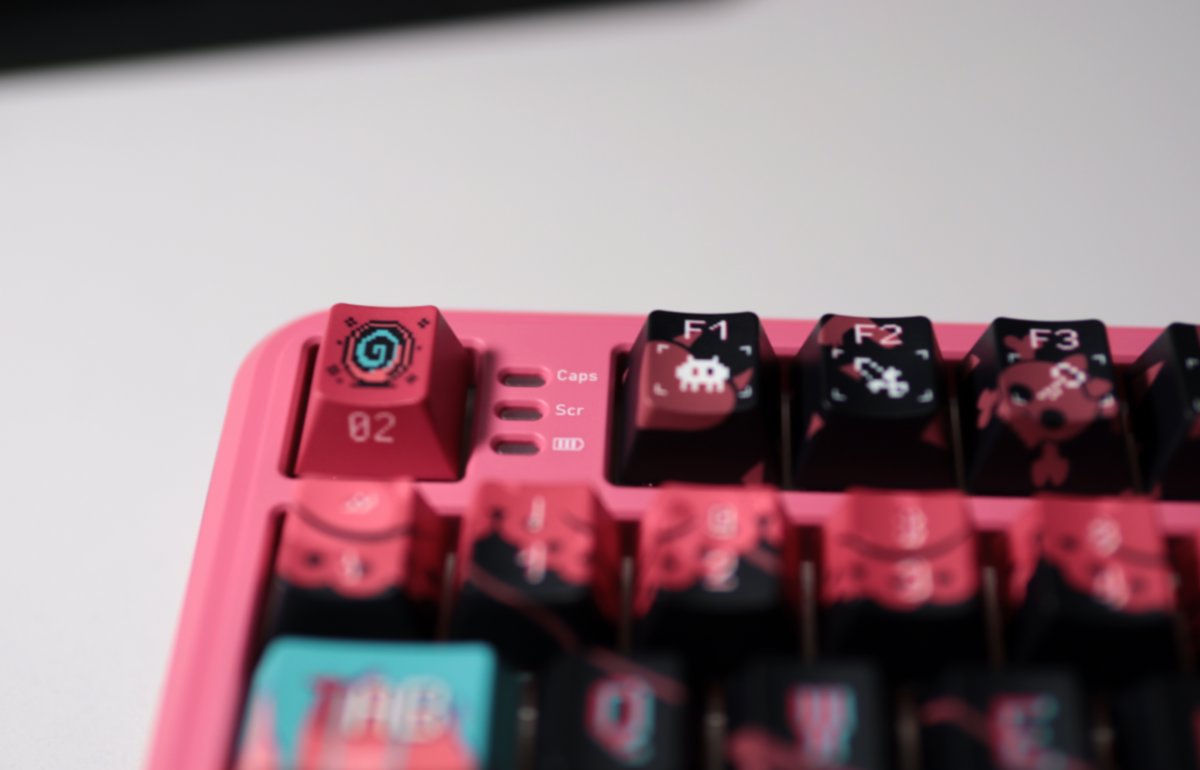
There is an indicator light next to the ESC key (ESC键), which is a relatively rare design, but I like it.
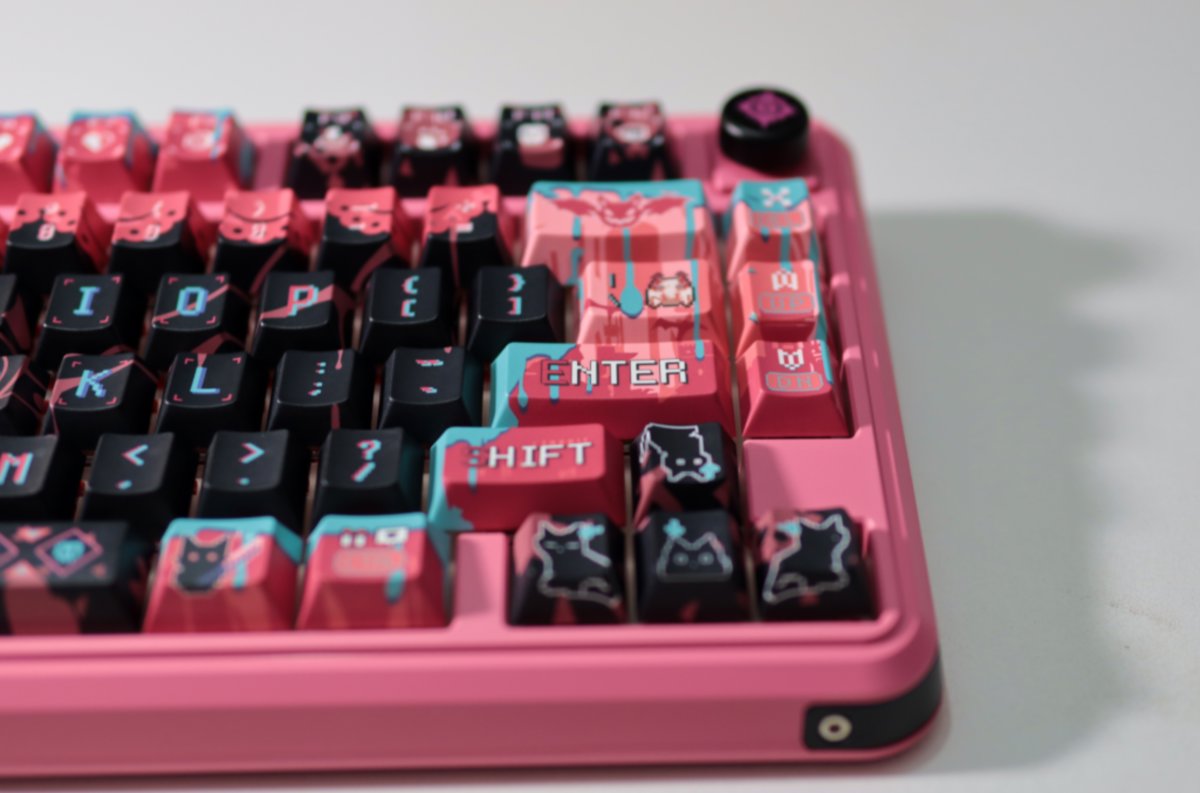
The knob in the upper right corner is metallic, and it has a nice texture.
Lighting Effects
The keycaps are opaque, so the lighting effect is mediocre.
But I'm not really interested in the lighting anyway—it drains power.
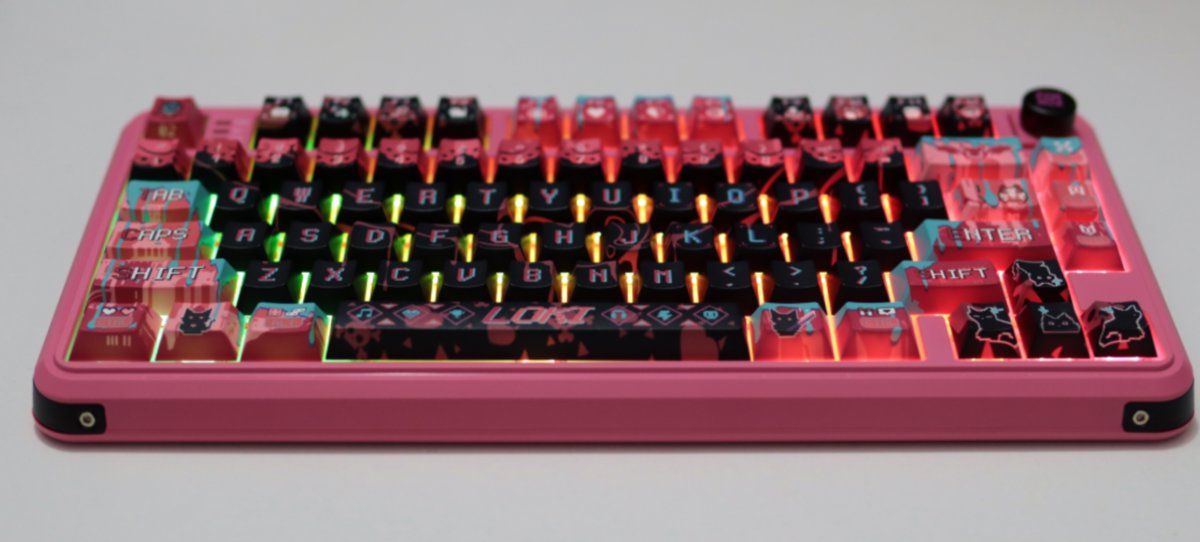
A front view.
Comparison
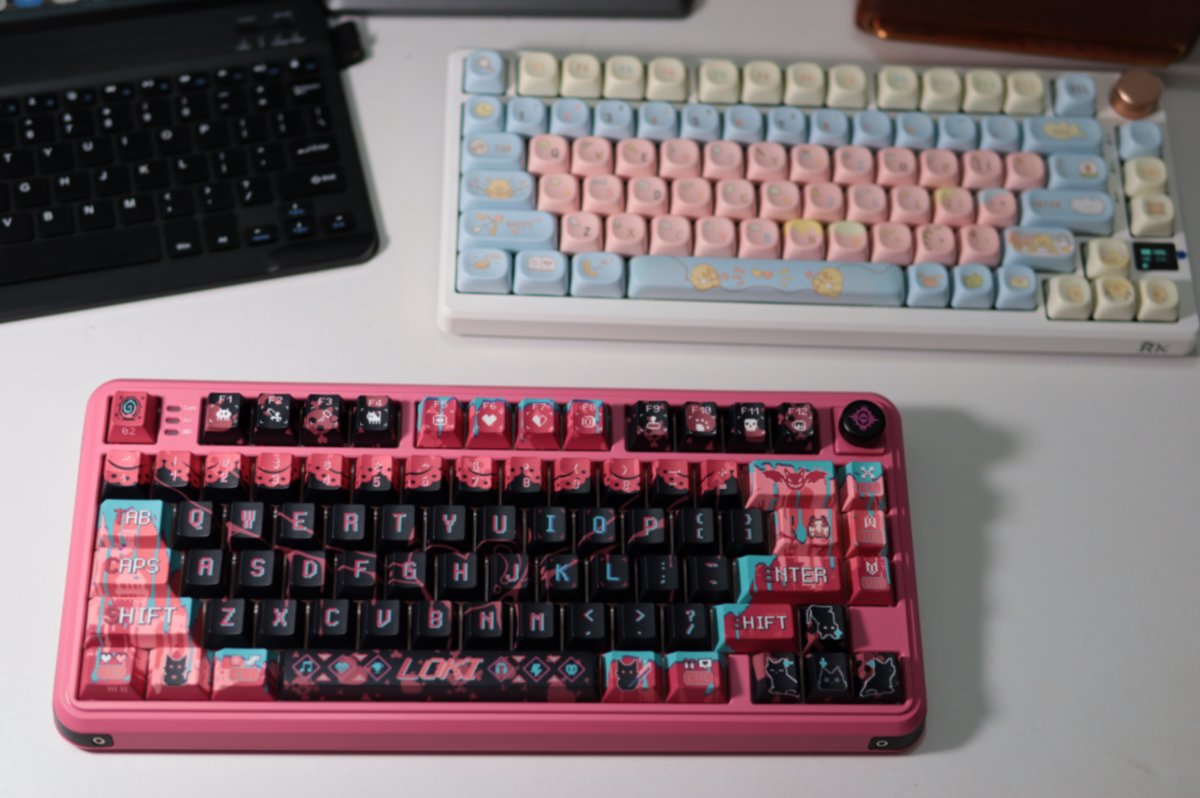
Comparing it with my favorite RK-S75.
The design is really nice. I've always used light-colored keyboards before, but after trying a dark one, I think it also looks quite good.
So the issue probably isn't about whether it's dark or light—it's mainly about the design.
Driver
Download link: https://www.valkyrie.com.cn/
The product's promotional page says it supports web drivers, but when I followed the official guide to open the page at https://qmk.top, it didn't work...
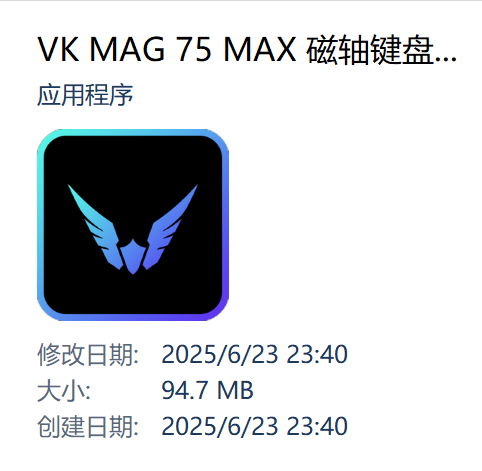
So just download the official driver instead.
This driver seems to be built on web technologies like Electron. The interface is decent, and the file size is huge.
One downside is that the startup speed is quite slow. Every time you open it, it shows a spinning circle with the message "Initializing".
Main Interface
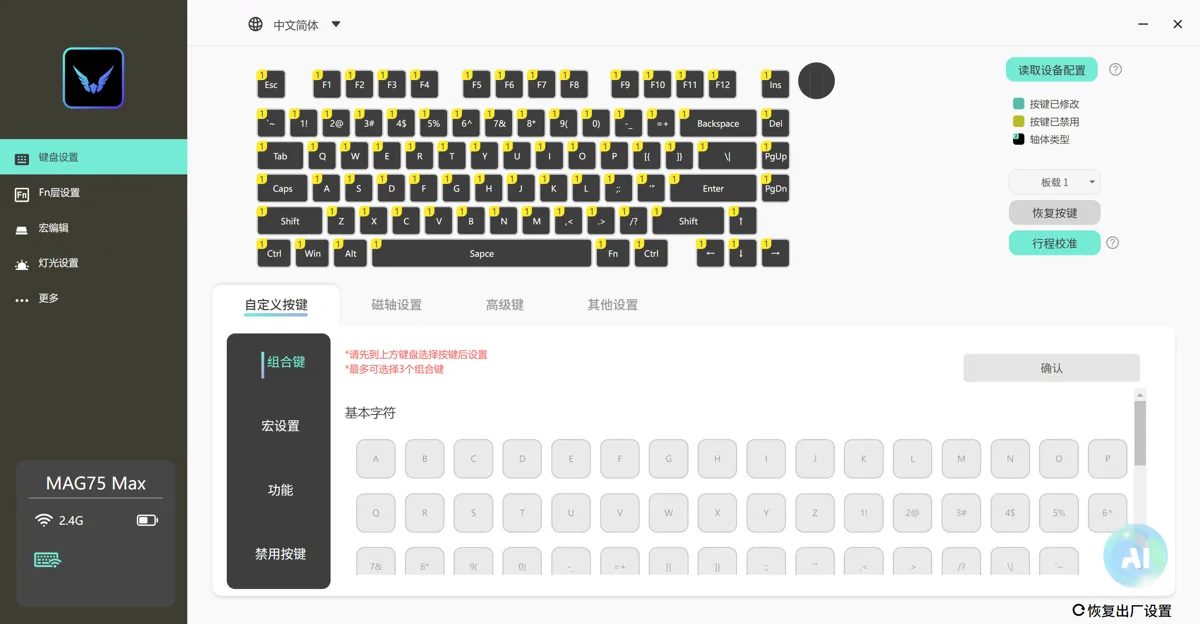
This keyboard configuration is very intuitive.
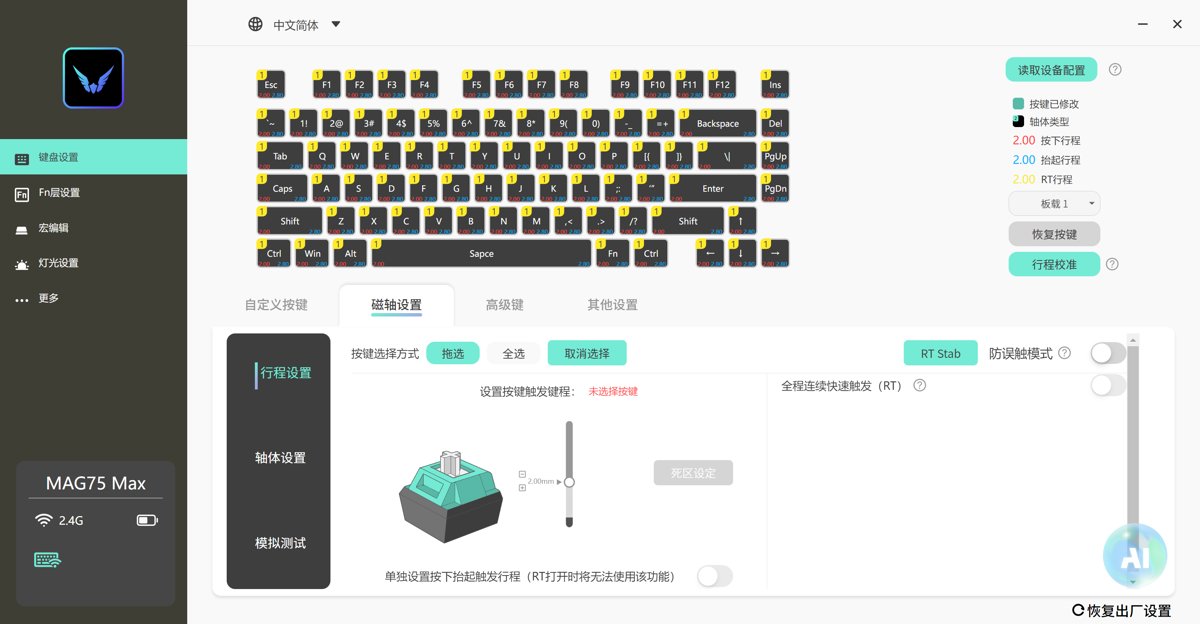
Magnetic Axis Settings
As a magnetic axis keyboard, it naturally comes with these advanced features.
However, I've only just started using magnetic axis switches, and many concepts are still unclear to me. I'm learning as I go.
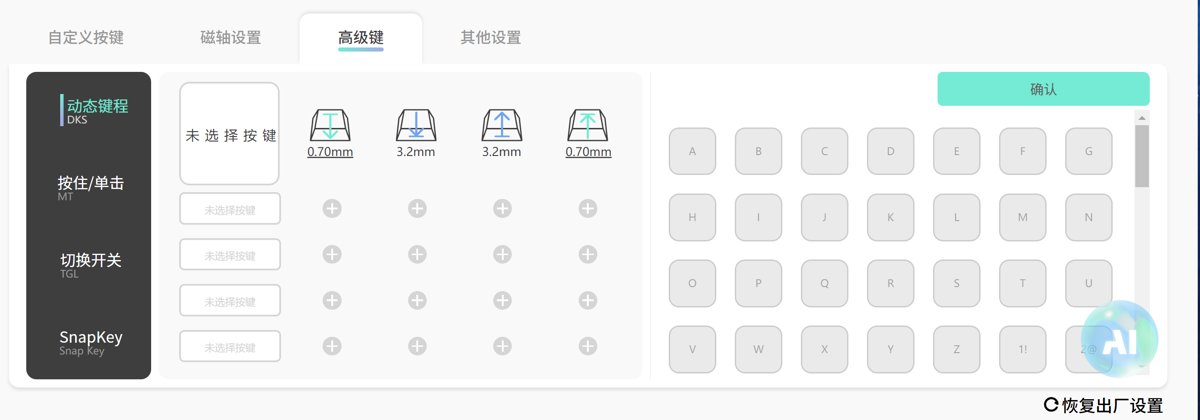
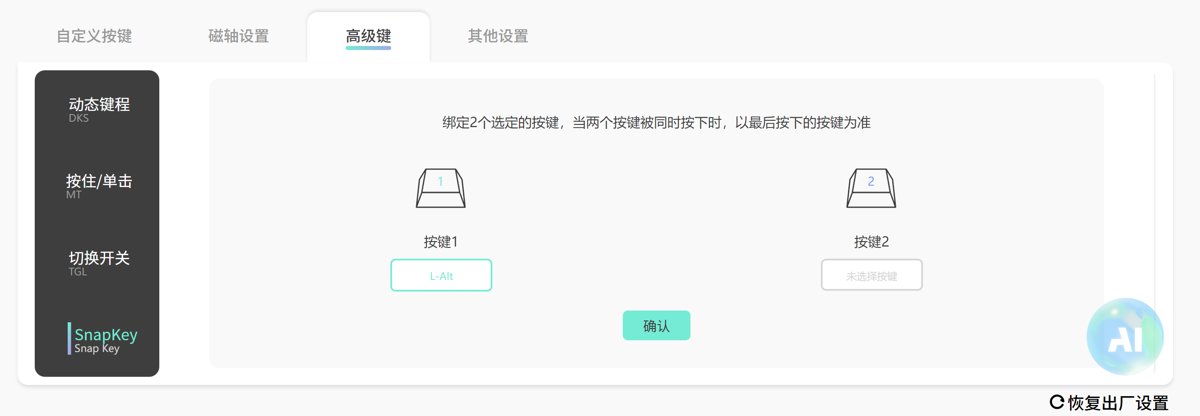
Advanced Keys
I haven't researched what all these configurations are yet.
Dynamic Key Travel
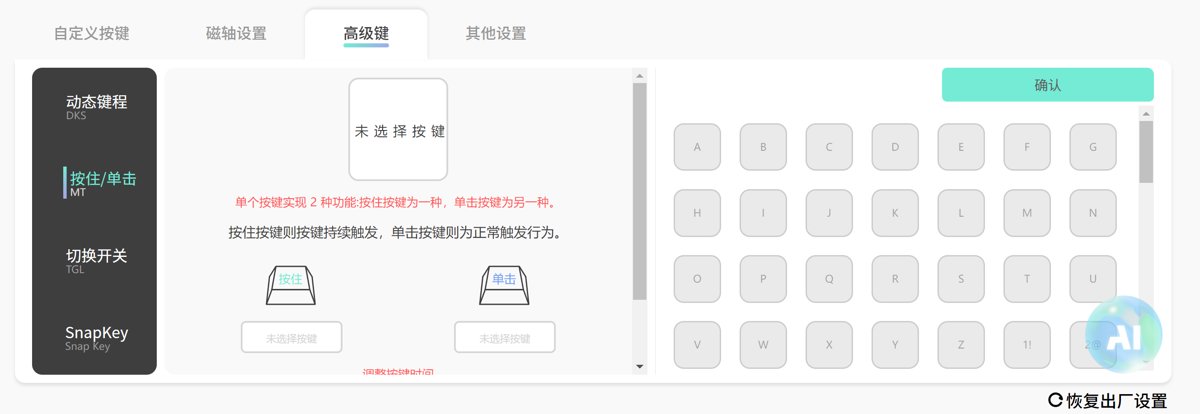
Press & Hold / Single Press
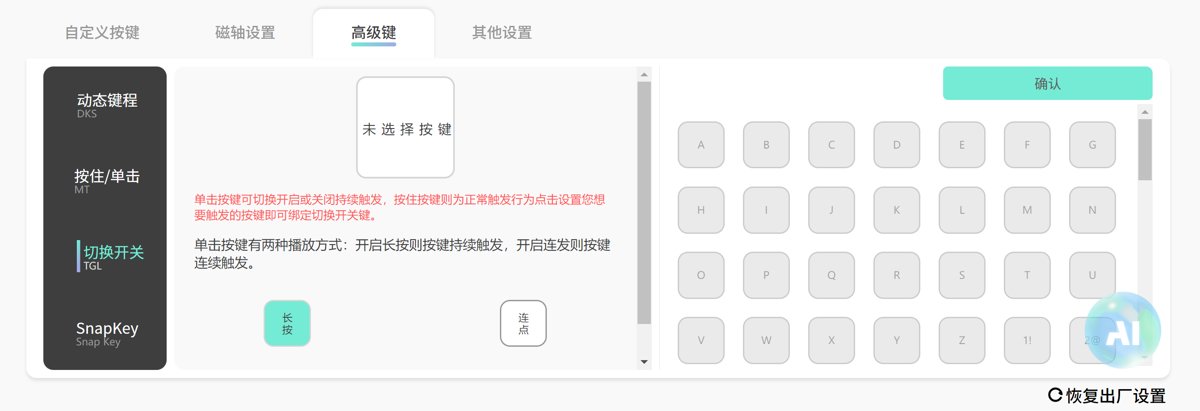
Toggle Switch
SnapKey
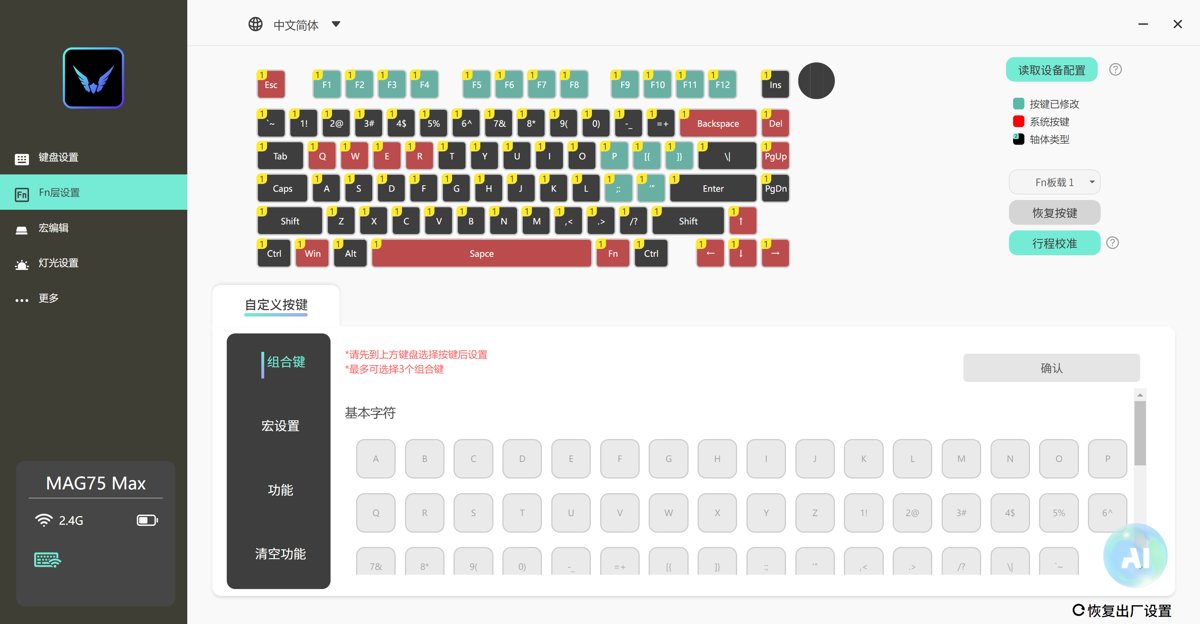
FN Layer Settings
It can be said that this driver outperforms many keyboards in the same price range, clearly indicating which keys cannot be configured.
Previous keyboards didn't have this feature, and I had to test each one individually to see if it could be configured.
Unfortunately, it only has a single FN layer.
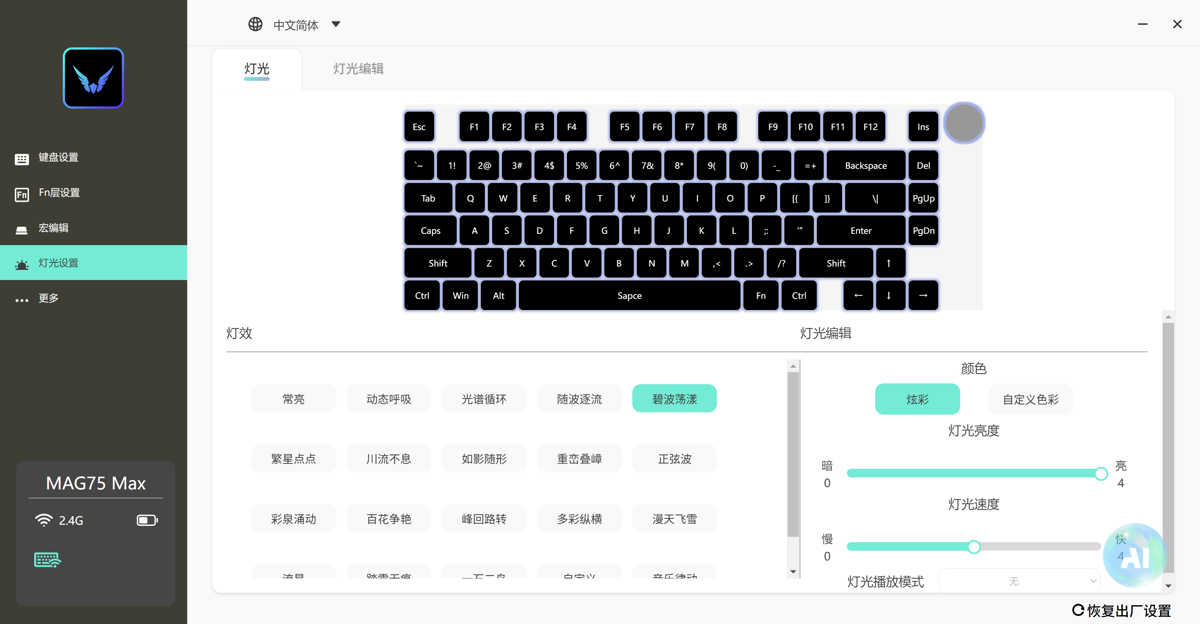
Lighting Settings
It seems like most keyboards use the same main controller
The lighting effects are all these
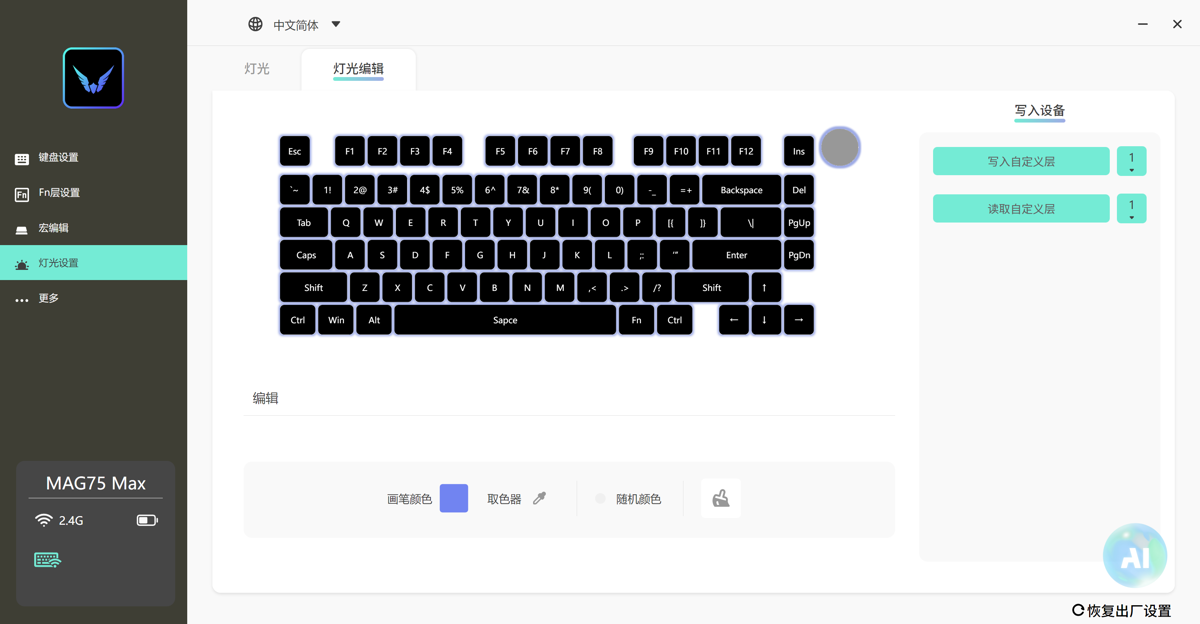
The lighting editing feature might be worth tinkering with?
However, I'm not very interested in keyboard lighting, and the built-in schemes are sufficient for me.
AI Features
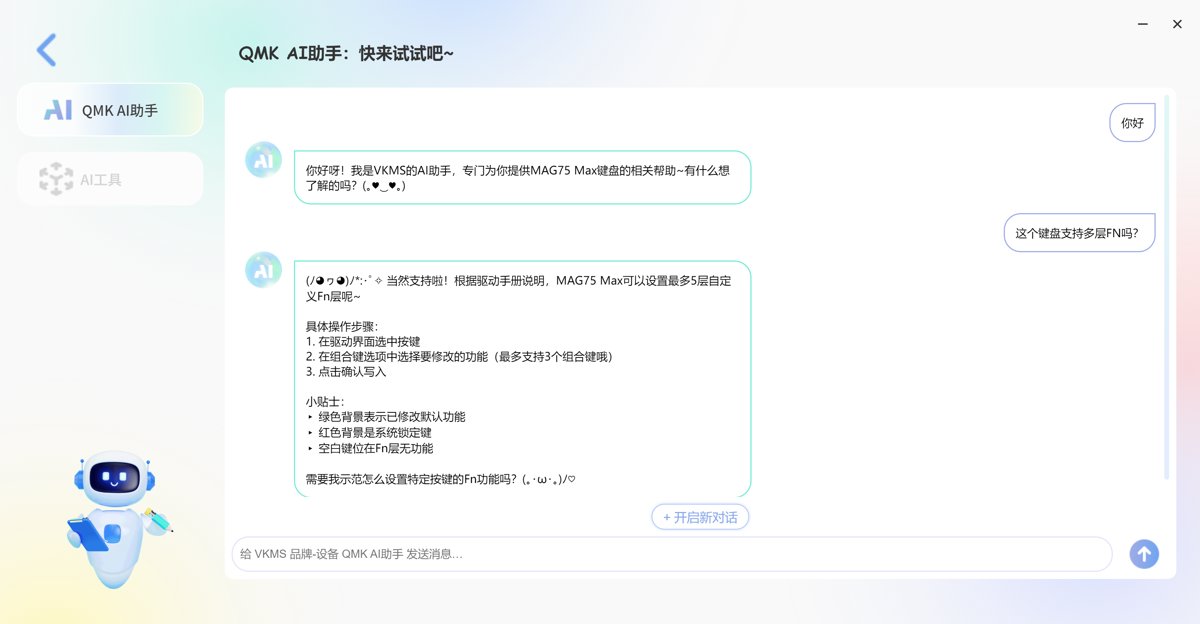
The most interesting part is that this keyboard driver actually added an AI assistant...
The response speed of this chat is pretty good.
The AI assistant told me it supports up to 5 layers of FN... I don't believe it... The settings interface clearly only shows one FN key. Looks like the RAG isn't done very well here. 😂
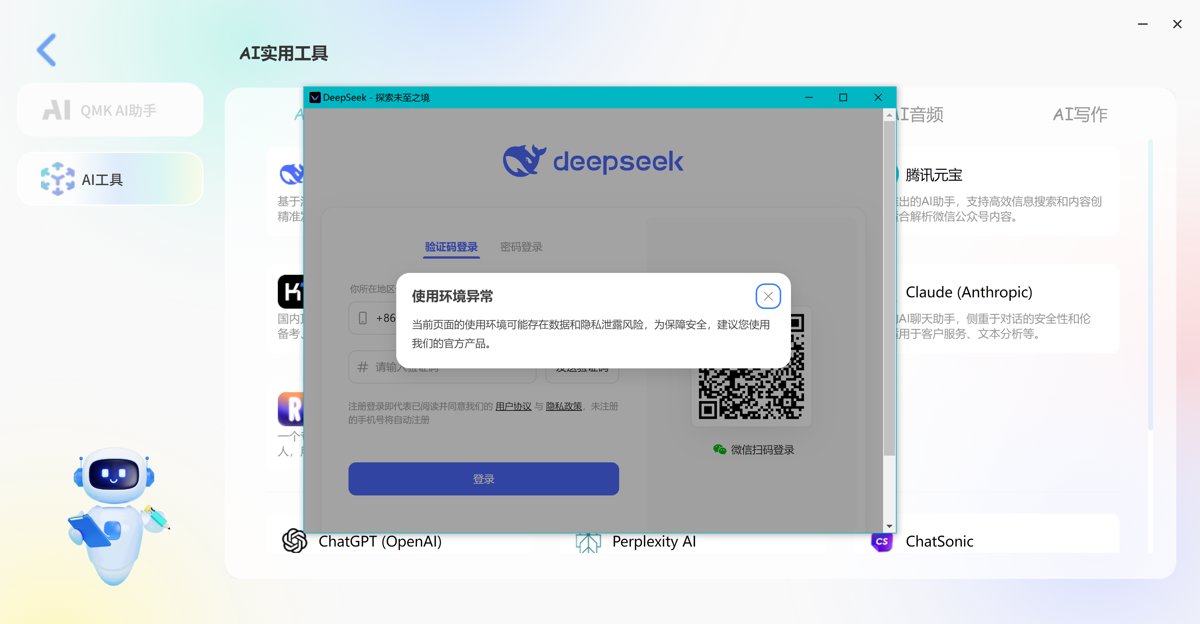
It also integrated an AI tools page.

In reality, it's just a navigation page that collects links to various AI tools. Clicking on them opens a small window to access the corresponding tool.
For example, DeepSeek, although it also shows an "Abnormal Usage Environment" prompt, probably because the software's kernel version is a bit old?
This one is a bit outdated. It's been a while since Google's large language model was renamed Gemini...

Switch Parameters
Almost forgot about this one.
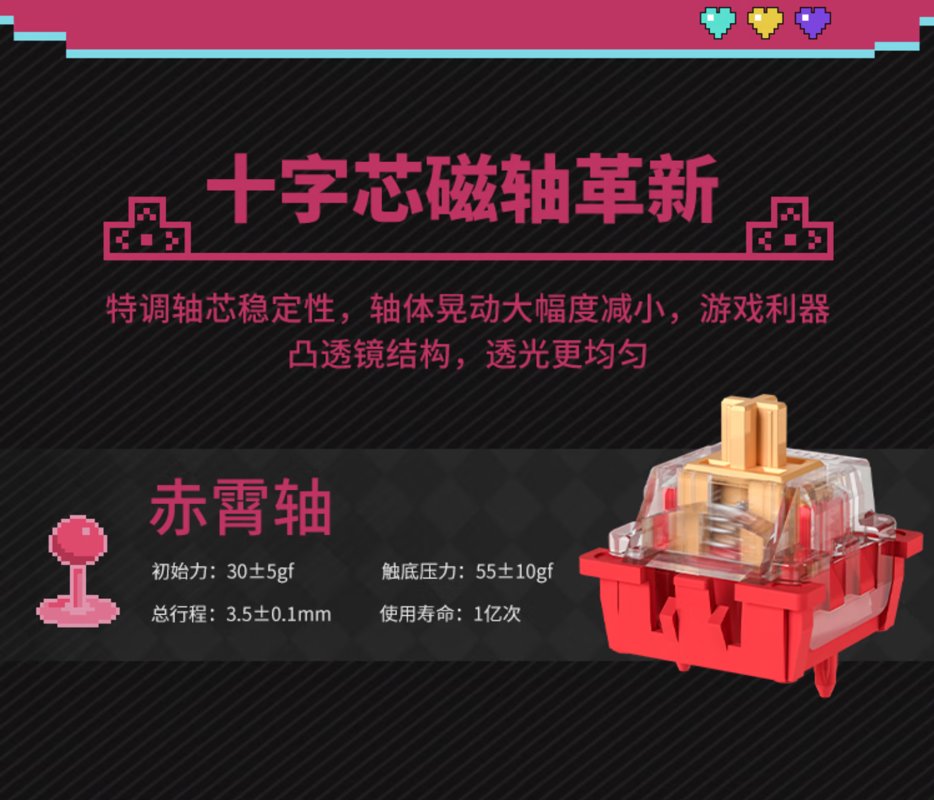
Although the feel is hard to describe, at least looking at the parameters gives you a quantitative idea.
The model I have is equipped with the Chixiao switch (赤霄轴).
Comparison with Other Switches
I'll take this opportunity to organize the switches I've used and make a comprehensive comparison.
| Switch | Initial Force | Bottom-out Force | Actuation Travel | Total Travel |
|---|---|---|---|---|
| Chixiao Switch | 30 ± 5gf | 55 ± 10gf | 3.5 ± 0.1mm | |
| VK99 Speed Silver | 38 ± 10gf | 55 ± 10gf | 1.2 ± 0.4mm | 3.0 ± 0.4 mm |
| JZ750 Ice Crystal | 37 ± 8gf | 47 ± 8gf | 2.0 ± 0.4mm | 3.8 ± 0.2mm |
| Dareu Sky V3 | 40 ± 3gf | 50 ± 5gf | 2.0 ± 0.3mm | 3.8 ± 0.3mm |
| Langtu LT75 Silver Jade | 36 ± 10gf | 48 ± 5gf | 2.0 ± 0.5mm | 3.6 ± 0.3mm |
| Ash Wood V3 | 40 ± 3gf | 1.5 ± 0.3mm | 3.6 ± 0.3mm | |
| Thunderobot Zero75 Flame | 43gf | 53gf | 1.2mm | 3.5mm |
| Peach V2 (Silent) | 40 ± 10gf | 2.0 ± 0.6mm | 3.5 ± 0.2mm | |
| HelloGanss Rose Pink | 37 ± 5gf | 45 ± 5gf | 1.8 ± 0.3mm | 3.5 ± 0.5mm |
| Noppoo Silver Wood | 40 ± 2gf | 55 ± 5gf | 1.5 ± 0.3mm | |
| RK-R65 Smoke Green | 43 ± 10gf | 1.7 ± 0.4mm | 3.5 ± 0.3mm | |
| RK-S75 Cloud Mist | 45 ± 5gf | 2.0 ± 0.4mm | 3.4 ± 0.4mm |
PS: Some parameters in the table are missing because the product promotion pages did not provide them or they are not applicable.
OK, these are the switches I've used over this period. Currently, my favorites are the "Ash Wood V3," the "JZ750 Ice Crystal," and the "RK-R65 Smoke Green."
The "Ash Wood V3" is very comfortable for typing, so I highly recommend it for writing. However, it seems that only custom keyboards come with this switch as a default option. But that's okay—most keyboards nowadays allow you to replace switches. You can just buy and swap them yourself, and these switches aren't expensive either.
Next up are the "JZ750 Ice Crystal" and the "RK-R65 Smoke Green." The former is very soft and effortless to press, while the latter is well-balanced in all aspects. Paired with the RK-R65, it sounds excellent.
Another switch I find impressive is the Thunderobot Zero75's Flame switch. Especially after I changed the keycaps, it sounds quite nice on this keyboard. It turns out to be a great kit indeed.
I feel like I could write a dedicated article to introduce these switches next!
User Experience
Aesthetically, the design is unquestionable, though this is quite subjective and may vary from person to person.
The magnetic axis (磁轴) mainly highlights its fast trigger speed, suitable for competitive gaming.
For my daily typing use, I don’t perceive a strong difference with the magnetic axis. In terms of tactile feel, it’s actually not as good as the regular mechanical keyboard I used before.
It feels somewhat muffled in sound, with a certain damping sensation when typing.
However, tactile feel is something hard to describe in words—you really need to try it in person to determine if you like this kind of feedback. Perhaps some people do enjoy the feel of magnetic switches?
It’s worth noting that this keyboard also supports hot-swappable switches. If you’re not satisfied with the feel of the magnetic axis, you can swap in other standard mechanical switches.
The official driver includes adaptability for different switch types; after swapping switches, you can simply switch the settings in the driver. (This keyboard is not a bad option as a barebones kit.)
_EOF_
It was my first time using a magnetic axis keyboard, and I ended up paying for its looks.
- 本文作者:
- 程序设计实验室
- 版权声明:
- 本博客所有文章除特别声明外,均采用 BY-NC-SA 许可协议。转载请注明出处!
相关文章
第一次用65配列,RK-R65键盘开箱
RK-R65键盘,颜值尚可,重量712g,勉强接受。烟青轴手感不错,麻将音悦耳,但无F1-F12键,方向键无间隔,定位困难。驱动奇怪,方向键功能写死,fn2+无效,啧。尝试适应65配列,看能否习惯。
2025-10-28 · 键盘 · 约 1 分钟
雷咖泽KW75S键盘开箱
厌倦达尔优EK75的缺点?转向雷咖泽KW75S客制化,键帽圆润手感还行,灰木轴意外凑合。但性价比低、电池小、插线要翻键盘,保护罩还盖不稳,真够折腾。
2025-10-28 · 键盘 · 约 1 分钟
65配列键盘真是让人又爱又恨啊…… 再次入手 RK-R65
又买RK R65?为颜值手感买单,结果驱动依旧拉胯。FN+方向键自定义呢?官网新旧混卖,国内只给旧款?
2025-10-28 · 键盘 · 约 1 分钟
寻遇记主题键帽开箱
圆润键帽手感尚可,MCA高度?呵,不习惯。包装小清新?呵,简陋。效果颜色不搭,建议换白壳。性价比高?112键68块,勉强及格。
2025-10-28 · 键盘 · 约 1 分钟
讨论
共 0 条加载评论中…