Valkyrie VK99 keyboard unboxing
After a detailed unboxing experience and initial exploration, from its exquisite packaging to every design detail, this keyboard is undoubtedly tailored for users who value both aesthetic appeal and functionality. The large-area spray printing on the back, the flawless finishing on the sides, and the unprecedented knob and display screen design all set the VK99 apart from numerous mechanical keyboards. Combined with flexible driver configuration, personalized lighting effects, and music rhythm functionality, it further enhances the overall user experience.
目录22 个章节
Preface
The keyboard addiction struck again, so this time I decided to try a keyboard with an anime-style design.
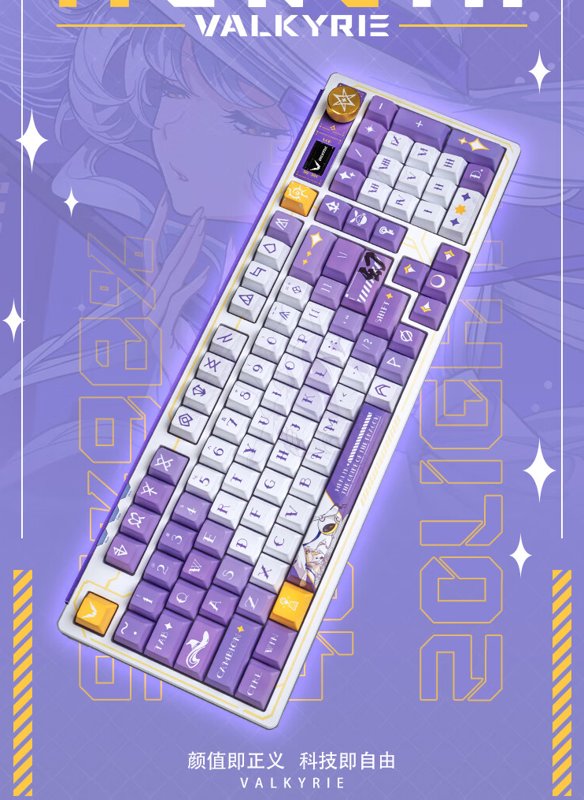
I chose the Valkyrie VK99,which is claimed to be a "keyboard that is entirely a skin" — it truly is very… beautiful.
The following content is generated by a large language model
In the digital age, keyboards are not just the bridge connecting us to the digital world; they are also vital tools for expressing creativity, completing work, and enjoying games. For many, a good keyboard can enhance the overall computer experience and even change the way we interact with text, code, and the virtual world. Recently, I purchased a new mechanical keyboard, which was not just a simple shopping decision but an upgrade in my pursuit of personal efficiency and comfort.
Mechanical keyboards are widely popular for their unique tactile feel, distinct click sounds, and customizable aesthetic designs. From precise typing experiences to personalized keycaps, from responsive performance to durable construction, they stand out among many keyboard types and have become a beloved choice for many. I am full of anticipation for this choice and hope it will bring a fresh experience to my daily work and entertainment.
In this blog post, I’d like to share my experience of choosing a new mechanical keyboard: from researching different brands and models to the thought process behind my final decision; from the excitement of unboxing to my honest impressions after use. Whether you’re a mechanical keyboard enthusiast or a curious newcomer, I hope my experience offers some valuable insights and may even inspire you to explore your own ideal keyboard. Let’s dive into the fascinating world of mechanical keyboards together and discover how they can add color to our digital lives.
About Using the JZ750 for a Year
The experience has been decent, but there are a couple of gripes:
- It only has a Home key, no End key! It's awkward when coding, and I'm not used to it at all.
- Sometimes there's an issue with sticky keys—that is, when the Win key isn't pressed, pressing a letter key turns into a Win+letter combination. I'm not sure if it's a hardware issue or a driver problem.
The feel is unbeatable, though. The linear switches really suit my preferences.
Unboxing
The packaging box itself makes one reluctant to throw it away.
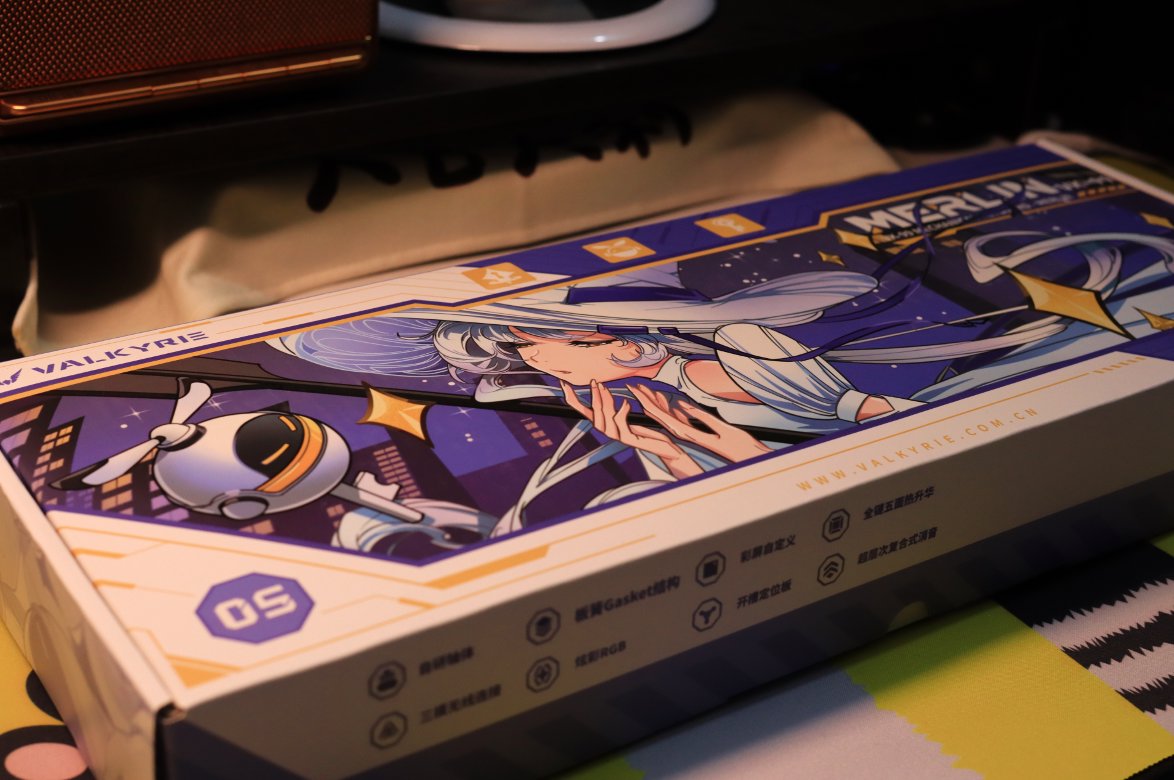
The full view of the packaging box.
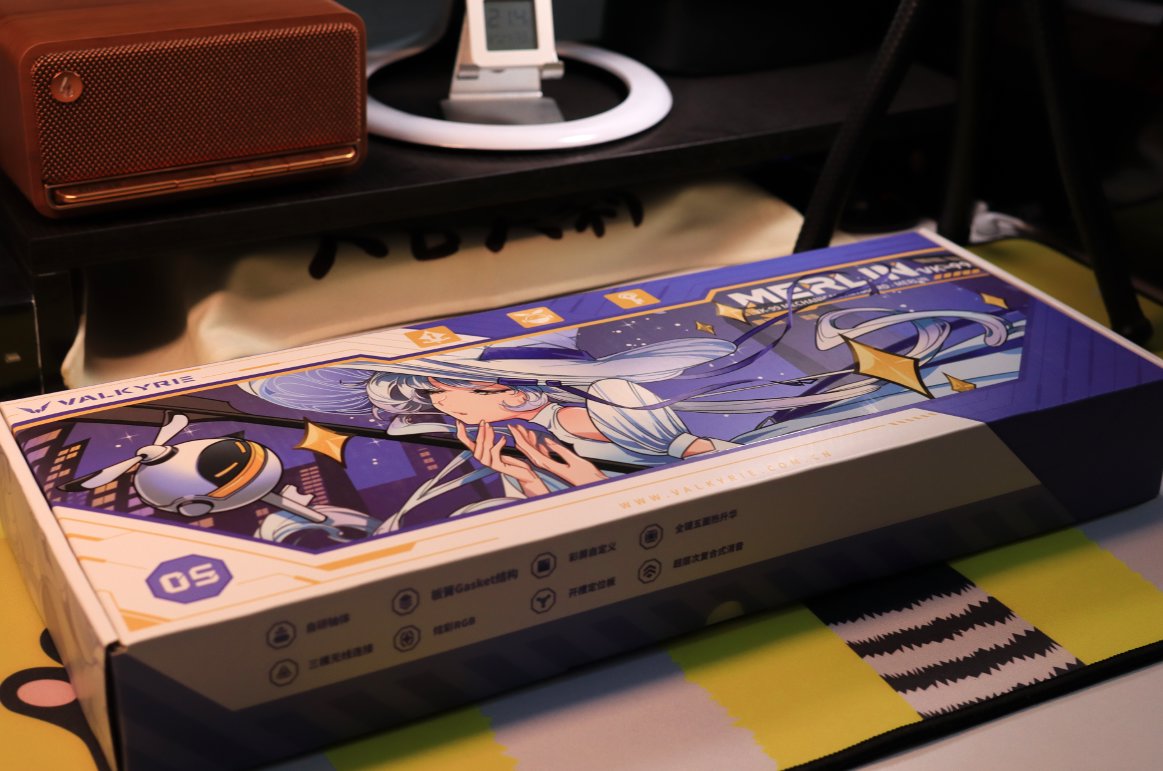
Standing upright.

Unboxing, the interior of the box is more simple than I expected.
What impressed me most was still the packaging of the Black Canyon (黑峡谷). It was very substantial and included quite a few freebies.
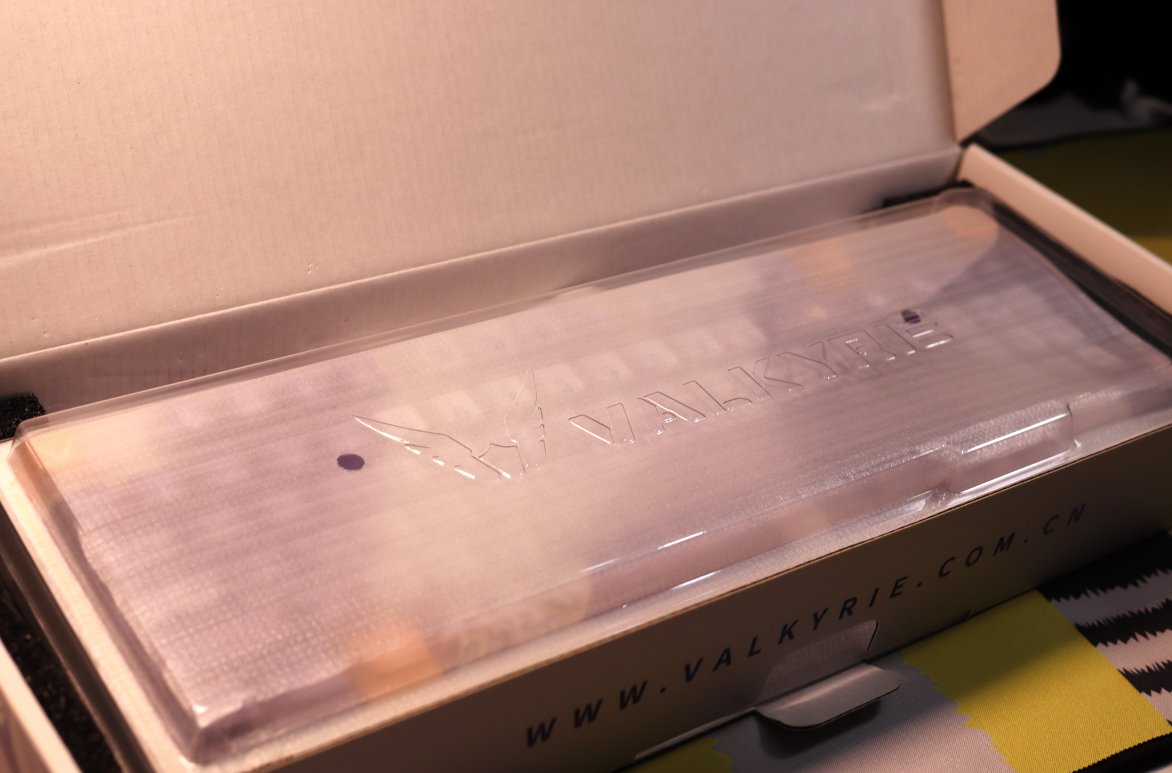
Keyboard Body
Aesthetics matter!
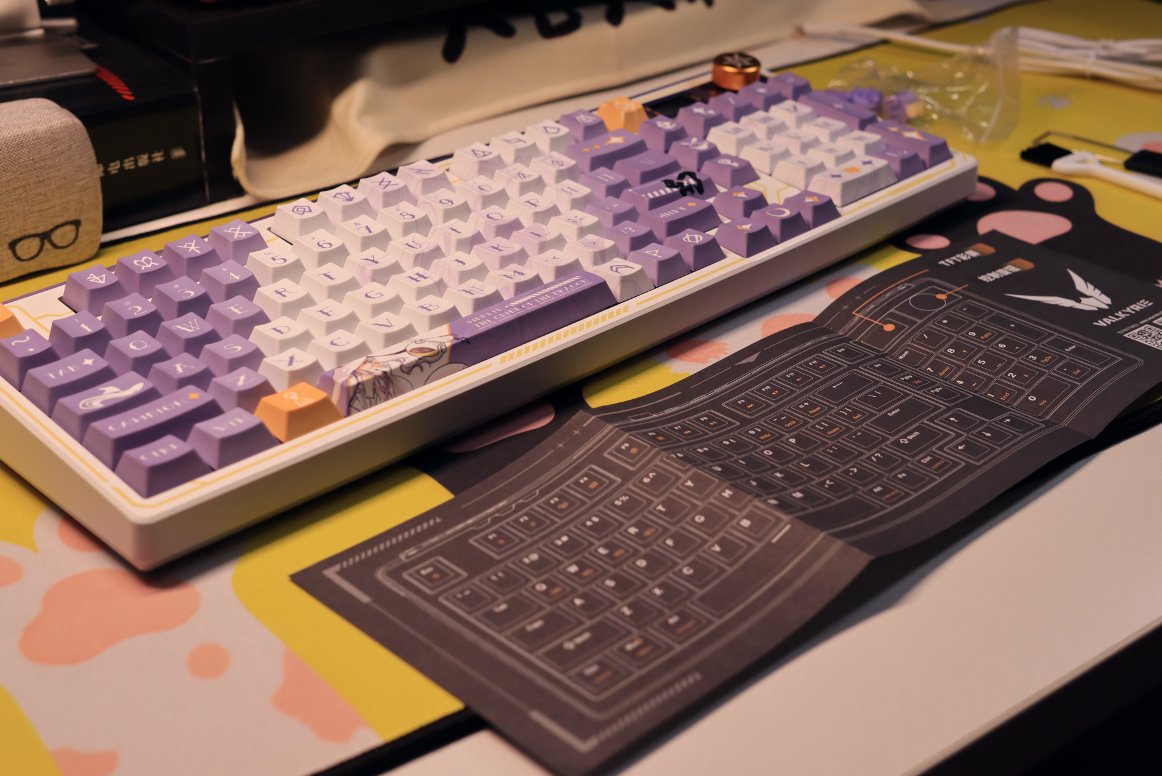
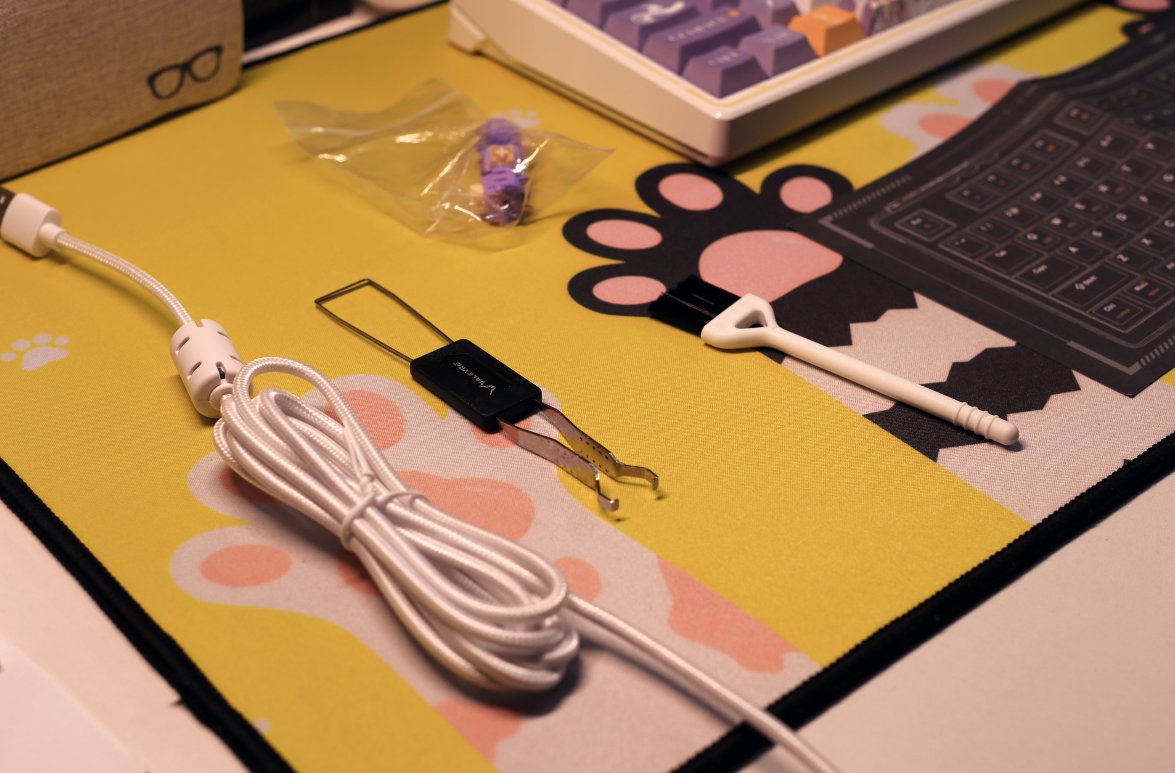
The accessories are straightforward: a data cable, a keycap puller, three switch samplers, a cleaning brush, and a user manual.
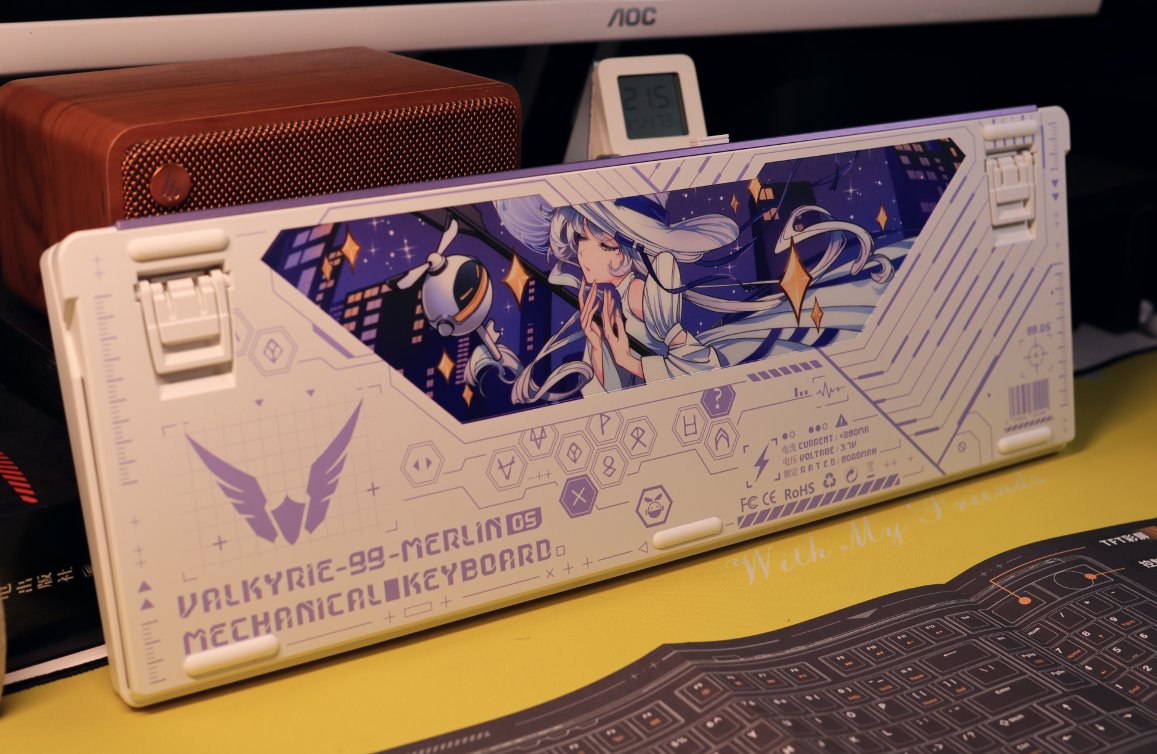
Keyboard Back
Most keyboards don't put much effort into the back.
The distinctive feature of this keyboard is its back, which features a large area of printing that looks great.
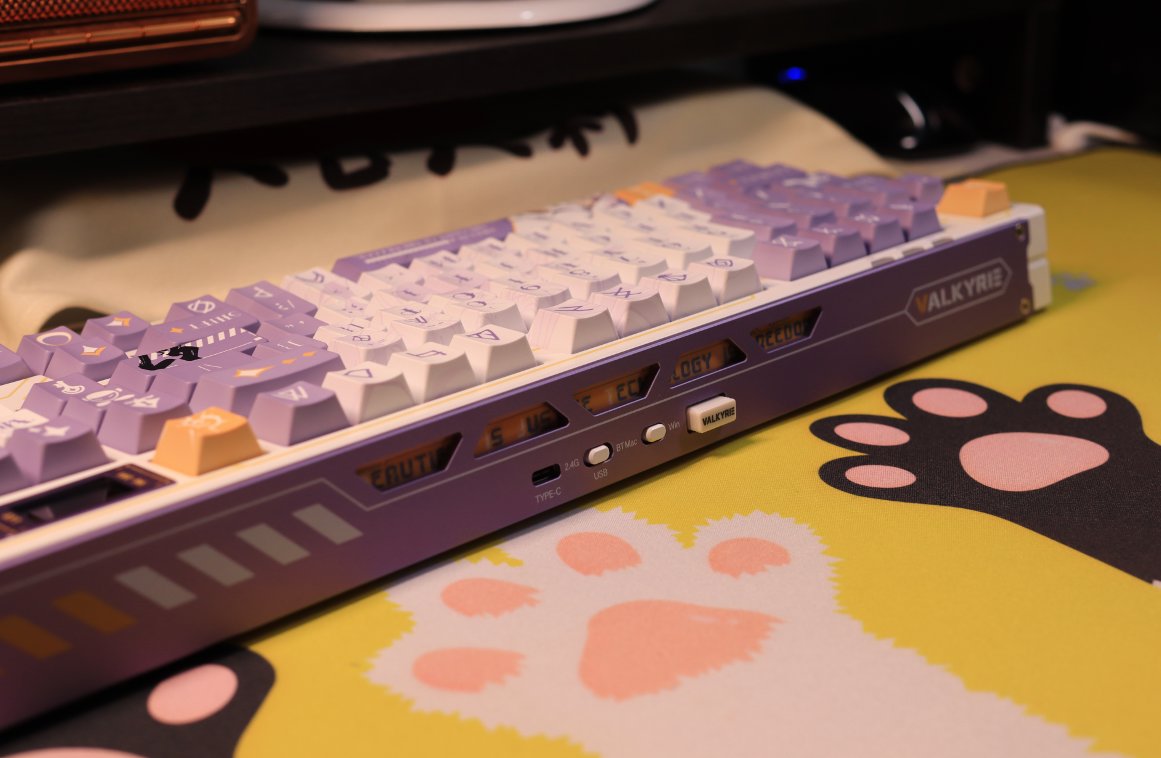
Keyboard Side
Truly has a 360-degree flawless aesthetic
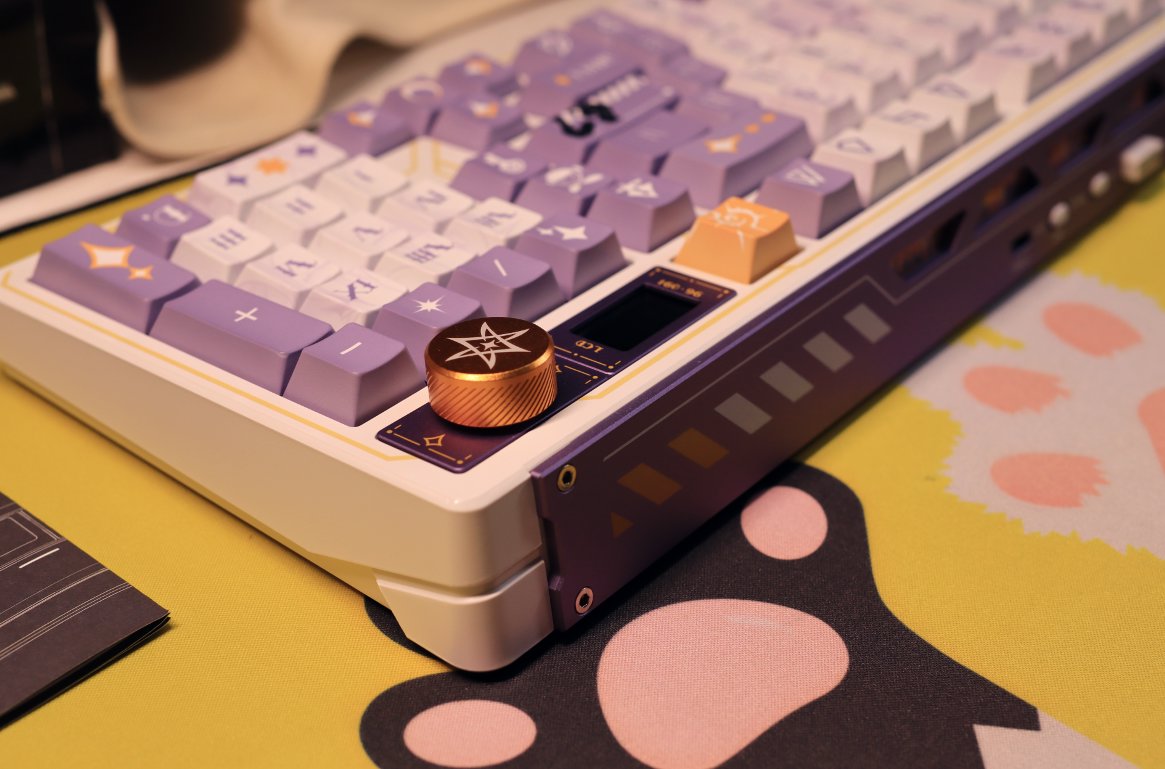
My Favorite Knob and Display Screen
The keyboard I bought last year has a knob, and I absolutely love it.
This year, all the manufacturers are competing again over the small screens on keyboards.
A Comparison
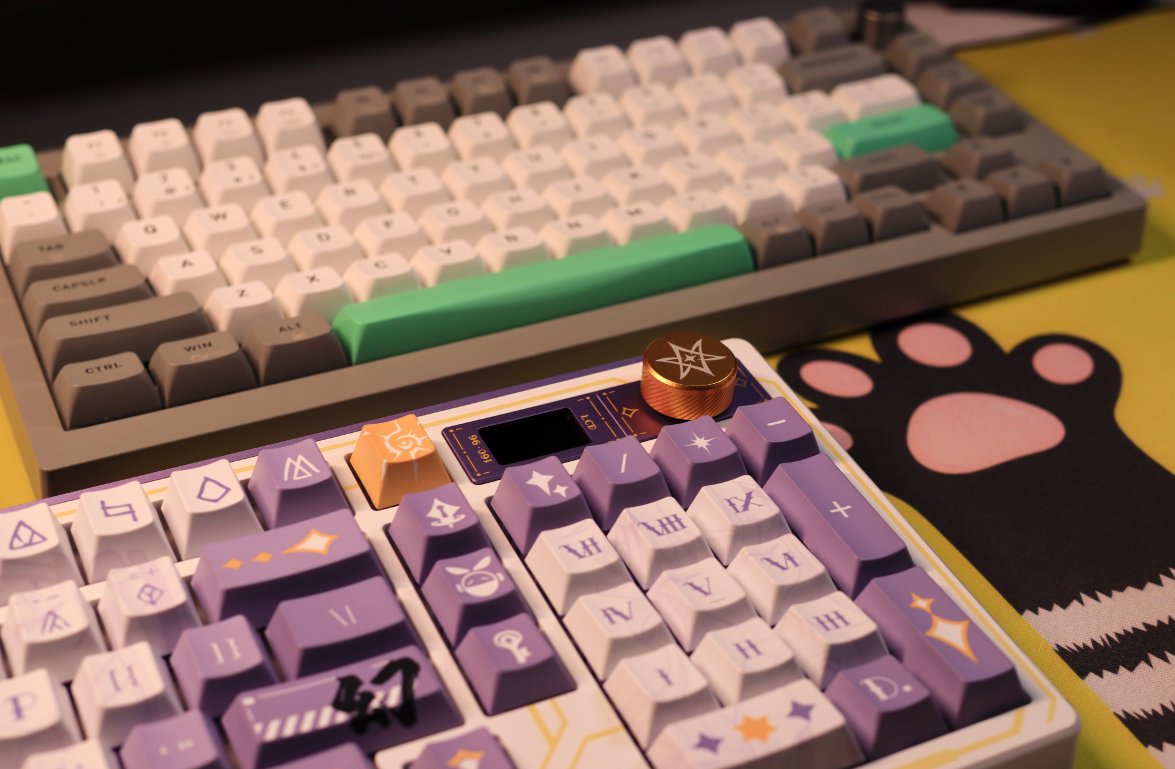
Let's compare it with the keyboard purchased last year.
Some Close-ups
Left Side Close-up
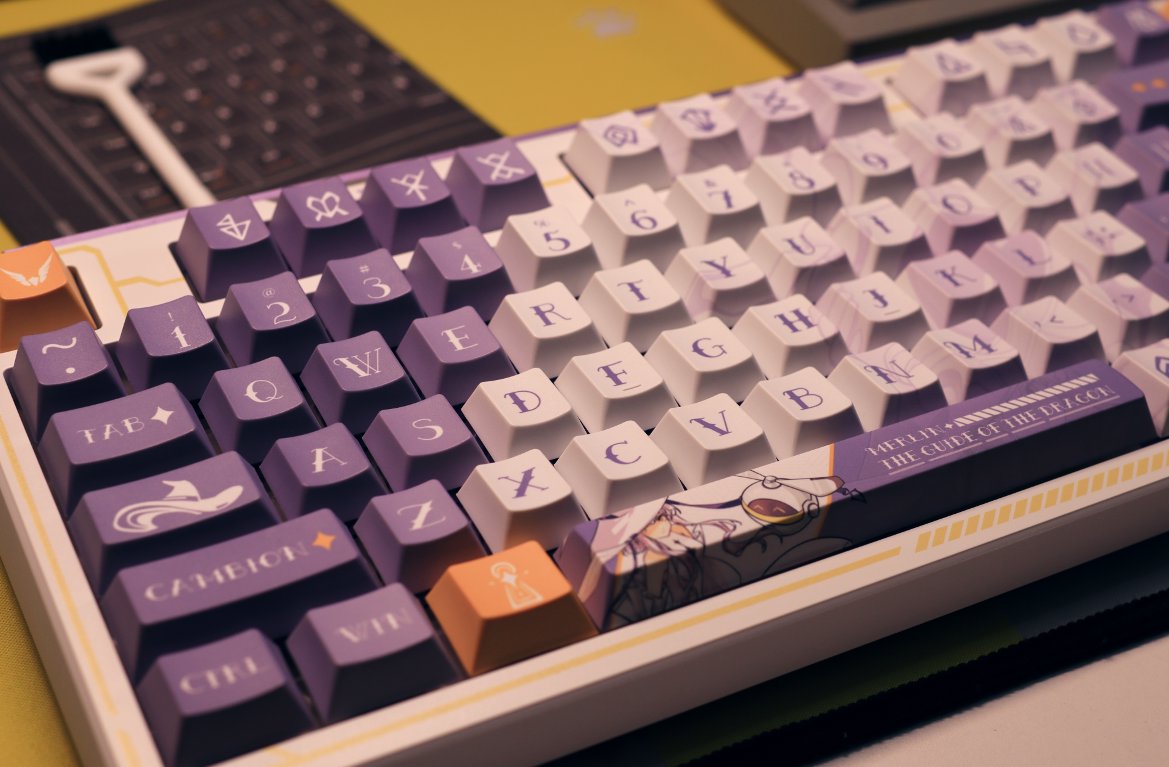
Right Side Close-up
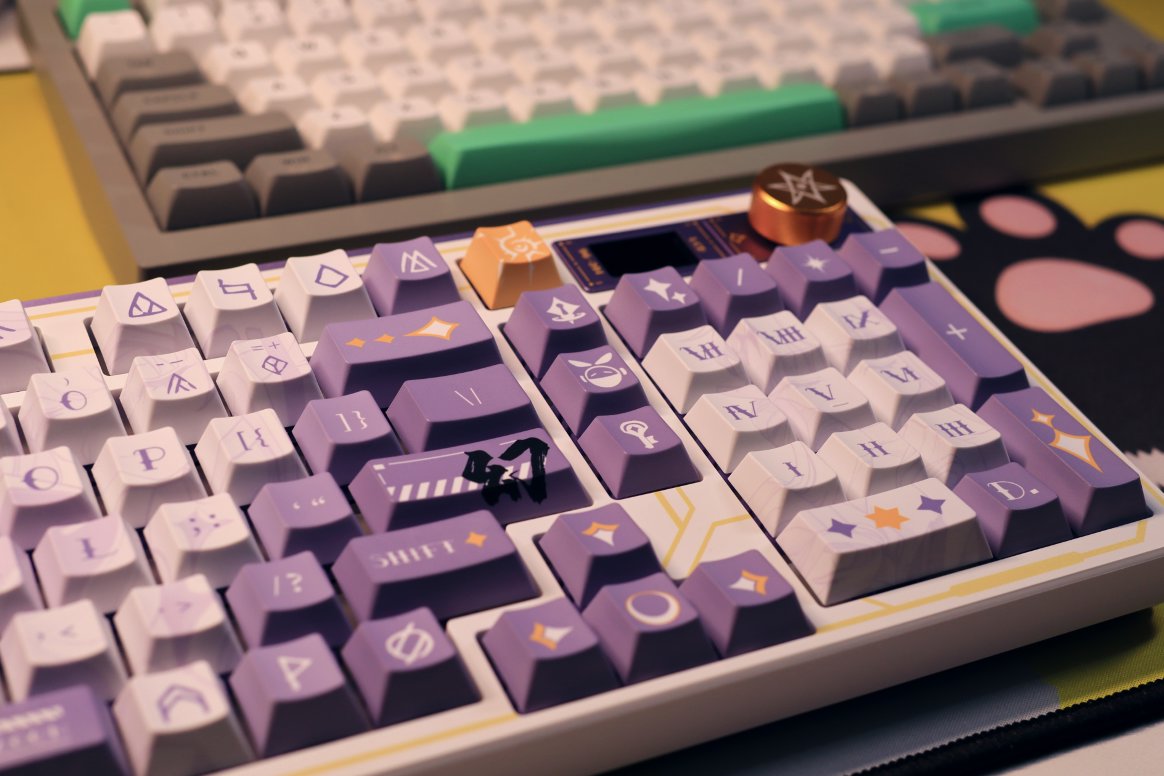
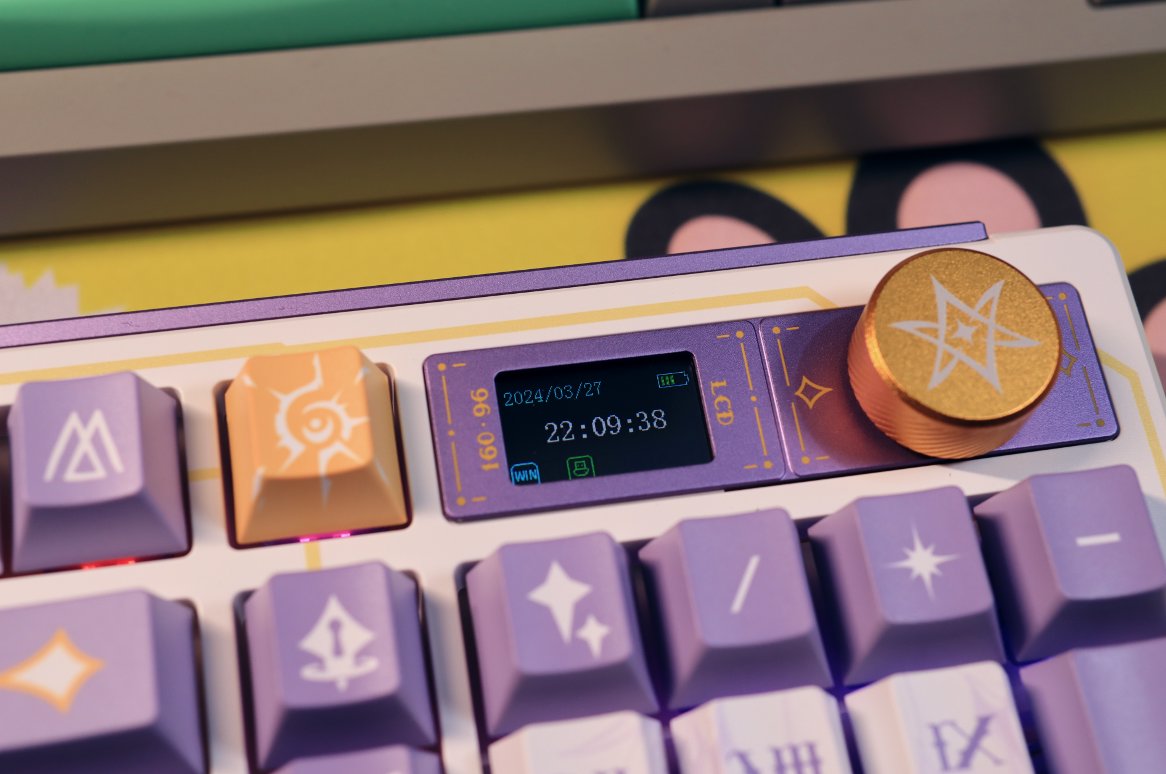
Display
A standalone photo of the display
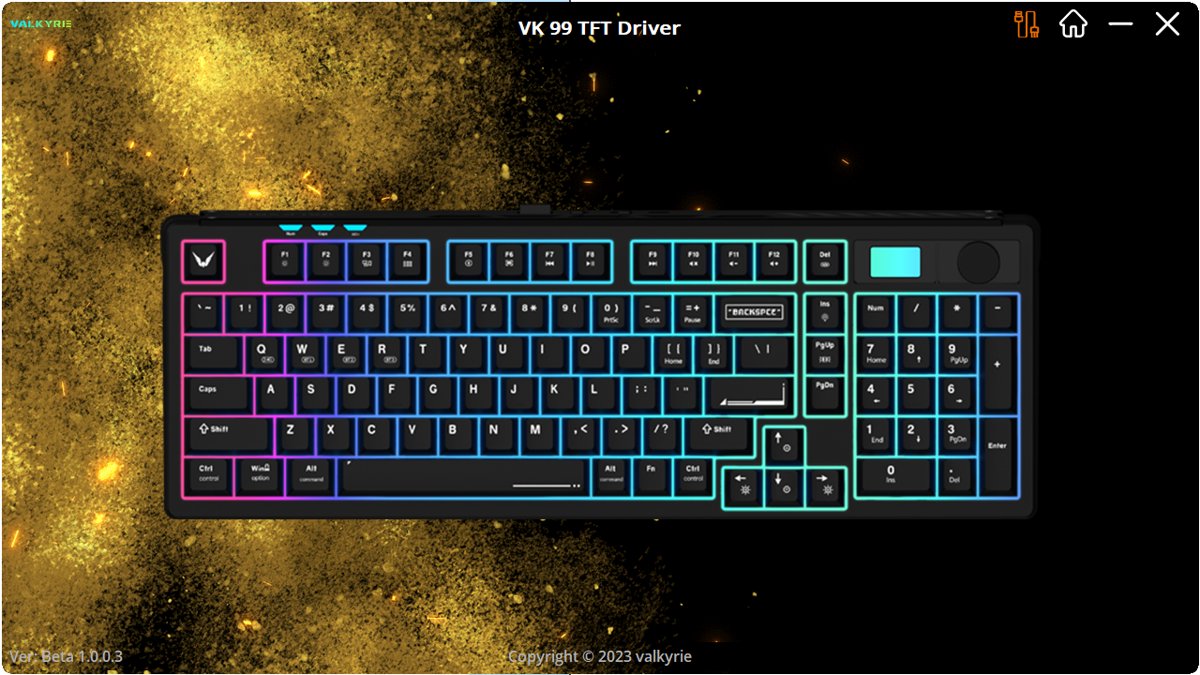
Driver
The driver this time feels quite good.
The keyboard I bought previously didn't have a driver, nor did it have fancy features like key remapping, key macros, or display animations.
This keyboard's feature can be described in one word: flashy!
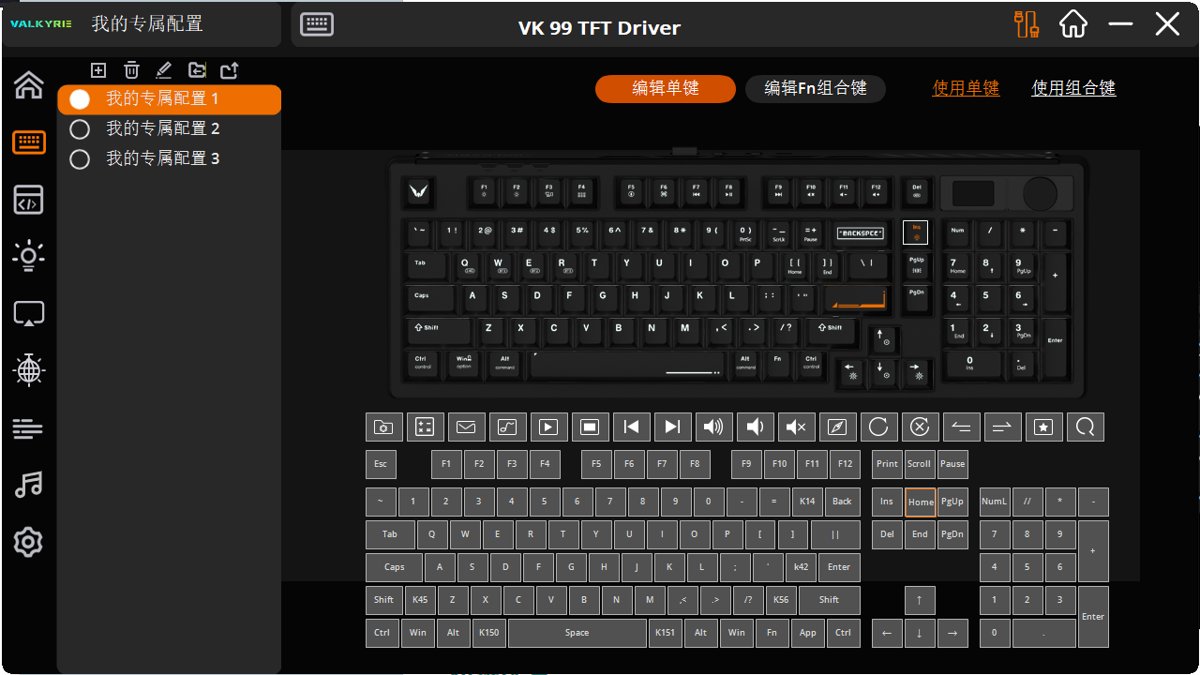
Key Configuration
Each key can be customized, and key combinations can be defined as well.
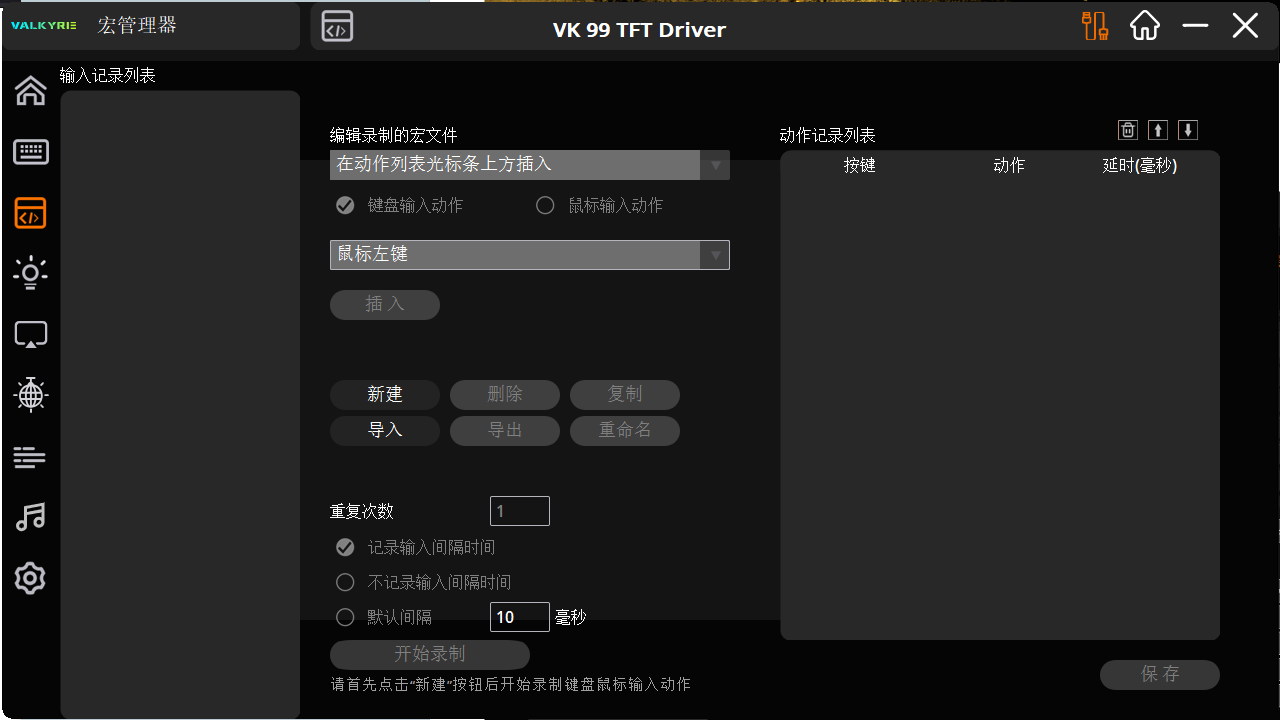
Key Macros
Next are the key macros, but since I don't play online games, I don't seem to need them.
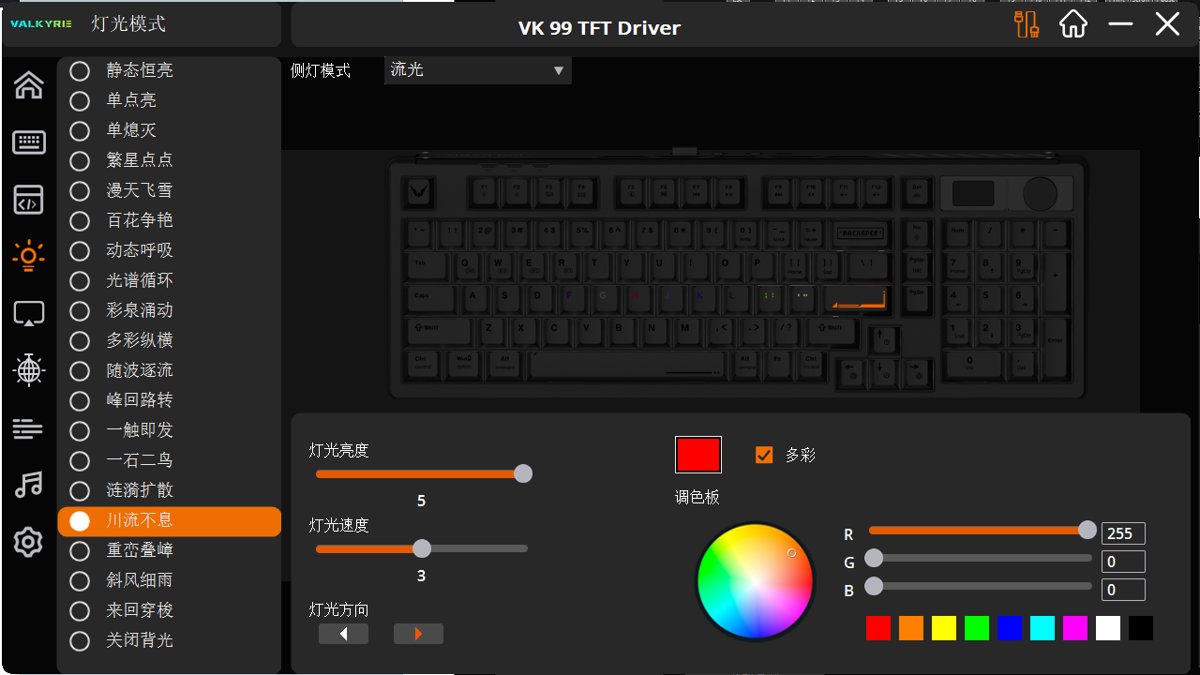
Lighting
This lighting customization is really flashy
Not just RGB on the keyboard, but also RGB light strips on both sides, too flashy
Truly a manufacturer specializing in peripherals
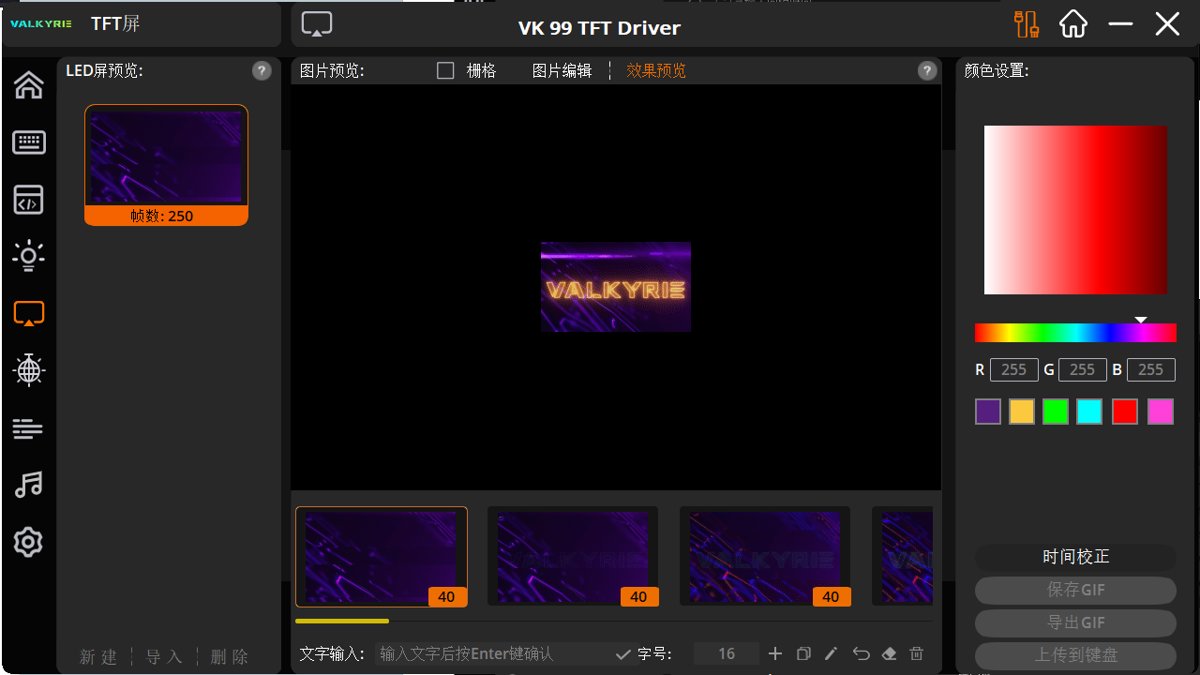
Display Screen
This small display screen can upload GIFs on its own.
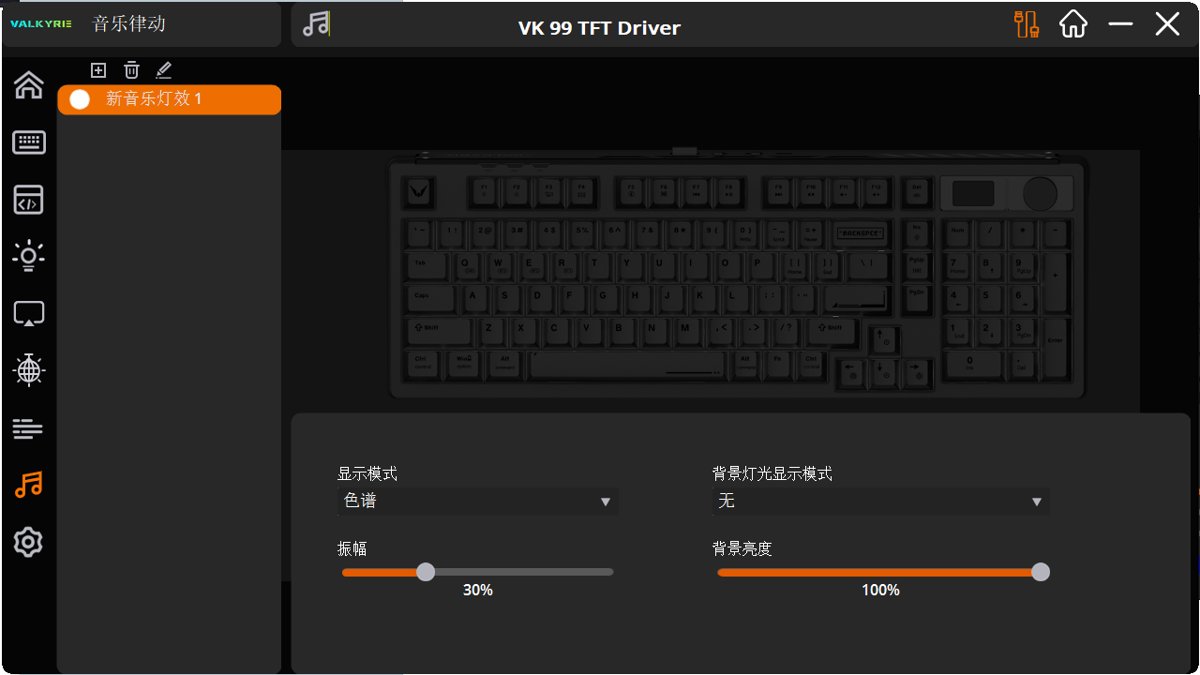
Music Rhythm
Display lights based on the rhythm of playing music?!
Switch
Name: K-Kira Speed Silver Switch (K-Kira极速银轴)
Fast stroke, quick trigger
Rapid bottom-out, esports switch
Initial Force: 38 ± 10gf
Bottom-out Force: 55 ± 10gf
Actuation Travel: 1.2 ± 0.4mm
Total Travel: 3.0 ± 0.4 mm
Comparing the JZ750 Ice Crystal Axis
Operating Force: 37 ± 8gf
Bottom-Out Force: 47 ± 8gf
Pre-Travel: 2.0 ± 0.4mm
Total Travel: 3.8 ± 0.2mm
Comparison with the Previously Used Box White Switches
PS: This is a paragraph switch
- Operating Force(操作力):45 ± 15gf
- Tactile Force(段落压力):55 ± 15gf
- Pre-travel(触发行程):1.8 ± 0.3mm
- Total Travel(全行程):3.6 ± 0.3mm
Feel and Experience
The model I purchased features switches similar to the Silver Speed ones, but I didn't expect the travel distance to be so short. When I started using it, I found this keyboard’s actuation to be far more sensitive than my previous one, which felt a bit unfamiliar at first.
That said, the Ice Crystal switches on the jz750 are softer, with a bottom-out force of 47g, which is still lighter than this model’s 55g.
Moreover, the travel distance is very short. Although they are linear switches, they have a feel reminiscent of semi-tactile switches, which reminds me of my first experience with Cherry Red switches.
OK, I’ll take a few more days to get used to it. If I still find it uncomfortable, I’ll try swapping out the switches.
Battery
Reportedly has an 8000mAh capacity, providing ample battery life.
The weight is also quite reassuring.
Summary
After a detailed unboxing experience and a brief exploration, from its exquisite packaging to every design detail, this keyboard is undoubtedly tailor-made for users who pursue both high aesthetics and functionality. The large area of spray painting on the back, the flawless processing on the sides, and the unprecedented knob and display screen design all make the VK99 stand out among many mechanical keyboards. Coupled with flexible driver configuration, personalized lighting effects, and music rhythm functions, the overall user experience is further enhanced.
Compared to the keyboard purchased last year, the VK99 not only has a significant improvement in appearance, but also a qualitative leap in functionality and customization. Whether for daily work use or leisure entertainment, it can deliver satisfying performance. Especially for those who seek to express their personality and style in daily use, the VK99 is undoubtedly an excellent choice.
In summary, the Valkyrie VK99 mechanical keyboard is not just an input device; it is a combination of technology and art, a perfect embodiment of the pursuit of aesthetics and functionality. If you, like me, have an extraordinary passion and demand for keyboards, then the VK99 is absolutely worth your attention and trying. In this digital age full of possibilities, let's enjoy the fun of building a personalized workstation together and start a distinctive typing experience.
_EOF_
Valkyrie VK99 keyboard unboxing
- 本文作者:
- 程序设计实验室
- 版权声明:
- 本博客所有文章除特别声明外,均采用 BY-NC-SA 许可协议。转载请注明出处!
相关文章
第一次用矮轴键盘,黑爵AK832Pro开箱评测
便携?呵,黑爵AK832Pro轻得能盖笔记本,结果小屏幕时间错得离谱,驱动也改不了。手感?薄膜键盘都不如,杂音一堆,劝退了。
2025-10-28 · 键盘 · 约 1 分钟
狼途LT75键盘开箱,或许平平淡淡才是真
折腾键盘选狼途LT75,设计新颖但中规中矩,配色廉价无脚托,小屏幕还阉割GIF,最后发现还是旧XS75T香,何必呢?
2025-10-28 · 键盘 · 约 1 分钟
65配列键盘真是让人又爱又恨啊…… 再次入手 RK-R65
又买RK R65?为颜值手感买单,结果驱动依旧拉胯。FN+方向键自定义呢?官网新旧混卖,国内只给旧款?
2025-10-28 · 键盘 · 约 1 分钟
京东京造JZ750(贱驴A3)键盘开箱
厌倦旧键盘,被京东JZ750颜值旋钮吸引,包装简陋、做工松垮得令人发指。冰晶轴滑爽,但配列反人类,方向键奇葩,无end键。为颜值,忍了。
2025-10-28 · 键盘 · 约 1 分钟
讨论
共 0 条加载评论中…