

PC Tower Stand Unboxing: Desk Space Doubled, No More Clutter
Isn't this stand just a wooden board plus wheels? Assembly is a hassle, and there's a pile of leftover screws. Barely frees up any desk space, and cable management is even messier. This value for money is barely a passing grade.
目录10 个章节
Preface
A few years ago I bought a sit-stand desk, alternating between sitting and standing, which is good for health
But because of that I needed to put the PC tower on the desk, to prevent the cables from being too short when raised to the highest (at least that's what I thought at the time)
This caused my already not-that-large desk (1.4 meters long) to have a chunk occupied by the tower, with low space utilization
So after this move, I made some modifications to the room and the desk
The PC tower stand is one of them~ (I originally wanted to buy the kind that mounts under the desk, but I don't have drilling tools, so I gave up)
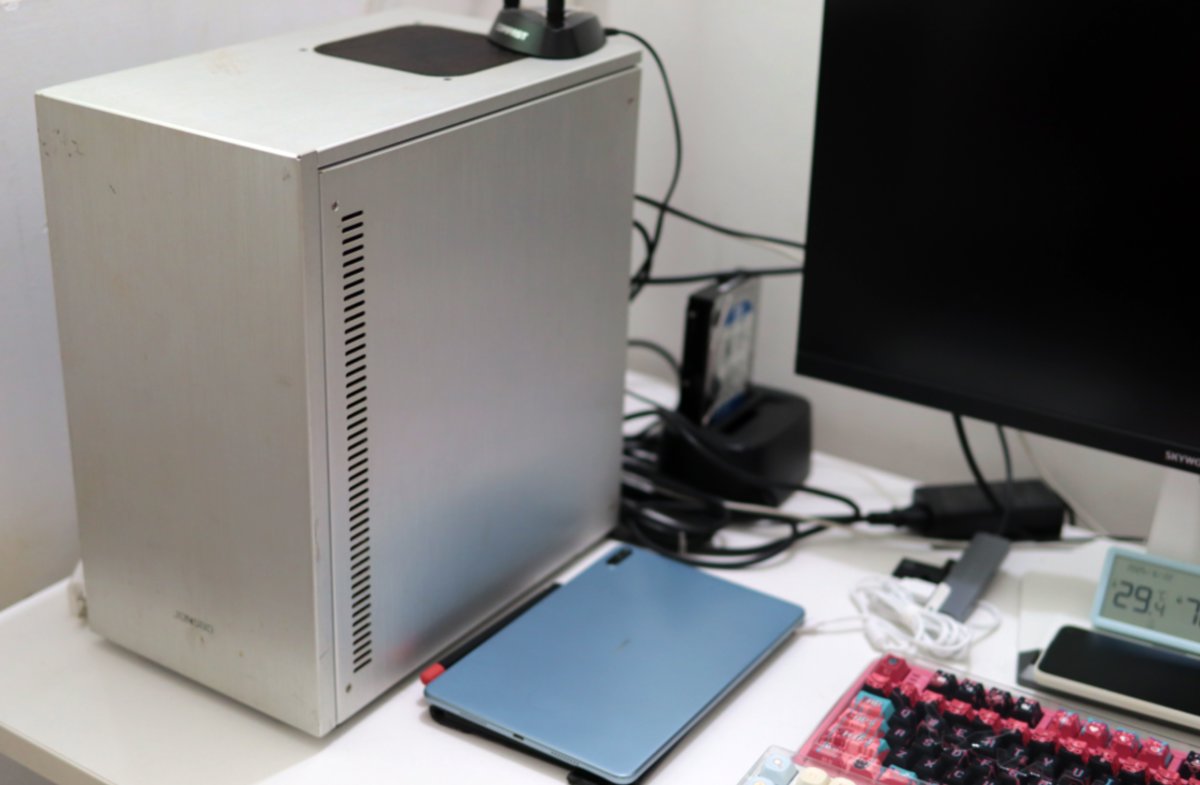
First, a look at the original desk
A large amount of space was taken up by the PC tower—at least 30 cm, I'd say?
Packaging
Nothing much to look at with the packaging
Skip
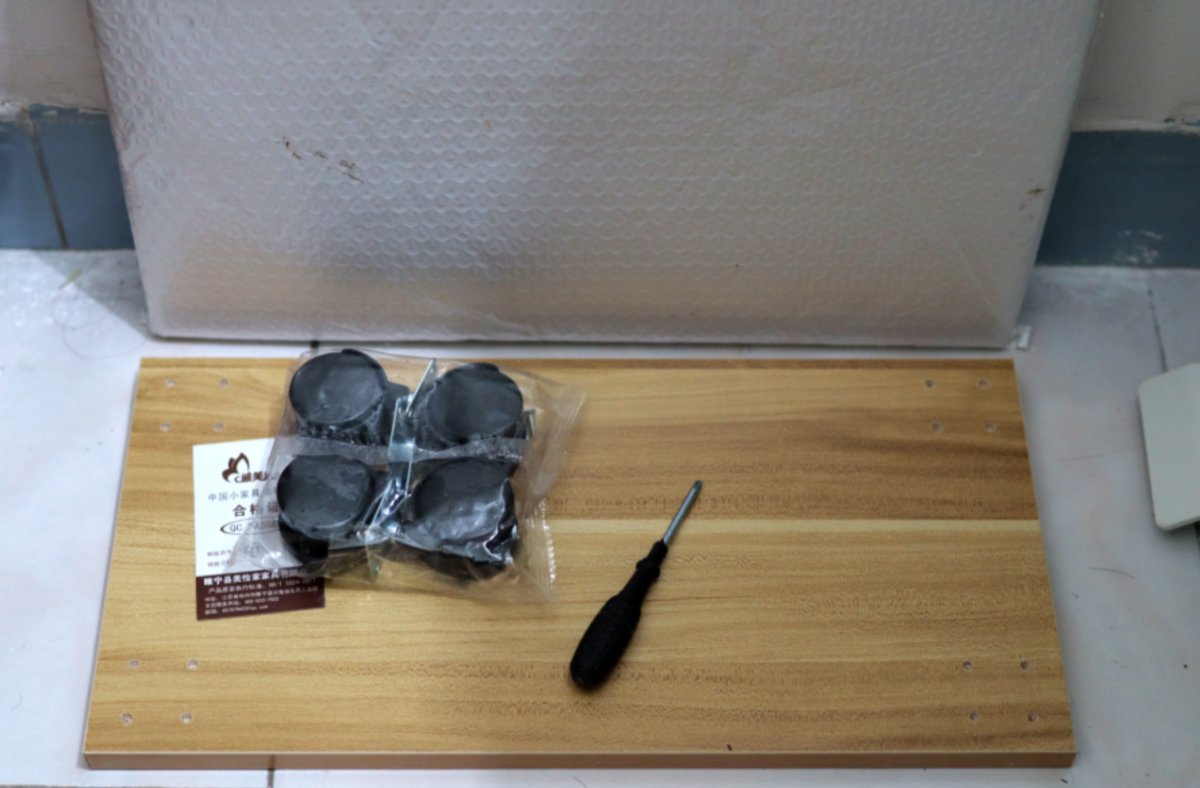
Unboxing
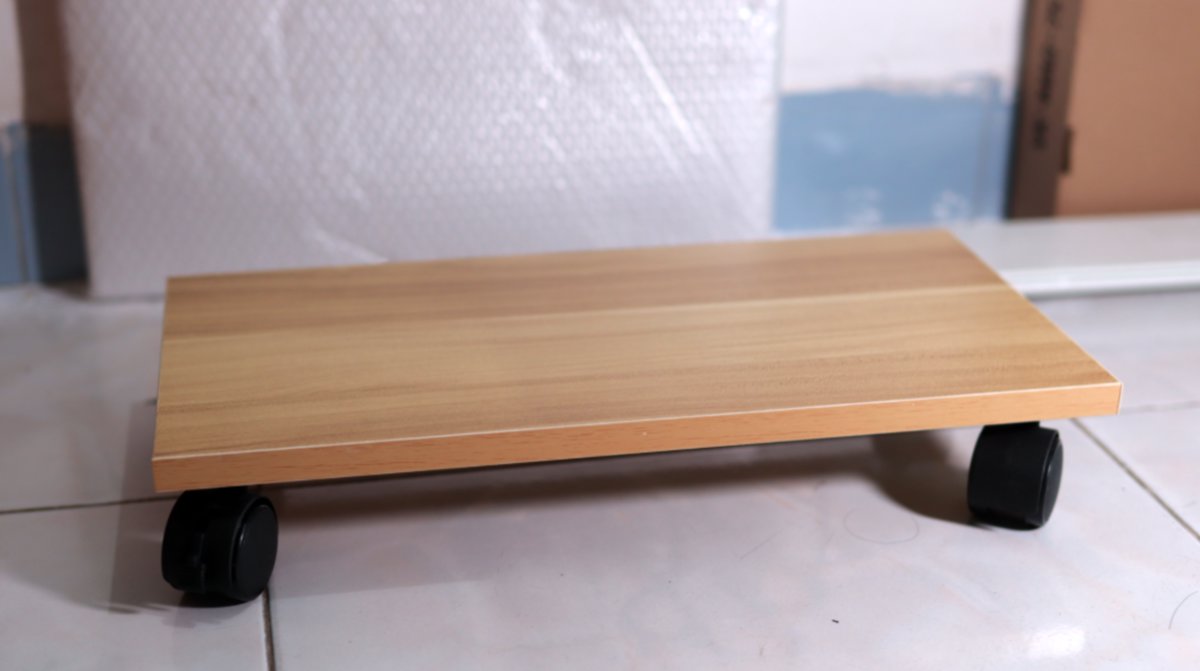
It's actually just a wooden board + four wheels
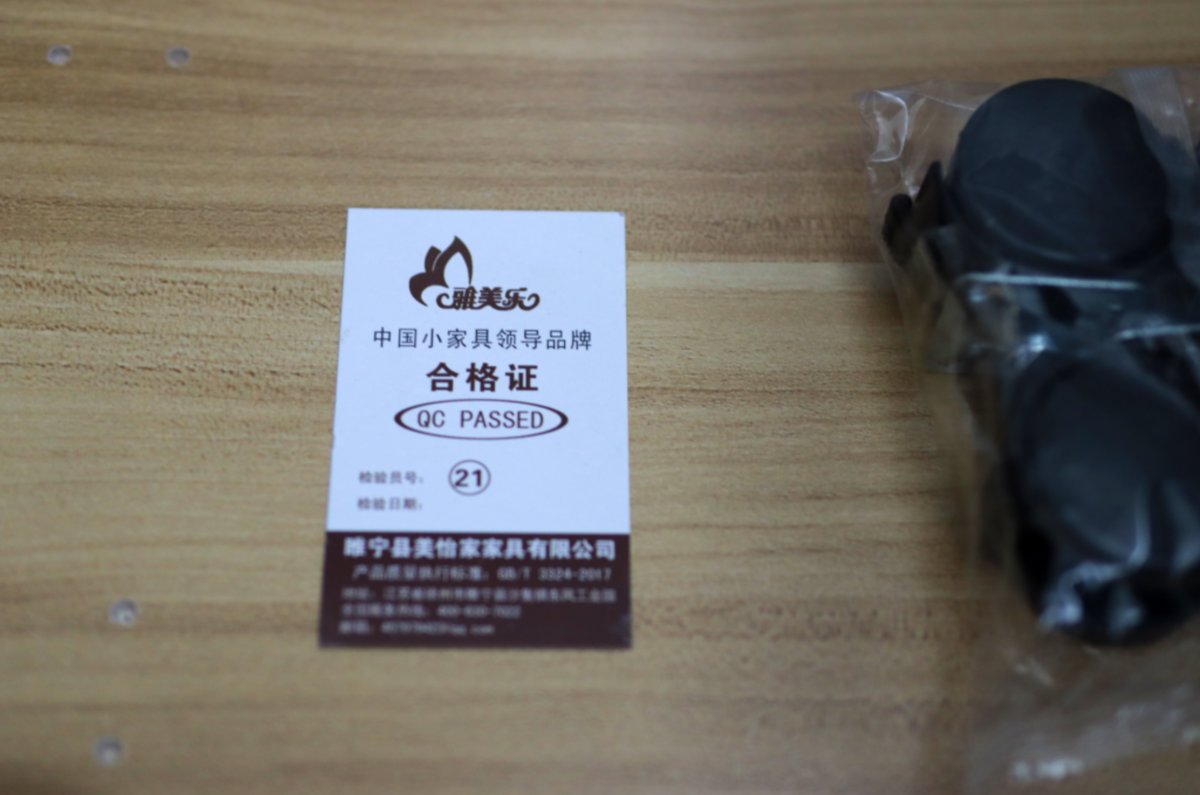
Certificate of Conformity
No instruction manual
The only piece of paper is this certificate of conformity
Not that you need a manual anyway
Assembling this thing doesn't need to be taught
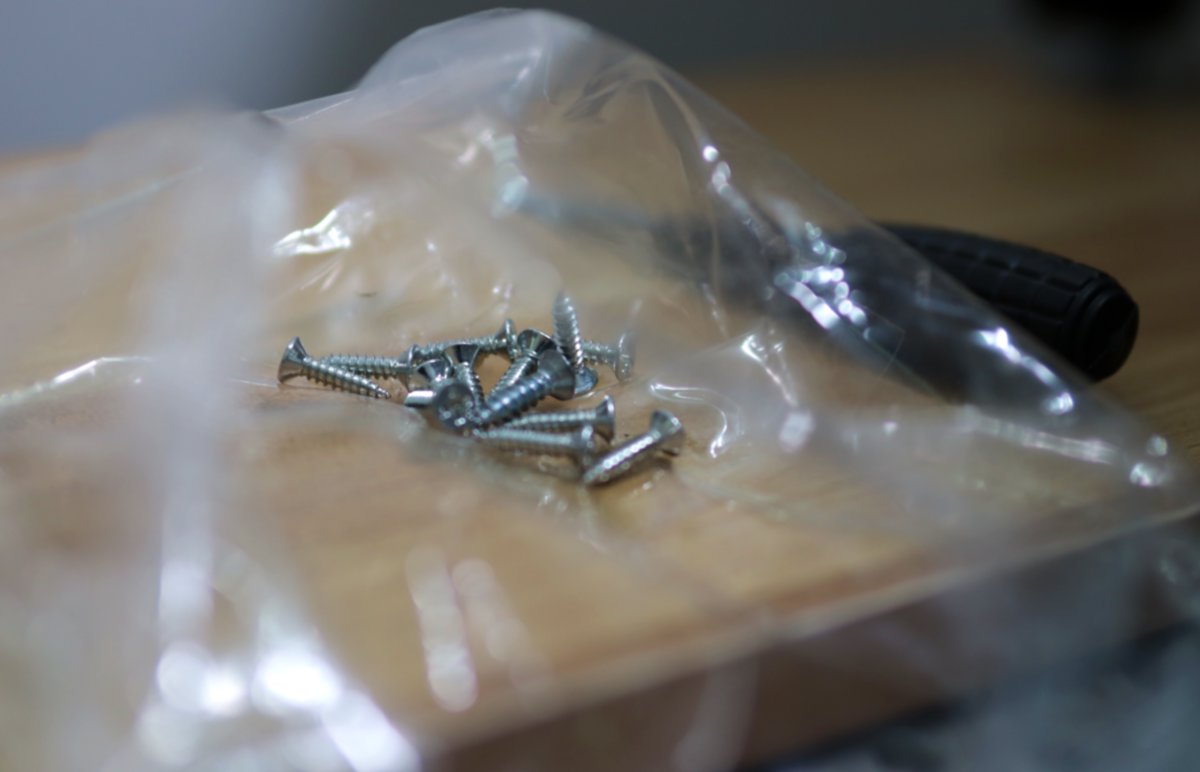
Screws
Plenty of included screws
Leftovers even after everything was assembled
The assembled result
The included screwdriver isn't very good
Took some effort to get it assembled
The finished height is a bit lower than I expected
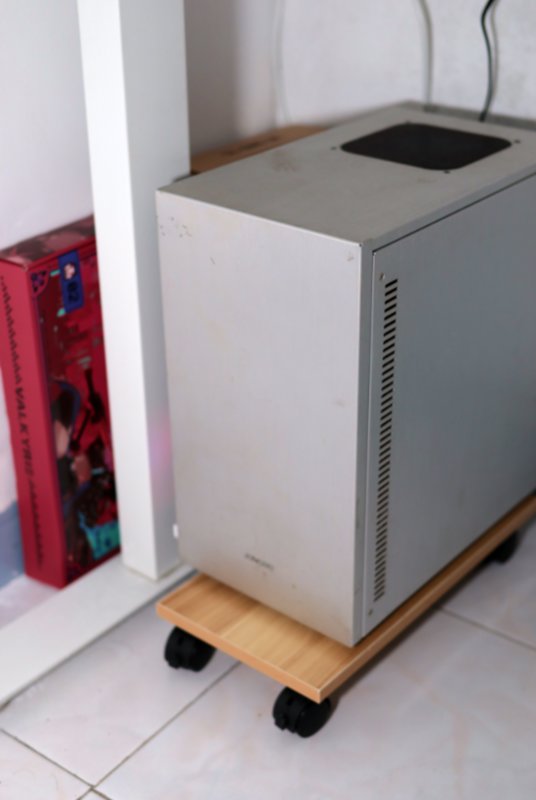
Moving the PC tower underneath
Moved the PC tower off the desk
There are still a few keyboard boxes I haven't put away, a bit messy
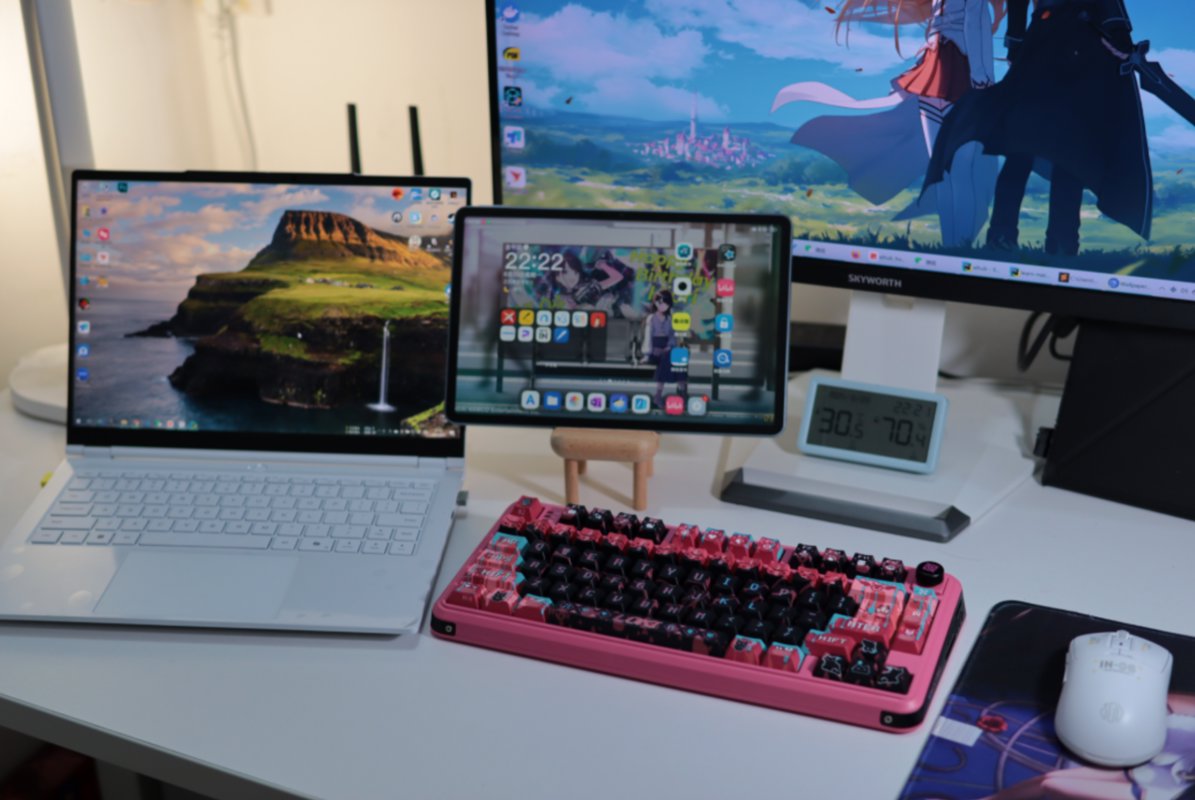
The new desk
Let's take a look at the results after the adjustment
After moving the tower down, a lot of space opened up
Don't underestimate this bit of space
Can fit a desk lamp + laptop 👍
From another angle
Without cable management it's still not quite right, looks messy
Recap
Spend very little money and you can get a huge improvement
The value for money of this "makeover" is very high 👍
Next I might still need to look into cable management. I saw those cable trays on Bilibili that mount under the desk
_EOF_
PC Tower Stand Unboxing: Desk Space Doubled, No More Clutter
- 本文作者:
- 程序设计实验室
- 版权声明:
- 本博客所有文章除特别声明外,均采用 BY-NC-SA 许可协议。转载请注明出处!
相关文章
米家智能插座3简单开箱
米家智能插座3?不过是换个壳的旧设计。实时功率和用电量?这点功能也就勉强及格吧。自动控制电热蚊香液?真是被逼无奈的创意。
2025-10-28 · 其他 · 约 1 分钟
别致的小东西,酷态科10号Ultra充电头
Anker 140W 嫌贵,最后 172 买了酷态科 10 号。四个口、接米家、能看功率曲线——就是 20W 都烫得能煎蛋,官方赶紧把散热改改行不行。
2026-07-28 · 其他 · 约 1 分钟
当我发现笔记本还能“站着办公”时…
侧立支架?不过是块竖屏板。散热和稳定性够看?商家的创意值几个钱?双槽更实用?别逗了。
2025-11-13 · 其他 · 约 1 分钟
2025年1月买的几个好用的「新物件」
去年底比较忙,换工作+搬家什么的,一堆事情凑在一起,很多24年买的东西还没发开箱;只能后面慢慢补上了,现在先把1月份买的一些东西发一下
2025-10-28 · 其他 · 约 1 分钟
讨论
共 0 条加载评论中…