Ubuntu-18-04-Modify Login Screen Background Image
Preface I have been using Ubuntu 18.04 for a while now. With the addition of the Gnome desktop, the visual appeal of Ubuntu 18.04 is quite impressive. After pairing it with a few GTK themes I customized, the experience is absolutely delightful. The only slight drawback is that after switching Ubuntu’s login manager to GDM, the background of the login screen can no longer be modified. This just wouldn’t do, so after some tinkering, this article was born. First, prepare an image. The image size should be determined based on your screen resolution. Then, place the image in the /usr/share/backgrounds/ directory.
目录5 个章节
Foreword
I've been using Ubuntu 18.04 for a while now. With the Gnome desktop, Ubuntu 18.04 (nicknamed "Rabbit") actually looks quite good. After pairing it with a few GTK themes I customized, it feels absolutely delightful. The only slight downside is that after Ubuntu switched its login manager to GDM, there's no longer a straightforward way to change the login screen background. That just wouldn't do! So, after some tinkering, this article was born.
First, prepare an image
The dimensions of the image should be determined based on your screen resolution.
Then, place the image in the /usr/share/backgrounds/ directory.
Modifying GDM's CSS File
For those working in front-end development, using Gnome would be a delightful experience. Themes, extensions, and various customization options can be explored extensively.
File Location
/etc/alternatives/gdm3.css
/*Find the default section*/
#lockDialogGroup {
  background: #2c001e url(resource:///org/gnome/shell/theme/noise-texture.png);
  background-repeat: repeat;
}

/*Change it to*/
#lockDialogGroup {
  background: #2c001e url(file:///usr/share/backgrounds/mypicture.jpg);
  background-repeat: no-repeat;
  background-size: cover;
  background-position: center;
}
Note: The CSS code provided is for reference only. Those familiar with front-end development can create better effects according to their preferences. Don’t forget to share your creations when you do!
Restart
You can restart the system or restart the graphical interface. To avoid any hassle, it's recommended to just restart the system—it's quick either way.
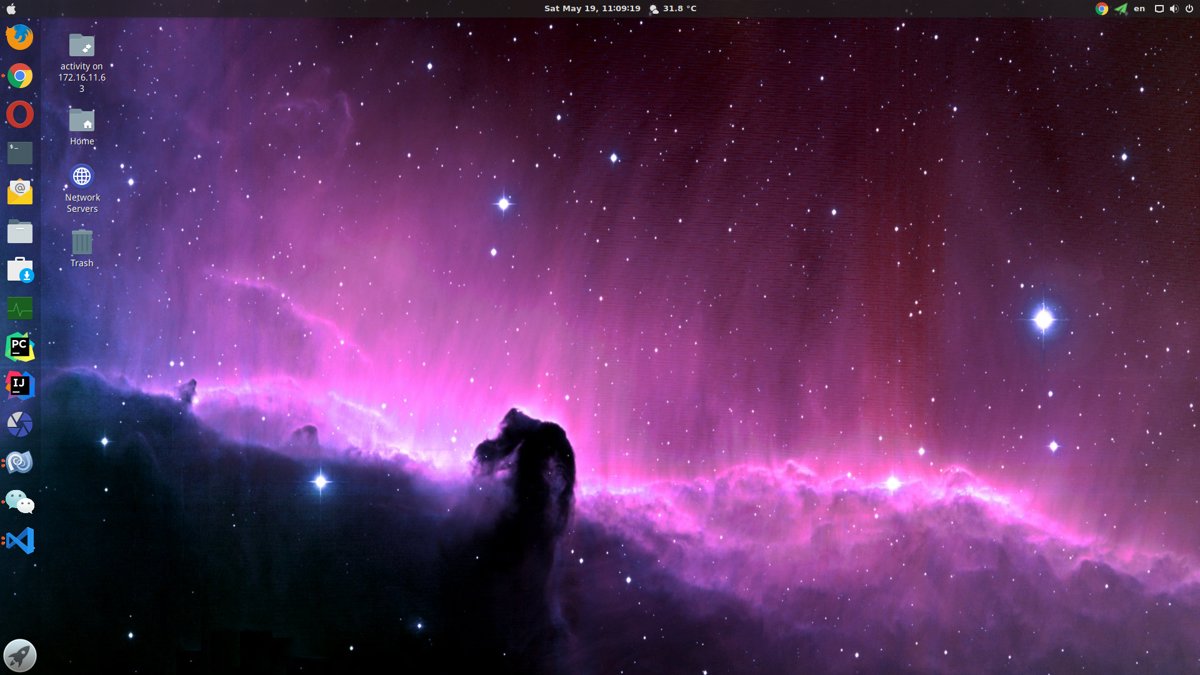
About

For more interesting operations, please follow my WeChat official account: DealiAxy.
Every article is also included in my blog: blog.deali.cn.
_EOF_
Ubuntu-18-04-Modify Login Screen Background Image
- 本文作者:
- 程序设计实验室
- 版权声明:
- 本博客所有文章除特别声明外,均采用 BY-NC-SA 许可协议。转载请注明出处!
相关文章
Ubuntu-18-04-修复-Telegram-中文输入法
前言 Ubuntu 18.04,新的 Gnome 桌面的确好看很多。但同时出现了很多之前在 Unity 没有出现过的 BUG,例如在 Telegram 下无论怎么切换输入法都不能输入中文。 大概是所有 QT 编写的应用程序在 Gnome3 下都会出现这个问题,解决方法是引入 QT_IM_MODULE 变量。大致 步骤如下 编辑~/.local/share/applications/telegram
2025-10-27 · 系统配置 · 约 1 分钟
给你的Deepin系统换主题~
我现在的桌面: 因为美国封锁然后华为电脑用上Deepin系统的事情,Deepin系统最近名声大噪,其实Deepin本来的界面就很好看,号称打造最适合国人的系统不是盖的。 不过Deepin有一个坏处,就是默认主题的标题栏太大了…… 太占空间。所以我们要换主题折腾一下。 Deepin的桌面是Qt写的,所以首先要换KDE主题,然后再安排一下GTK3的主题,在Deepin系统设置里面换的主题就是GTK的,
2025-10-01 · 系统配置 · 约 1 分钟
服务器时间漂移,如何开启Linux NTP自动同步
本文记录了作者在服务器运维中发现时间漂移问题,并通过启用NTP同步、使用Chrony等工具进行排查与解决的全过程。文章强调了NTP同步的重要性,介绍了排查思路和高效工具的使用,以及如何同步硬件时钟(RTC),为服务器时间精准同步提供了解决方案。
2025-10-27 · 系统配置 · 约 1 分钟
Ubuntu-18-04-开启托盘图标点击最小化
前言 Ubuntu的托盘挺好看的,美中不足的就是点击一个打开的应用图标不能像Windows那样最小化。 操作 gsettings set org.gnome.shell.extensions.dash-to-dock click-action 'minimize' 截图
2025-10-27 · 系统配置 · 约 1 分钟
讨论
共 0 条加载评论中…