65% layout keyboards really make you have a love-hate relationship... Once again, I got my hands on the RK-R65.
Bought another RK R65? Paying for its looks and feel, yet the driver software remains underwhelming. What about customizing the FN+arrow keys? The official website has mixed sales of old and new versions, and domestically, they only offer the old model?
目录9 个章节
Preface
Last July, I got the RK R65.
Its compact design and excellent feel left a deep impression on me.
However, the biggest issue was: the drivers were terrible—FN2 + arrow keys couldn't be customized, which is simply inexcusable! Most custom keyboards can do that.
It was this point that drove me away, but after all this time, I still can't get over this keyboard's appearance and typing feel.
In the end, I couldn't resist getting it again this time, to see if the driver experience has improved with the new version.
Advantages of the 65% Layout
Lightweight, portable
This is what I consider the biggest advantage of the 65% layout.
After taking a 65% layout keyboard to places like Starbucks and the library, I truly appreciated this advantage even more.
It strikes a balance between portability and typing feel—surprisingly, the typing feel is even better than some of the 75% layout keyboards I've been using…
Packaging
Still featuring RK's cute design style
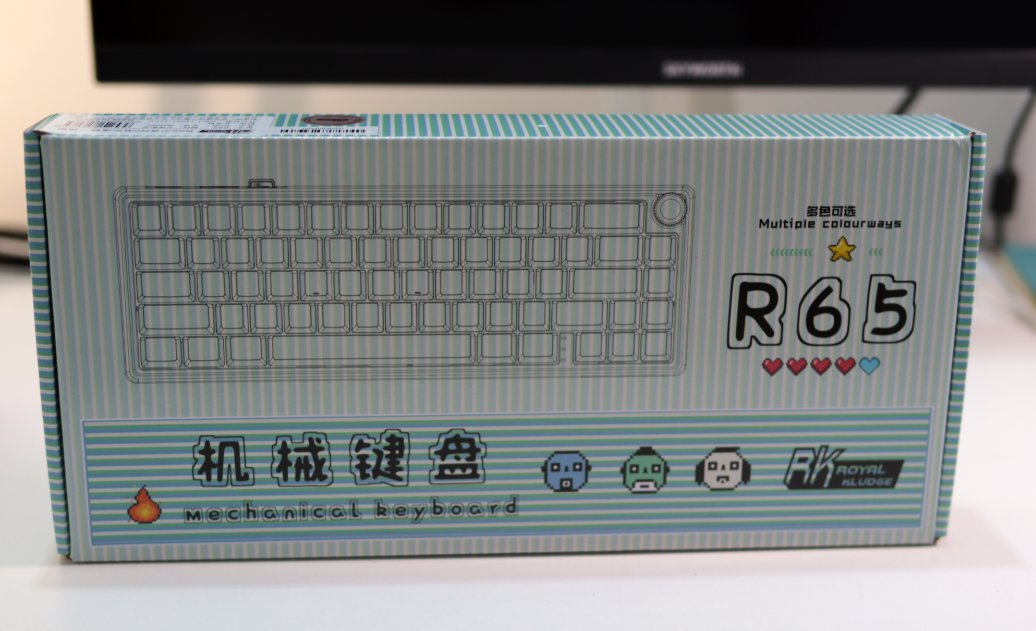
Unboxing
I really like the design of the RK R65
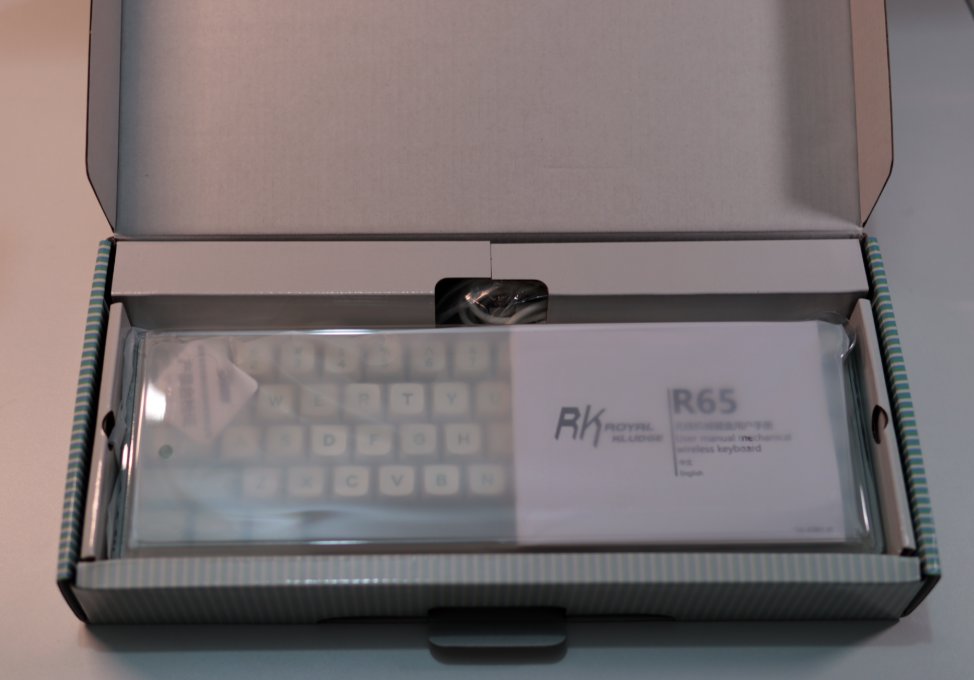
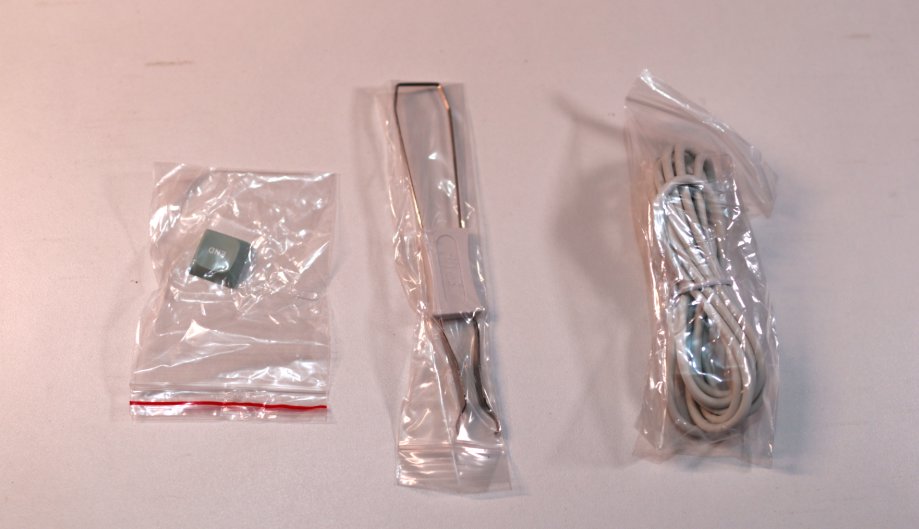
Accessories
These humble few
Keyboard Body
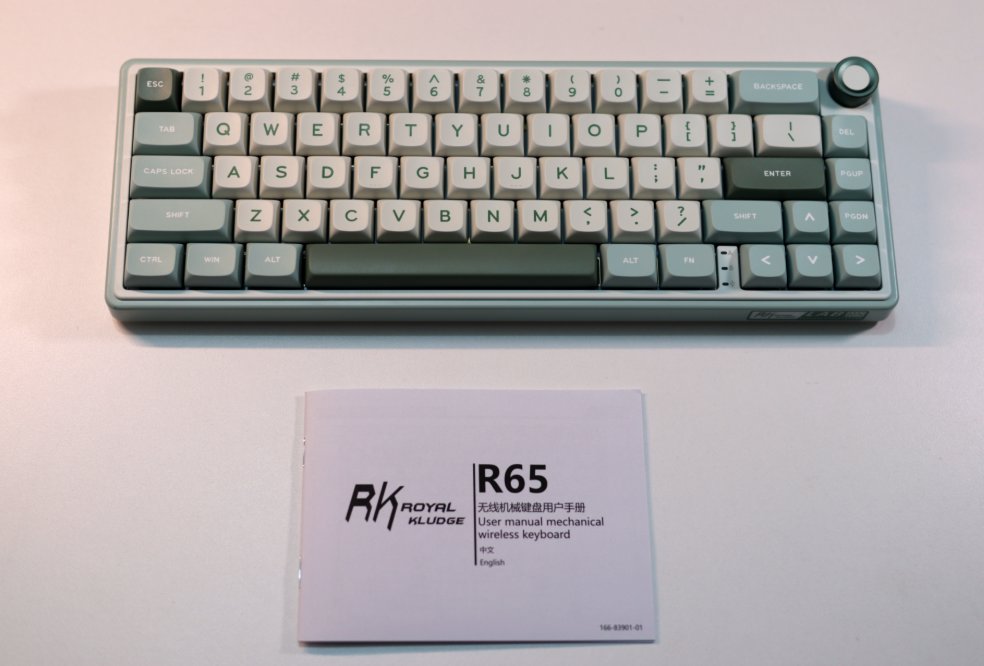
Still as compact as ever
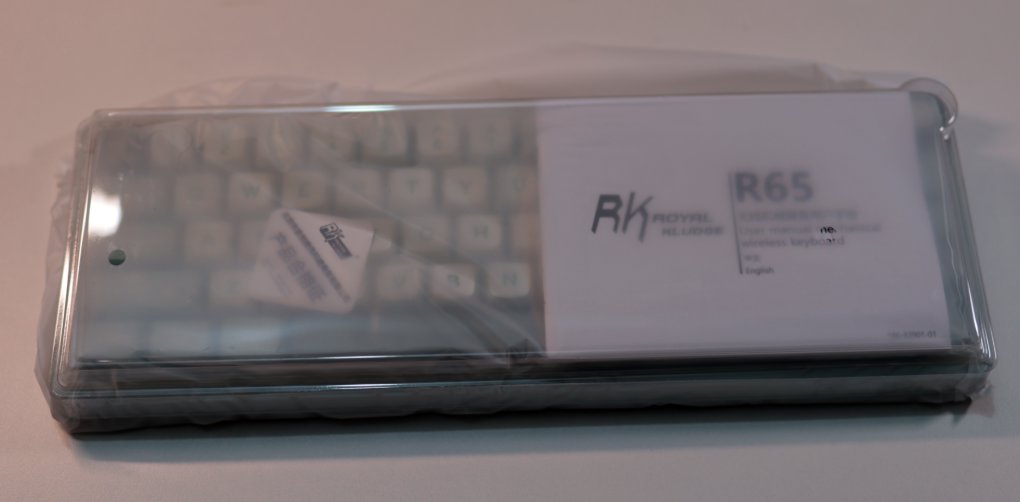
This time, the new color scheme is even cleaner and fresher than the last one.
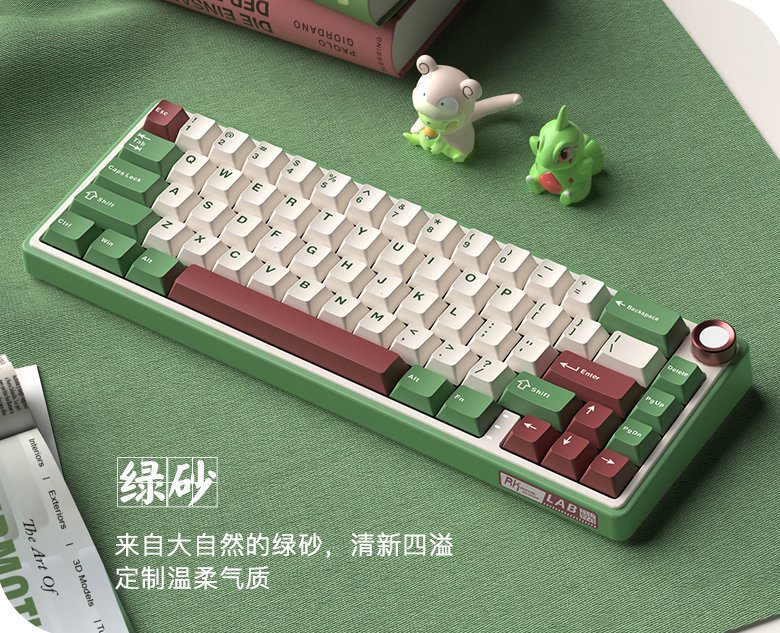
Do you remember the previous color scheme? Let's take another look:
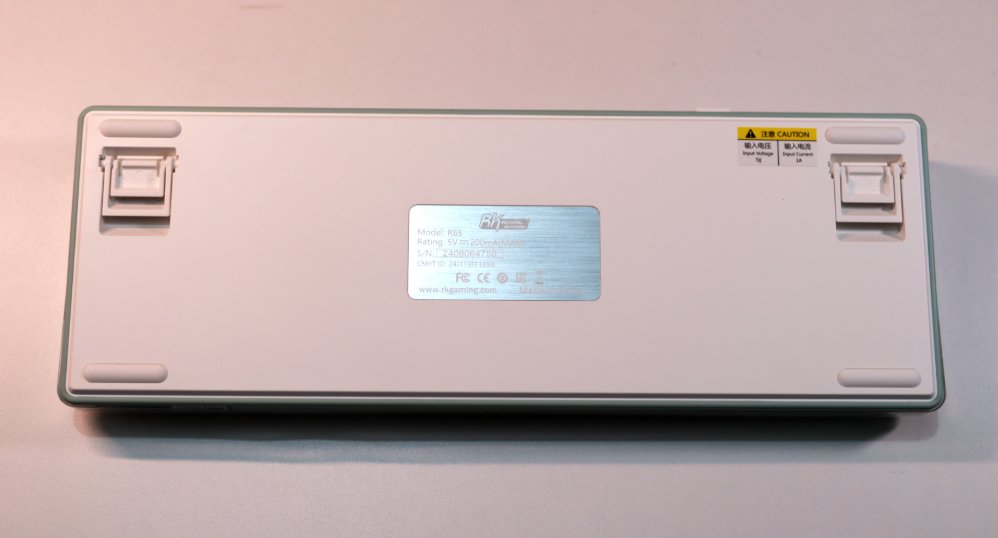
Back of Keyboard
Drivers
Unfortunately
The drivers for this RK R65 are still not working well
Just as underwhelming as last year
While I was trying to adapt to the 65% layout, I searched online for how to configure the key layout for a 65% keyboard
I found user reviews about this keyboard: everyone thinks it offers good value for money and a nice feel, but the software is truly terrible.
The instructions aren't detailed either. The FN + left CTRL key combo can toggle the function of the number row, switching between numbers and F-keys. This feature is present on many 65% keyboards, and the RK R65 is no exception, but the manual doesn't mention it at all.
Mixed Sale of Old and New Models
After some further online browsing,
I learned that RK later released a new version of the R65, which significantly improves the driver and supports the QMK/VIA protocol, allowing key remapping directly via a web interface. It also has better support for Mac.
https://rkgamingstore.com/products/r65-wired-gaming-mechanical-keyboard
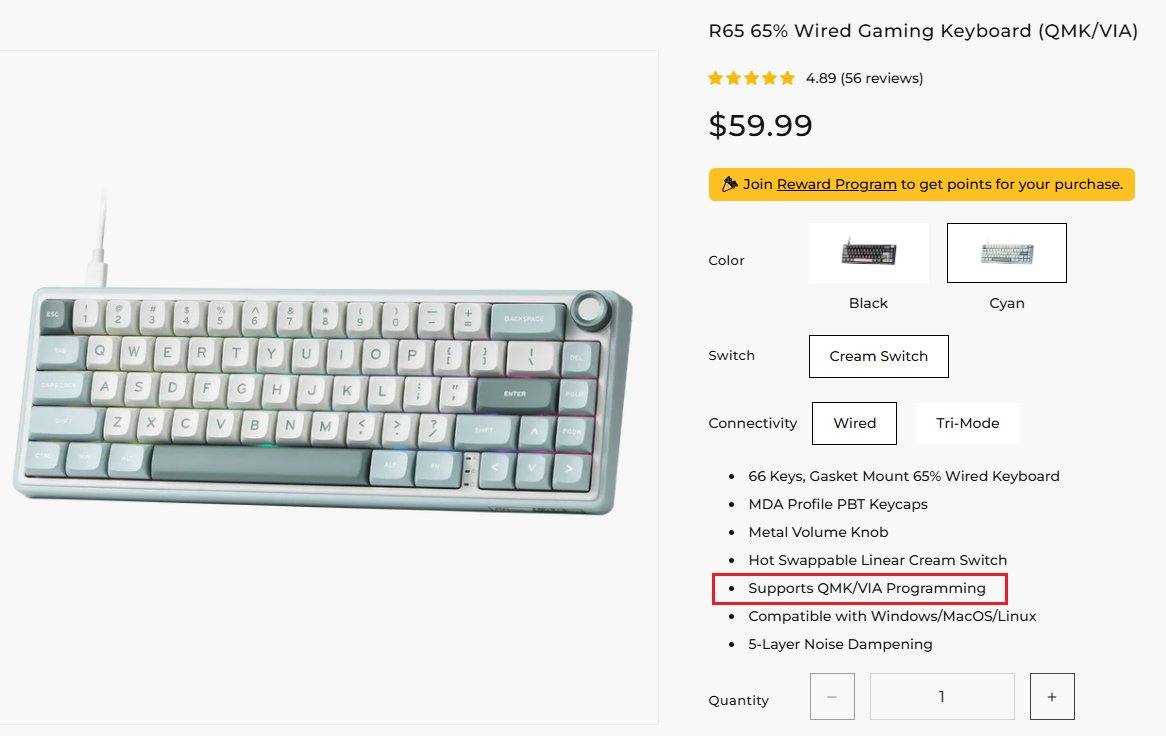
However, it currently appears to be sold only on RK's official international online store. When inquiring on domestic platforms, all turn out to be the old model...
Even the international store has a mix of old and new models.
Therefore, if you're looking to purchase this keyboard, it's best to wait for the new version with QMK/VIA support to be listed domestically.
_EOF_
65% layout keyboards really make you have a love-hate relationship... Once again, I got my hands on the RK-R65.
- 本文作者:
- 程序设计实验室
- 版权声明:
- 本博客所有文章除特别声明外,均采用 BY-NC-SA 许可协议。转载请注明出处!
相关文章
狼途LT75键盘开箱,或许平平淡淡才是真
折腾键盘选狼途LT75,设计新颖但中规中矩,配色廉价无脚托,小屏幕还阉割GIF,最后发现还是旧XS75T香,何必呢?
2025-10-28 · 键盘 · 约 1 分钟
京东京造JZ750(贱驴A3)键盘开箱
厌倦旧键盘,被京东JZ750颜值旋钮吸引,包装简陋、做工松垮得令人发指。冰晶轴滑爽,但配列反人类,方向键奇葩,无end键。为颜值,忍了。
2025-10-28 · 键盘 · 约 1 分钟
Noppoo-C75Pro键盘开箱
一次有点坑的购物体验
2025-10-28 · 键盘 · 约 1 分钟
雷咖泽KW75S键盘开箱
厌倦达尔优EK75的缺点?转向雷咖泽KW75S客制化,键帽圆润手感还行,灰木轴意外凑合。但性价比低、电池小、插线要翻键盘,保护罩还盖不稳,真够折腾。
2025-10-28 · 键盘 · 约 1 分钟
讨论
共 0 条加载评论中…