

RK-S75 Keyboard Unboxing
Another keyboard? The RK-S75 is balanced. The small screen only displays mode and battery level—power-saving but boring. The price is nice, and the data cable is unique, but it lacks an independent switch. You still have to manually shut it down, tsk.
目录13 个章节
Preface
The previous article introduced the silent switches.
The feel was truly irresistible, and with several mass-produced custom keyboards still sitting in my shopping cart, I bit the bullet and got the RK-S75 as well.
This keyboard is a fairly balanced one.
It has both a small screen and a knob, but its OLED screen is much more restrained compared to other fancy ones. This small screen is mainly used for switching modes (wired, 2.4G, Bluetooth); it only shows the battery level and cannot display GIF animations or time.
Actually, I quite like this design. The small screen on a keyboard doesn't really need many functions. I already have a computer monitor, so this little screen doesn't need to do much either. Having extra features adds some fun, but without them, it's no big deal—it even saves power.
PS: Well, mainly because the price was also very attractive.
Images
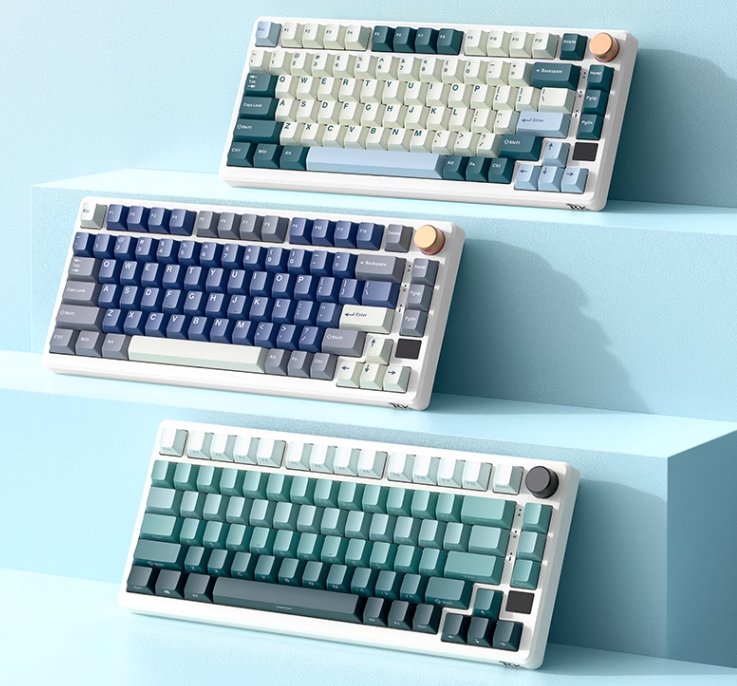
As usual, first let's grab some pictures from the official sources.
The one I purchased this time is the second model shown in the image below.
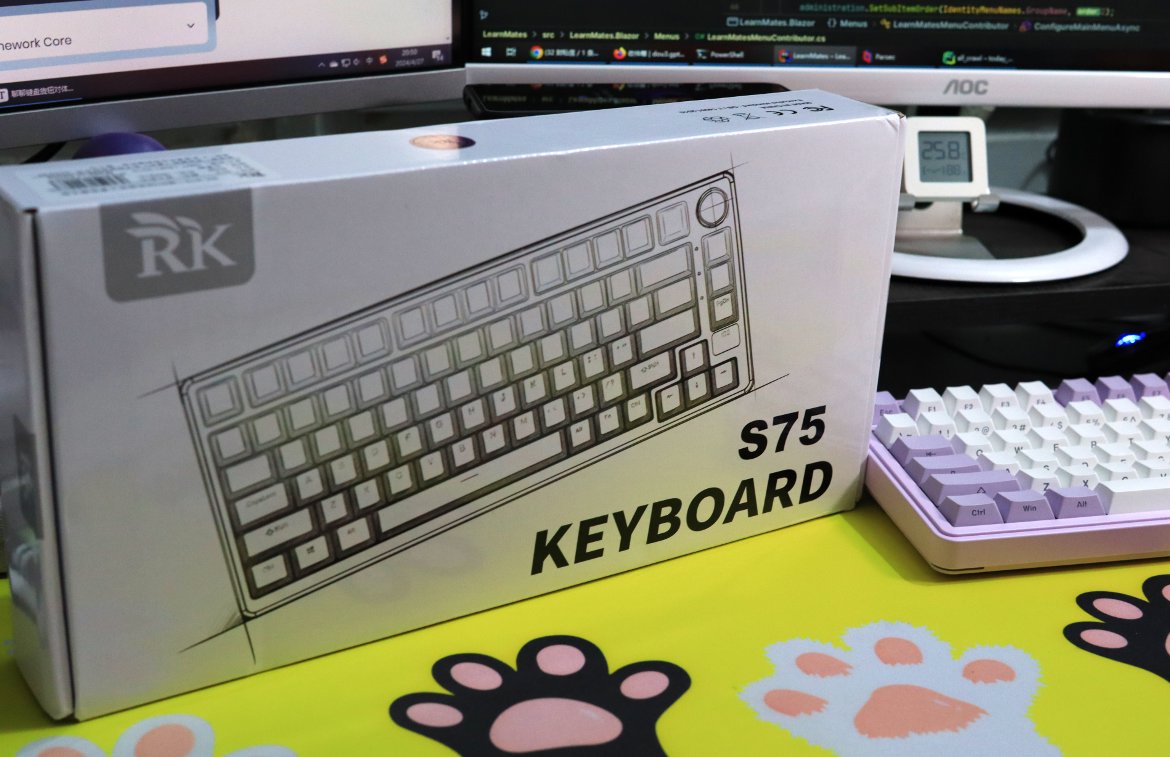
Packaging
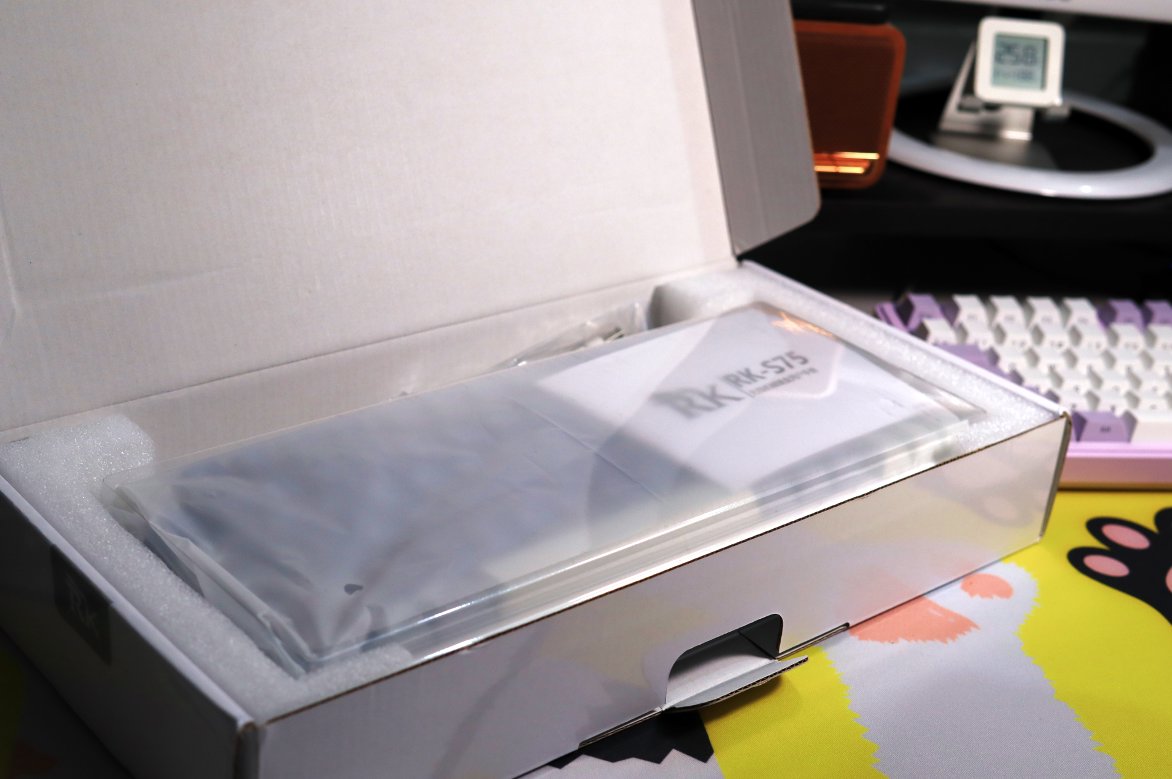
Unboxing
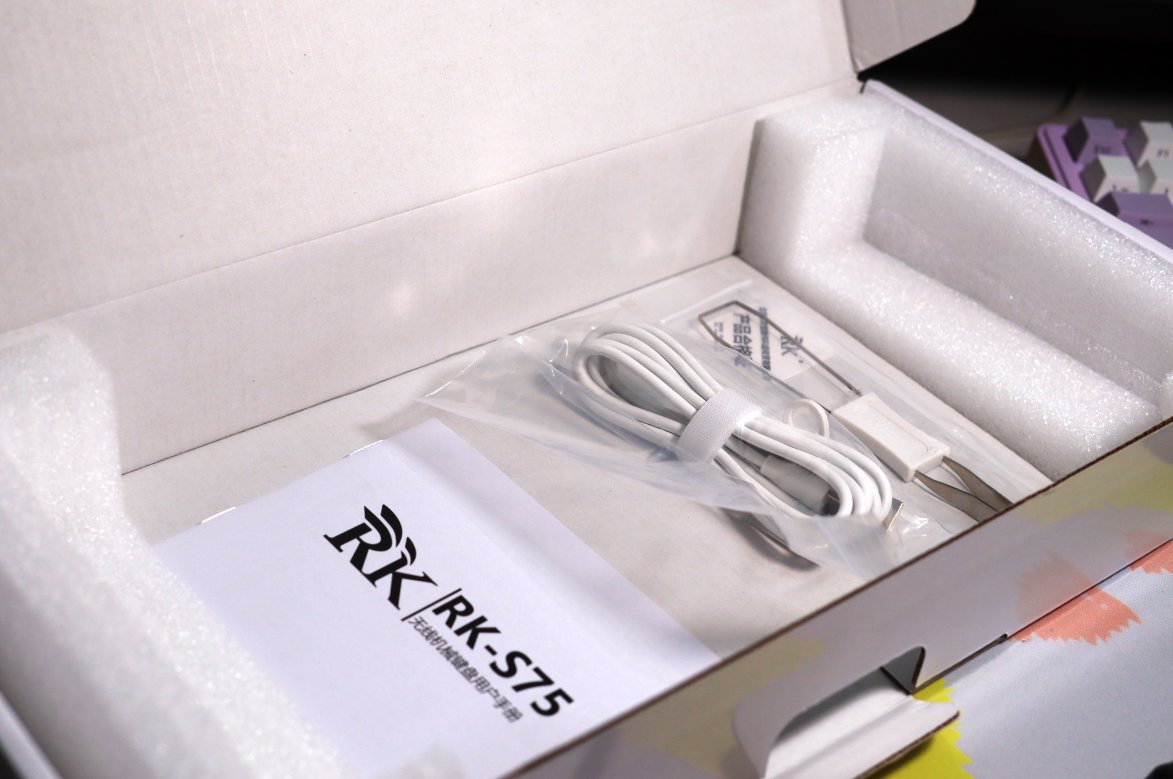
Accessories
The accessories this time are quite simple:
- Data cable
- Keycap puller
- User manual
Data Cable
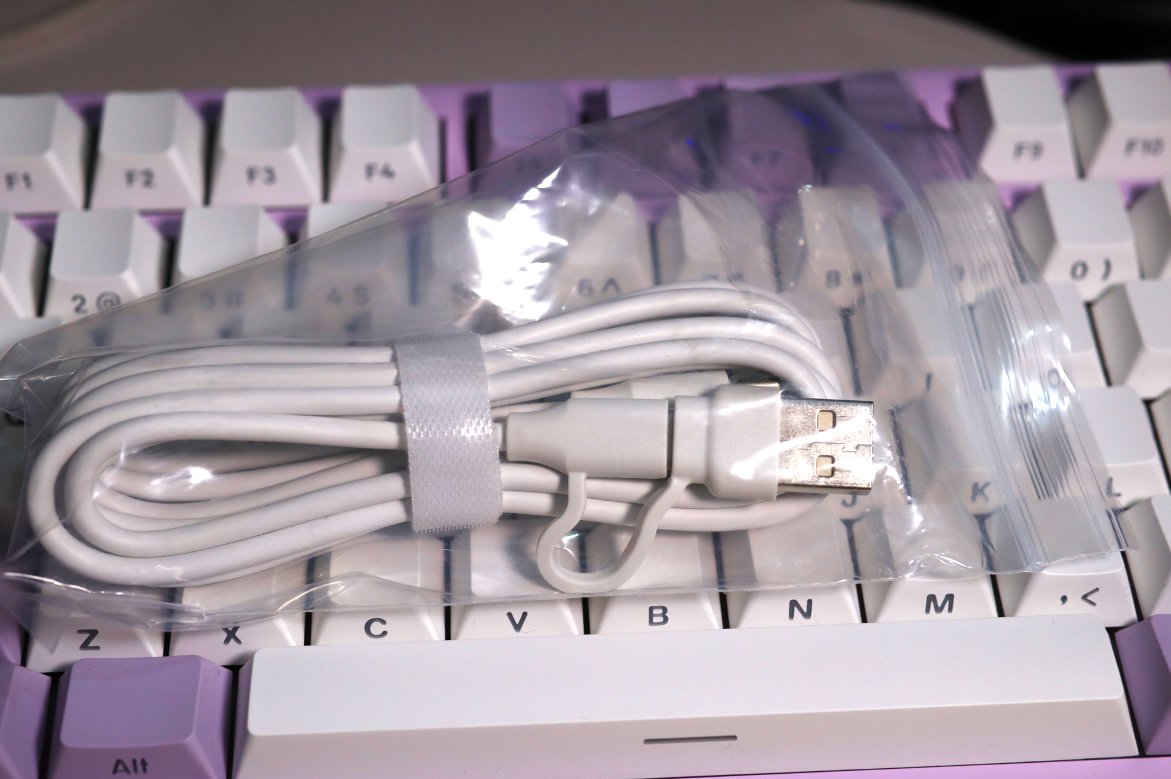
This data cable has a distinctive design: one end is Type-C, while the other end features a 2-in-1 Type-C and USB connector.
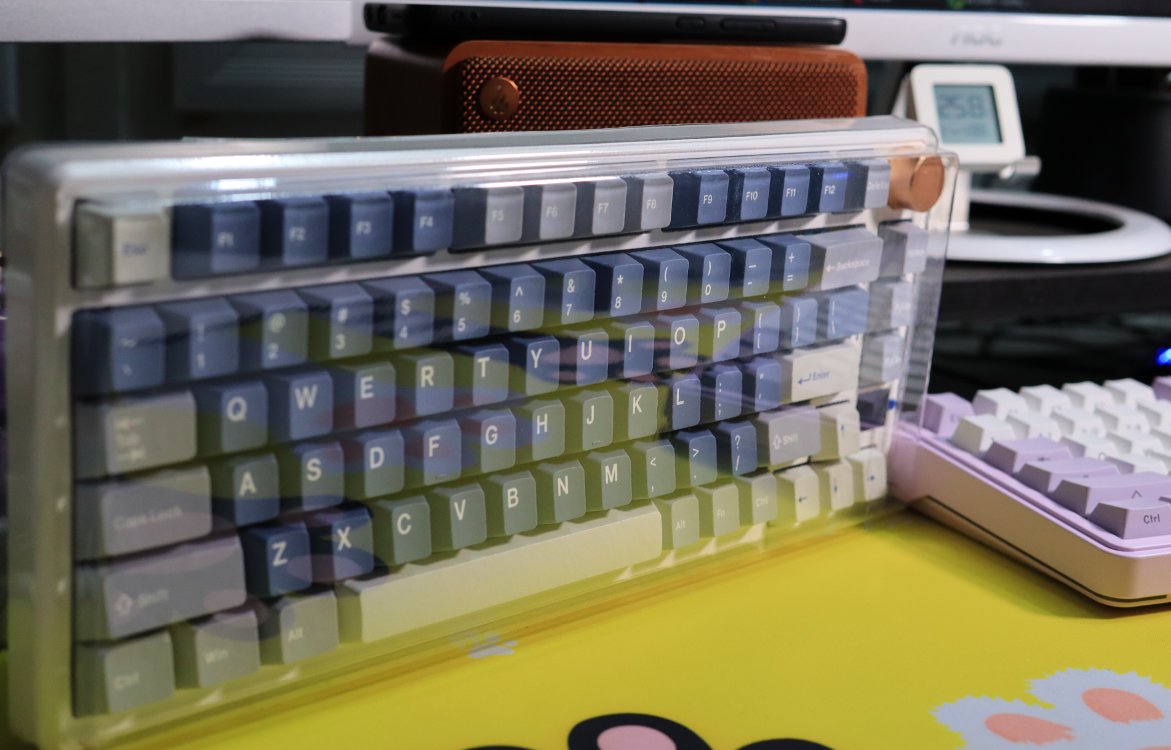
Front of Keyboard
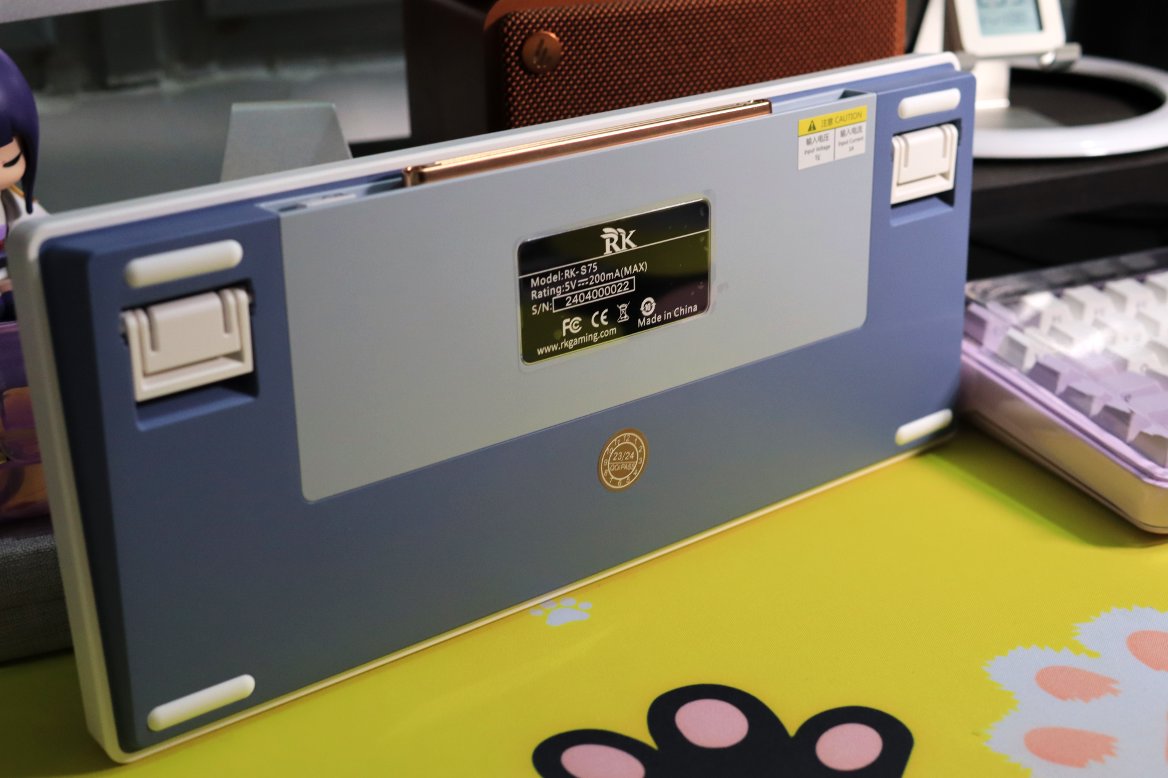
Back Side
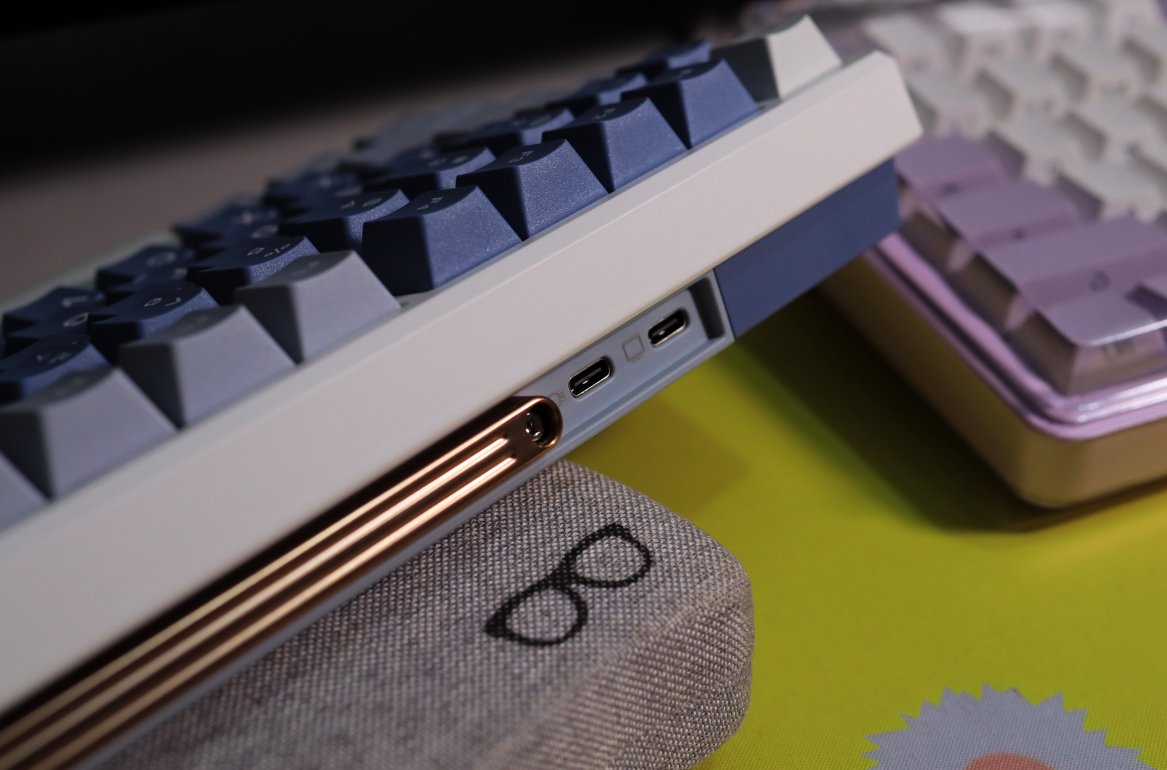
Top
Two interfaces on the top; the other can be expanded to connect to other devices.
Comparison
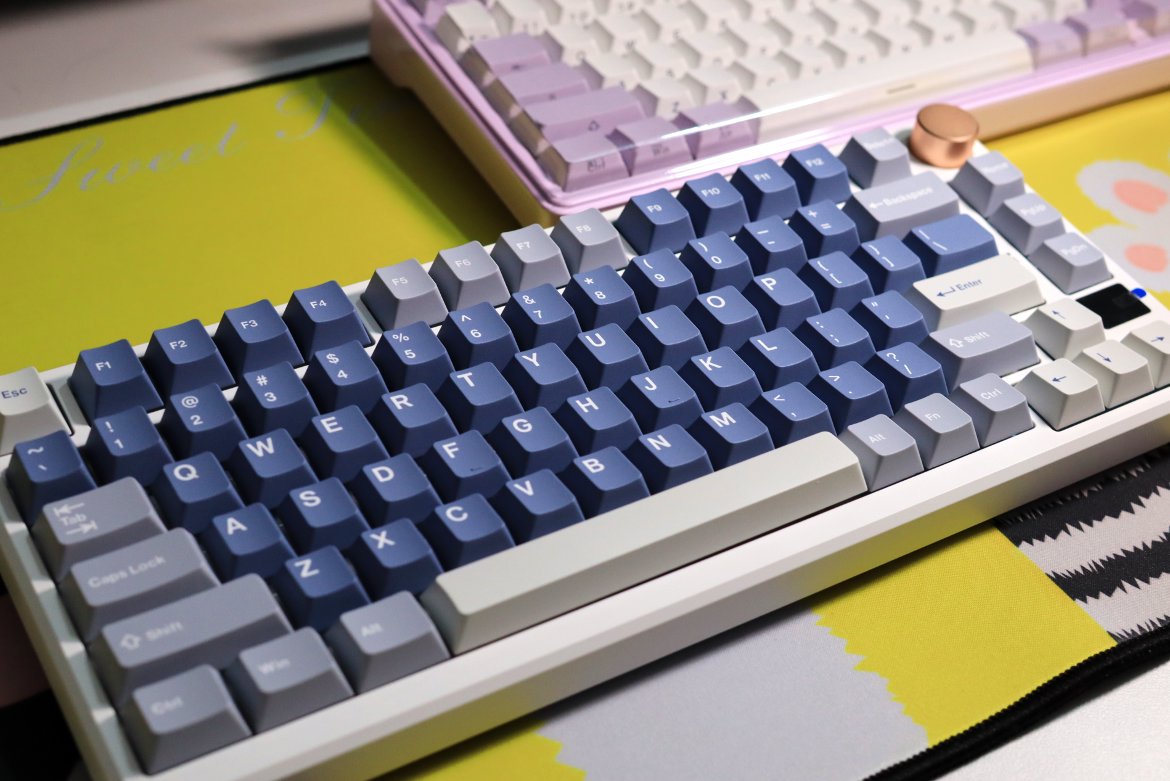
Small Screen
The functionality of this small screen is very simple.
| Mode Selection | Battery Level Display |
|---|---|
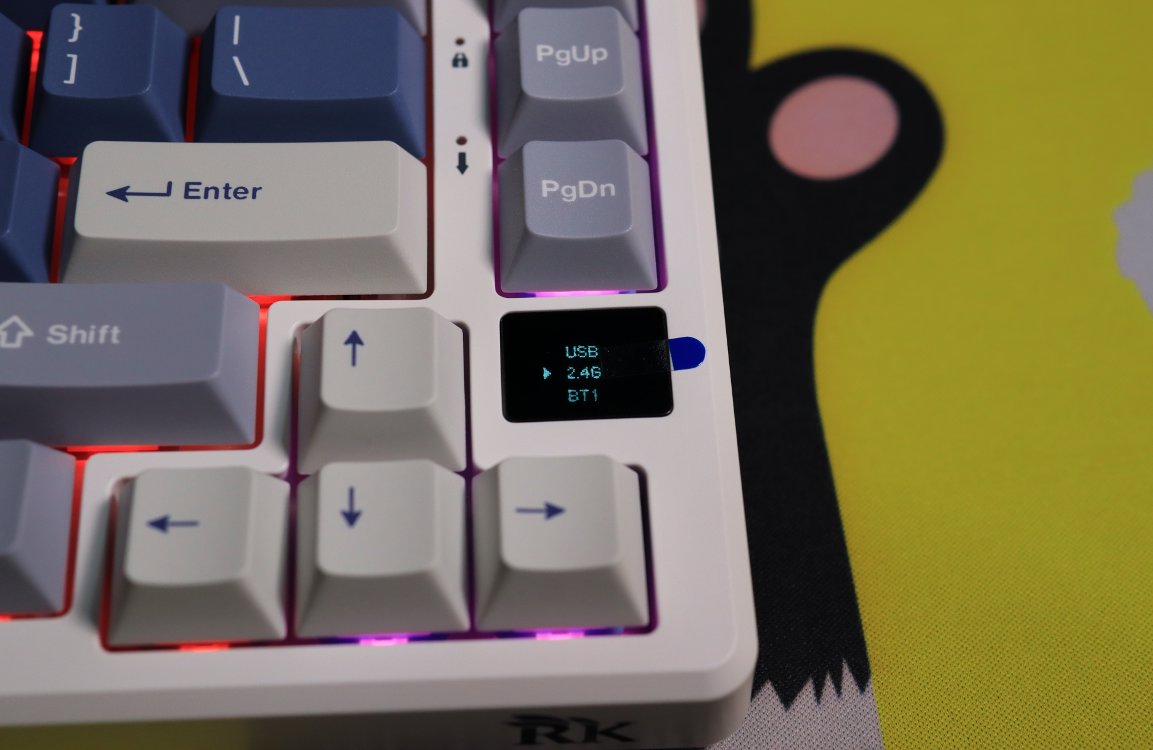 | 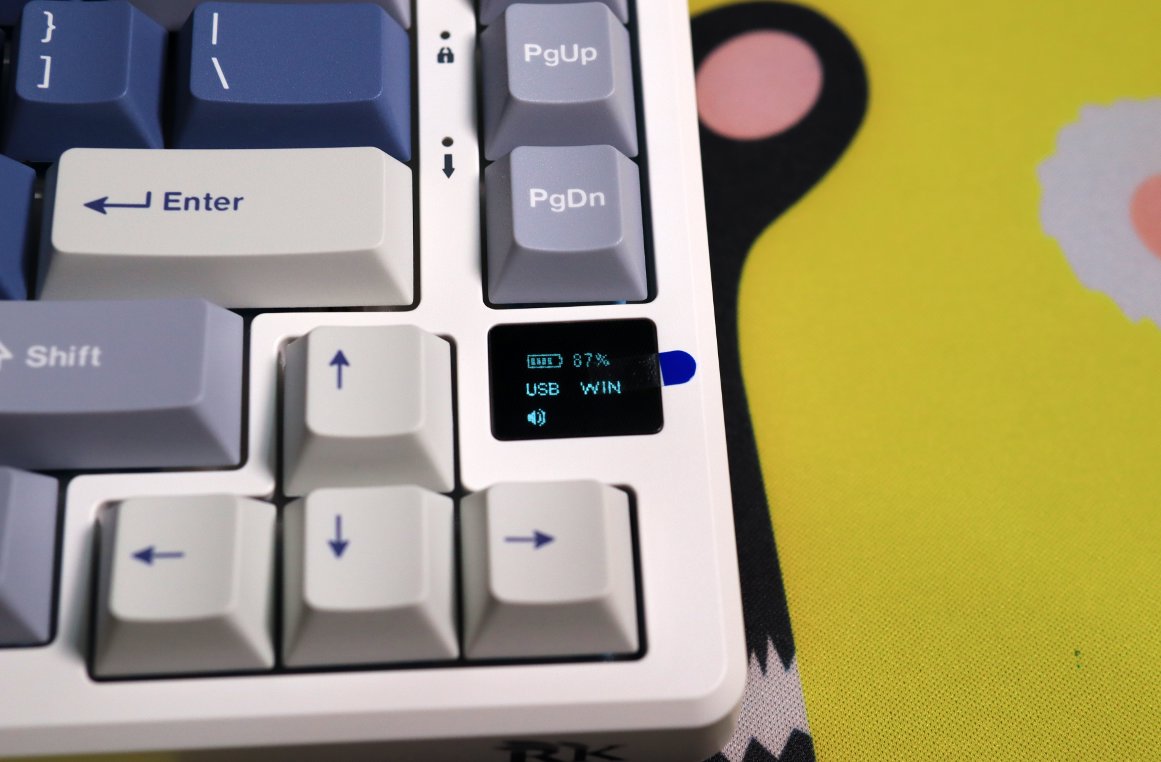 |
That's it.
Switches
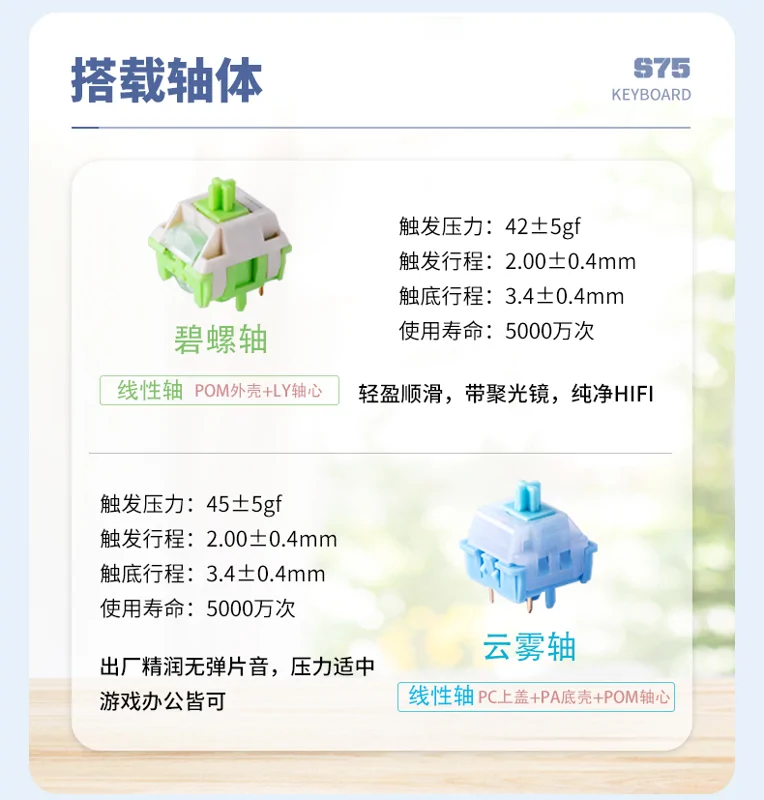
I chose the Cloud Fog switch (云雾轴), and so far, it’s working fine. The specs show it has quite a bit of actuation force and a short travel distance, but given the price, I’ve gotten used to it…
That said, this kit is still pretty good. You can always swap out the switches later on your own.
Summary of Pros and Cons
Pros:
- Supports dual-layer Fn (Function) keys, which is rare at this price point.
- Has two Type-C ports: one for connecting to a computer and the other for expanding other devices, such as a mouse or a numeric keypad.
- The rotary knob has a good tactile feel, with a satisfying click sound when turning.
- Each turn of the rotary knob adjusts the volume by 2 steps (Is this considered a pro now?).
Cons:
- Lacks a dedicated mode switch; it needs to be controlled through the rotary knob.
- In wired mode, the keyboard does not automatically turn off when the computer shuts down; you need to long-press the rotary knob to turn off the keyboard's power.
- The front height is not low, and it needs to be used with a wrist rest.
_EOF_
RK-S75 Keyboard Unboxing
- 本文作者:
- 程序设计实验室
- 版权声明:
- 本博客所有文章除特别声明外,均采用 BY-NC-SA 许可协议。转载请注明出处!
相关文章
65配列键盘真是让人又爱又恨啊…… 再次入手 RK-R65
又买RK R65?为颜值手感买单,结果驱动依旧拉胯。FN+方向键自定义呢?官网新旧混卖,国内只给旧款?
2025-10-28 · 键盘 · 约 1 分钟
雷咖泽KW75S键盘开箱
厌倦达尔优EK75的缺点?转向雷咖泽KW75S客制化,键帽圆润手感还行,灰木轴意外凑合。但性价比低、电池小、插线要翻键盘,保护罩还盖不稳,真够折腾。
2025-10-28 · 键盘 · 约 1 分钟
继续体验 65 配列键盘,银雕Y65S WGA轴体实测,中下手感值不值
银雕Y65S,颜值在线,手感却沙沙闷响,中下水准。 驱动比RK顺眼,可木叶轴58gf全程到底,谁给的勇气? 左侧多一块,误触到怀疑人生。
2025-10-28 · 键盘 · 约 1 分钟
瓦尔基里VK99键盘开箱
经过详细的开箱体验和简单的探索。从其精美的包装到每一个设计细节,这款键盘无疑是为追求高颜值和功能性的用户量身打造的。背面的大面积喷绘、侧面的完美处理,以及前所未有的旋钮和显示屏设计,都让VK99在众多机械键盘中脱颖而出。加之灵活的驱动配置、个性化的灯光效果和音乐律动功能,更是提升了整体使用体验。
2025-10-28 · 键盘 · 约 1 分钟
讨论
共 0 条加载评论中…