

Sent for repair for 10 days, Jige's 14x is finally back, but things aren't that simple...
The blogger shares their experience of sending the "Jige Boundless 14x Keyboard" for repair. The after-sales service took 10 days to replace parts. After it was fixed, the blogger discovered the port was taped, the internal fan was cleaned but still had significant dust buildup, the hard drive location had been swapped, and screws were missing. Although the key malfunction issue was resolved, the blogger remained troubled by the missing hard drive screws.
目录9 个章节
Preface
Last time I mentioned that my Brother Ji Unlimited 14x keyboard broke down and was sent for after-sales repair, and it garnered a lot of attention from many friends.
After the after-sales service replaced the fifth batch of parts, and a total of 10 long days of waiting, it finally returned to my hands 😂
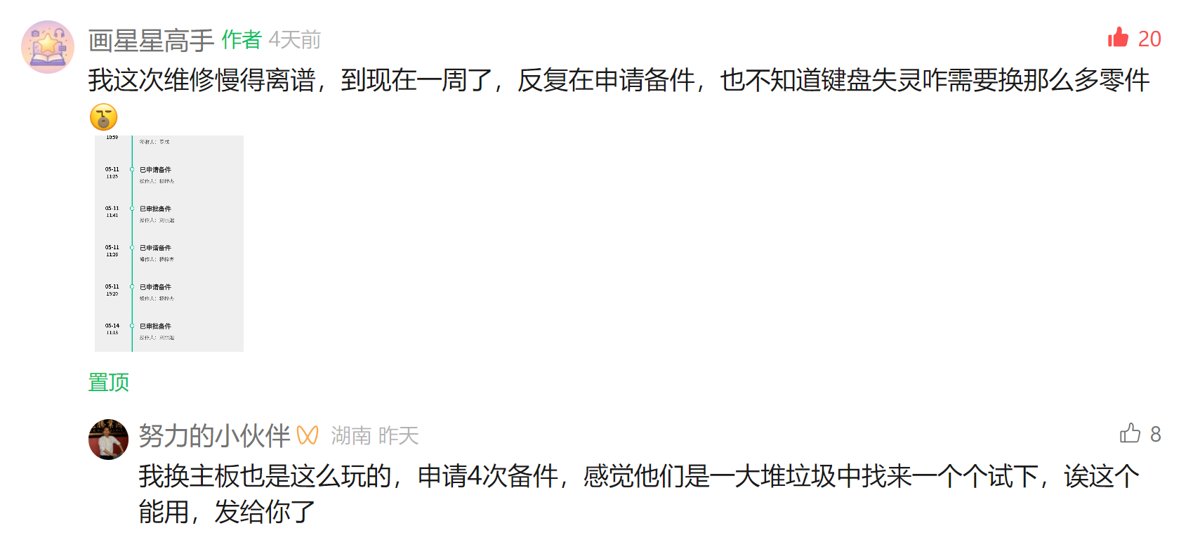
Regarding the repeated requests for replacement parts, I think the comments from the friends in the comment section are very reasonable. For the last parts request, the after-sales service of Brother Ji gave me a call…

So, the repaired computer has arrived.
Today, let's unbox it and see how the after-sales service repaired it for me, and whether they followed through on the promised dust cleaning 😃
Appearance
First, regarding the appearance, I noticed that the after-sales service has applied a layer of adhesive tape over all the external ports.
| Left Side | Right Side | Top Side |
|---|---|---|
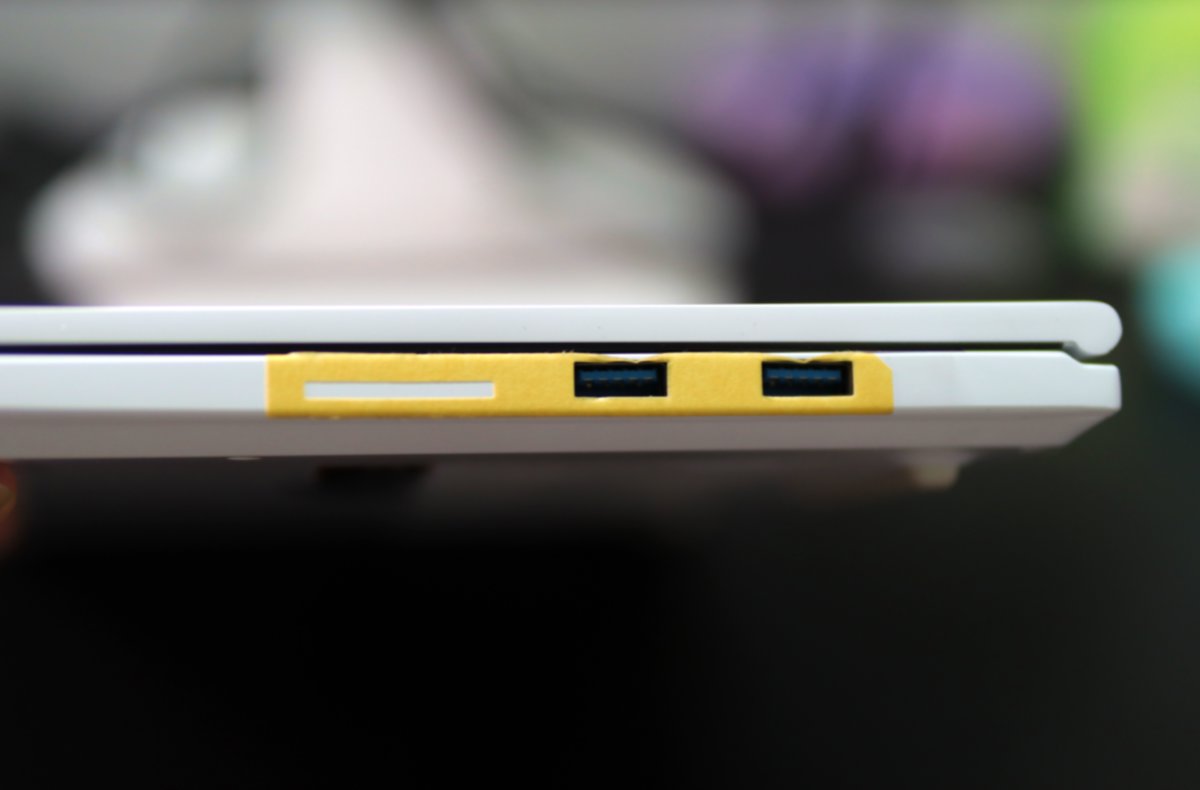 | 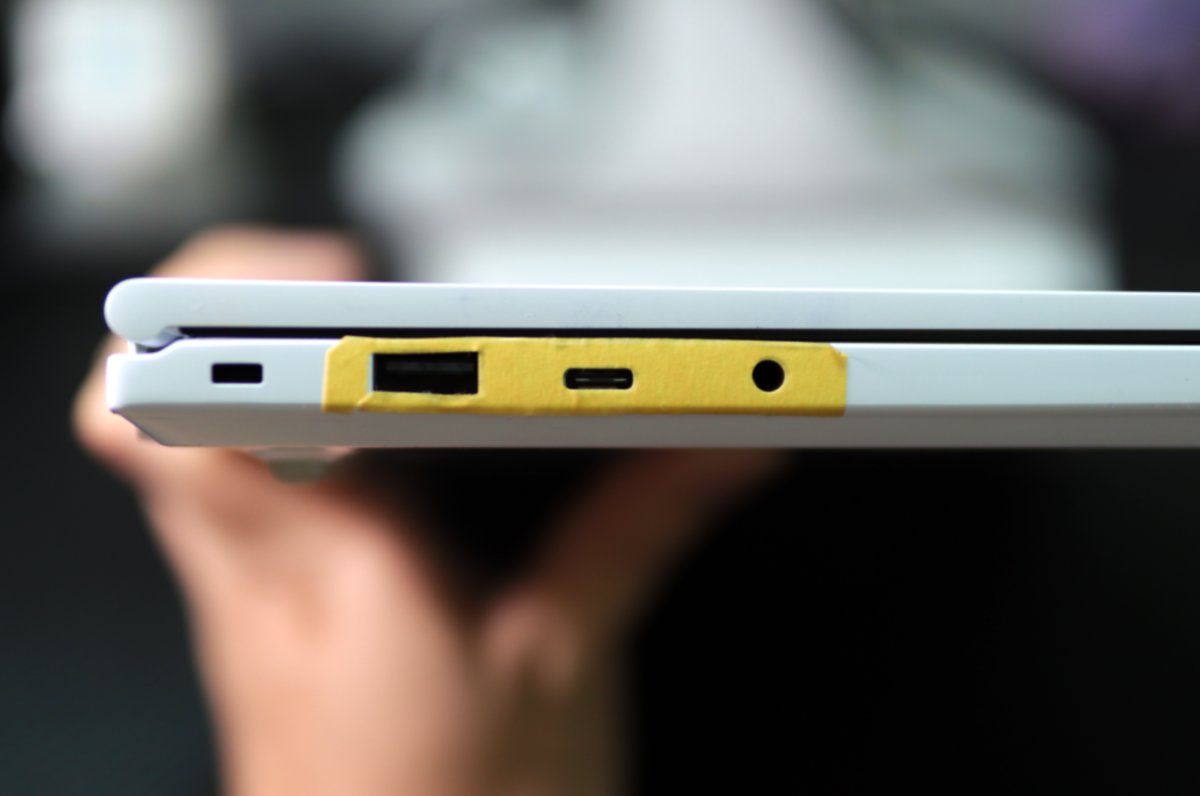 | 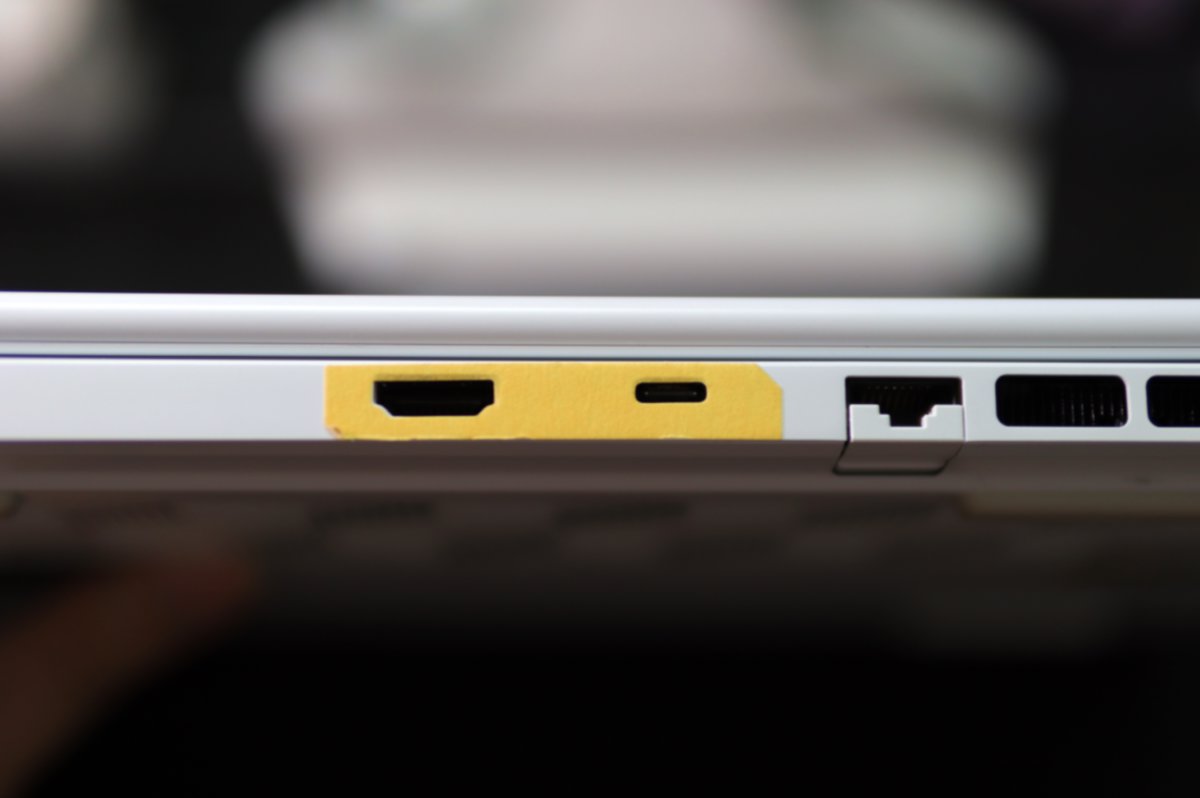 |
My guess is that this tape is to prevent scratches on the casing when the repair technician is testing the device?
B-side and C-side
When opening the notebook, a business card was found tucked inside, and a transparent film was also adhered to the C-side.
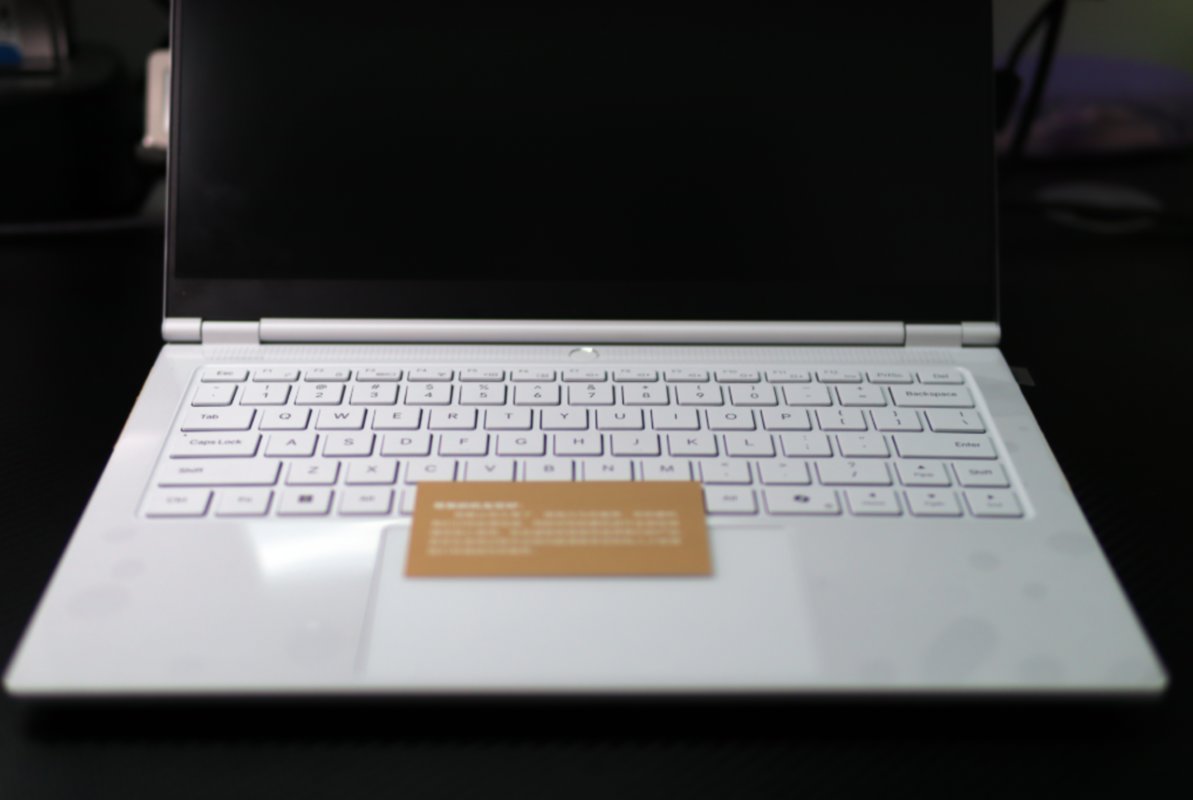
Business Card
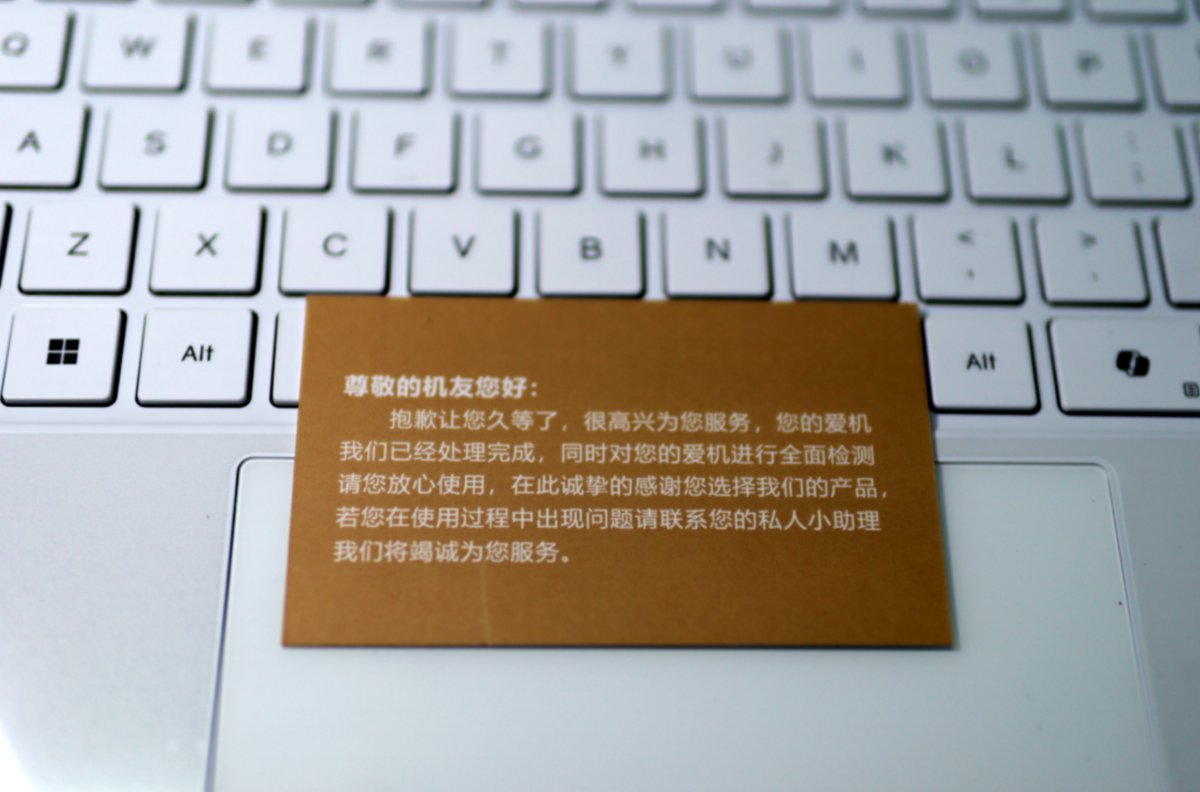
The business card is written quite sincerely.
The back of the business card has the contact information for Jige (鸡哥) after-sales service. Unfortunately, I took the photo with a DSLR and didn't focus correctly, so it's blurry 😂
Let's Take a Look Inside
OK, so far so good. I've also turned it on to check, and the previously mentioned issue with the unresponsive button has been fixed.
Now let's open up the bottom panel to see what's inside the laptop, and while we're at it, reinstall the solid-state drive (SSD) we removed earlier.
Prepare Tools
First, prepare the tools
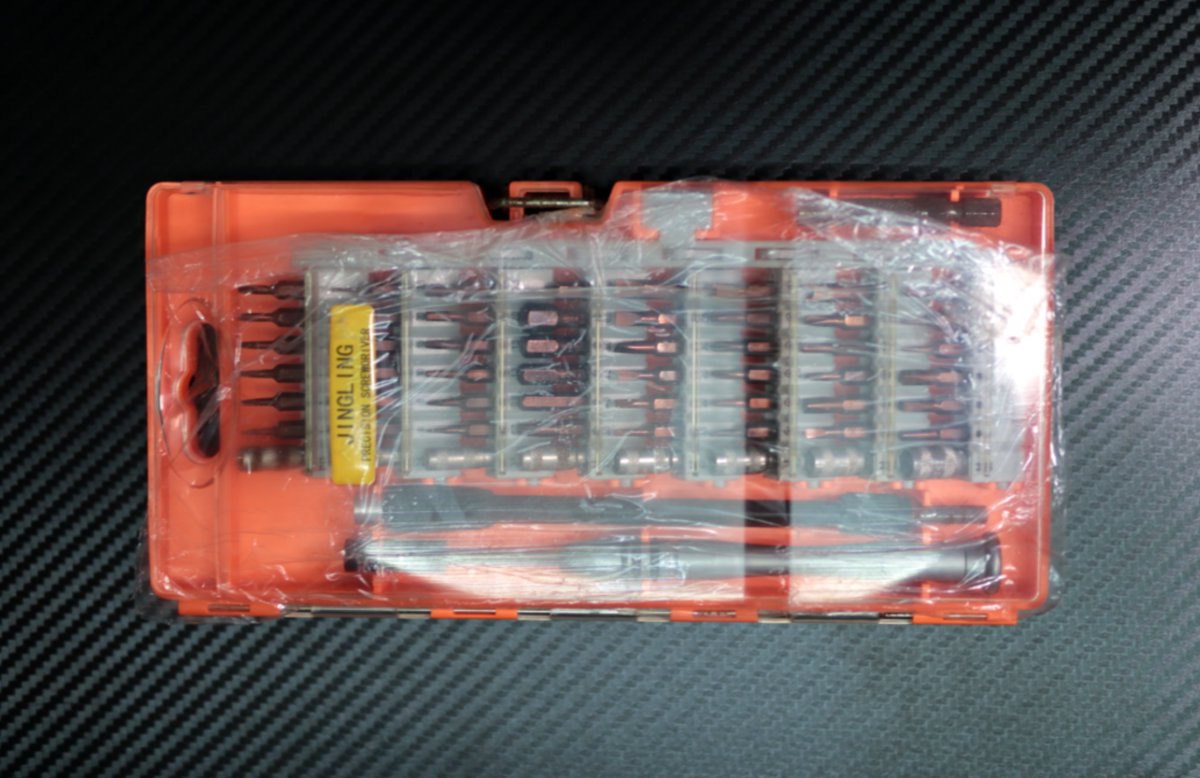
I am using a screwdriver set I bought a few years ago. It includes many different types, making it essential for disassembling digital devices.
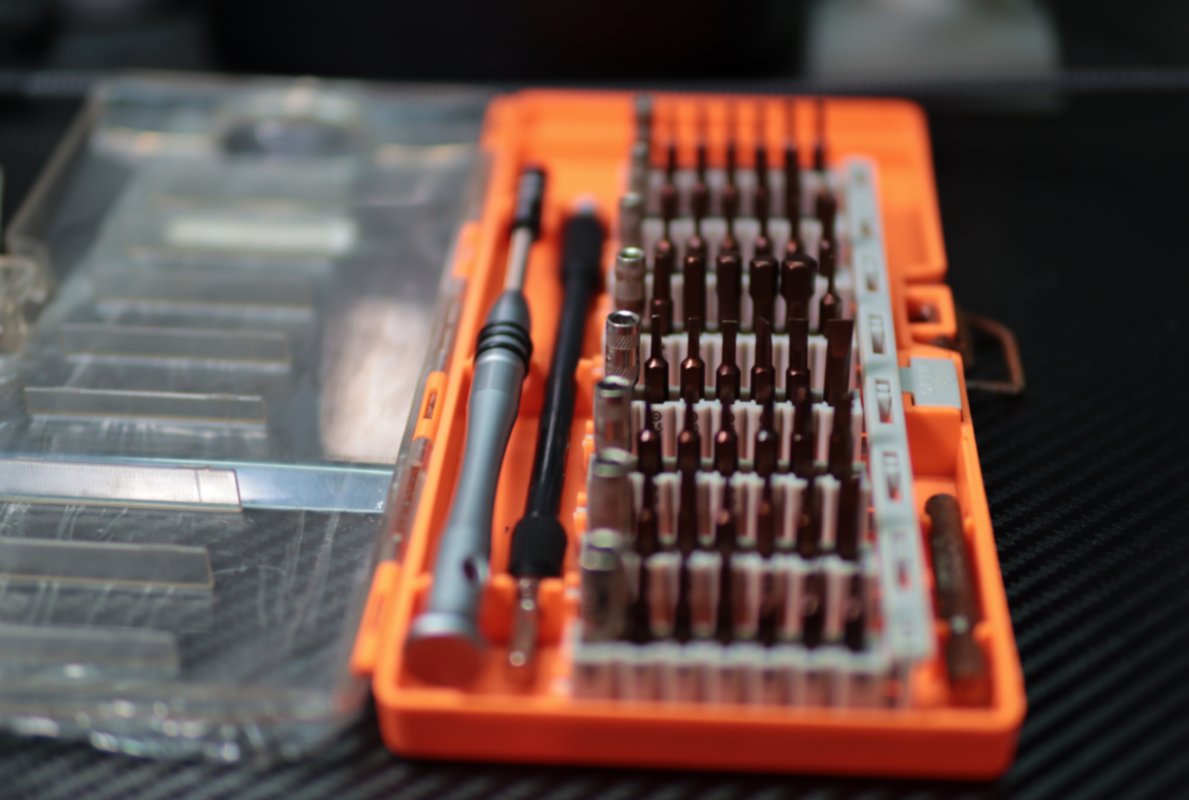
Opening the Lid
Remember the last time I damaged a tempered glass screen protector just to open the lid 😂? This time, I used a fruit knife and opened the back cover very smoothly.
It looks like the fan was indeed cleaned of dust. Compared to last time, it’s much cleaner.
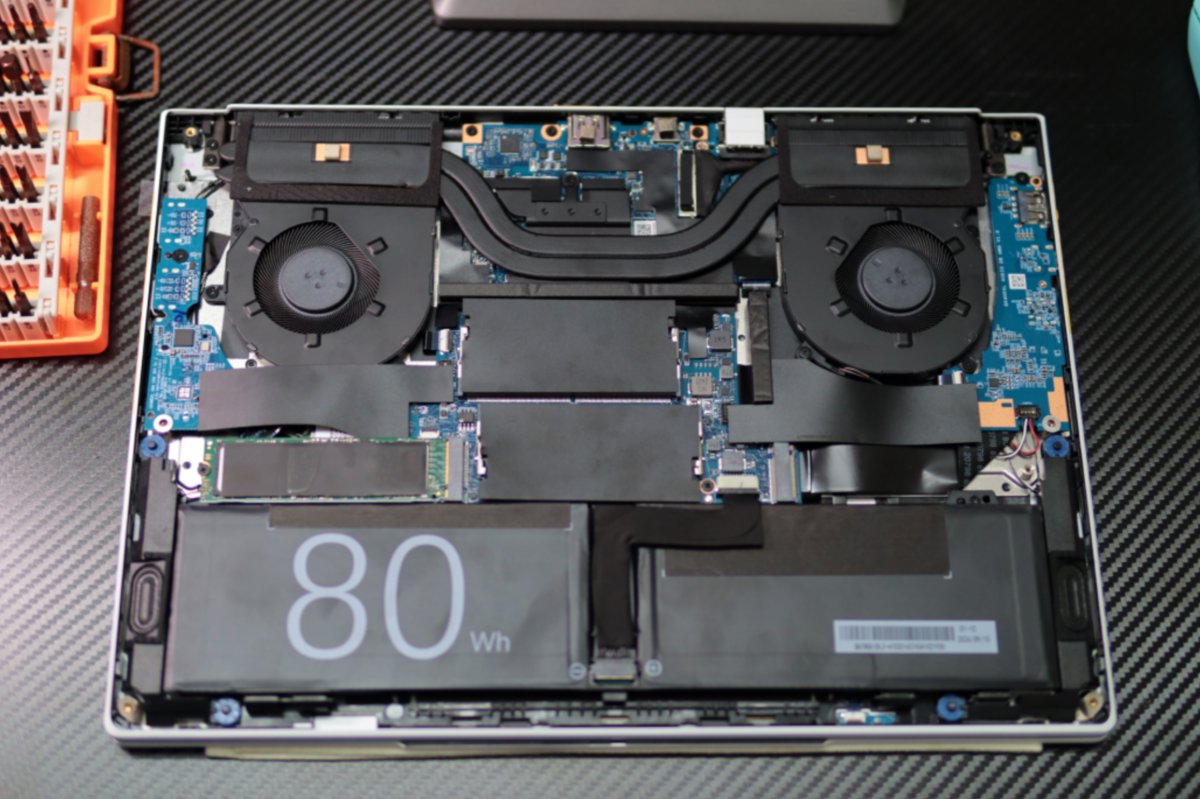
Let’s see what the fan looked like before 😂
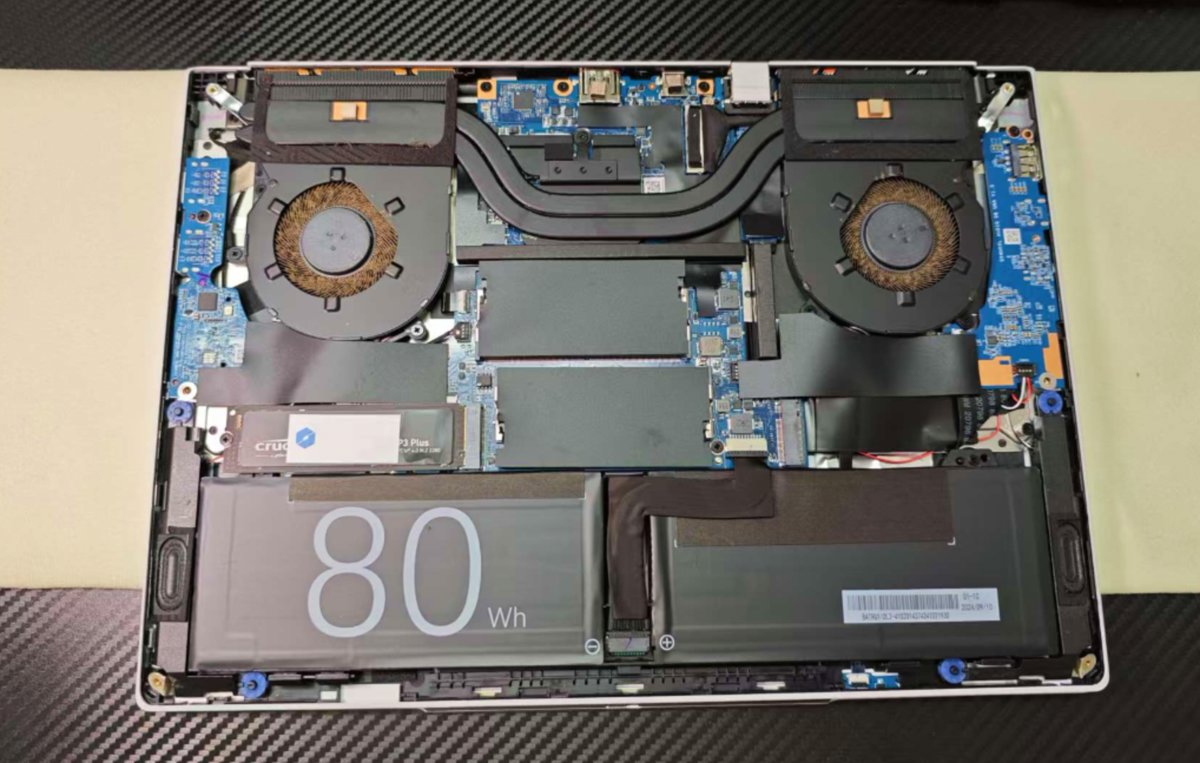
The comparison is truly shocking. Some netizens even suspect my computer was used in Ukraine 😂






It’s just bizarre. I’ve always used it in the office, so there shouldn’t be much dust, right…
Could it be because it’s been left on all the time? 🤔
Things Aren't Simple
Up to this point, there still seems to be no problem.
The after-sales repair technician helped me clean the fan's dust thoroughly, thank you very much🙇
However, the SSD I originally installed on the right side seems to have been moved to the left side?
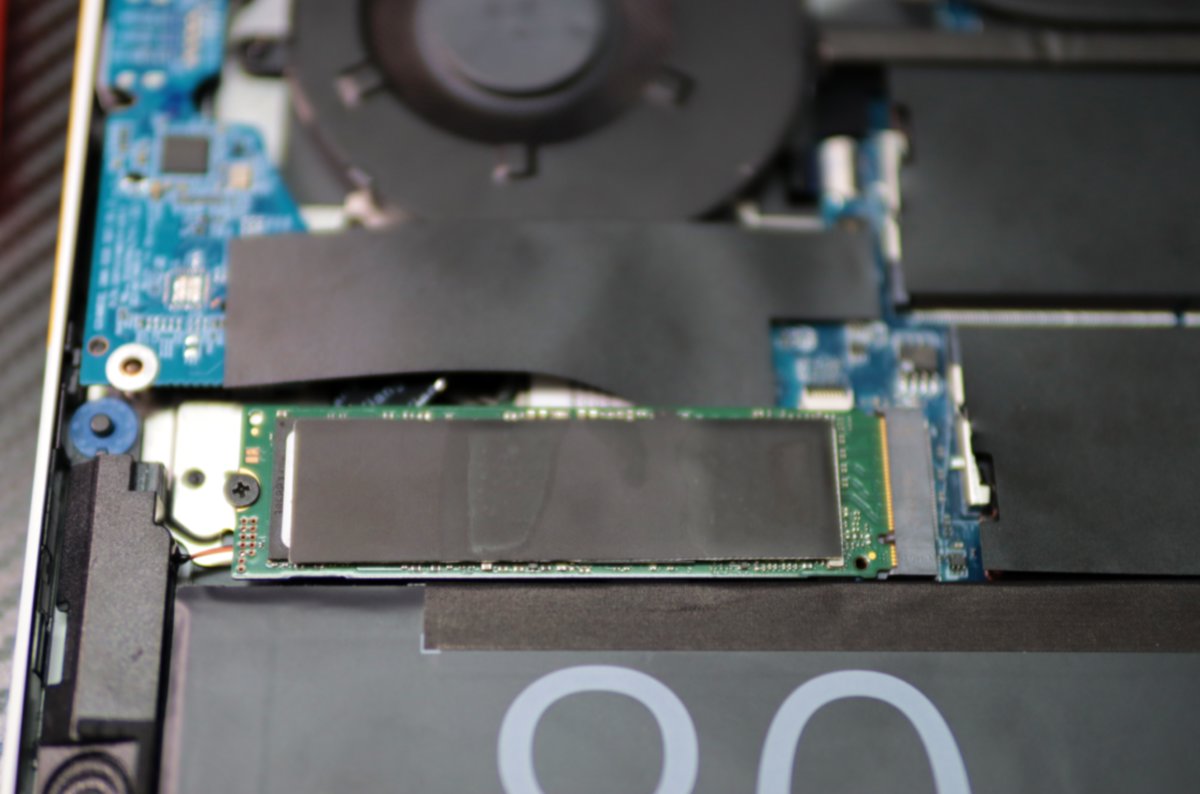
Let's look at the picture from before I sent it for repair. I removed the original SSD (on the left side) and installed an old SSD onto the right-side interface.
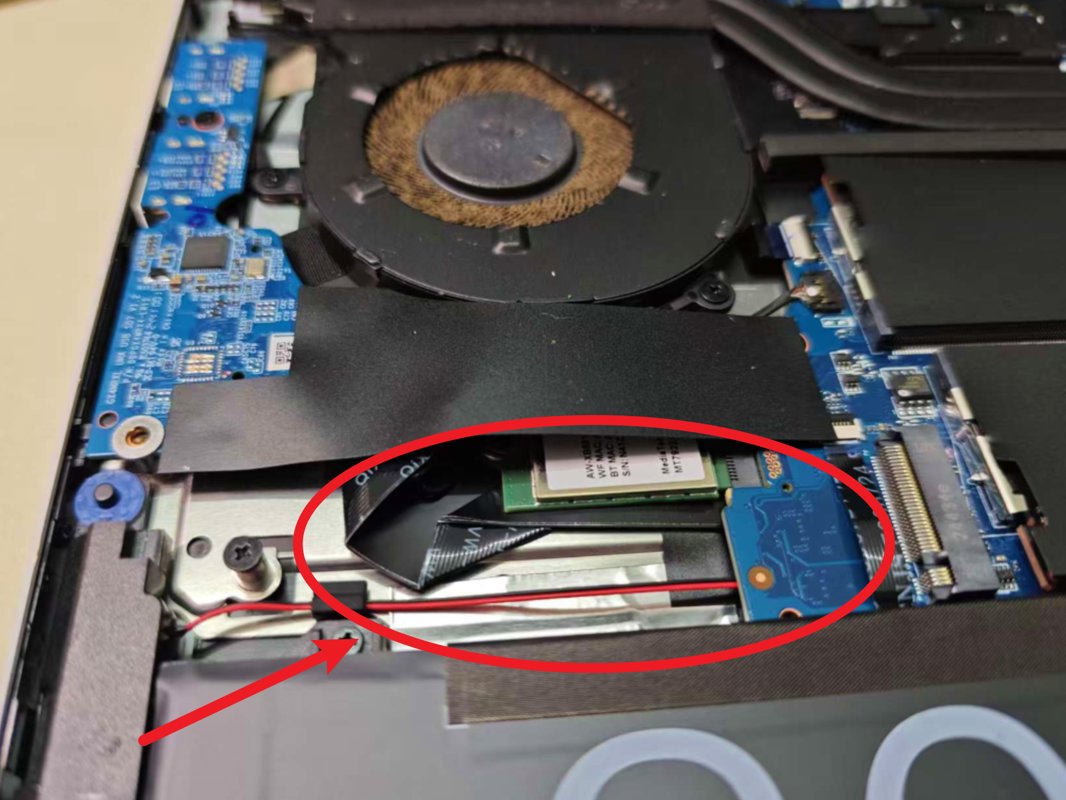
If it were just like this, it wouldn't be a big problem; I could just swap it myself.
But!
Ji Ge's after-sales technician, while moving the SSD from the right side to the left side, also lost my original SSD screw!
This is the picture from last time. You can see that there is one screw for installing the SSD on each side, left and right.
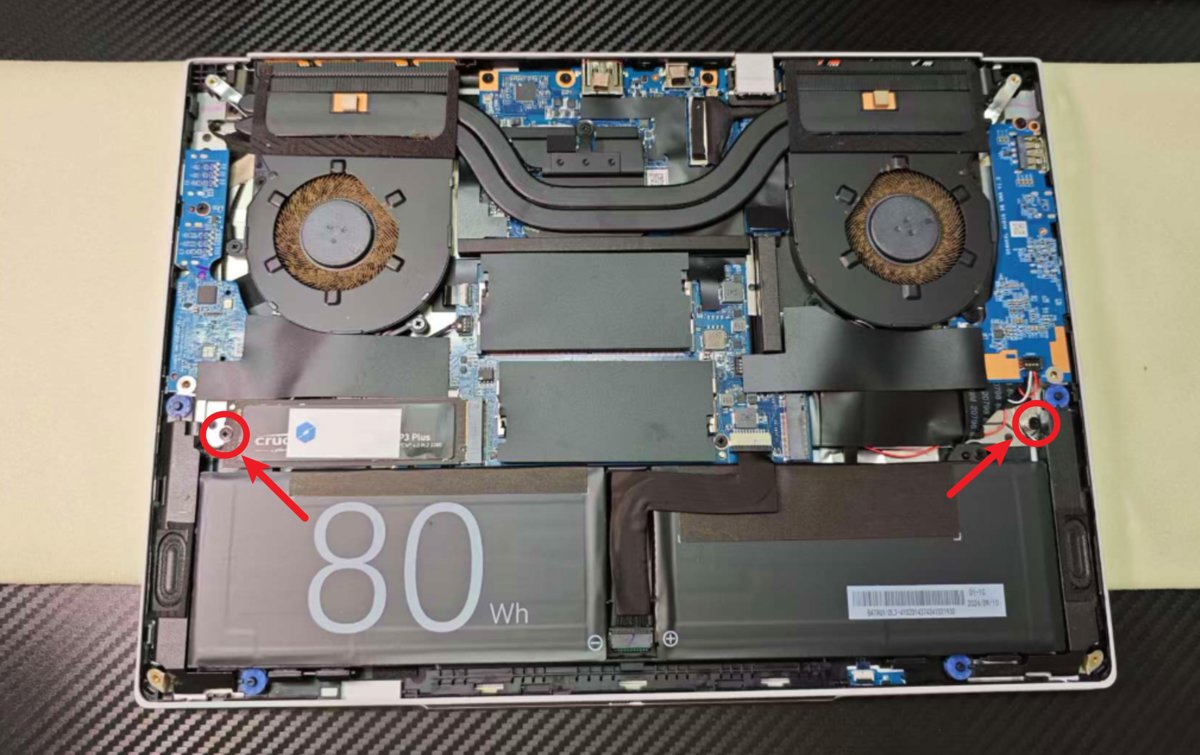
But now there is only one...
A screw is a small thing, but for me, without this screw, the other SSD cannot be installed 😂
Sigh, I'll contact after-sales tomorrow to see if they can send me a replacement screw...
Thinking that when the screw arrives, I'll have to disassemble the machine again, it makes me feel so tired ╯︿╰
Summary
The computer is fixed,
but it left me with an annoying little snag.
_EOF_
Sent for repair for 10 days, Jige's 14x is finally back, but things aren't that simple...
- 本文作者:
- 程序设计实验室
- 版权声明:
- 本博客所有文章除特别声明外,均采用 BY-NC-SA 许可协议。转载请注明出处!
相关文章
LCD 手机老兵不死:iQOO Neo5 活力版降级 OriginOS 1 的一天
四年前的iQOO Neo5活力版还流畅?活该vivo售后劝降级时一脸懵逼。自己动手降级到OriginOS 1.x才叫本事,还特么要自己找旧版App?这手机明明够用,非要作死逼人换新机。
2025-11-14 · 2025 · 约 1 分钟
独立开发者的一周:把生活和项目都推进一点点
一周代码+生活,进度条各推一丢丢。公众号日更堪比自虐,开源项目是时间黑洞。独立开发?不过是把事情磨磨唧唧往前蹭。
2025-11-23 · 2025 · 约 1 分钟
不到半年,我的鸡哥14x也翻车了……
本文作者分享了其机械革命无界14X笔记本电脑的翻车经历。尽管该款电脑在性能和外观上受到好评,但作者不慎遇到键盘Tab键失灵的问题。文章详细记录了作者自行更换硬盘及申请售后服务的过程,并分享了维修进度视频。作者对机械革命的售后服务表示满意,但同时也对品控问题表示担忧。
2025-05-11 · 2025 · 约 1 分钟
AI时代的全栈框架:独立开发者的机会与挑战
独立开发者终于能全干了?AI帮忙还愁生态?一体性是王道,但选什么框架还得自己纠结。AI写代码真靠谱?
2025-09-12 · 2025 · 约 1 分钟
讨论
共 0 条加载评论中…