Another low-profile mechanical keyboard: Redragon TL84 unboxing review
Another low-profile switch keyboard, Redragon LT84 unboxing review
目录11 个章节
Foreword
The previous article discussed low-profile keyboards
Today we continue, this time introducing the Redragon LT84
A feature of this keyboard is its aluminum alloy top cover, giving it a metallic texture that is much better than the plastic one on the Ajazz model
Also, this time I purchased the blue switch version (no choice, the red switch version was out of stock)
This can also be considered my first tactile switch keyboard since the 2020 Black Ridge purchase
Packaging
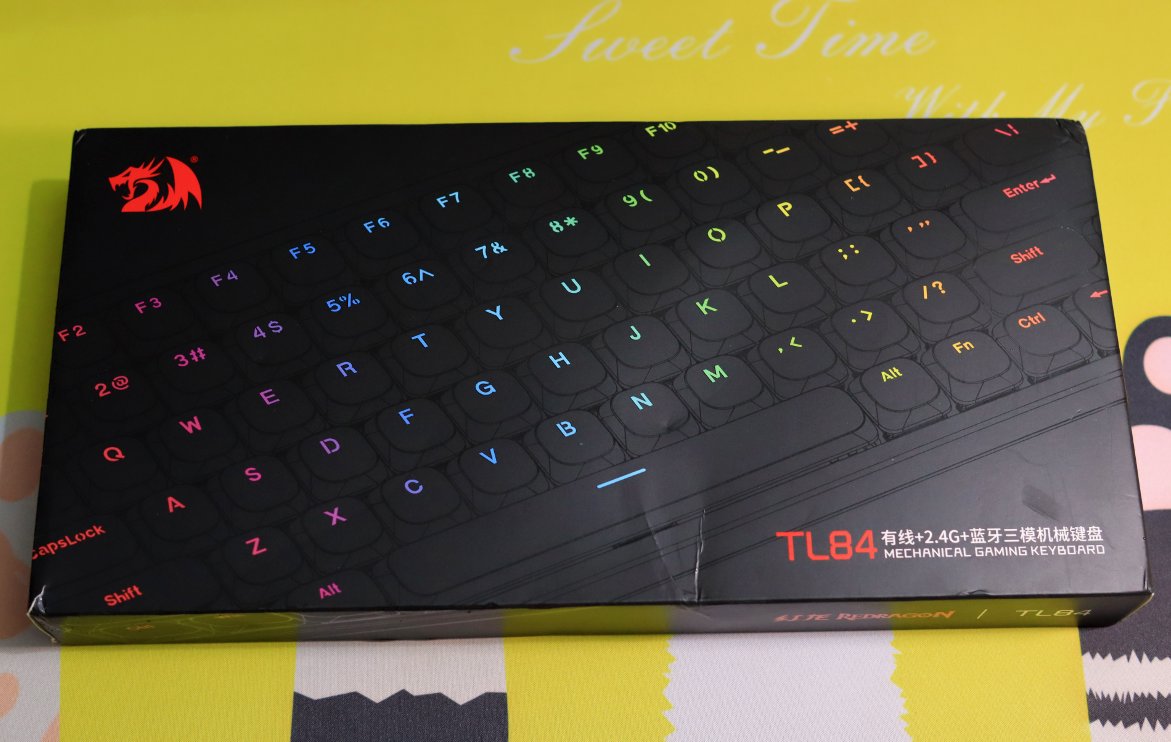
Looks okay from the front, but it seems similar to the Ajazz one?
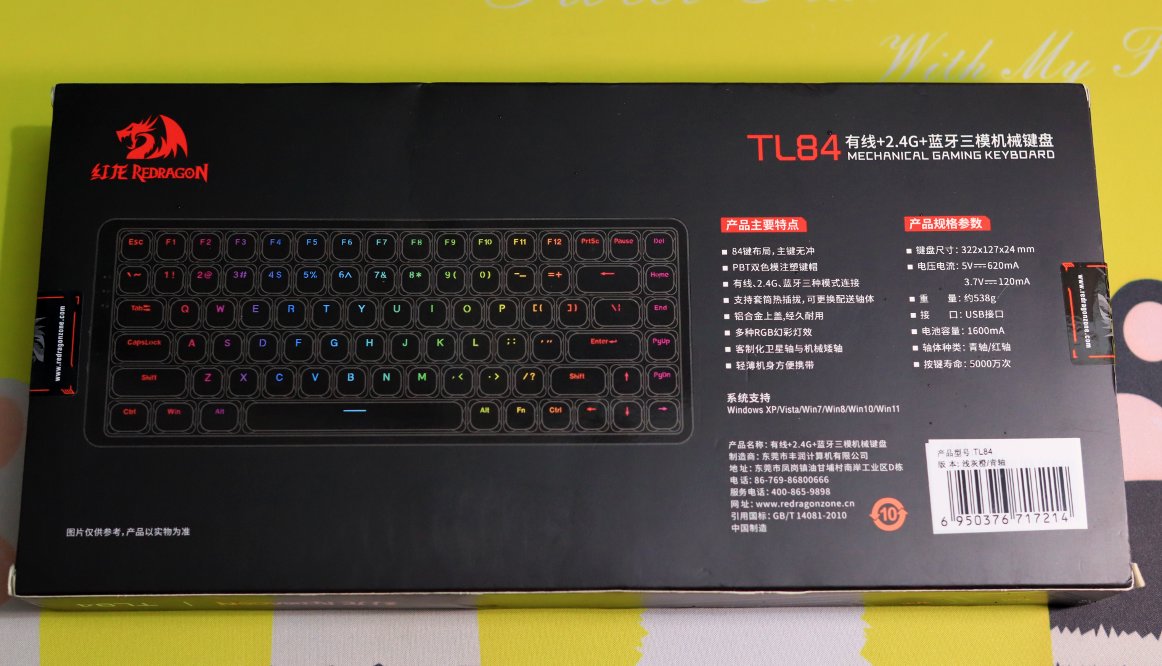
Back of Packaging
Inside the Packaging
It turns out to be a Matryoshka doll-like nested box after all.
Unboxing
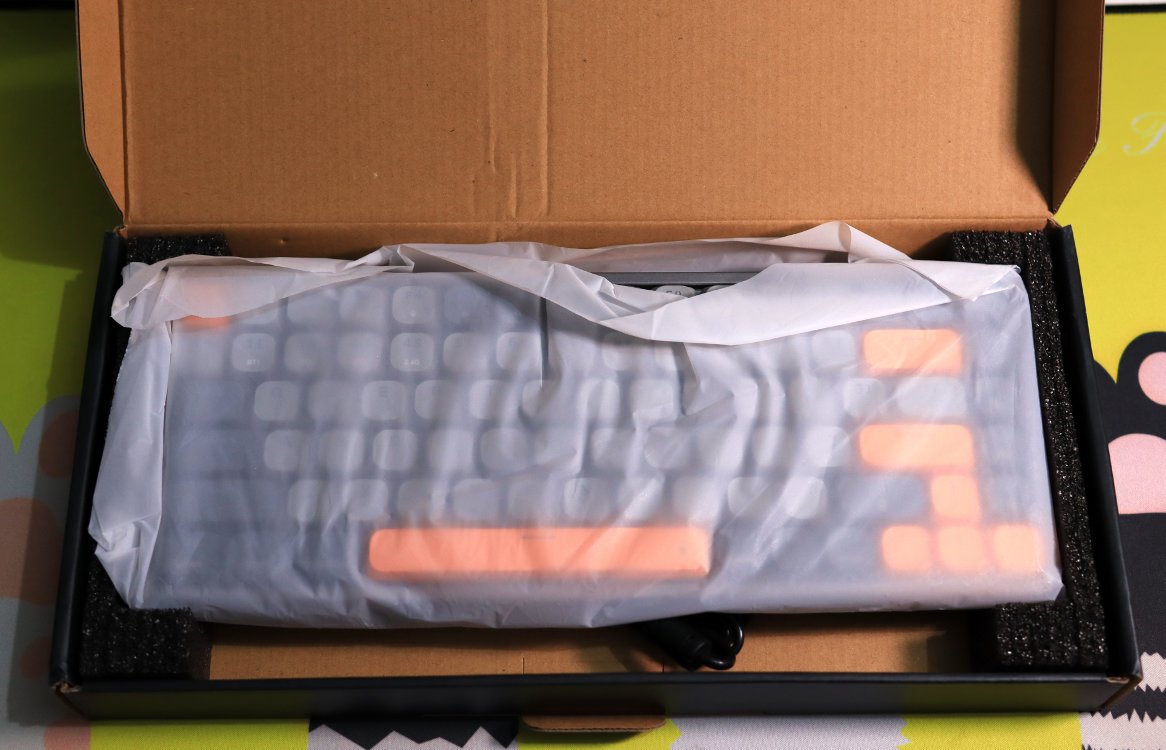
The packaging is about as bare-bones as what you get with Ajazz.
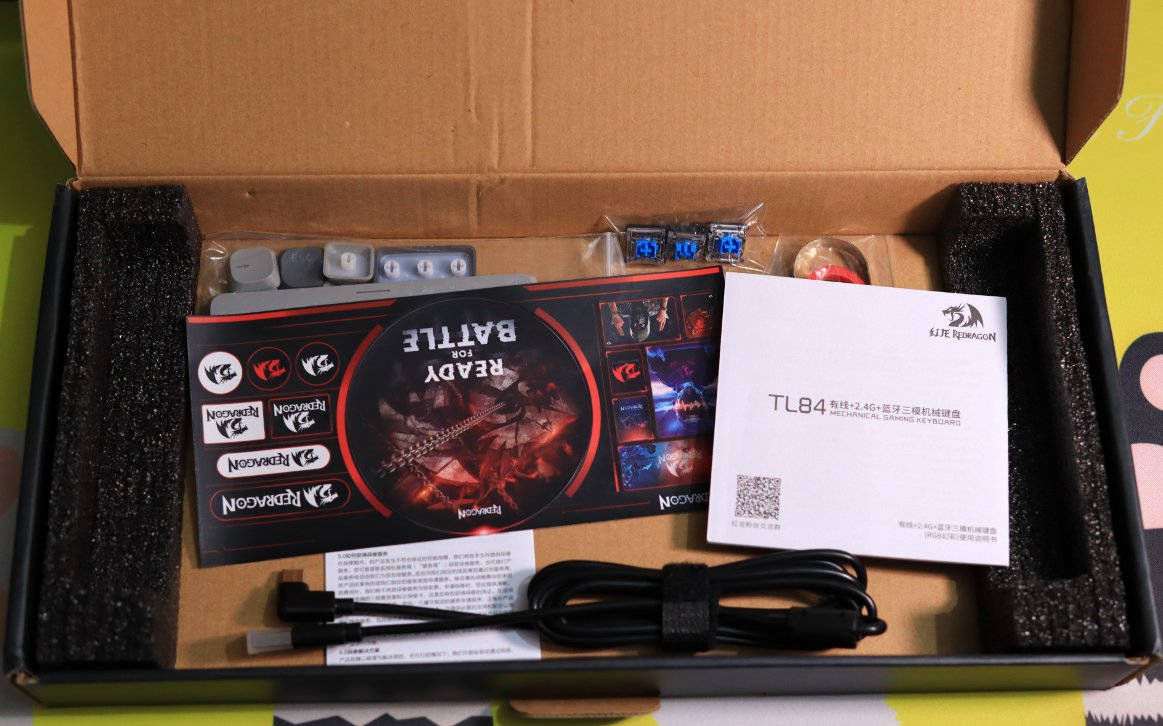
Accessories
This one comes with a few extras
Besides the standard keycap puller, cable, manual, there are also several switches and keycaps, plus a switch puller
There's even a sticker
Keyboard Body
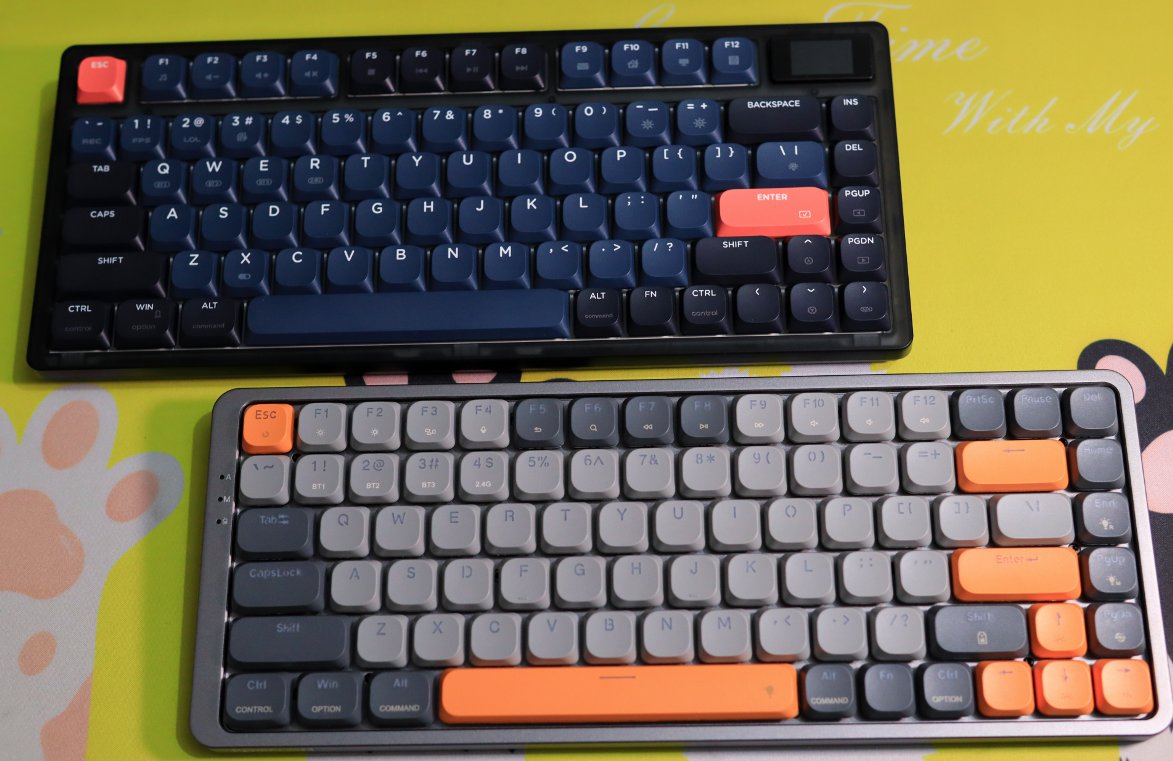
By the way, let's compare it with the Ajazz one.
The appearance is still quite decent.
Interface and Switches
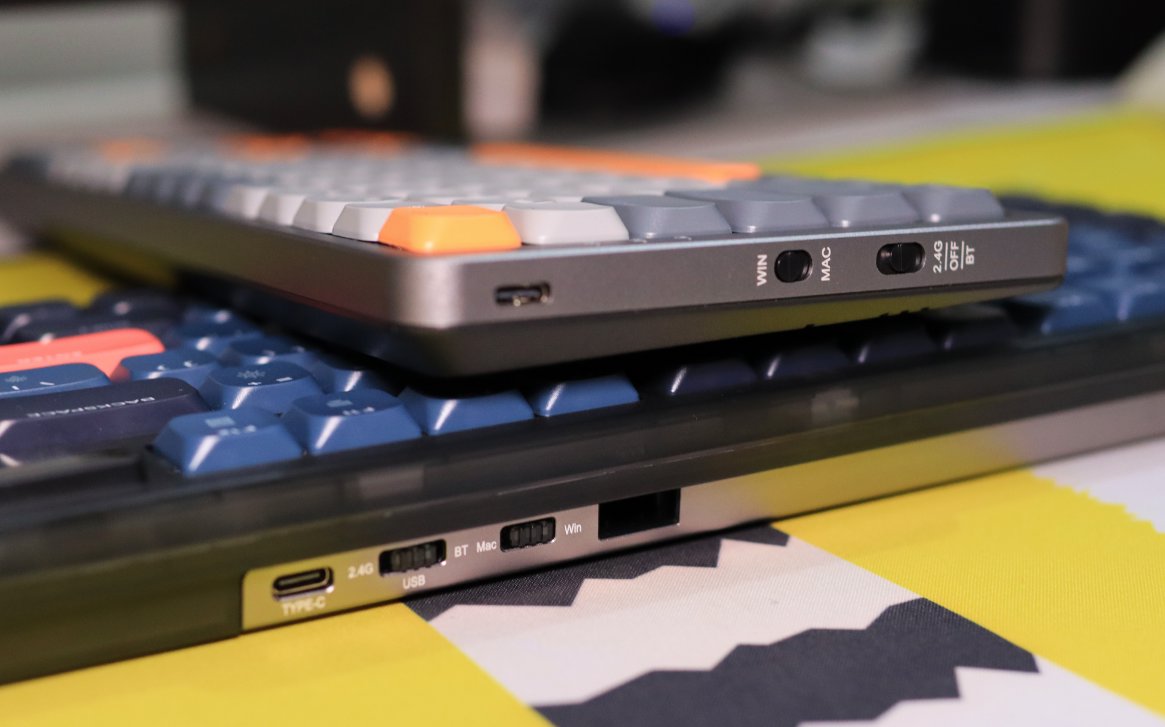
The interface and switch on the Redragon are located on the side.
The Ajazz one is on the top.
I prefer the Redragon's design.
Moreover, the included data cable has been thoughtfully changed to a direct Type-C connector, making it convenient to plug into the side port.
I must say, the texture of the metallic top cover is excellent.
Driver
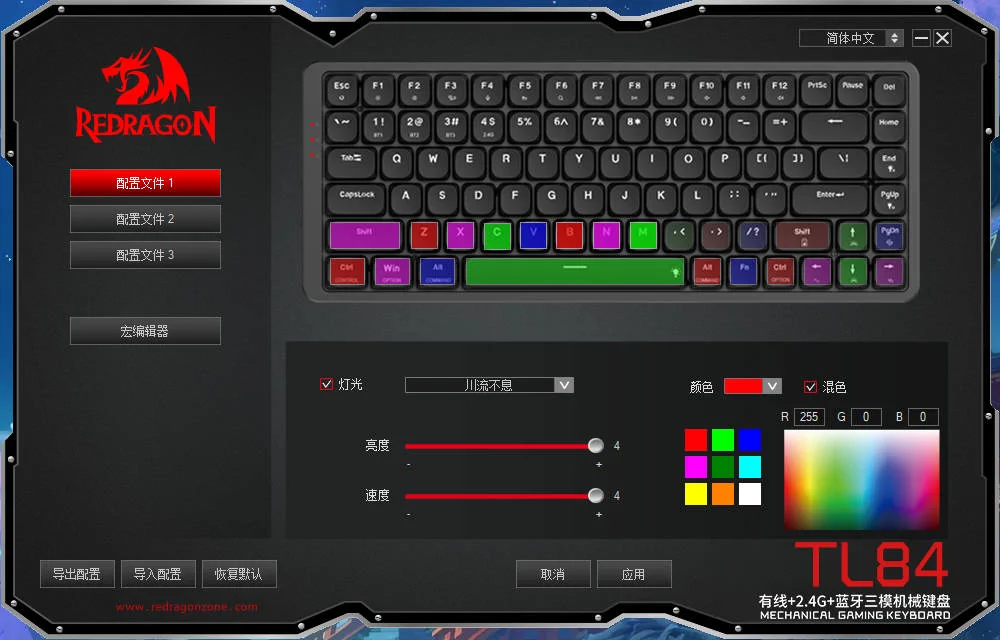
This Red Dragon driver is quite outrageous.
The UI feels like it's from the Windows XP era 20 years ago.
Usage Experience
The typing feel is still not great
I thought the low-profile blue switches would be a bit better
But they still make creaking and rattling sounds
Missing that crisp feel of standard blue switches
They are very light though, and the appearance is nice
It's just that the typing feel is honestly a bit hard to accept
Summary
I feel that the feel of low-profile switches is just like this.
It seems that to get a portable mechanical keyboard, you still need to use a traditional mechanical keyboard.
But a 68-key layout 😃
If the weight can be controlled within 700g, it's also considered acceptable.
It's just that adapting to a 68-key layout might not be easy either...
You can't have your cake and eat it too.
_EOF_
Another low-profile mechanical keyboard: Redragon TL84 unboxing review
- 本文作者:
- 程序设计实验室
- 版权声明:
- 本博客所有文章除特别声明外,均采用 BY-NC-SA 许可协议。转载请注明出处!
相关文章
第一次用65配列,RK-R65键盘开箱
RK-R65键盘,颜值尚可,重量712g,勉强接受。烟青轴手感不错,麻将音悦耳,但无F1-F12键,方向键无间隔,定位困难。驱动奇怪,方向键功能写死,fn2+无效,啧。尝试适应65配列,看能否习惯。
2025-10-28 · 键盘 · 约 1 分钟
复古风格键盘,雷神ZERO75开箱
雷神ZERO75复古键盘,轻便786克配4000mAh电池,旋钮侧置还行。但PC键帽易沾指纹,接口内凹兼容性差,后续换PBT。带屏幕版贵200,离谱!
2025-10-28 · 键盘 · 约 1 分钟
狼途LT75键盘开箱,或许平平淡淡才是真
折腾键盘选狼途LT75,设计新颖但中规中矩,配色廉价无脚托,小屏幕还阉割GIF,最后发现还是旧XS75T香,何必呢?
2025-10-28 · 键盘 · 约 1 分钟
新盟M75-Pro键盘开箱
某人误选静音轴,手感如按棉花,反馈全无,真是失策。新盟M75-Pro屏幕精致,做工尚可,却因音量旋钮和键帽割手而减分,价格虽香,但轴体选择失误。
2025-10-28 · 键盘 · 约 1 分钟
讨论
共 0 条加载评论中…