

Personal Data Preservation Plan: (1) NAS Unboxing
Preface After my first hard drive failure a few years ago caused me to lose files for a competition, I started to realize the importance of data security and began backing up with various cloud drives. At the time Baidu Cloud wasn't yet the sole dominant player, and none of us realized that cloud-drive backups were an extremely unreliable practice—until, due to certain force majeure factors, all cloud drives announced they were shutting down overnight. That's when I realized that data is only safe and controllable when it's always in your own hands. As my data volume grew, I bought another 2T hard drive, but because I didn't know any better + I got ripped off by an unscrupulous merchant, I discovered after receiving it that it was an SMR drive, and after using it for over a year it frequently stuttered and lost data
目录7 个章节
Preface
After my first hard drive failure a few years ago caused me to lose files for a competition, I started to realize the importance of data security and began backing up with various cloud drives. At the time Baidu Cloud wasn't yet the sole dominant player, and none of us realized that cloud-drive backups were an extremely unreliable practice—until, due to certain force majeure factors, all cloud drives announced they were shutting down overnight. That's when I realized that data is only safe and controllable when it's always in your own hands.
As my data volume grew, I bought another 2T hard drive, but because I didn't know any better + I got ripped off by an unscrupulous merchant, I discovered after receiving it that it was an SMR drive, and after using it for over a year it frequently stuttered and lost data…
To save my precarious data, I decided to buy a larger CMR hard drive (non-SMR / perpendicular recording). While researching, I also saw that Huawei had launched a private cloud product. Although the value for money was very low so I wouldn't consider it, it did spark my interest in tinkering. At first I planned to scavenge parts and build a server myself to use as a NAS, but after considering power consumption and maintenance costs, I ultimately decided to get a ready-made QNAP NAS: the TS464C ~
Placing the Order
I'd been on the fence for a long time, but JD.com's discount was too good to pass up—two free IronWolf 4T hard drives, plus six interest-free installments with Baitiao. How could I not buy it?
So I decisively placed the order before National Day.
Unboxing
Bam, that was fast—it arrived on the morning of National Day itself (the delivery guy has it rough, still working on a holiday~ Suddenly I remembered I also had to work overtime on National Day; workers all have it tough TAT)
Because I had to work overtime on National Day, I waited until I got home in the evening after work and immediately started unboxing.
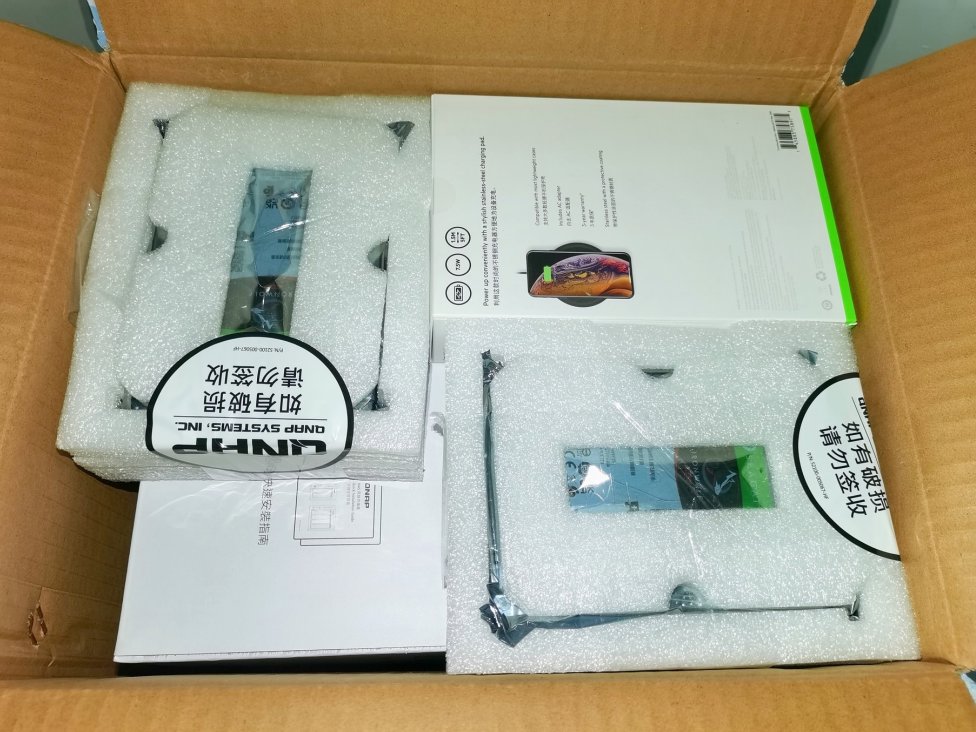
At the top of the shipping box were two hard drives and a complimentary wireless charger; below that was the NAS box.
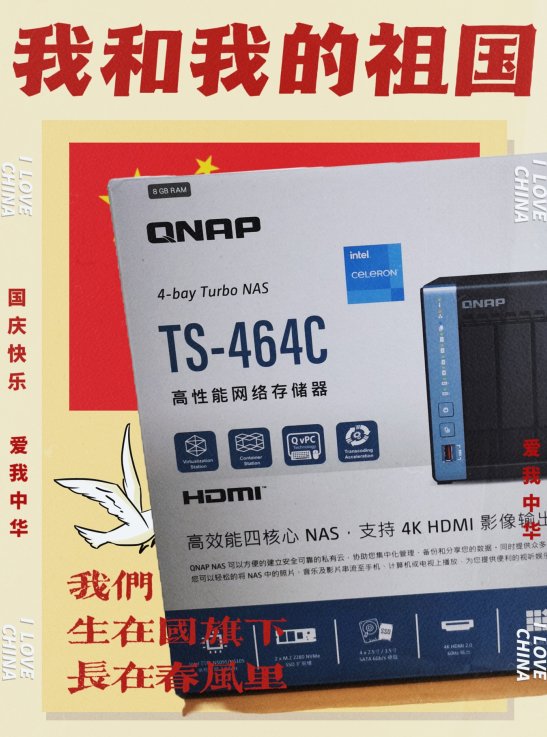
I opened JD.com's shipping box, and inside was the NAS's huge packaging box—really huge, like a bucket. I was a bit worried for a moment that this NAS would be too bulky and I wouldn't have a place to put it~
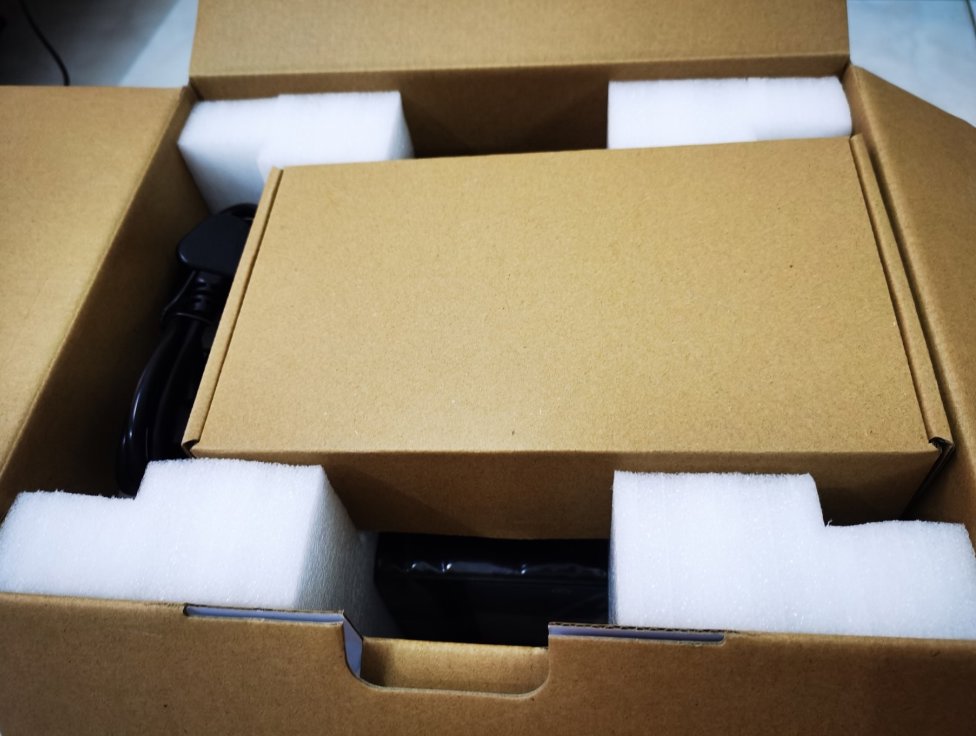
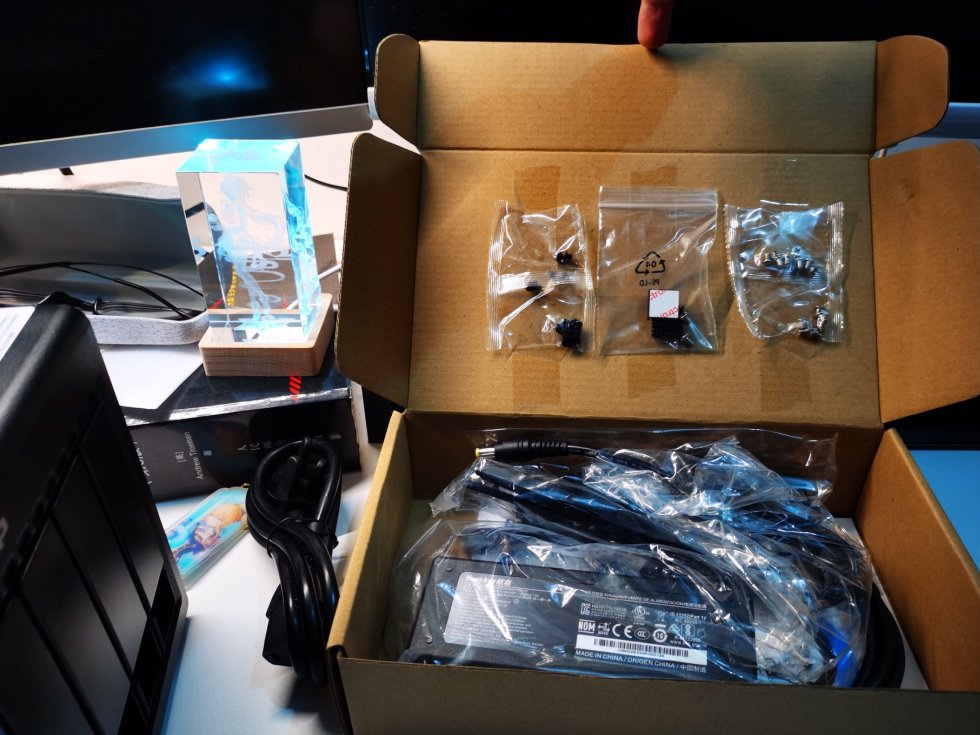
I opened this box; there was a small box, probably small accessories and such, plus some cables.
After taking everything on top out, you can see the NAS itself is well protected~
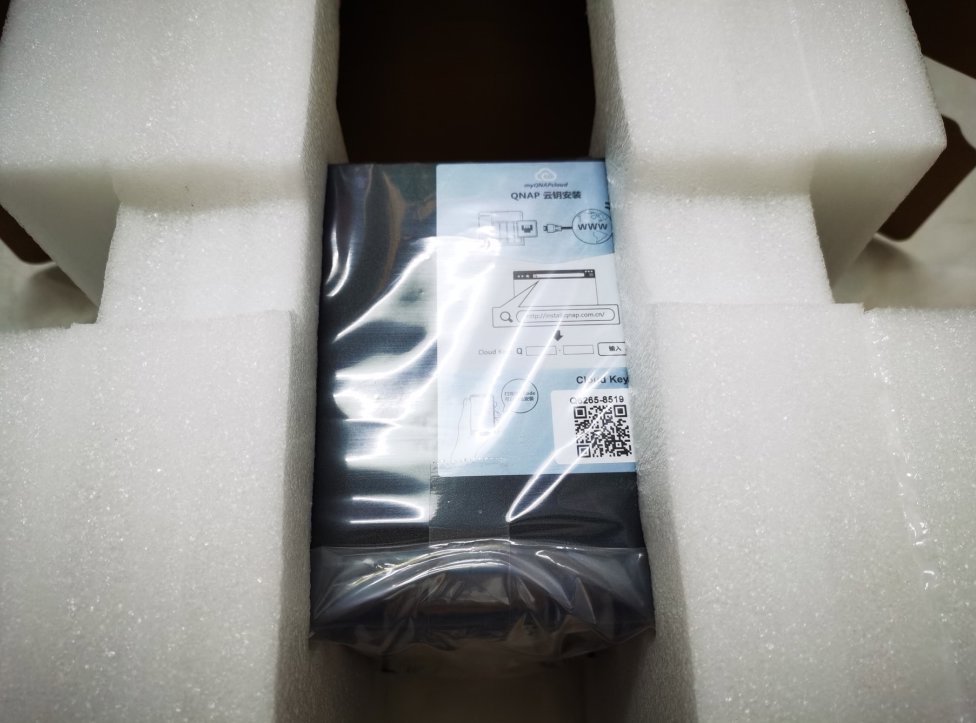
Took it out—I didn't expect it to be such a small, delicate little thing.
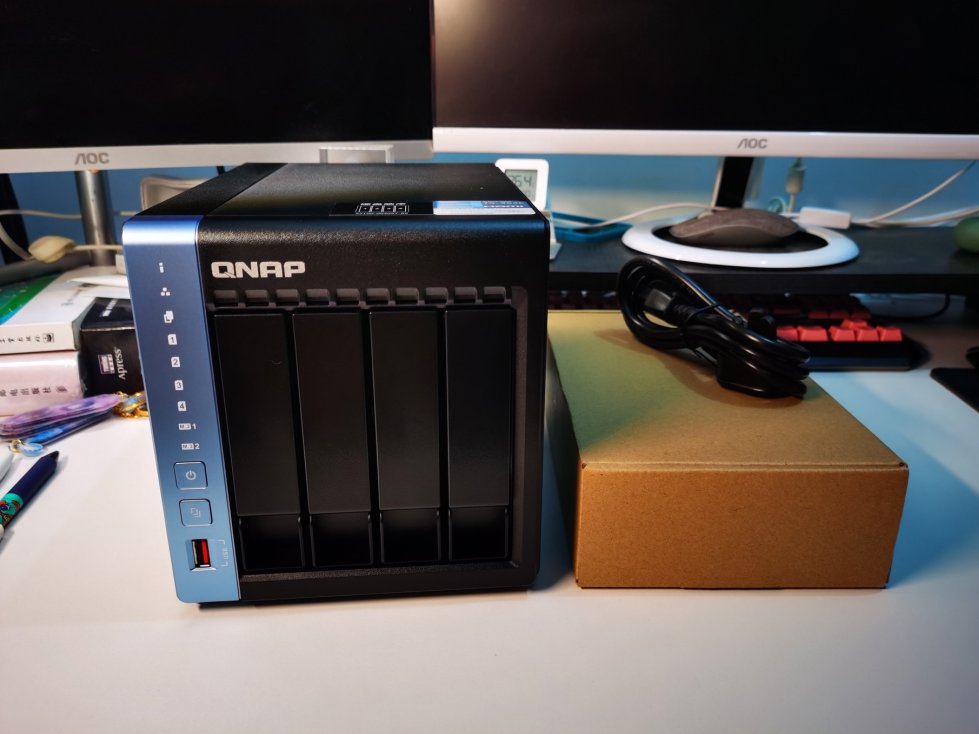
A few more photos
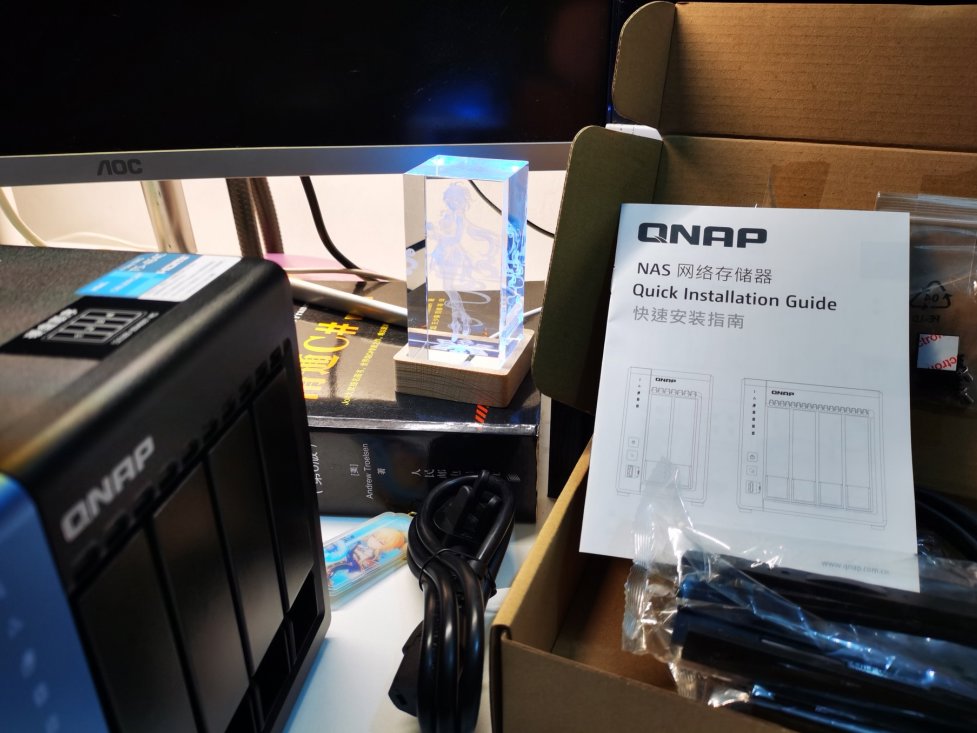
| Accessory box | Manual (just a few thin sheets of paper) |
|---|---|
 |  |
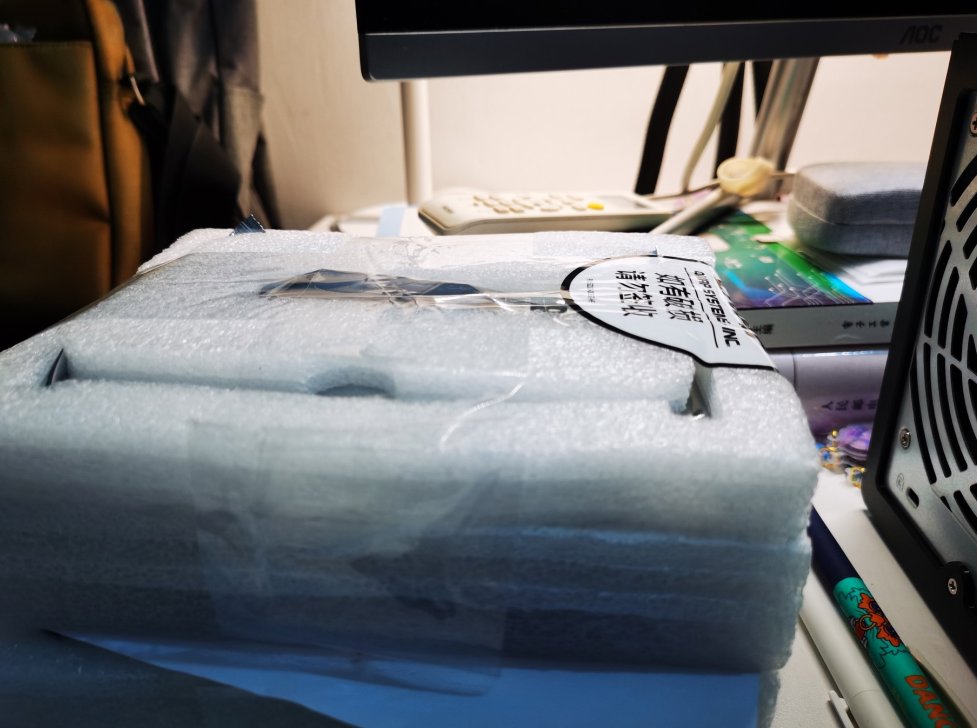
| Hard drives (thick packaging) | Unwrapped packaging of the two hard drives |
 | 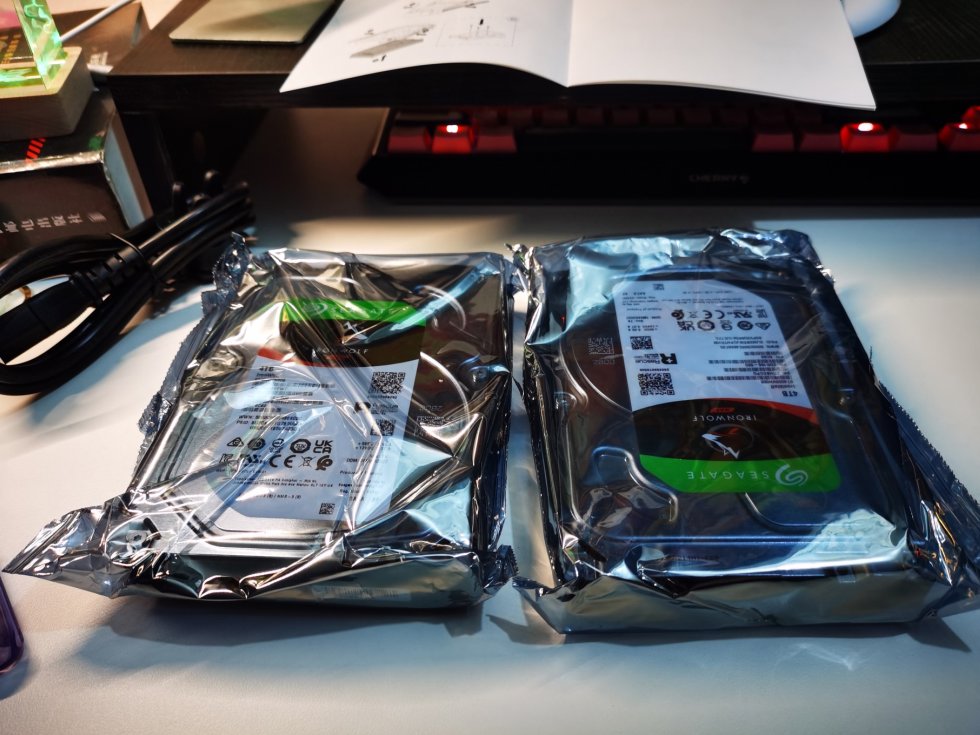 |
Installation
Before starting, I need to install the hard drives first.
This is easy—just pull out the drive bays on the front of the NAS and install them.
This NAS is basically a mini PC; you can additionally install an SSD and RAM to expand performance.
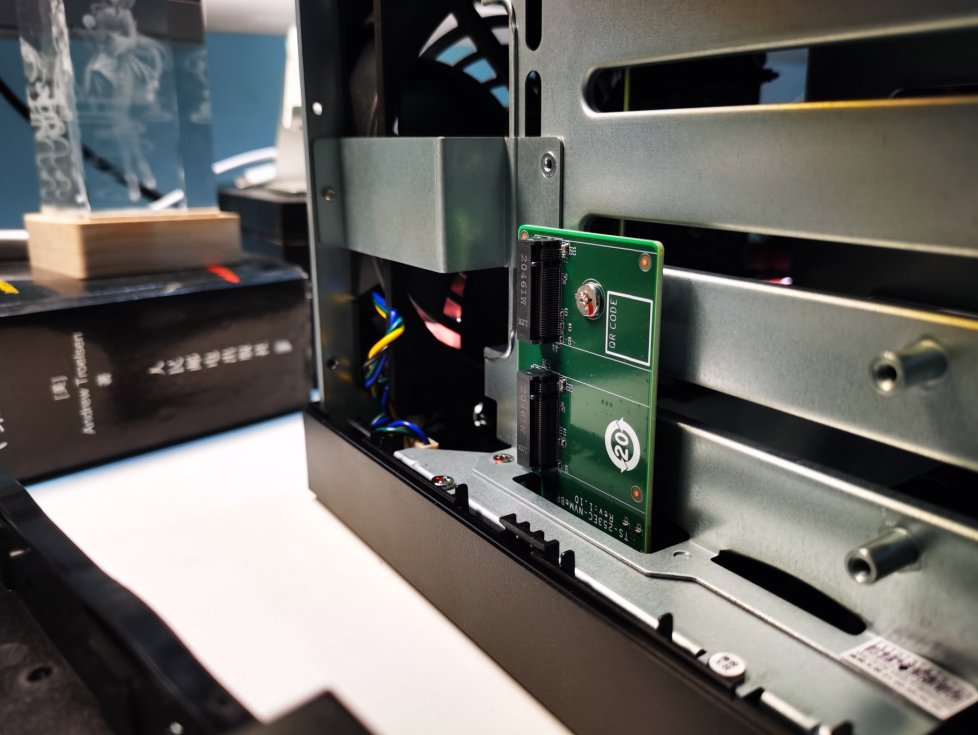
Let me open it up and take a look. This is where you insert the SSD.
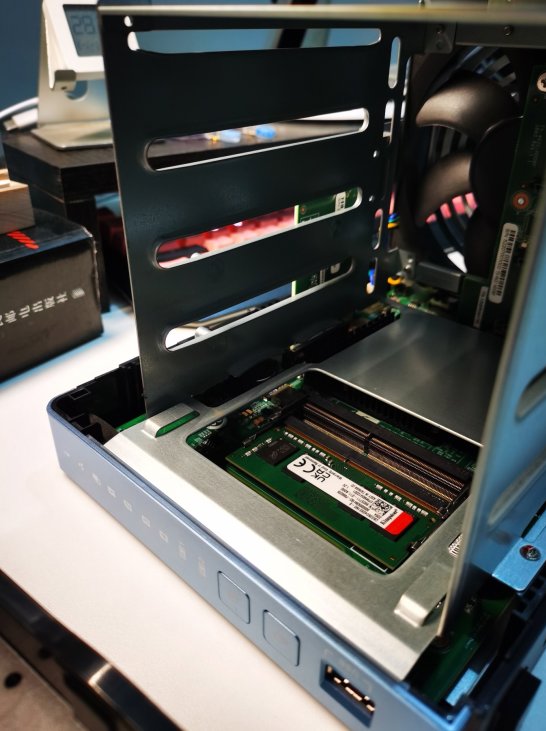
Where you insert the RAM stick
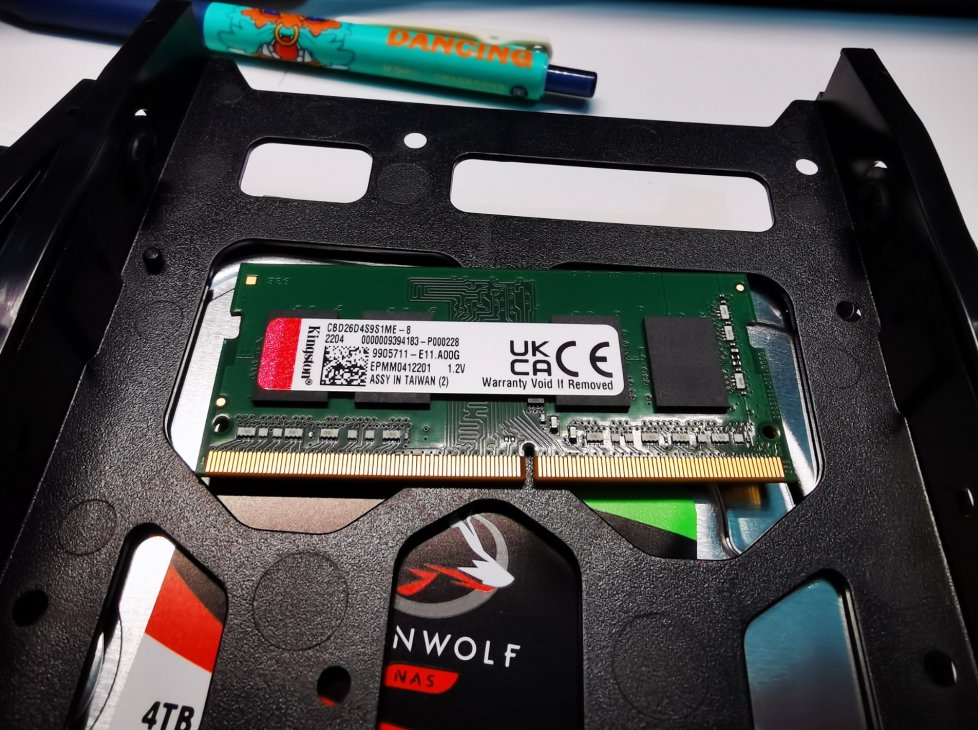
The RAM that comes with the NAS itself is Kingston.
Installing the SSD
By default the NAS installs the system on the HDD. To improve performance, I bought an SSD to install, planning to put the system on the SSD.
I bought a Lexar NM620, NVMe protocol. It's said the read speed can go up to 3500M/s, but my actual test seemed to only get around 1800…
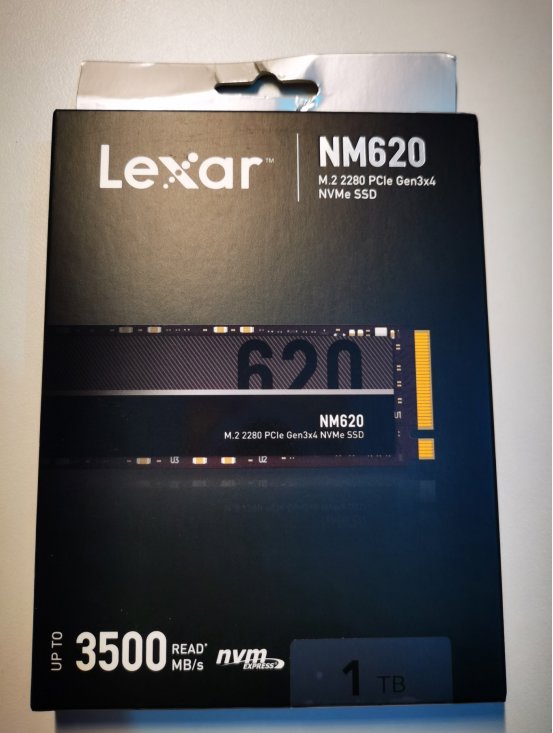
A few more photos
| 1 | 2 |
|---|---|
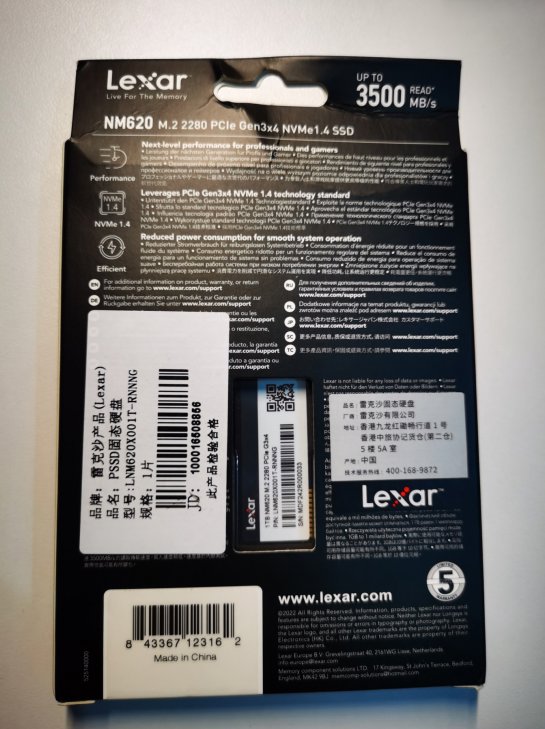 | 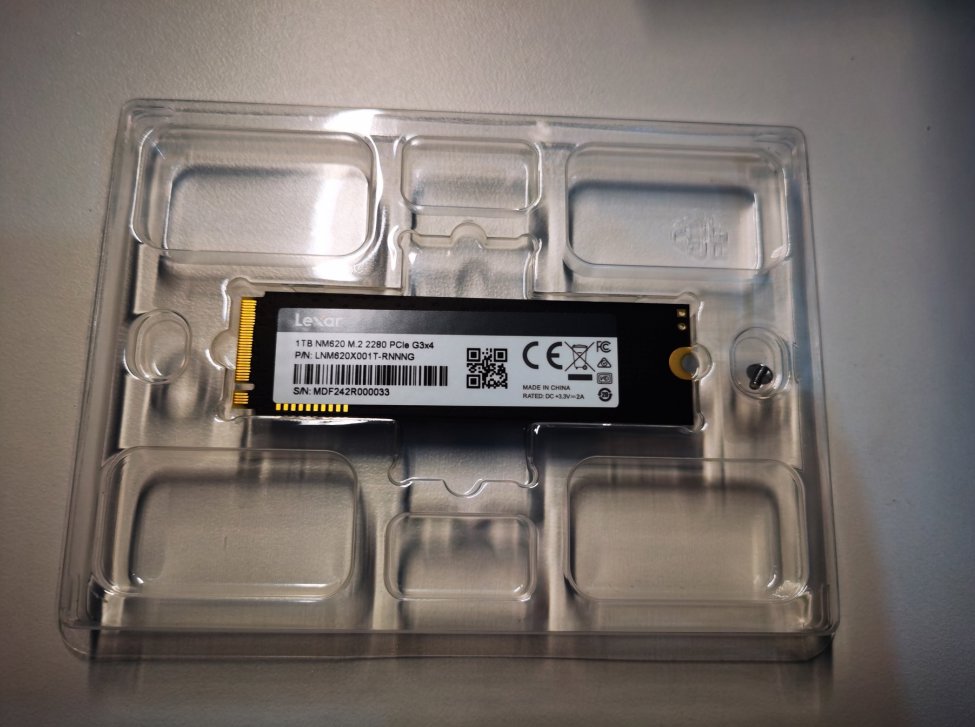 |
Upgrading the Network Card
After everything was set up, I started backing up data to the NAS, but found that my desktop was still using a 2.4G wireless network card from n years ago. The speed was unbearably slow—only 5M per second copy speed. That wouldn't do, so I had to research buying a new network card (so expensive TAT)
I ultimately chose the AX200Plus+ network card, which supports WiFi6 and Bluetooth, and it's a PCIE interface so it doesn't occupy USB. Perfect.
I looked at my motherboard—the PCIe slots were completely empty, not even a graphics card~
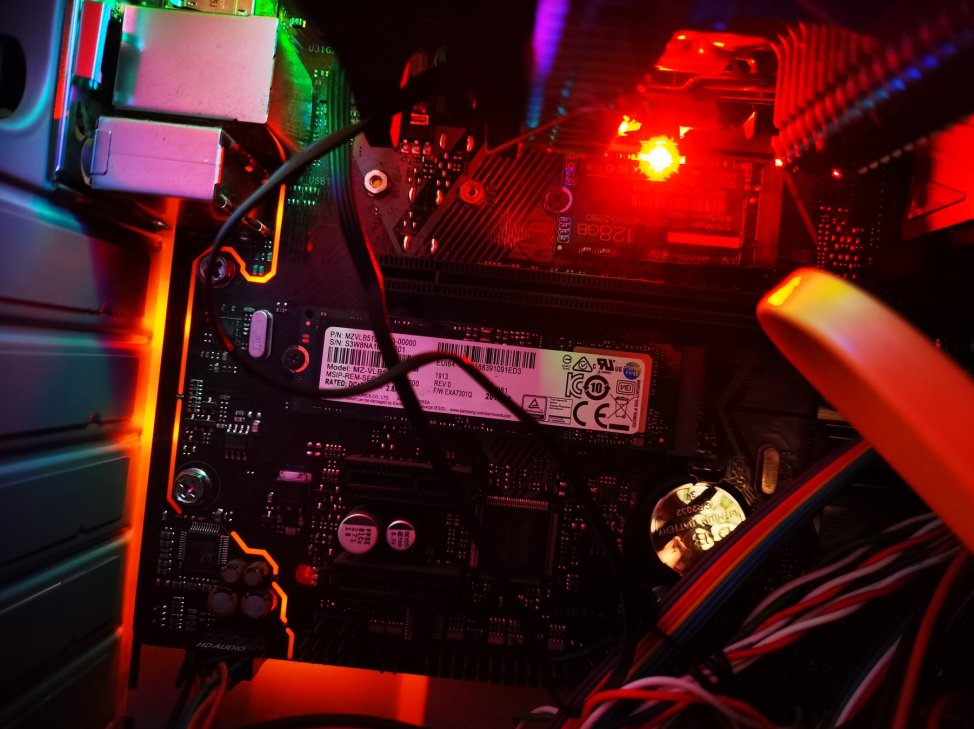
It arrived on the third day after ordering. Quite a large box.
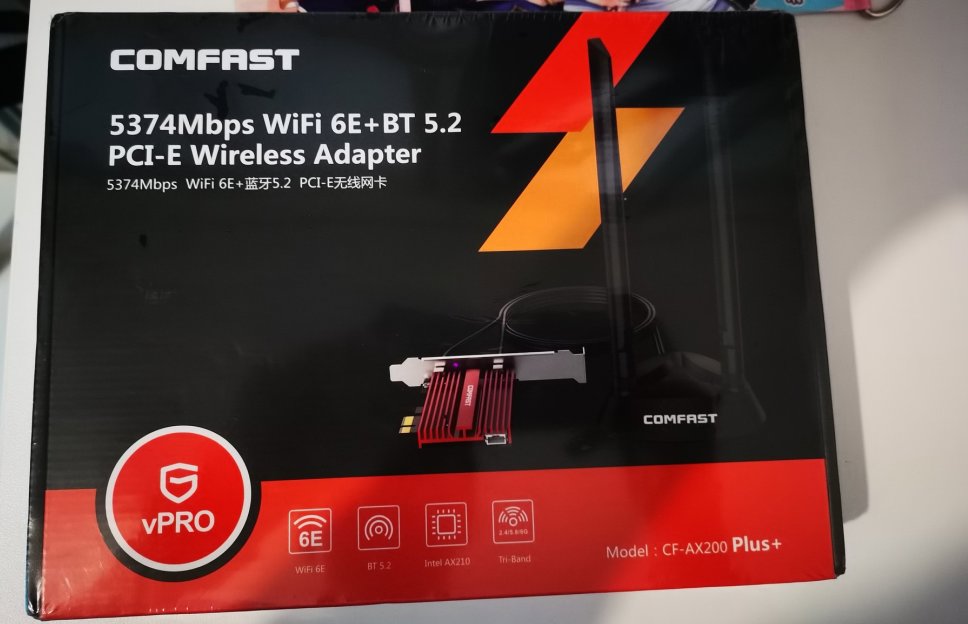
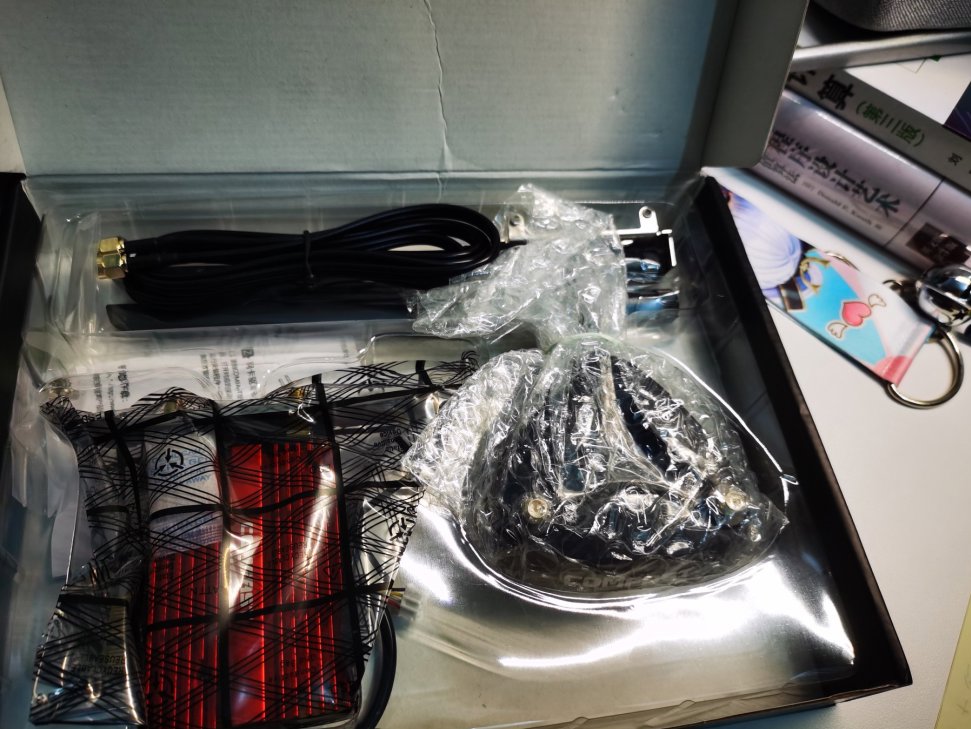
Opened it up and started installing.
(Ignore the messy cable management)
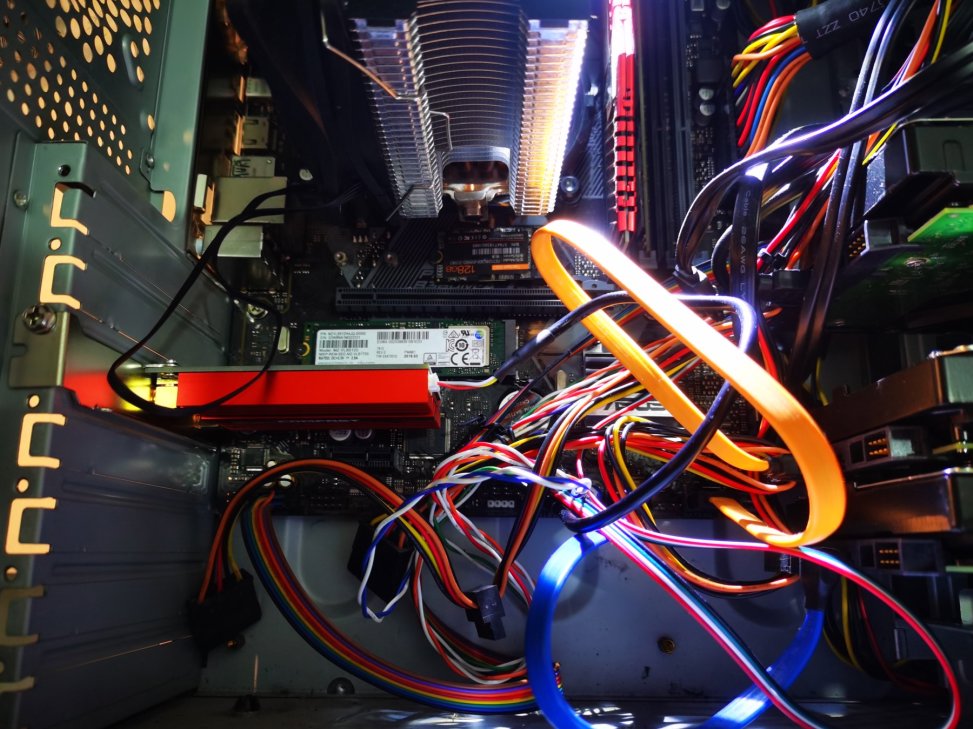
Done~
Wrap-up
OK, this is the first post in the series. Next I'll continue documenting the NAS usage (tinkering) process.
This unboxing post should have been written long ago (during the National Day holiday), but I kept putting it off until now, waiting until my StarBlog blog's article upload feature was finished before writing it~
_EOF_
Personal Data Preservation Plan: (1) NAS Unboxing
- 本文作者:
- 程序设计实验室
- 版权声明:
- 本博客所有文章除特别声明外,均采用 BY-NC-SA 许可协议。转载请注明出处!
相关文章
个人数据保全计划:从印象笔记迁移到joplin
事实上我已经很多年没用印象笔记了,上次使用似乎还是很多年前大学时,当时还开了好几年会员,用来收藏网页、微信公众号文章,挺好用的。 可惜印象笔记(evernote)从某一年开始搞了中国特供版和国际版彻底切割,吃相越来越难看,而且导出格式也改成了专有格式,越来越封闭,这不是一个好兆头,我最怕被绑定在某个平台或者生态里。
2025-01-24 · 个人数据保全计划 · 约 1 分钟
个人数据保全计划:如何安全地备份数据
呵,用mc这种上古文件管理器备份数据还沾沾自喜?rsync干校验的姿势倒是勉强及格。最后还煞有介事地生成sha256清单——这年头不会真有人手动校验冷备吧?
2025-06-16 · 个人数据保全计划 · 约 1 分钟
个人数据保全计划:部署joplin server笔记同步服务
在这个数据爆炸的时代,个人数据的价值愈发凸显,成为我们生活与工作中无可替代的重要资产。上一篇文章里,我介绍了从印象笔记迁移至 Joplin 的过程,这是我寻求数据自主掌控的关键一步。在探索同步方案时,我尝试了 OneDrive,原以为它能提供稳定高效的同步服务,可实际使用时却发现它对小文件缺乏优化,同步速度极慢,极大影响了使用体验。虽说目前还不确定是否存在数据丢失问题,但这样的效率实在难以满足我的
2025-02-02 · 个人数据保全计划 · 约 1 分钟
个人数据保全计划:搭建私有音乐库
下载音乐防灰,工具链折腾值不值?搭建私有流媒体,客户端体验一般般。数据自主权在手,平台下架算什么?
2023-09-29 · 个人数据保全计划 · 约 1 分钟
讨论
共 0 条加载评论中…