Noppoo-C75Pro keyboard unboxing
A slightly disappointing shopping experience
目录23 个章节
Preface
At this price point, each keyboard has its own issues.
While surfing the internet recently, I came across a newly released keyboard with quite a distinctive design.
The Noppoo C75Pro.
It's a brand I haven't heard of before, but things aren't that simple—more on that later.
It has a small screen (though this isn't the most important feature).
It also has a knob, and in the form of a scroll wheel, which allows you to adjust the volume with just one finger.
It weighs 866g, which is marginally acceptable if you want to take it with you on the go.
The level of customization is quite high, offering dozens of combinations that can be dazzling to look at.
I chose the Silver Wood switches + Dunhuang Red Panda 🐼 OQO keycaps. I genuinely like this kind of rounded keycap design 🤤.
About the Noppoo Brand
This brand actually released a mechanical keyboard over a decade ago ⌨️
I didn't know about this until last night after unboxing it. When I tried to download the driver to remap keys, I spent a long time searching but couldn't find the official website for the keyboard.
And I couldn't find the driver download link anywhere online (Tieba seems to have it, but the page won't load).
As I dug deeper, I learned that this brand is quite old (so did it go bankrupt? Not even an official website?).
Moreover, the manual doesn’t mention where to download the driver—it only says that the driver can be used to modify key mappings…😅
Stole a few images from the product homepage
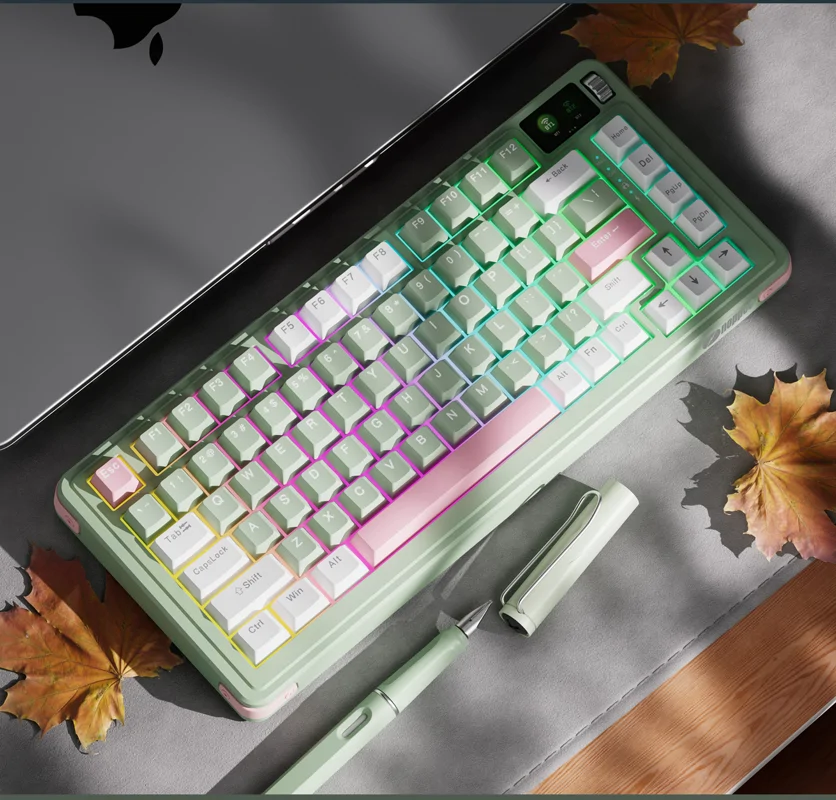
Looking at the promotional images, the design is indeed quite appealing.
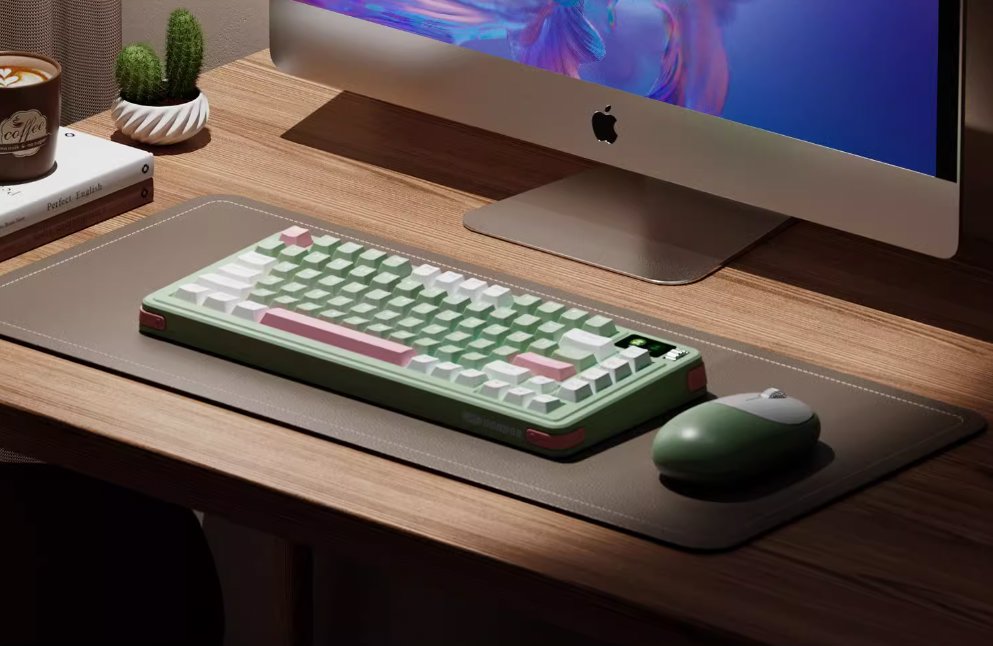
It seems like this green version might be the most attractive?
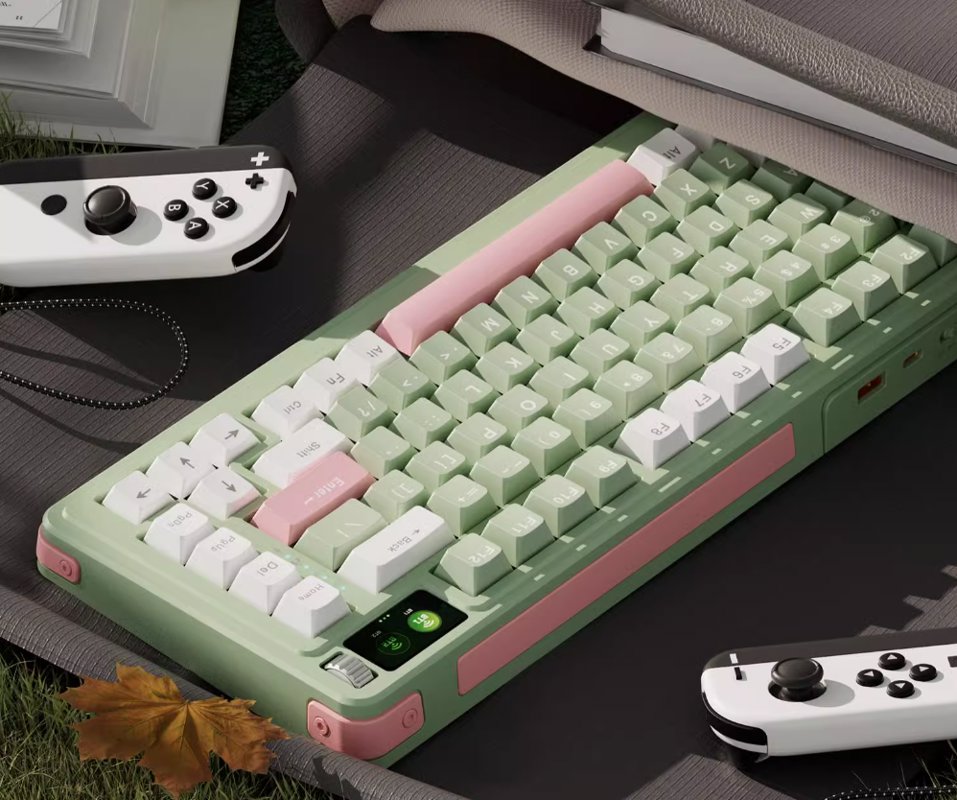
Looking at the photo backdrop, you know what kind of computer it's meant to pair with, right? 🤪
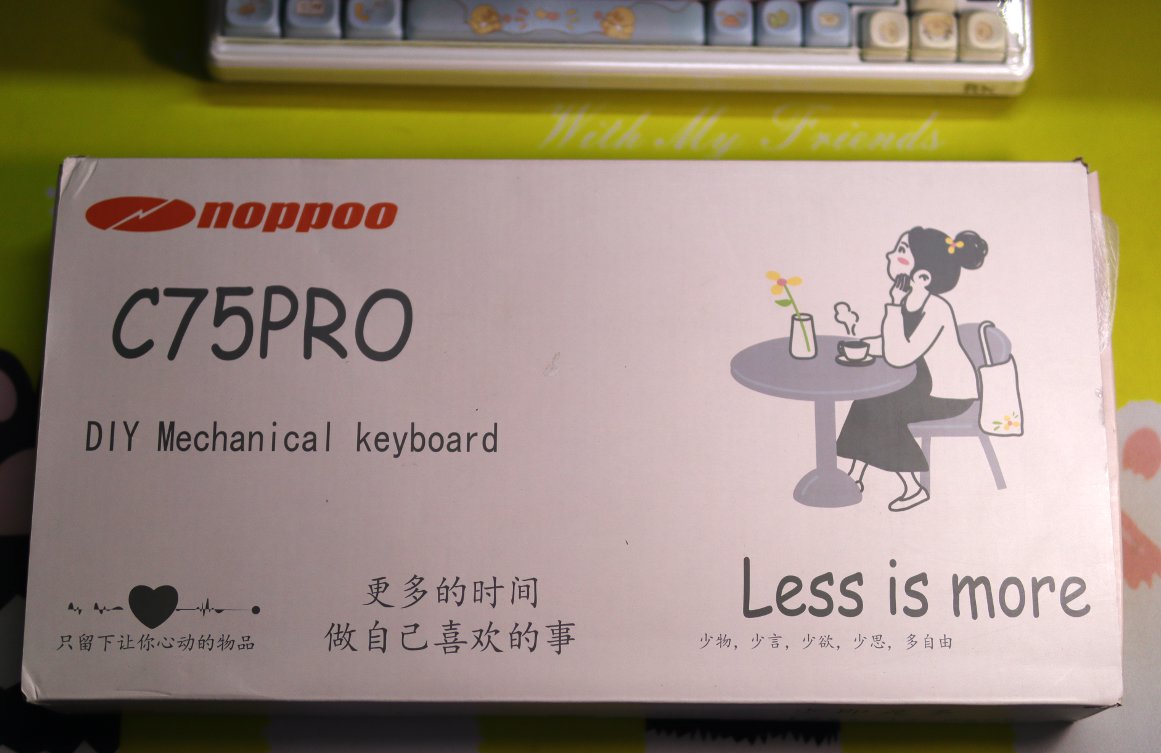
Packaging
This packaging, less is more, reminds me of the Go language
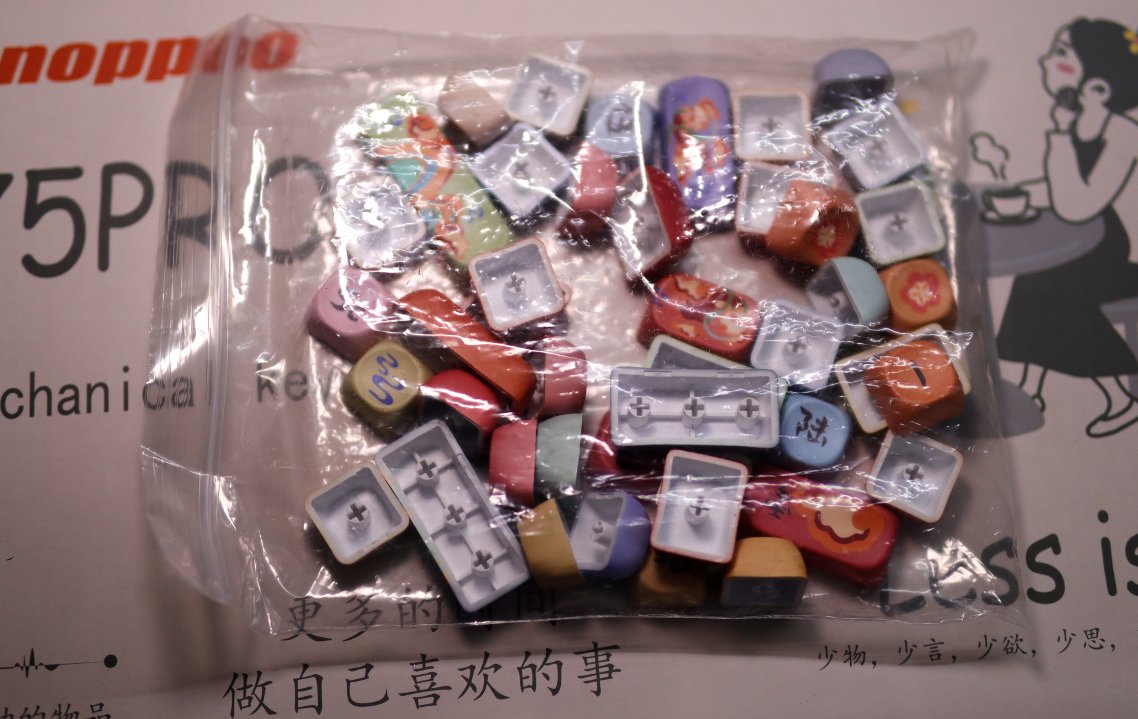
Included Keycaps
Along with the packaging box, a bunch of keycaps were also included—this is indeed a customization option: kit + switches + keycaps.
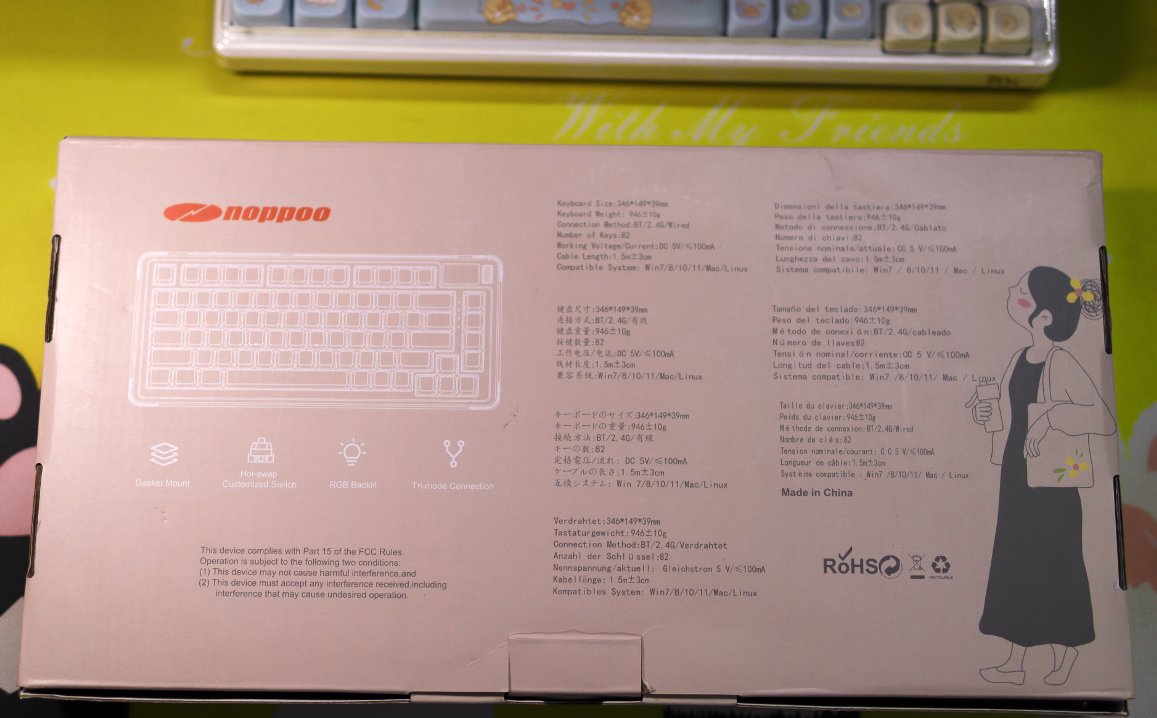
Back of the Packaging
This design is actually quite fresh and stylish.
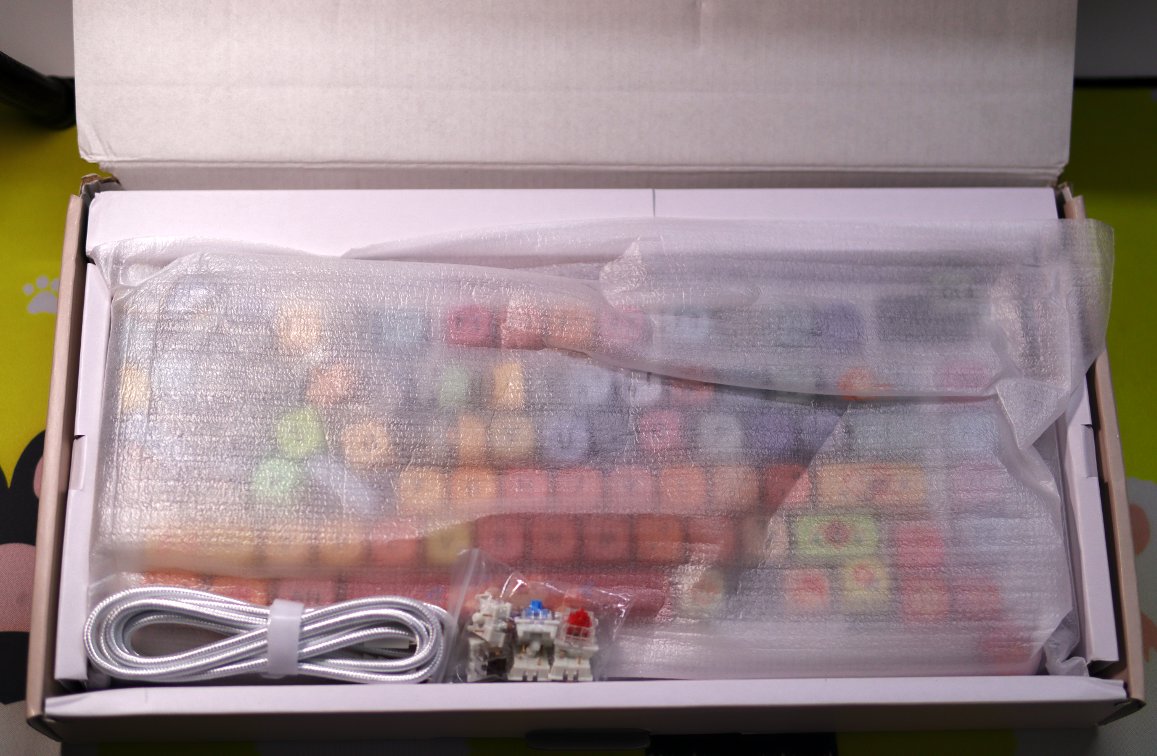
Unboxing
Opening the packaging
At this point, I vaguely sensed something was off 😮
Chaos
Not sure if it's due to rough handling during shipping
or improper assembly at the factory
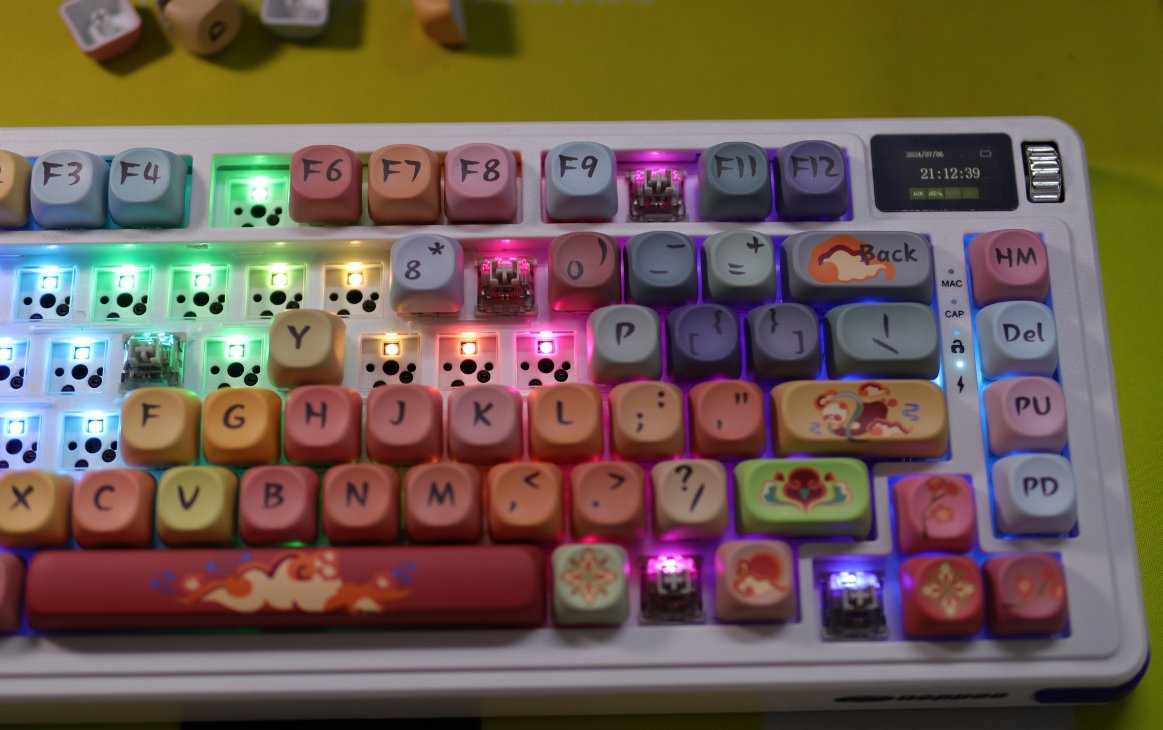
After unboxing, I found that more than half of the keyboard's keycaps and switches had fallen out 😡
Moreover, many switch pins were bent, and it took me a lot of effort to straighten them one by one and put them back in 😭. I'm not sure if any switches ended up damaged.
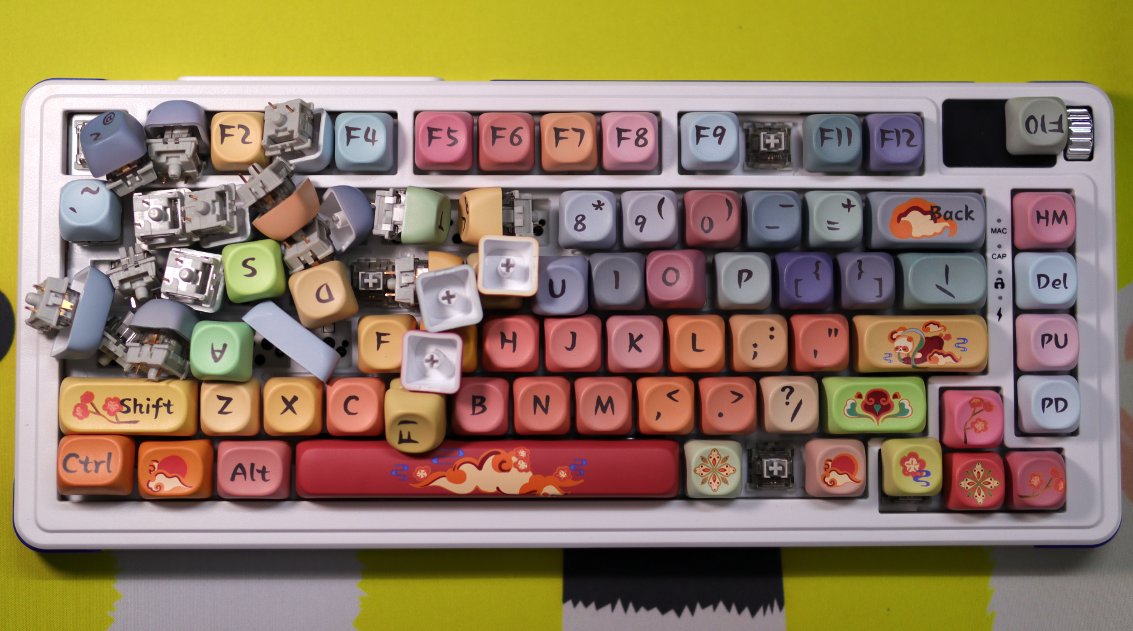
Chaos x2
Slightly tidied up
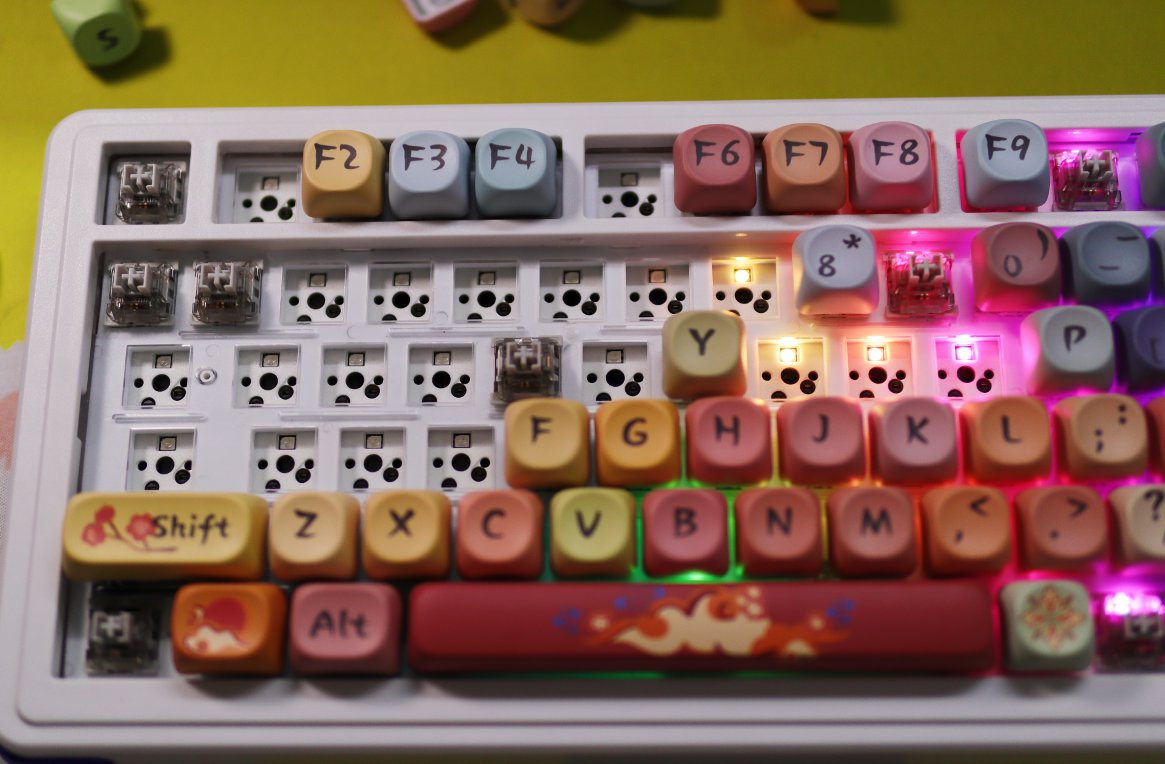
Chaos x3
RGB backlighting looks pretty good with this keycap set.
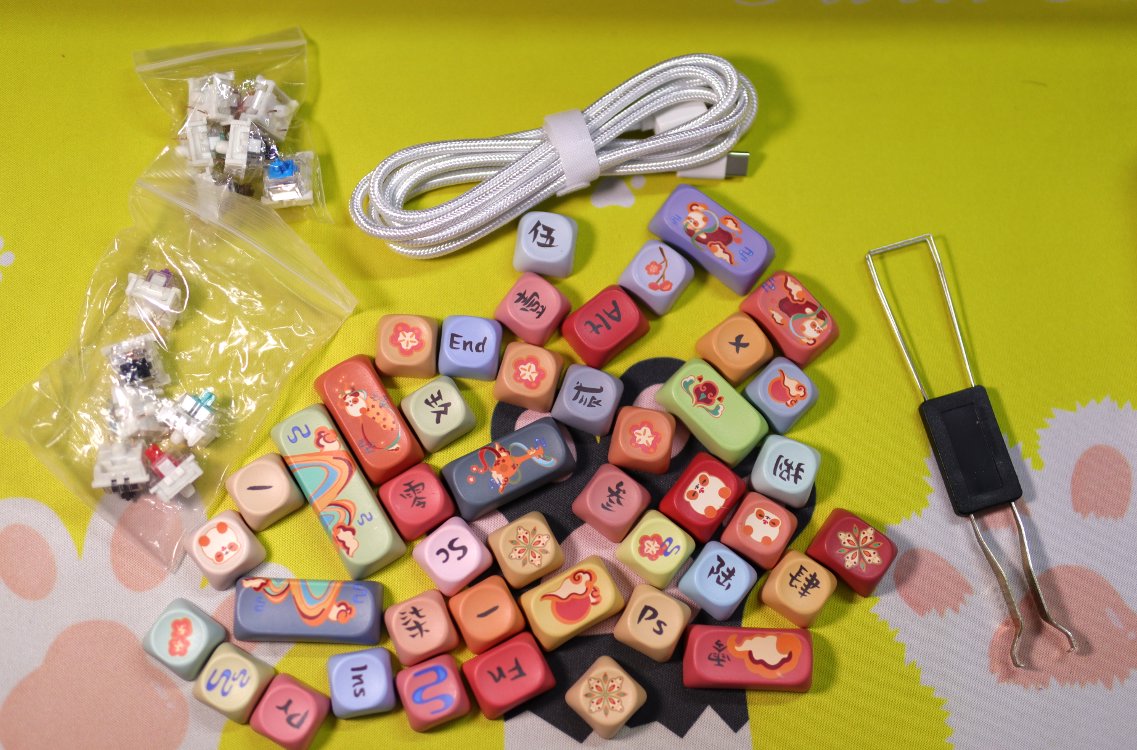
Accessories
The standard data cable, switch puller, and manual are not worth mentioning.
The other item includes several switches.
The full set of 108 keys includes all the keycaps except for the keyboard itself.
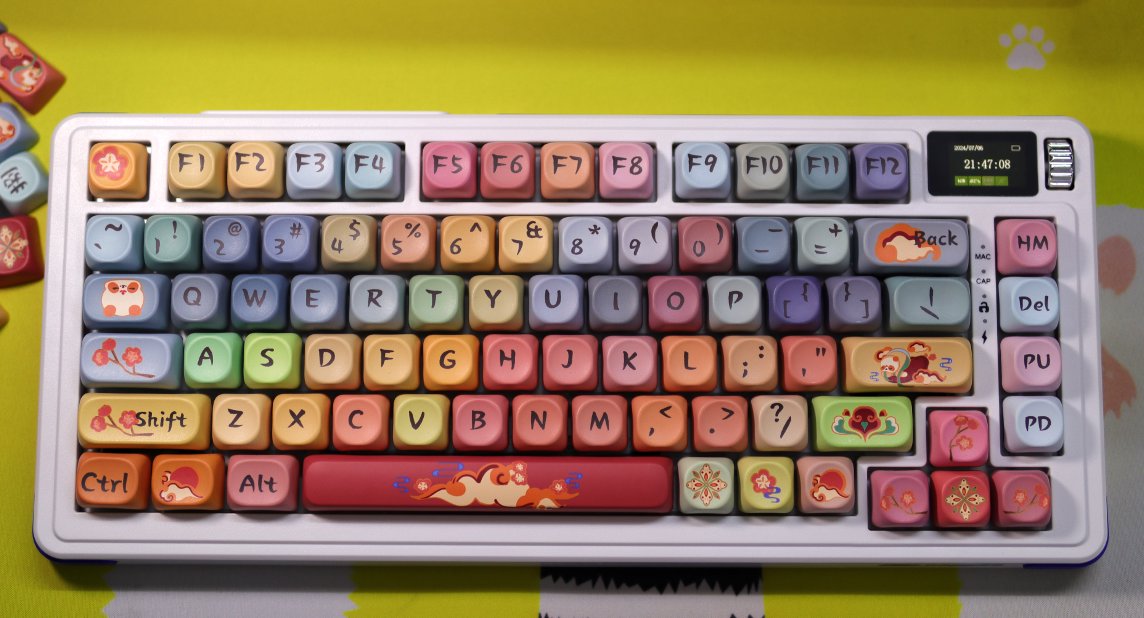
Keyboard Body
Once installed
This set of keycaps is actually quite nice looking
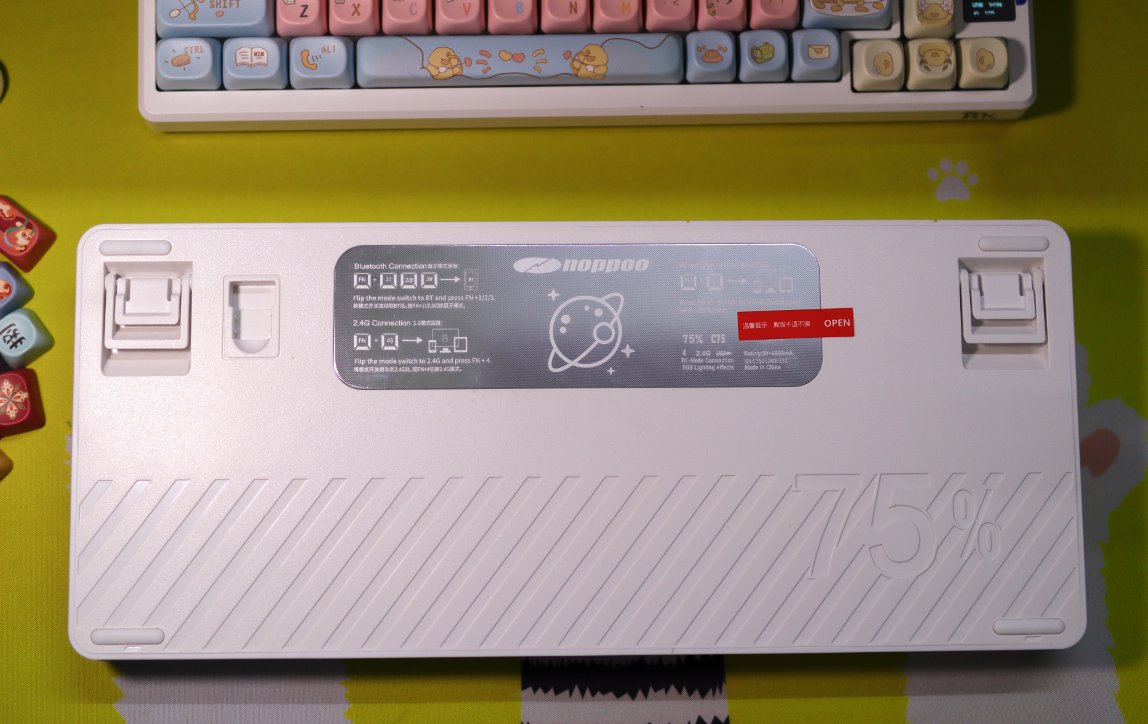
Back
A large label plate on the back
Foot stand
Also a receiver storage compartment
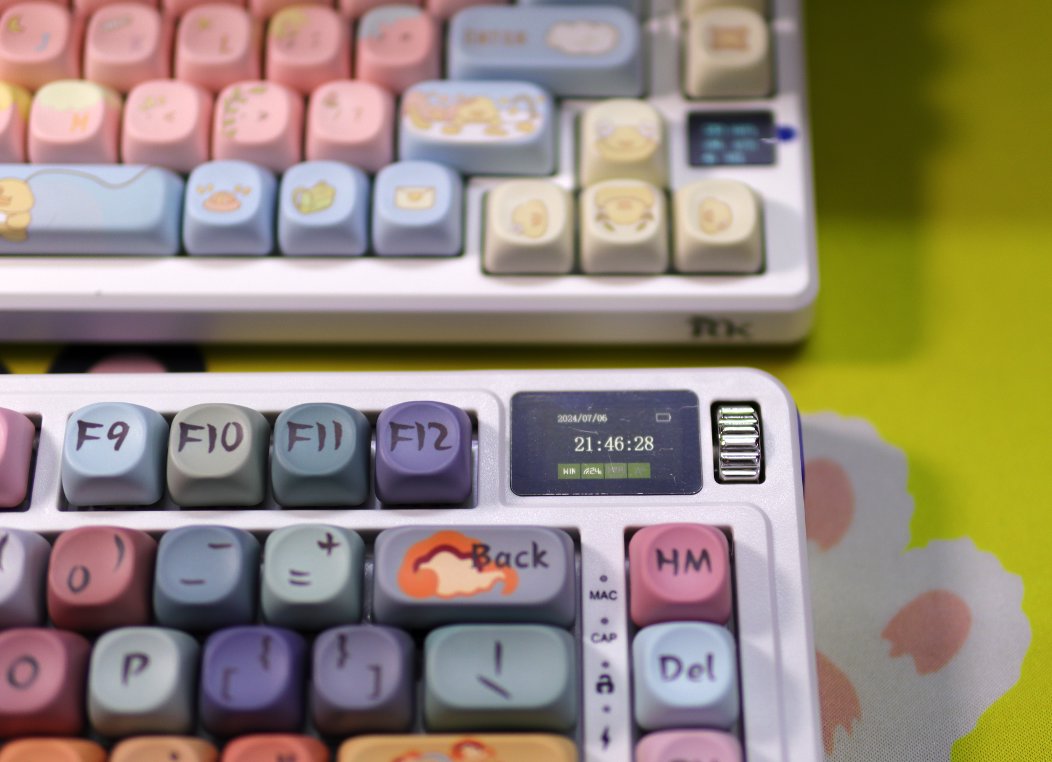
Dial and Small Screen
Maybe it should be more accurately called a dial?
This one still rotates one notch, which equals two volume levels in the system—good job👍
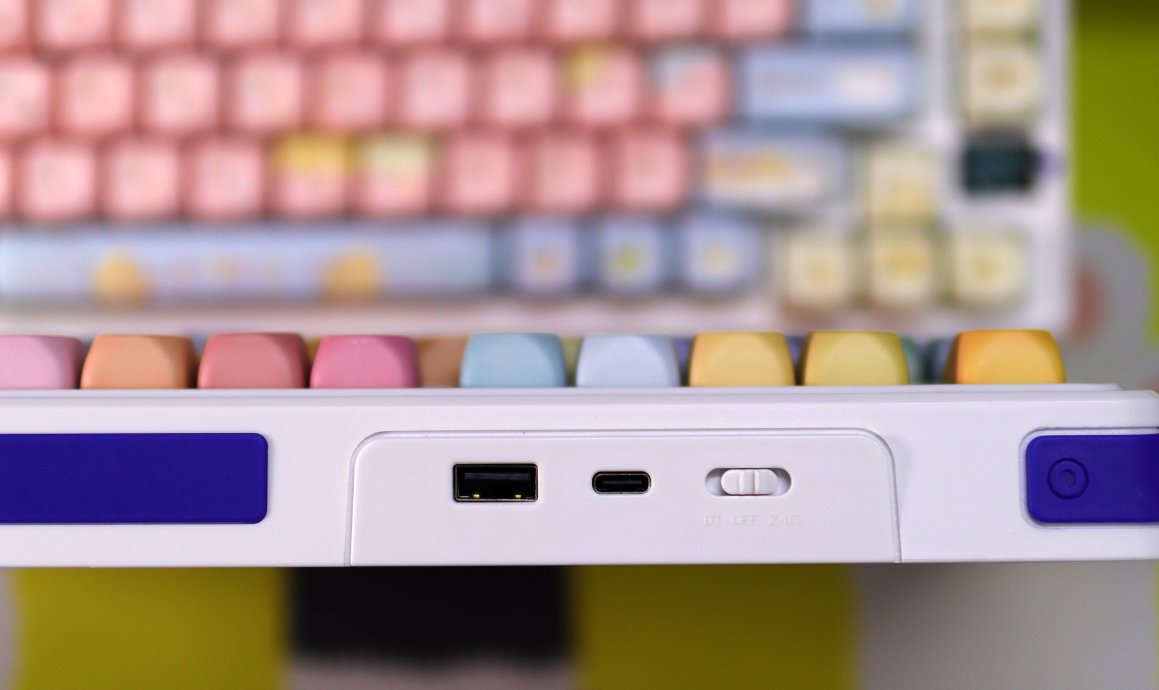
Interface
The interface is on the left.
This one has an expansion interface like the RK-S75, but it's a USB expansion interface.
Not very useful, but still gets a thumbs up.
Driver
The process of downloading the driver was truly a series of twists and turns.
Last night, I searched for a long time and couldn't find the driver anywhere online.
Today, after the customer service 💁♀️ started work, I asked and was told I had to join a group first 😅.
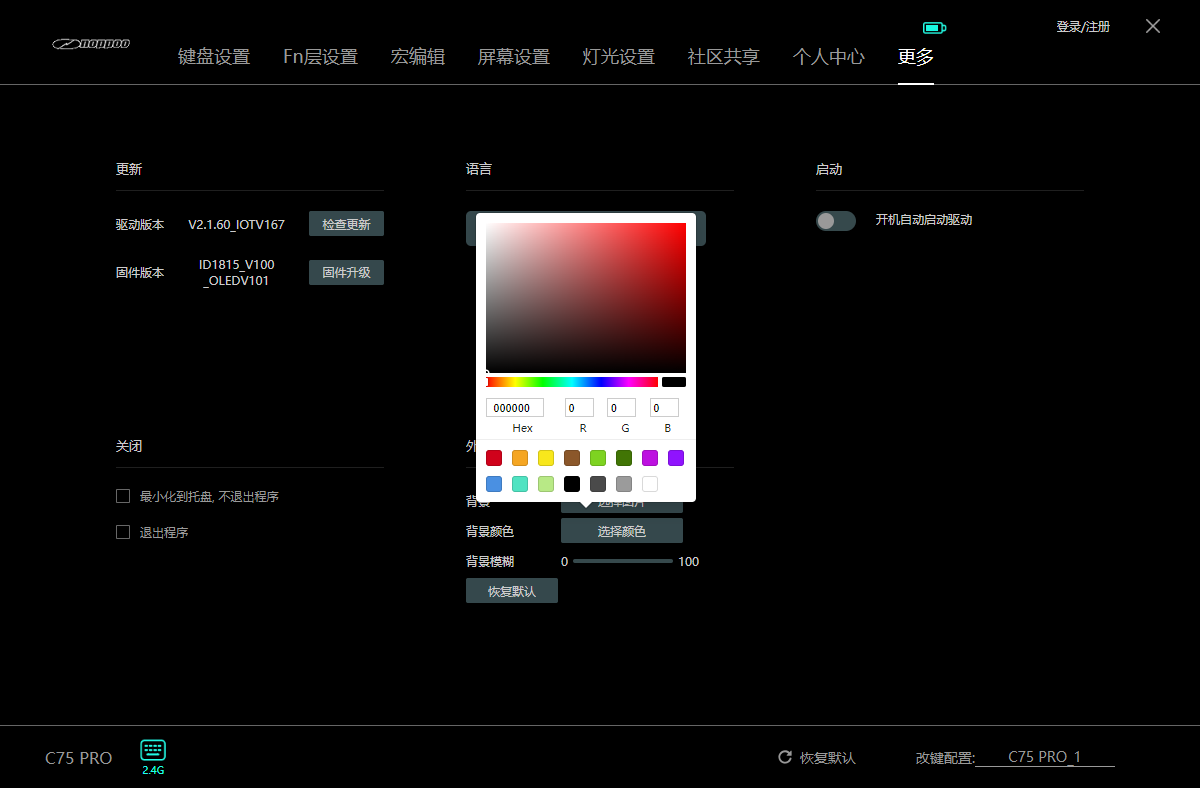
After installation and opening it, this driver is indeed a bit different from those cookie-cutter ones—you can tell the manufacturer modified the UI themselves.
But what's with this default background color? You can barely read the text! 😅
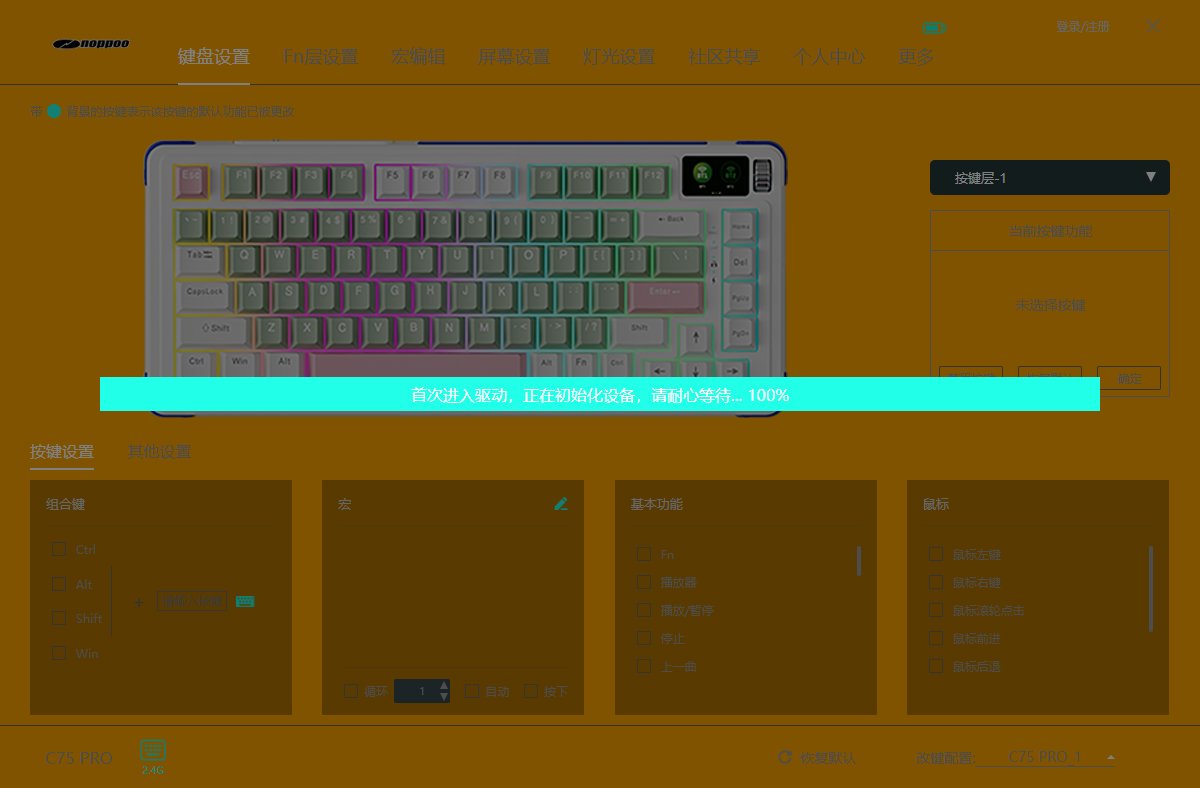
Fortunately, you can change the background color.
Key Binding Settings
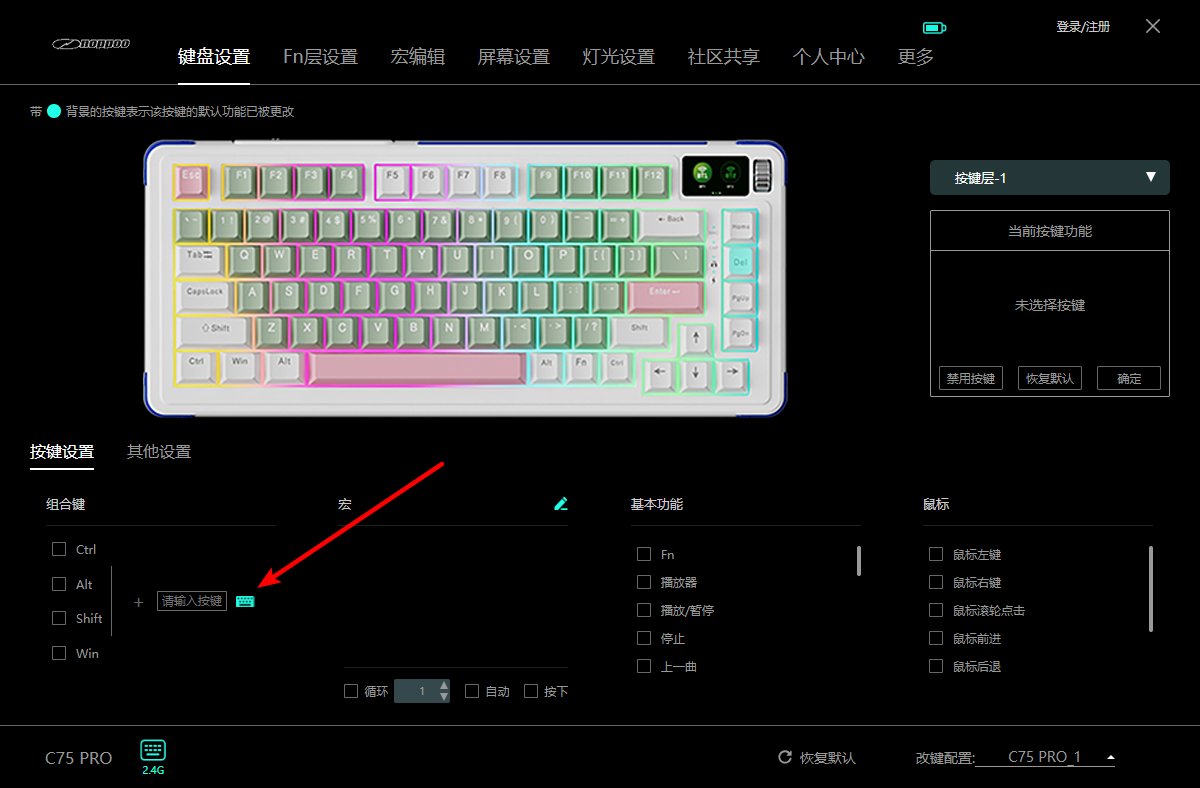
At first, I spent a long time figuring it out but couldn't find how to modify a key after selecting it ❓
I almost asked customer service for help.
Finally, I accidentally clicked this keyboard button in the bottom-left corner, and a full keyboard interface popped up, allowing me to modify the key bindings… 😅
Macro Editing
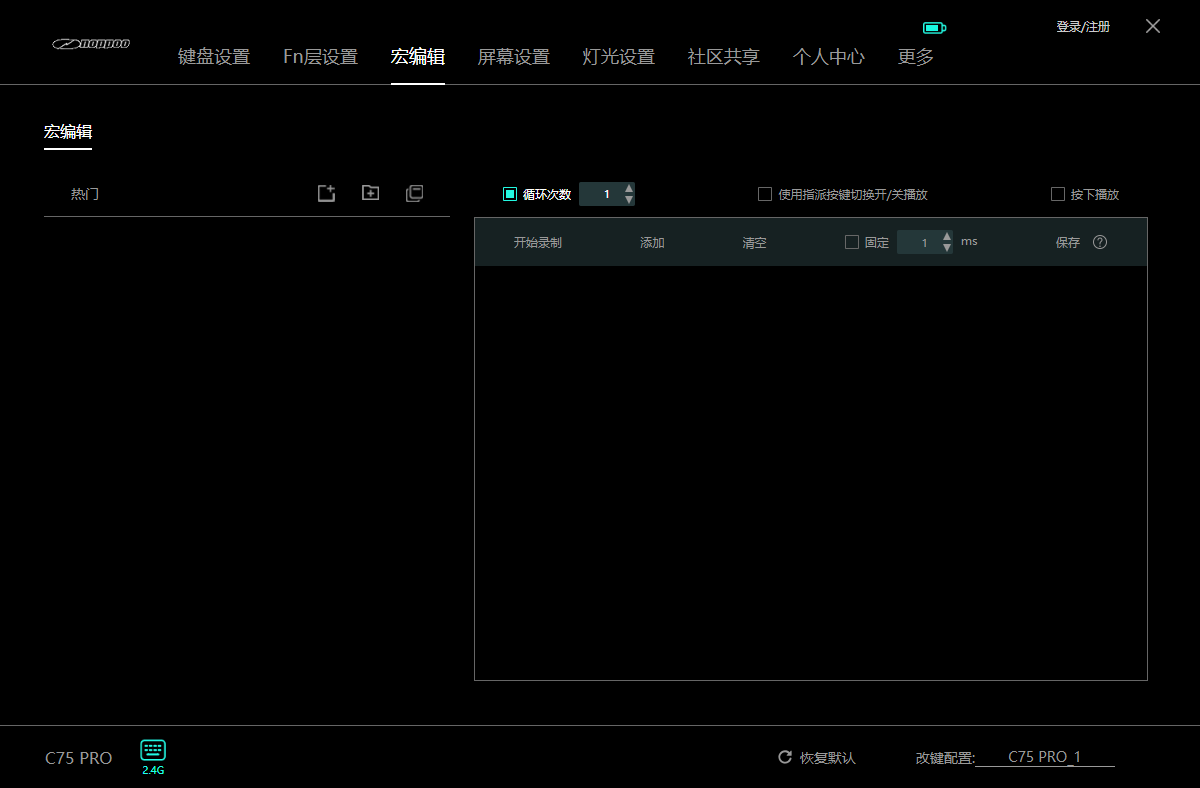
Different from other keyboards as well.
This driver has its own unique approach.
Screen Settings
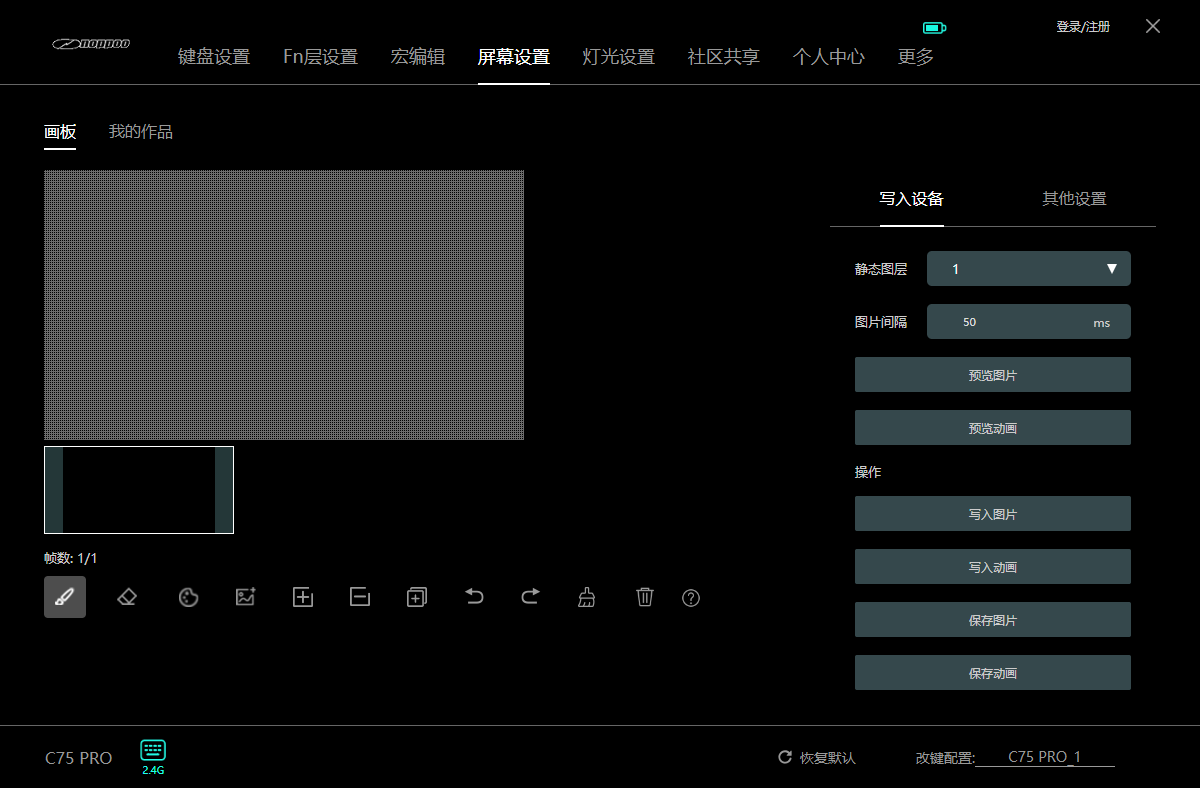
You can set up small-screen animations (小屏幕动画) 🖥️
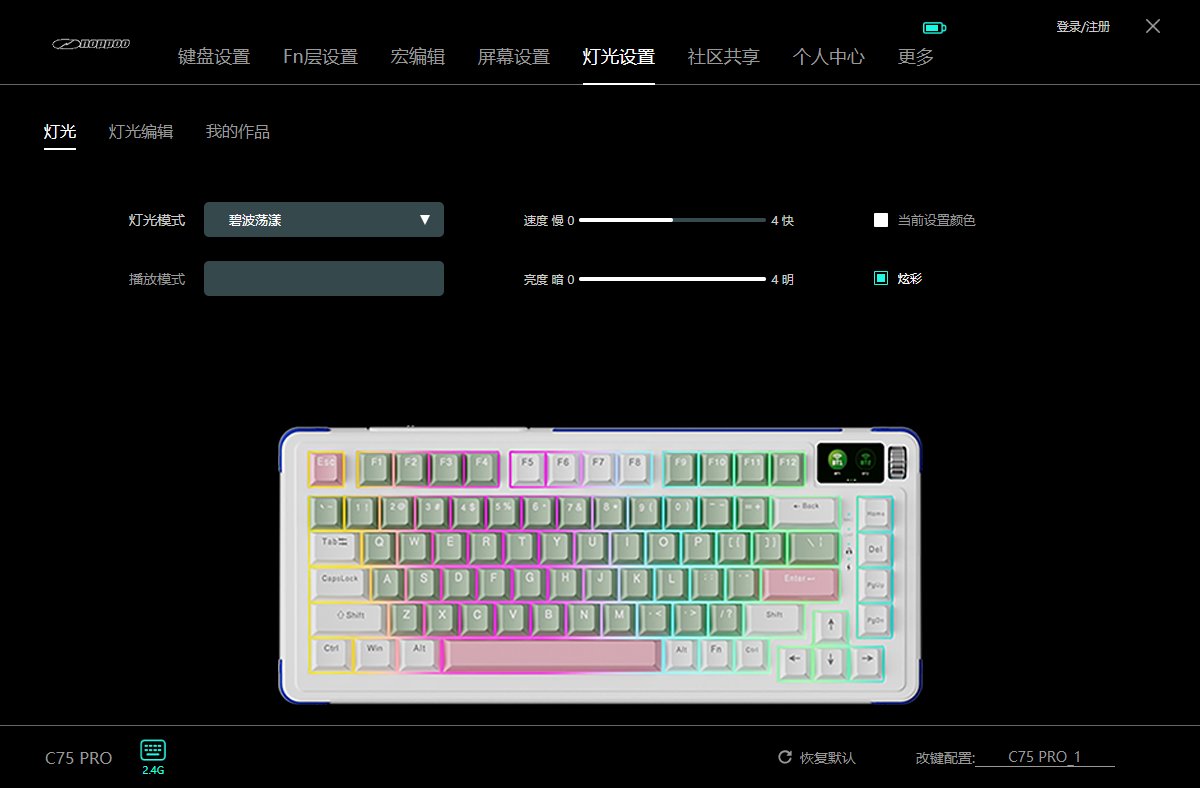
Lighting Settings
Actually, you can also switch the lights by pressing the knob🌀
I feel this design is quite good.
Community Sharing
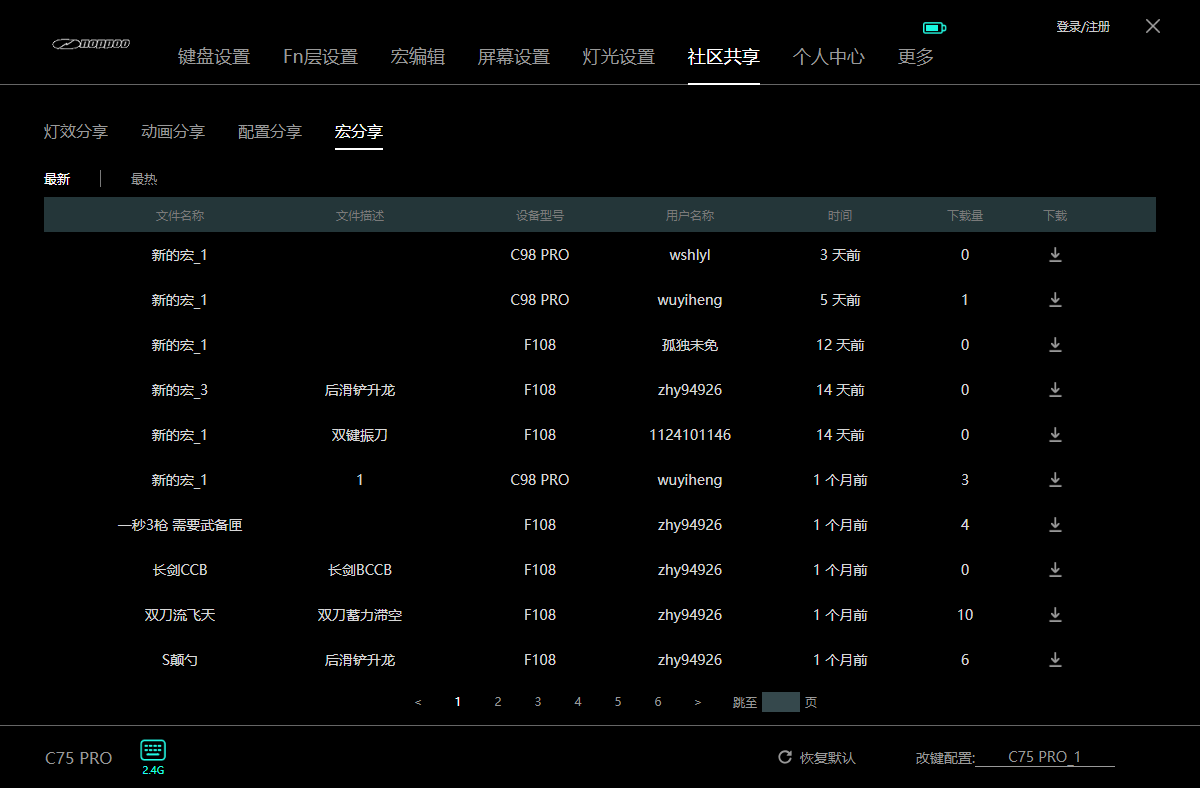
This driver even has community features
You can download various configurations shared by other users (from what I've seen, currently only configuration sharing and macro sharing are available, others are not 🈚️)
A pretty nice idea, but unfortunately, this brand is too niche and doesn't have many users.
Switches
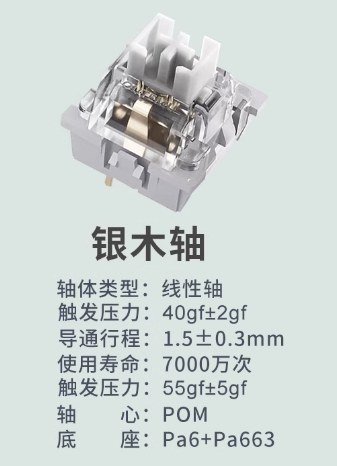
I chose the Silver Wood switch, and the feel is excellent.
The sound is also pleasant.
User Experience
Leaving aside the fact that the keyboard arrived looking like it came apart in pieces 😡
And even the official website doesn't have a download for the driver, which was a whole ordeal to get 😭
If we ignore all those factors
This keyboard ⌨️ is actually quite good 😮💨
It has all the features you'd expect, like a small screen 🖥, a knob 🔘, and there are many switch and keycap options available. The design is also quite appealing 💻
I chose the Silver Wood switches (银木轴), and they feel pretty good. Combined with this set of keycaps, typing on it is quite satisfying 😄
Not much else to say for now—I'll use it for a while and might share more about my experience with this keyboard later.
PS: This article was written using a laptop + this keyboard, and I switched to a different input method, so there are lots of emojis.
_EOF_
Noppoo-C75Pro keyboard unboxing
- 本文作者:
- 程序设计实验室
- 版权声明:
- 本博客所有文章除特别声明外,均采用 BY-NC-SA 许可协议。转载请注明出处!
相关文章
京东京造JZ750(贱驴A3)键盘开箱
厌倦旧键盘,被京东JZ750颜值旋钮吸引,包装简陋、做工松垮得令人发指。冰晶轴滑爽,但配列反人类,方向键奇葩,无end键。为颜值,忍了。
2025-10-28 · 键盘 · 约 1 分钟
狼途LT75键盘开箱,或许平平淡淡才是真
折腾键盘选狼途LT75,设计新颖但中规中矩,配色廉价无脚托,小屏幕还阉割GIF,最后发现还是旧XS75T香,何必呢?
2025-10-28 · 键盘 · 约 1 分钟
RK-S75键盘开箱
又一个键盘?RK-S75均衡,小屏幕只显示模式和电量,省电却无趣。价格香,数据线独特,但缺独立开关,关机还得手动,啧。
2025-10-28 · 键盘 · 约 1 分钟
沾染了年轻人不能碰的二次元?初音未来键帽开箱
又一套二次元键帽?初音未来是吧,真别致。雷神ZERO75配这套,效果还行,就是手感硬得离谱。换个角度看看?灯光效果倒是不错,半透明挺炫。
2025-10-28 · 键盘 · 约 1 分钟
讨论
共 0 条加载评论中…