

The Three Treasures of the Middle-Aged: Anker 140W Charger Unboxing
A middle-aged man awakens a charger-collecting hobby, snags an Anker 140W for 190 yuan, but it still steals from the battery when powering a ThinkBook. The small screen does look great—but what's so smart if it can't connect to Mi Home? GaN running hot is a common issue; too lazy to fuss, just keep using it.
目录8 个章节
Preface
Previously bought a Cuktech No. 10 charger, and somehow inexplicably awakened some kind of middle-aged hobby 😂
I've actually been craving this Anker 140W charger for a long time, but there was never a good price. On August 16, while I was out waiting, I was browsing Pinduoduo and saw a good deal at 190+, so I bought it immediately.
But I've always been lazy, so it sat on the storage shelf unopened until I unboxed and photographed it half a month later on September 8.
Then it took more than a month of use before I got around to writing this article 🤣
I originally planned to use this charger to PD-power my ThinkBook 16+ laptop, but found that even with a 140W PD charger, it still draws from the battery. I guess that's just this laptop's power strategy—not going to fuss over it.
Packaging
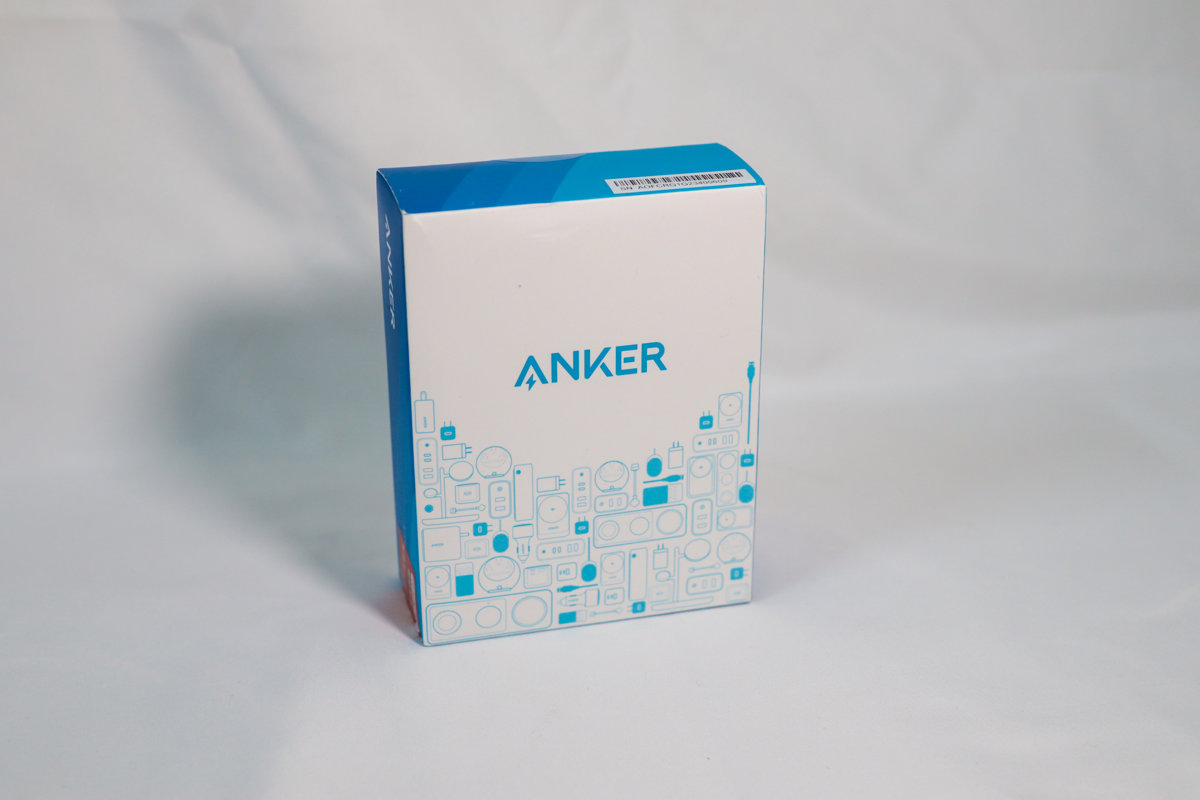
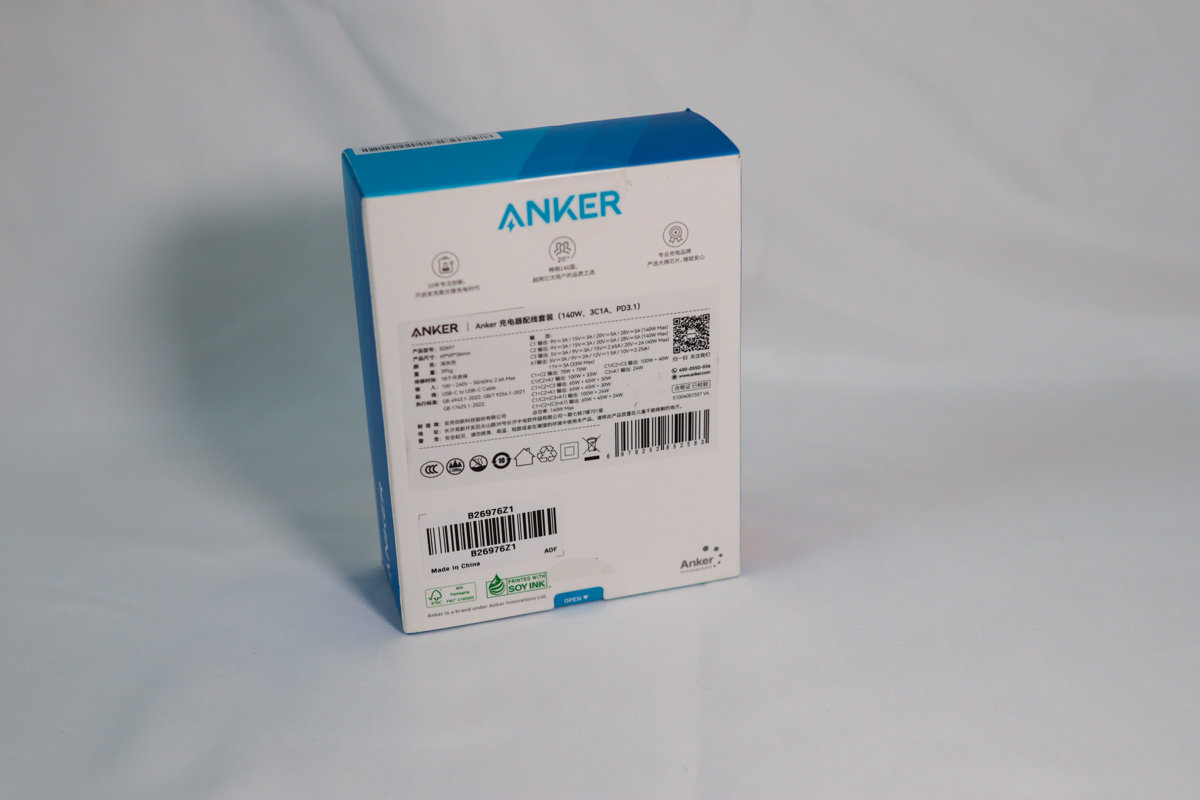
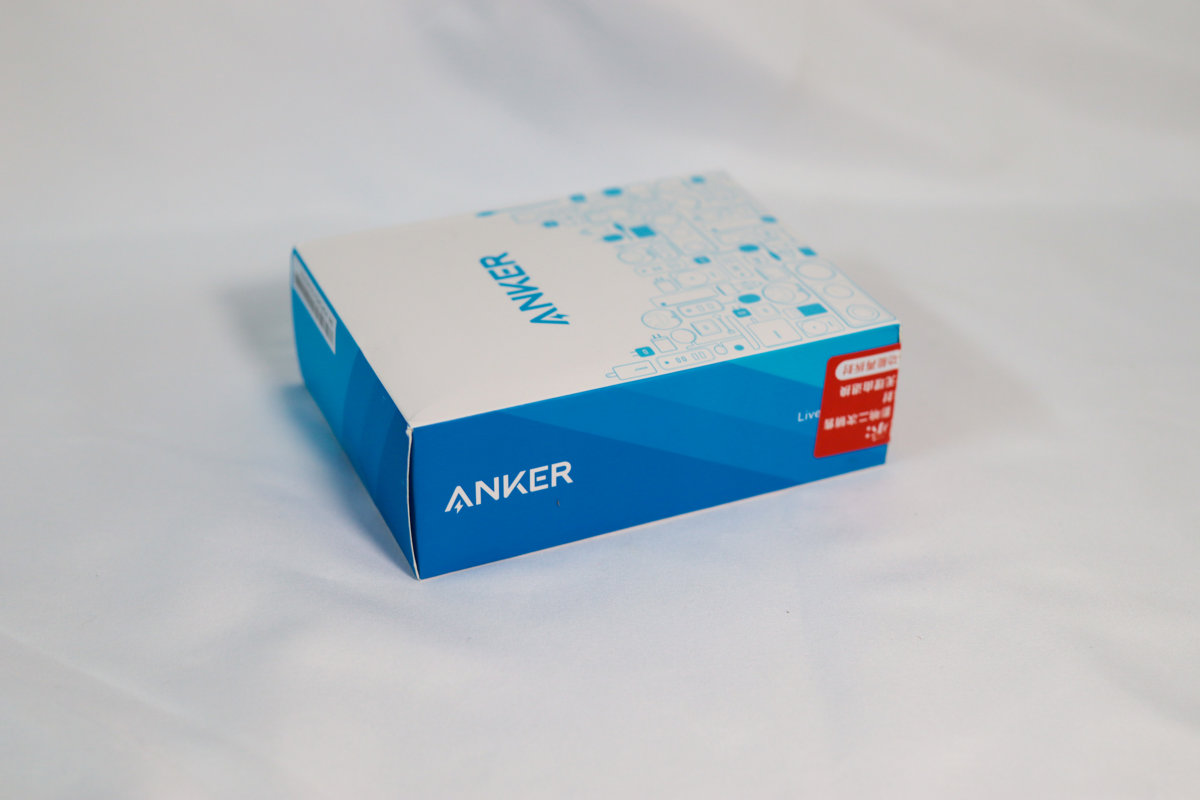
This packaging is a lot more understated than Cuktech's flashy tech-style one.
Front
Back
Side
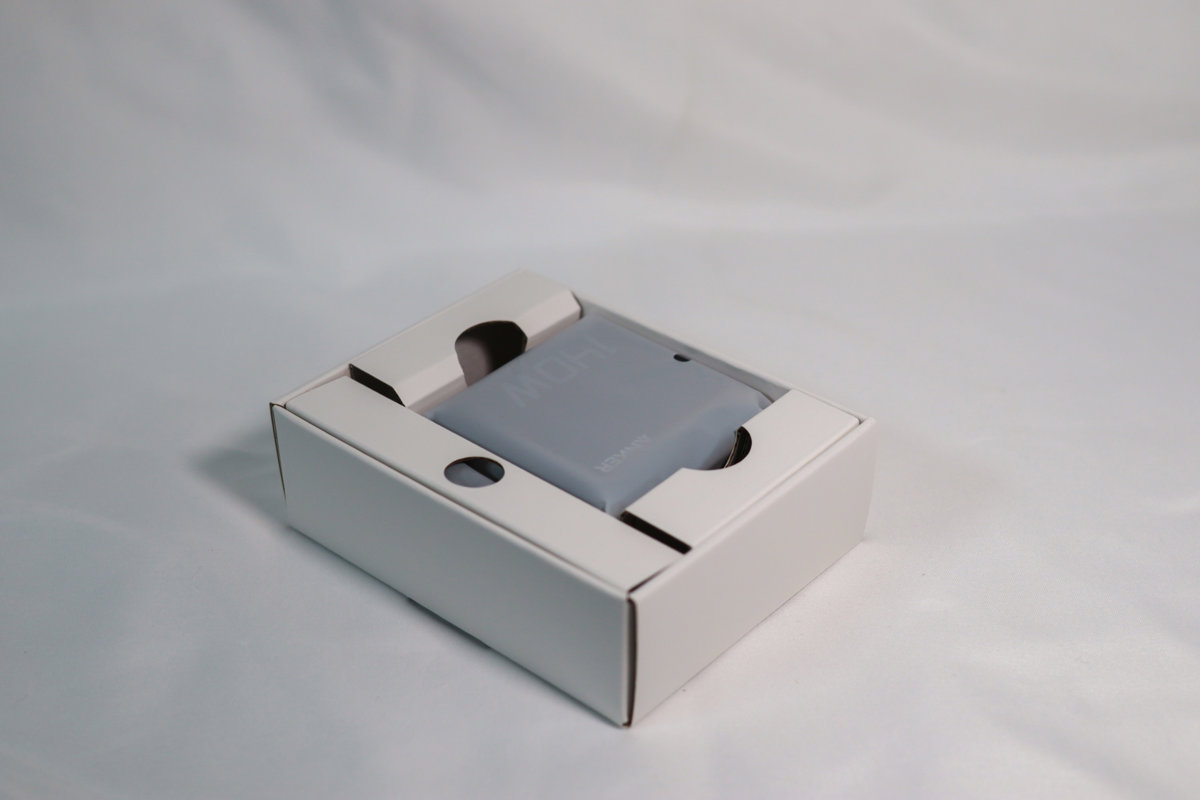
Unboxing
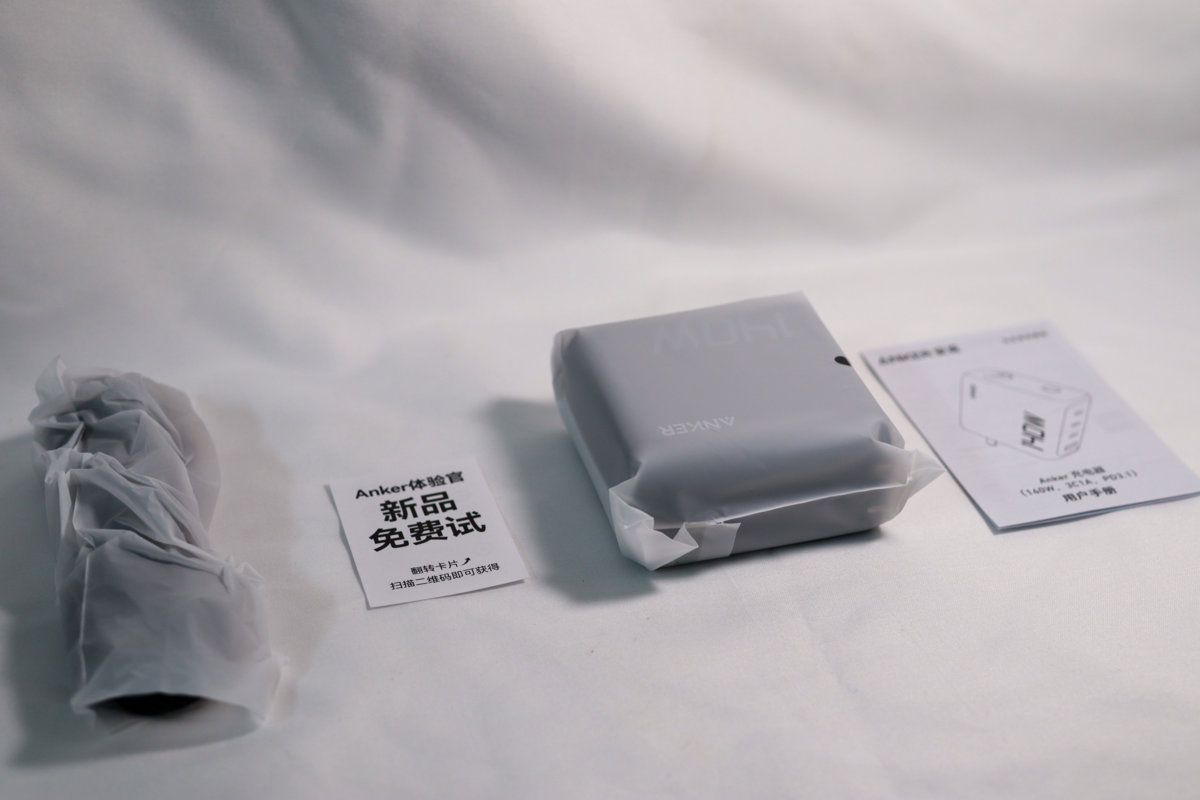
Still very minimal.
Accessories
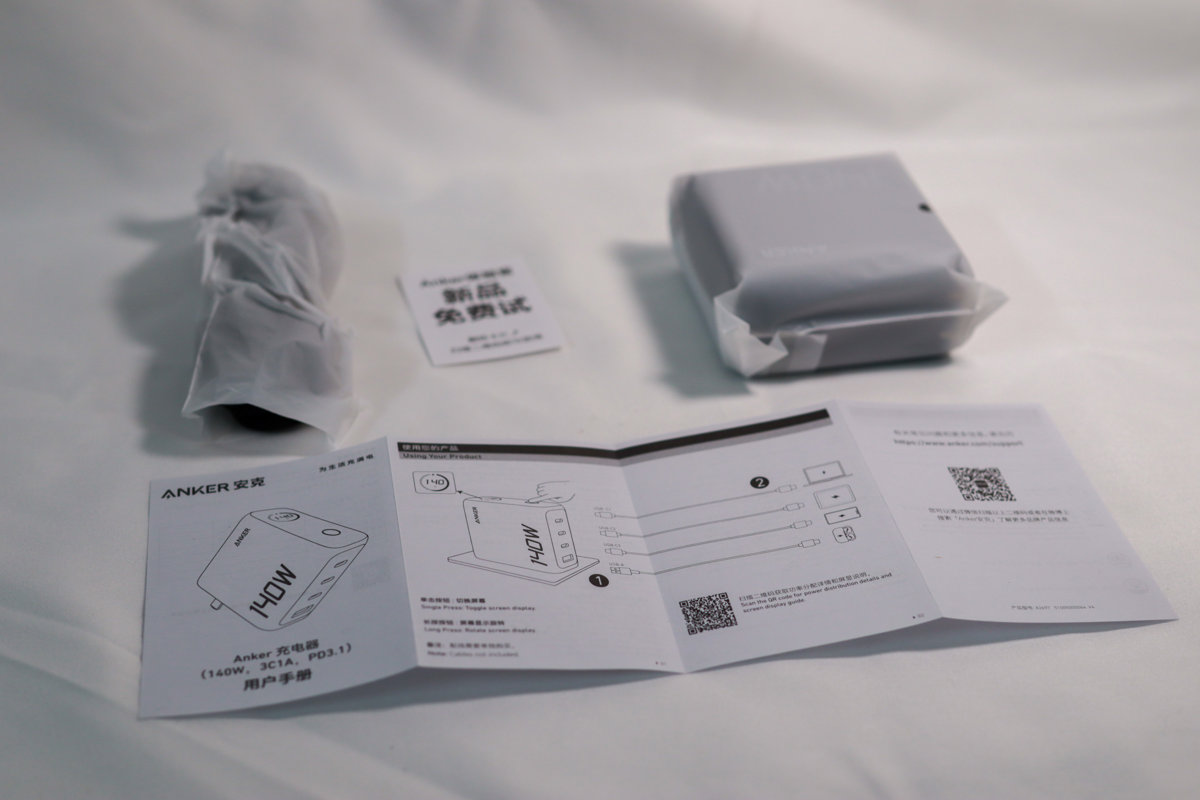
Manual and charging cable.
Manual.
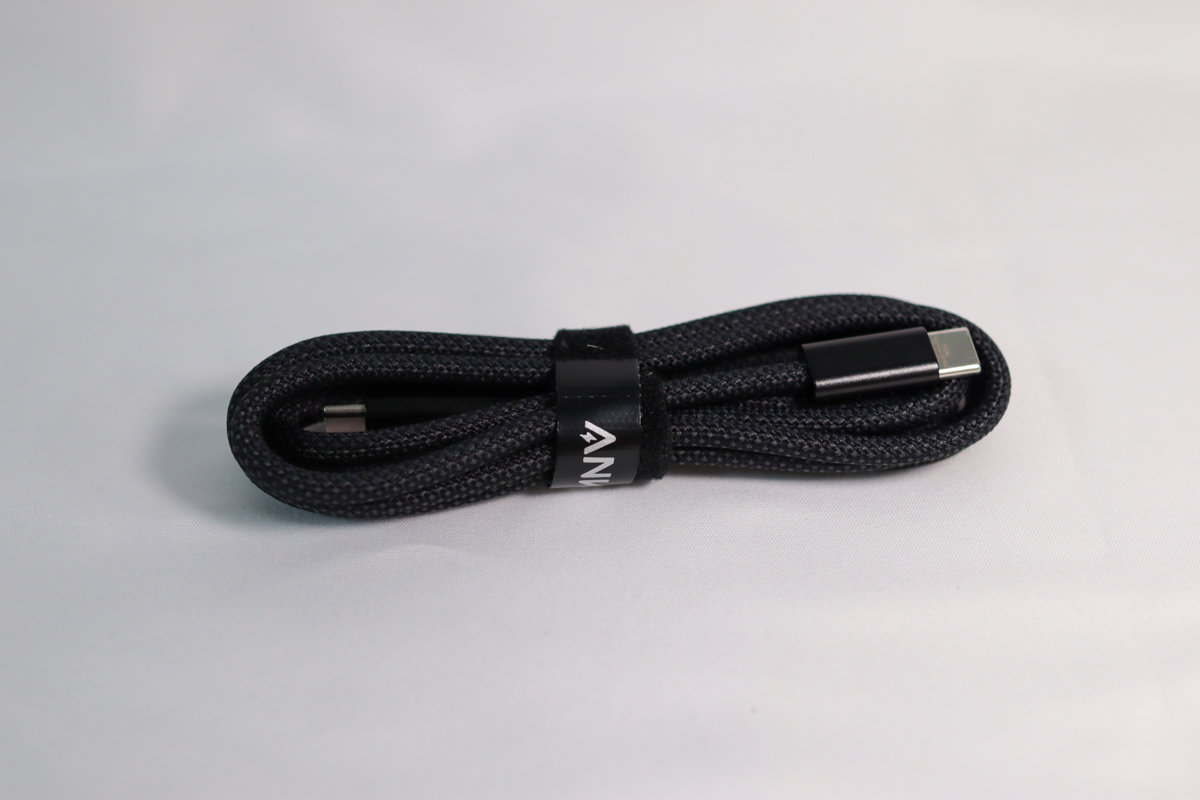
Close-up of the cable.
The Charger
Let's take a look at the charging cable and charger on their own.
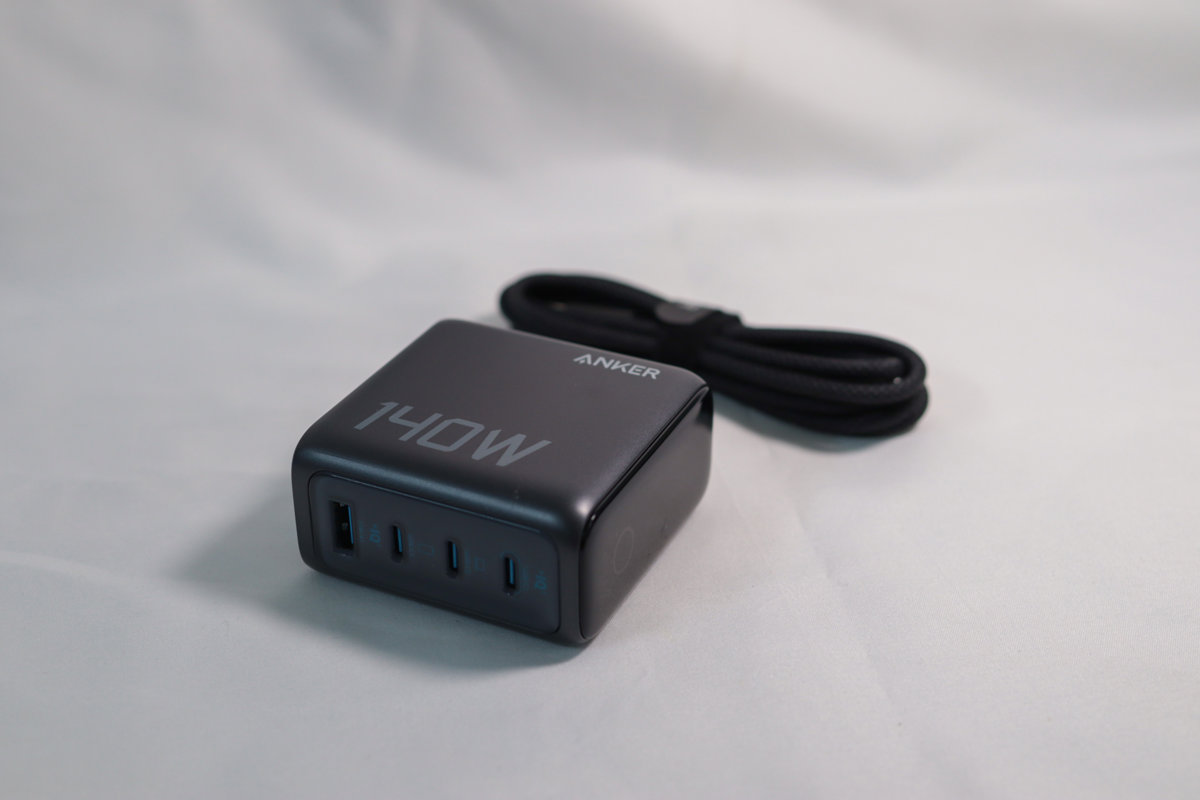
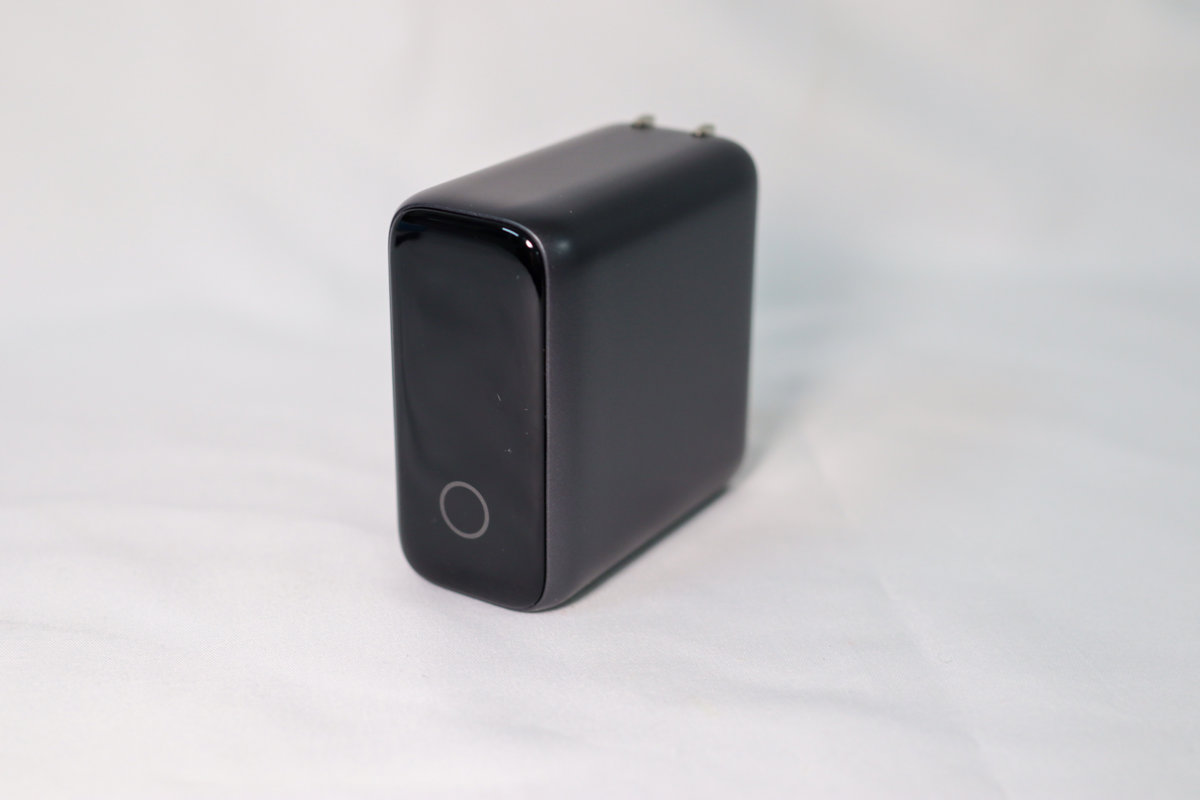
Standing it up.
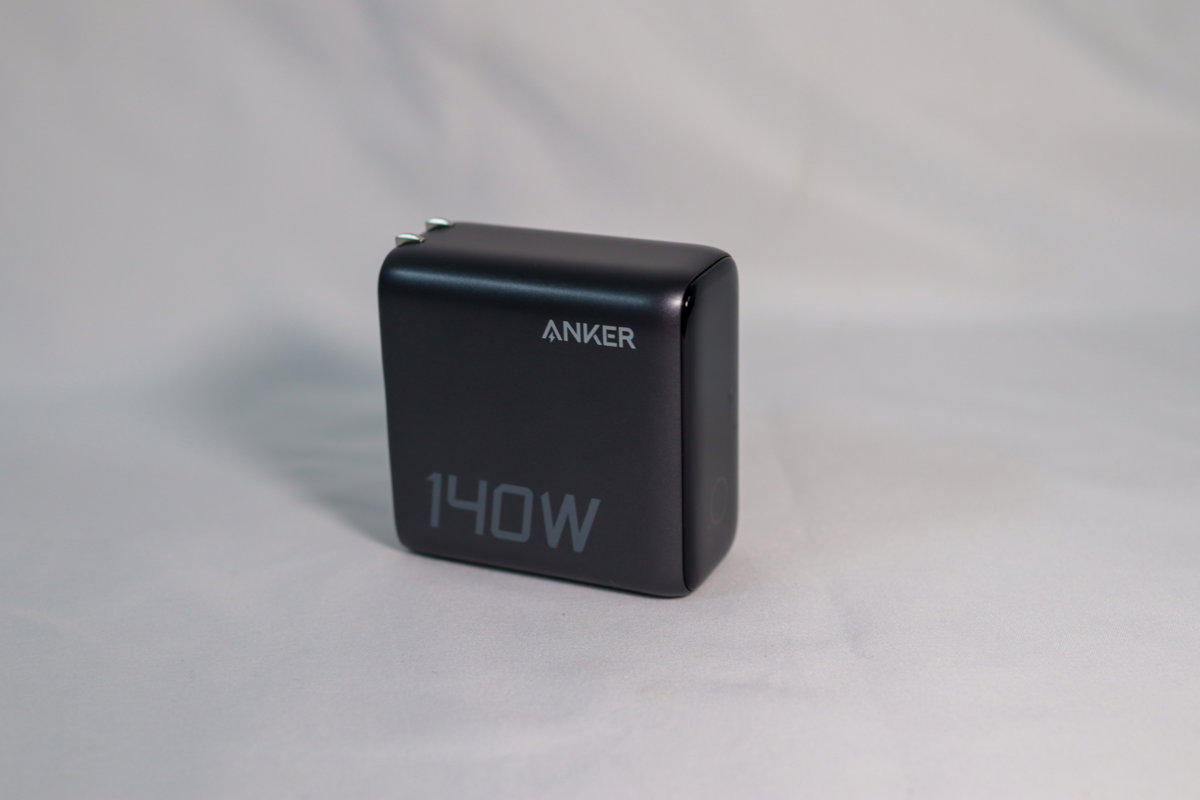
Front.
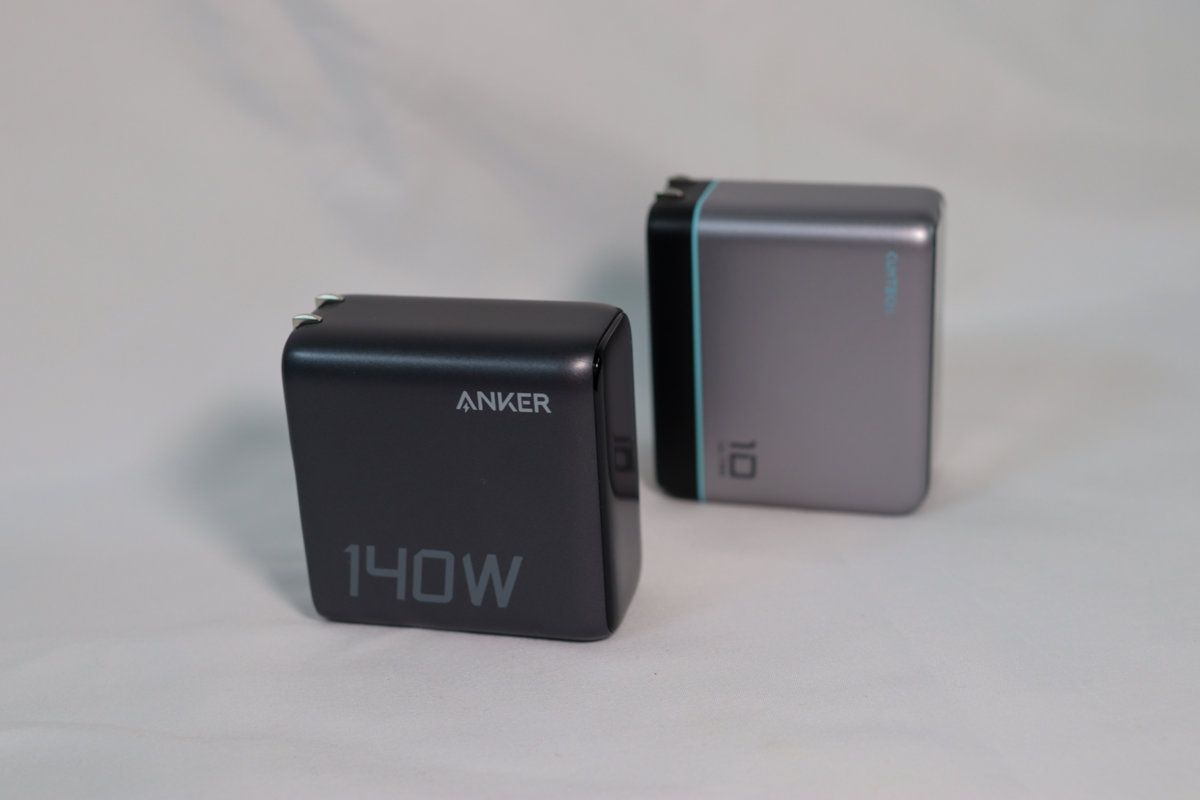
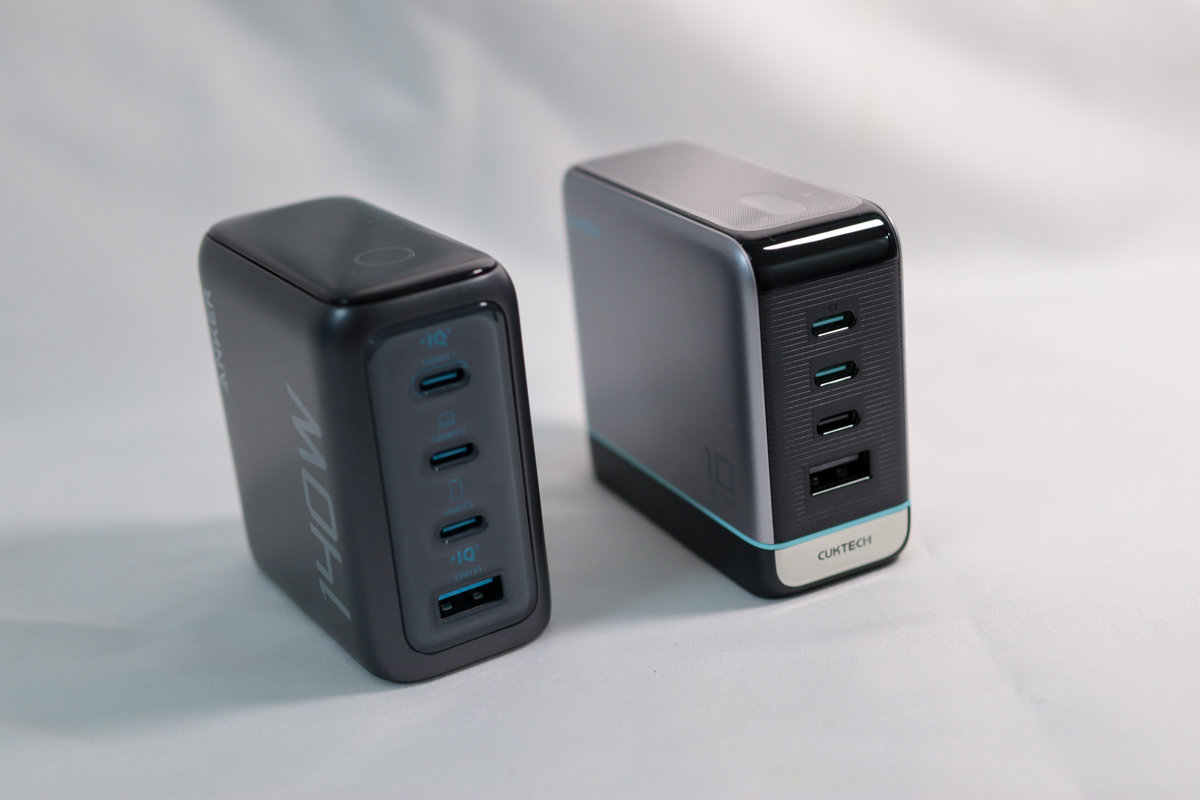
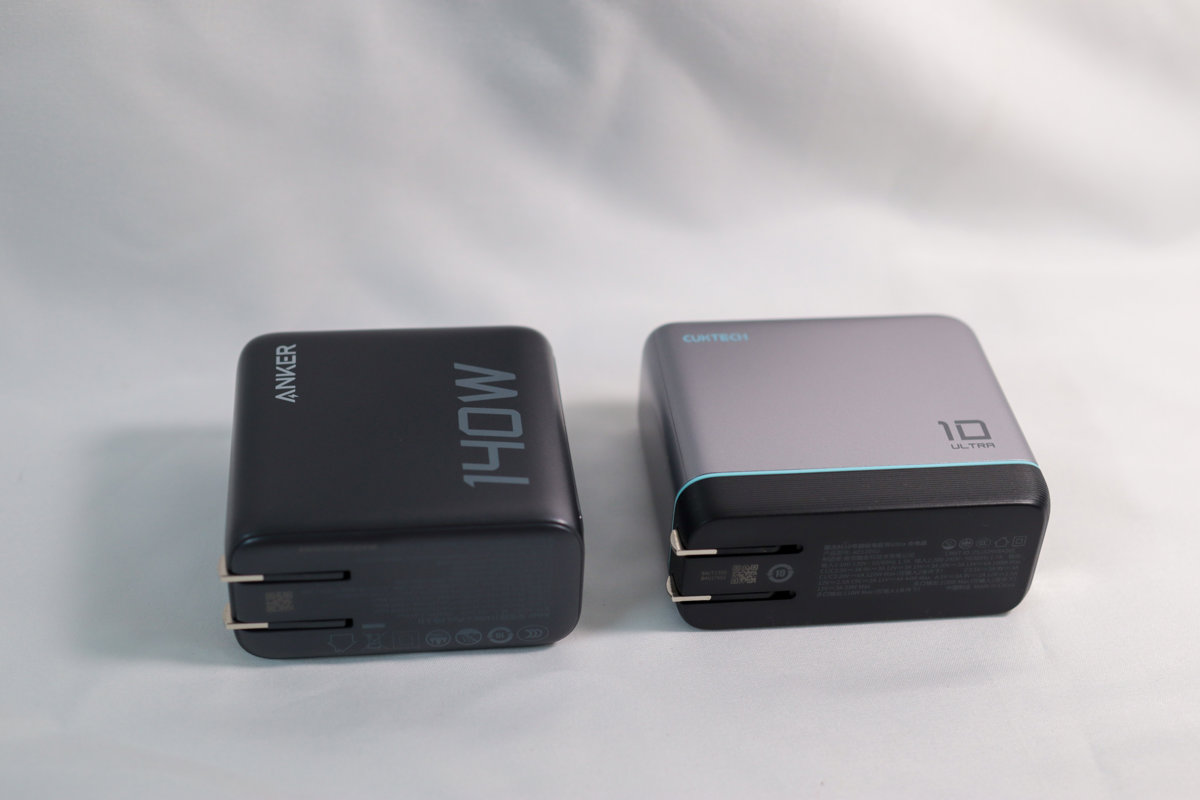
Comparison with Cuktech No. 10
Let's look at a comparison of these two chargers—which one do you think looks better?
Laid flat.
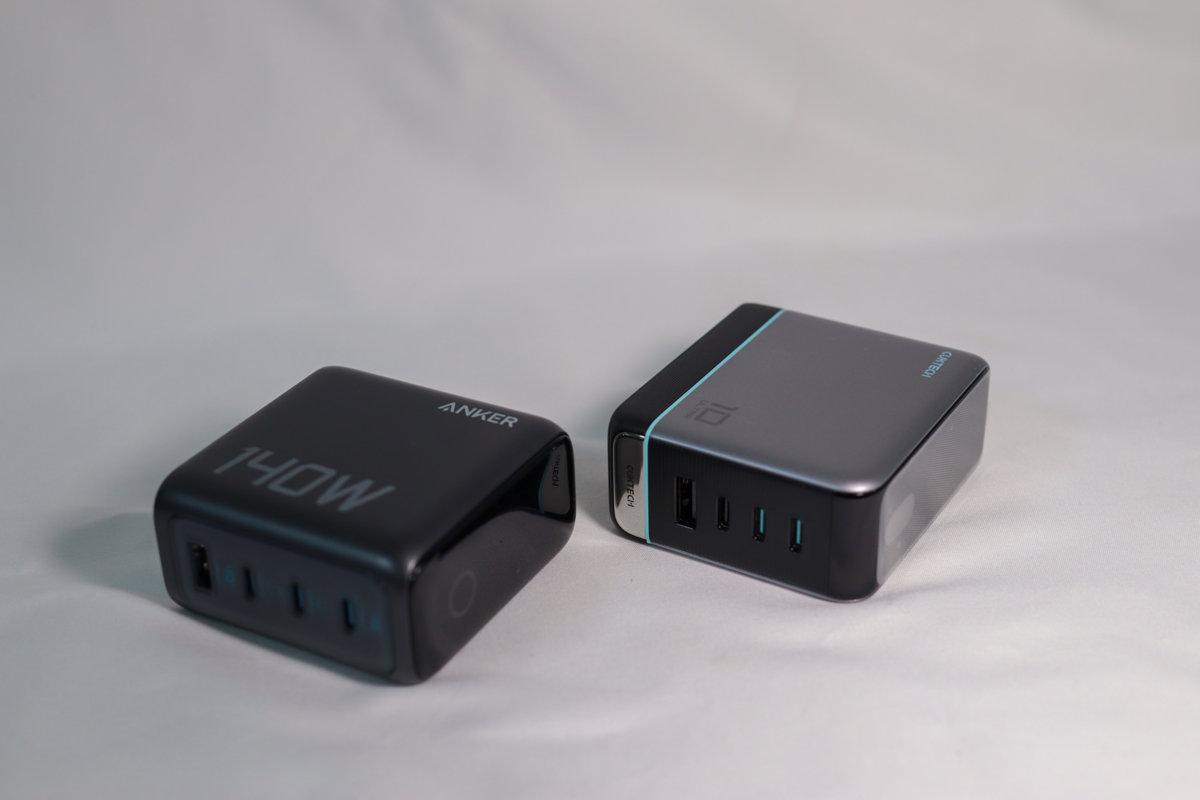
Standing up, looking at the port side.
Laid flat.
The Small Screen
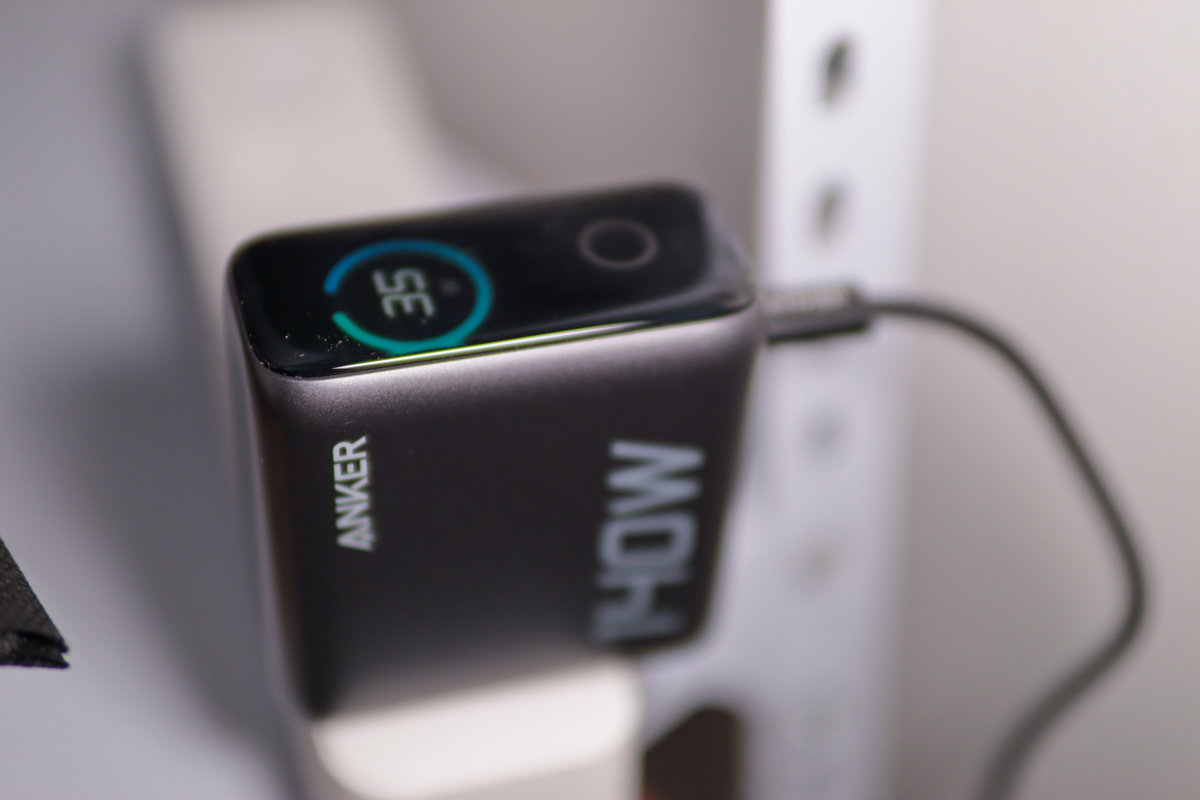
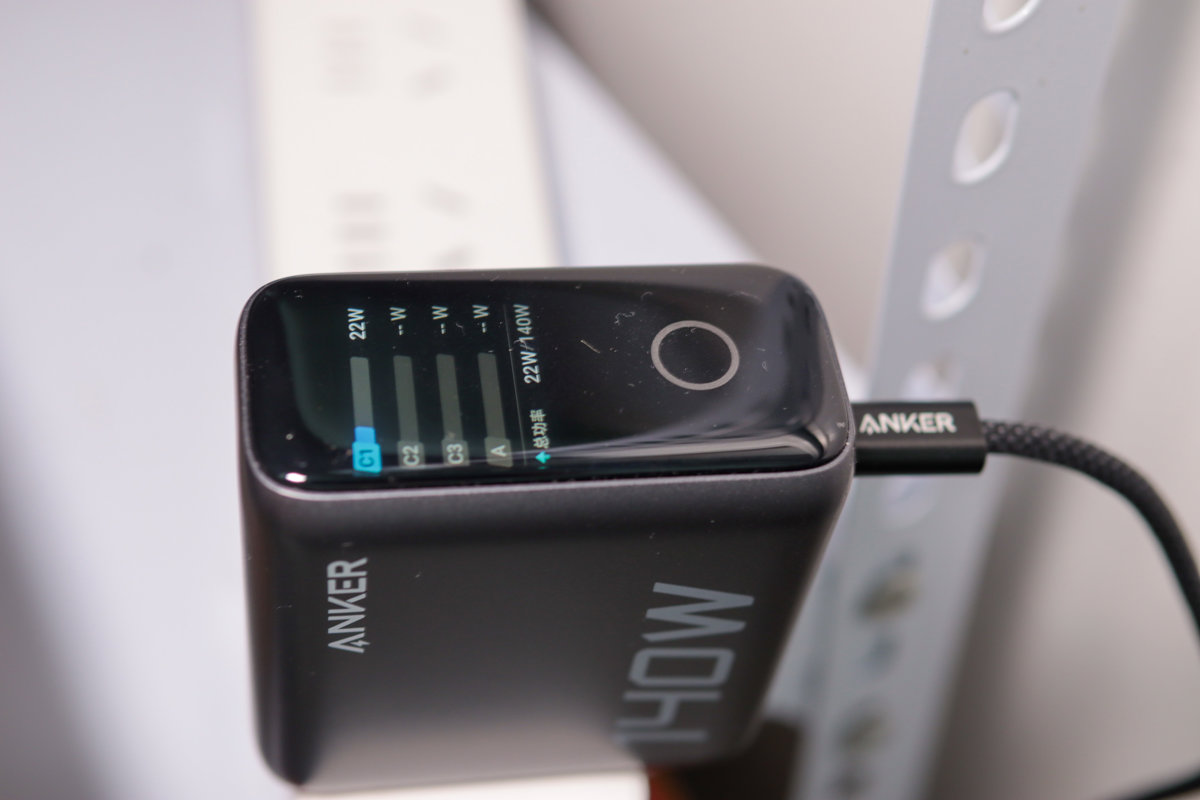
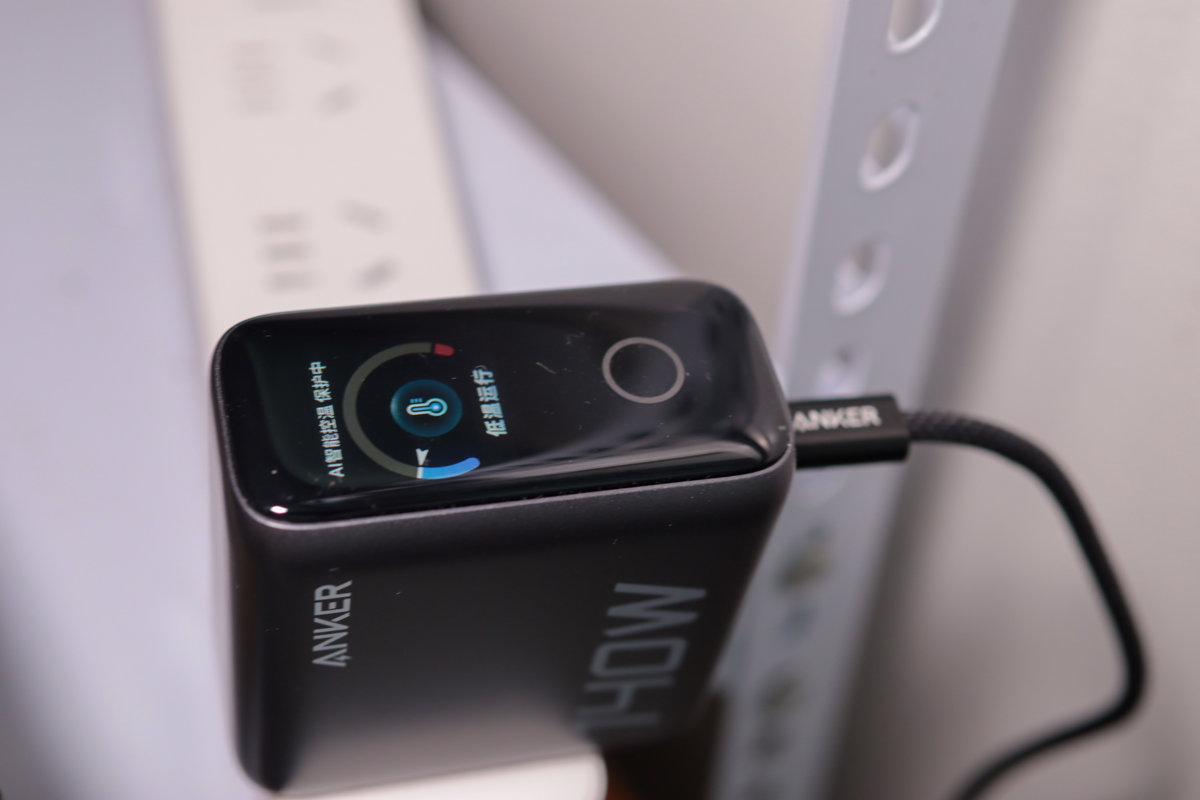
The Anker 140W's signature feature is this little screen, which is indeed cleaner and better-looking than Cuktech's.
However, this one doesn't support connecting to Mi Home. Although Cuktech's screen UI isn't as good as Anker's, being able to connect to Mi Home makes up for that.
I've even seen people online flashing custom firmware on the Cuktech charger so the small screen can display remaining Codex quota—that's wild. Not sure if Anker can be flashed too.
Checking the output power of each port.
Checking the temperature.
Wrap-up
Both chargers are quite refined, with a solid feel—they feel hefty in the hand. As for the looks, that's a matter of personal taste.
Right now I'm using this charger to power Brother Ji's laptop, and also to charge a small fan.
Heat generation is about the same as the Cuktech No. 10—six of one, half a dozen of the other. It gets quite hot with even a bit of load. Seems like severe heat is a common problem with this kind of GaN charger; other than that, it's pretty good.
PS: To use these chargers better, I even bought a separate power strip 😂
_EOF_
The Three Treasures of the Middle-Aged: Anker 140W Charger Unboxing
- 本文作者:
- 程序设计实验室
- 版权声明:
- 本博客所有文章除特别声明外,均采用 BY-NC-SA 许可协议。转载请注明出处!
相关文章
天气太热了,天气预报怕是假的吧?机械温度计开箱
天气预报的温度和体感温度根本不是一回事?这百叶箱测温法真是够科学的,可惜对户外工作者毫无帮助。36度湿度70%,算出来热指数54℃,这公式简直毒辣。机械温湿度计?电池省了,看着倒是挺复古。
2025-10-28 · 其他 · 约 1 分钟
米家智能插座3简单开箱
米家智能插座3?不过是换个壳的旧设计。实时功率和用电量?这点功能也就勉强及格吧。自动控制电热蚊香液?真是被逼无奈的创意。
2025-10-28 · 其他 · 约 1 分钟
主机托架开箱,桌面空间倍增,不再杂乱
这托架不就是块木板加轮子?装起来费劲,还剩一堆螺丝。挤不出多少桌面空间,理线更乱。这性价比,也就勉强及格吧。
2025-10-28 · 其他 · 约 1 分钟
洗澡时该不该关电热水器?电小酷16A智能插座开箱
买了16A智能插座,结果发现配不上电热水器,笑死。当初为了安全考虑,现在看来纯属多余。电小酷这产品,够尴尬吧?
2025-10-28 · 其他 · 约 1 分钟
讨论
共 0 条加载评论中…