Configure domestic repositories on Manjaro
Preface I have always used the official source before, but recently I noticed it has become slower. So I decided to switch to a domestic source and made a note of it while doing so. Procedure Use the following command to generate a list of available China mirror sites: sudo pacman-mirrors -i -c China -m rank After refreshing the list, a dialog box will pop up for you to choose a software source. All the sources listed here are domestic ones, and you can choose any one you like (of course, selecting more than two is also fine.) Daily desktop screenshot
目录2 个章节
Preface
I previously used the official repository, but recently noticed it has become slower. So I decided to switch to a domestic repository and was taking notes along the way.
Operations
Use the following command to generate a list of available Chinese mirror sites:
sudo pacman-mirrors -i -c China -m rank
After refreshing the list, a dialog will pop up to let you select software sources. All the sources listed here are from within China; just choose one you prefer (selecting two or more is also perfectly fine).
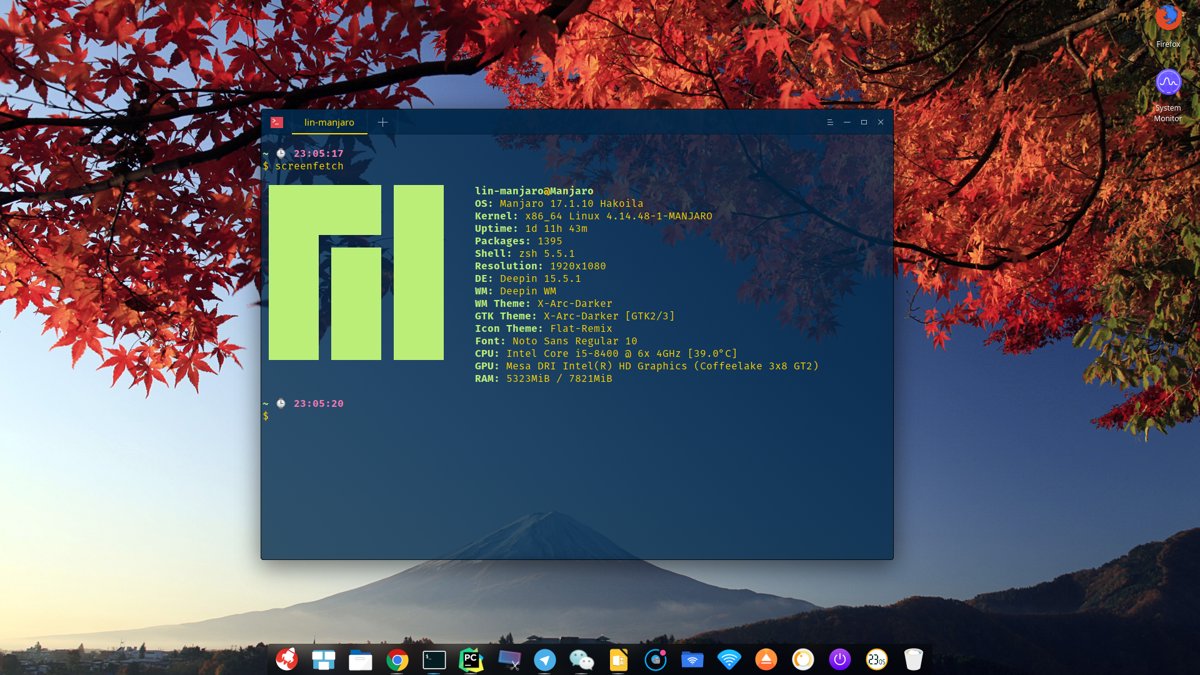
Daily Desktop Screenshot
_EOF_
Configure domestic repositories on Manjaro
- 本文作者:
- 程序设计实验室
- 版权声明:
- 本博客所有文章除特别声明外,均采用 BY-NC-SA 许可协议。转载请注明出处!
相关文章
给VMware里的Linux虚拟机配置静态ip
前言 最近用VMware的时候是使用桥接方式,不知道是路由的问题还是其他,路由器里面没有显示虚拟机的连接,虽然虚拟机和主机都在路由器里分配了不同的IP地址,但是每次resume之后虚拟机的IP地址总是变,很麻烦。 VMware设置 把下面这个勾去掉。 然后点击Nat Settings。 记录网关。 虚拟机设置。把网络改成这个VMnet8。 Linux系统中配置静态IP Debian nano /e
2025-10-27 · 系统配置 · 约 1 分钟
Ubuntu-18-04-开启托盘图标点击最小化
前言 Ubuntu的托盘挺好看的,美中不足的就是点击一个打开的应用图标不能像Windows那样最小化。 操作 gsettings set org.gnome.shell.extensions.dash-to-dock click-action 'minimize' 截图
2025-10-27 · 系统配置 · 约 1 分钟
Ubuntu-18-04-修复-Telegram-中文输入法
前言 Ubuntu 18.04,新的 Gnome 桌面的确好看很多。但同时出现了很多之前在 Unity 没有出现过的 BUG,例如在 Telegram 下无论怎么切换输入法都不能输入中文。 大概是所有 QT 编写的应用程序在 Gnome3 下都会出现这个问题,解决方法是引入 QT_IM_MODULE 变量。大致 步骤如下 编辑~/.local/share/applications/telegram
2025-10-27 · 系统配置 · 约 1 分钟
Debian配置默认不开启图形界面
前言 Linux的图形界面实在是太耗资源了,同时开几个虚拟机感觉已经hold不住了,赶紧把这些Linux服务器的图形界面都关掉。 CLI:command Line Interface,命令行界面。 现在的Linux发行版默认登陆界面几乎都是默认为GUI界面,如果按照旧版本的修改inittab文件,在一些比较新的版本是没有这个文件的(Linux的启动服务机制发生改变) 修改Grub配置文件 打开gr
2025-10-27 · 系统配置 · 约 1 分钟
讨论
共 0 条加载评论中…