

When I Discovered My Laptop Could Also 'Work Standing Up'...
A vertical stand? Nothing more than a vertical screen board. Are cooling and stability decent enough? How much is the merchant's creativity worth? Dual-slot more practical? Don't make me laugh.
目录9 个章节
Preface
Hello everyone, I'm Xiyuan.
I recently started working as an independent developer. Busy as I am, I still need a sense of ritual in life.
Even with an external monitor, keyboard, and mouse, a laptop still takes up quite a bit of desk space.
This time, let's talk about a little gadget that frees up desk space—a laptop vertical stand, a new toy I picked up in September 2025.
Tripod-Style Secondary Screen Stand
The first stand I bought was this tripod-style one. The laptop screen can still serve as a vertical secondary display, which is quite suitable for reading documents.
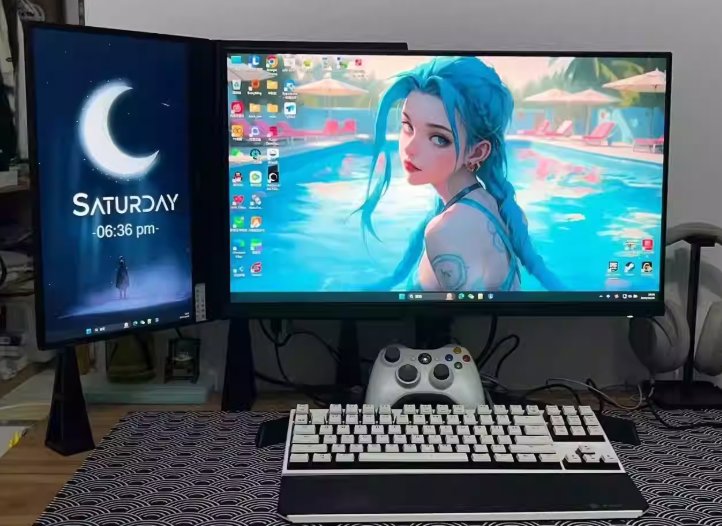
After using it for a while, though, I found this approach is better suited for people who use their laptop as a desktop computer.
This stand is actually just three separate support feet, as shown below:
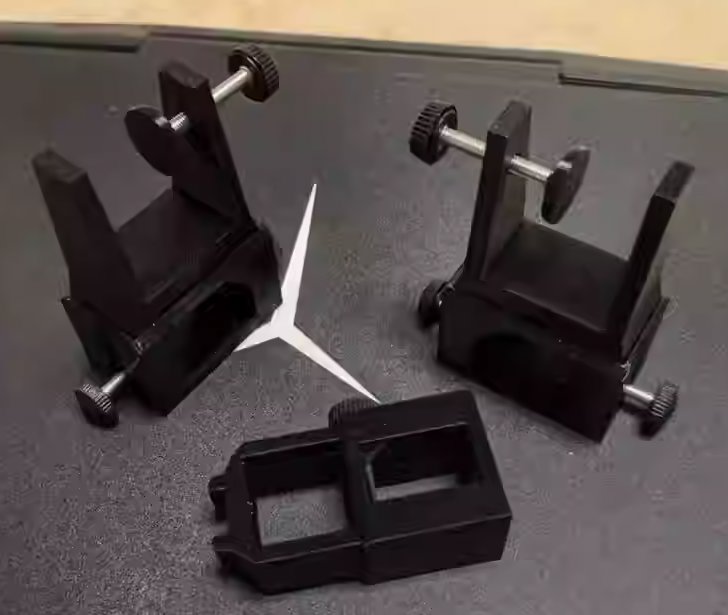
The best way to use it is to install it and then leave it alone.
Otherwise, taking the laptop off and putting it back on every time is a real hassle.
It doesn't really fit my use case. I still mostly treat the laptop as a mobile office tool, and only hook up an external screen, keyboard, and mouse when I need to finish work that's on the laptop.
Fortunately, merchants these days are very creative, and I soon found another type of vertical stand that actually stands the laptop up vertically without taking up desk space.
Vertical Stand
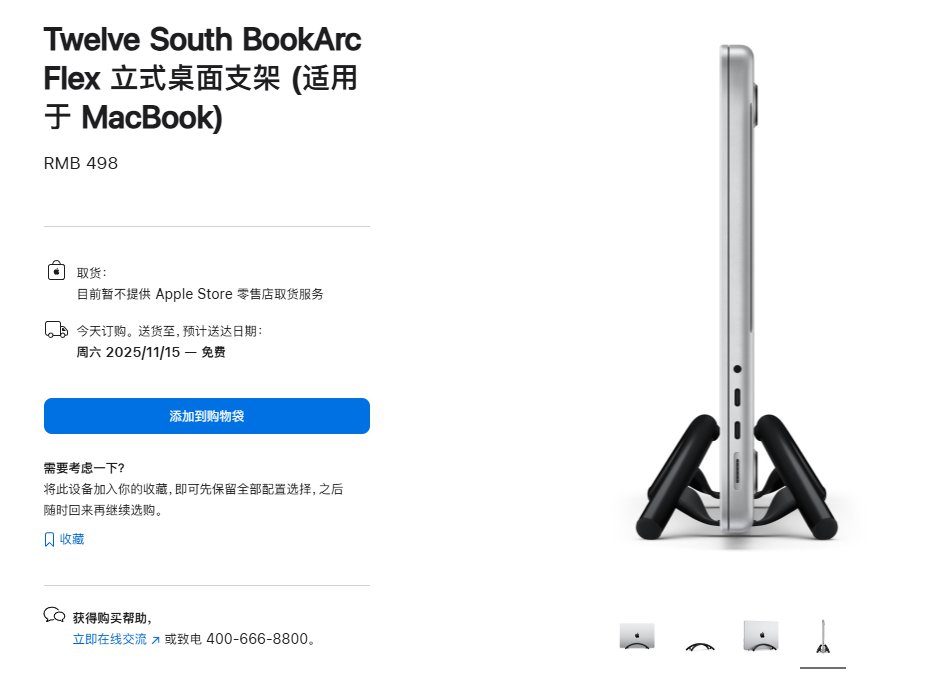
The one I bought looks like this—the left image below, the single-slot version.
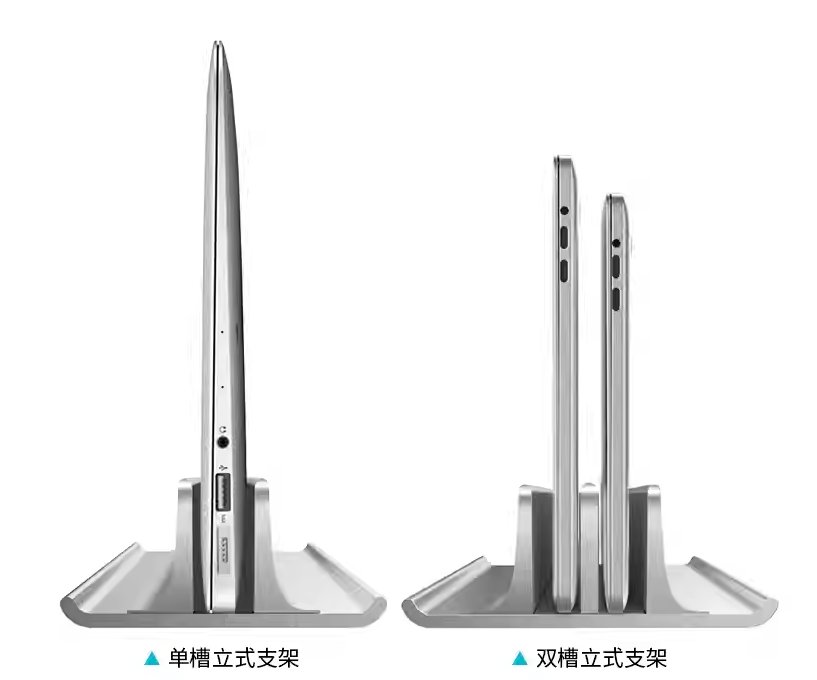
At the Apple Store, this thing costs 500 yuan 🤣. I got it on Pinduoduo for a few dozen yuan.
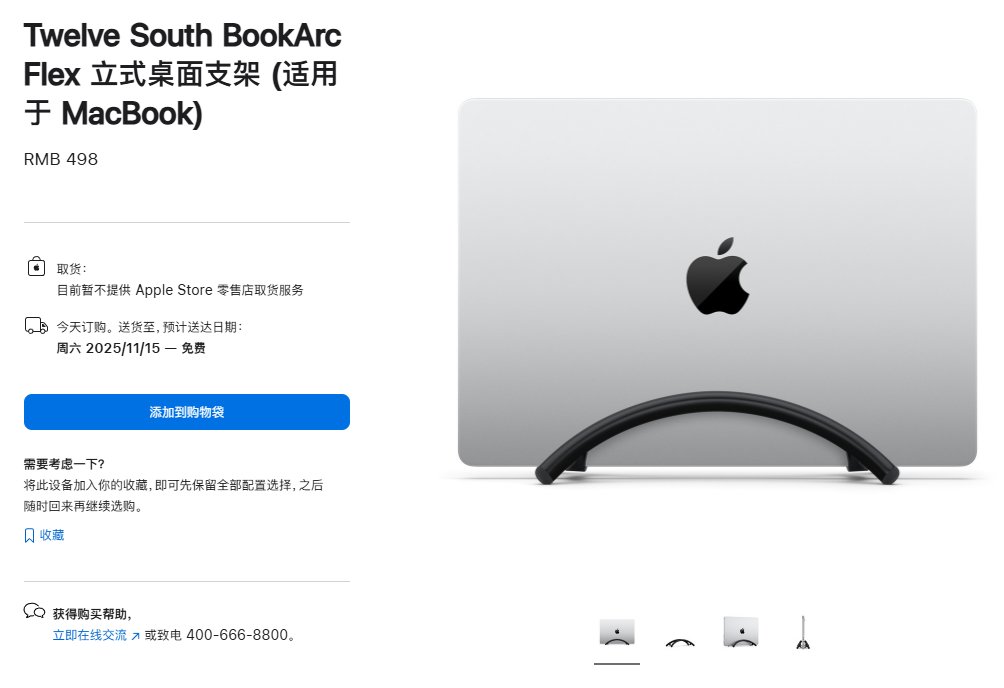
But this one is closed together, which isn't good for heat dissipation, and when the temperature gets too high it might even damage the screen.
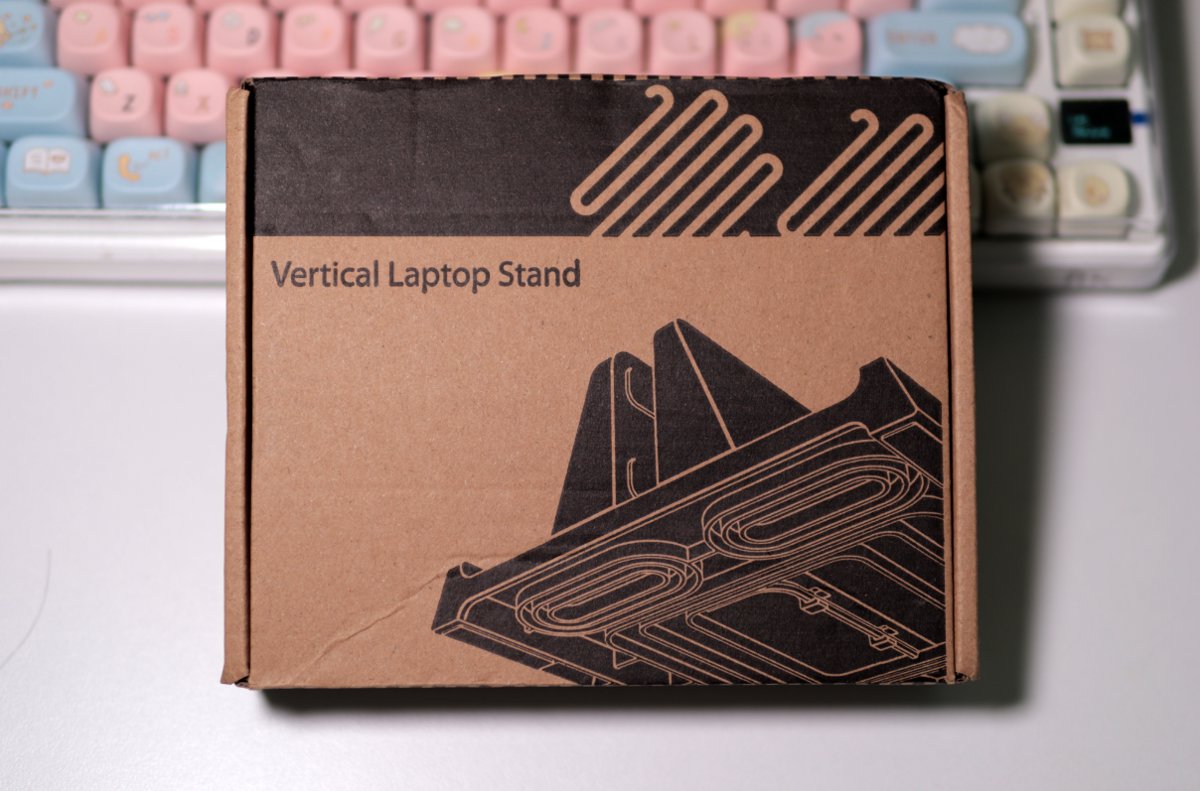
Packaging
The packaging is just a very eco-friendly cardboard box.
The Back
(But why did I even photograph the back 🤣)
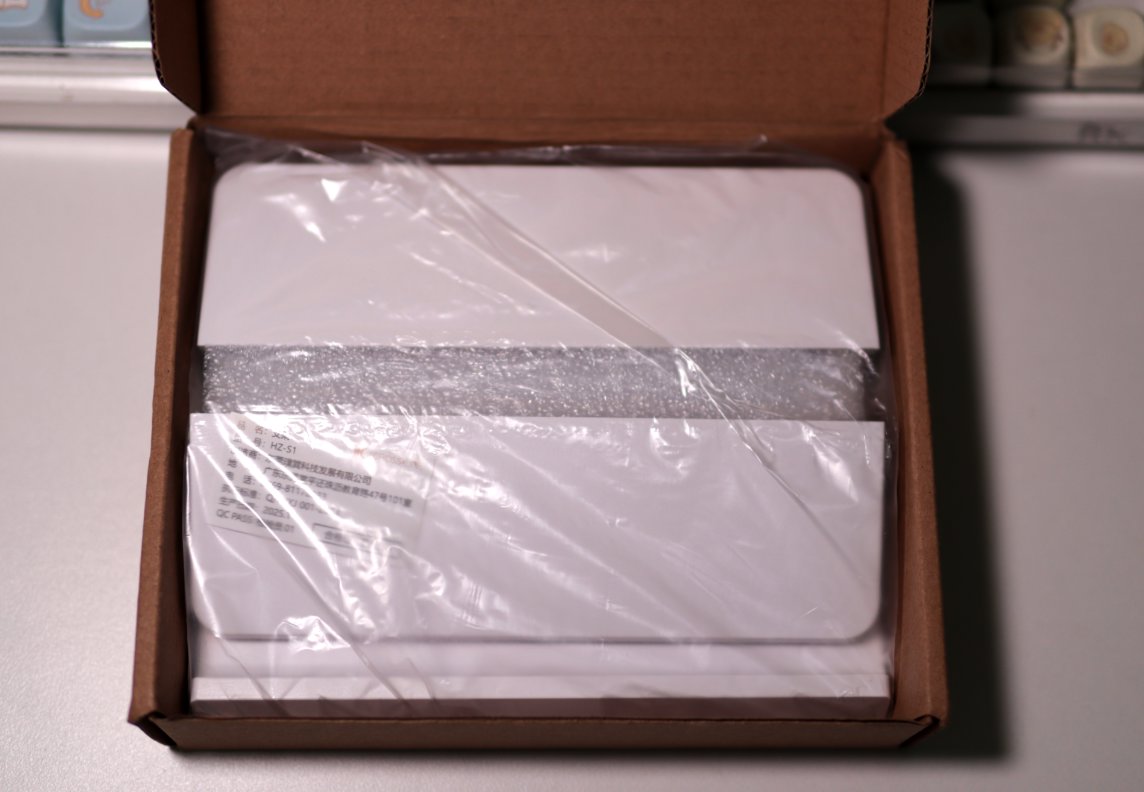
Unboxing
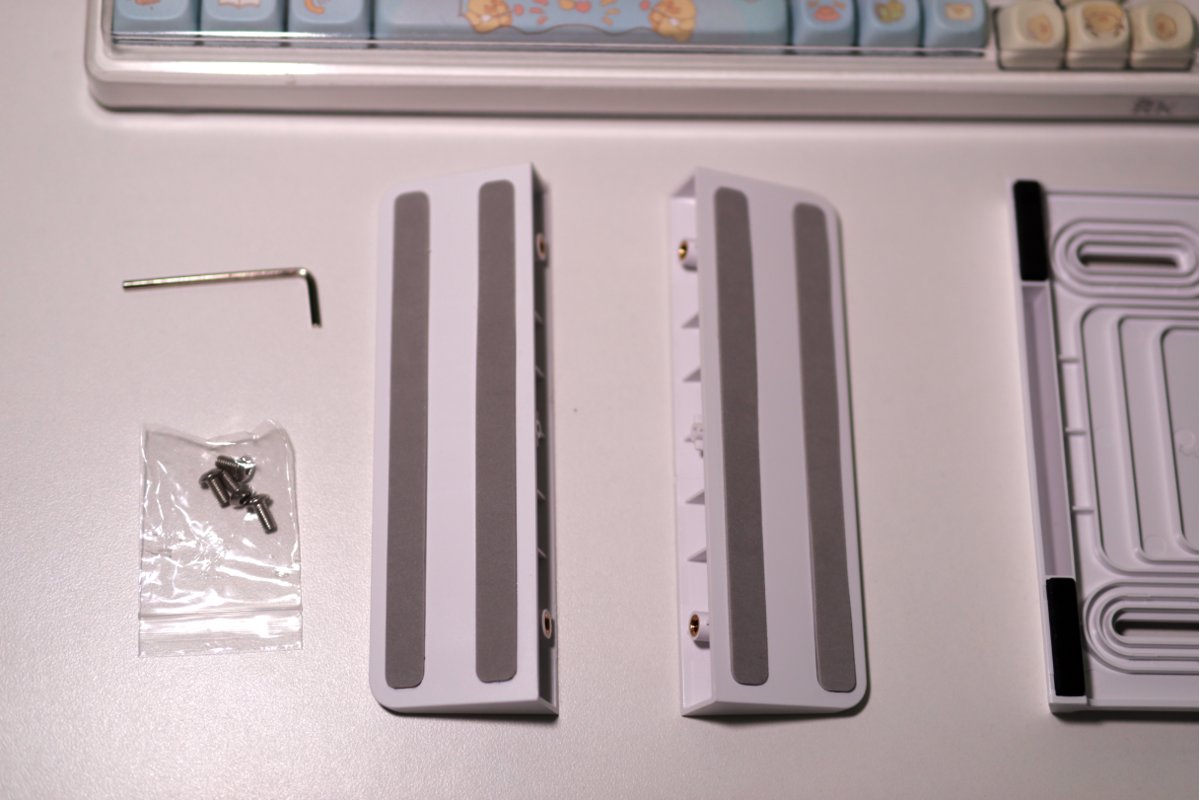
What's in the box is pretty decent.
Installation
After opening it up, there are two vertical panels and a base. Installation is very simple.

Just use the included hex wrench to fasten these parts together and you're done.
After Assembly
This is what it looks like after assembly.
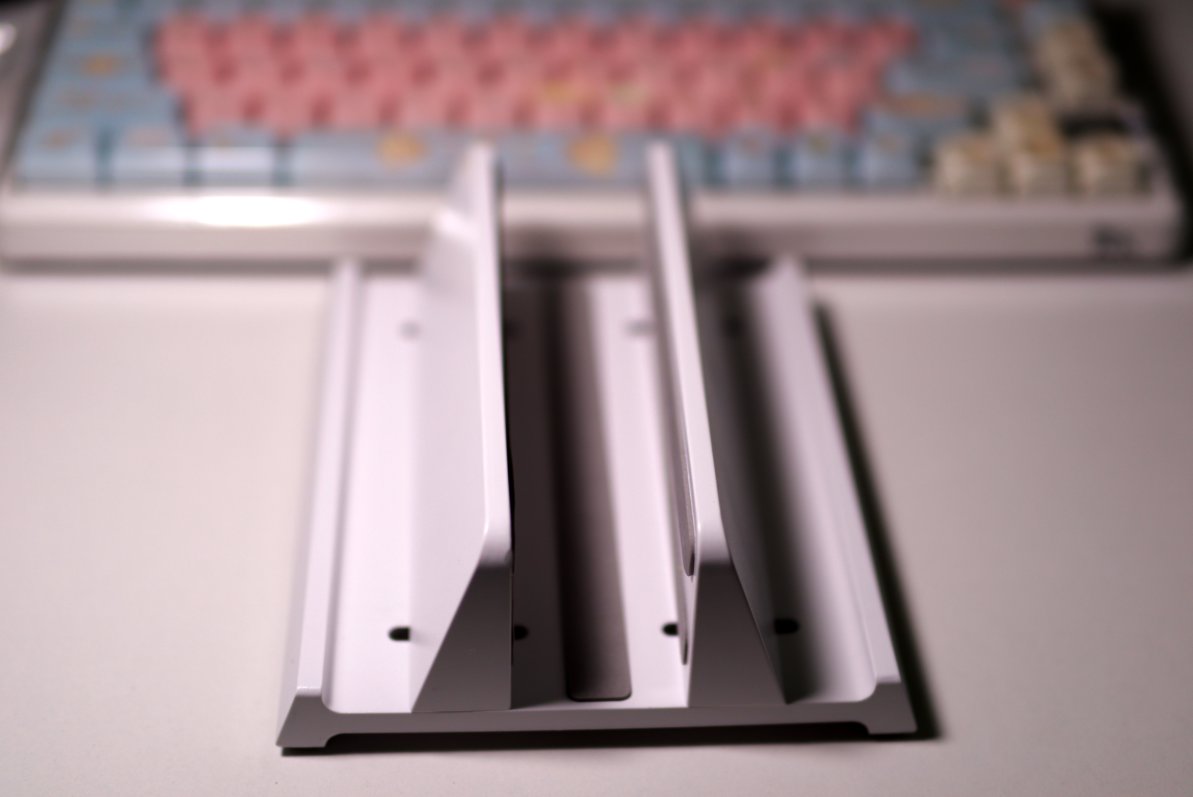
In actual use it's very stable. The anti-slip pads on the base are quite firm too—a light push won't knock it over.
And once it's standing vertically, the desk instantly feels a lot cleaner.
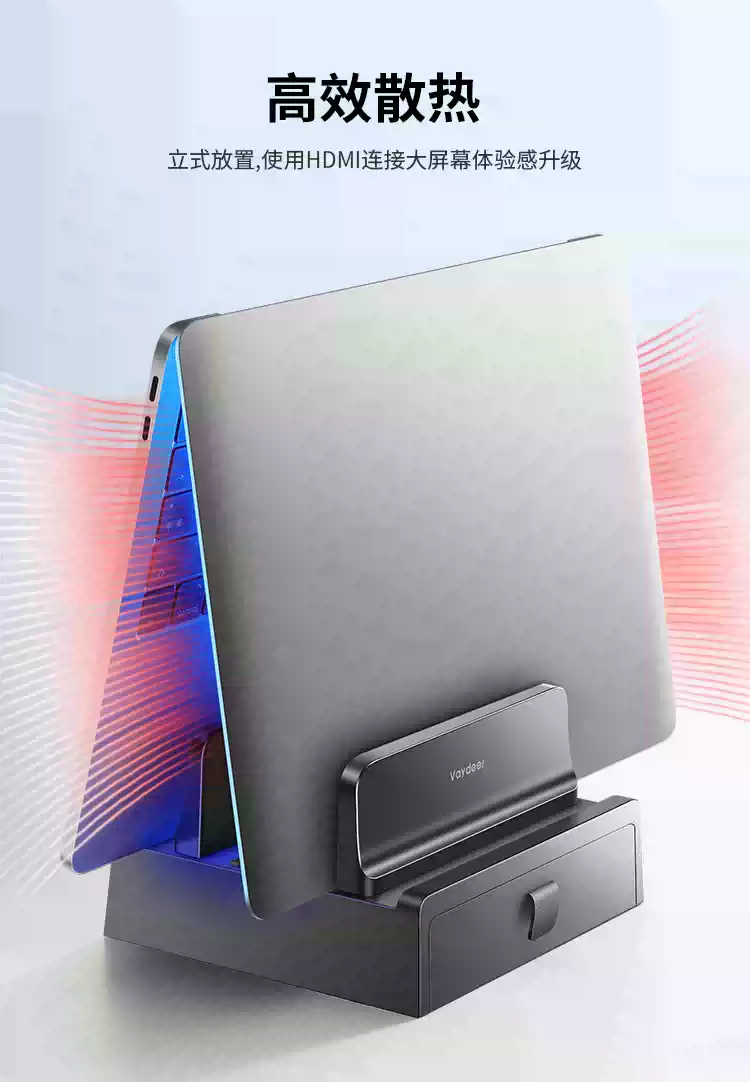
I usually place the laptop like this (too lazy to take another photo 🤣, so I stole a picture from the internet to make it easier to understand)
This way it doesn't affect heat dissipation, so you don't have to worry about the keyboard getting too hot under high load and damaging the screen.
Wrap-up
It works well and it's convenient!
I'd suggest buying a dual-slot one, so besides the laptop you can also use it as a phone or tablet stand.
_EOF_
When I Discovered My Laptop Could Also 'Work Standing Up'...
- 本文作者:
- 程序设计实验室
- 版权声明:
- 本博客所有文章除特别声明外,均采用 BY-NC-SA 许可协议。转载请注明出处!
相关文章
德力西(DELIXI)充电保护器开箱
鼓包电池?怪谁整晚充电。买个保护器就解决了?设计倒还行。德力西充电保护器,防止过充?延长寿命?试试看吧。
2025-10-28 · 其他 · 约 1 分钟
风影侠手持吸尘器开箱,时隔4个月,恢复更新
朋友送了个叫“风影侠”的mini吸尘器,包装盒倒是挺像模像样,还配了个收纳盒。用了第一次就说“还行”,但吸力跟追觅比就是玩具,毕竟价格差几十倍——这结论还需要你告诉我?
2026-07-06 · 其他 · 约 1 分钟
开箱两个新的笔记本支架
69块的铝合金确实精致,35块的铁架子沉得像块砖,包装环保到直接散架。双十一背刺得漂亮,早知道就等促销买俩铝合金了。折叠支架那浅钩子,放游戏本滑出去谁负责?
2026-10-25 · 其他 · 约 1 分钟
别致的小东西,酷态科10号Ultra充电头
Anker 140W 嫌贵,最后 172 买了酷态科 10 号。四个口、接米家、能看功率曲线——就是 20W 都烫得能煎蛋,官方赶紧把散热改改行不行。
2026-07-28 · 其他 · 约 1 分钟
讨论
共 0 条加载评论中…