

Unboxing the Langtu LT75 keyboard, perhaps simplicity is the truth.
After fiddling with keyboards and choosing the Langtu LT75, the design is novel but middle-of-the-road, the color scheme is cheap-looking with no wrist rest, the small screen even lacks GIF support, and in the end, I realized the old XS75T was still better. Why bother?
目录20 个章节
Preface
Wasn't I trying to find a thin and portable keyboard before? First, I got one with low-profile switches, then tried out a 65% layout, right?
But after a lot of tinkering, I realized the traditional 75% layout (75配列) still suits me best.
So, I set my sights back on 75% keyboards.
After browsing around, I noticed some manufacturers have already released new keyboard designs overseas—like combining knobs with screens—but domestically, they either haven't been launched yet or are still in the pre-order stage.
Well, then I might as well see if there are any older models worth buying.
That's when I came across this design from Langtu (狼途), which looked quite innovative. I decided to go for it without hesitation.
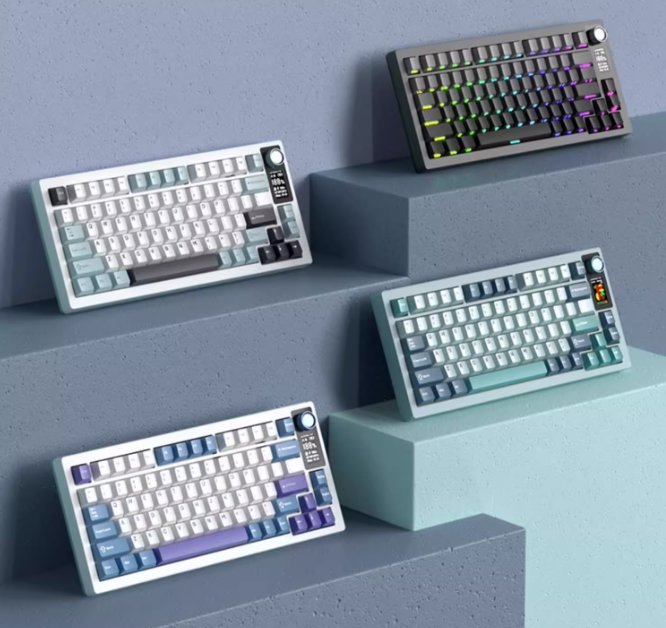
PS: There's actually a little side story here. Earlier this year, when I wanted to switch keyboards, I initially planned to buy the Langtu LT84 (狼途LT84). Unfortunately, after placing the order, half a month passed and it still hadn't shipped...
This left me with a slightly strange impression of the brand.
However, this time, the delivery was quite fast!
Packaging
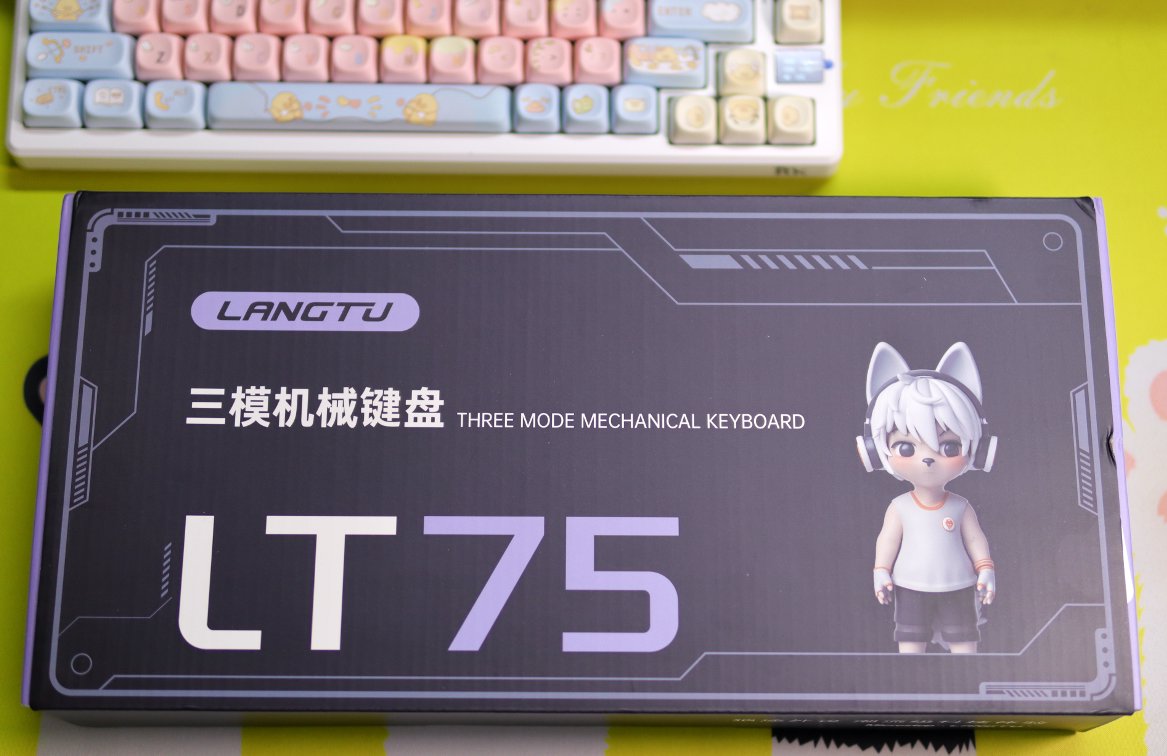
The packaging design is quite good
Front View
Back
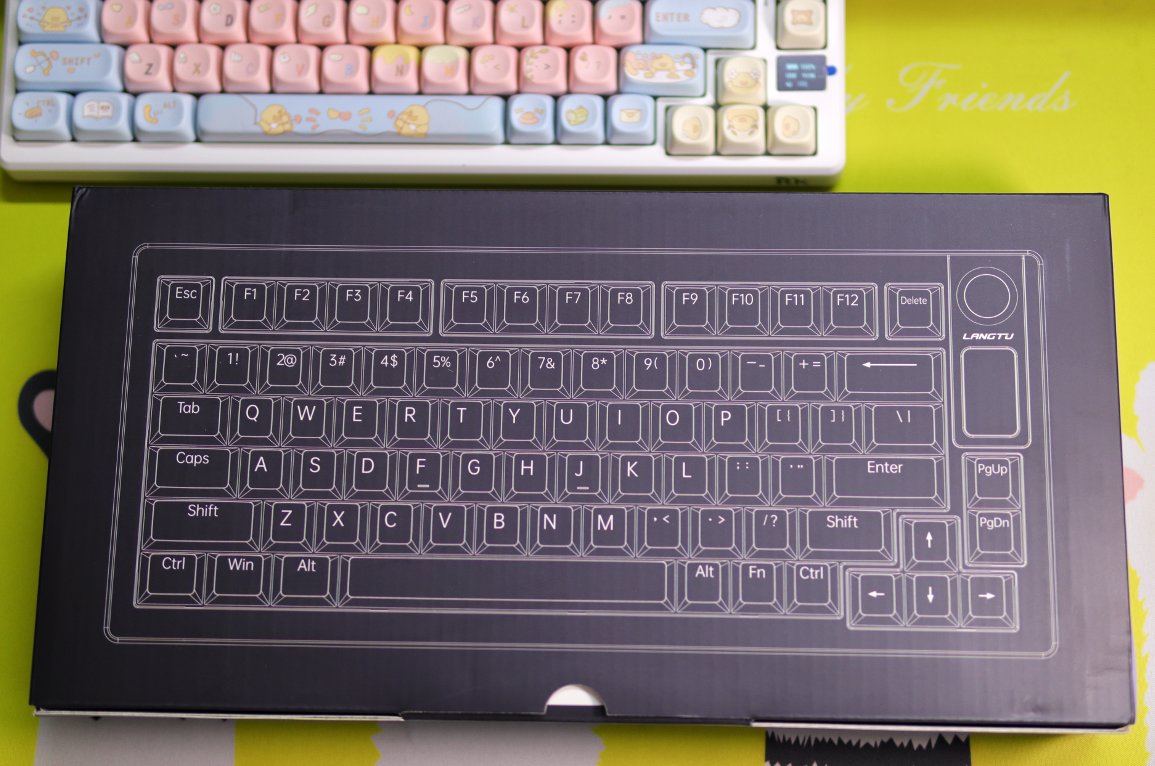
This is the key layout of the keyboard on the back.
Unboxing
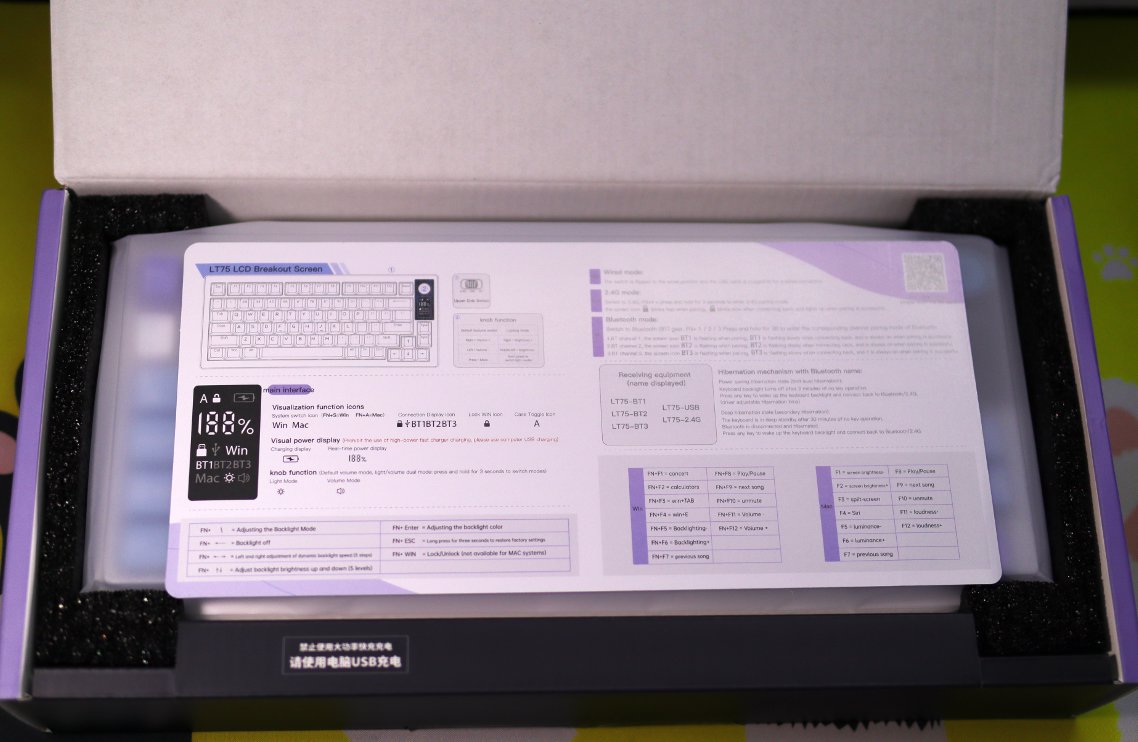
What catches the eye upon unboxing is the manual,just a thin sheet.
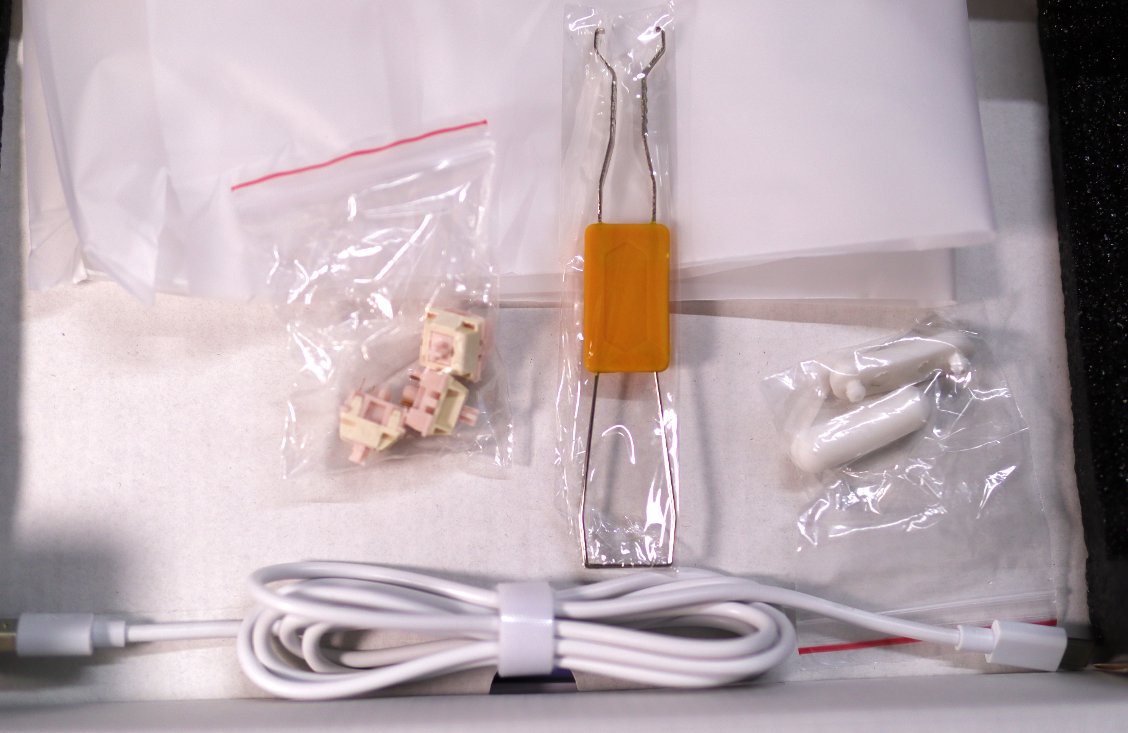
Accessories
In addition to the data cable and keycap puller,
there are also a few switches.
Additionally, I'm not sure what these two white ones are.
Keyboard Body
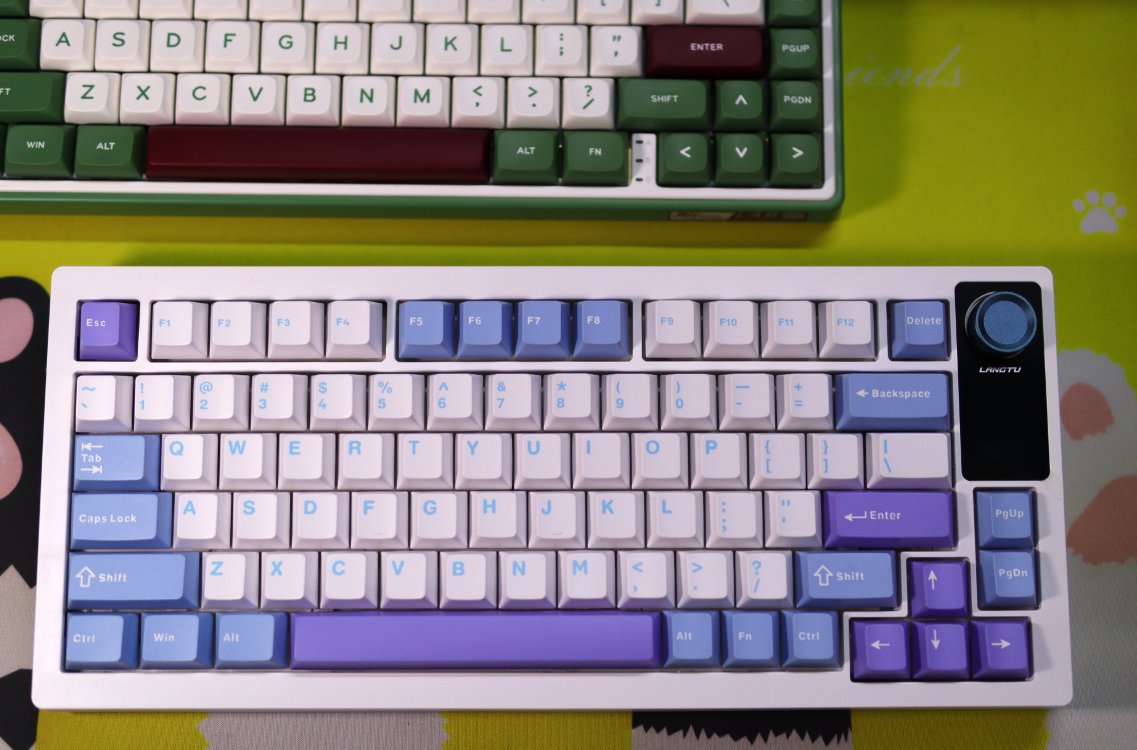
The color scheme is not exactly good-looking
Unfortunately, there aren't many good choices. The others are either out of stock or have switches (轴体) I don't like.
Interface
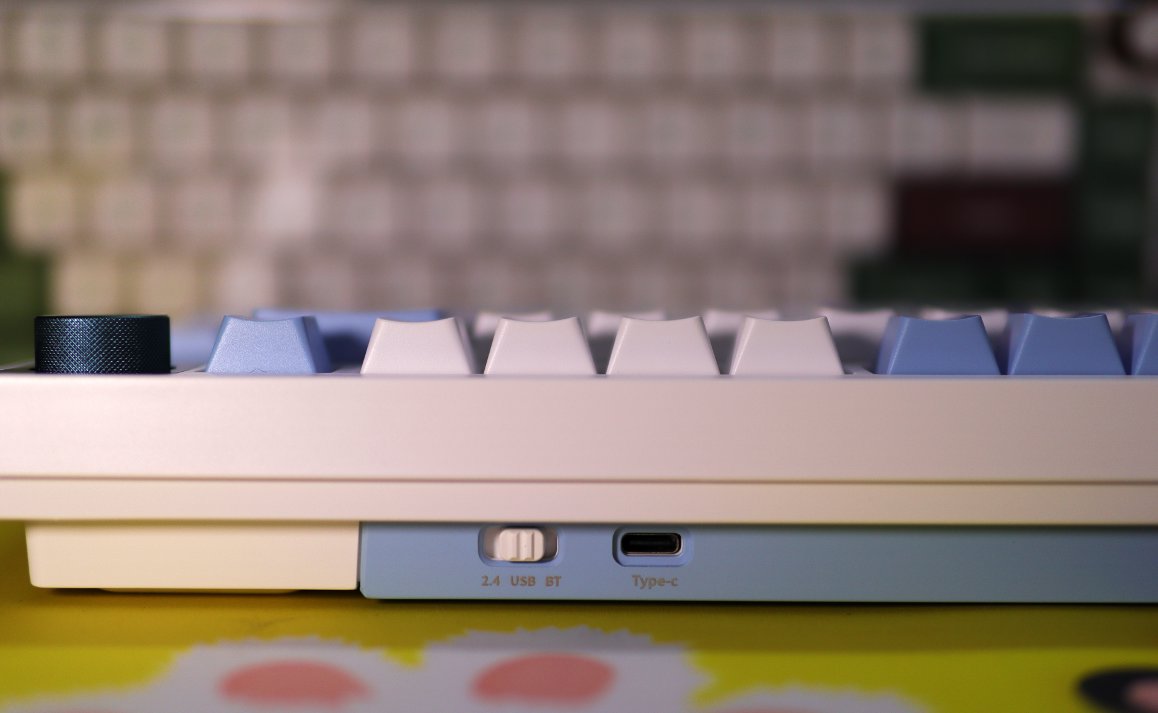
This keyboard's design is quite unique.
The interface is reversed compared to other keyboards.
The receiver storage compartment is on the left, and the interface is on the right.
Back
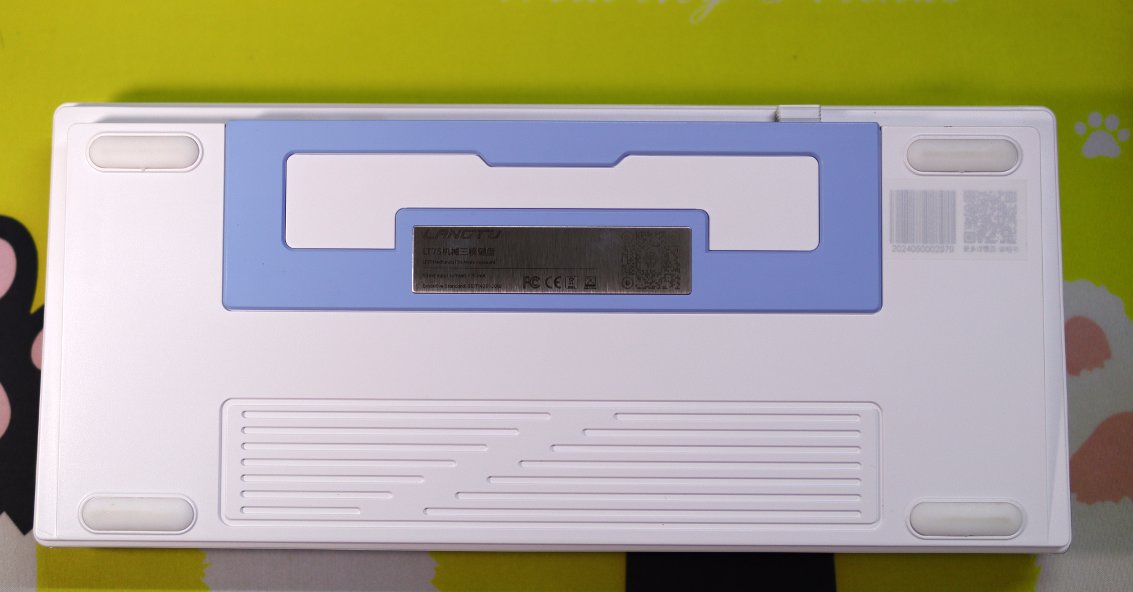
A rather ordinary back
But why isn't there a two-stage stand?? The front height of this keyboard isn't low.
Driver
The driver from WolfTooth is quite different from others that simply use a generic template. The UI clearly shows it has been redesigned and optimized, making it look much better than the rough interfaces from other brands (similar to how Darwin's driver was redesigned in the past).
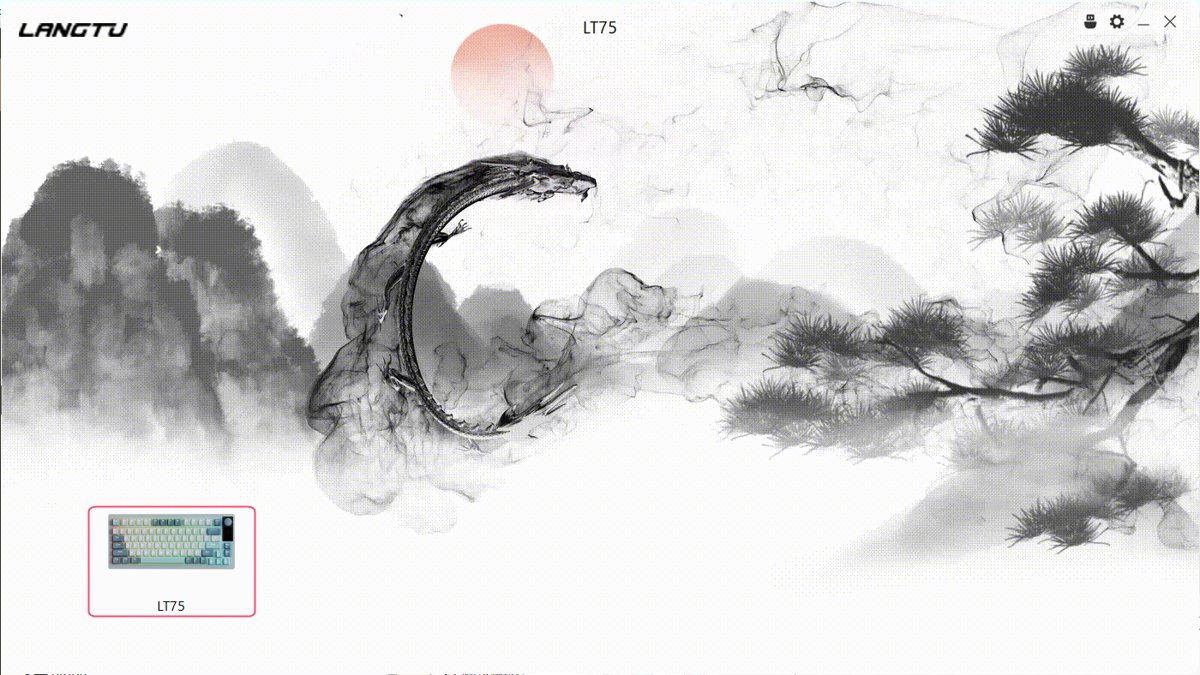
Main Menu
This main menu really looks great
The background is an animated ink painting
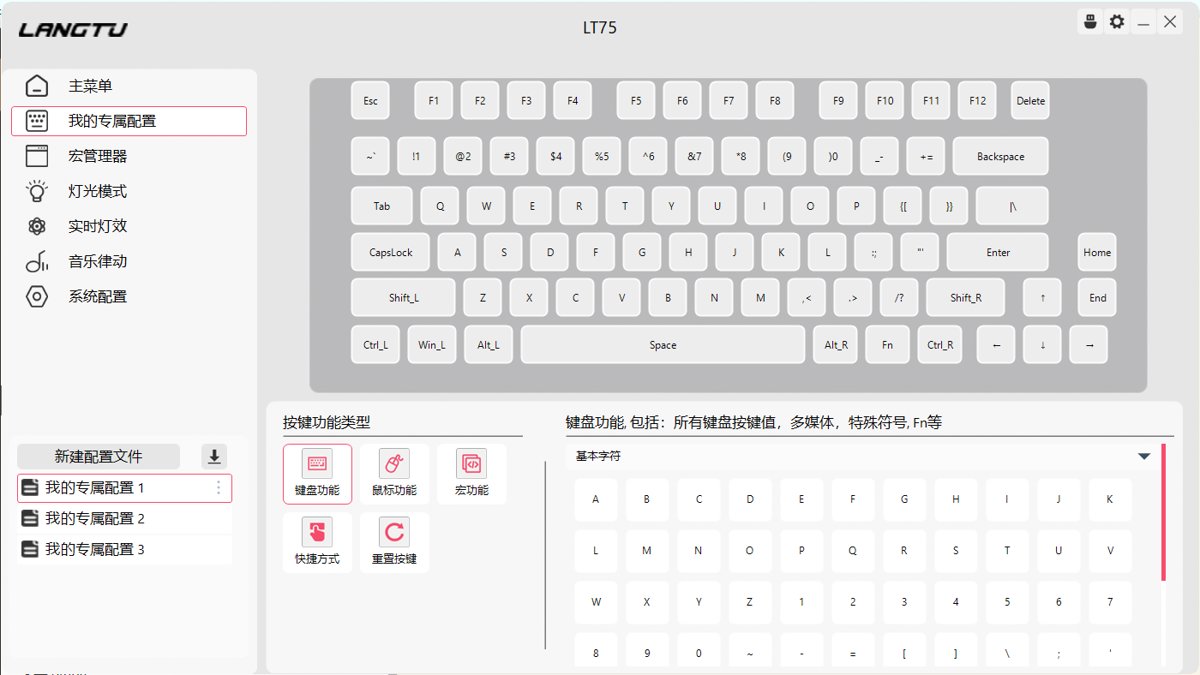
Button Modification
This also has a feature
The modified button will directly display the new button function. For example, the two keys in the bottom-right corner were originally PageUp and PageDown. After I changed them to Home and End, the button text displayed in the driver also changed.
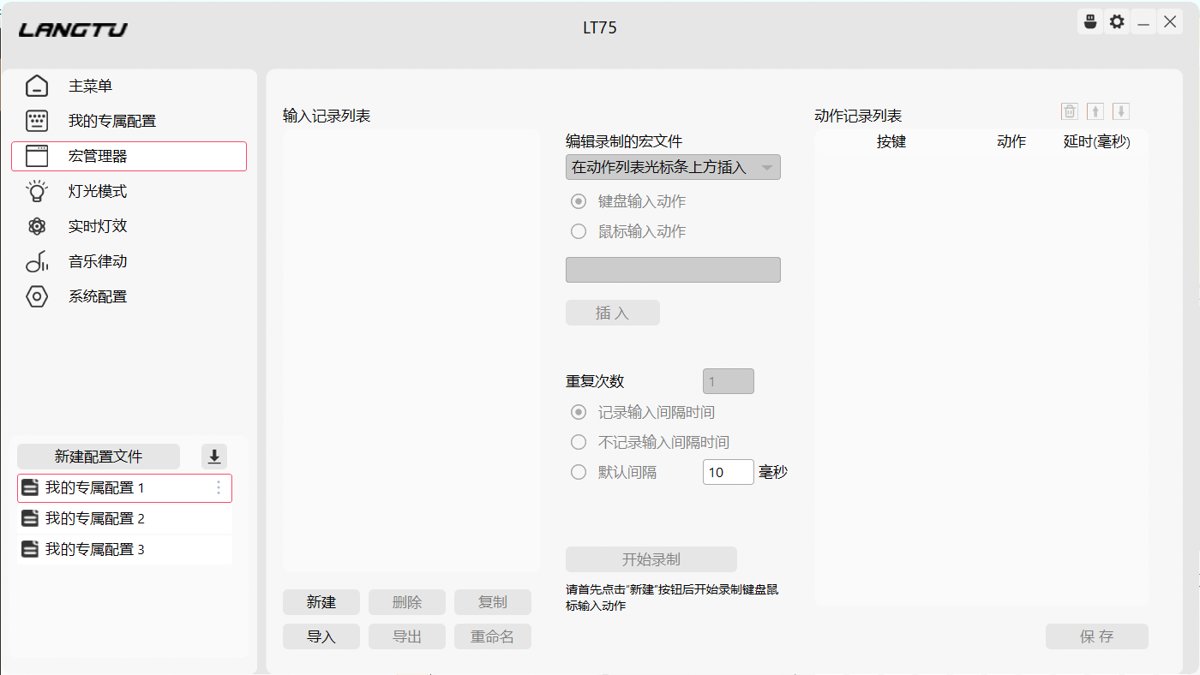
Macro Management
This interface is similar to other drivers, so I won't elaborate.
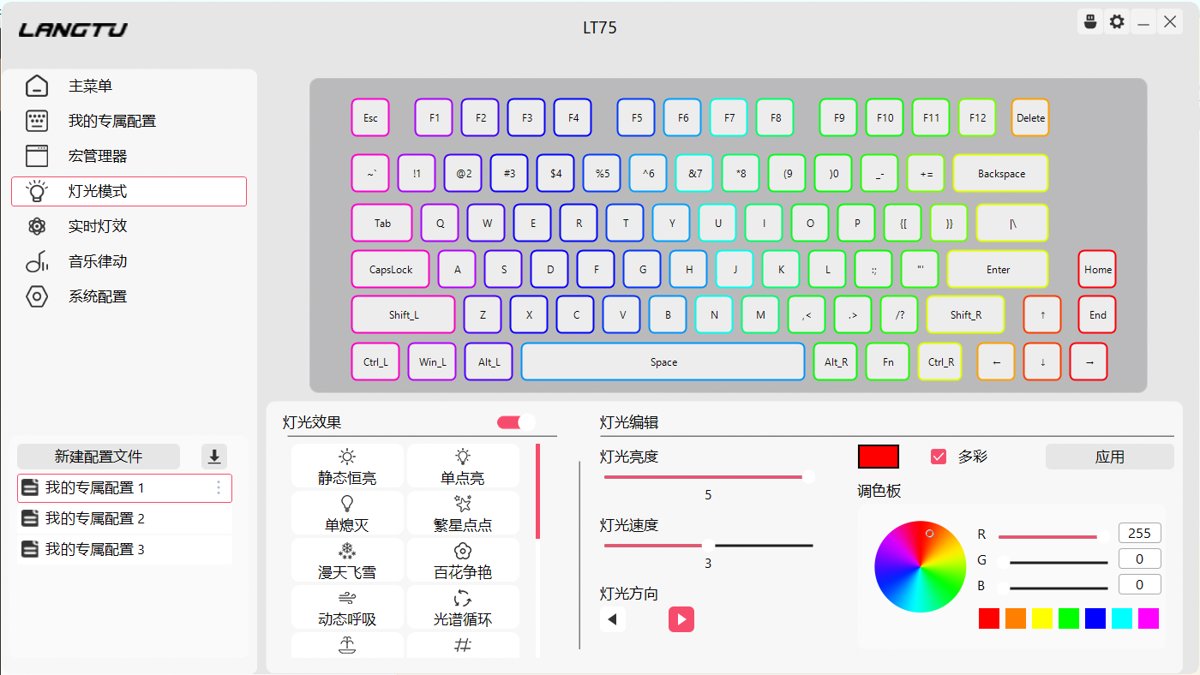
Lighting Mode
Also very similar
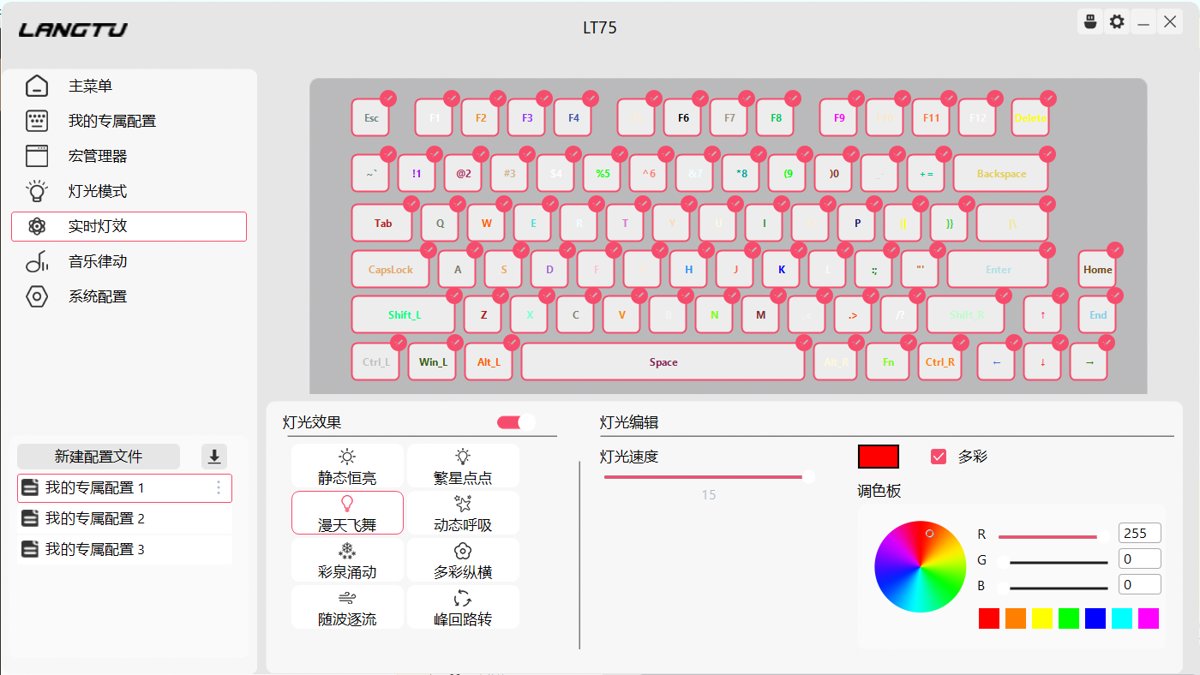
Real-time Lighting Effects
I was wondering why there's no 'select all' function
It turns out it supports mouse box selection, impressive
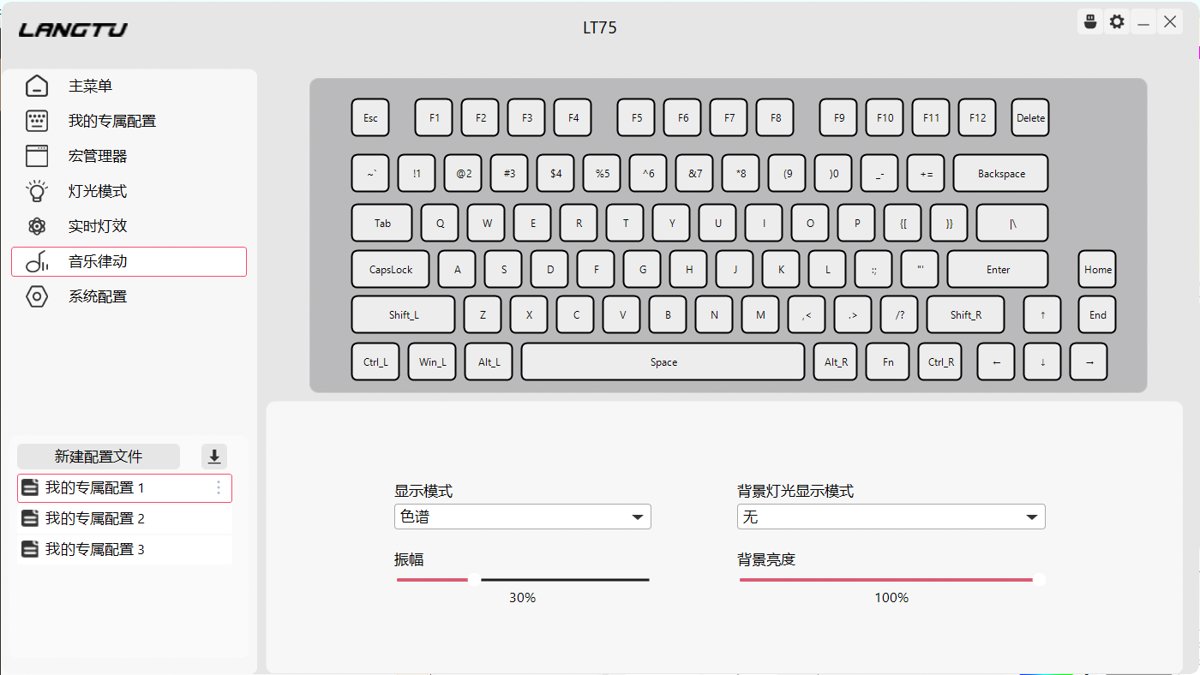
Music Rhythm Sync (音乐律动)
This is also considered a standard feature in custom keyboards.
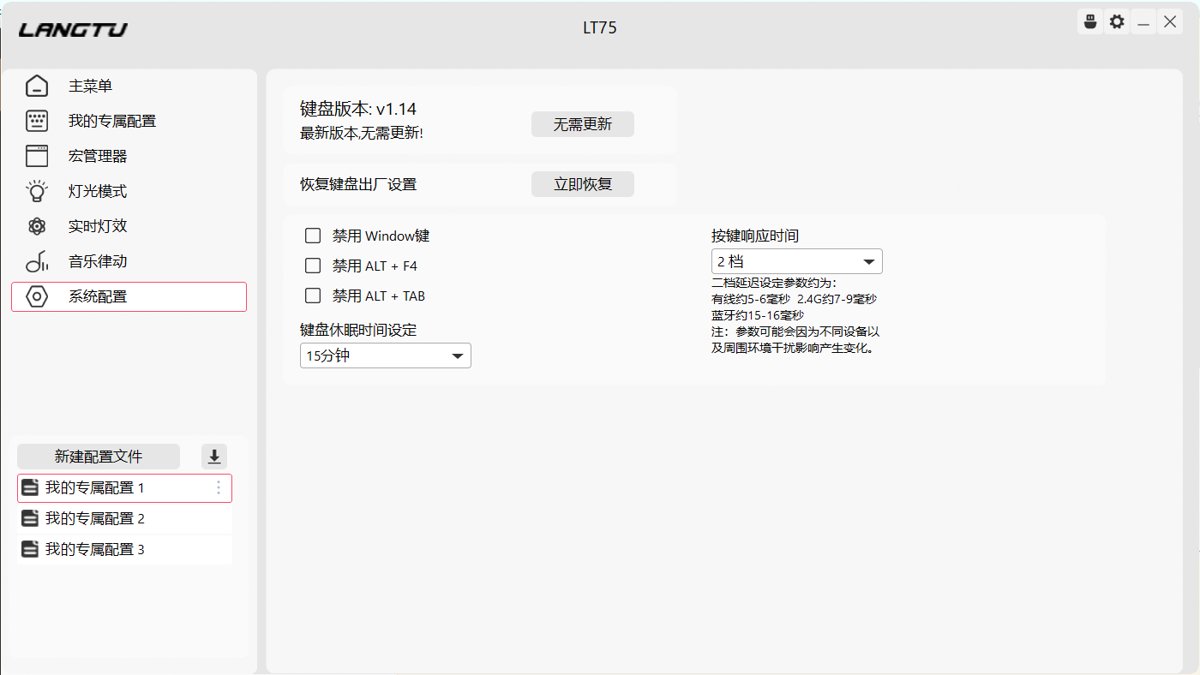
System Configuration
Nothing much here
Small Screen Configuration
At this point, attentive users might have noticed:
Doesn't this keyboard have a small screen?
Where do you upload a GIF?
I couldn't find it at first either.
Later, I discovered it's hidden in the gear icon in the upper right corner.
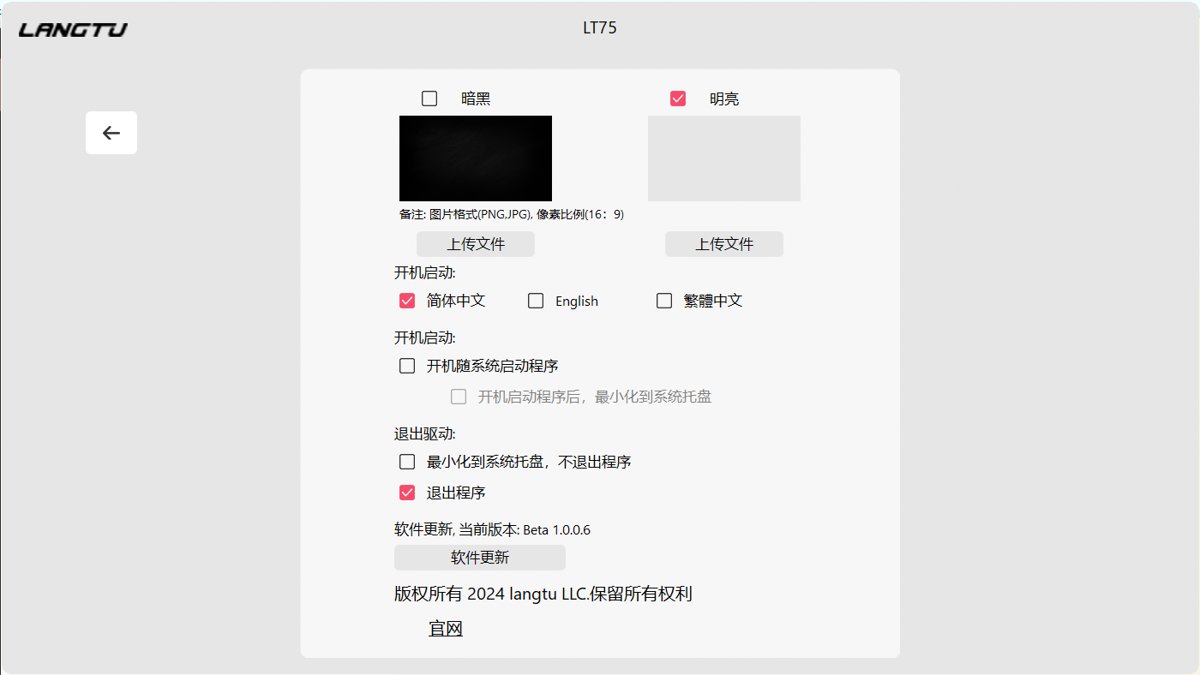
Sorry,
this isn't it either.
After setting this, it's just the driver's background...
Fancy stuff, not sure why the driver needs a background setting.
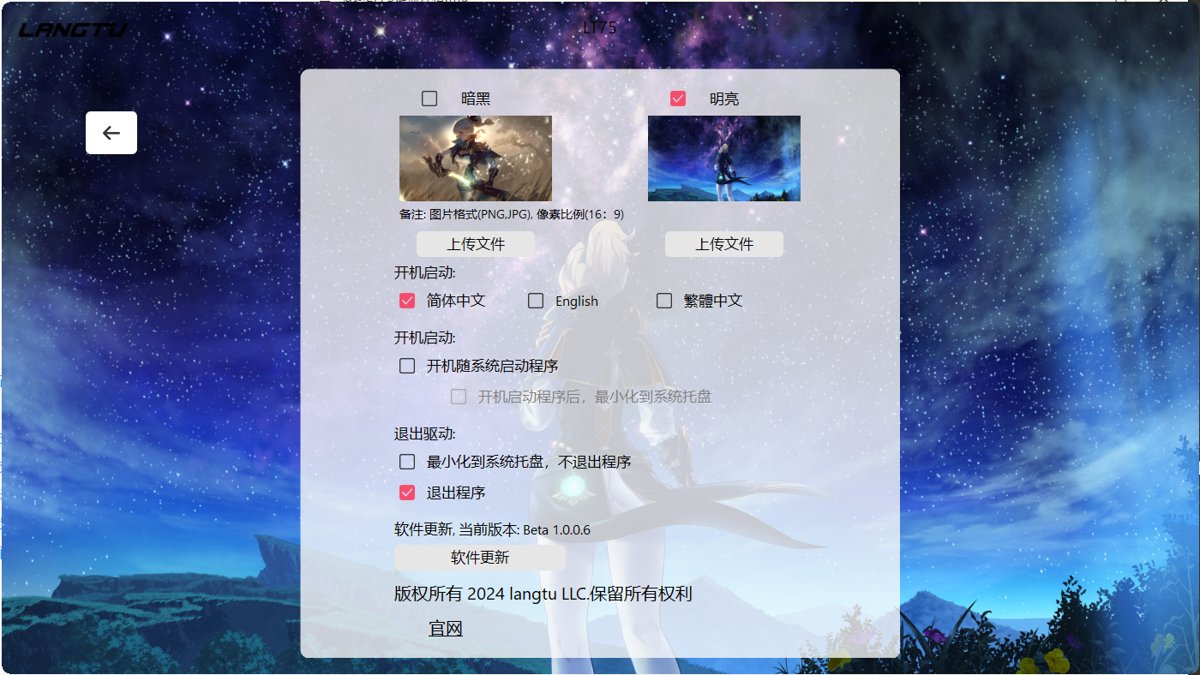
So the answer is, the keyboard I purchased does have a small screen, but this version doesn't support setting a GIF~ (Honestly, this feature is optional anyway, doesn't matter).
Switches
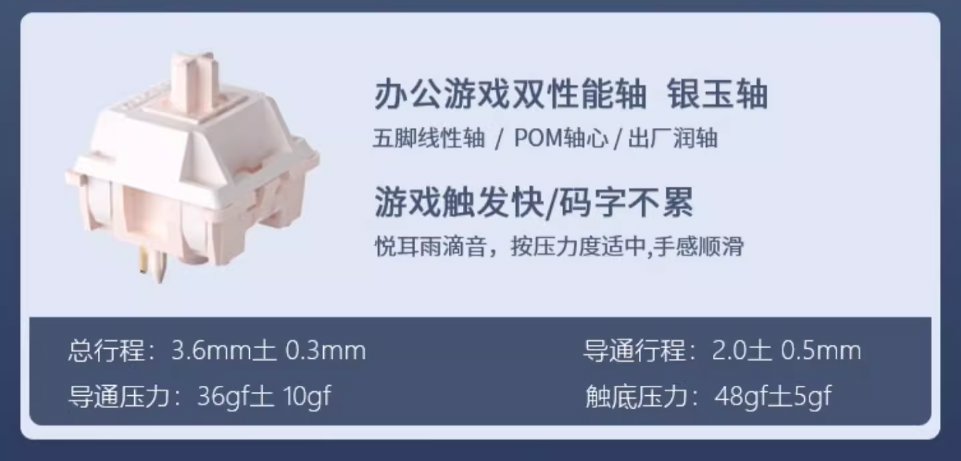
I chose the Silver Jade switches (银玉轴) this time.
The feel is quite good, and the sound is acceptable.
However, it doesn't have that "wow factor" I felt when unboxing the RK-R65 the other day.
After extended use, the experience becomes just average.
(This article was typed using this keyboard.)
User Experience
This keyboard is quite balanced in all aspects.
It gives me a rather average feeling.
The quality isn't light; it weighs over 900g.
I must admit that the official images are quite attractive. I was drawn to the product page pictures at the time. The small screen located below the knob is a relatively novel design.
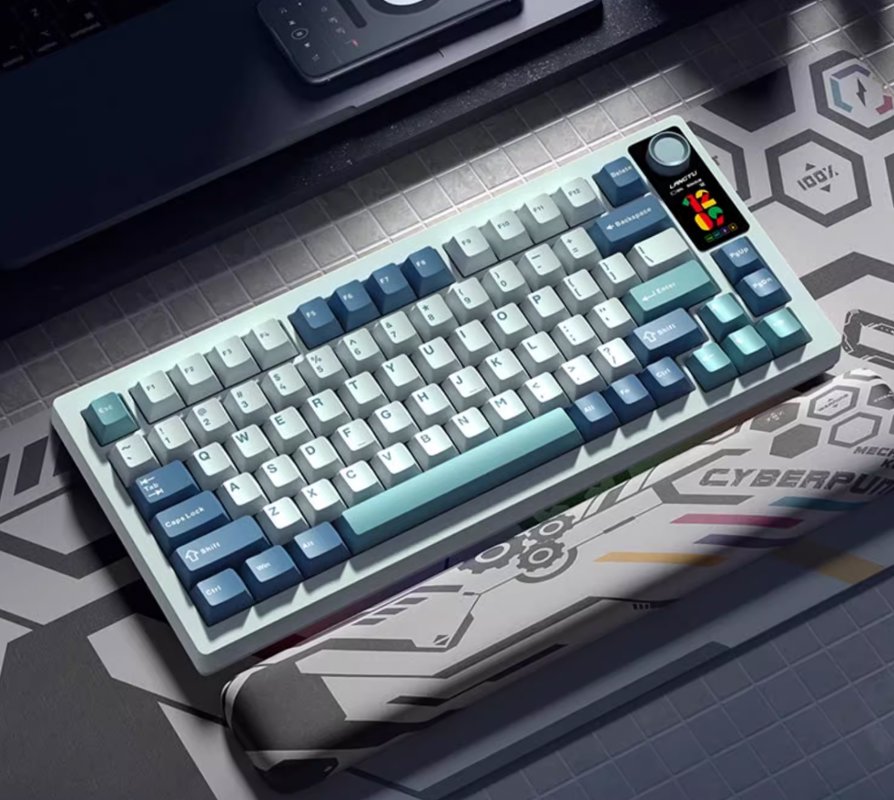
However, only the color shown in the image supports displaying GIFs on the small screen. Therefore, the version I purchased does not support configuring GIFs. But personally, I'm not really interested in GIFs on the small screen, so it doesn't matter to me.
Since I bought this keyboard almost at the same time as the RK-R65 a few days ago, I can't help but constantly compare the two.
Regarding the keycaps, they don't feel as refined to me as those on the RK-R65. Although they are PBT keycaps, they give me a cheap impression, somewhat similar to the Xinmeng M75Pro I used before. However, the price is indeed cheaper.
Another drawback is the lack of a two-stage kickstand (两段式脚撑). If you want to pair it with a wrist rest, it feels a bit awkward. Without a wrist rest, the front height of this keyboard is on the higher side...
At this price point, it's really not easy to find a keyboard that is well-balanced in all aspects.
Why does it feel like after all this, the HelloGanss XS75T I initially bought is still the most comfortable one? Except for the ugly color scheme, there are no other drawbacks. It's also lightweight, haha.
_EOF_
Unboxing the Langtu LT75 keyboard, perhaps simplicity is the truth.
- 本文作者:
- 程序设计实验室
- 版权声明:
- 本博客所有文章除特别声明外,均采用 BY-NC-SA 许可协议。转载请注明出处!
相关文章
雷咖泽KW75S键盘开箱
厌倦达尔优EK75的缺点?转向雷咖泽KW75S客制化,键帽圆润手感还行,灰木轴意外凑合。但性价比低、电池小、插线要翻键盘,保护罩还盖不稳,真够折腾。
2025-10-28 · 键盘 · 约 1 分钟
瓦尔基里VK99键盘开箱
经过详细的开箱体验和简单的探索。从其精美的包装到每一个设计细节,这款键盘无疑是为追求高颜值和功能性的用户量身打造的。背面的大面积喷绘、侧面的完美处理,以及前所未有的旋钮和显示屏设计,都让VK99在众多机械键盘中脱颖而出。加之灵活的驱动配置、个性化的灯光效果和音乐律动功能,更是提升了整体使用体验。
2025-10-28 · 键盘 · 约 1 分钟
第一次用矮轴键盘,黑爵AK832Pro开箱评测
便携?呵,黑爵AK832Pro轻得能盖笔记本,结果小屏幕时间错得离谱,驱动也改不了。手感?薄膜键盘都不如,杂音一堆,劝退了。
2025-10-28 · 键盘 · 约 1 分钟
京东京造JZ750(贱驴A3)键盘开箱
厌倦旧键盘,被京东JZ750颜值旋钮吸引,包装简陋、做工松垮得令人发指。冰晶轴滑爽,但配列反人类,方向键奇葩,无end键。为颜值,忍了。
2025-10-28 · 键盘 · 约 1 分钟
讨论
共 0 条加载评论中…