Who knew low-profile switches could be this satisfying? Kechi I75 Keyboard Unboxing
Can a low-profile axis really be this fun? The Kezhì I75 has a feel that defies expectations, with a metal frame that exudes supreme texture. It even comes with a knob—clearly designed by someone who knows their stuff. This keyboard is truly amazing.
目录11 个章节
Preface
Hello, I'm Xiyuan~
PS: It's been a while since my last update. It's not that I didn't want to update – on the contrary, I've accumulated a bunch of articles that haven't been published. The main reason was that the StarBlog blog server went down. Since my articles on various platforms are all sent through StarBlog, the updates across all platforms were paused during this period.
I've now migrated to a new server, so regular updates can resume. For details, see: StarBlog v1.3.0 New Release: A Wave of Updates and Server Migration
Remember how I recently got back into keyboards? 😄 After trying out a few 65% layout keyboards, I still couldn't quite get the hang of them.
That's when I remembered low-profile switches – they're thin & portable. However, my previous attempts had already led me to conclude: "low-profile switches = membrane feel."
But after trying out this I75 low-profile keyboard from Kezhi, I might have to take back my previous conclusion.
I've been using this keyboard for about a month now, as my primary keyboard every day for coding and writing articles 📄.
At first, I didn't think much of it, but the more I used it, the more addictive it became. In the end, I couldn't help but marvel that some low-profile switches can indeed feel better than conventional mechanical keyboards 🤣.
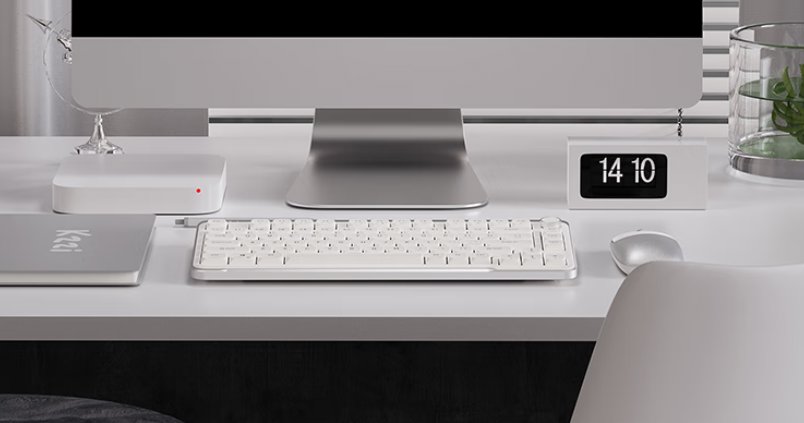
Beyond the feel, this keyboard also excels in build quality and aesthetics. The frame is CNC anodized aluminum (the last time I heard this term was back in high school when I was into yo-yos 😄). It comes in three colors: white, gray, and pink. I bought the white one this time, which has a very strong Apple-esque vibe.
Let's take a look together~
Packaging
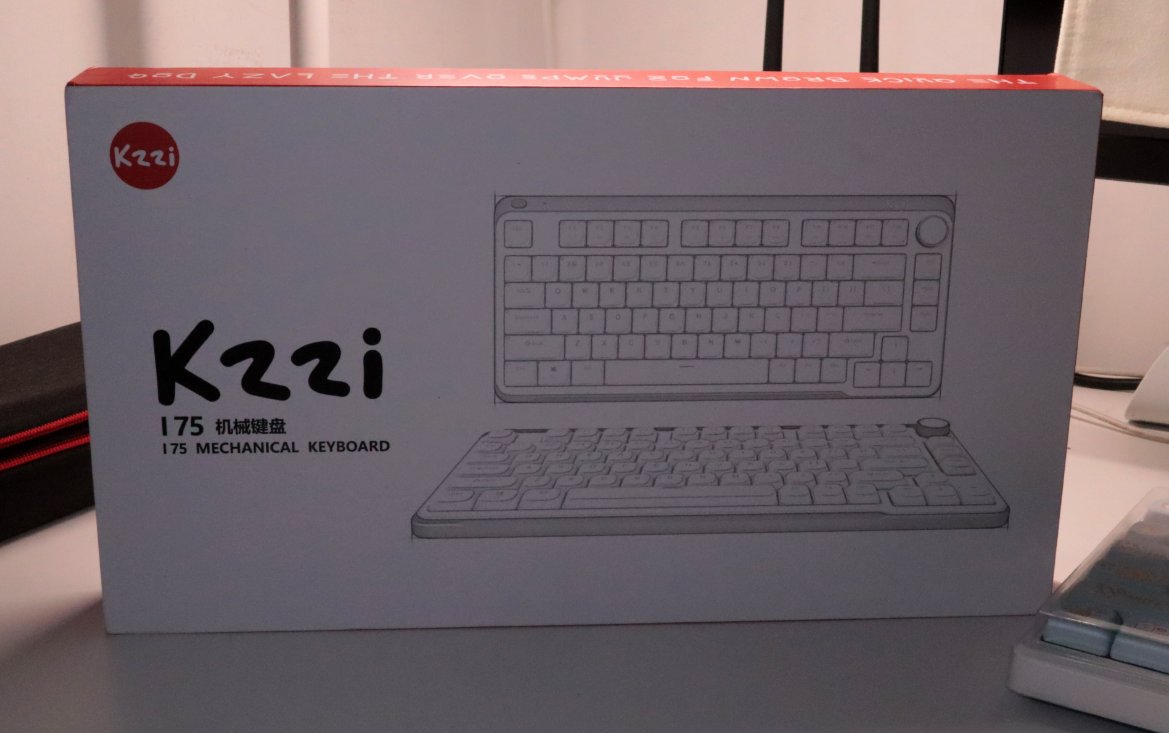
This packaging is much more refined than other keyboards. The box feels substantial and has good quality.
Back of the packaging box
Very clean and minimalist, just a logo.
This box is so exquisite that I couldn't help taking more photos.
Let's look at the side.
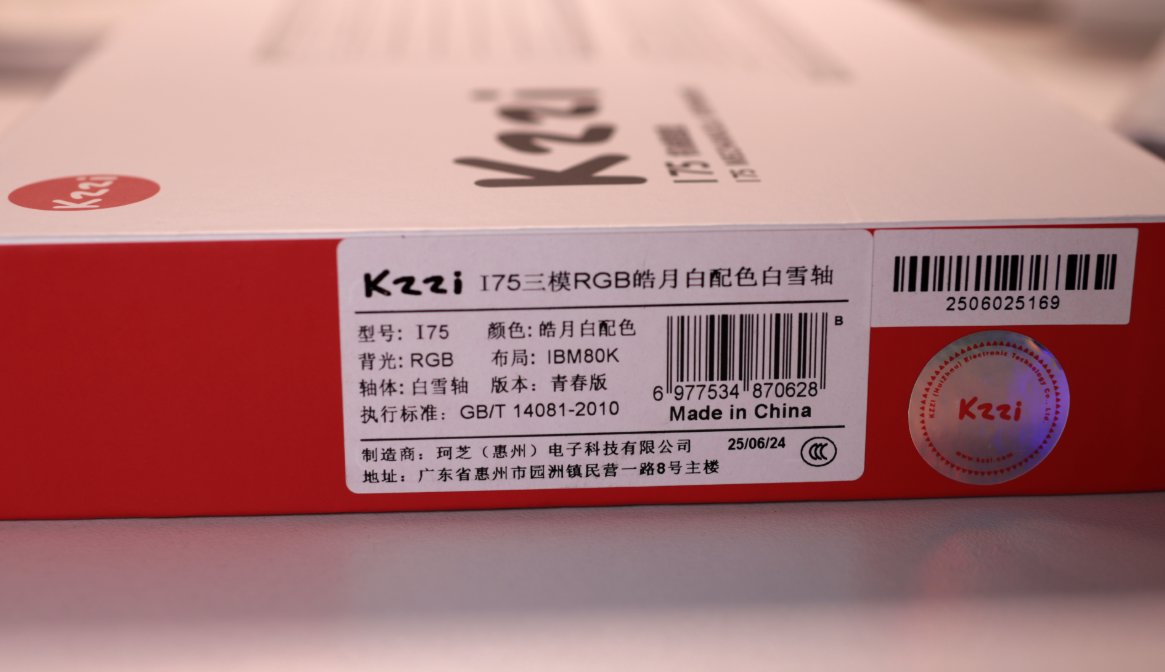
The other side has a sticker with product information.
Unboxing
After opening the box, you are greeted by a large user manual.
It reminds me of the previous VK99 keyboard.
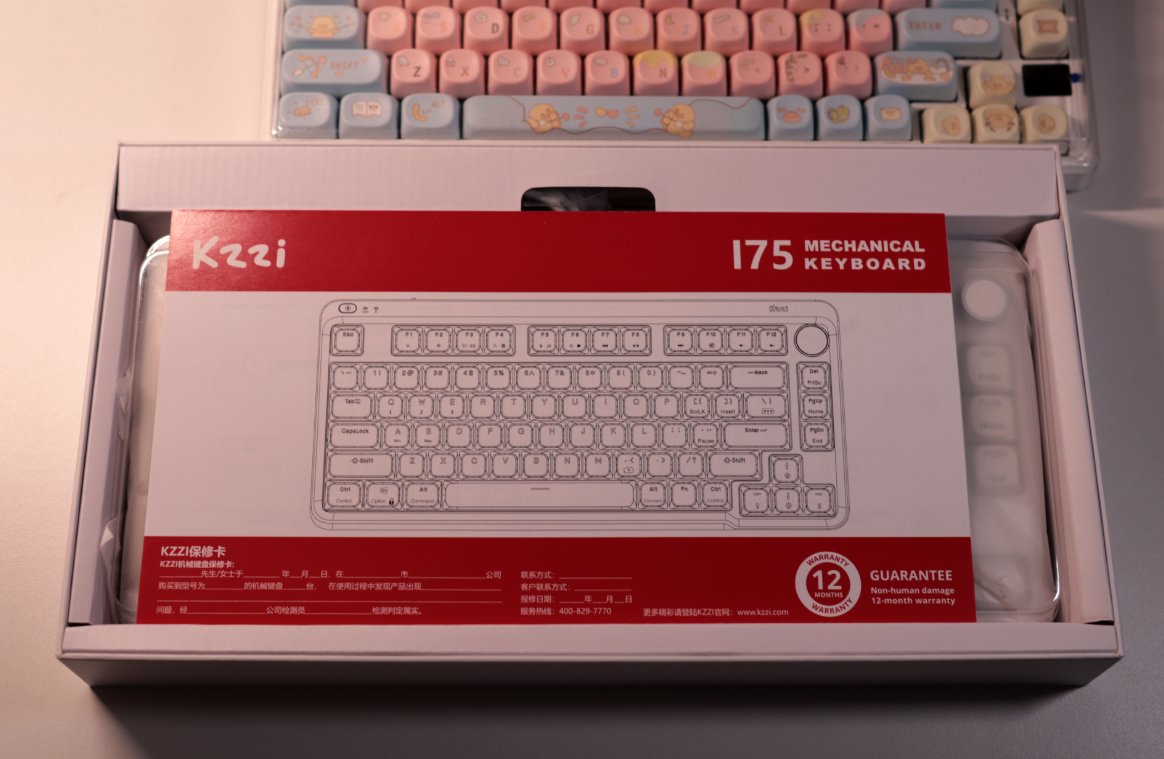
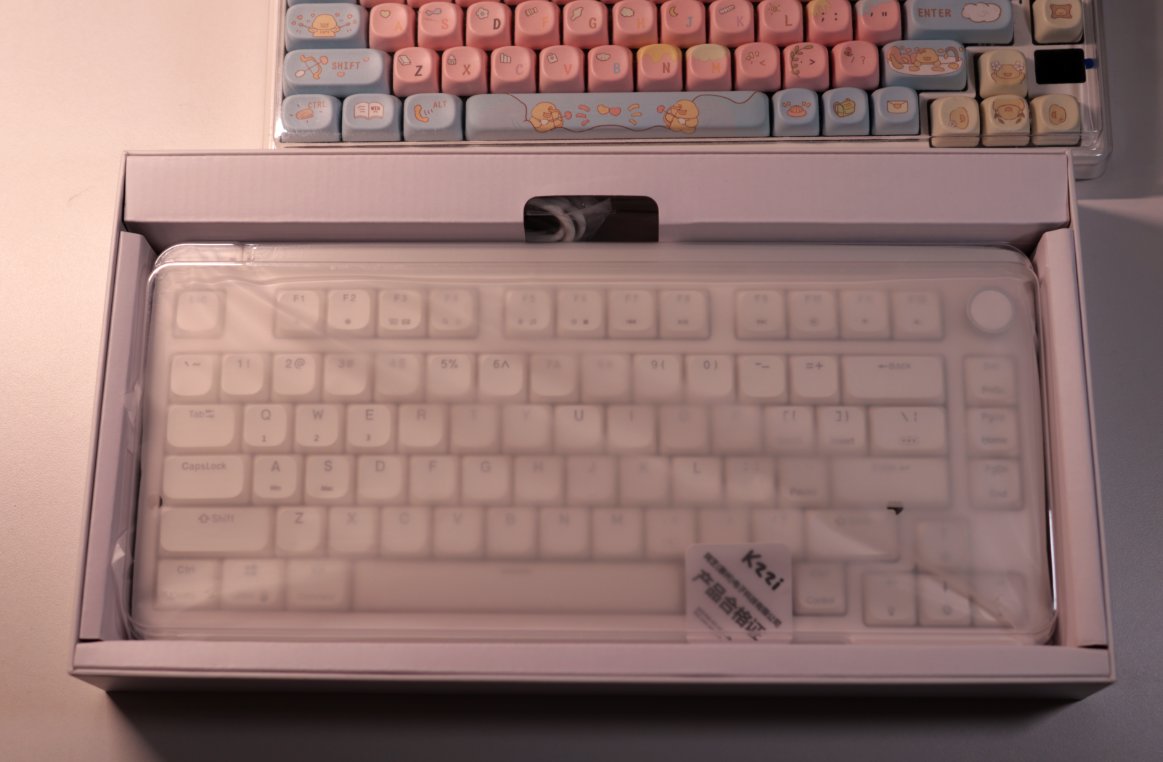
Once you remove the manual, the keyboard is revealed.
This time, I chose the pure white keyboard—it’s simple and elegant.
Accessories
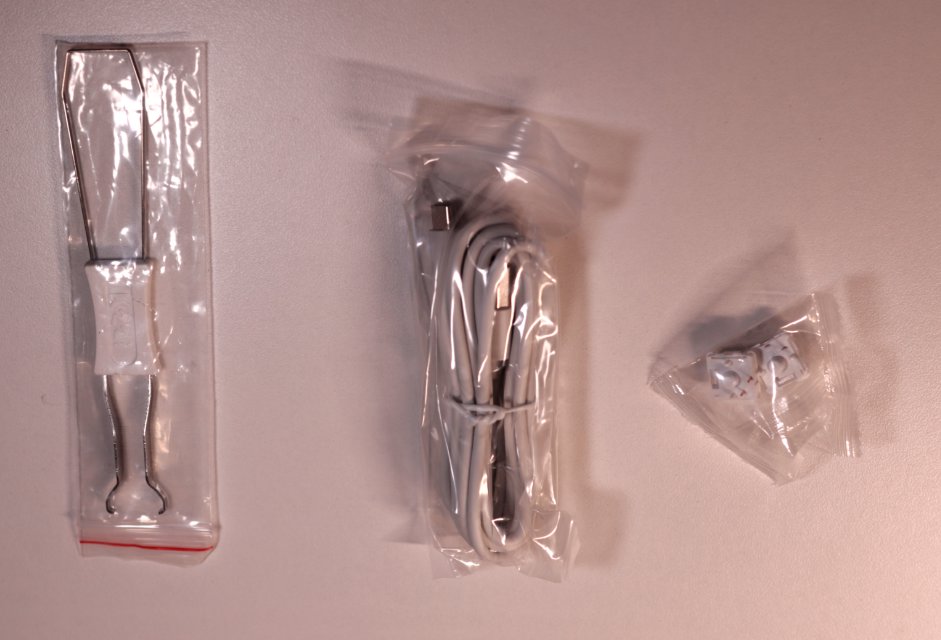
Classic Three-Piece Set
Keyboard Body
See, I told you this keyboard was refined, right?
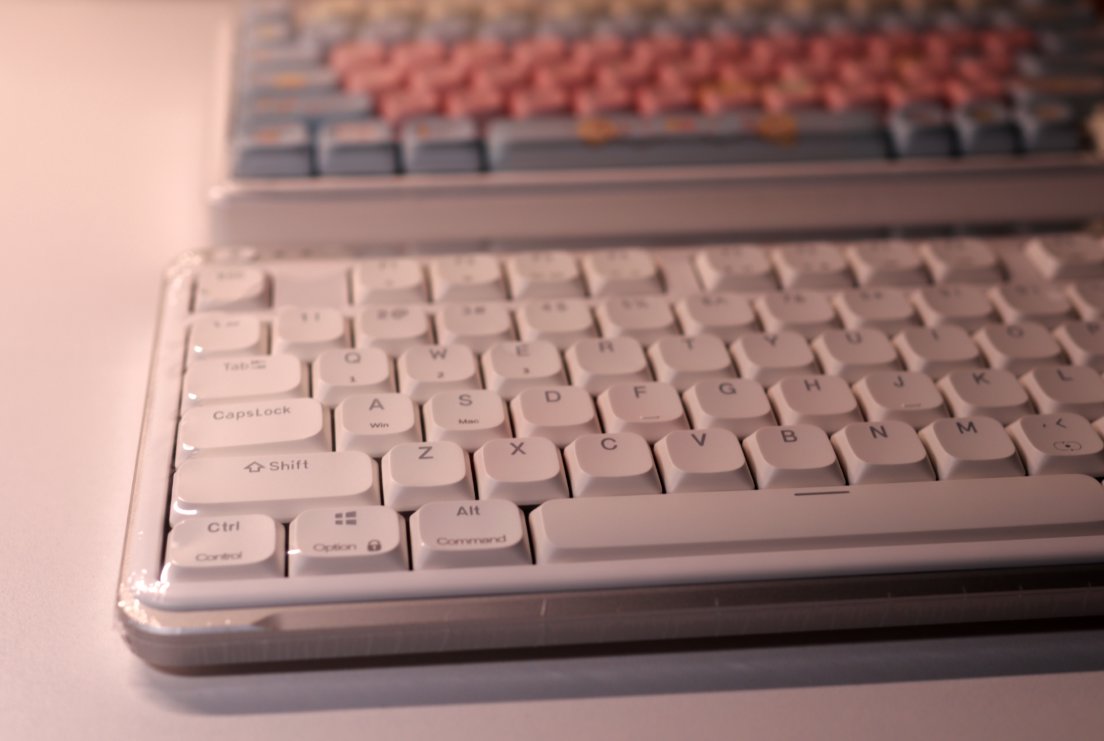
It even uses plastic packaging.
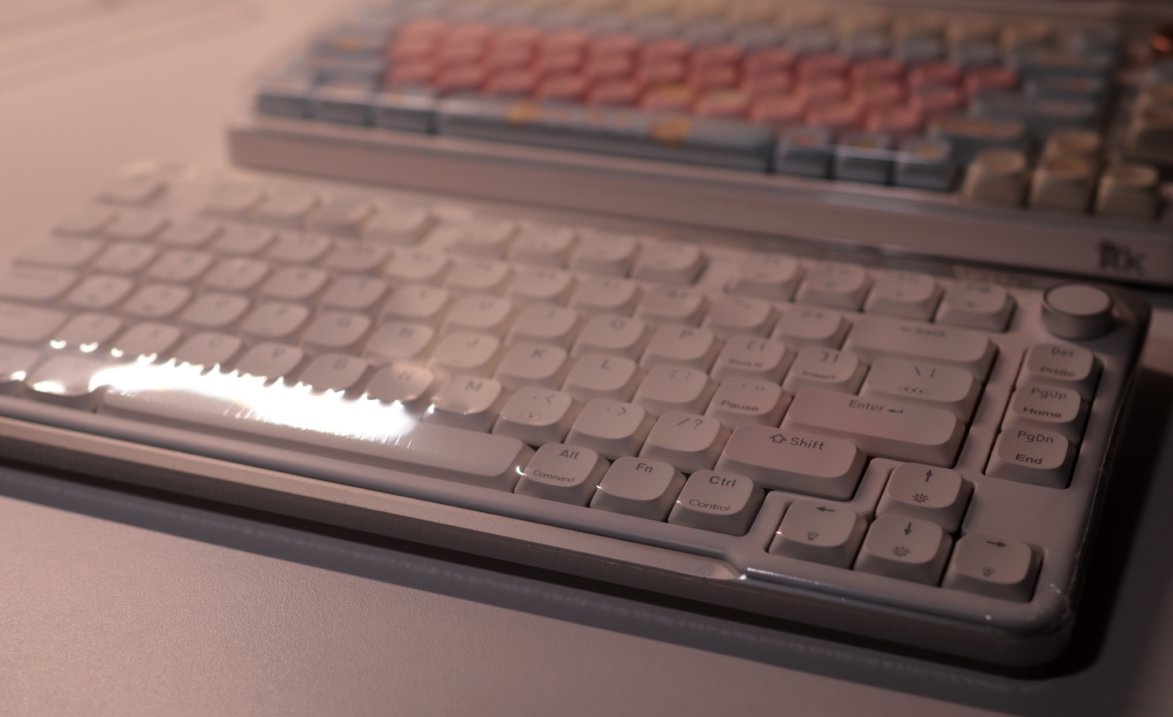
From a different angle.
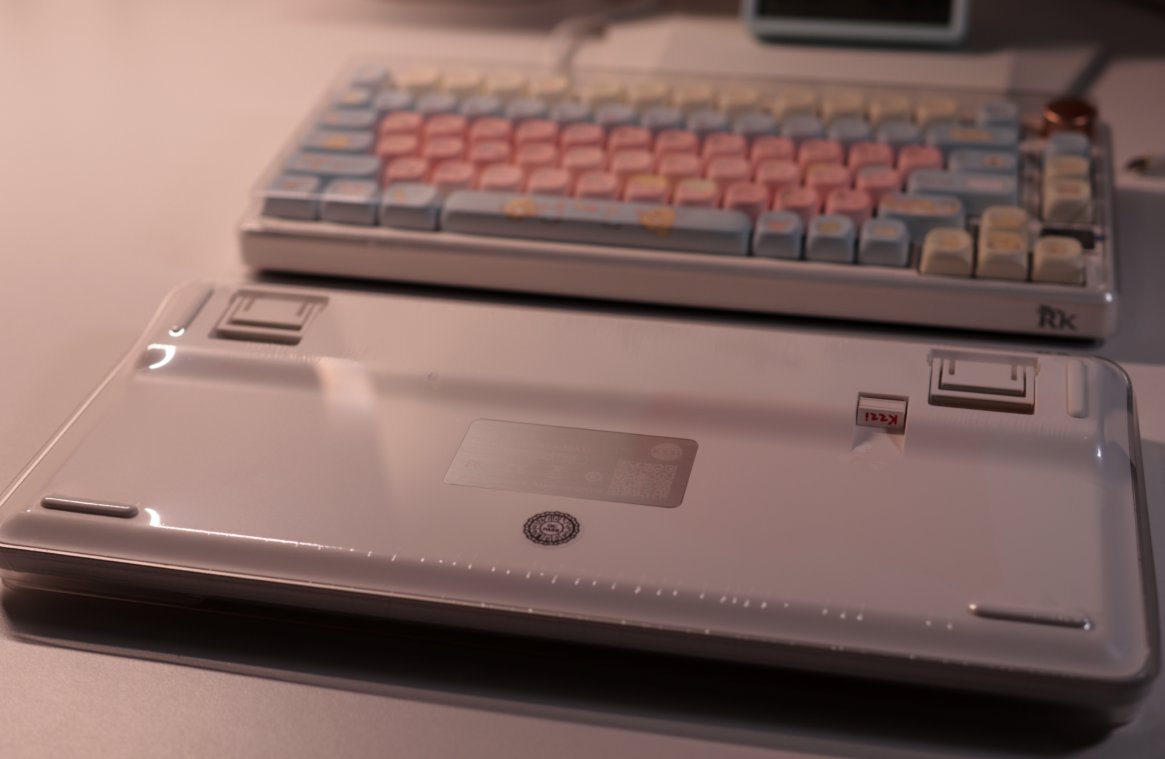
The back side.
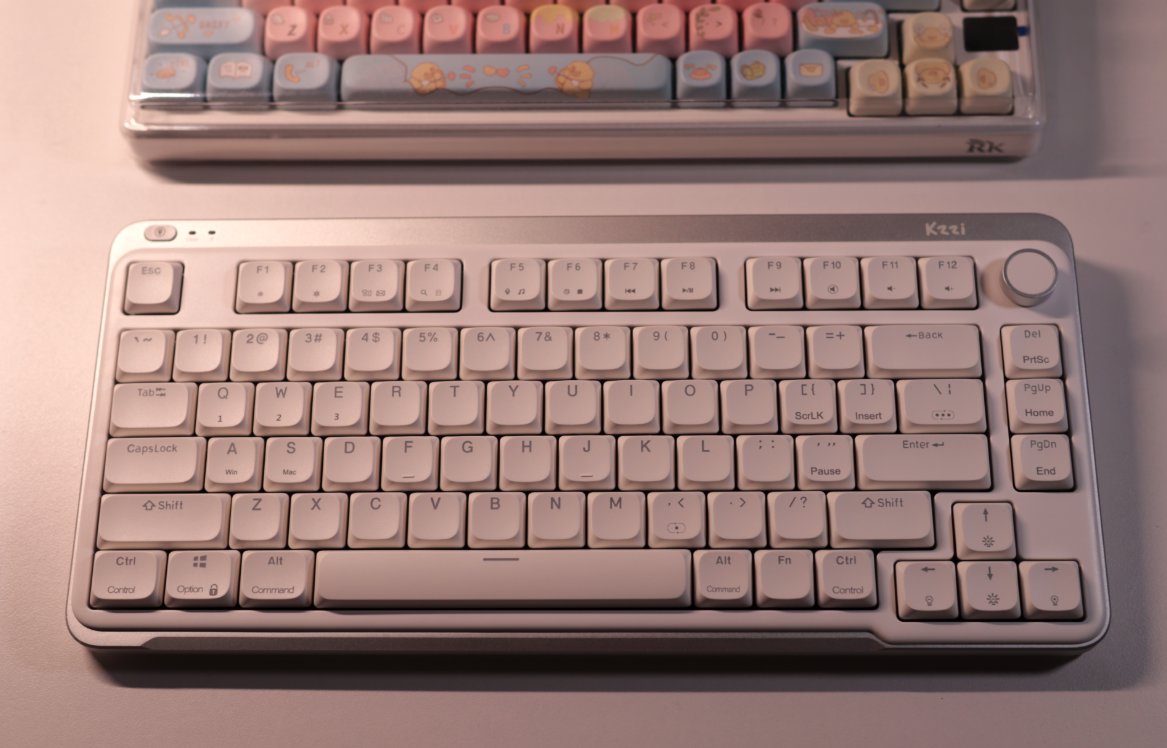
The Actual Keyboard Body
Finally removed the plastic wrap
This keyboard has a somewhat Apple-like feel
It's worth mentioning that the keycaps are backlit—I never really used to turn on the lights before, but now I keep them on while using it. The effect is quite nice.
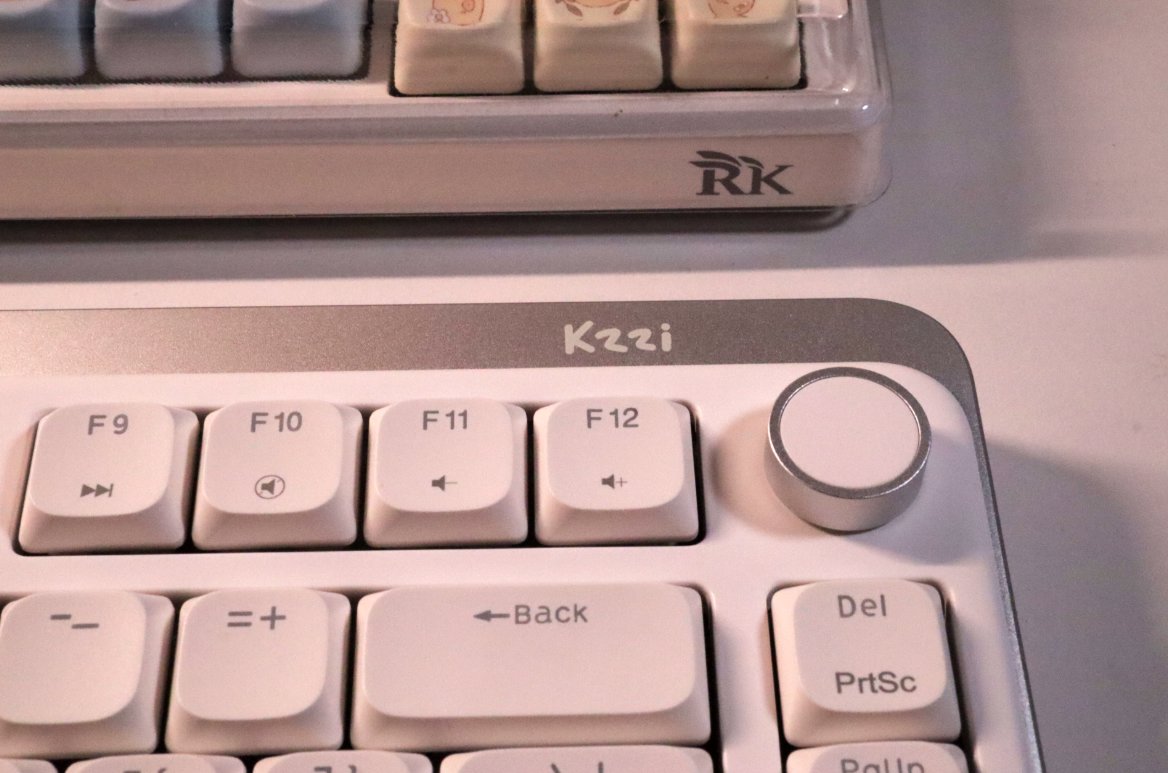
Knob
For a low-profile keyboard,
It even comes with my favorite knob, that's really rare
Interface & Switch
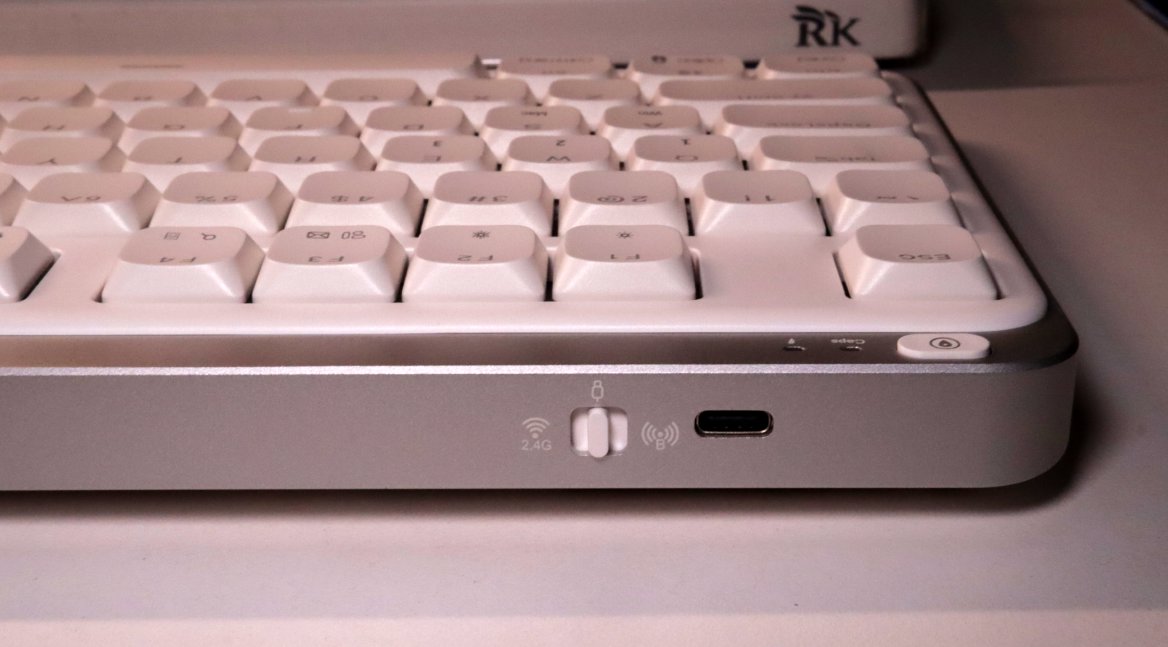
Take a look at this metal frame—it's matte-finished and feels pretty good in hand.
Although it adds some weight, it significantly enhances the overall feel.
This keyboard also uses a three-stage switch, and from my test, the switching feel is quite nice.
The button in the upper left corner feels a bit like a micro-switch, and it's customizable—by default, it's set to show the desktop (perfect for slacking off).
Driver
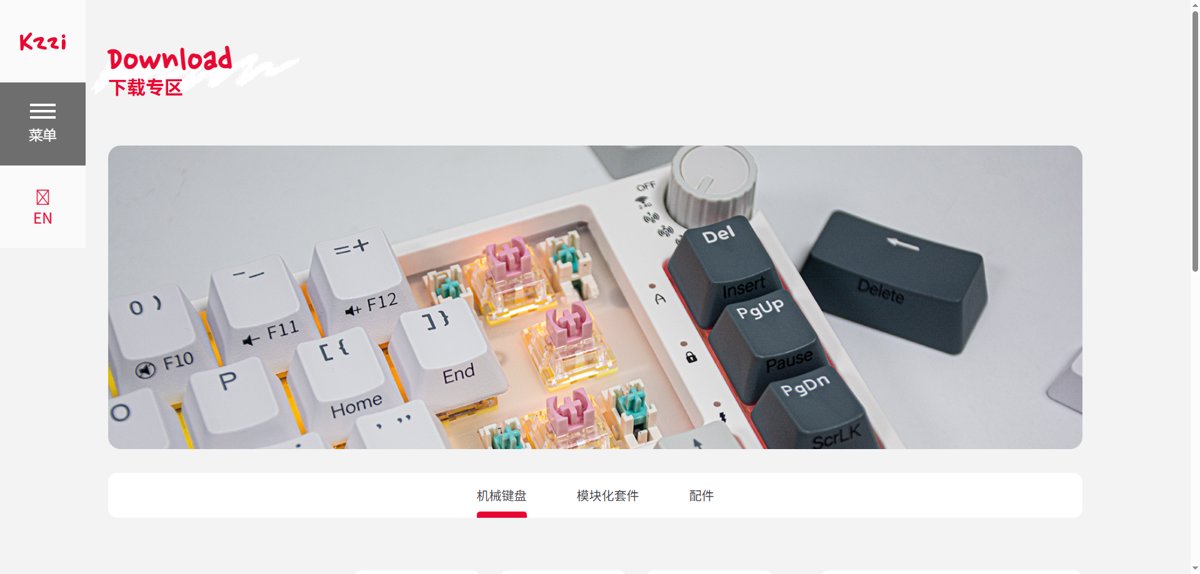
Wait, isn't this official website identical to RK's??
Could there be some secret PYTHON deal going on? 😄
I have to say Keychron's keyboards are all quite good-looking.
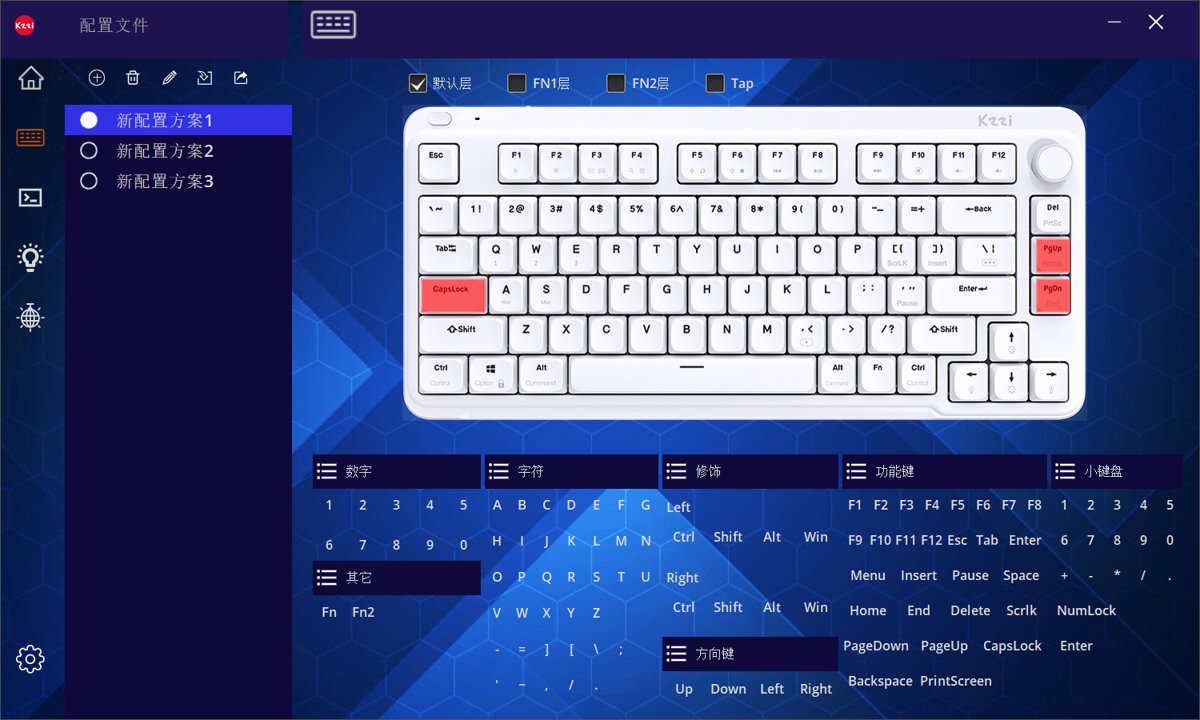
The driver looks like this.
It's actually just a standard generic driver.
I didn't make many changes this time, simply remapped the Caps Lock key to Fn, and the two keys on the right to Home and End.
Switch Type
This time the switch type is called White Snow Switch (báixuě zhóu), a light-press linear switch.
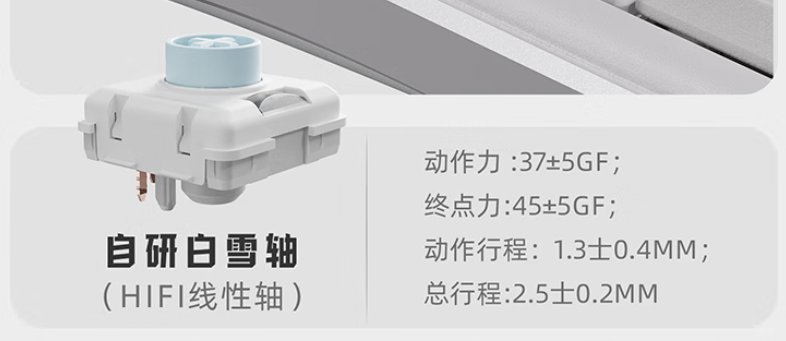
Looking at this data, I finally understand why this low-profile switch feels so comfortable to me.
The actuation force of this switch is very similar to my previously preferred Ice Crystal Switch (jīngjīng zhóu), both are very light; while the bottom-out force isn't too low, so it doesn't feel like a membrane keyboard.
The difference is that the travel distance is a bit shorter, making it feel more effortless to use.
I have to bring out my switch comparison table again here, and also incorporate the data for this low-profile switch into it.
| Switch | Initial Force | Bottom-out Force | Actuation Travel | Total Travel |
|---|---|---|---|---|
| White Snow (Low) | 37 ± 5gf | 45 ± 5gf | 1.3 ± 0.3mm | 2.5 ± 0.2mm |
| Silver Carving WGA Leaf | 58 ± 5gf | 58 ± 5gf | 1.8 ± 0.2mm | 4.0 ± 0.2mm |
| RK-R65 Kailh Speed | 42 ± 8gf | 2.0 ± 0.4mm | 3.4 ± 0.4mm | |
| Red Sky (Magnetic) | 30 ± 5gf | 55 ± 10gf | 3.5 ± 0.1mm | |
| VK99 Extreme Silver | 38 ± 10gf | 55 ± 10gf | 1.2 ± 0.4mm | 3.0 ± 0.4 mm |
| JZ750 Ice Crystal | 37 ± 8gf | 47 ± 8gf | 2.0 ± 0.4mm | 3.8 ± 0.2mm |
| Dareu Sky V3 | 40 ± 3gf | 50 ± 5gf | 2.0 ± 0.3mm | 3.8 ± 0.3mm |
| Wolf Tu LT75 Jade | 36 ± 10gf | 48 ± 5gf | 2.0 ± 0.5mm | 3.6 ± 0.3mm |
| Ash Wood V3 | 40 ± 3gf | 1.5 ± 0.3mm | 3.6 ± 0.3mm | |
| Thunderobot Zero75 Flame | 43gf | 53gf | 1.2mm | 3.5mm |
| Peach V2 (Silent) | 40 ± 10gf | 2.0 ± 0.6mm | 3.5 ± 0.2mm | |
| HelloGanss Rose Pink | 37 ± 5gf | 45 ± 5gf | 1.8 ± 0.3mm | 3.5 ± 0.5mm |
| Noppoo Silver Wood | 40 ± 2gf | 55 ± 5gf | 1.5 ± 0.3mm | |
| RK-R65 Smoke Green | 43 ± 10gf | 1.7 ± 0.4mm | 3.5 ± 0.3mm | |
| RK-S75 Cloud Fog | 45 ± 5gf | 2.0 ± 0.4mm | 3.4 ± 0.4mm |
Summary
This is a keyboard that completely changed my impression of low-profile switches.
After falling down this rabbit hole, I might try more low-profile keyboards in the future 😄
PS: Just a little complaint, the official sources are so lazy—there aren't even any nice images for me to use!
_EOF_
Who knew low-profile switches could be this satisfying? Kechi I75 Keyboard Unboxing
- 本文作者:
- 程序设计实验室
- 版权声明:
- 本博客所有文章除特别声明外,均采用 BY-NC-SA 许可协议。转载请注明出处!
相关文章
第一次使用磁轴键盘,还是为颜值买单了
瓦尔基里这键盘,颜值确实能打,二次元元素堆料挺足。磁轴手感嘛,竞技游戏或许适合,日常码字我反而不太感冒,感觉有点闷。驱动功能倒是挺丰富,可惜AI助手聊着聊着就露怯了。
2025-10-28 · 键盘 · 约 1 分钟
瓦尔基里VK99键盘开箱
经过详细的开箱体验和简单的探索。从其精美的包装到每一个设计细节,这款键盘无疑是为追求高颜值和功能性的用户量身打造的。背面的大面积喷绘、侧面的完美处理,以及前所未有的旋钮和显示屏设计,都让VK99在众多机械键盘中脱颖而出。加之灵活的驱动配置、个性化的灯光效果和音乐律动功能,更是提升了整体使用体验。
2025-10-28 · 键盘 · 约 1 分钟
第一次用矮轴键盘,黑爵AK832Pro开箱评测
便携?呵,黑爵AK832Pro轻得能盖笔记本,结果小屏幕时间错得离谱,驱动也改不了。手感?薄膜键盘都不如,杂音一堆,劝退了。
2025-10-28 · 键盘 · 约 1 分钟
京东京造JZ750(贱驴A3)键盘开箱
厌倦旧键盘,被京东JZ750颜值旋钮吸引,包装简陋、做工松垮得令人发指。冰晶轴滑爽,但配列反人类,方向键奇葩,无end键。为颜值,忍了。
2025-10-28 · 键盘 · 约 1 分钟
讨论
共 0 条加载评论中…