iPhone 15 Pro Max Simple Unboxing
Eco-friendly packaging? They don't even include a charger—Apple's "cost-saving" is really clever. The texture is nice, but it heats up to the point of being hot to the touch, one-handed operation? Don't even dream about it. The system is clean, but battery life is poor, WeChat has many bugs, and collaboration with Mac? Domestic solutions outperform it in a second.
目录13 个章节
Preface
It was already August when I got the iPhone 15 Pro Max, but here I am writing the unboxing article only now that the 16 is out.
This time the photos are a bit mixed – a mix of camera and phone shots.
Packaging
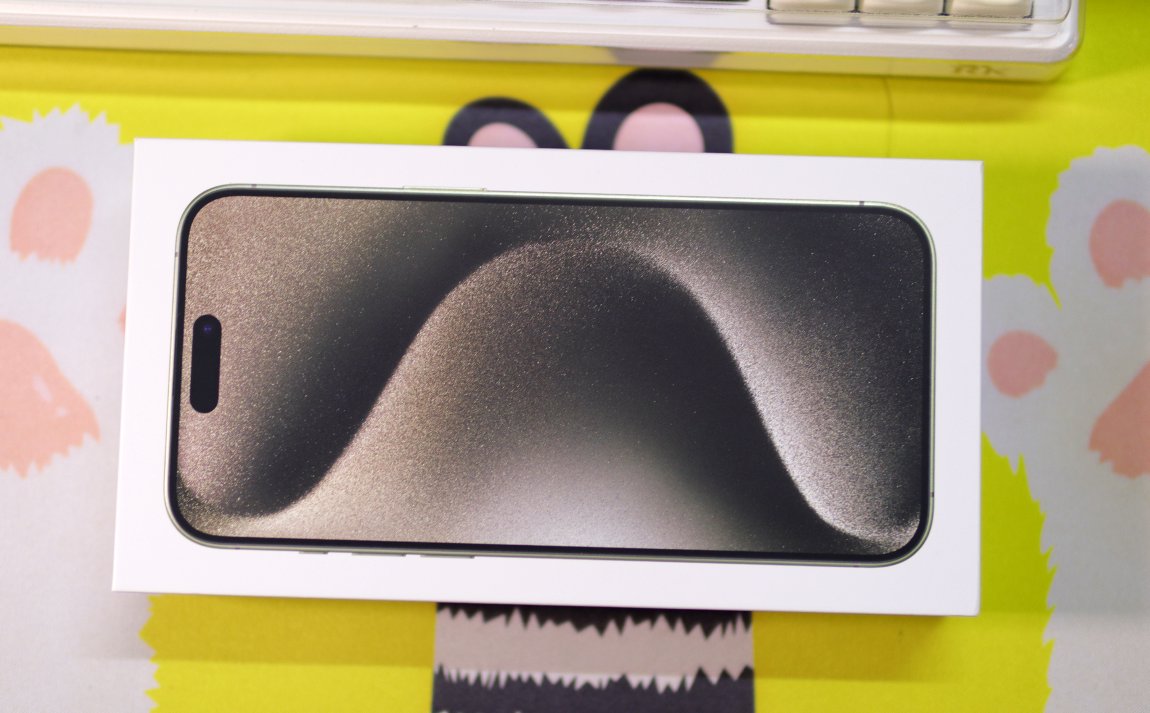
This packaging is very eco-friendly, which reminds me of the Hisense reader's packaging, where they didn't even include a charger.
Taken with a Camera
Below is a packaging image taken with a camera.
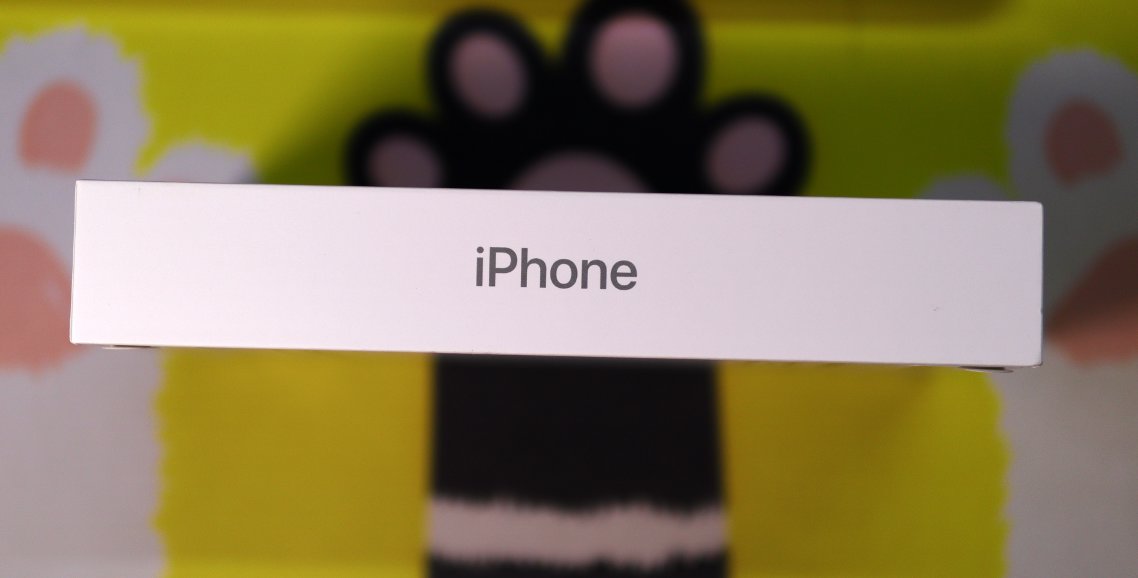
Packaging side
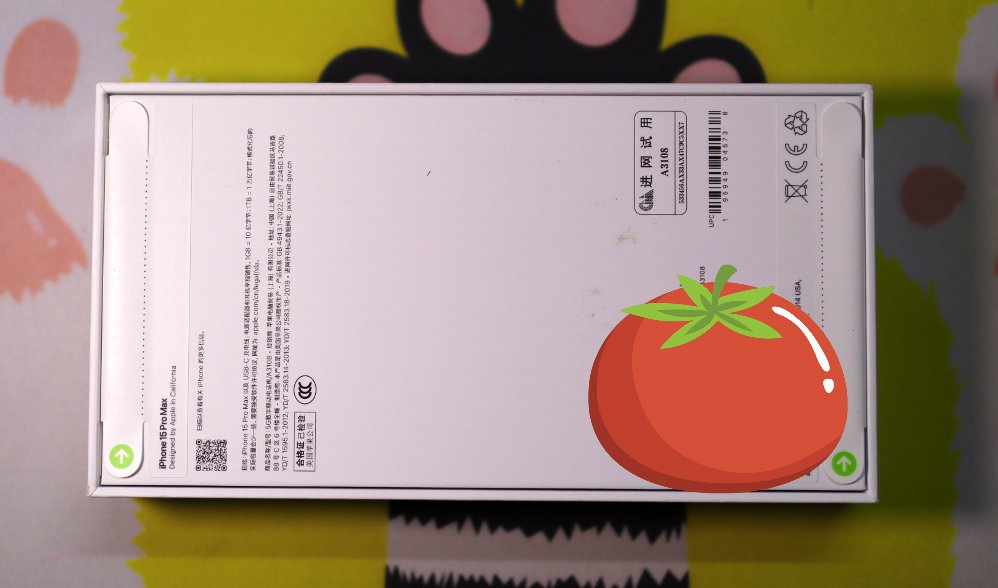
Back
Photos Taken with a Mobile Phone
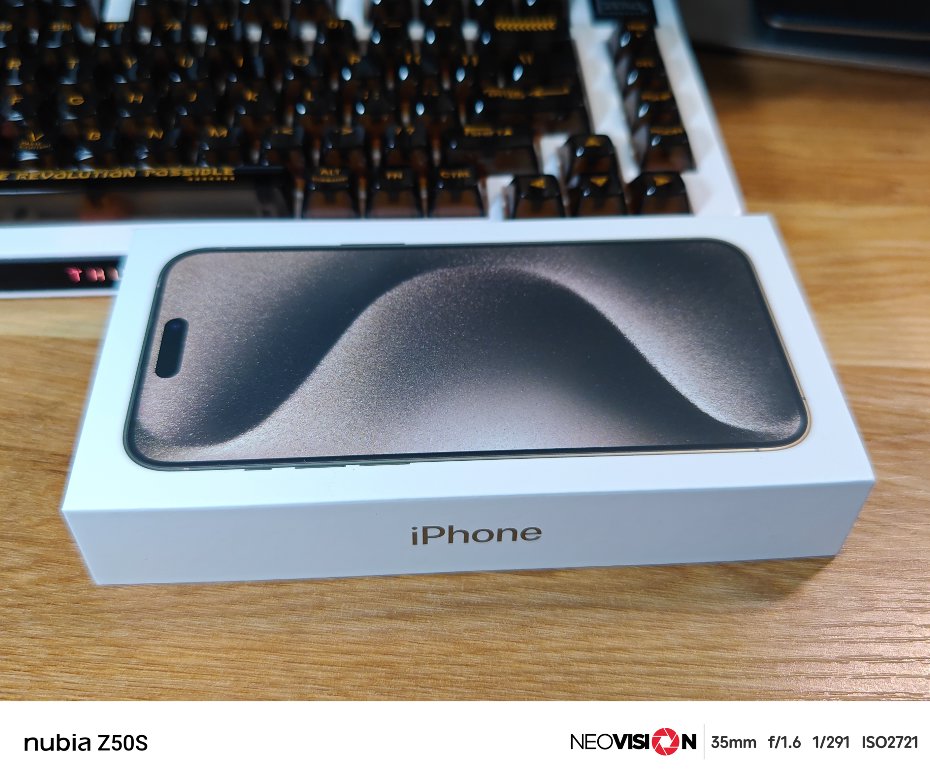
The following image was taken with a mobile phone (Nubia Z50s).
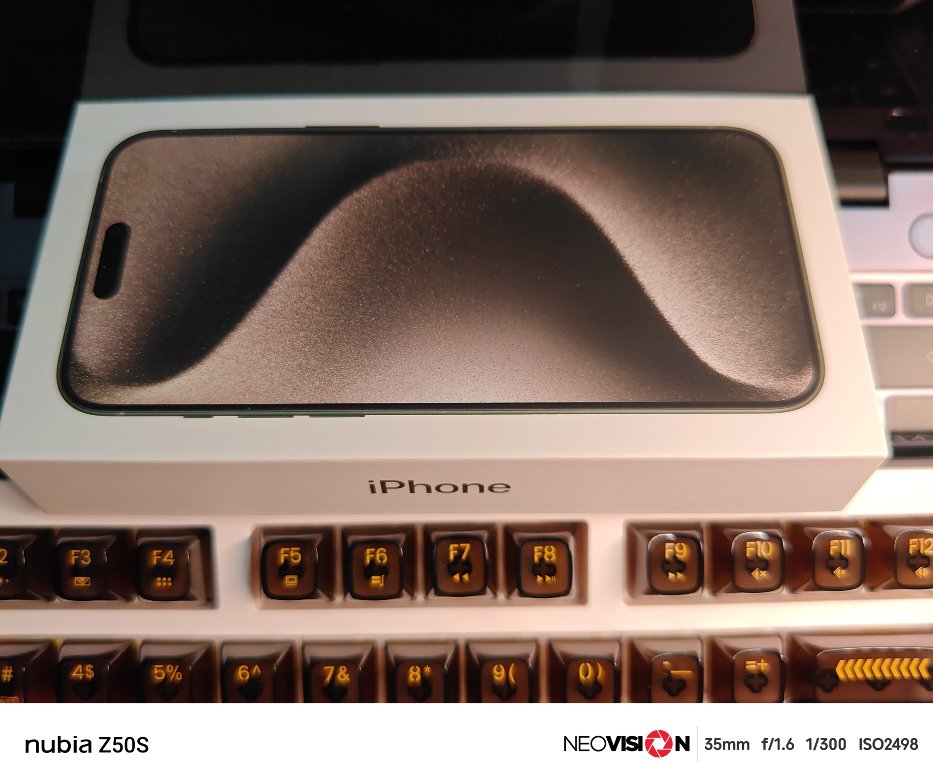
Here's another one. The angle of the previous image wasn't ideal.
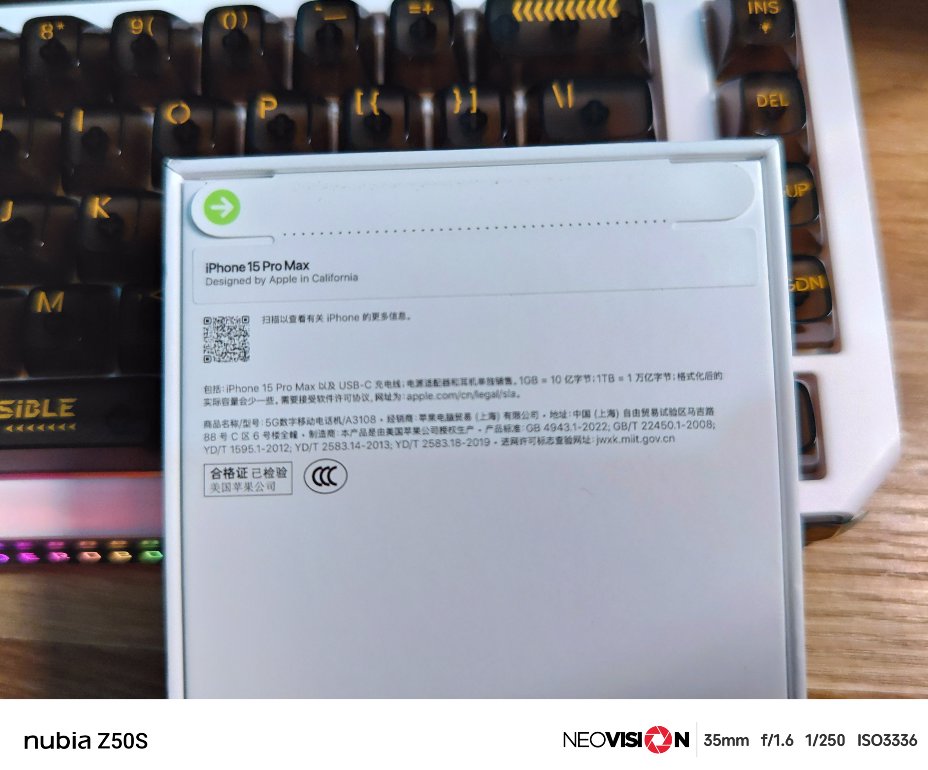
The back of the packaging.
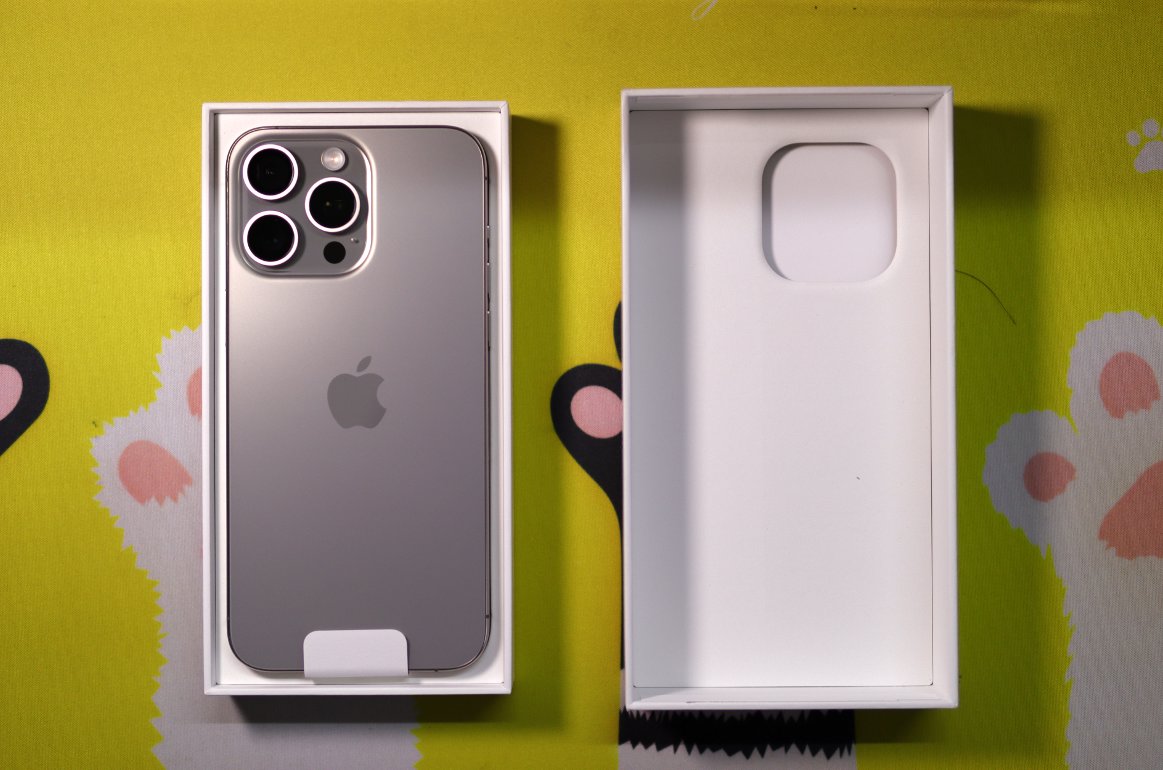
Unboxing
The texture feels really premium
Another picture
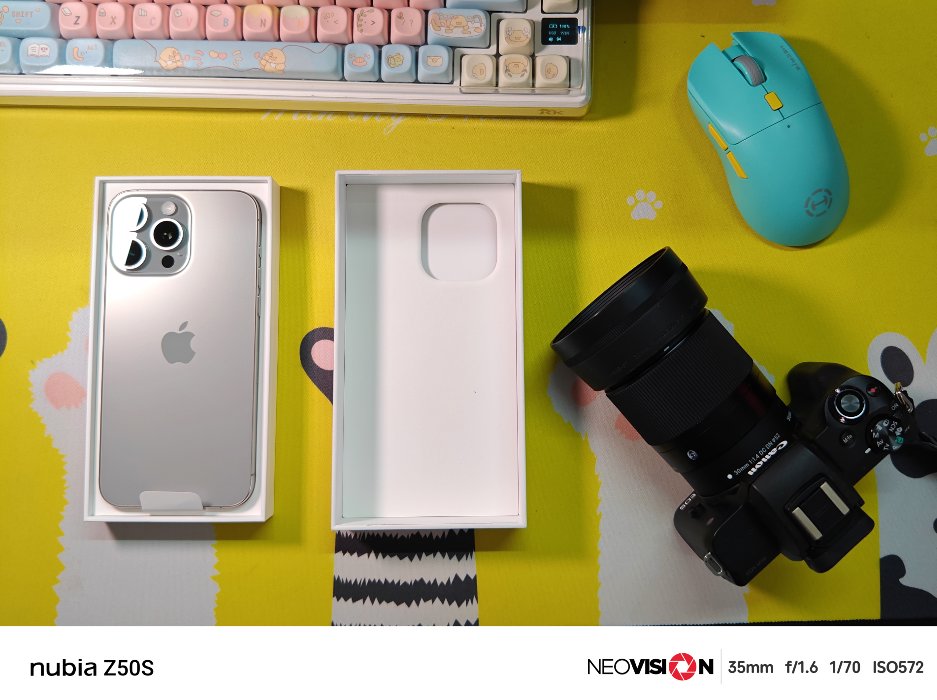
He doesn't even want to give you a SIM ejector tool (how typical, only Apple can do)
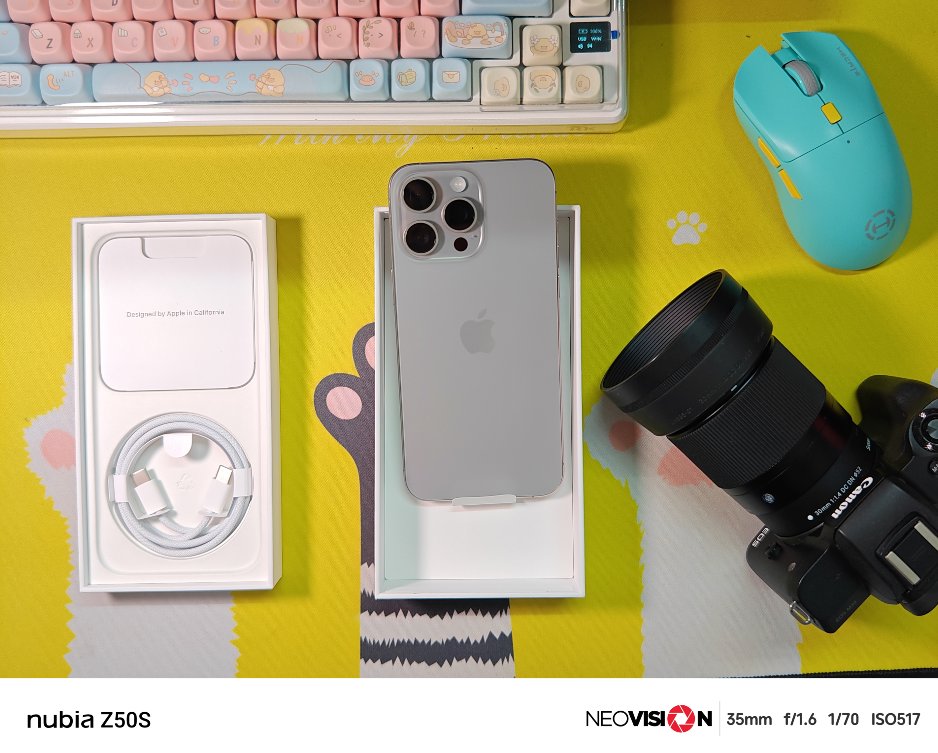
Accessories
Let's take a look at the accessories — they might as well not be included.
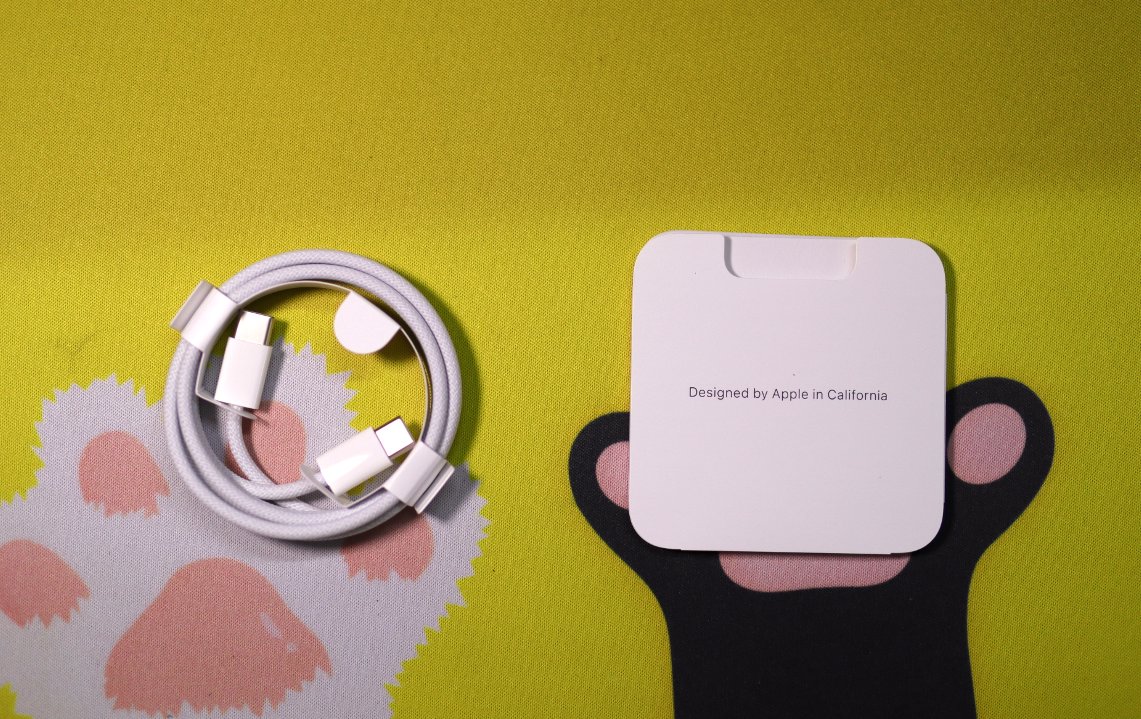
It only came with a charging cable.
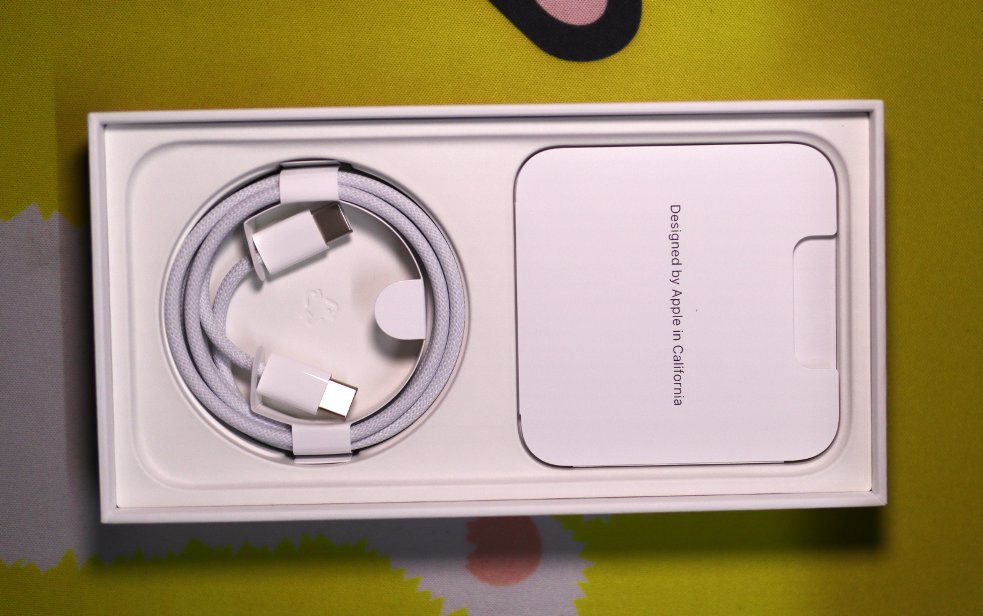
Oh, and a thin instruction manual too.
Comparison
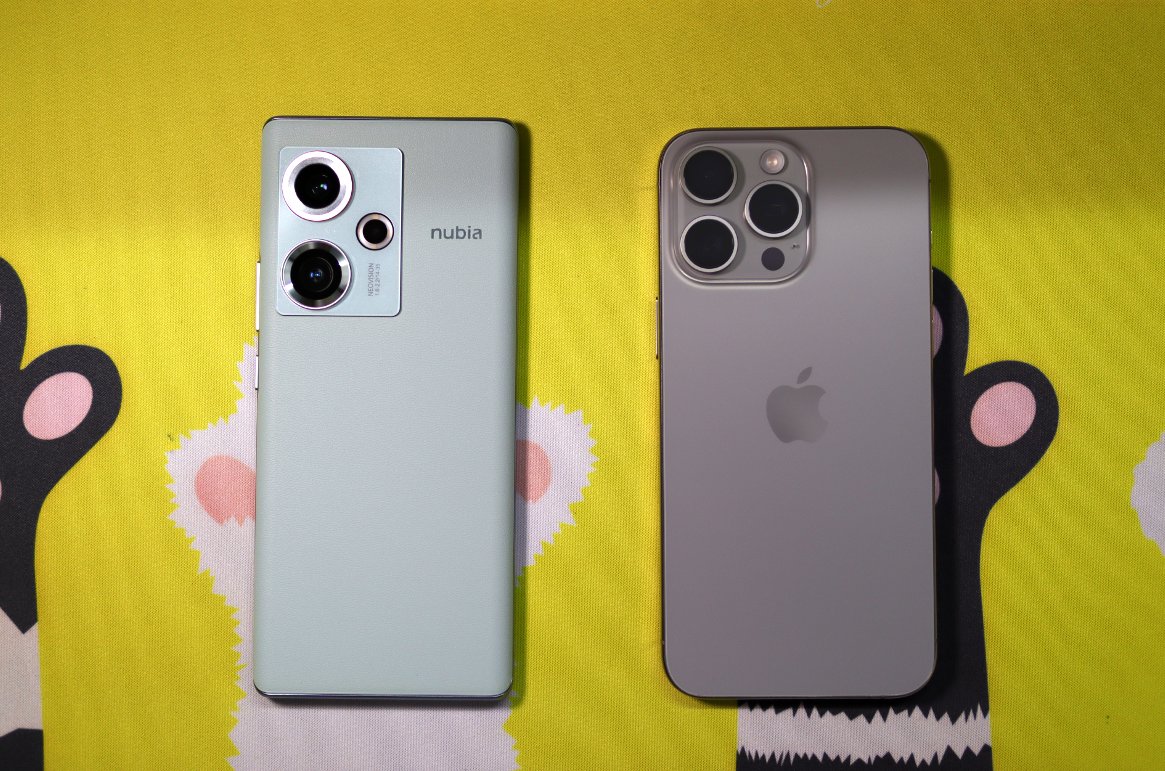
Let me compare the back with the Nubia Z50s I have in hand.
After getting used to it, I actually find the back of the Z50s quite nice-looking😂
And the feel of the vegan leather is really good.
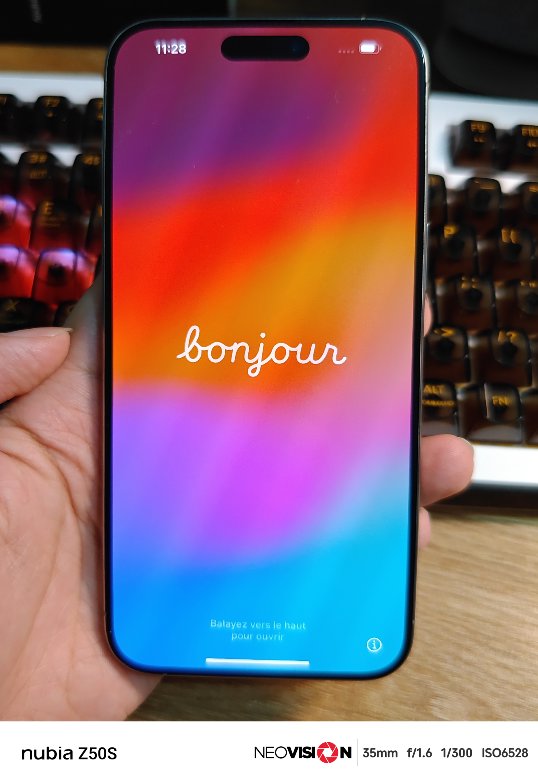
Boot-up
This insane flickering is so eye-searing 😂
User Experience
Please write a brief article summary based on the following my actual user experience.
Advantages
- The system is relatively clean without ads
- The unified push experience is good, with timely notifications for things like receiving emails
- High gaming performance, three Mijia games load faster than on the previous 8gen2 phone
- Camera and screen color quality feel quite good
- The App Store only requires a US region ID to download, which is more convenient than Google Play needing tools
- Multitasking switching is quite smooth (compared to the previous Nubia Z50)
- QR code scanning (WeChat, miYoBBS) is more responsive than on Android
- Some built-in apps are good, such as the Notes app, though of course, Notes on mainstream phones nowadays are all well-made
- WeChat Reading’s animations on iOS are very comfortable; opening a book has an animation of opening a physical book. I strongly suspect the WeChat Reading team treats iOS and Android devices differently 😠
- The Dynamic Island design is nice
Drawbacks
- High heat generation, often feels hot to the touch
- No unified back gesture; some interfaces lag even when swiping back from the left (manifests as no response, then after about 1 second of the interface loading, the back action registers)
- No charging adapter, screen protector, or phone case included in the box
- The Pro Max is too wide for comfortable one-handed use
- Even the top-tier configuration has only 8GB of memory, resulting in poor background app retention
- Many useful apps are paid (put another way, many free apps are not very good)
- Average battery life and very slow charging speed. Also, it cannot be charged with just any Type-C charger
- No game mode (though you can use Do Not Disturb to block pop-ups from apps like WeChat). However, don't expect picture-in-picture functionality 😂
- The widgets page on the far left of the home screen and the App Library on the right occasionally experience lag, suggesting suboptimal optimization
- Playing music simultaneously with other apps (e.g., listening to music while gaming) requires extra steps. After enabling simultaneous playback in QQ Music, the music control bar and the lock screen in the notification center are gone 🈚. You cannot control playback without entering the QQ Music interface
- Correction to the iOS point above: When another app is playing sound, you can tap play in the music bar without needing to enable any special setting in QQ Music for simultaneous playback
- Continuing with the music playback issue: When playing music in the background while browsing the Mi Community app, it's often interrupted by videos in the feed. Afterward, the music disappears, and you have to re-enter QQ Music to resume playback
- This music playback issue is game-dependent based on testing. Genshin Impact will push the background music out, while Zenless Zone Zero will not. This may be related to app compatibility
- The side effect of overly powerful unified push is here: too much information in the notification center. Unlike Android, you can't modify the types of notifications to receive at the system level; you have to go into each app's settings
- WeChat seems to have more bugs than on Android. Sharing images from Coolapk to WeChat multiple times causes the first friend you shared with to jump to the top of the list, ahead of pinned chats
- The iOS version of Coolapk cannot save recent emojis (this doesn't seem to be an iOS issue 😂)
- The built-in photo album is hard to use; it defaults to mixing all images together. I want to separate photos from the camera and those saved by other apps
- The synergy between iPhone and Mac has been surpassed by some domestic solutions, with many details lacking. Dragging iCloud photos to the local storage even lacks a progress bar 😂
Summary
- The signal is generally acceptable for receiving texts and making calls, so I won't dwell on it.
- Collaboration with Mac works well, though it falls short of the various multi-screen collaboration features (多屏协同) now offered by domestic manufacturers.
Summary
(Summarized using ChatGPT o1-preview)
After using the iPhone 15 Pro Max for a period of time, I have gained some deep insights into this phone.
On the positive side, first, the system is very clean, without any advertisements, providing a pure user experience. The unified push notification feature performs excellently; notifications like emails are received promptly, enhancing the efficiency of both work and daily life. The gaming performance is particularly outstanding; the loading speeds of the three MiHoYo games are noticeably faster than on my previous phone with a Snapdragon 8 Gen 2. The camera and screen color performance are also satisfactory, improving the photography and viewing experience.
In terms of applications, the App Store is very convenient to use. With a US Apple ID, apps can be downloaded easily, which is much more convenient compared to Google Play, which requires tools to access. Multitasking is smooth, especially a significant improvement over my previous Nubia Z50. Various scanning apps (such as WeChat and MiYouShe) respond faster than on Android devices. Built-in apps like Notes are also very practical. WeChat Reading offers better animation effects on iOS, providing an excellent user experience. The Dynamic Island design is novel, adding fun to daily operations.
However, the drawbacks cannot be ignored. First, the phone gets quite hot, often feeling hot to the touch. In terms of operation, there is no unified back gesture; some interfaces even stutter when swiping back from the left side, requiring about a one-second wait before returning to the main interface. The purchase did not include a charger, screen protector, or phone case, which need to be bought separately. Due to the large size of the Pro Max model, one-handed operation is relatively difficult.
In terms of memory, even the top-tier version has only 8GB, and background app retention is not high. Many good applications are paid, and the quality of free applications varies. The battery life is average, charging speed is slow, and not all Type-C chargers are compatible. The lack of a game mode means it cannot block pop-up notifications from apps like WeChat using a do-not-disturb feature, and the small window function is also unavailable.
Additionally, the widget page on the far left of the desktop and the App Library on the right occasionally stutter, indicating room for optimization. For music playback, additional settings are required when using it with other apps, and sometimes the control bar is lost, making it inconvenient to control playback. The notification center information is too cluttered; unlike Android systems, notification types cannot be modified uniformly and require entering each app's settings individually. WeChat on iOS seems to have more bugs than on Android, and some apps (like Coolapk) have incomplete functionality. The built-in photo album's categorization is not clear enough, making it difficult to distinguish between camera photos and images saved by other apps. Although iPhone and Mac collaboration is powerful, there is still room for improvement in certain details, such as the lack of a progress bar when dragging images to local storage in iCloud.
Overall, the iPhone 15 Pro Max excels in system fluency, gaming performance, screen, and camera performance, but there is still room for improvement in areas like heat generation, battery life, and operational convenience. For users pursuing high performance and a quality experience, this phone is still worth considering, but its shortcomings should also be weighed before purchase.
_EOF_
iPhone 15 Pro Max Simple Unboxing
- 本文作者:
- 程序设计实验室
- 版权声明:
- 本博客所有文章除特别声明外,均采用 BY-NC-SA 许可协议。转载请注明出处!
相关文章
LCD党的最后倔强:moto g75 开箱与使用体验(附OLED屏幕伤眼原理科普)
一位数码爱好者兼LCD党,在OLED横行的时代,依然坚守护眼信仰,入手 moto g75 的开箱与体验
2025-10-28 · 手机 · 约 1 分钟
一加Ace3Pro极简开箱
买了台一加Ace3Pro,系统广告恶心到吐,拍照还烂得要命。GPU跑分猛,CPU却低得离谱,搞什么鬼?颜值手感还行,但屏幕和拍照拉垮,不值这价。
2025-10-28 · 手机 · 约 1 分钟
怎么2025年还有人买 iPhone16 啊?使用了一个月之后,我居然成为果粉了
标题党罢了,三月入的iPhone16。小屏手感尚可,A18芯片总算不烫手了。iOS依然教用户用手机,但这块OLED屏实在辣眼睛。
2025-10-28 · 手机 · 约 1 分钟
牙膏挤爆,可惜系统拉胯。手机厂商集体涨价下 iPhone17 的性价比咋样?
iPhone 17?哦,那个怕iPhone 18涨价才急着买的“牙膏挤爆”版。拼夕夕5099到手,配件全拼多多,3.9元手机壳配10元三张膜,库克看了都沉默。至于iOS 26,bug多到让安卓用户集体回旋镖,两三天一充的续航全靠用得少撑着。
2026-07-31 · 手机 · 约 1 分钟
讨论
共 0 条加载评论中…