This iPad mini 7 may be Apple's last LCD small-screen device.
Is Apple finally giving up on LCD? The small screen of the iPad mini 7 might be its last hurrah, as OLED screens are becoming increasingly harsh. LCD is natural and easy on the eyes, and this could be Apple's last comfortable display. If they switch to OLED, LCD loyalists won't be happy.
目录15 个章节
Foreword
Hello everyone, I'm Xi Yuan.
Today, I'm continuing to organize the unboxing photos from earlier this year.
Actually, I also purchased an iPad mini 7 around the same time. Back then, I had a faint feeling—this iPad mini might become "Apple's last LCD small screen."
Sure enough, there have been frequent rumors recently that the next-generation iPad mini 8 will switch to an OLED screen.
Honestly, I've become increasingly weary of OLED in recent years. It's vibrant, no doubt, but that "glaringly bright" feeling always makes me think it's not displaying an image so much as illuminating my face.
By comparison, LCD has a rare natural quality—white is truly white, not overly saturated. Especially during long reading sessions, that comfortable "paper-like feel" is something OLED can never replicate.
But unfortunately, LCD is gradually fading away. Before new display technologies truly mature, we'll probably have to continue cherishing those screens that still emit natural light during this "twilight before dawn."
So this time, with a sense of commemorating Apple's final LCD small tablet, I'm sharing this iPad mini 7 with everyone.
Packaging
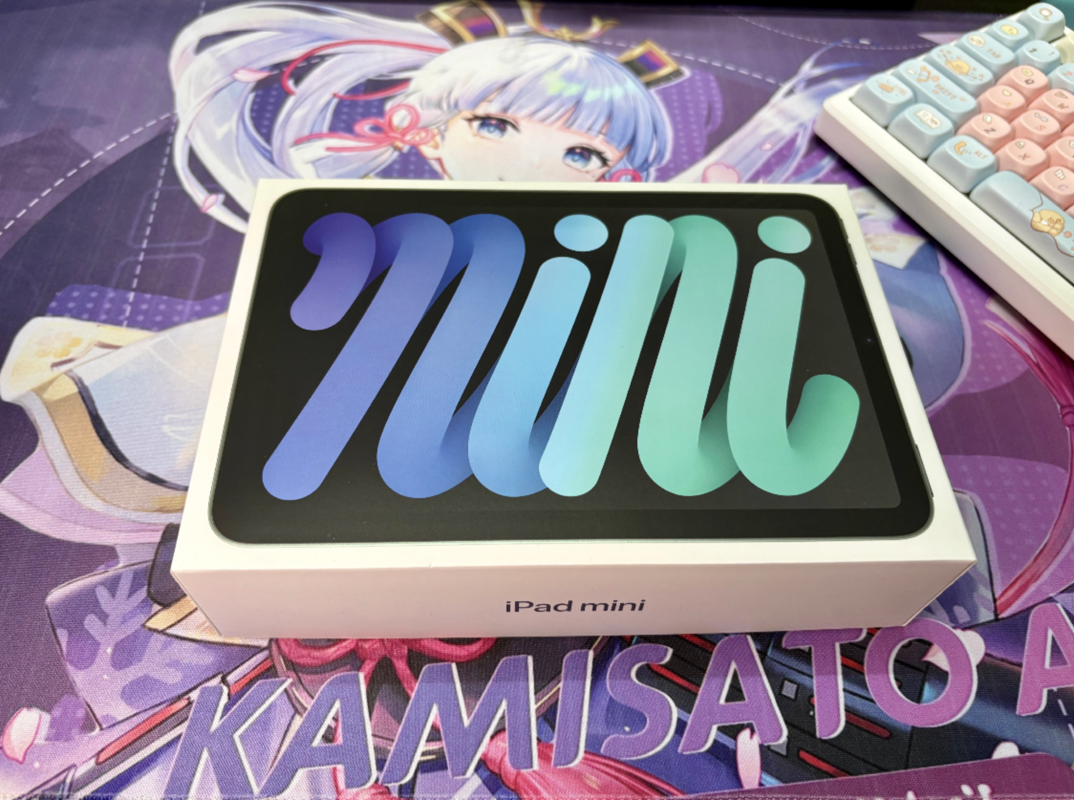
The packaging of the iPad mini 7 continues Apple's consistently minimalist and eco-friendly style.
Back
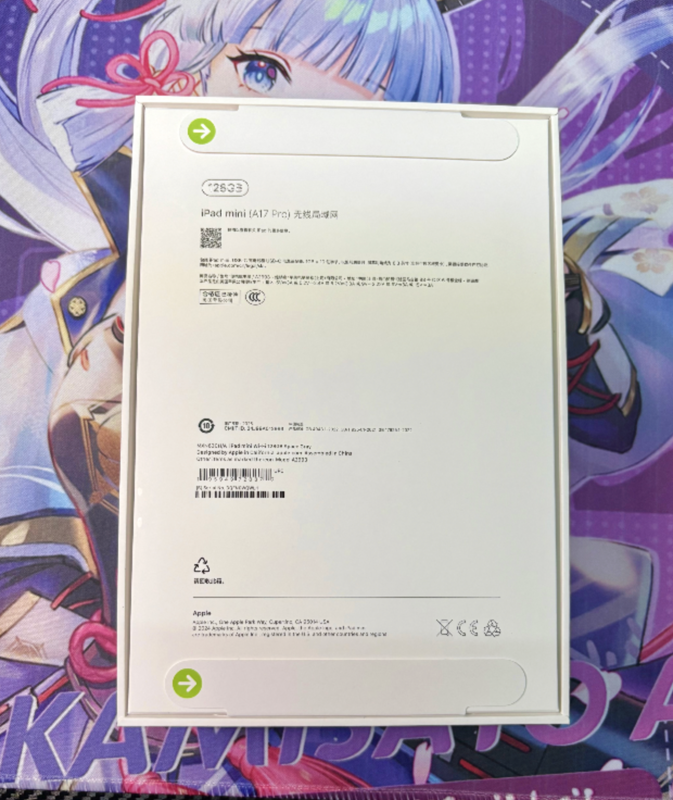
The back features a familiar configuration label.
I purchased the WiFi version this time. During the promotion, the eSIM version was only an additional 100 yuan, which I unfortunately missed. Otherwise, it would have been a very good deal.
Unboxing
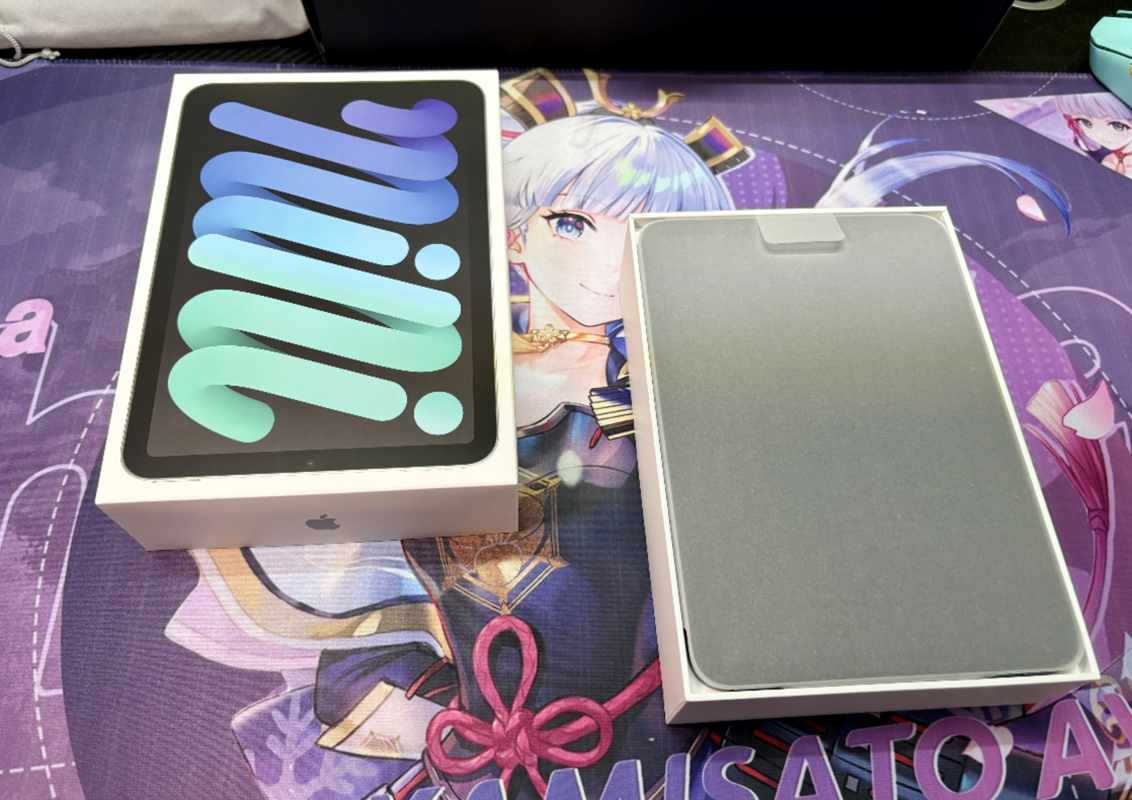
Apple is really frugal, this box is just too thin
Accessories
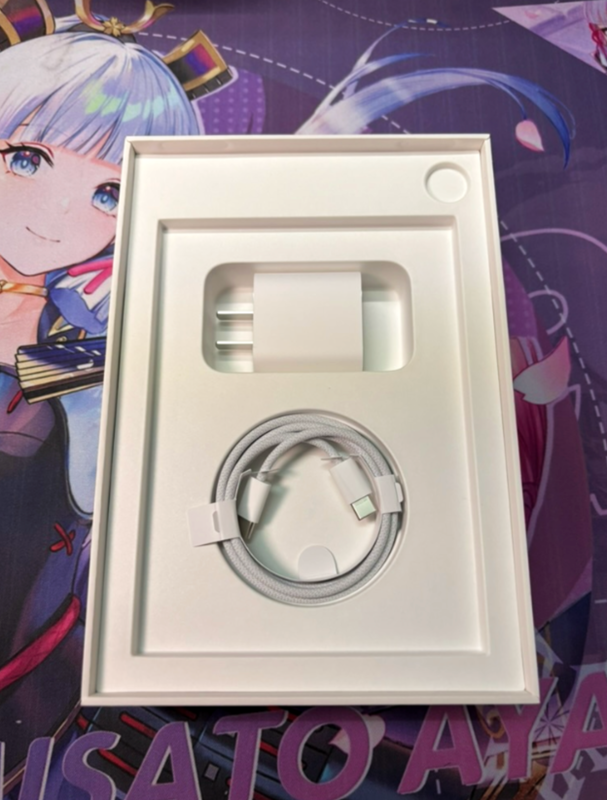
What? A charger? Am I seeing this right?
An iPad mini that's so much cheaper than an iPhone actually comes with a charger? 😂
Taking advantage of the fact that Cook hasn't noticed this yet, I'll just claim this charger for myself~
iPad Itself
Here's the iPad mini—cute and compact.
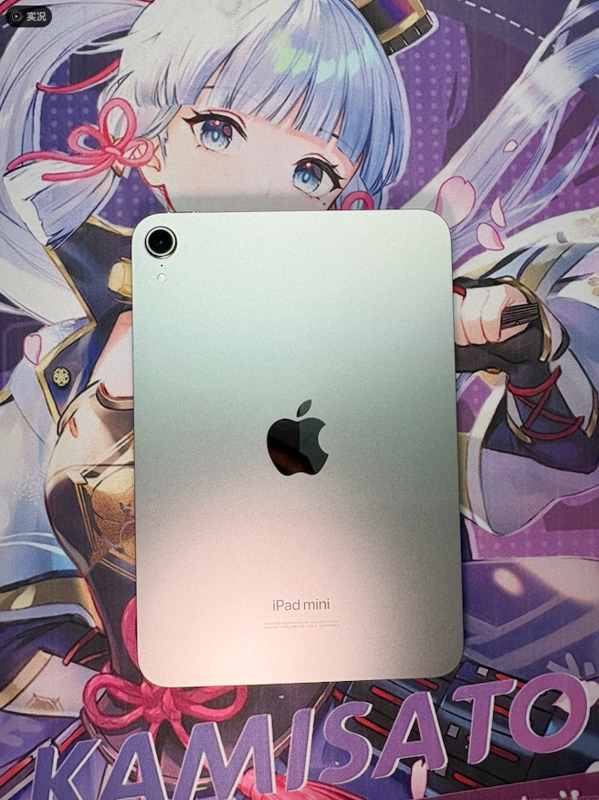
From a different angle
It was still winter back then, and I bought a pair of gloves for riding my electric scooter (小电鸡).

This 8.3-inch small screen fits comfortably in your hand, with just the right weight control.
It doesn't have the overly office-oriented feel of the iPad Pro, nor the toy-like vibe of the iPhone.
The mini is the kind of device you want to take with you—it can even fit in your pocket.
System Information
The iPad Mini7 is powered by the A17 Pro chip (reportedly a stripped-down version). If you're not into gaming, its performance is still quite impressive.
Opening apps, switching interfaces, watching videos, and even editing short clips—everything feels effortless.
One could say this is currently Apple's most powerful small-screen LCD device, bar none.
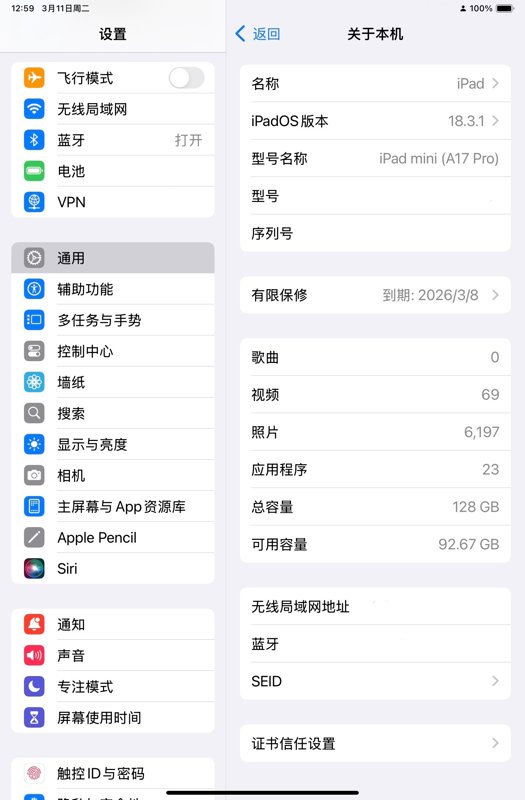
Screen Experience: The Last Glow of LCD
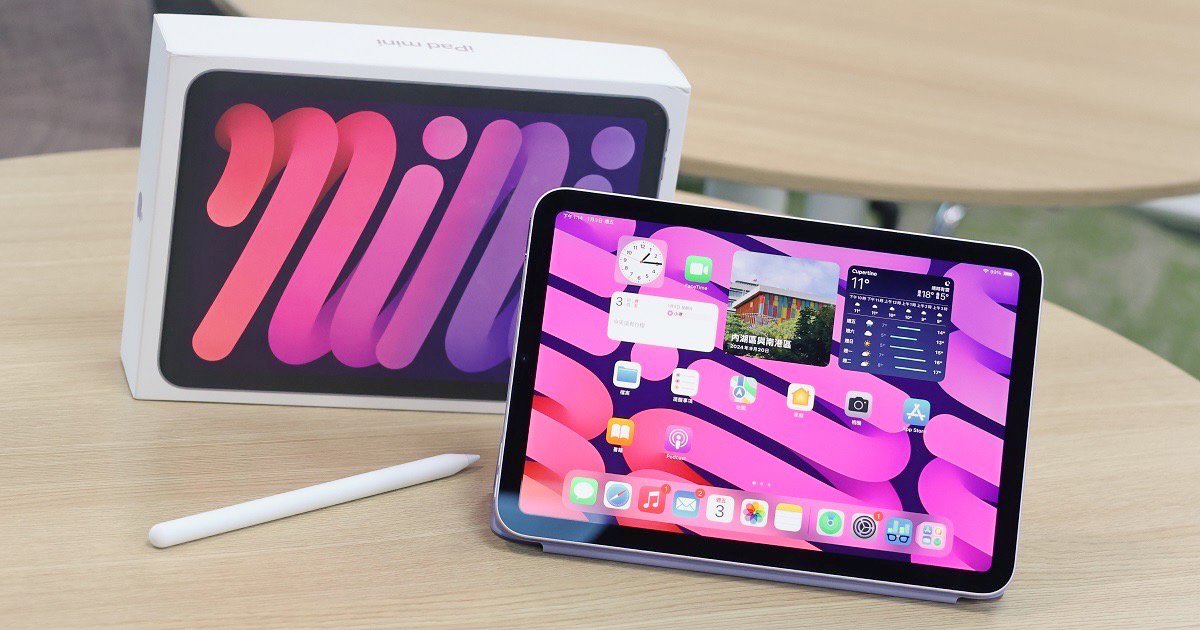
Although Apple has hardly emphasized this point, for an old LCD loyalist like me, the significance of this screen is truly special.
In today’s world dominated by OLED, simply seeing a genuinely clean, delicate, and non-harsh screen feels like encountering a gentle ray of sunlight.
It’s not overly vibrant, doesn’t flicker, doesn’t play with color temperature erratically, and won’t suddenly “blind your eyes” in the dark.
I compared it with the OLED screen on the iPhone 16—
OLED indeed feels more “transparent,” but staring at it for extended periods can cause eye strain and soreness; meanwhile, reading manga or scrolling through Bilibili on the iPad mini 7’s LCD for hours remains very comfortable.
I also discussed the impact of OLED on vision in my recent article on the unboxing of the moto g75, and many readers commented to express their agreement.
Yes, we “LCD loyalists” are not unaware of technological progress; we simply place greater importance on eye comfort and color accuracy.
If the next-generation iPad mini truly switches to OLED, then this iPad mini 7 might be the swan song of LCD in Apple’s mobile devices.
Pricing
Currently, the iPad mini7 128GB WiFi version should be around 3000 across various platforms.
For this configuration, this price honestly isn't very competitive; iPadOS is one of its few advantages.
However, if you can get the eSIM version at this price, that's fair enough.
User Experience
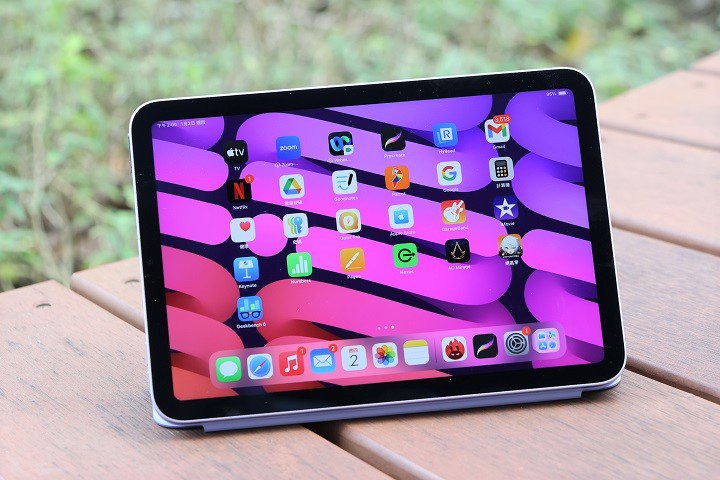
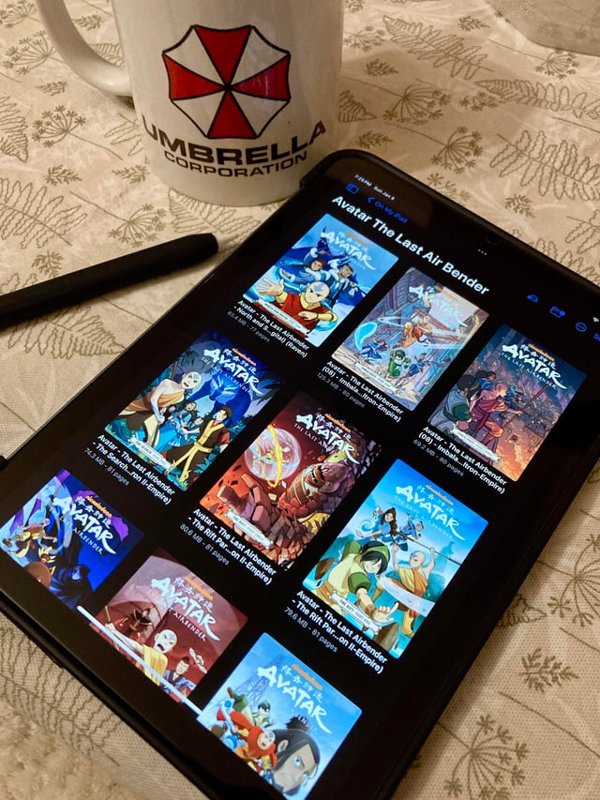
Reading Comics
The iPad ecosystem is still fantastic. Around the same time, I also got a Lenovo Y700, but the comic apps on Android are definitely a notch below those on iPadOS.
Whether it's the built-in iBooks or third-party apps like Keda Comics, they all offer exquisite UI and a smooth reading experience.
I've organized most of my comics into ZIP/CBZ format and stored them on my NAS. Using Keda Comics with this setup is great—after adding an SMB connection, it feels just like accessing local comics, and it's very convenient to download them to the local storage as well.
On the Android side, I haven't found a perfect replacement yet. Kuro Reader is a good option, but its NAS support is limited. You can't add an entire comic directory to the bookshelf; you can only cache them.
However, the open-source comic app Tachiyomi for Android is in a league of its own. Apart from requiring some tinkering, it's excellent. But since I prefer downloading to my NAS and then reading, I have to find a local reader, and in this regard, the iPad experience is still superior.
Gaming
Although the iPad mini 7 is equipped with the A17 Pro chip, its gaming performance can only be described as average.
Moreover, the base model only comes with 128GB of storage, which means you can't install many games.
To use one of my favorites, Zenless Zone Zero, as an example, playing on the iPad mini 7 at high graphics and 60 FPS is simply not feasible. During battles, it overheats and stutters.
Therefore, friends considering buying this mini for gaming should think carefully. In this regard, devices from the Android camp like Red Magic and the Lenovo Y700 would be more suitable. Plus, the mini also lacks a high refresh rate display -_-||
Software Adaptation
As mentioned earlier, the iPad software ecosystem is rich
For larger-sized iPads, this is naturally not a problem.
However, for the smaller iPad mini, possibly due to its smaller user base, many apps don’t adapt well.
Take Bilibili, for example, which I frequently use—the comment section font on the iPad mini is ridiculously small. Even adjusting the system font size doesn’t help. This isn’t just about eye protection; it’s practically straining the eyes.
So, when I use my iPad mini, I only watch videos on Bilibili and avoid the comment section entirely.
Other apps have similar issues to varying degrees. I must criticize Bilibili here—could you please introduce a “senior mode”? 😂
Summary
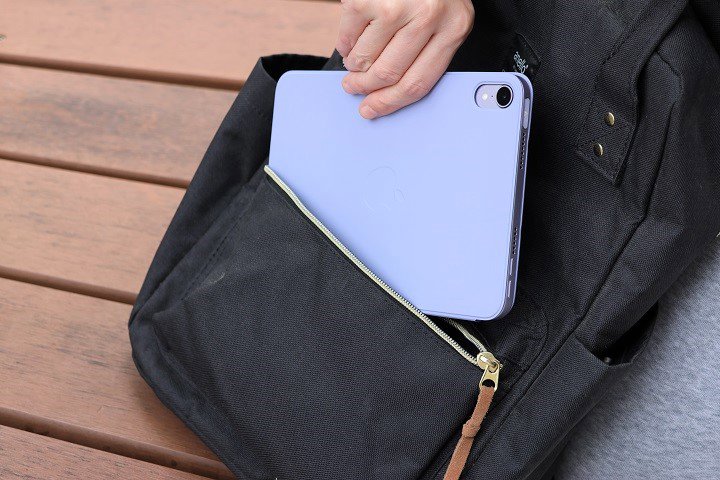
I didn't buy it for productivity, but for that effortless, always-handy feel.
Reading books, comics, documents, browsing Bilibili, occasionally playing Genshin Impact (??) — it all fits perfectly.
No wonder some users say the iPad mini is less likely to collect dust than a regular tablet; the size is genuinely comfortable.
Whether used at home or taken on the go, it’s an excellent fit.
It’s like a glowing notebook, a web-browsing notepad, a small companion that helps you slow down.
In an era where everyone pursues larger screens and higher refresh rates, the significance of the mini becomes even clearer—
It reminds us: Sometimes, moderation is the most comfortable technological touch.
Conclusion: The Curtain Call of LCD
Perhaps the future iPad mini 8 will be brighter, thinner, and more vibrant.
But I prefer this generation's mini 7. Its screen feels authentic, gentle, and has a certain human touch.
In the neon world of OLED, the LCD is like a warm yellow desk lamp, accompanying us through countless late-night reads.
The iPad mini 7 may not be the most dazzling Apple product,
But it is the one — the Apple device that is easiest on the eyes.
_EOF_
This iPad mini 7 may be Apple's last LCD small-screen device.
- 本文作者:
- 程序设计实验室
- 版权声明:
- 本博客所有文章除特别声明外,均采用 BY-NC-SA 许可协议。转载请注明出处!
相关文章
LCD 旗舰手机消失之后,小平板反而成了更现实的选择
LCD党最后的倔强?iPad mini转投OLED,只能在这台Y700四代里找安慰了。堆料倒是挺狠,骁龙8至尊版+TF卡扩展,系统居然没想象中难用。啧,所谓小平板,不就是个能塞进裤兜的尴尬替代品么。
2026-01-01 · 平板 · 约 1 分钟
C#中的Attribute与Python-TypeScript的装饰器是同个东西吗
前言 最近成功把「前端带师」带入C#的坑~~(实际是前端带师开始从cocos转unity游戏开发了)~~ 某天,「前端带师」看到这段代码后问了个问题:[这个是装饰器]? [HttpGet] public Response Get() { return ... } 我第一反应觉得不是,这玩意在C#中叫“特性”(英文名Attribute,下文统称为特性),在Java中叫注解,虽然写法和Pyth
2022-06-26 · C# · 约 1 分钟
经验总结-drf-yasg接口文档几个细节的自定义方式
drf-yasg是Django RestFramework的一个扩展, 可以根据路由生成OpenApi接口, 不过用起来和在Java平台和.NetCore有很多不一样的, 有些自定义的地方也比较麻烦, 不过看看文档也还好, 可以解决. 本文记录几个在实际开发中遇到的, 虽然是细节, 但是优化好细节可以给对接的同事带来很大的方便~ 顺带一提, Python写后台真的太快了, 一上午出几十个接口你能信
2022-04-04 · 0_Swagger与drf-yasg接口文档系列 · 约 1 分钟
Asp-Net-Core学习笔记:1.MVC入门篇
Asp.Net Core 学习 基于.Net Core 2.2版本的学习笔记。 常识 像Django那样自动检查代码更新,自动重载服务器(太方便了) dotnet watch run 托管设置 设置项目文件的AspNetCoreHostingModel属性。 PropertyGroup TargetFrameworknetcoreapp2.2/TargetFramework Asp
2022-02-16 · Asp-Net-Core学习笔记 · 约 1 分钟
讨论
共 0 条加载评论中…