

Pure Frontend Word Cloud Display + Weibo Hot Search Word Cloud Demo Code
Preface Recently at work I did several large-screen data visualization projects, which also used word cloud displays. Previously I always used Python libraries to generate images for word clouds; this time I used a pure frontend implementation ~~(Ctrl+V is so handy)~~, and while I was at it I made a Weibo hot search word cloud and recorded it here~ Dependencies echarts 4.x echarts-wordcloud 1.1.3 tips: echarts-wordcloud currently has two versions, 2.0 and 1.x; 2.0 corresponds to echarts 5.x
目录9 个章节
Preface
Recently at work I did several large-screen data visualization projects, which also used word cloud displays. Previously I always used Python libraries to generate images for word clouds; this time I used a pure frontend implementation (Ctrl+V is so handy), and while I was at it I made a Weibo hot search word cloud and recorded it here~
Dependencies
- echarts 4.x
- echarts-wordcloud 1.1.3
tips: echarts-wordcloud currently has two versions, 2.0 and 1.x; 2.0 corresponds to echarts 5.x
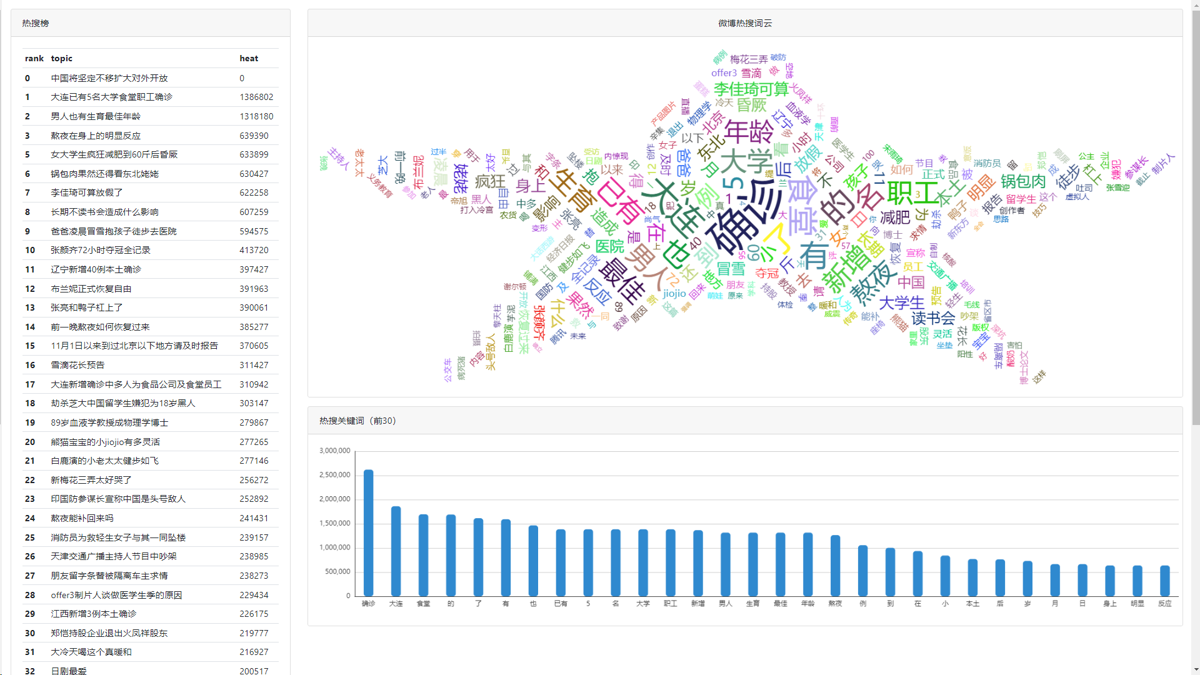
Results
- Preview URL: http://www.sblt.deali.cn:9000/weibo_top/
Implementation Process
First, create a new HTML file (obviously)
Since we're using echarts, we need a div to hold the canvas:
<div class="chart" id="chartWordCloud" style="width: 100%;height: 600px;"></div>
Next is the JS part
The Weibo hot search data uses an API from my previous OneCat project. The data looks roughly like this:
(The hot search keyword data is obtained by a crawler fetching Weibo hot search data, then performing word segmentation and calculation. It's not very rigorous at the moment; I feel it should do part-of-speech analysis and only take nouns and verbs for statistics, which would look better)
{
    "detail": "微博热搜关键词",
    "data": [
        {
            "name": "男子",
            "rank": 1.0,
            "heat": 1552222,
            "count": 1
        },
        {
            "name": "直播间",
            "rank": 1.0,
            "heat": 1552222,
            "count": 1
        },
        {
            "name": "捡漏",
            "rank": 1.0,
            "heat": 1552222,
            "count": 1
        }
    ]
}
As you can see, each hot search keyword already has heat, occurrence count, and weighted rank~
After getting the data ready, next we need to render the word cloud
First we need a function that randomly generates colors, so we can get that colorful effect
function randomColor() {
    return 'rgb(' + [
        Math.round(Math.random() * 255),
        Math.round(Math.random() * 255),
        Math.round(Math.random() * 255)
    ].join(',') + ')'
}
Initialize the echart object
let chart = echarts.init(document.querySelector('#chartWordCloud'))
The code is as follows
fetch(API).then(res => res.json()).then(res => {
    let originData = res.data.map(item => ({
        name: item.name,
        value: item.heat
    }))

    const data = originData.map(val => ({
        ...val,
        textStyle: {
            normal: {
                color: randomColor()
            }
        }
    }))

    chart.setOption({
        series: [{
            type: 'wordCloud',
            shape: 'star',
            left: 'center',
            top: 'center',
            right: null,
            bottom: null,
            width: '100%',
            height: '100%',
            sizeRange: [10, 80],
            rotationRange: [-90, 90],
            rotationStep: 45,
            gridSize: 8,
            drawOutOfBound: false,
            textStyle: {
                normal: {
                    fontFamily: 'sans-serif',
                    fontWeight: 'normal'
                },
                emphasis: {
                    shadowBlur: 10,
                    shadowColor: '#333'
                }
            },
            data
        }]
    })
})
Trying It Out
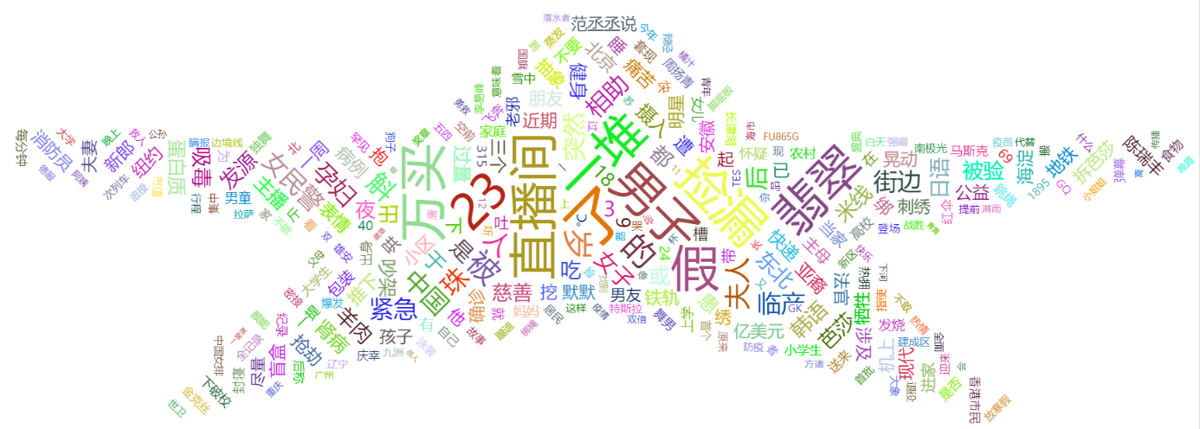
I set the shape to a five-pointed star, and the result looks like this:
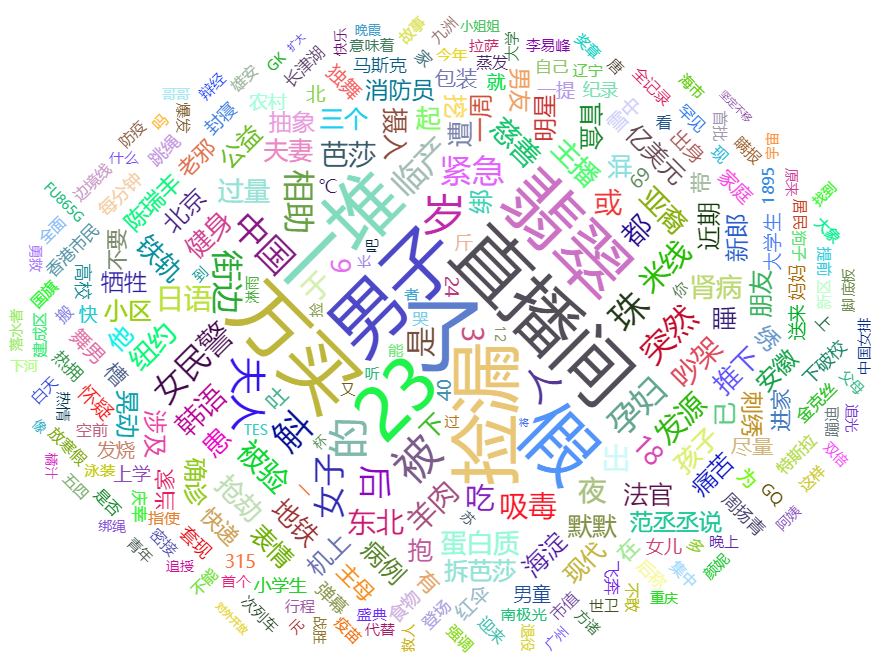
This is the circle:
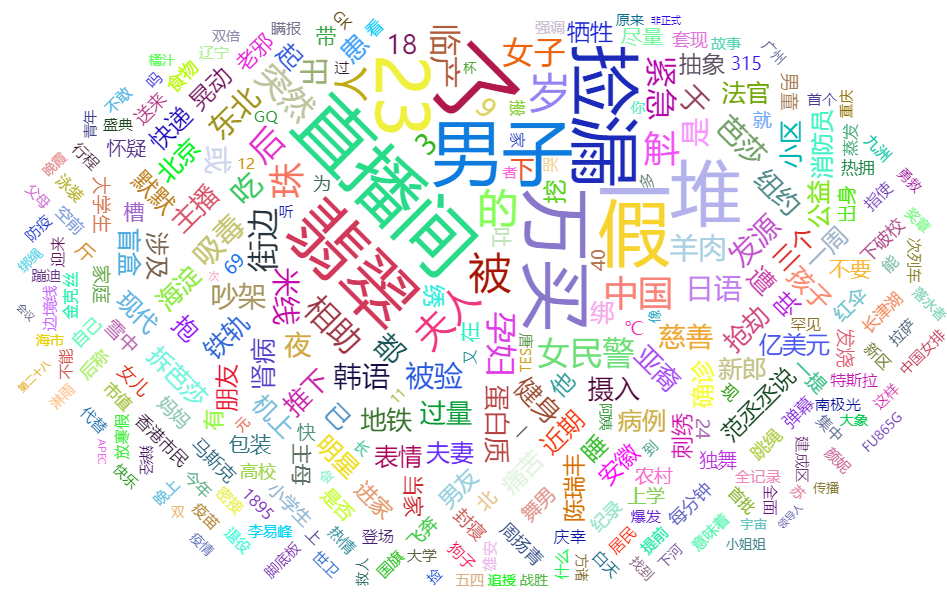
If I change it to a heart shape, it looks like this*(doesn't really look like one*
Let's try a diamond
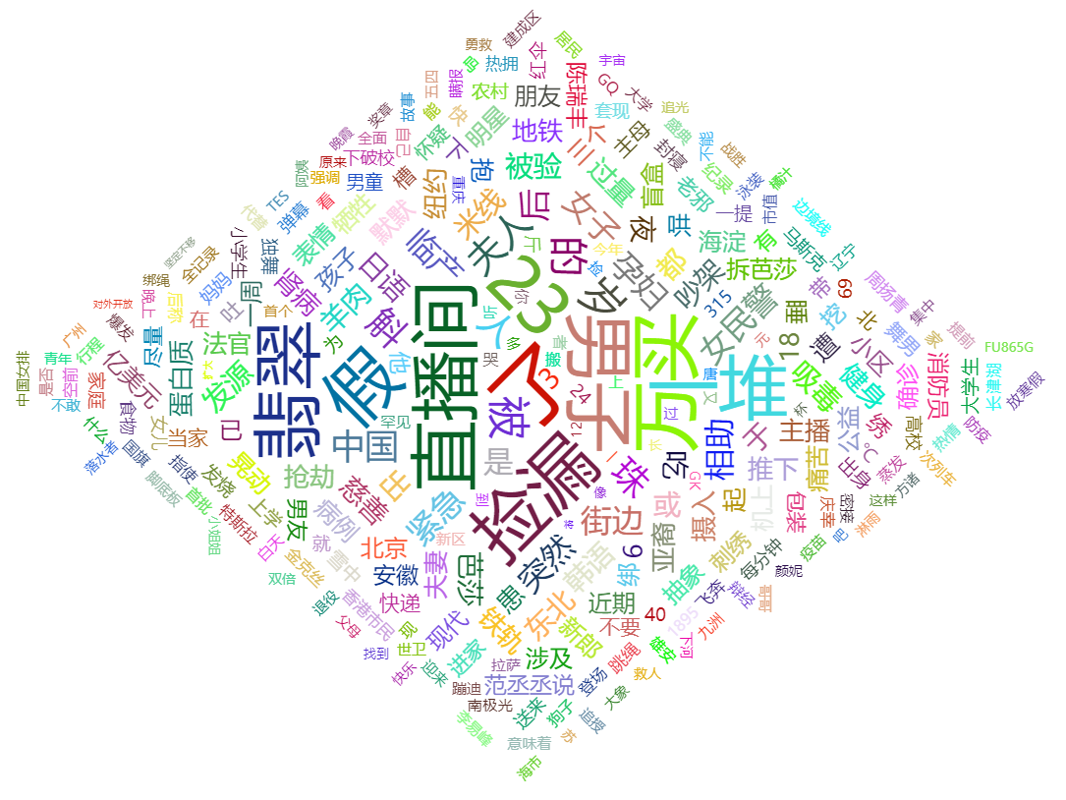
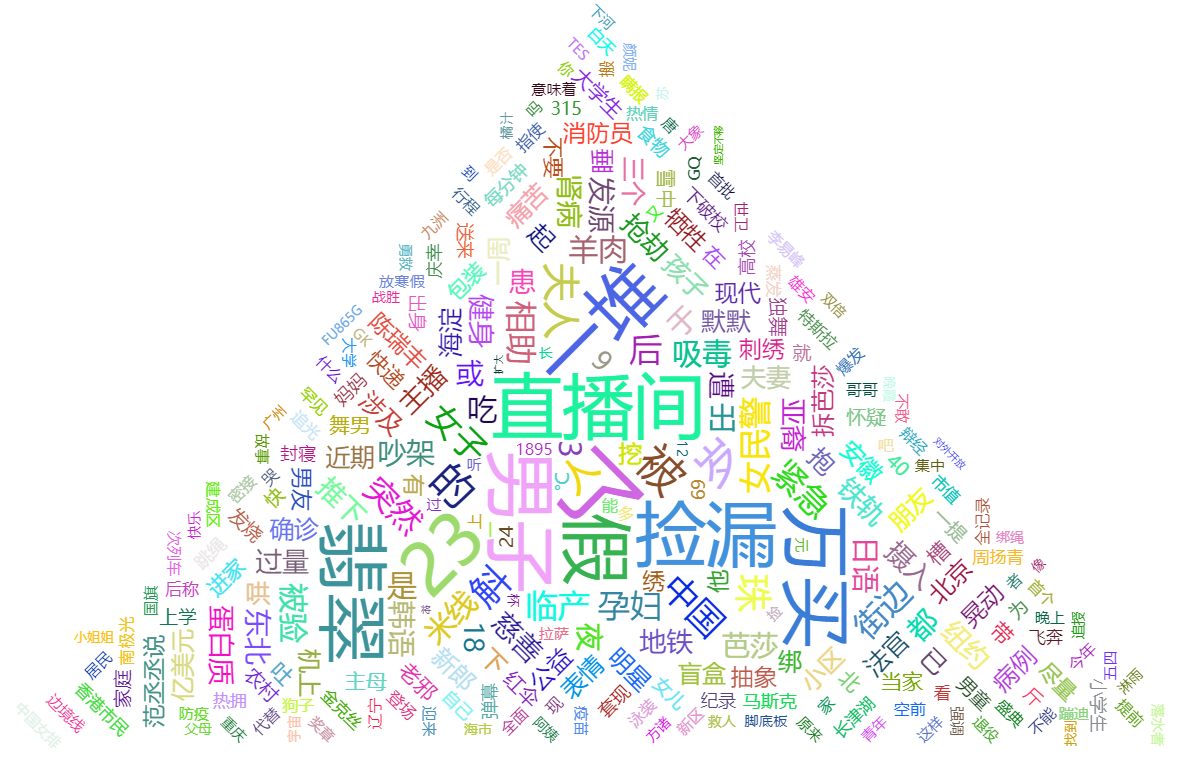
Triangle
A lying-down triangle
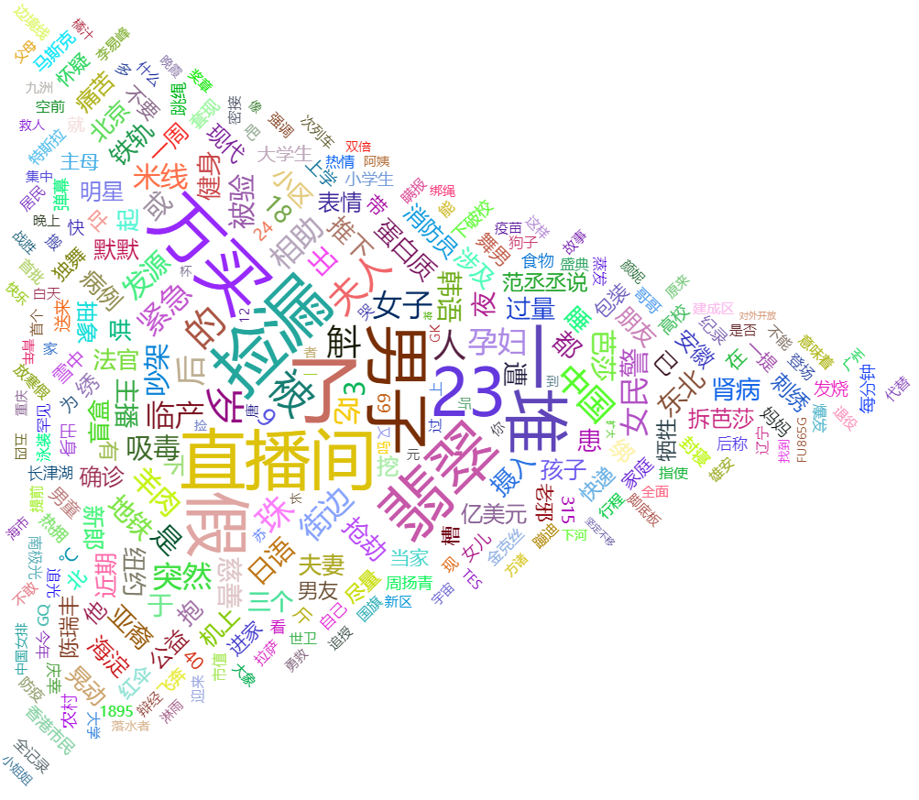
Okay, I'll stop messing around~
What each configuration does
shape: The shape of the word cloud. Default iscircle. Optional values arecardioid,diamond,triangle-forward,triangle,star.left top right bottom: Position of the word cloud. Default iscenter center.width height: Width and height of the word cloud. Default is75% 80%.sizeRange: Font size range of the word cloud text. Default is[12, 60]. The word cloud renders font sizes based on thevaluein the provided raw data. Taking the default as an example, the smallestvalueis rendered as12px, the largest as60px, and intermediate values are calculated proportionally.rotationRange rotationStep: The angle of text in the word cloud. Text will randomly rotate within therotationRange, and the rendering step isrotationStep. The smaller this value, the more kinds of angles appear in the word cloud. Taking the parameters above as an example, possible rotation angles are-90 -45 0 45 90.gridSize: Spacing between each word in the word cloud.drawOutOfBound: Whether to allow the word cloud to render outside the bounds. Just use the defaultfalse, otherwise words can easily overlap.textStyle: Style of the text in the word cloud.normalis the initial style,emphasisis the style when the mouse hovers over the text.
Demo Code
Demo written for this article: Deali-Axy/WeiboWordCloud-frontend: Weibo Word Cloud, Frontend (github.com)
URL: https://github.com/Deali-Axy/WeiboWordCloud-frontend
References
- echarts-wordcloud component project URL: https://github.com/ecomfe/echarts-wordcloud
- Blog: https://segmentfault.com/a/1190000023022232
_EOF_
Pure Frontend Word Cloud Display + Weibo Hot Search Word Cloud Demo Code
- 本文作者:
- 程序设计实验室
- 版权声明:
- 本博客所有文章除特别声明外,均采用 BY-NC-SA 许可协议。转载请注明出处!
相关文章
开始开发一个新博客了,复古风Metro风格,顺便diss一下js
emmm 我原本的博客是用wordpress搭建的,当年七牛云还是免费时用它做的CDN,但是现在收费了,如果维持目前的博客流量的话每个月都要支付不少费用,于是只好把七牛云给停了= =,这也导致我博客里面很多图片都访问不了,页面布局也出问题了,不想折腾了,而且wordpress用起来总觉得不顺手,还是自己做一个吧~ 计划 最近刚好在学SpringBoot啥的,本来想用springboot搭建一个博客
2022-07-18 · Web前端 · 约 1 分钟
使用mock.js开发假数据接口
参考资料 Mockjs使用 - https://juejin.cn/post/6953199521031520292 http://wll8.gitee.io/mockjs-examples Mokcjs 文档 Vitepress版 - http://mock.pe666.cn/
2022-12-06 · Web前端 · 约 1 分钟
使用JS模拟按键输入的踩坑记录
坑 一开始在Google搜索了一番,找到了用jQuery的方案,代码量很少,看起来很美好很不错,结果,根本没用…… 我反复试了这几个版本: var e = $.Event('keyup') e.keyCode = 49 $('#btn').trigger(e) // 就是把 keycode 换成 which $('#btn').trigger($.Event('keyup', { which: 4
2021-12-18 · Web前端 · 约 1 分钟
使用微软官方的IE虚拟机测试上古网站
下载地址:https://developer.microsoft.com/en-us/microsoft-edge/tools/vms/ 虚拟机默认密码:Passw0rd!
2021-12-18 · Web前端 · 约 1 分钟
讨论
共 0 条加载评论中…