

Budget Tri-Mode Mouse: A Simple Unboxing of the Eweadn X23 Pro
95 yuan listed, 37 in hand—they really stacked those discounts. But the feel is floaty with a plastic-burr texture; you get what you pay for. The driver still works via WebHID—that's about the only thing worth praising.
目录12 个章节
Preface
It's been two weeks since I last wrote an unboxing, even though this was from the same batch of material. Damn it, once I get busy I start procrastinating.
This post is about a budget mouse, the Eweadn X23Pro.
I've actually bought quite a few mice over time—basically one mouse for each computer. Since I got a new MacBook this year, I needed another one.
The mice I bought before were all around 200 yuan. This time, before buying, I watched some reviews on Bilibili and thought budget mice looked pretty decent, so I decided to try a cheap one.
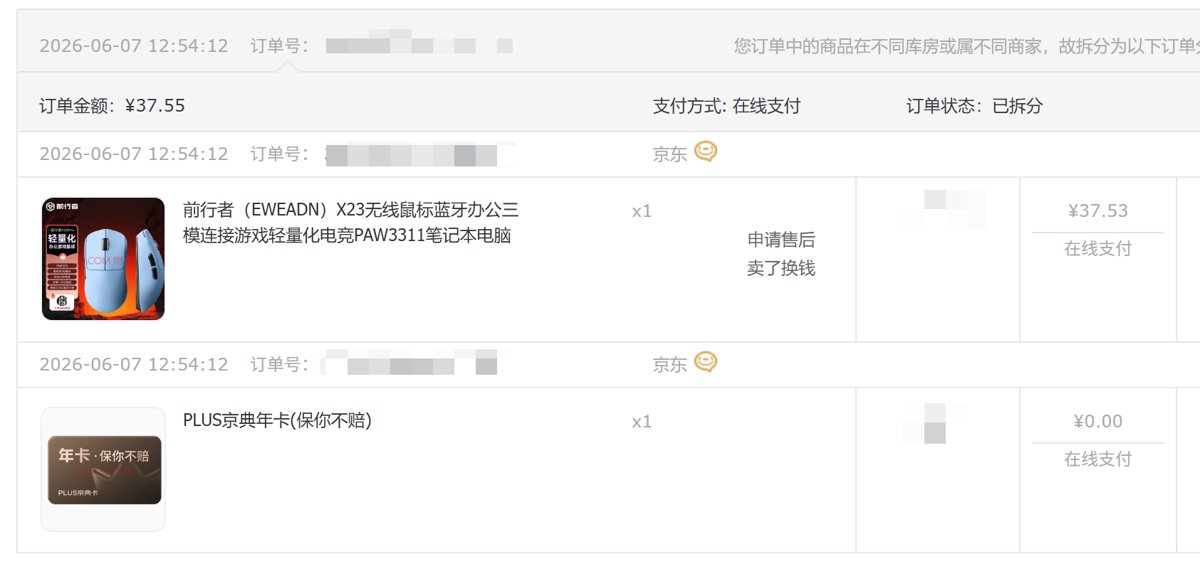
This one is around 95 yuan on JD.com. I went ahead and signed up for PLUS membership and stacked a bunch of miscellaneous discounts, and it ended up costing only 37 yuan. What a steal~
Specs
The X23 Pro's sensor is a PAW 3311, which is pretty good for this price. Another 50 yuan would get you a 3395, but I'm using this with a MacBook and don't game, so the 3311 is plenty.
It has 2.4g/Bluetooth/wired tri-mode, an 800mAh battery, weighs 59±3g, and comes with a 1K NANO receiver as standard.
Packaging
Very eco-friendly packaging.
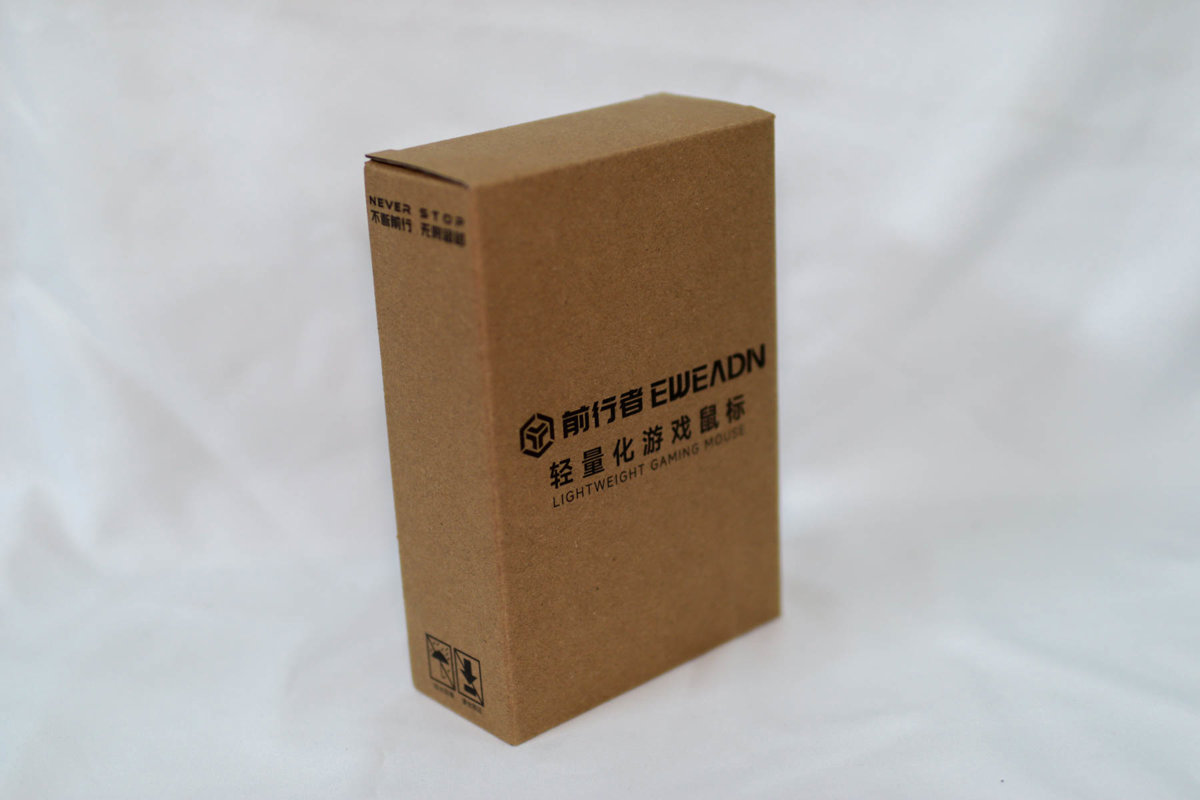
Nested Boxes
There's another box inside—suddenly it doesn't feel so eco-friendly anymore, haha.
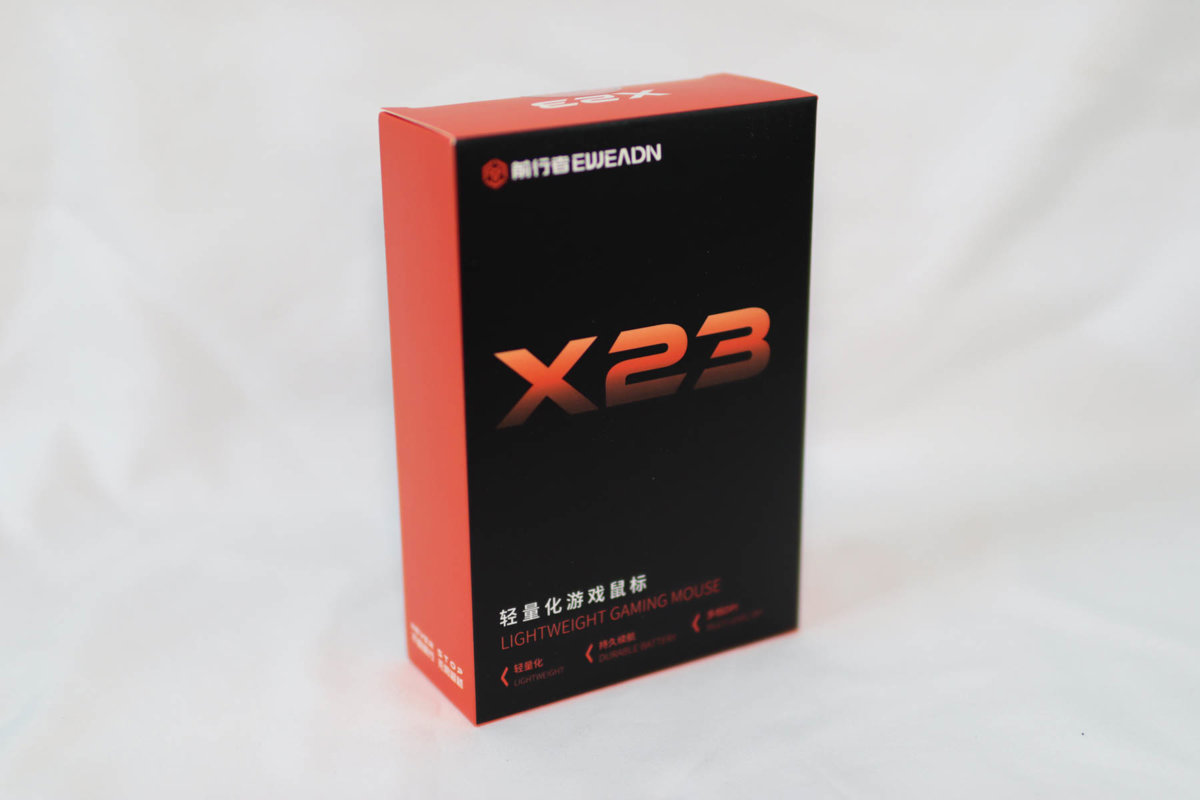
Unboxing
The accessories are simple: a manual, stickers, and a cable.
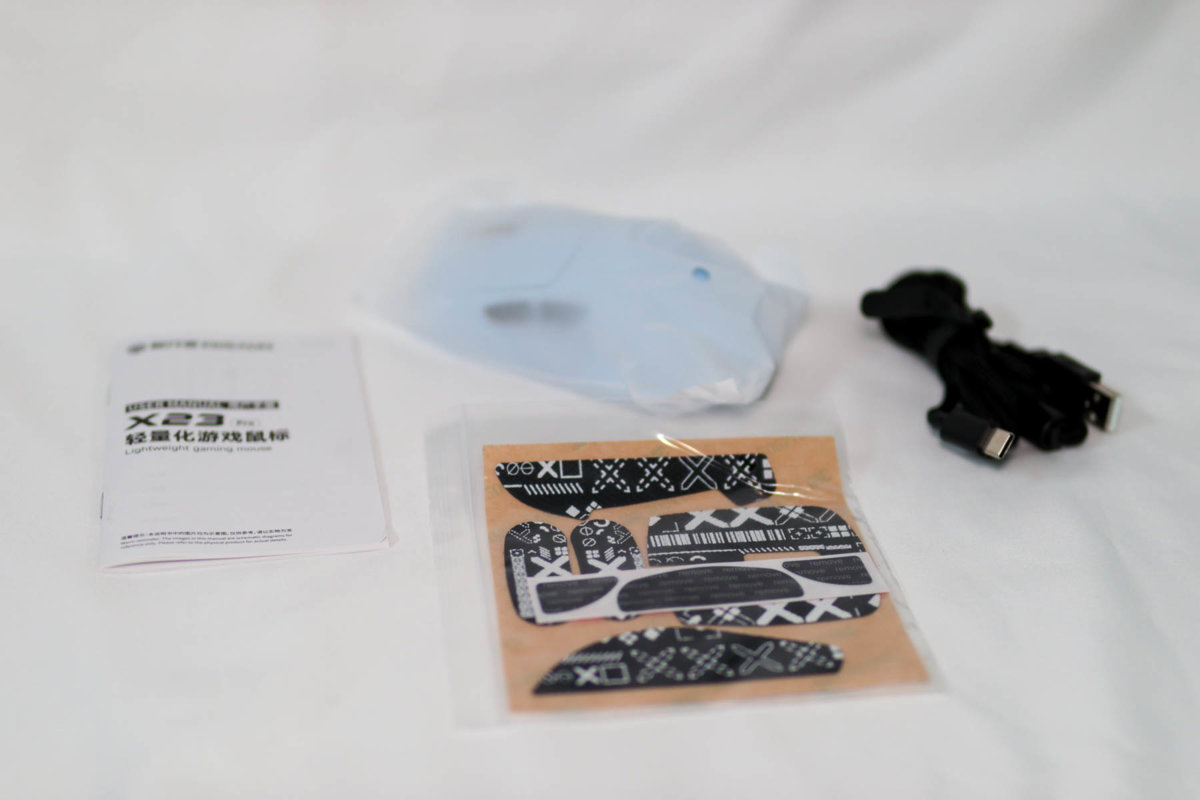
The Mouse Itself
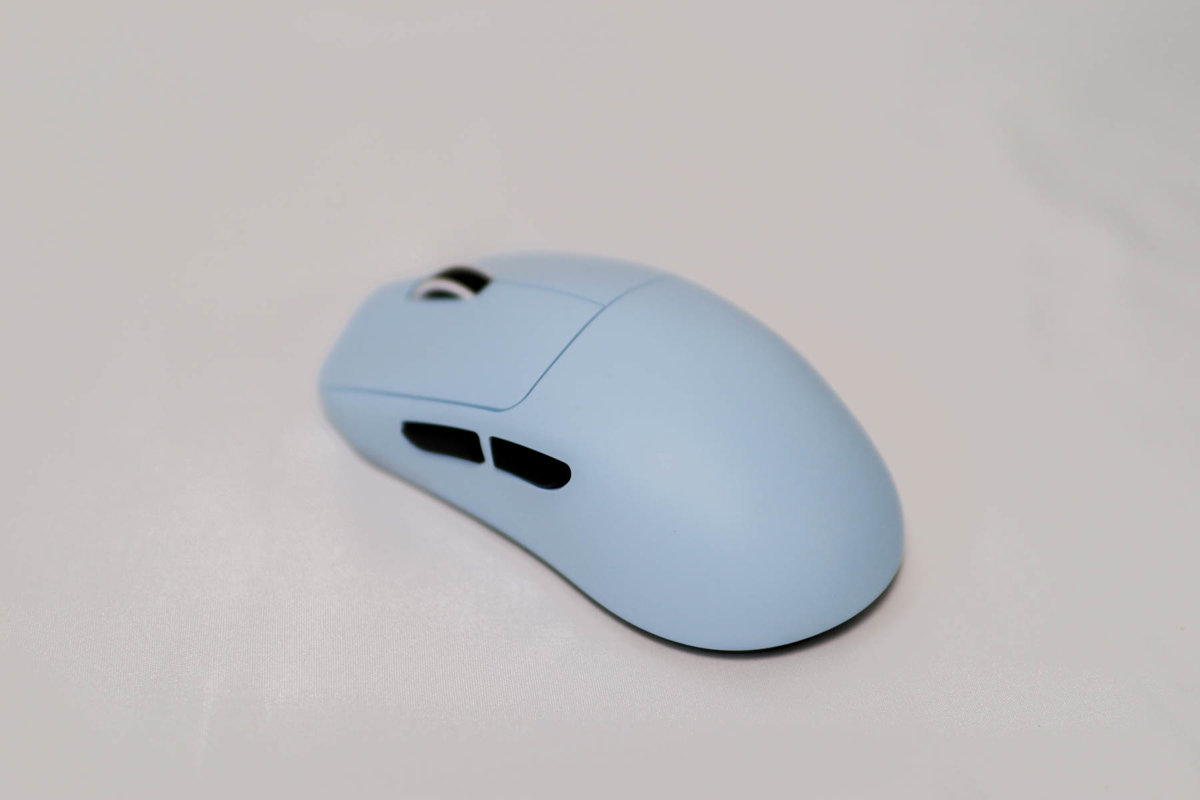
The looks are pretty decent.
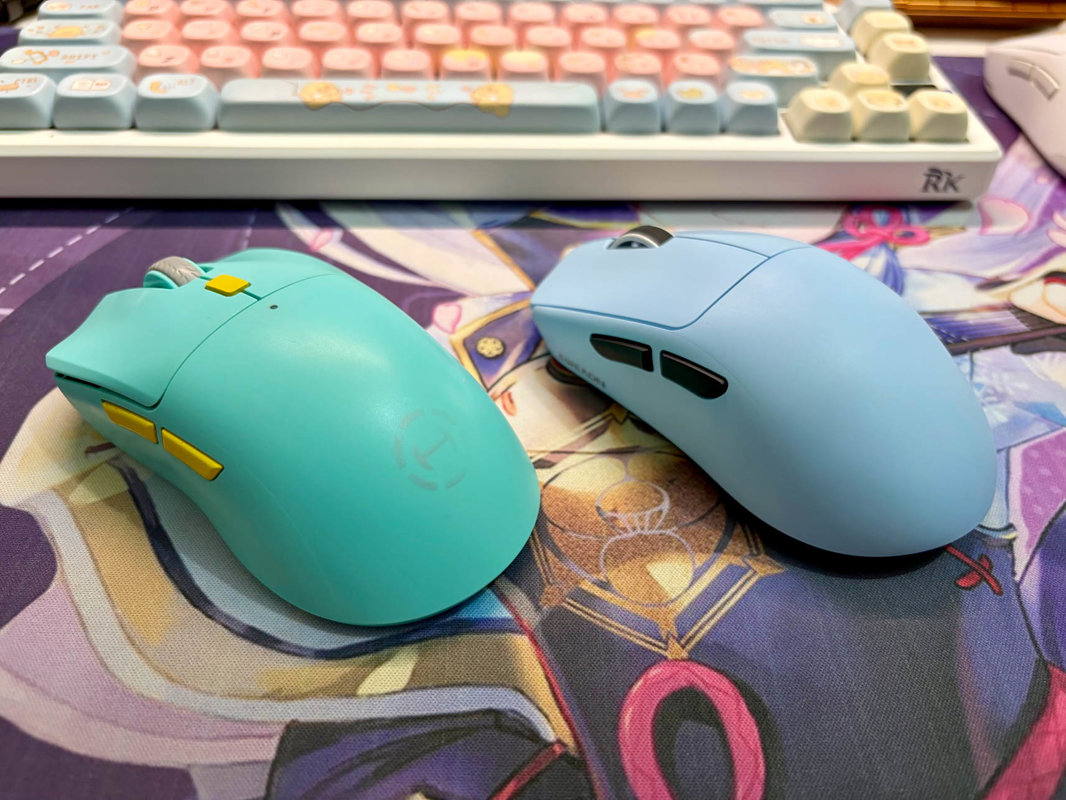
I think it looks a bit like that Edifier mouse I had before.
It's just this black button that I find a bit jarring.
Here's a comparison with the Edifier one.
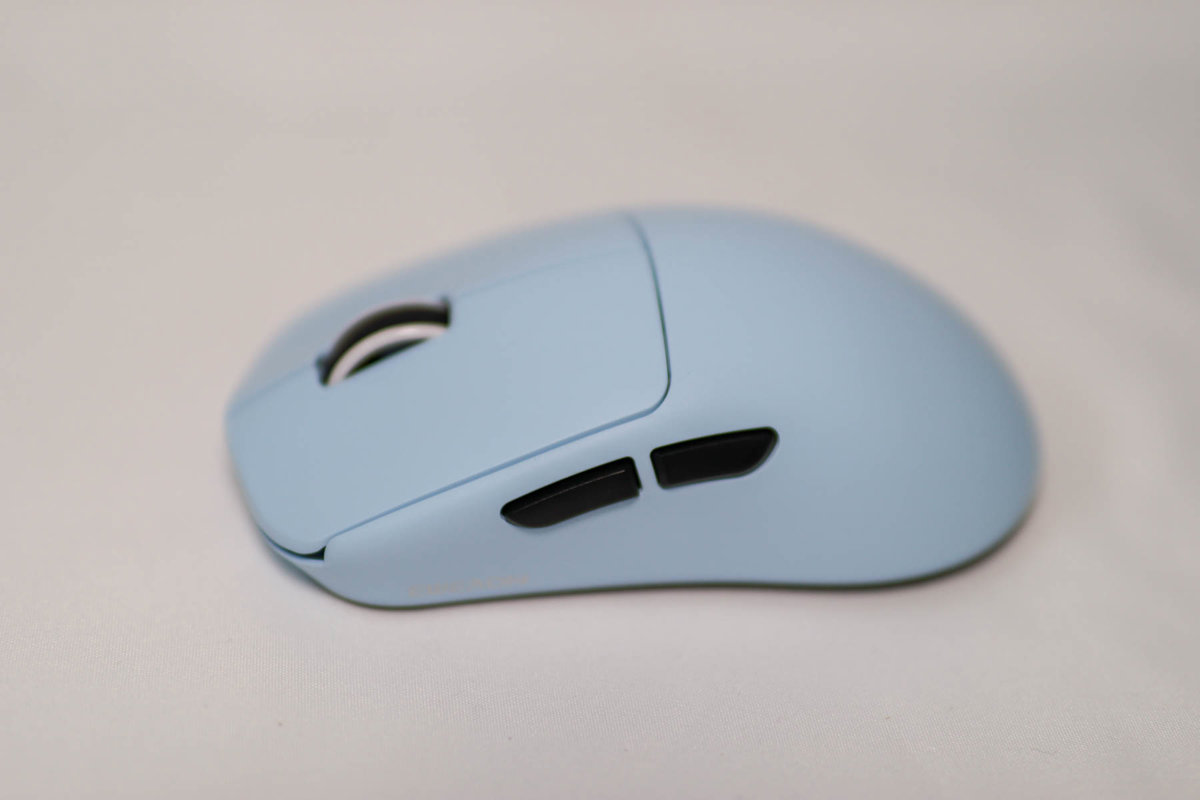
Side
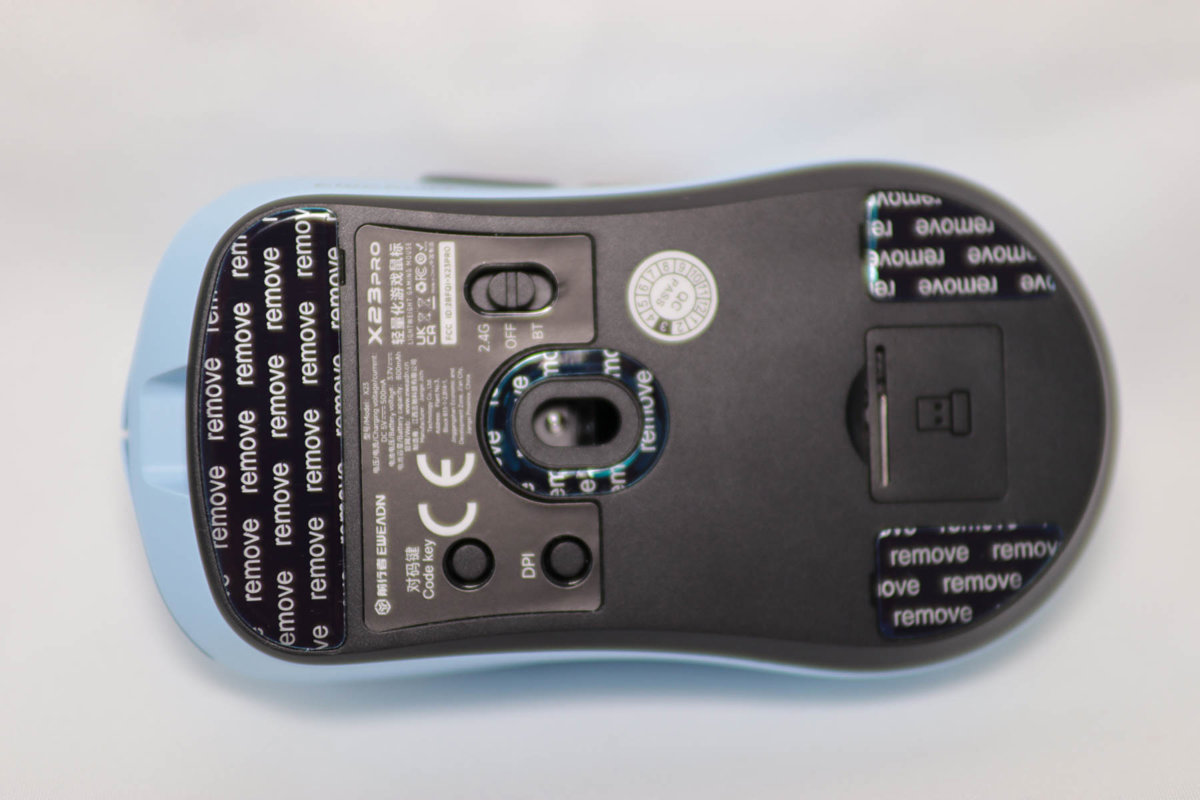
Bottom
The tri-mode switch on the bottom is really nice—very convenient. Thumbs up.
Storage Case
Unlike the previous Edifier, this mouse doesn't come with a storage pouch.
So I splurged a massive 5 yuan on Pinduoduo for a storage case.
It actually works pretty well.
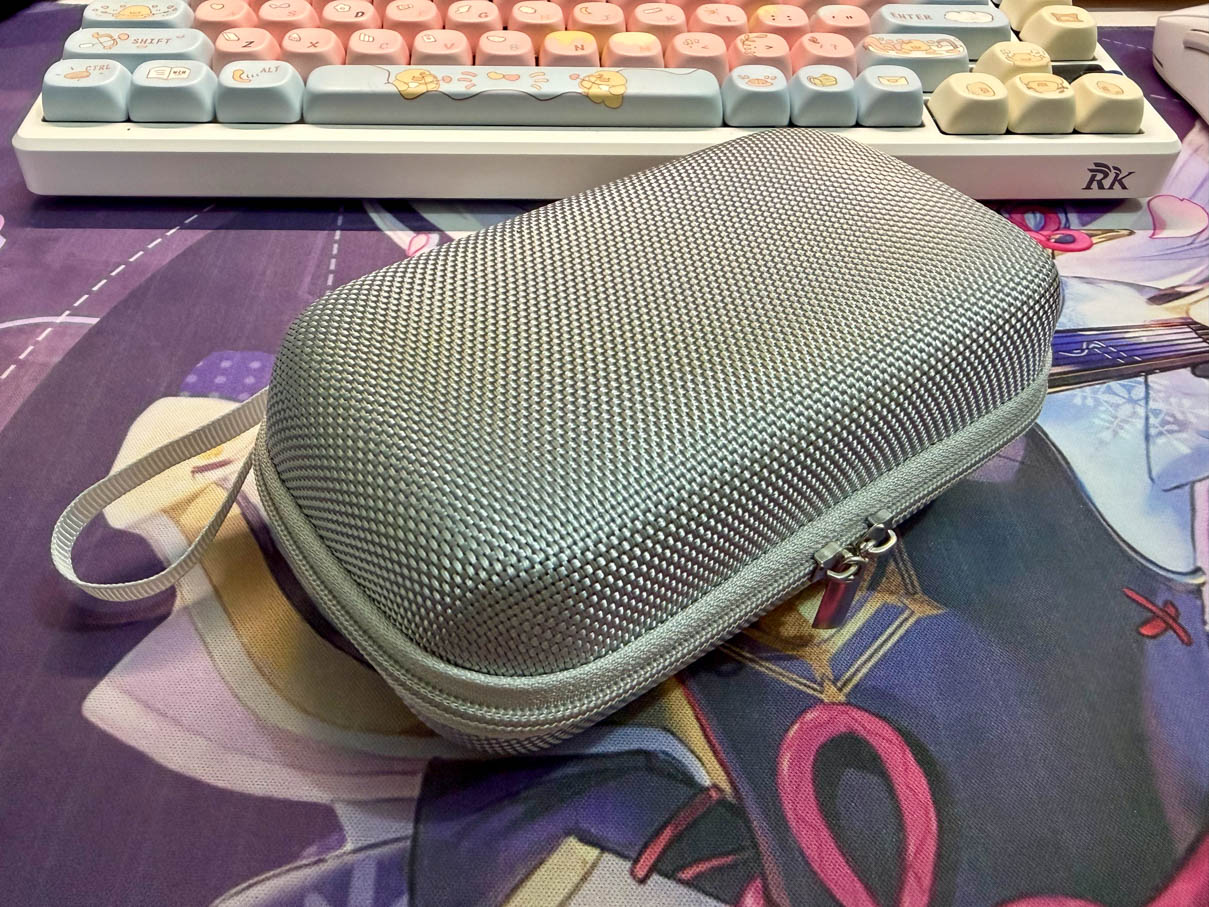
It's just this strap inside that's a bit pointless.
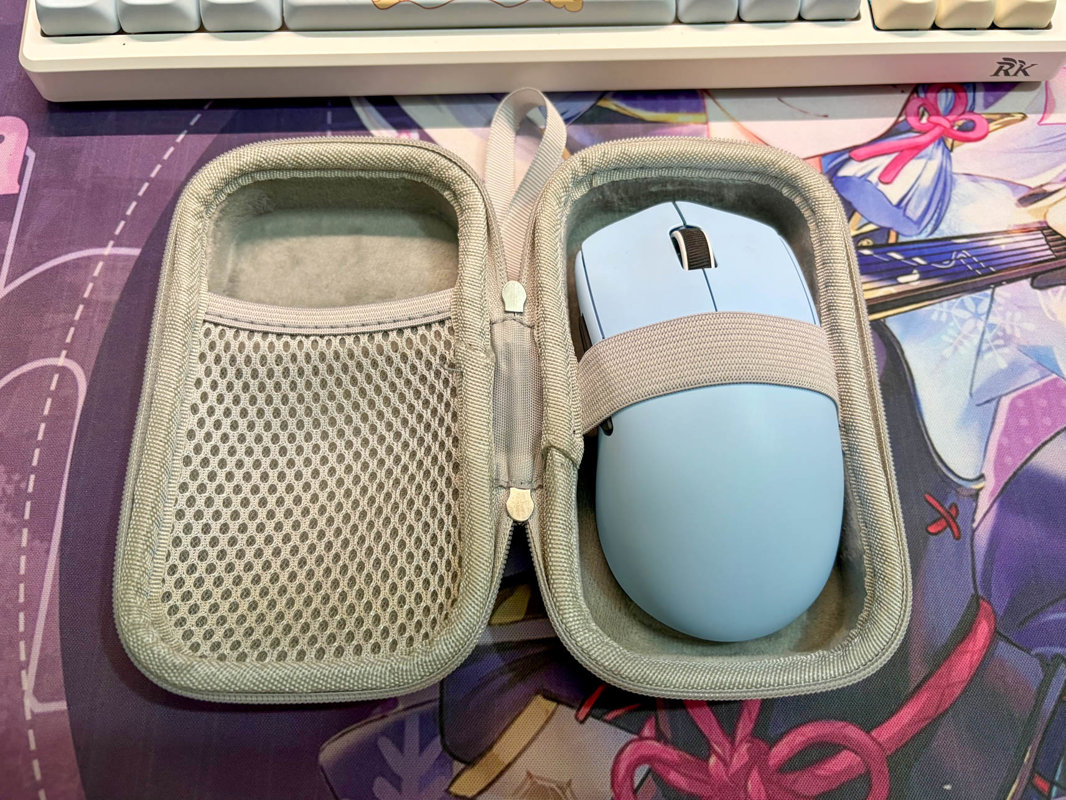
Feel
The moment I picked up the mouse, I couldn't help but sigh: you get what you pay for.
Compared to my previous Edifier HECATE G3Mpro and Inphic in6
this one is much rougher—it has a plastic burr feel when you pick it up.
It's also very light, feels floaty in use, and the hand feel isn't actually that great.
Of course, at this price, what more could you ask for—as long as it works.
Driver
Official site: https://www.eweadn.cn/drive/index.html
This mouse may be cheap, but the driver doesn't cut corners.
They offer both a web version and a client.

For convenience, I of course went with the web version. It doesn't say it supports the X23 series, but in actual testing it still works.
Clicking the web driver takes you to this page, which connects to the mouse via the browser WebHID API.
PS: WebHID is really nice. A webpage can send and read data directly to the device via the USB HID protocol. No need to install traditional desktop configuration software at all.
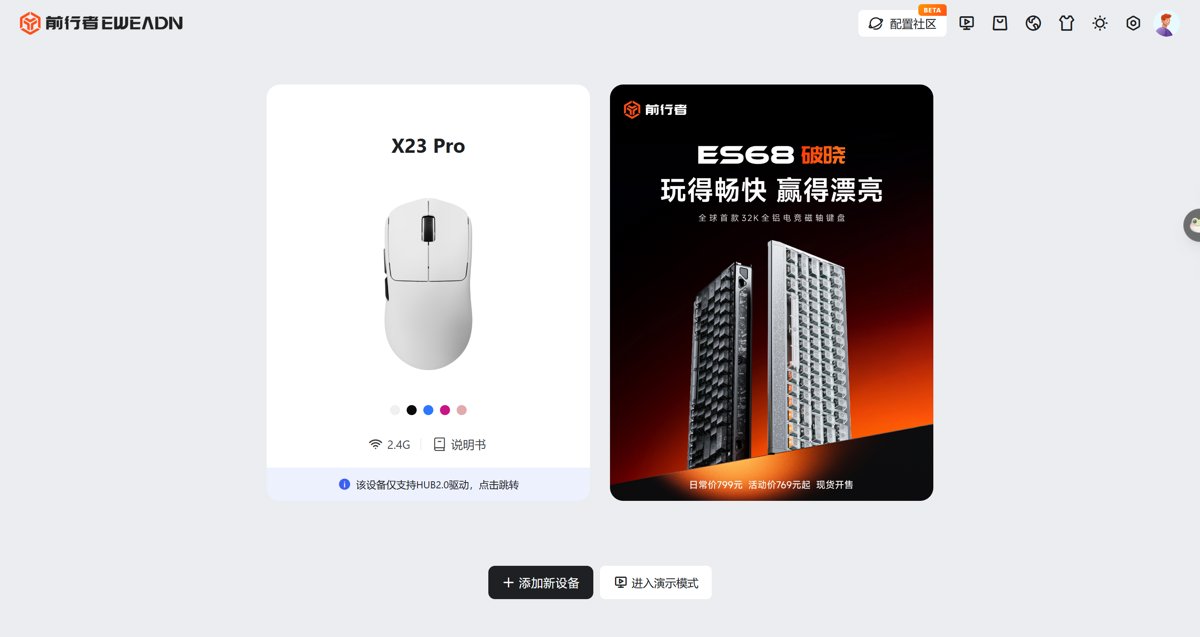
Since I have quite a few peripherals connected, I need to select the corresponding device here.
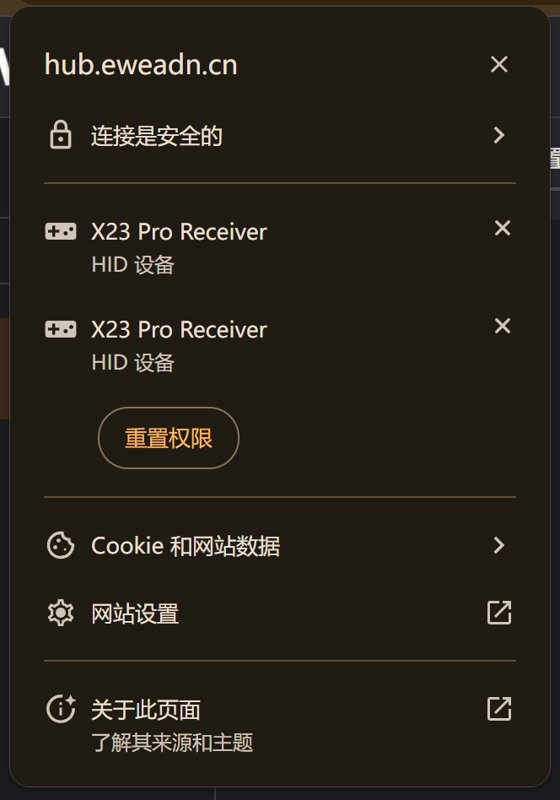
After clicking the X23 Pro mouse card, it jumps to a new page prompting to initialize the mouse, then asks for authorization again.
This experience is a bit poor—minus one point.
Finally made it into the mouse settings page. It's quite clean.
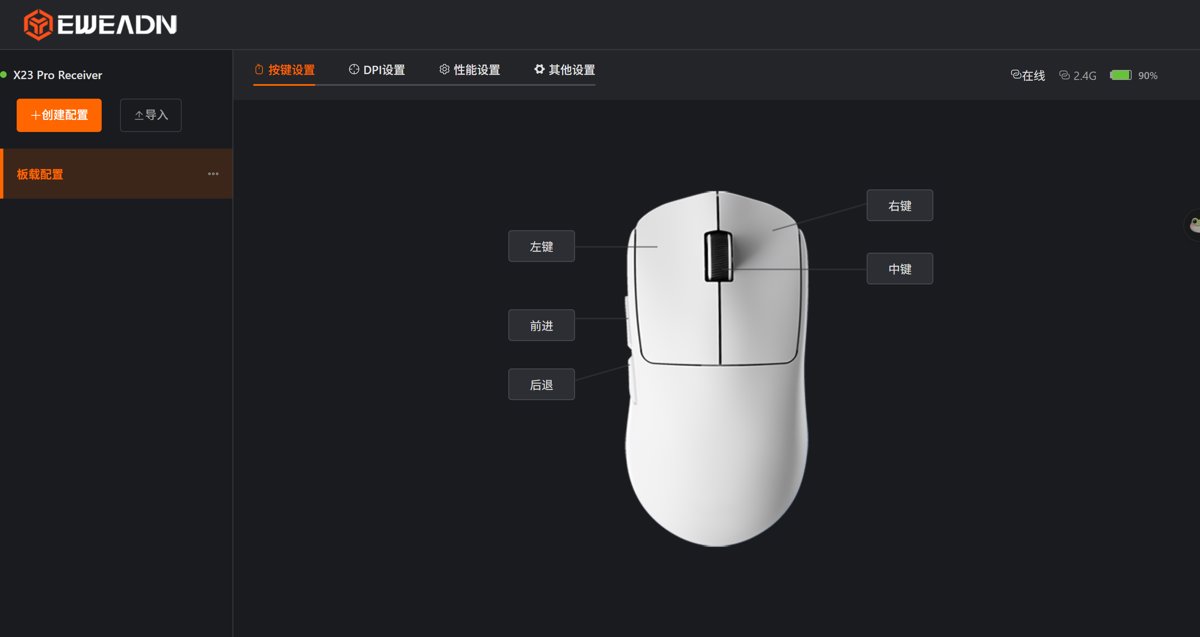
I just swapped the forward and back buttons to match my habits.
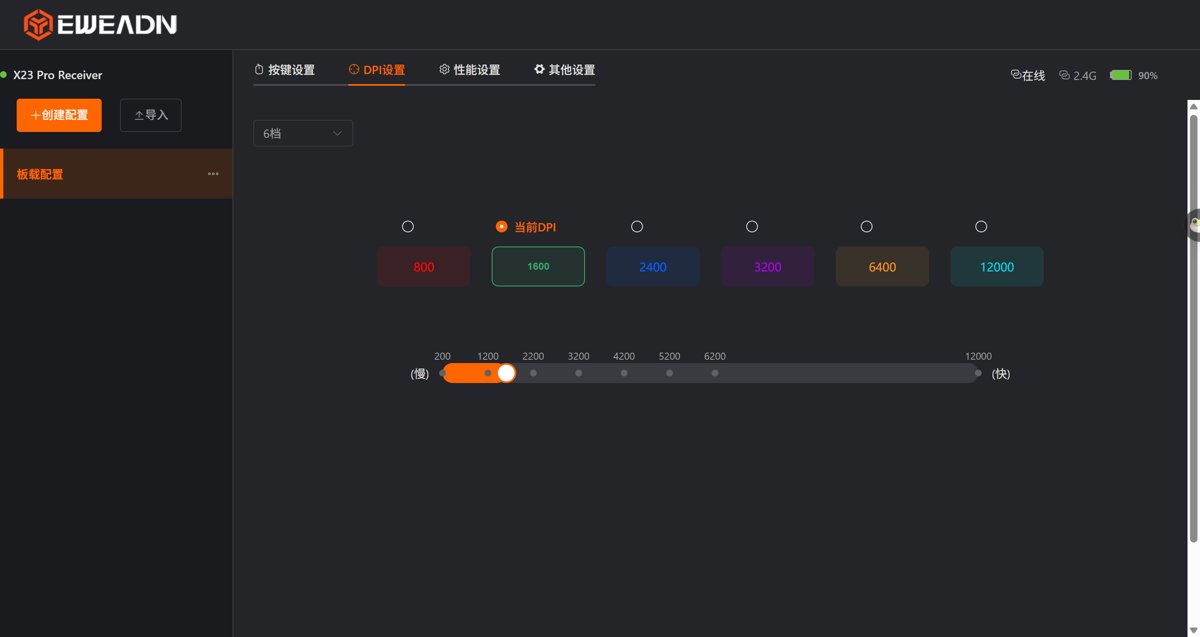
The rest is DPI settings
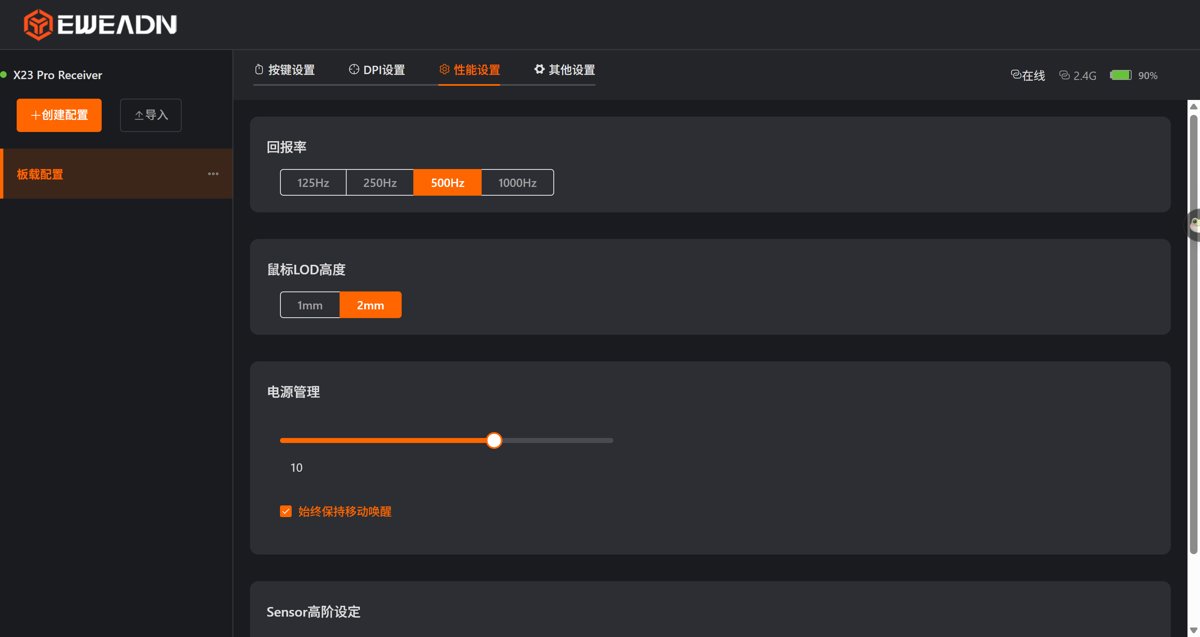
Performance settings
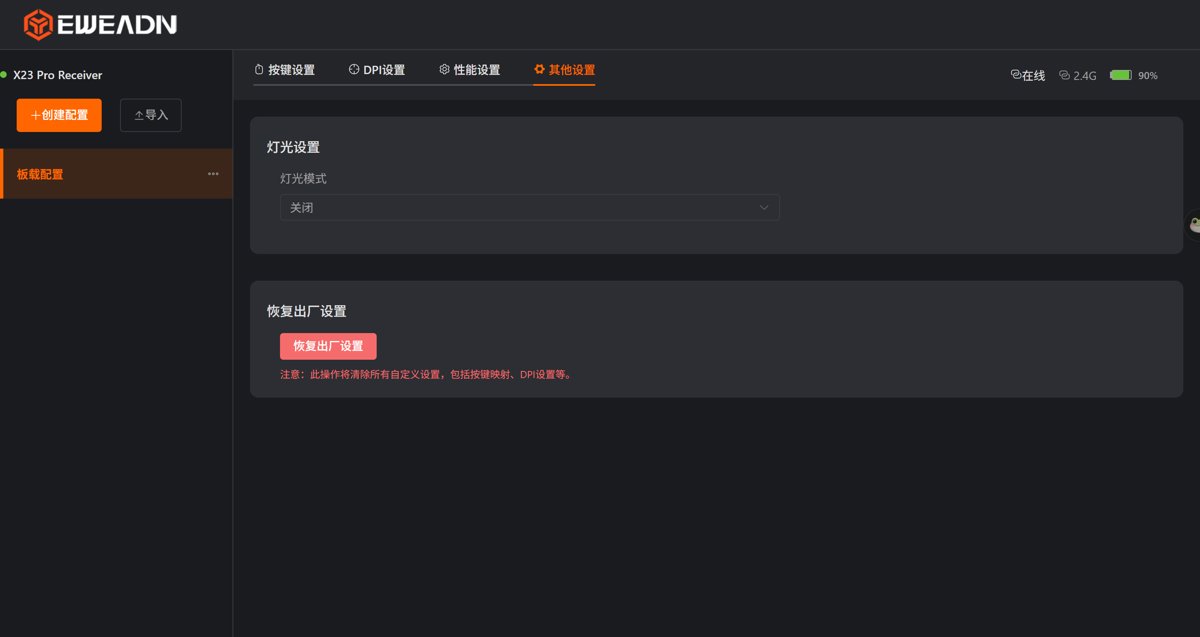
And lighting
Wrap-up
After using it for a while, it's okay. I've mostly gotten used to this floaty feel.
I don't use it much—I have quite a few devices, so I only use it occasionally. I mainly still use the Inphic in6 paired with my desktop.
_EOF_
Budget Tri-Mode Mouse: A Simple Unboxing of the Eweadn X23 Pro
- 本文作者:
- 程序设计实验室
- 版权声明:
- 本博客所有文章除特别声明外,均采用 BY-NC-SA 许可协议。转载请注明出处!
相关文章
玄派玄熊猫P1鼠标开箱
旧鼠标电池漏液?又是这破事,换了个玄派玄熊猫P1。三模切换开关硬得离谱,掰过头变蓝牙模式,呵呵。按键声大得像打鼓,其他凑合吧。
2025-10-28 · 鼠标 · 约 1 分钟
漫步者HECATE G3Mpro鼠标开箱
漫步者HECATE G3Mpro,颜值在线,静音微动翻倍爽。三模切换?滚轮+后退键三秒搞定,比玄熊猫那破开关强多了。63g超轻,70H续航,天天用,真香。驱动简单,键盘手感稀烂?呵。
2025-10-28 · 鼠标 · 约 1 分钟
英菲克in6鼠标开箱
鸡哥电脑一直和其他电脑共用之前的「漫步者鼠标」 这次单独配了个鼠标方便使用 简单在B站看了下选购视频 就入手了这款英菲克in6
2025-10-28 · 鼠标 · 约 1 分钟
为什么Ubuntu点了关机键变成注销?
最近发现一个奇怪的现象,就是点了关机键变成了注销,神烦,查了一下资料,找到了原因,原来是我安装的plank dock栏有个bug,会阻止系统关机,所以点了关机之后变成注销了,所以要在关机之前退出plank或者是docky这种dock工具。 然后我选择用回Unity的侧边栏了,告辞~ 参考资料 https://linux.cn/article-6265-1.html
2025-10-27 · FAQ & Tips · 约 1 分钟
讨论
共 0 条加载评论中…