"Everything Can Be Unboxed" Tenda 5-Port Full-Gigabit Small Switch
I had wanted to change the router long ago, but I never expected the one given with my broadband service to hold up so well for this long.
目录7 个章节
Preface
It's been a while since I've done an unboxing post. I've bought quite a few things recently, but haven't had the time to write about them.
I had been wanting to change my router for a long time, but I didn't expect the router that came with my broadband package to hold out for so long...
The first time I thought about changing it was when I bought a NAS and found that transferring files from my desktop to the NAS was very slow. So I bought an AX210 network card, but it still couldn't reach full speed. I began to realize the router's Wi-Fi bandwidth was too low. I originally wanted to get a new router, but since I was too lazy to shop around, I just bought a few meters of Cat6 cable for a few bucks. As soon as I connected it, it instantly hit full gigabit LAN speed~
The second time (which is this time) I thought about changing the router was because streaming my desktop to my laptop always caused stuttering. However, since there's also an Ethernet cable in the room, I thought I'd put it to use. But the router only has 2 LAN ports, which were already occupied by the desktop and NAS, so there was no place left to plug in another cable.
A small switch for a few tens of bucks works wonderfully. In the end, this router still didn't get replaced...
Packaging
Should I get a new mouse pad?
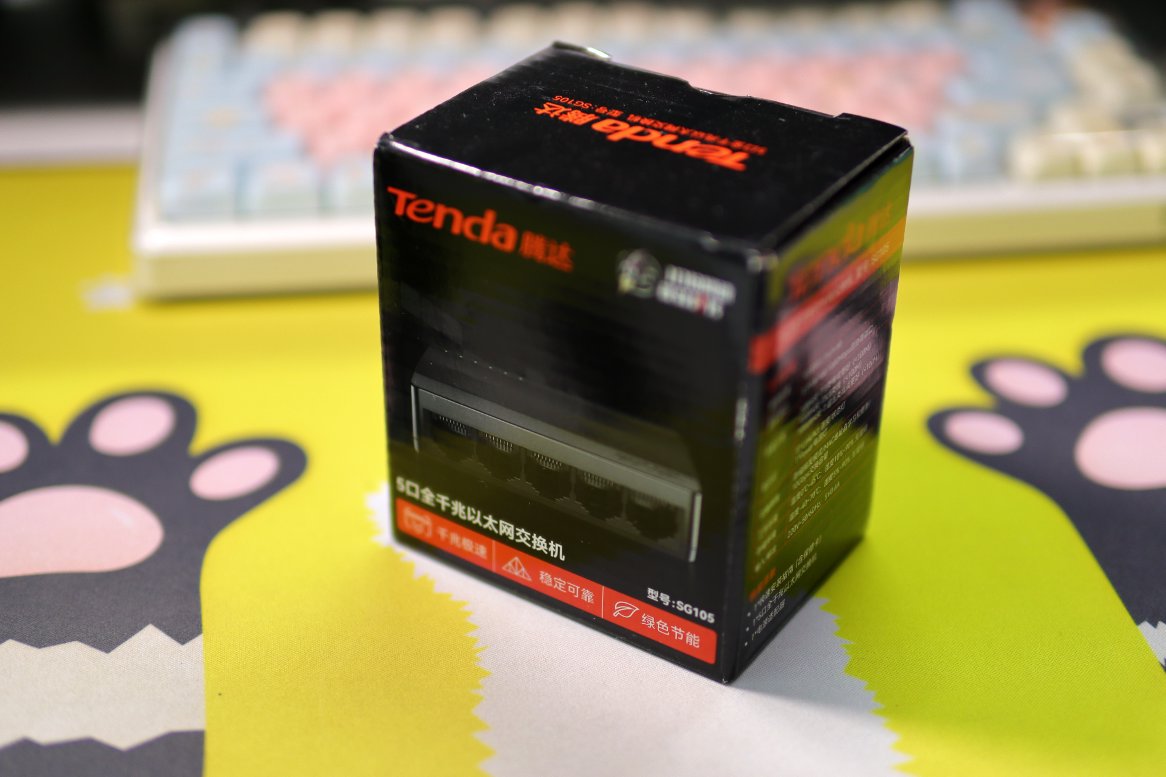
Back
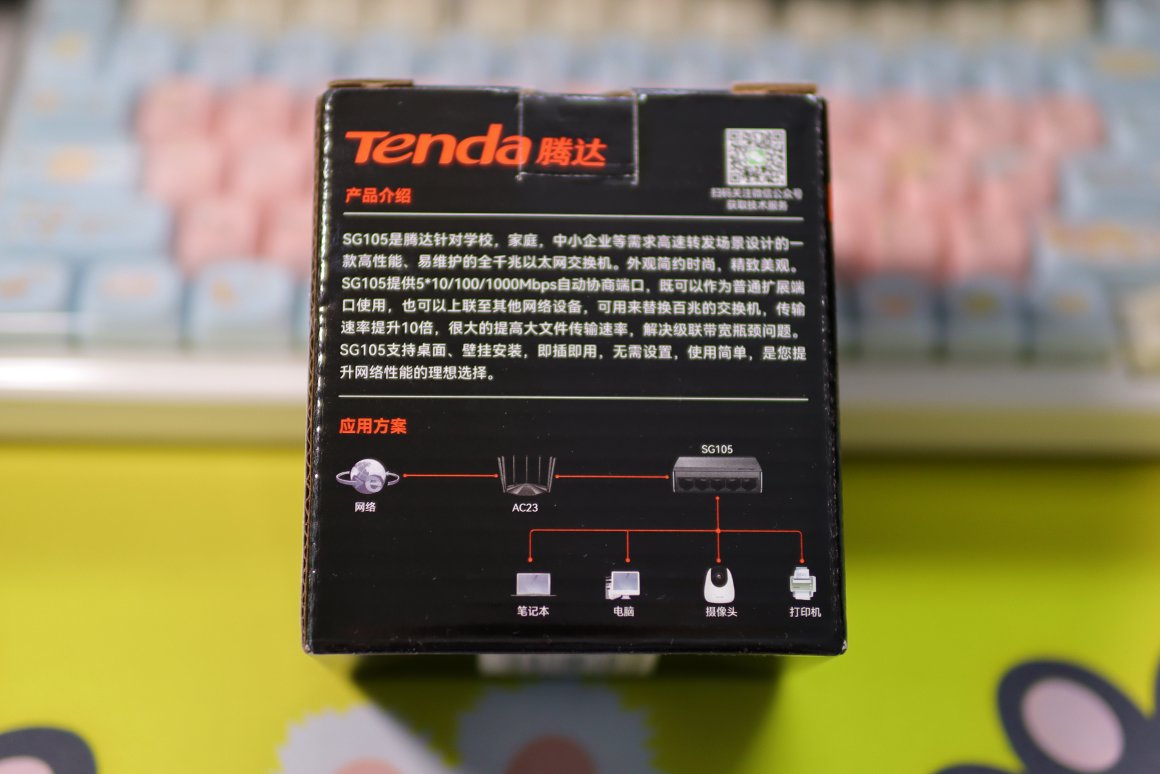
Unboxing
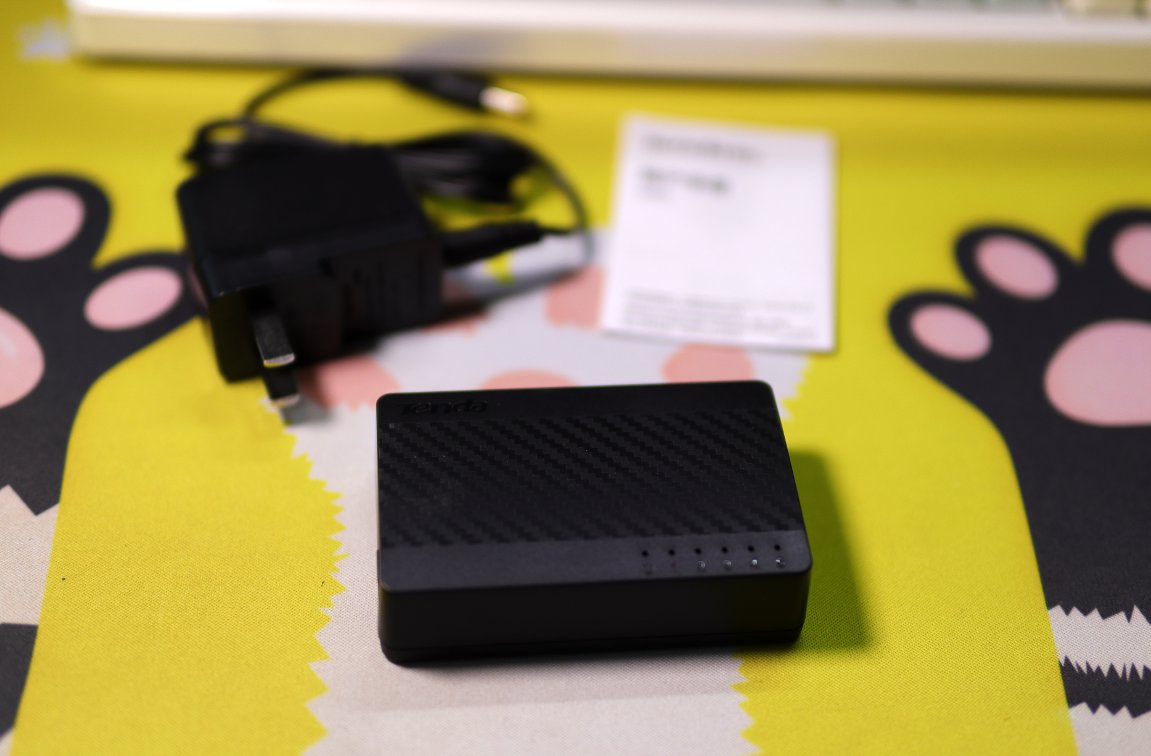
The included accessories are simple: a power adapter, a quick start guide, and the switch itself.
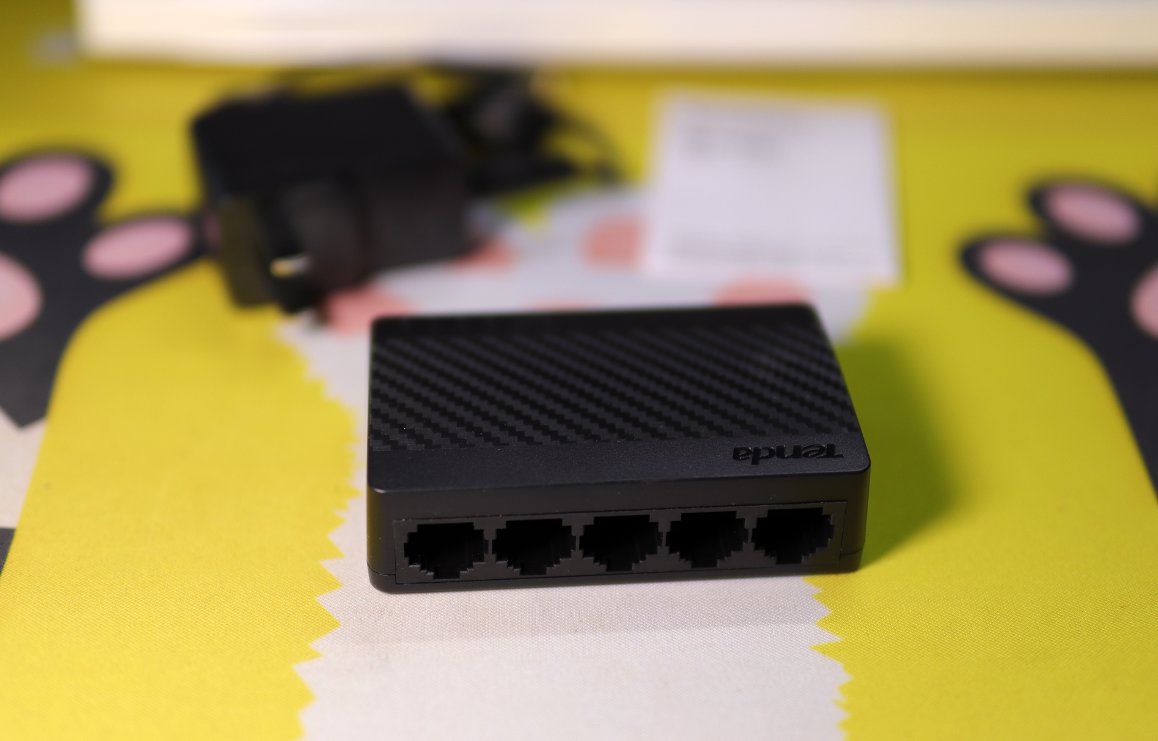
Let's take a look at the 5 Ethernet ports on the back.
User Experience
After connecting with a network cable, I indeed no longer encountered network signal issues during streaming.
However, if I run OBS screen recording on the laptop while streaming, it still becomes very laggy.
At first, I thought it was a configuration problem, and no matter how I adjusted it, it wasn't right.
Later, I opened hwinfo to monitor the CPU and GPU power and temperatures, only to discover it was a heat dissipation issue with the laptop.
The specific symptom is that under normal use, the CPU power can reach up to 22W, but once the temperature exceeds 60°C, it throttles down, reducing power to 15W or even lower. No wonder it becomes unbearably laggy with even a slight load.
By the way, I'm streaming using the original Matebook14, which I've been using for many years without ever replacing the thermal paste or cleaning out the dust. It's not surprising that heat dissipation would become a problem.
Q & A
- Q: Why not use a MacBook for streaming?
- A: I've tried it, but I'm not used to the key layout.
- Q: Why not get a new laptop?
- A: I've already placed an order. An unboxing article will be coming soon, but I'm keeping it as a surprise for now.
And...
There's also a little side story. Didn't I buy a Thinkplus docking station last time? It has a Gigabit Ethernet port.
But when I tried to use it, it just wouldn't be recognized no matter what.
So I went to JD.com and contacted customer service, and they asked me to exchange it.
After getting the replacement, I found the network still wasn't working.
When I checked the configuration,I realized—oh no—I had set up the network during a training session previously and forgot to change it back...
This time, it’s my own fault. I made a rookie mistake, lol 😂
_EOF_
"Everything Can Be Unboxed" Tenda 5-Port Full-Gigabit Small Switch
- 本文作者:
- 程序设计实验室
- 版权声明:
- 本博客所有文章除特别声明外,均采用 BY-NC-SA 许可协议。转载请注明出处!
相关文章
别致的小东西,酷态科10号Ultra充电头
Anker 140W 嫌贵,最后 172 买了酷态科 10 号。四个口、接米家、能看功率曲线——就是 20W 都烫得能煎蛋,官方赶紧把散热改改行不行。
2026-07-28 · 其他 · 约 1 分钟
开箱两个新的笔记本支架
69块的铝合金确实精致,35块的铁架子沉得像块砖,包装环保到直接散架。双十一背刺得漂亮,早知道就等促销买俩铝合金了。折叠支架那浅钩子,放游戏本滑出去谁负责?
2026-10-25 · 其他 · 约 1 分钟
米家智能插座3简单开箱
米家智能插座3?不过是换个壳的旧设计。实时功率和用电量?这点功能也就勉强及格吧。自动控制电热蚊香液?真是被逼无奈的创意。
2025-10-28 · 其他 · 约 1 分钟
德力西(DELIXI)充电保护器开箱
鼓包电池?怪谁整晚充电。买个保护器就解决了?设计倒还行。德力西充电保护器,防止过充?延长寿命?试试看吧。
2025-10-28 · 其他 · 约 1 分钟
讨论
共 0 条加载评论中…