Moan mix7 Unboxing and Usage Experience
I first encountered e-ink screen devices like the Kindle in 2018. On the Kindle, I finished reading bulky collections such as "Liu Cixin's complete works" and "Jin Yong's complete works." The reading experience on the e-ink screen was indeed excellent. I sold the Kindle in 2021. Recently, my reading volume has been quite large, and using a tablet for reading wasn't ideal, so I plan to get a domestically produced e-reader with an open system.
目录7 个章节
Preface
I first encountered e-ink screen devices like the Kindle in 2018. On my Kindle, I completed lengthy works such as "The Complete Works of Liu Cixin" and "The Complete Works of Jin Yong." The reading experience on the e-ink screen was indeed excellent.
I sold my Kindle in 2021. Recently, with a heavier reading load, it’s not ideal to keep using a tablet for reading all the time, so I decided to purchase a domestic e-reader with an open operating system.
There are quite a few options for domestic e-readers these days, with the following commonly known brands:
- Hanvon
- iReader
- Onyx Boox
- Moaan
- Xiaomi Duokan (manufactured by Moaan)
- Huawei (strictly speaking, they only have one product, so they don’t quite count)
I already have a tablet for large-screen devices, so I don’t have a need for note-taking or viewing PDFs. Therefore, this time I opted for a product around 7 inches. After researching, the following models are available:
- iReader Ocean3 – Closed system, poor performance, slow when opening WeChat Reading.
- Hanvon 18mini – Excellent screen performance, but sacrifices touch-screen functionality.
- Onyx Boox Leaf2 – Balanced performance in all aspects, solid but unremarkable, with a weaker CPU.
- Moaan mix7 – Impressive design, fewer features, slightly better CPU performance than the Onyx Boox Leaf2.
After some exploration, I chose the Moaan mix7~
This article serves as a brief unboxing and initial usage record. More detailed user experiences, including comparisons between the Moaan mix7 and other e-readers, will be updated later.
Parameters
- Screen Model: E Ink Carta 1100 (元太 Carta 1100)
- Screen Specifications: 7-inch, 1264x1680, 300ppi
- Processor: RK3566 1.8GHz
- Storage: 2GB LPDDR4x + 64GB eMMC 5.1
- Charging: 5V 1.5A
- Battery Capacity: 2500mAh
- Weight: 216g
Unboxing
The packaging box is filled with artistic vibes.
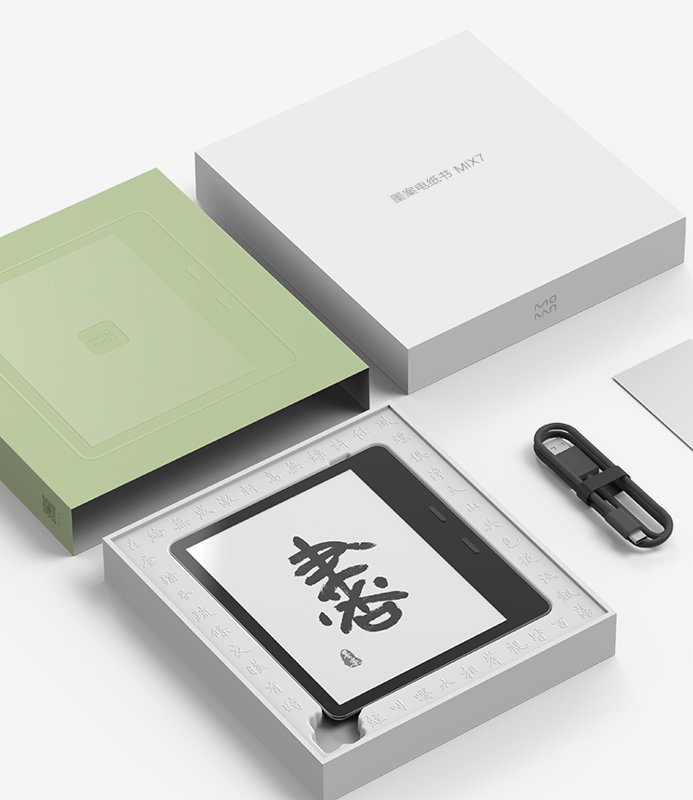
Packaging Box 2
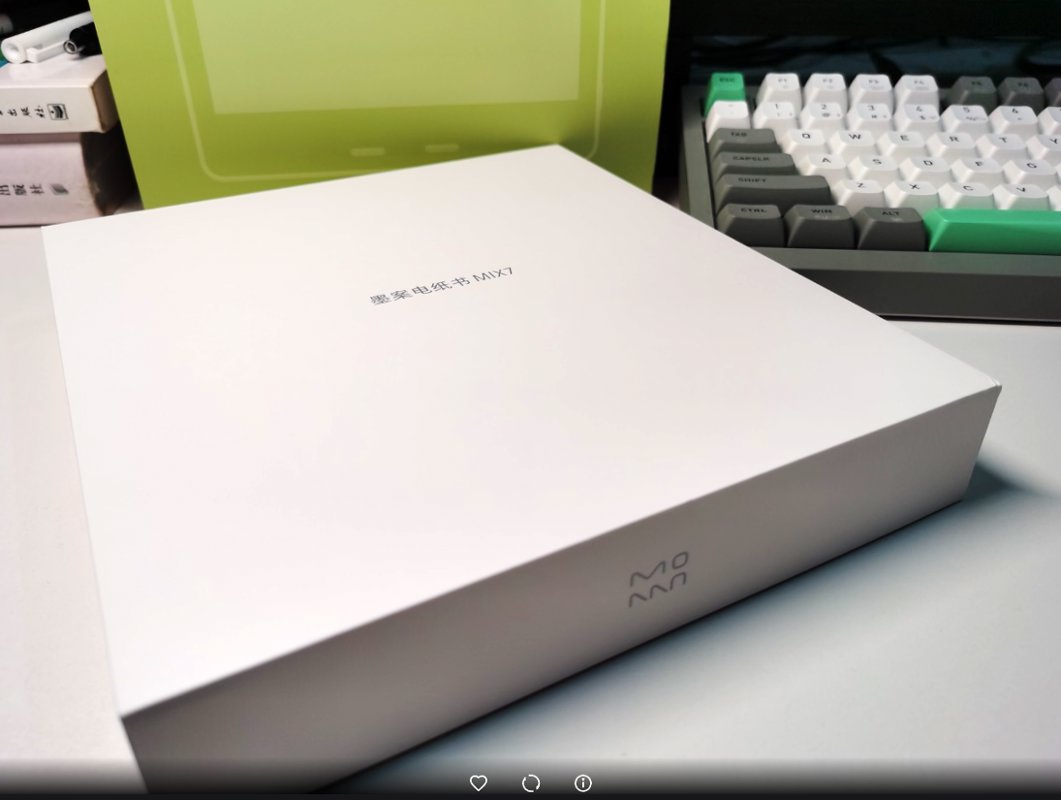
Unboxing!
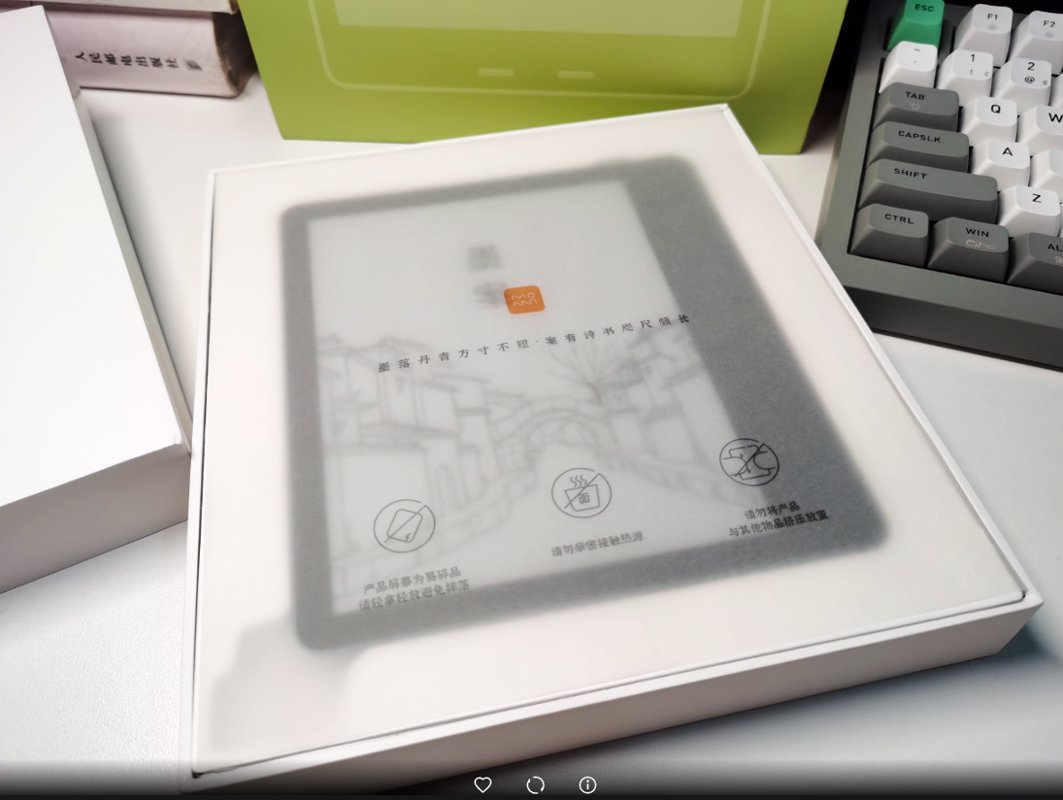
Removing the protective film.
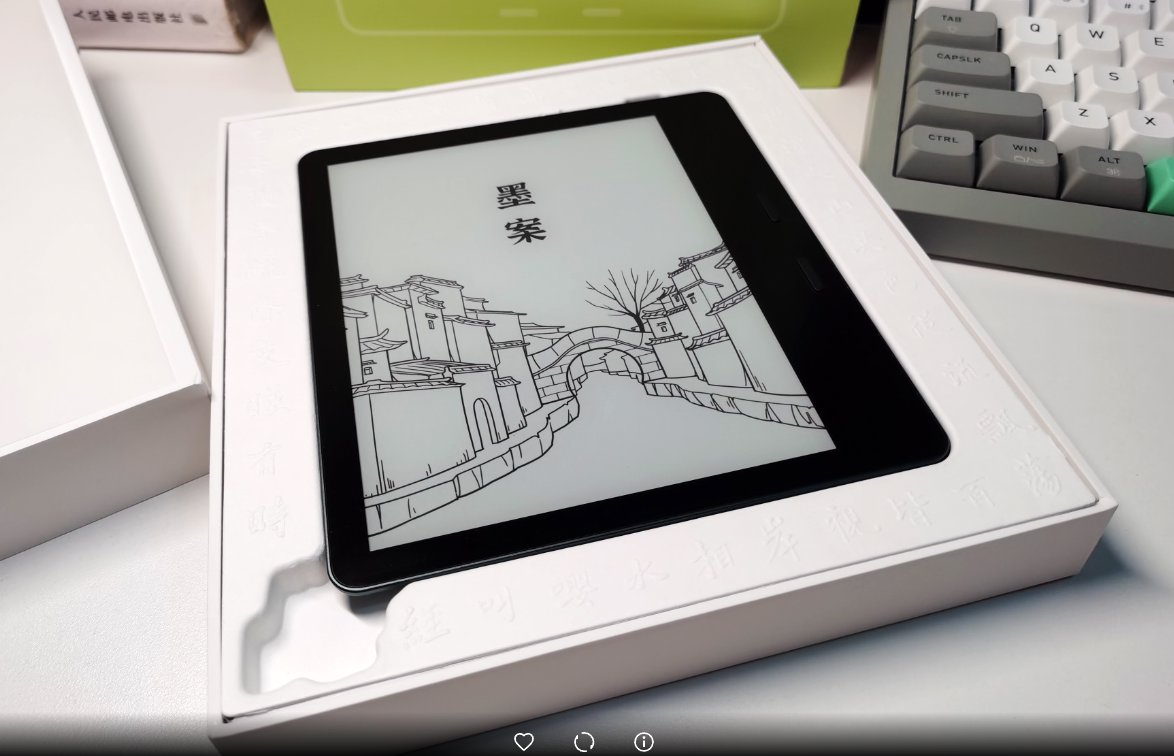
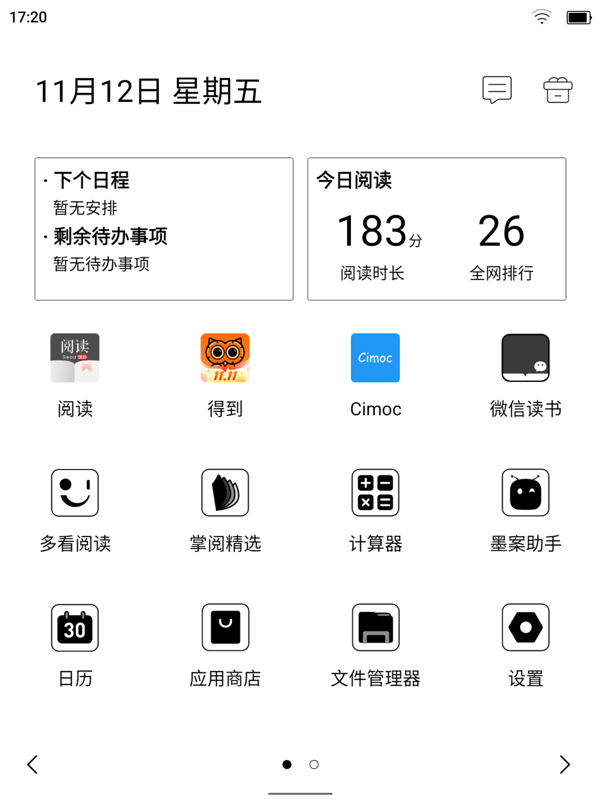
The main page is very clean after turning it on~ (The photo effect isn't as good as a screenshot, so I found a screenshot instead.)
A Minor Incident
I purchased it on a certain e-commerce platform, but when I unboxed it, I found dust on the edges of the e-reader's screen. That alone would have been tolerable, but there were even fingerprints on it...
I have every reason to suspect that the platform directly sent me a returned, second-hand product.
Appearance
Most e-readers are either black or white, but Moaan (墨案) is quite unique with its dark green design.
The front is black with a glass cover, where the screen is flush with the surrounding bezels, similar to a regular tablet.
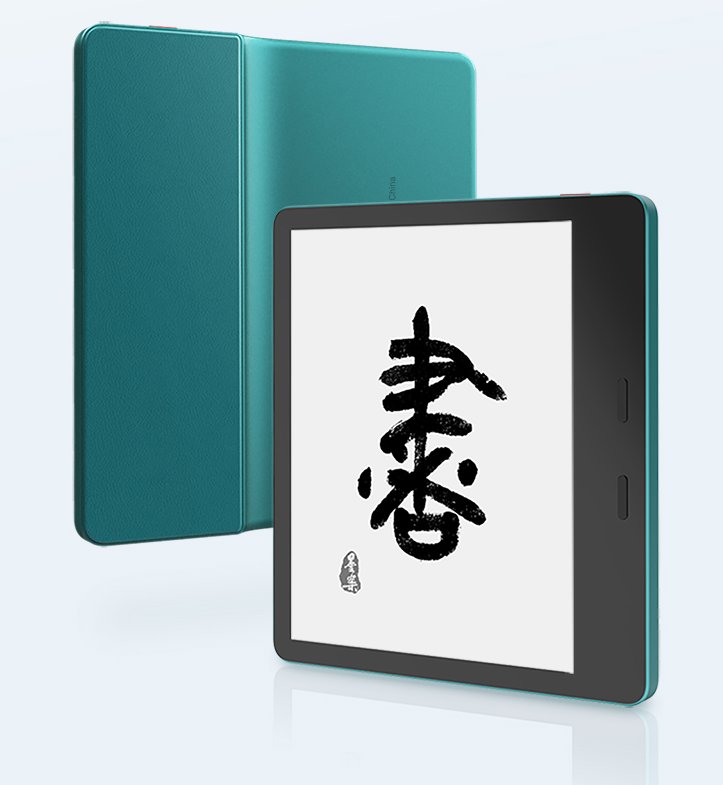
The back shell and frame are made of metal, offering excellent texture. The handgrip area uses plastic material, providing a certain anti-slip effect (though it can still feel quite slippery in actual use).
The asymmetric design shifts the center of gravity to the grip area, resulting in a good practical experience. With one side thicker and the other thinner, the included protective case is cleverly designed—it magnetically attaches to the thinner side. When combined, it resembles a square book, very elegant (though it can be a bit heavy).
User Experience
A few quick notes:
- It comes with a Sogou-customized ink screen input method, which offers a great experience 👍. Moreover, it's exclusive—besides Moan and Duokan, readers from other brands cannot use it.
- The system is very clean. The main interface is an application list, similar to a phone or tablet. Upon first startup, it only uses about 10GB of space, leaving nearly 50GB of available storage. Most of the built-in software can be uninstalled.
- Because of the system's simplicity, a few system interfaces are quite basic. This isn't a major issue (as long as you don't compare it with other readers—no comparison, no pain).
- It supports global 256-level grayscale display (reportedly a feature added with this year's new system version), which results in clearer image display when using apps like WeChat Reading.
- It's said the backlight performance is not great (I don't have the habit of reading with the backlight on, so I haven't used it much and have no personal perception).
- The domestic RK3566 chip (RK3566芯片) performs quite well. After enabling the fast refresh mode, the system responds very quickly (once enabled, it takes effect globally, and the display quality will significantly deteriorate).
- There is no speaker, and it doesn't support memory cards, but it does have a microphone.
- Although the charging power is only 5V x 1.5A, the actual charging speed feels quite fast in use. However, the standby power consumption is somewhat high.
Okay, that's all for now. I will write a more detailed comparison article with other readers separately.
Additionally, I recommend a web-based image editor: https://pixlr.com/cn/
The images in this article were color-adjusted using this tool, which is very convenient.
References
_EOF_
Moan mix7 Unboxing and Usage Experience
- 本文作者:
- 程序设计实验室
- 版权声明:
- 本博客所有文章除特别声明外,均采用 BY-NC-SA 许可协议。转载请注明出处!
相关文章
墨案mix7与文石leaf2对比评测
墨案mix7输入法秒杀文石,手感完胜,UI却简陋如古董。文石leaf2界面精致,功能多,性能却拖后腿。充电续航半斤八两,手感墨案碾压,文石滑溜难握。总之,各有所长,选谁看运气,反正都够用。
2025-10-28 · 墨水屏 · 约 1 分钟
文石leaf2开箱与使用体验
上一篇文章介绍了墨案 mix7,这篇文章来写一下文石 leaf2。
2025-10-28 · 墨水屏 · 约 1 分钟
汉王clear开箱与使用体验
差点忘了7.8寸开放系统这块,还有汉王也是老牌有实力的厂家,再加上汉王clear的风评不错,价格也不贵,所以我也入手了一个。
2025-10-28 · 墨水屏 · 约 1 分钟
2023年墨水屏阅读器选购笔记
文石系统碾压墨案,华为性能天花板却不负责任;海信A9成绝唱,啧啧。选购笔记?无非折腾一堆设备,无所得即是得。
2025-10-28 · 墨水屏 · 约 1 分钟
讨论
共 0 条加载评论中…