Huawei MatePad Paper Unboxing and Usage Experience
Huawei's MatePad Paper represents the pinnacle of hardware configuration among e-ink tablets, using the Kirin 820e as its CPU, with performance surpassing most e-book products. Since I wasn't quite satisfied with the previous Onyx Boox Leaf 2 and Moaan Mix7, I decided to give this Huawei MatePad Paper a try and placed an order.
目录12 个章节
Foreword
Huawei's Matepad Paper is considered the ceiling of hardware configuration in the e-ink screen category, using the Kirin 820e (麒麟820e) as the CPU, with performance surpassing most e-reader products. Since I wasn't very satisfied with the previous Onyx Boox Leaf2 and Moaan Mix7, I decided to order this Huawei Matepad Paper with the mindset of giving it a try.
Unboxing
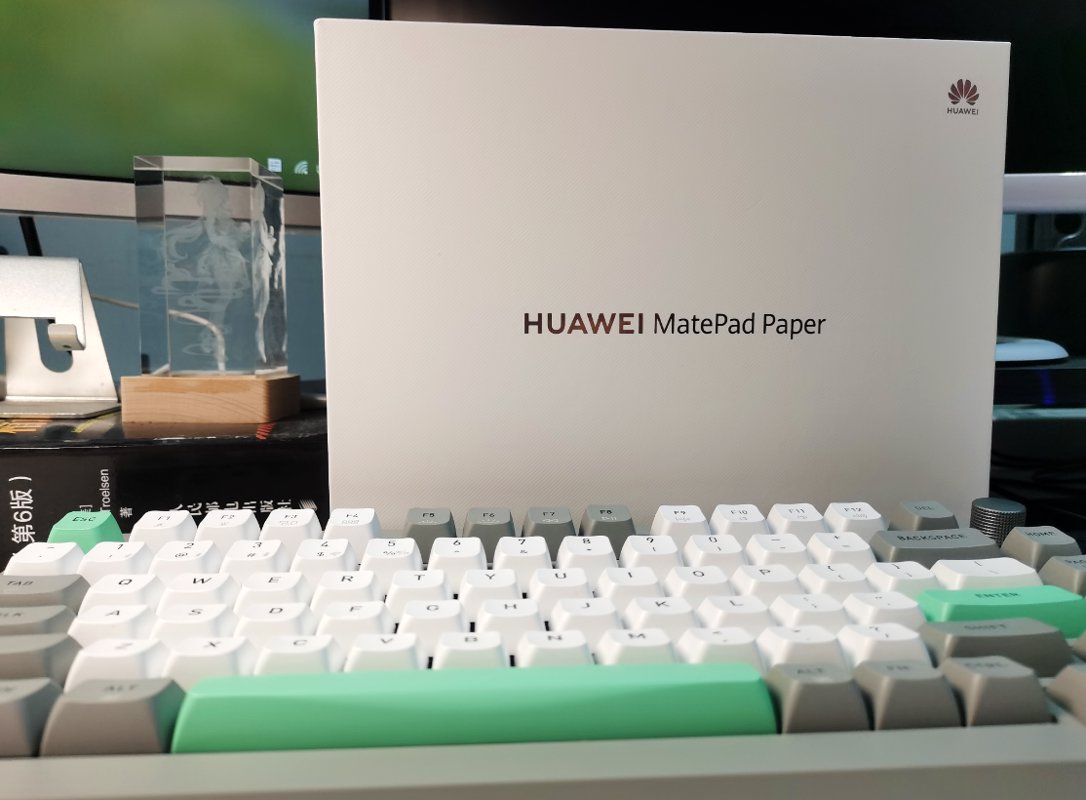
The packaging box continues Huawei's consistent minimalist design style.
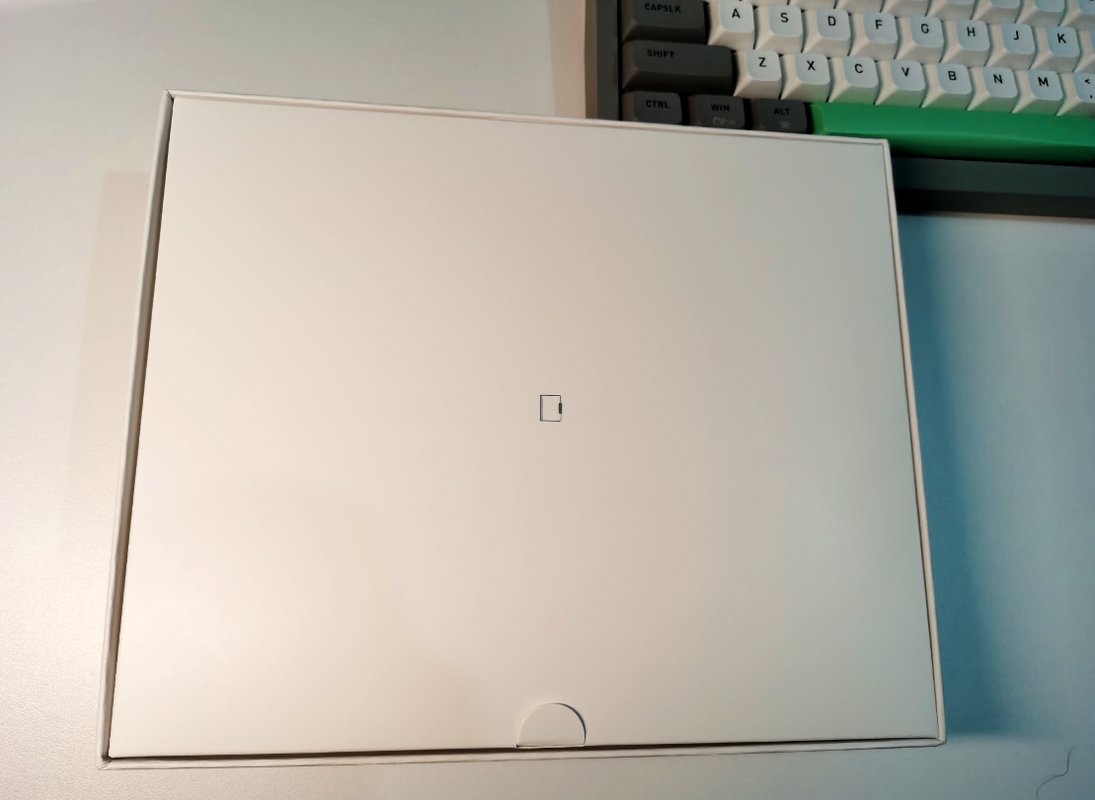
After opening the box, you'll find the included protective case.
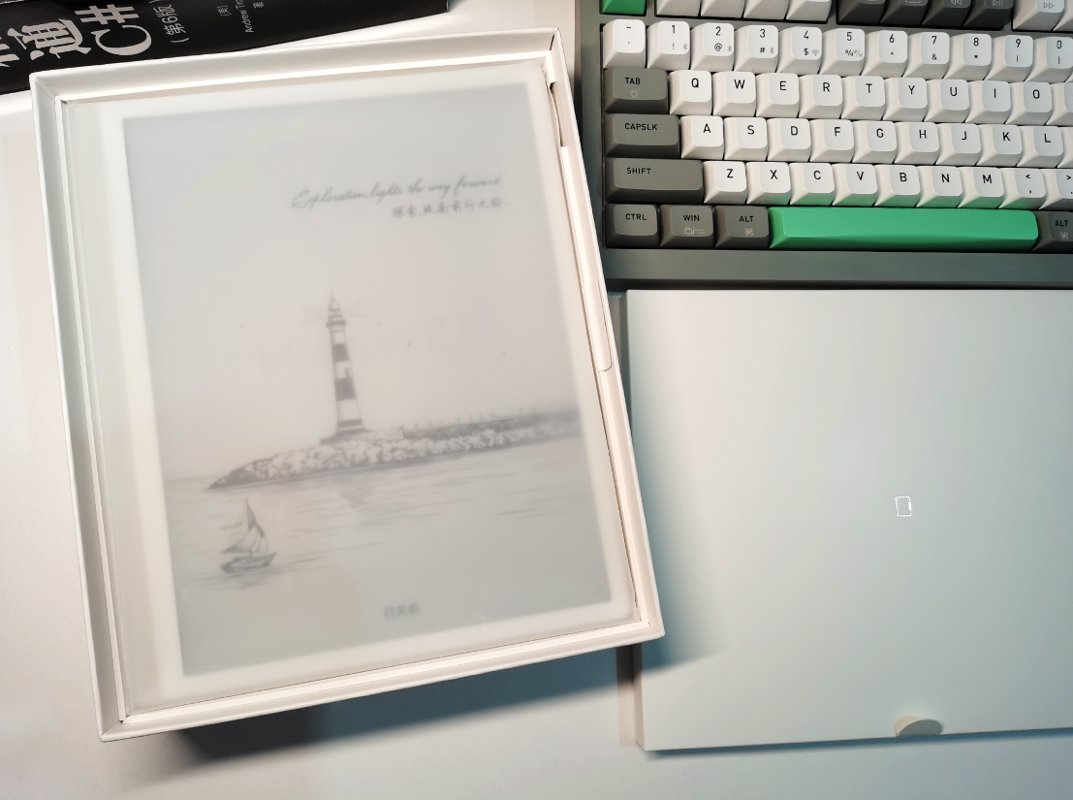
Removing the protective case reveals the main body of the MatePad Paper underneath, which looks very refined.
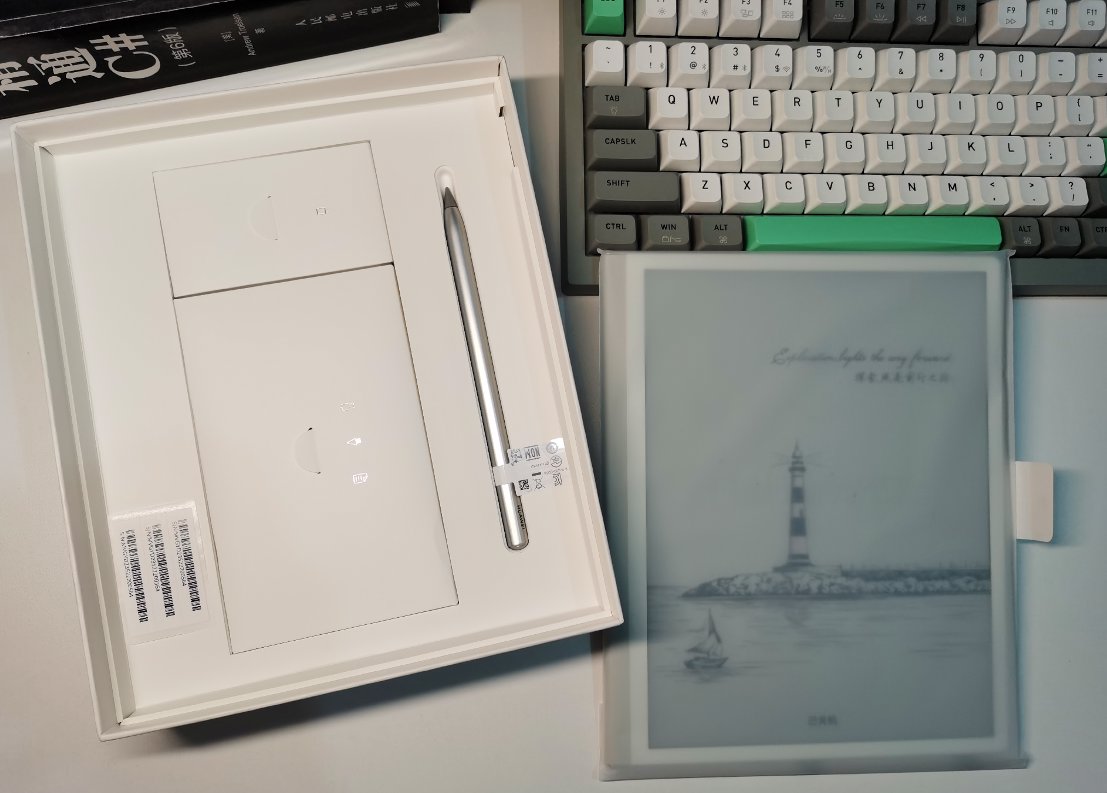
Below are the stylus pen and other accessories, and it even includes a charger, which feels quite environmentally unfriendly.
Power On
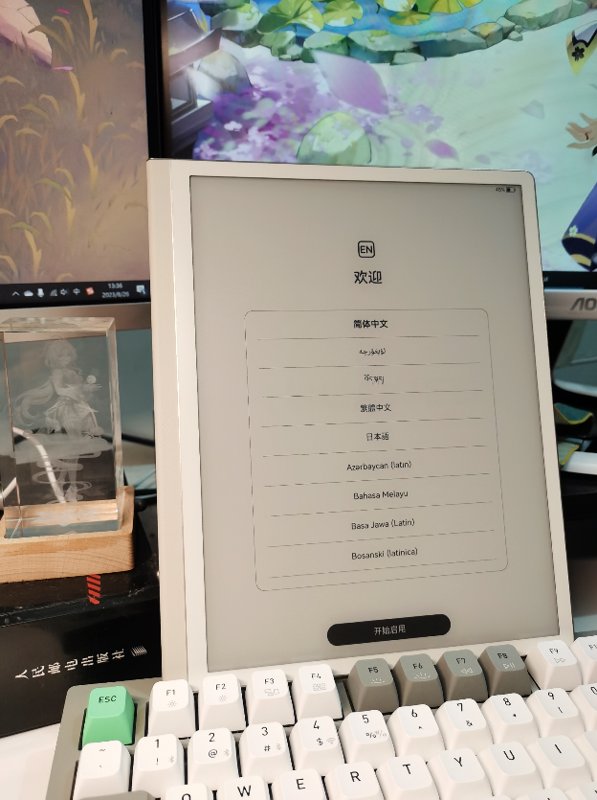
The welcome screen displayed during the first boot
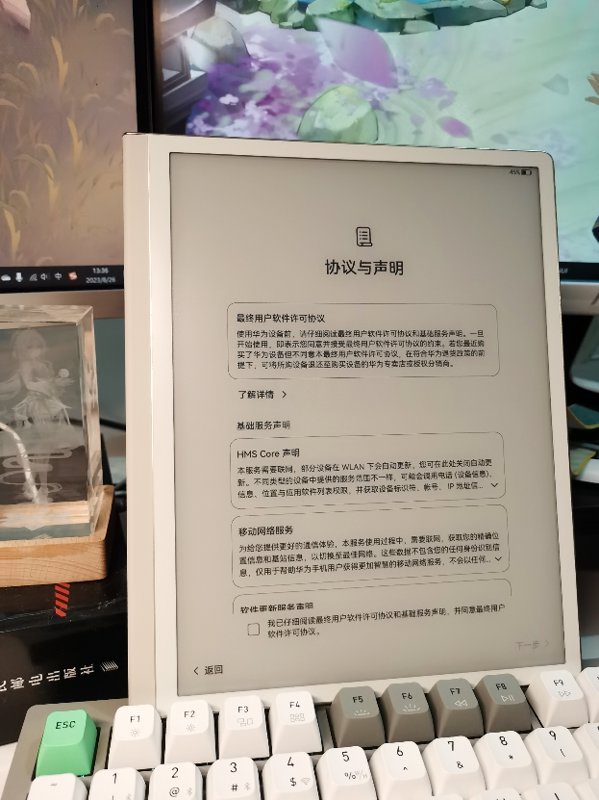
Huawei's proprietary protocol
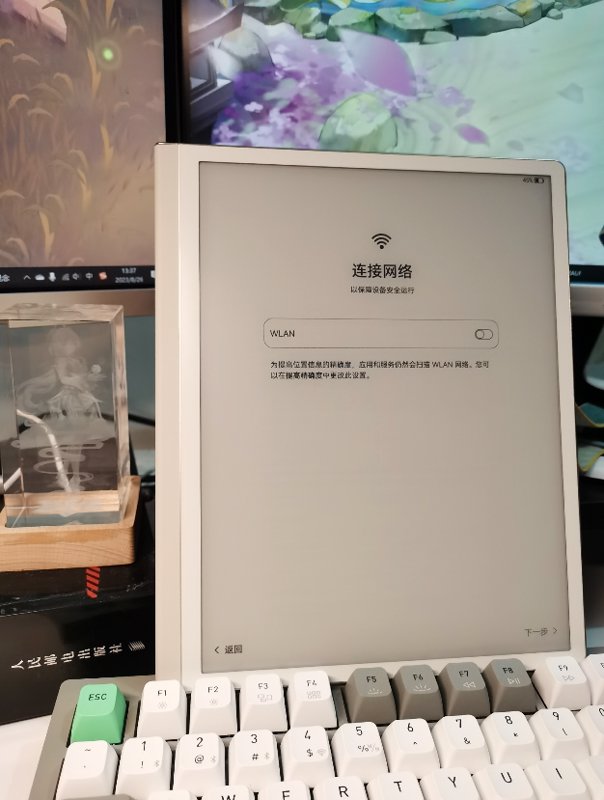
A network connection is mandatory here; otherwise, activation will not proceed.
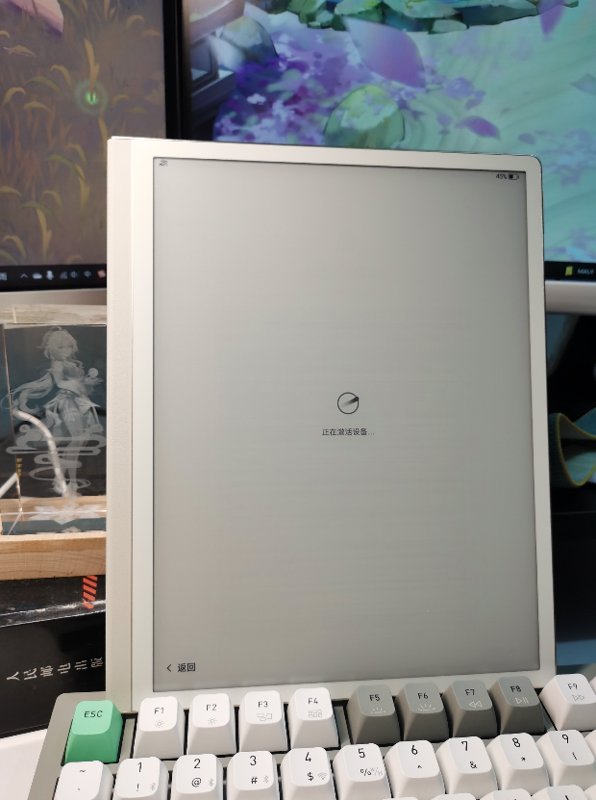
Activate the device
Getting Started Tutorial
Begin with a gesture tutorial upon entering the system.
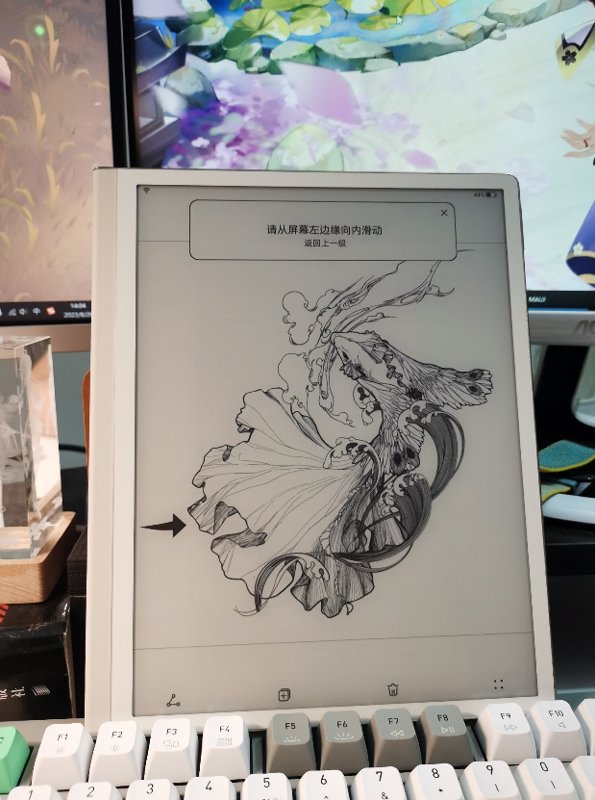
Entering the System
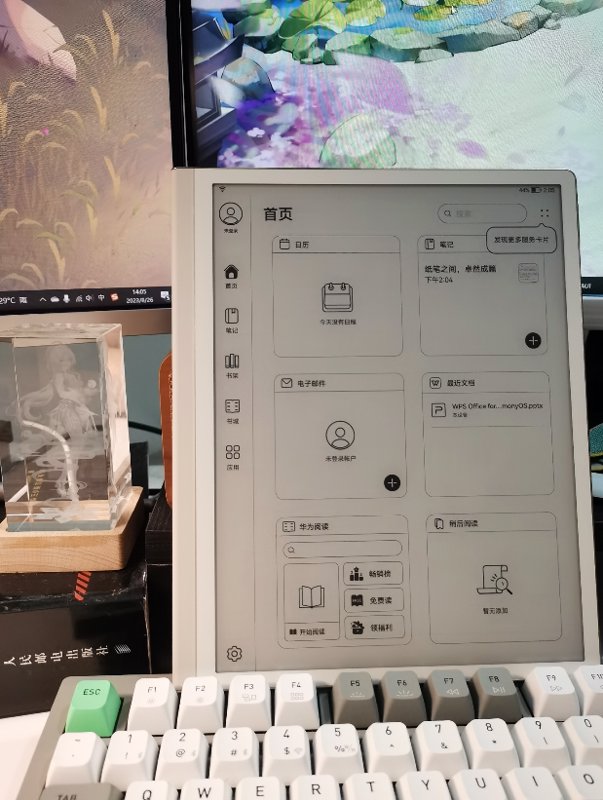
After finishing the tutorial, I finally entered the system.
The main interface is quite clean, with six grid tiles: Calendar, Notes, Email, Recent Documents, Huawei Reading, and Read Later.
Clearly, Huawei positions this device as a tablet, and the main interface has a business-oriented look.
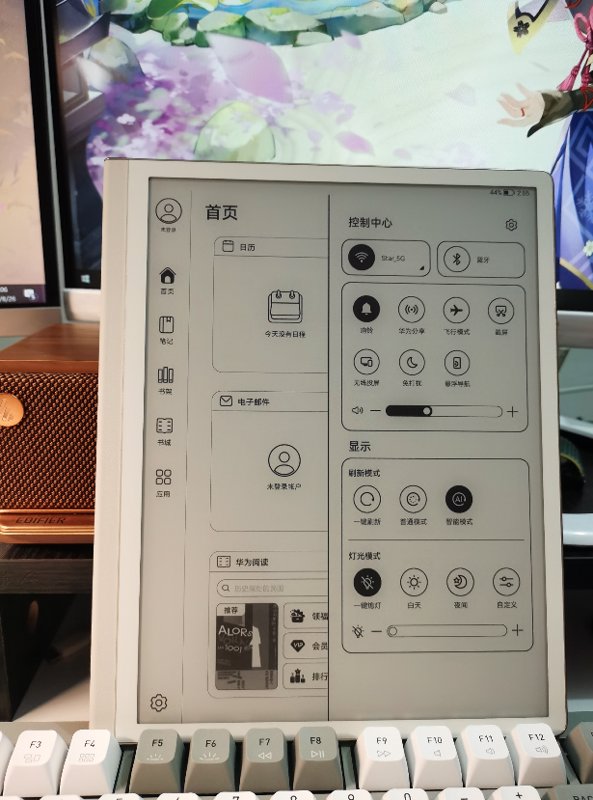
Pulling down the control center is similar to the logic on the MatePad, but it lacks the Super Device (超级终端) and Smart Scenario features, and also cannot manage smart devices.
Reading Experience
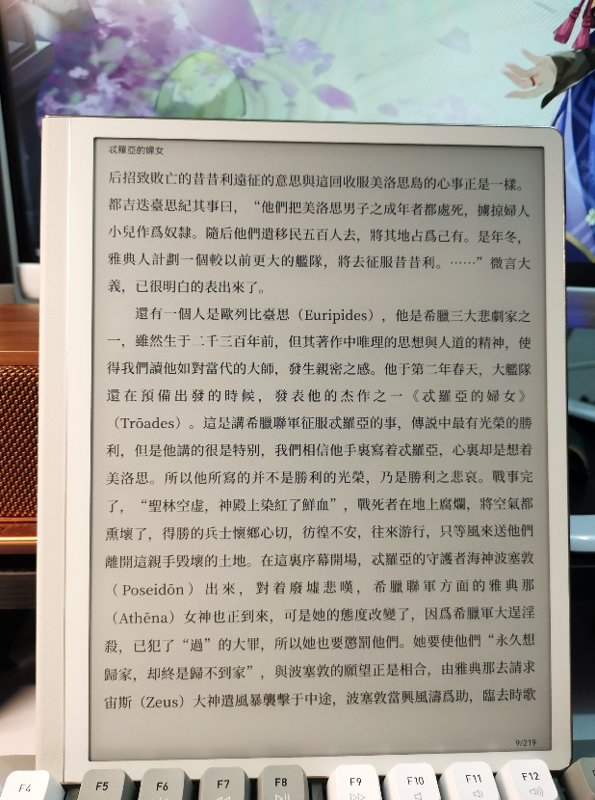
The reading experience is very satisfying. This size feels just like a real book.
The pre-installed Huawei Reading app, as mentioned online, is difficult to use—riddled with ads and lacking features. It's acceptable if you only read local books, but not recommended for online reading.
Handwriting
This MatePad Paper uses the same second-generation stylus as the MatePad 11, so problems that exist on other devices persist here as well, such as the first stroke not producing ink.
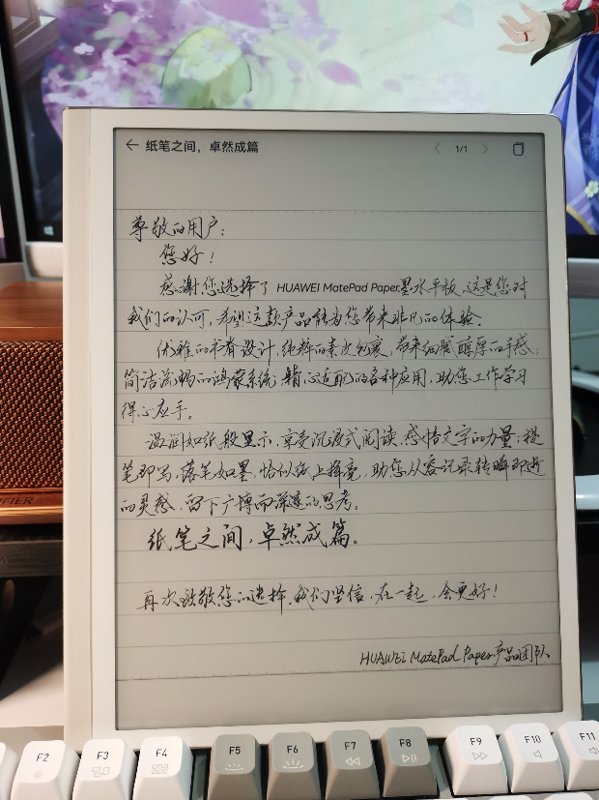
Regarding writing latency, in my comparison, it is much higher than on the MatePad 11, reaching a level that is barely usable. It’s okay for occasional annotations, but trying to use this for full-fledged note-taking can be quite painful.
As for the note-taking app, only the official Huawei Notes is available. In a recent update, the note synchronization feature finally arrived. Additionally, according to some online users, the app "Yun Ji" (Cloud Note) is also adapted. However, since I primarily use it for reading, I haven't tested Yun Ji.
Experience Summary
Build Quality & Handling
The build quality is truly impeccable. Huawei's craftsmanship and texture are excellent, far surpassing other domestic e-ink screens—light-years ahead, really. In comparison, the Onyx Boox Leaf2 feels loose and flimsy, almost like a generic device.
The handling is also very good. The back seems to be made of vegan leather, the edges are quite rounded, and it feels very refined—comfortable to the touch.
However—and here’s the catch—because it’s relatively thin, holding it for a long time can start to feel a bit uncomfortable, with the edges digging into your hands. Although the handling is good, for a device this size, it’s more comfortable to place it on a stand and use a Bluetooth page-turner.
Performance
I bought the 6+128 configuration, and the performance is very impressive. It's mainly reflected in how quickly apps open, switch between, and respond to interactions within them. This is much better than the Boox Leaf2. The Snapdragon 870 (originally called "820e") chip is truly powerful.
The large memory also allows you to run more apps simultaneously.
If the previous Moaan Mix7 and Boox Leaf2 could only be used for reading books, then this Huawei MatePad Paper is more like a tablet, capable of running most apps. Watching videos on Bilibili is no problem (if you can tolerate the lag).
Speaking of watching videos, many people might think watching videos on an e-ink screen is absurd. However, for watching online courses, it's actually quite viable. The visuals of online courses aren't very complex—usually a whiteboard with text. The experience of using an e-ink screen for online courses is surprisingly good. The best part is that it's eye-friendly. You can watch online courses on this device all day without your eyes feeling tired!
Imagine it as video printed on paper...
System
After talking about the advantages, it's time to mention the disadvantages.
Apart from the aforementioned advantages, this Huawei product is full of shortcomings 😑
First of all, the system is extremely poor—it doesn't even have an automatic screen rotation feature...
The system on this device is still stuck on HarmonyOS 2 (鸿蒙系统 2). You should know that most devices have already updated to version 4.0. This MatePad Paper feels like an abandoned product within Huawei's ecosystem. Forget about "seamless interconnectivity" (万物互联) or the "all-in-one ecosystem" (全家桶生态)—none of that applies here. Apart from carrying the Huawei brand and having "MatePad" in its name, it doesn’t seem to offer anything else...
Anyway, I don’t need to dwell on how bad the system is. A quick online search will show countless complaints. However, despite over a year of criticism, there’s been little improvement. Huawei still maintains the attitude of "accept criticism sincerely but refuse to change" (虚心接受,坚决不改).
It’s rumored that the second-generation Paper will be announced at a product launch this month, along with a system update. We’ll have to wait and see.
Backlight
The backlight on this product isn't great either—it only offers a cold-tone backlight (similar to the Hisense hi reader), whereas most comparable products feature a dual-tone (cold and warm) backlight.
That said, I usually keep the lights on while reading, so I haven't really used this feature much. My suggestion is to also read with the lights on—it's better for your eyes~
_EOF_
Huawei MatePad Paper Unboxing and Usage Experience
- 本文作者:
- 程序设计实验室
- 版权声明:
- 本博客所有文章除特别声明外,均采用 BY-NC-SA 许可协议。转载请注明出处!
相关文章
墨案mix7与文石leaf2对比评测
墨案mix7输入法秒杀文石,手感完胜,UI却简陋如古董。文石leaf2界面精致,功能多,性能却拖后腿。充电续航半斤八两,手感墨案碾压,文石滑溜难握。总之,各有所长,选谁看运气,反正都够用。
2025-10-28 · 墨水屏 · 约 1 分钟
海信HiReader开箱与海信墨水屏系列使用体验
海信HiReader开箱包装简约,却比其他两款环保过头;墨智键好用,但密码设置纯属多余。作者偏爱Touch Lite,888元性价比高,A9性能被忽悠,处理器名不副实。屏保功能是亮点,但微信读书不支持,太鸡肋;团队解散,墨水屏手机再见?
2025-10-28 · 墨水屏 · 约 1 分钟
2023年墨水屏阅读器选购笔记
文石系统碾压墨案,华为性能天花板却不负责任;海信A9成绝唱,啧啧。选购笔记?无非折腾一堆设备,无所得即是得。
2025-10-28 · 墨水屏 · 约 1 分钟
墨案mix7开箱与使用体验
我在18年第一次接触了 kindle 这种电子墨水屏设备,我在 kindle 上看完了诸如「刘慈欣全集」、「金庸全集」之类的大部头,电子墨水屏的看书效果确实非常好, 21年把 kindle 卖掉了,最近阅读量比较大,一直用平板看书也不是很好,于是打算入手国产开放系统的电子书。
2025-10-28 · 墨水屏 · 约 1 分钟
讨论
共 0 条加载评论中…