Hisense HiReader Unboxing and Hisense Eink Screen Series User Experience
The Hisense HiReader comes in minimalist packaging, though it's even more eco-conscious than the other two models. The Mo Zhijian button is handy, but the password setup feels entirely unnecessary. The author prefers the Touch Lite for its high value at 888 yuan, while the A9's performance is overhyped—its processor doesn't live up to the name. The screensaver feature is a highlight, but the lack of WeChat Reading support makes it half-baked. With the team disbanded, is this the end of e-ink phones?
目录18 个章节
Foreword
I have been using the Hisense e-reader for a while now. From initially purchasing the Hi Reader, then the Touch Lite, to falling down the rabbit hole with the Hisense A9 e-ink phone, I have experienced a total of three Hisense e-ink products.
This article records the unboxing of the Hi Reader and a brief overview of my experiences with these three Hisense e-ink products, focusing mainly on the unboxing. The user experience will perhaps be discussed in detail in a future article~
Packaging Box
Very minimalist design
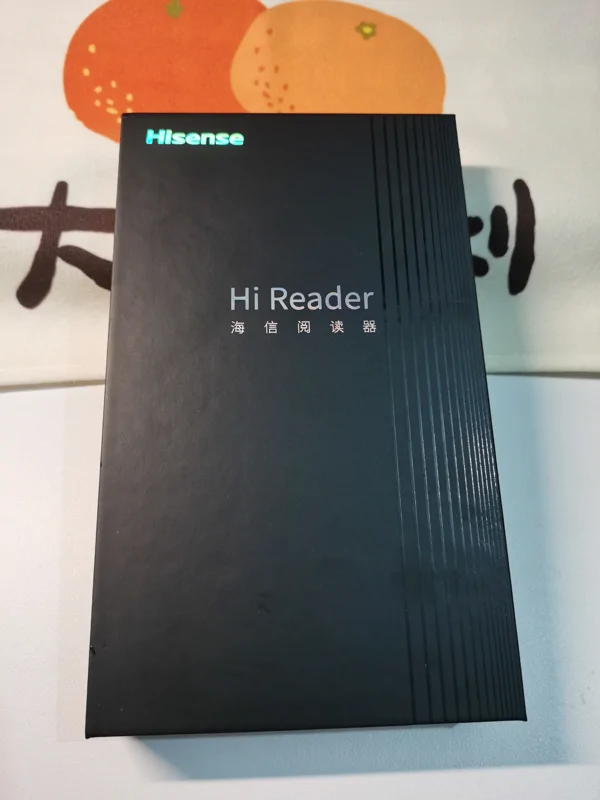
Unboxing! The packaging box of the Hi Reader is truly the best among these three... The other two are too eco-friendly.
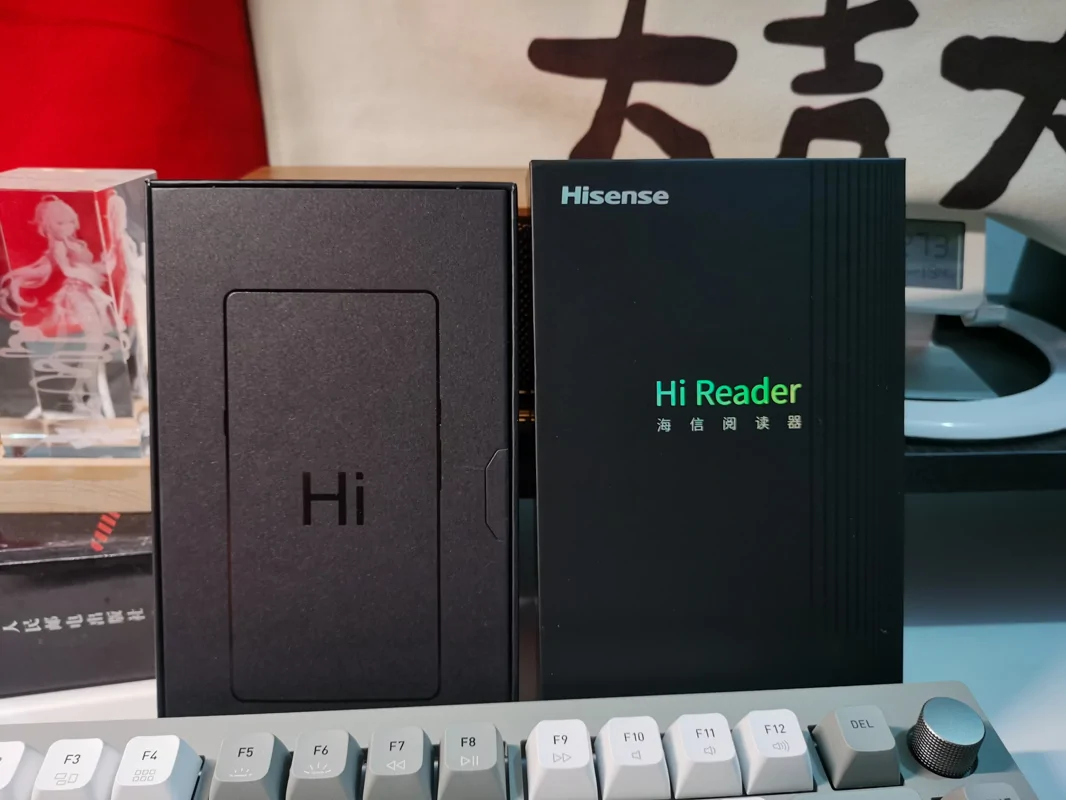
Continuing the unboxing
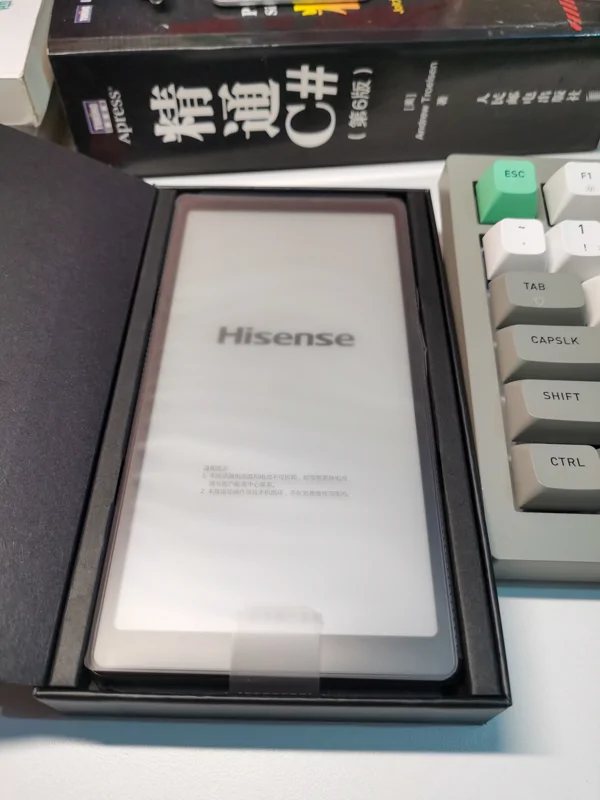
Appearance
The boxy and straightforward design looks quite good, and the back features a logo and a line of text "life reimagine," which is quite distinctive.
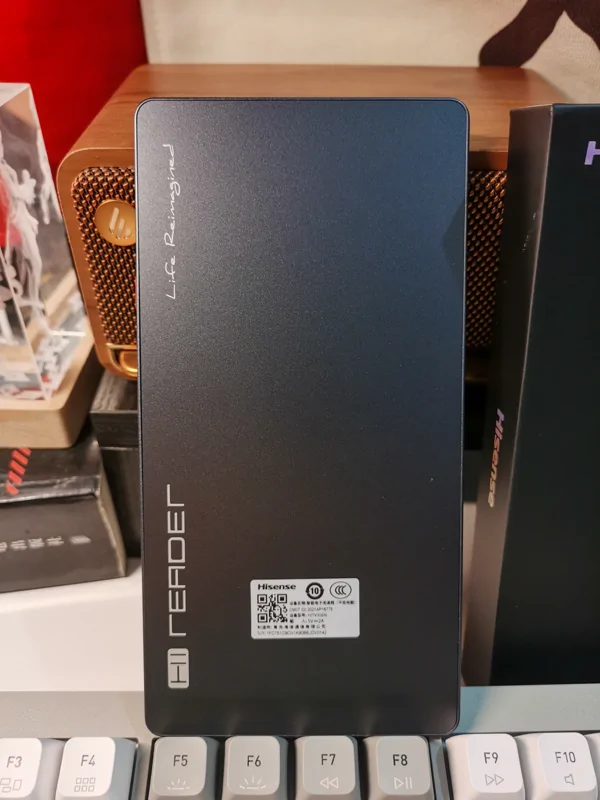
Front
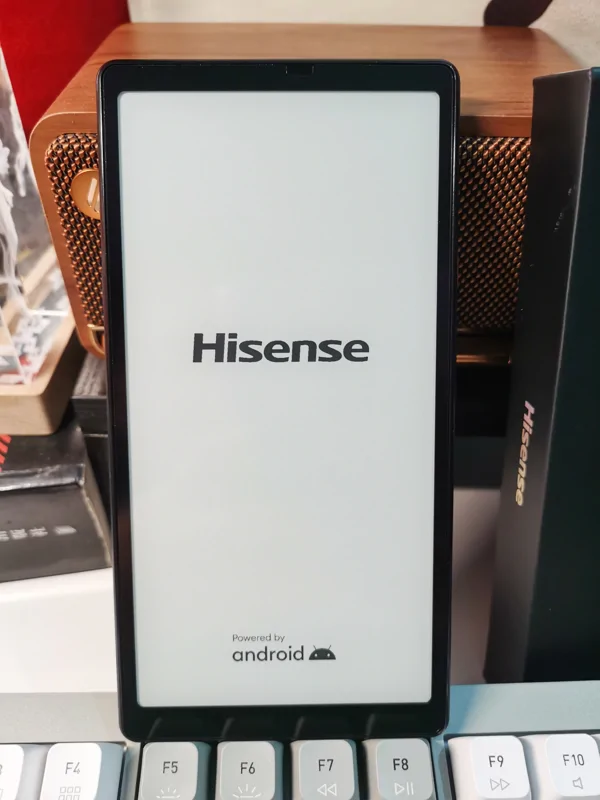
Entering the System
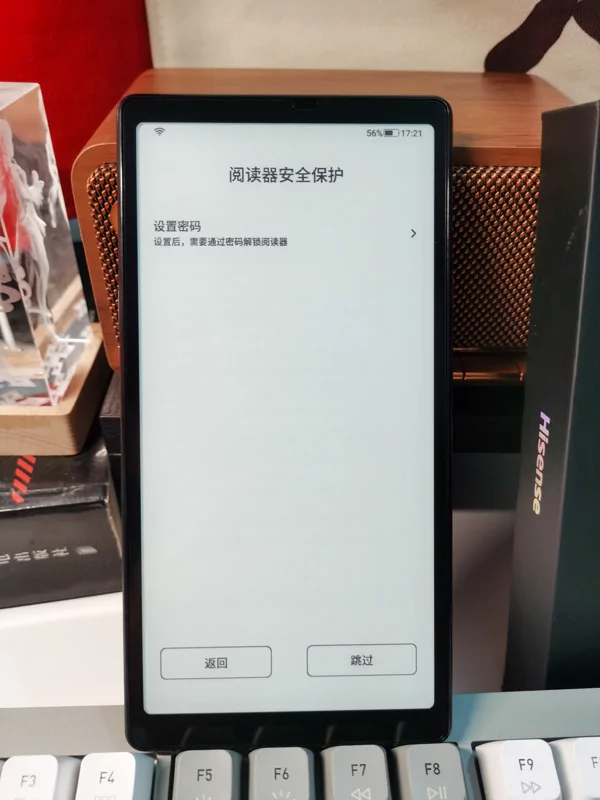
On the first boot, it prompts to set a password. No need, why would a reader need a password?
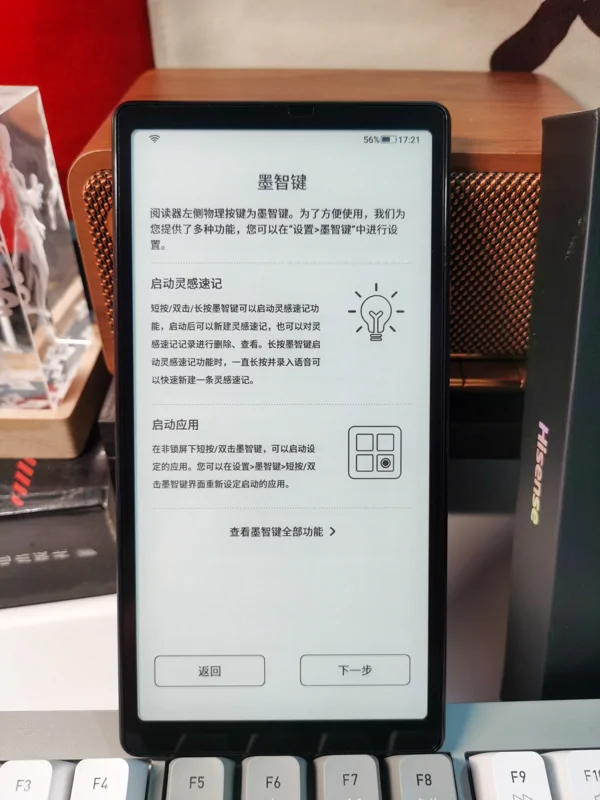
The Ink Smart Button (墨智键), very useful.
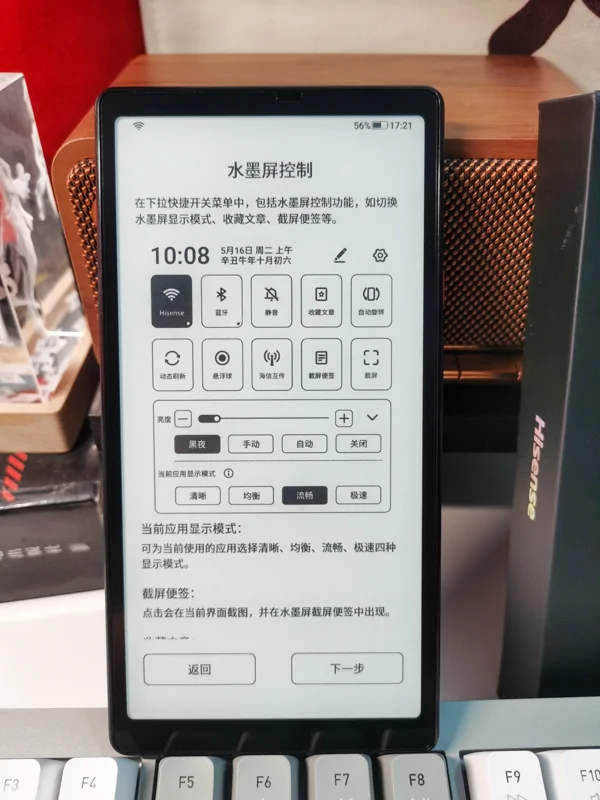
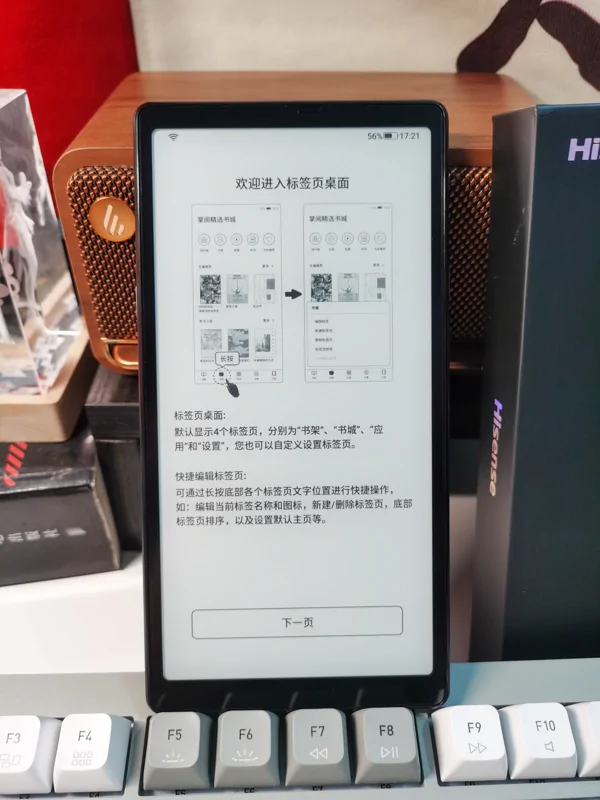
The e-ink screen control setup guide.
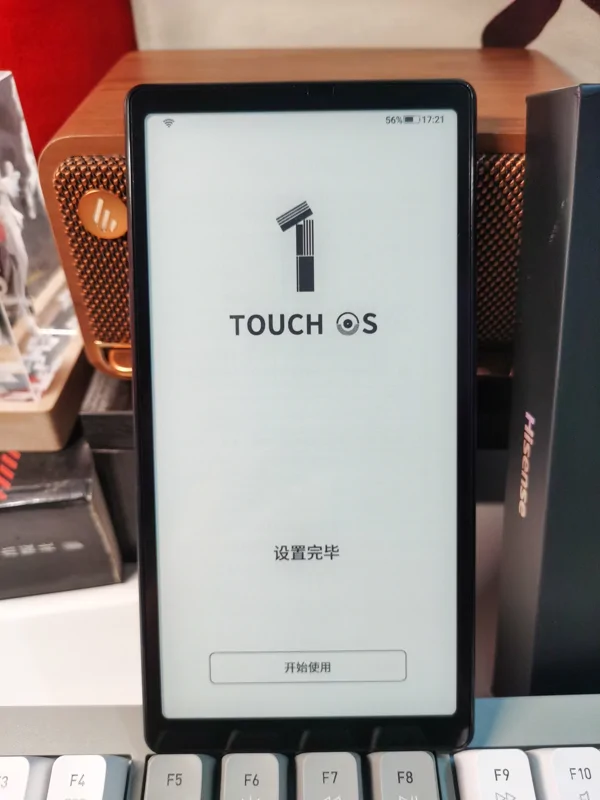
Setup complete.
Accessing the Desktop
Hisense has two desktop interfaces, which differ between e-reader hardware (like the Hi Reader / touch lite) and phones (like the Hisense A9);
The e-reader uses a tabbed home screen, somewhat similar to Onyx e-readers but with a higher degree of customization;
The phone (A9) desktop is a traditional smartphone interface that also supports some widgets, making it quite modern.
Bookshelf Tab
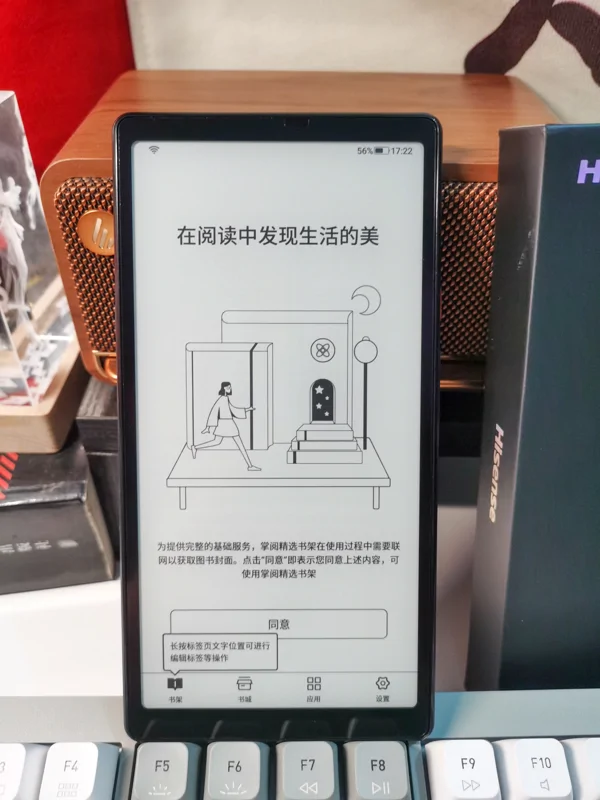
This is somewhat not very useful, as it only supports apps like JD Reading and iReader that I don't use and don't have e-ink screen versions.
It's surprising that WeChat Reading (微信读书) is not supported. I'm not sure if it's because WeChat Reading is too aloof to collaborate with these e-reader manufacturers, but it seems most e-readers don't support integrating WeChat Reading.
Bookstore Tab
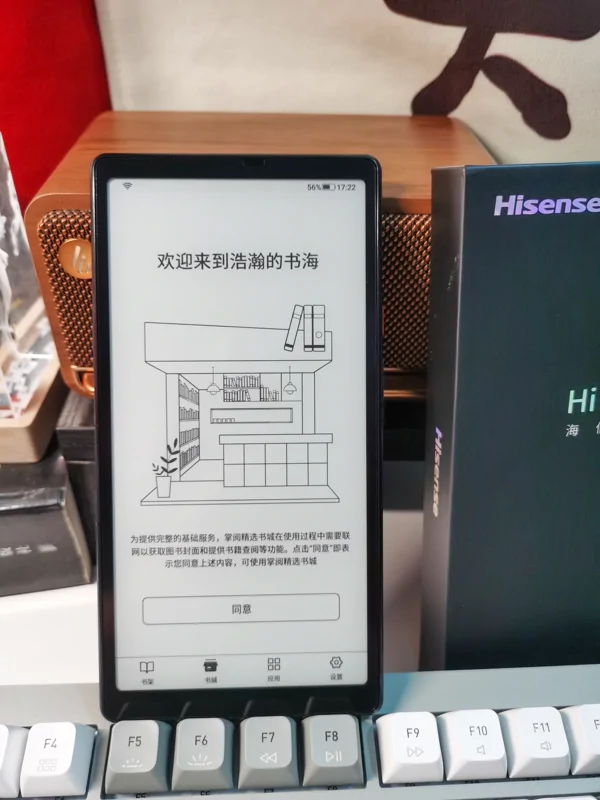
The bookstore tab is also iReader (掌阅), though it seems it could be changed to JD Reading (京东读书).
Applications Tab
Here you can see all applications and also create folders, etc.
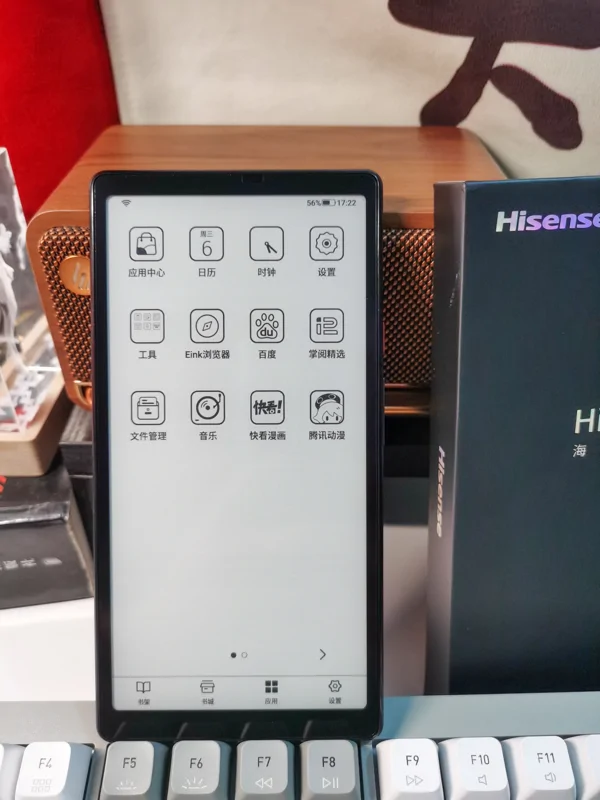
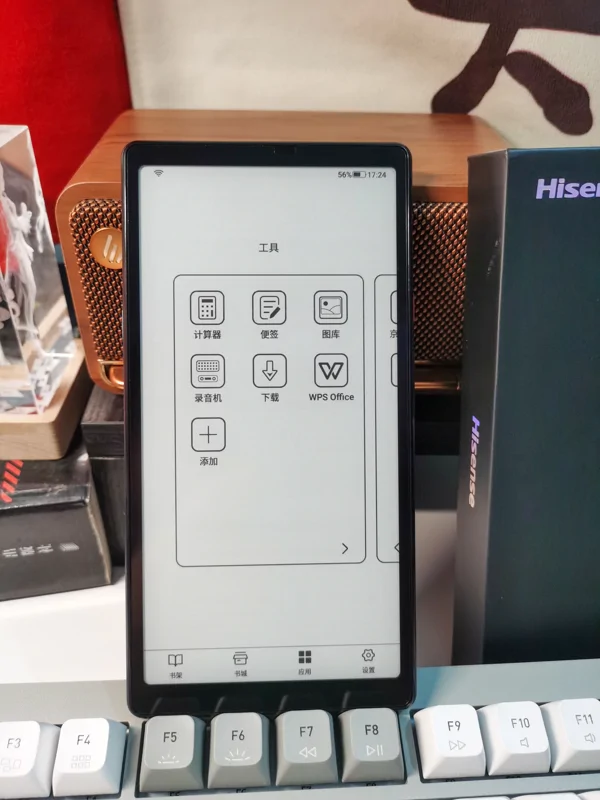
App Folder
The folder's UI is pretty good and supports swiping left and right—it's a design I like.
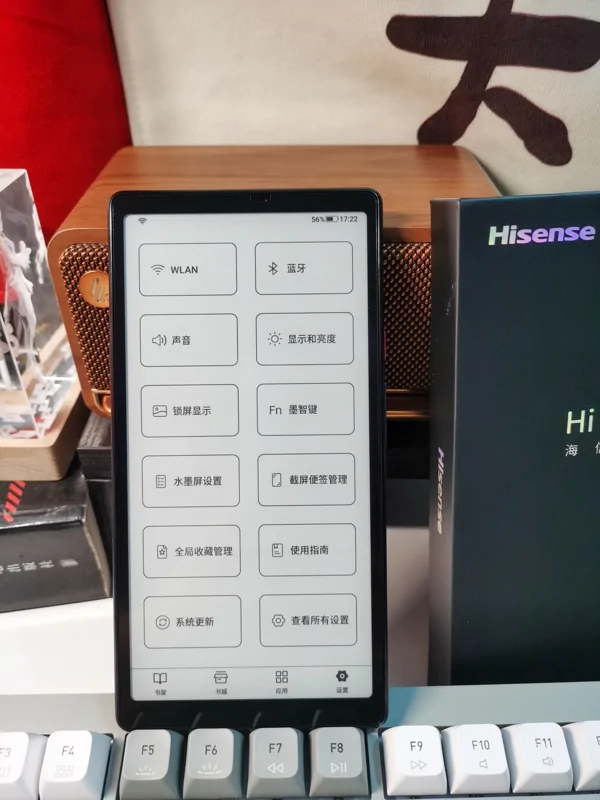
Settings Interface
Although both are Hisense e-readers, the settings interface of the hi reader and the touch lite are different. This is likely due to differences in UI design. I personally prefer the interface of the touch lite.
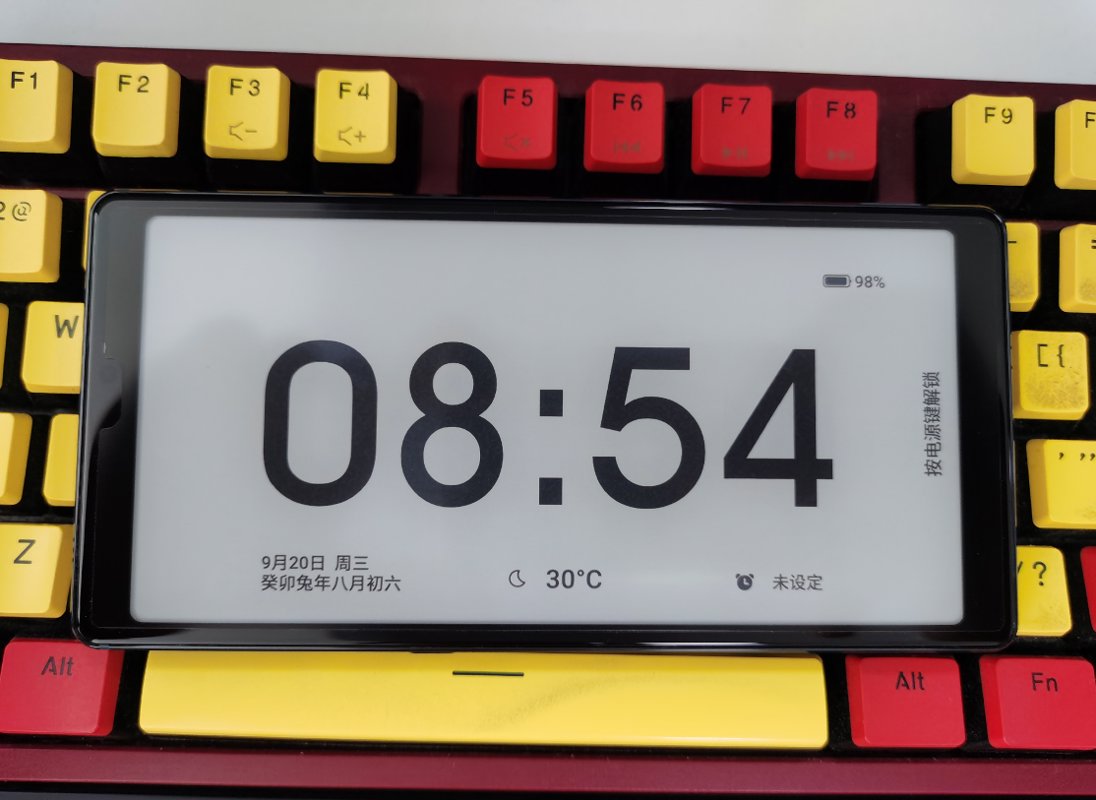
Feature: Screensaver Function
This is a major feature of the Hisense series of e-ink screens.
You can set up various different types of screensavers.
My favorite is this clock screensaver.
Comparison with Other Hisense E-Ink Screens
Hisense A9
This is the unboxing photo of the Hisense A9
Just a recycled cardboard box and an instruction manual—no charger, not even a cable. So eco-friendly! 😂
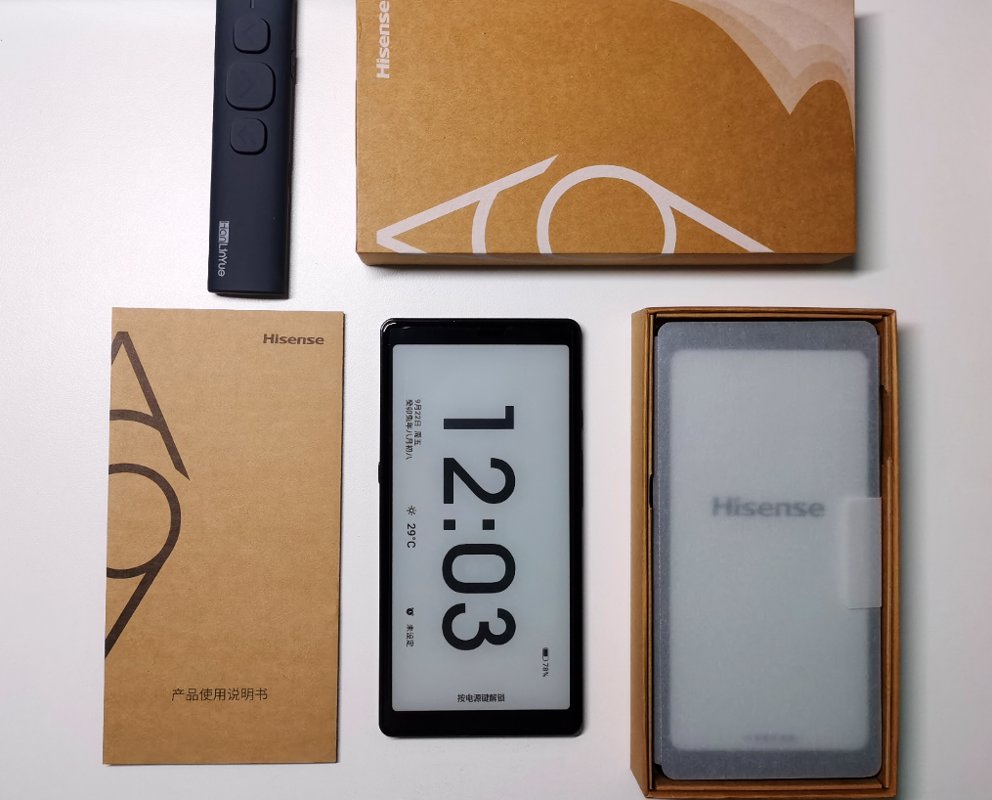
Hisense A9 and Touch Lite
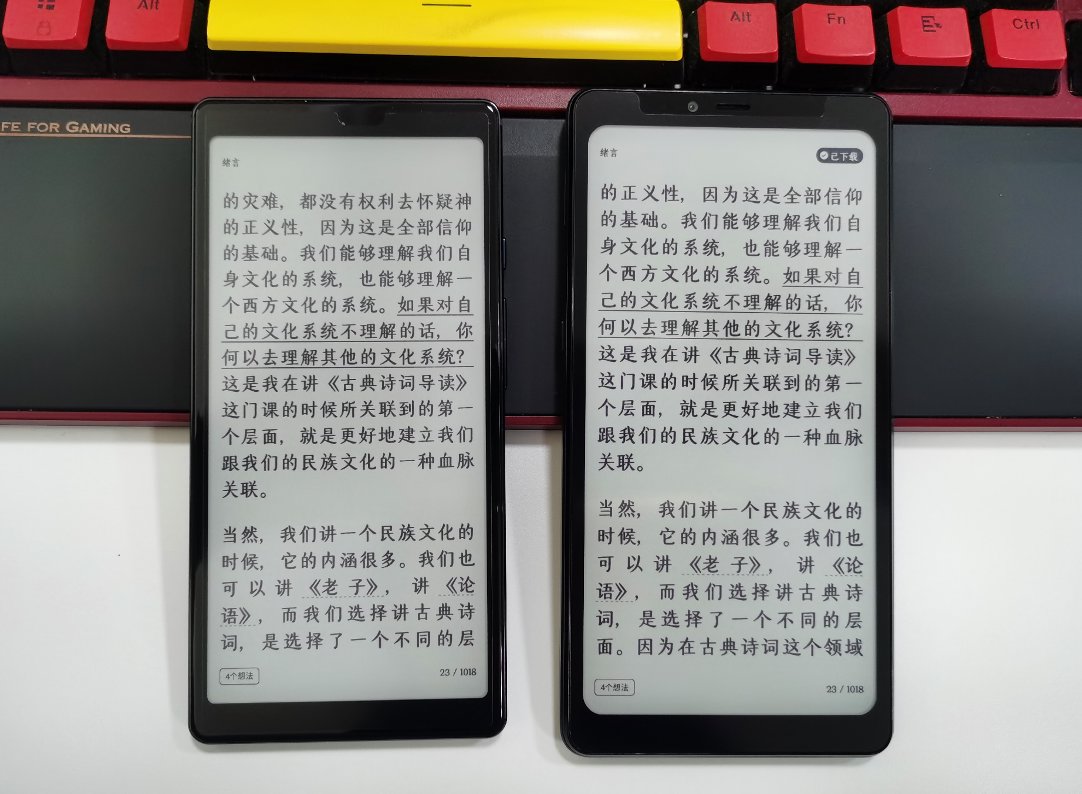
Let's dive straight into the comparison photos.
Left is the Touch Lite.
Right is the Hisense A9.
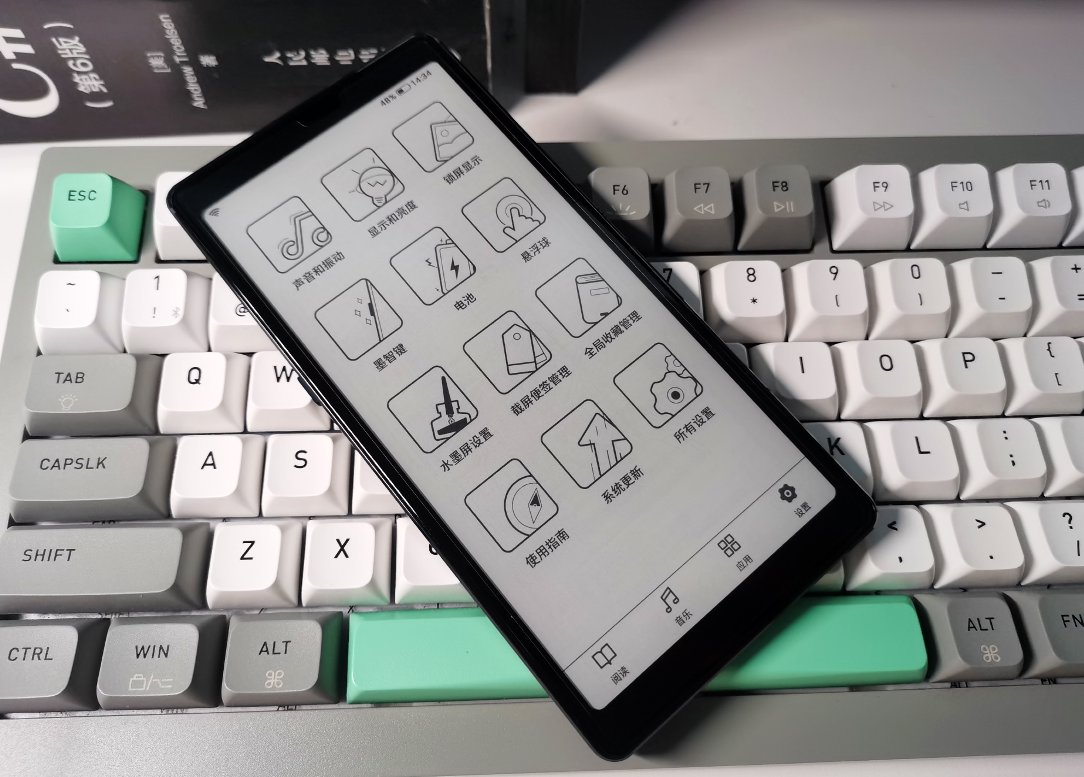
Touch Lite Settings Interface
Speaking of the Hi Reader's settings interface earlier, I think the Touch Lite settings interface is more aesthetically pleasing.
Of course, the functionality is more or less the same.
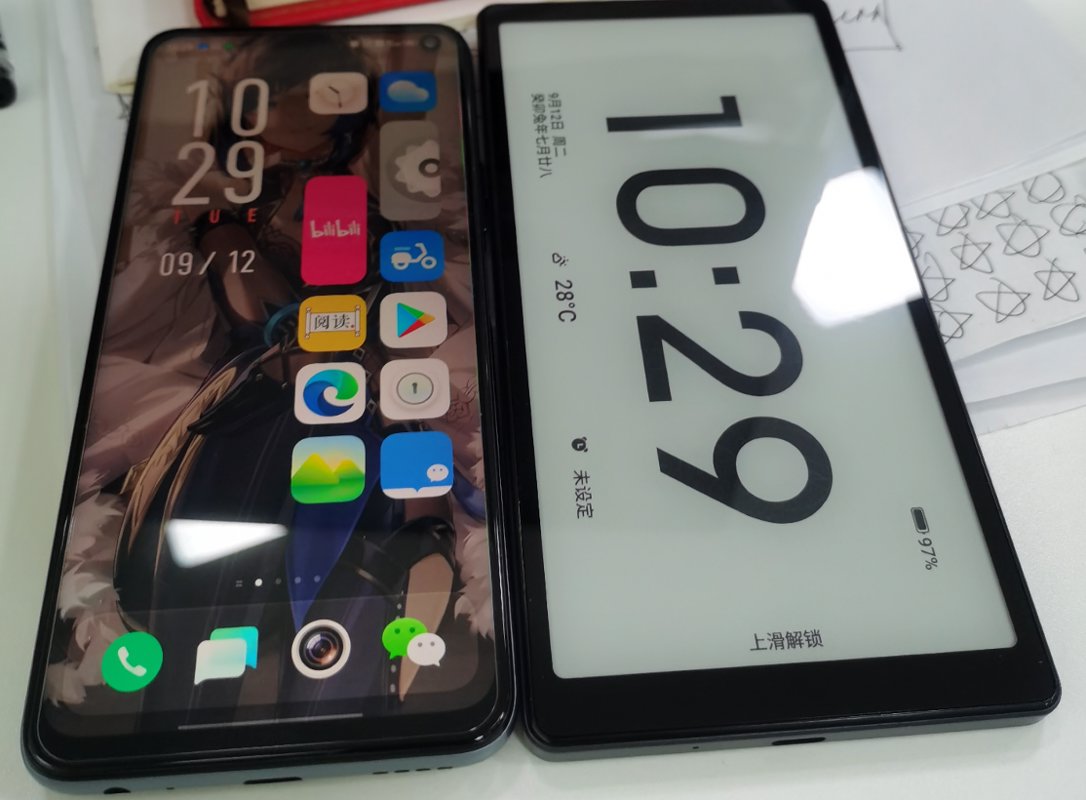
Comparison with iQOO Phones
Let's compare it with phones too~
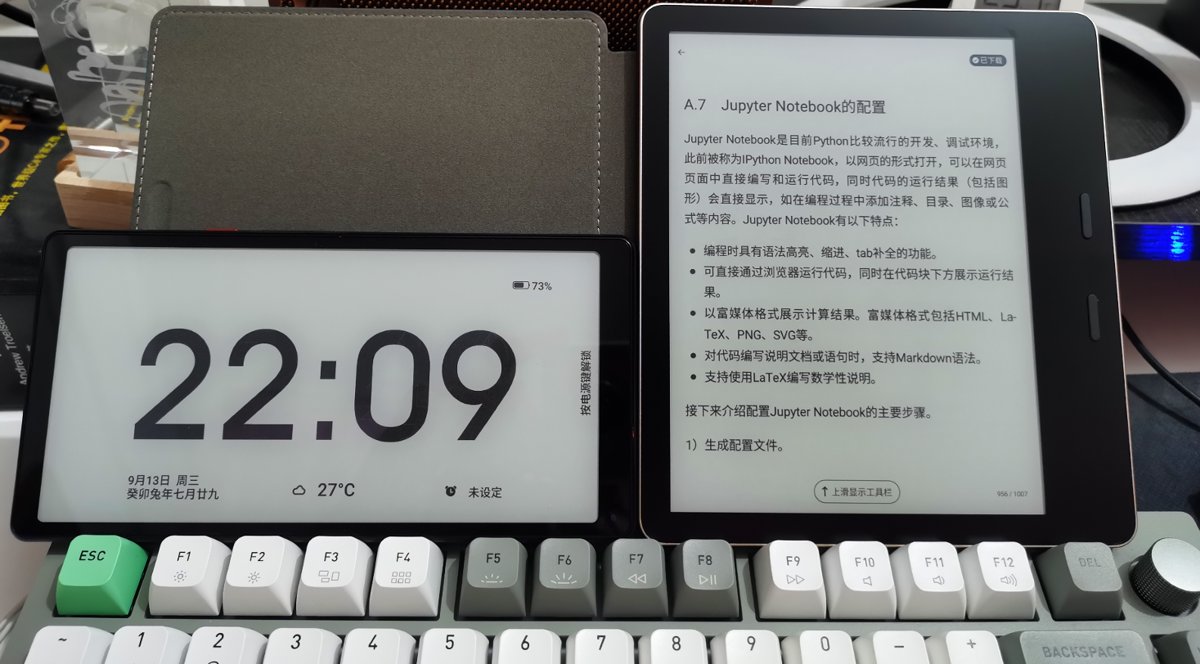
This Hi Reader is about the same size as a phone, and is even slightly larger than my "iQOO Neo5 Vitality Edition" though.
Comparison with Moan Mix7
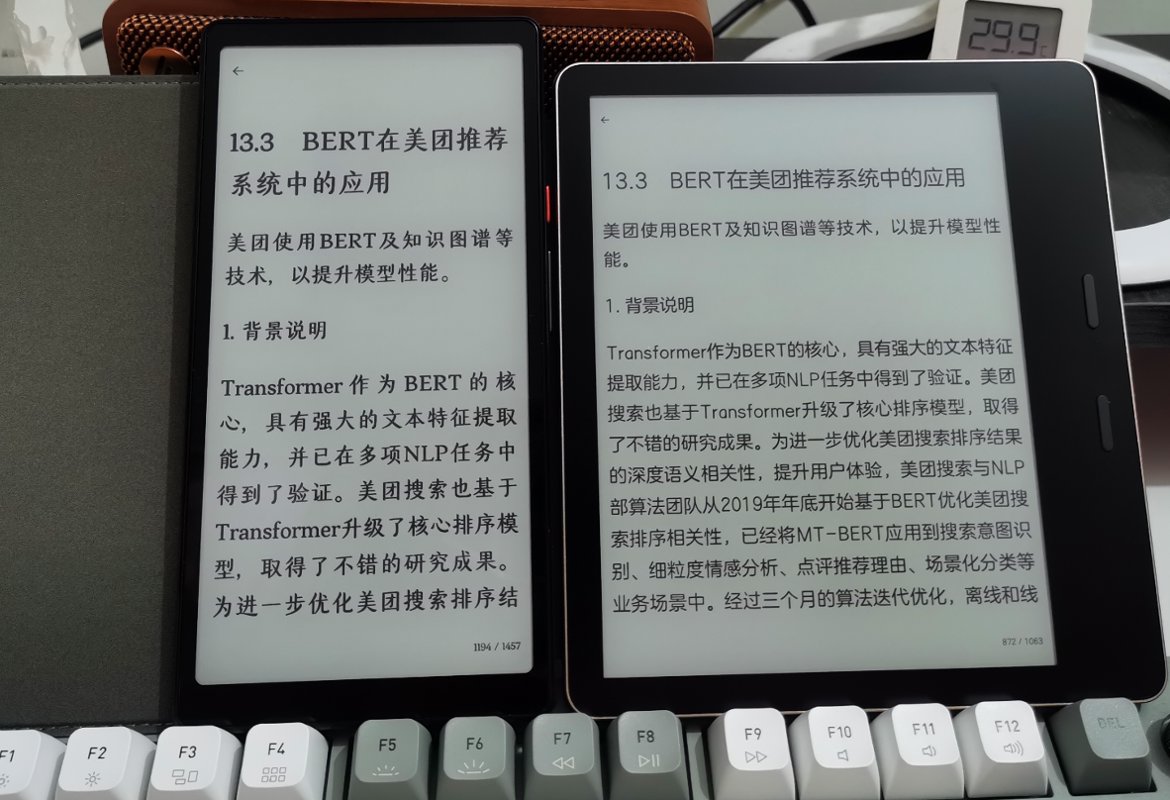
Let's compare it with a 7.8-inch e-reader.
The significant size difference is still noticeable.
These two have different usage scenarios: one is suitable for reading at home, while the other is portable and ideal for carrying around, replacing mobile phone reading.
Vertical comparison
Summary
To briefly summarize, among Hisense's three e-ink devices, my favorite is still the touch lite.
Reasons:
- Affordable price – For 888 RMB, what more could you ask for?
- Excellent feel – Metal body, much more comfortable than the A9's sharp-edged frame.
- Aesthetic design – Clean and squared-off, far better-looking than the A9.
There was a small episode when buying the A9. I couldn't find the 8+256GB version (around 2300 RMB) anywhere online. Initially, I intended to use it as a backup phone, so I preferred more memory, but in the end, I compromised and purchased the 6+128GB version at the original price (1999 RMB).
However, the A9 was quite disappointing. Online reviews said the Qualcomm 660 processor offered decent performance, and the touch lite was said to use a Qualcomm 4-series processor. But after testing with an app, I found both actually use the 660 processor. Don’t be misled by the name—it’s essentially a rebranded 4-series processor, with average performance...
In terms of performance, the A7’s domestic processor is better, followed by the Hi reader’s, and only then come the A9 and touch lite.
Final verdict: Hisense's e-ink products are quite good—compact and portable, well-suited as a tool for reading during short breaks instead of using a phone. They’re not just for books; you can also browse various content apps, and they’re very eye-friendly 👍. I heard that Hisense has disbanded their e-ink phone team, which is truly a shame. It’s likely we won’t see similar high-quality products for a long time to come.
_EOF_
Hisense HiReader Unboxing and Hisense Eink Screen Series User Experience
- 本文作者:
- 程序设计实验室
- 版权声明:
- 本博客所有文章除特别声明外,均采用 BY-NC-SA 许可协议。转载请注明出处!
相关文章
汉王clear开箱与使用体验
差点忘了7.8寸开放系统这块,还有汉王也是老牌有实力的厂家,再加上汉王clear的风评不错,价格也不贵,所以我也入手了一个。
2025-10-28 · 墨水屏 · 约 1 分钟
墨案mix7与文石leaf2对比评测
墨案mix7输入法秒杀文石,手感完胜,UI却简陋如古董。文石leaf2界面精致,功能多,性能却拖后腿。充电续航半斤八两,手感墨案碾压,文石滑溜难握。总之,各有所长,选谁看运气,反正都够用。
2025-10-28 · 墨水屏 · 约 1 分钟
墨案mix7开箱与使用体验
我在18年第一次接触了 kindle 这种电子墨水屏设备,我在 kindle 上看完了诸如「刘慈欣全集」、「金庸全集」之类的大部头,电子墨水屏的看书效果确实非常好, 21年把 kindle 卖掉了,最近阅读量比较大,一直用平板看书也不是很好,于是打算入手国产开放系统的电子书。
2025-10-28 · 墨水屏 · 约 1 分钟
华为MatepadPaper开箱与使用体验
华为的Matepad Paper在电子墨水屏中属于是硬件配置的天花板,使用麒麟820e作为CPU,性能超过了大部分的电子书产品,因为之前的文石leaf2和墨案mix7用的都不是很满意,所以我抱着试试看的想法下单了这个华为Matepad Paper。
2025-10-28 · 墨水屏 · 约 1 分钟
讨论
共 0 条加载评论中…