Onyx leaf2 unboxing and usage experience
The previous article introduced the Moaan mix7; this article will cover the Onyx Boox leaf2.
目录7 个章节
Preface
The previous article introduced the Momoan mix7, and this article will write about the Onyx Boox leaf2.
Specifications
- Screen Model: E Ink Carta 1200 (元太 Carta 1200)
- Screen Parameters: 7-inch, 1264x1680, 300ppi
- Processor: Qualcomm unknown processor 2.0GHz (said to have weaker performance than the previous generation's 636)
- Storage: 2GB LPDDR4x + 64GB eMMC 5.1
- Charging: 5V 2A
- Battery Capacity: 2000mAh
- Weight: 180g
Unboxing
I got the white Gift Box Edition.
This packaging box is quite exquisite.
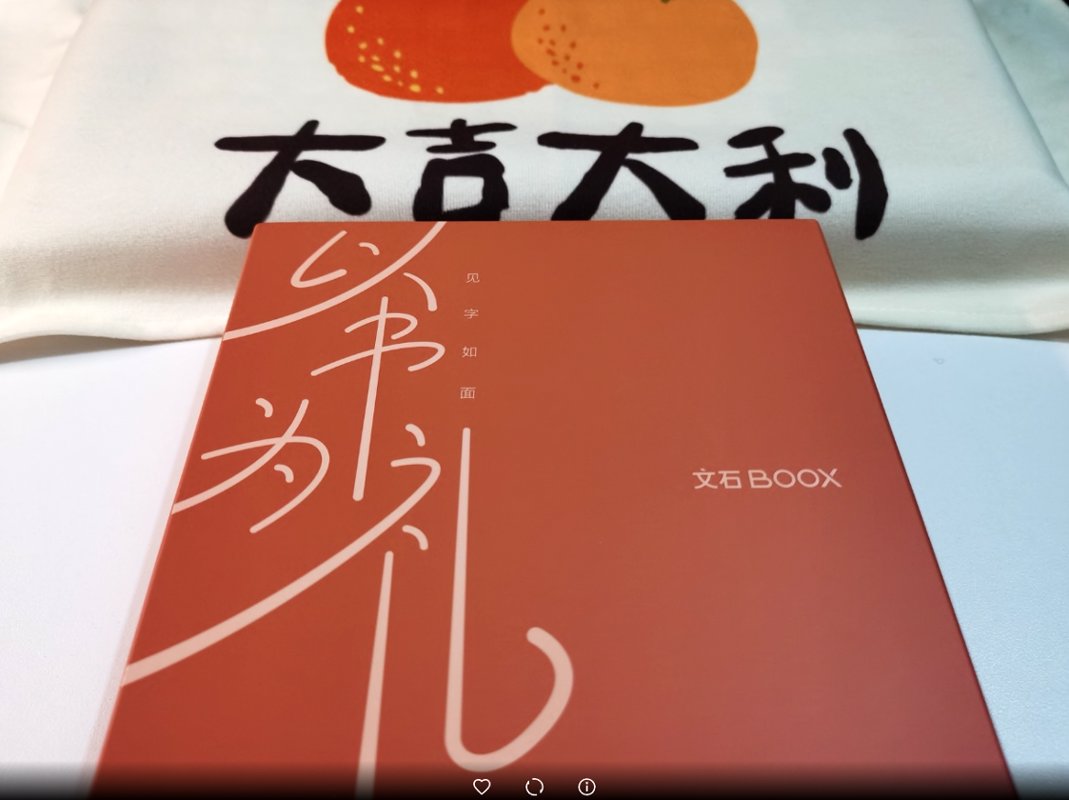
Square and sturdy.
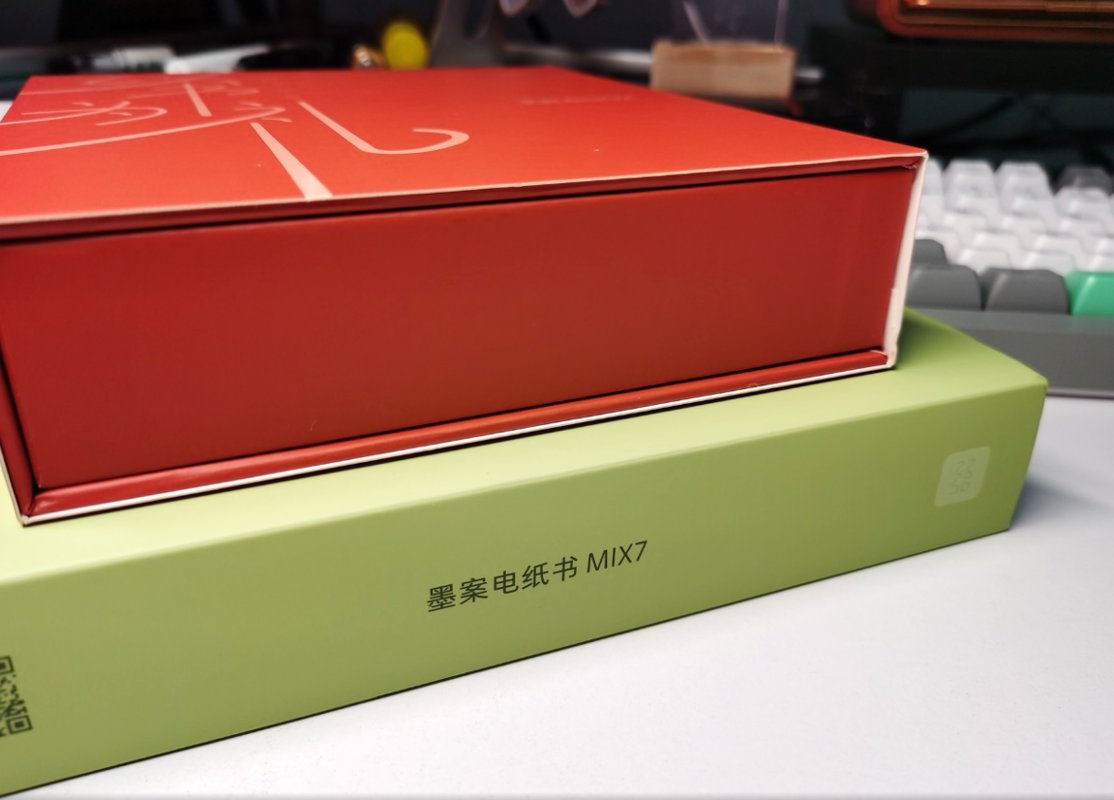
Box 2
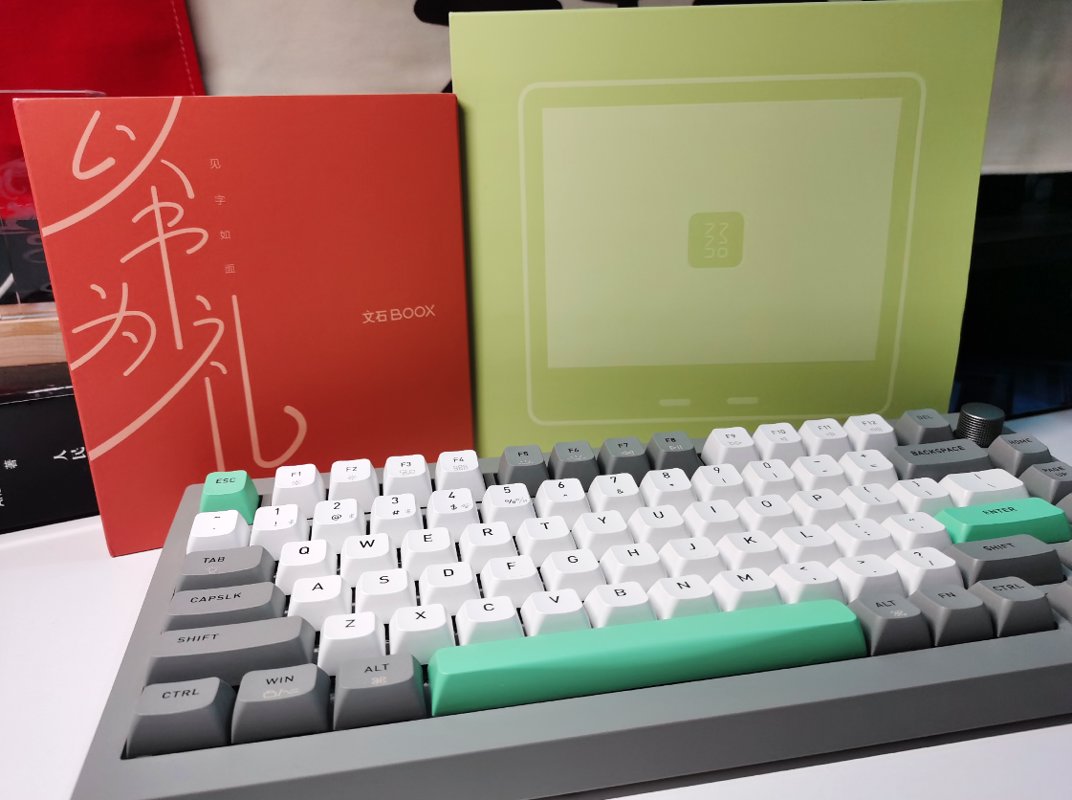
Unboxing time~
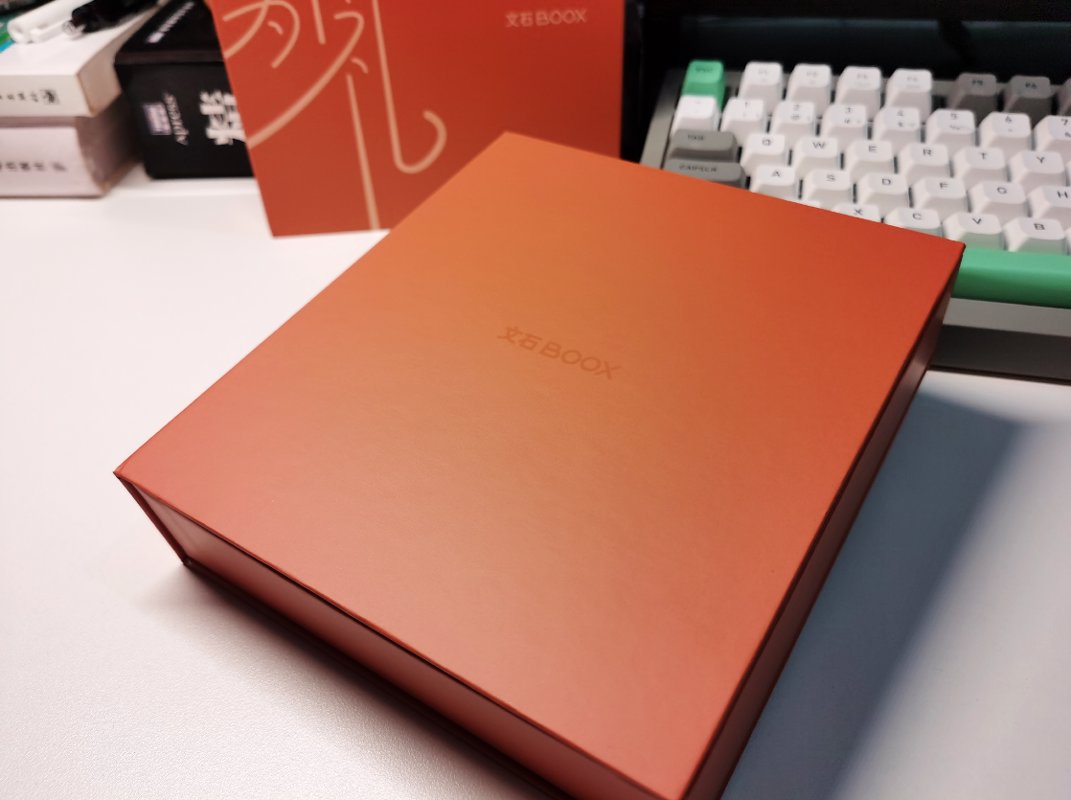
Let's keep going~
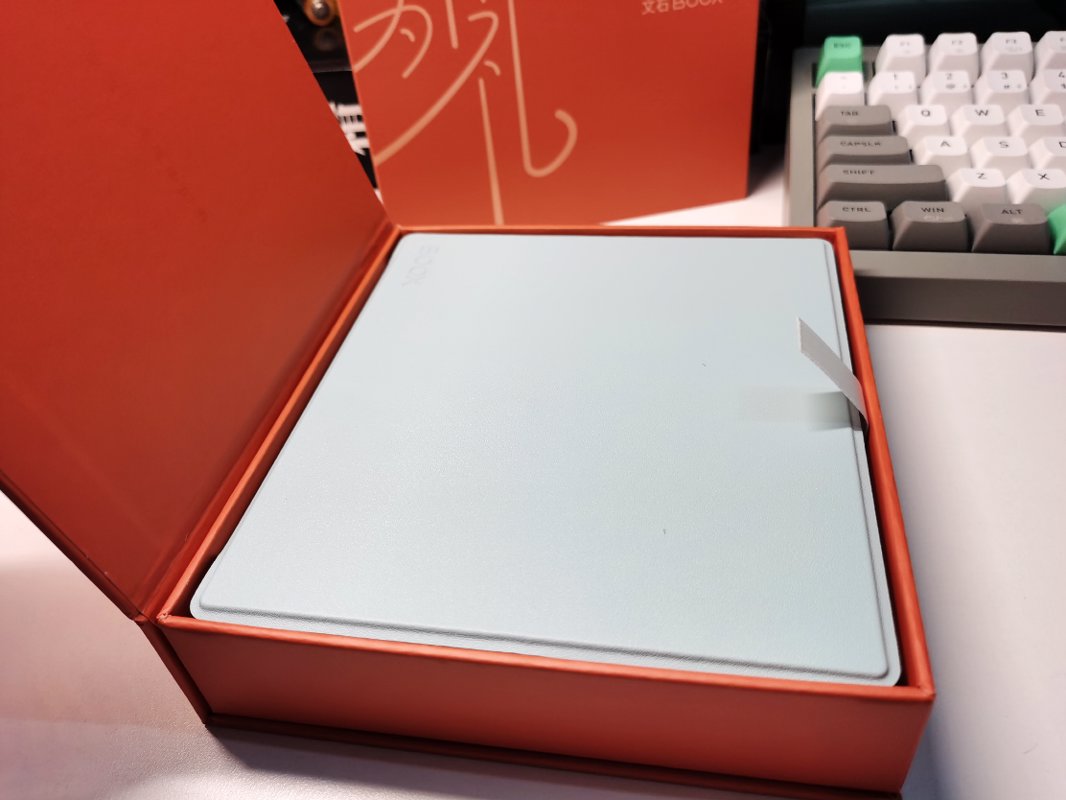
This time, to avoid the issue I encountered during a previous unboxing where I found fingerprints but couldn't tell if it was a second-hand item, I specifically prepared disposable gloves~
The Gift Box Edition comes pre-installed in a protective case, and this shutdown wallpaper is quite cute.
The white version really does look good~
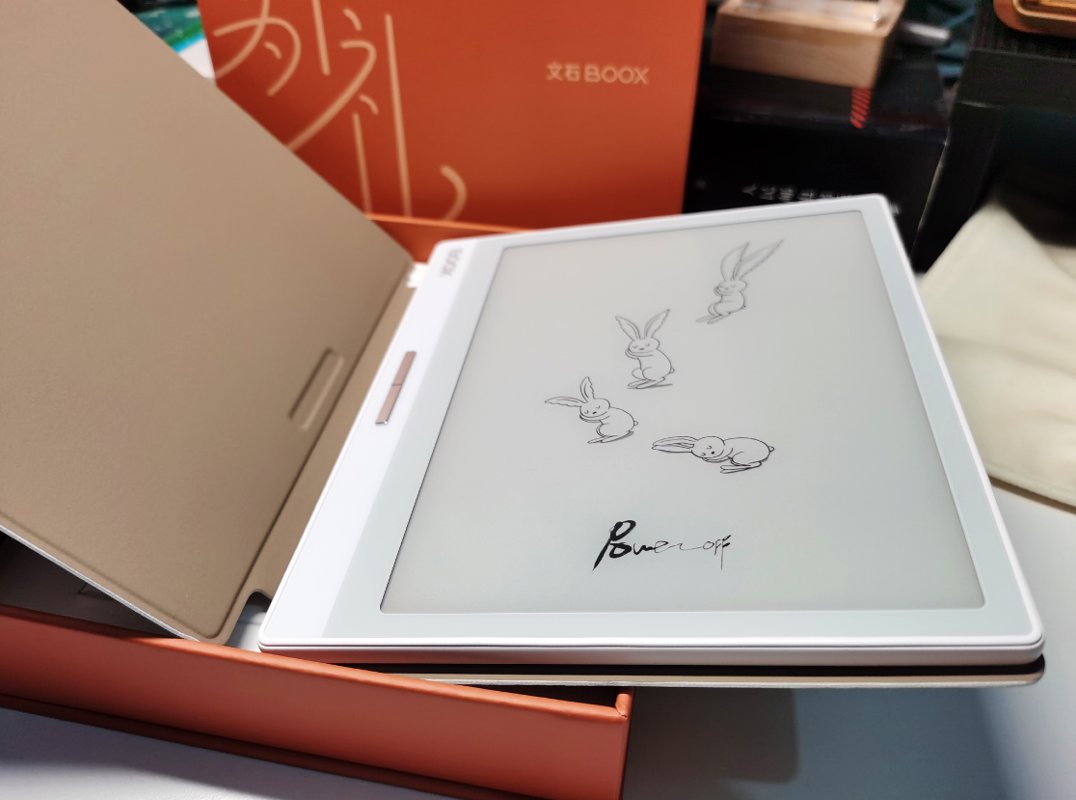
Taking the reader out, the box itself is also very refined.
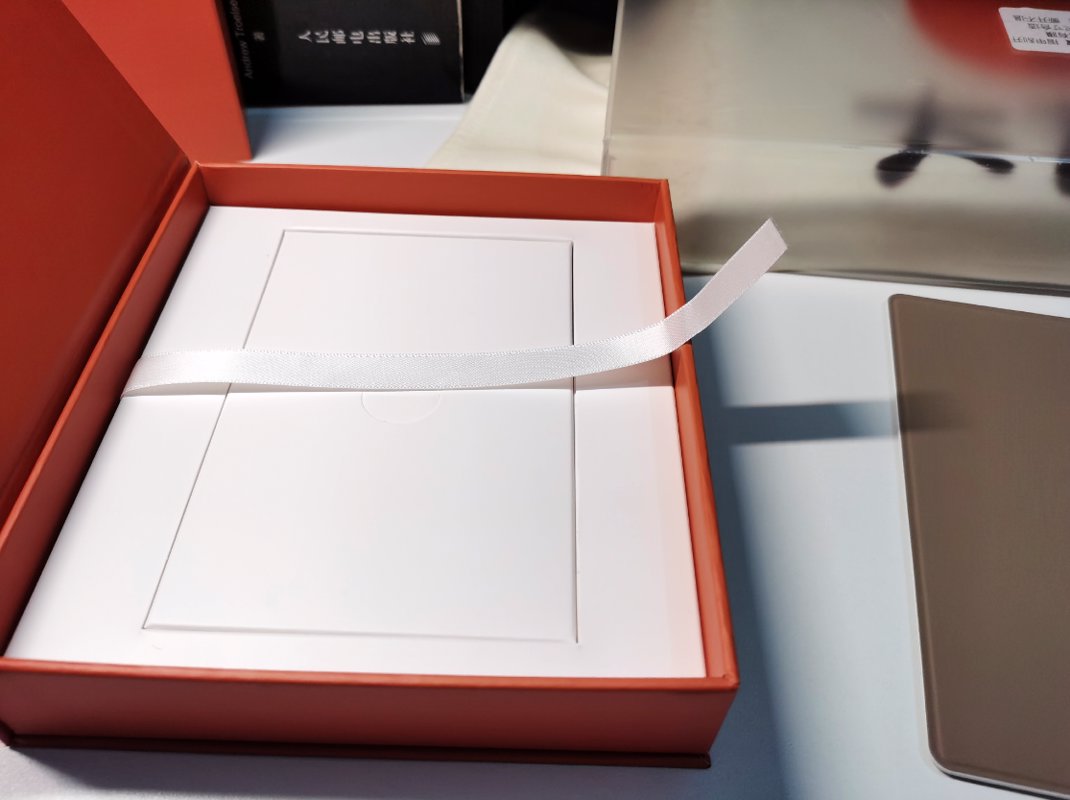
Inside the box are the data cable, warranty card, SIM ejector pin, and so on.
| Data Cable | SIM Ejector Pin |
|---|---|
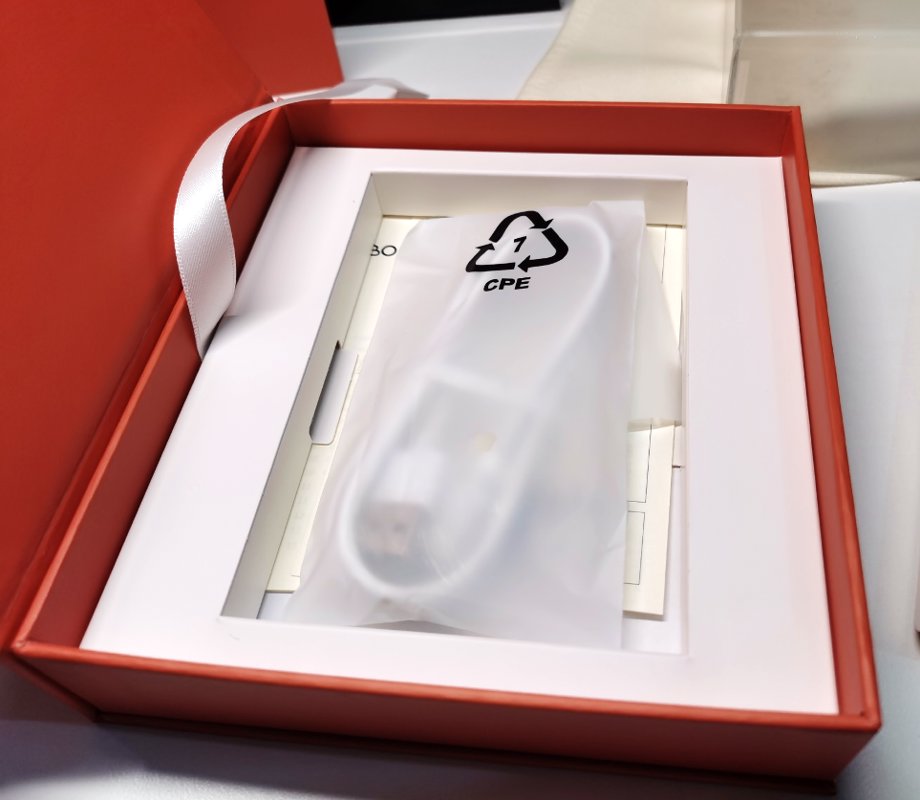 | 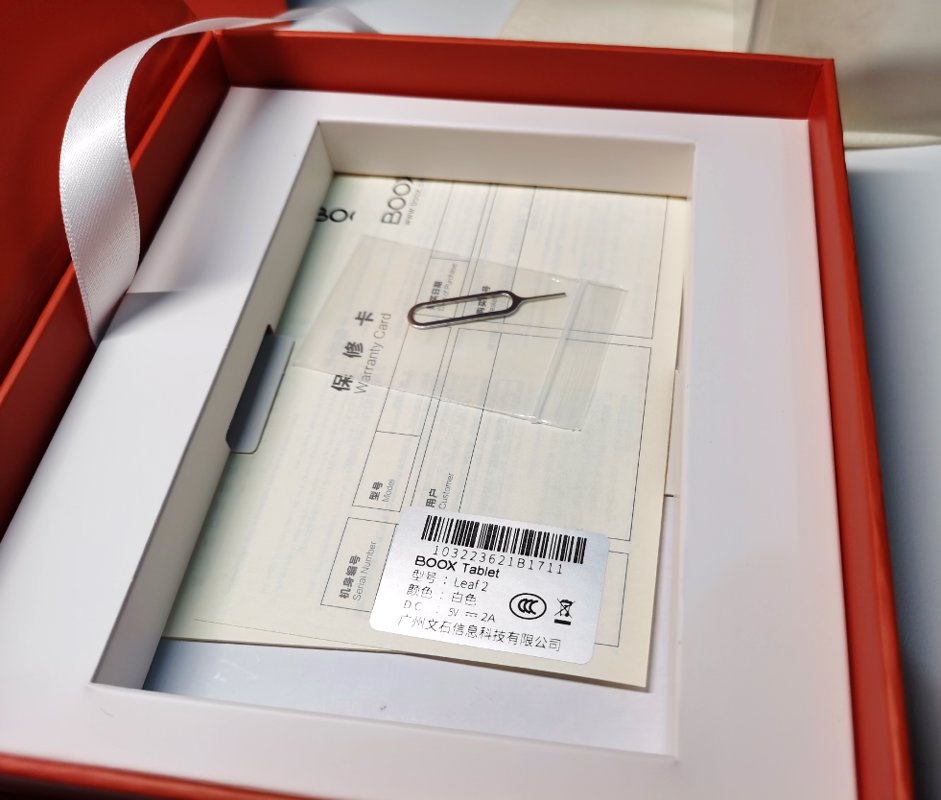 |
Powering On
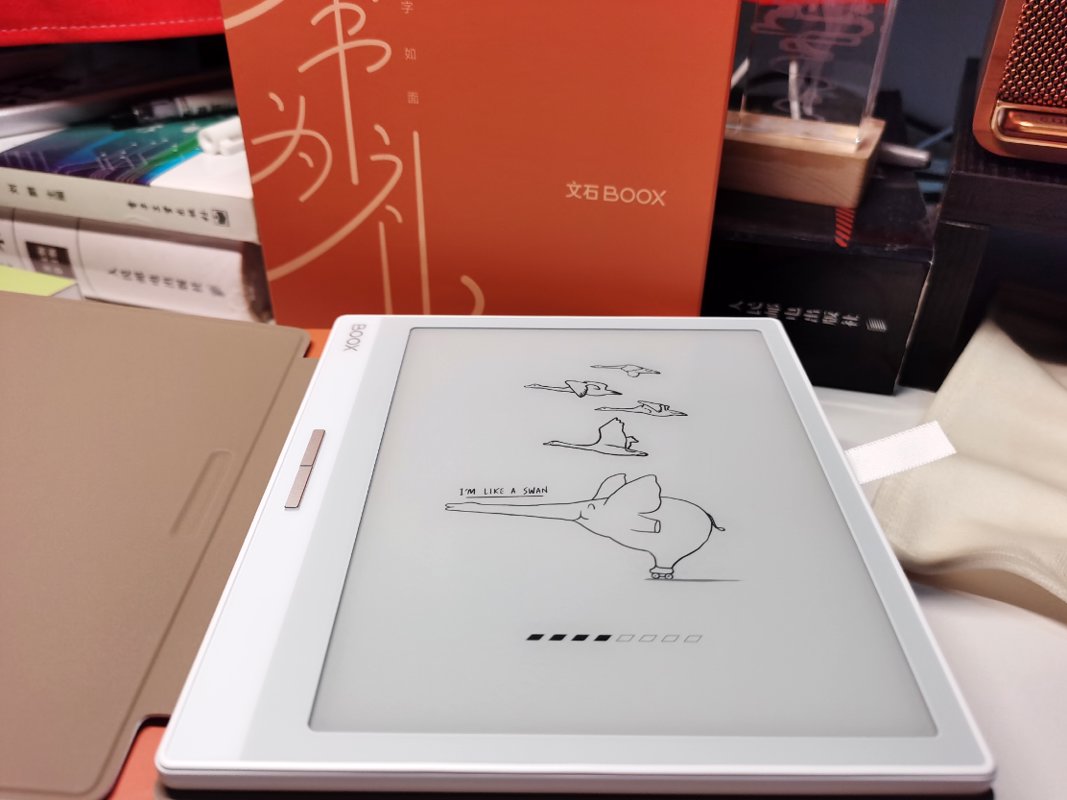
Powering on~
This startup screen shows an elephant
Initialization - 1
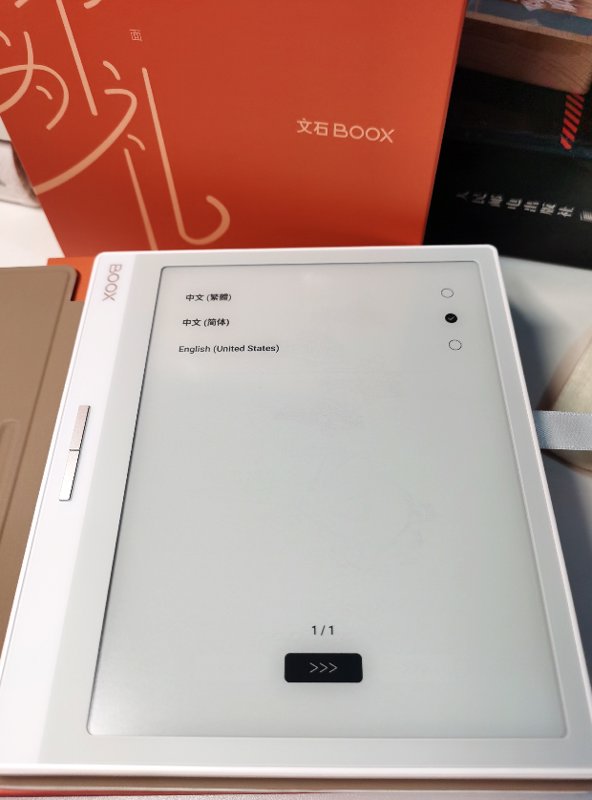
Initialization - 2
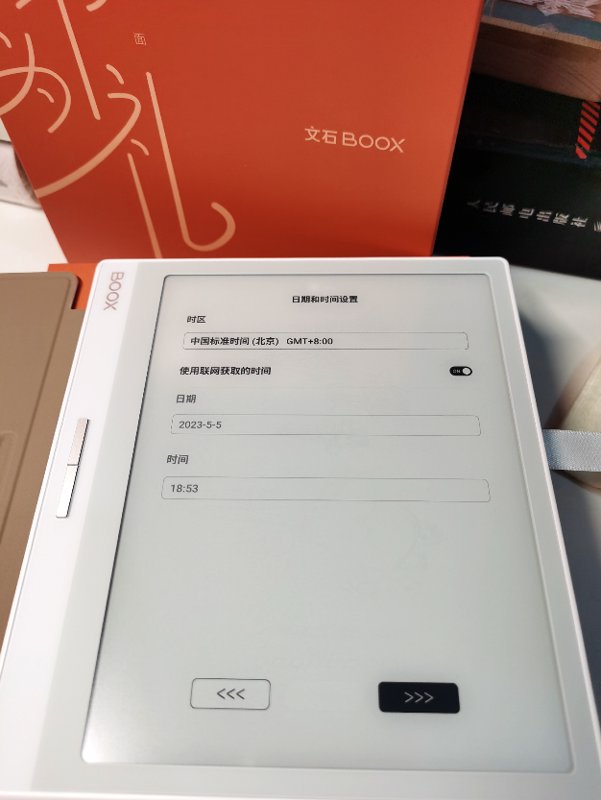
Initialization - 3
This gesture is so retro; the last time I used it was on the Nubia Z18 mini.
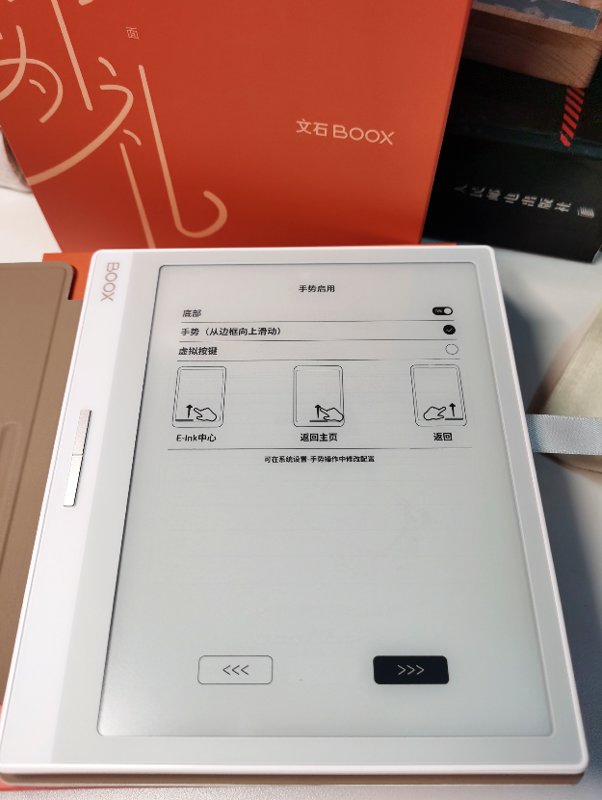
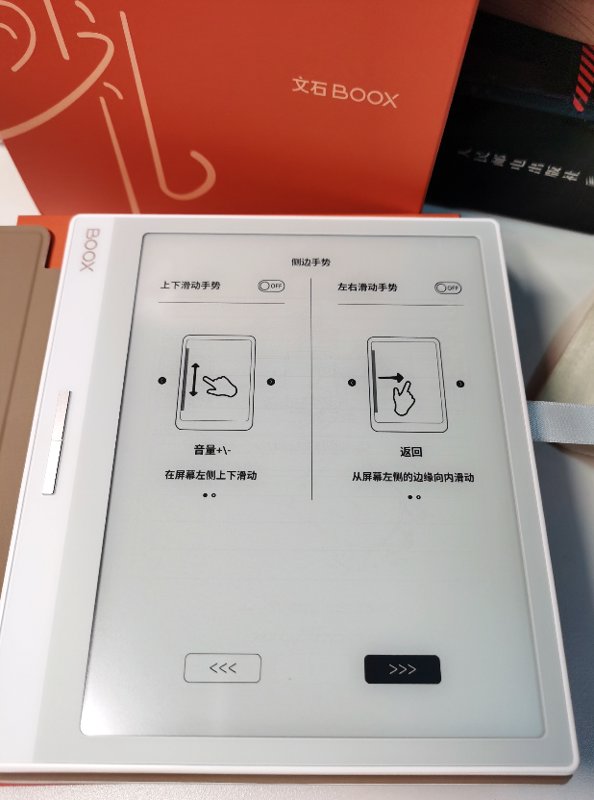
There are also side gesture features (侧边手势功能).
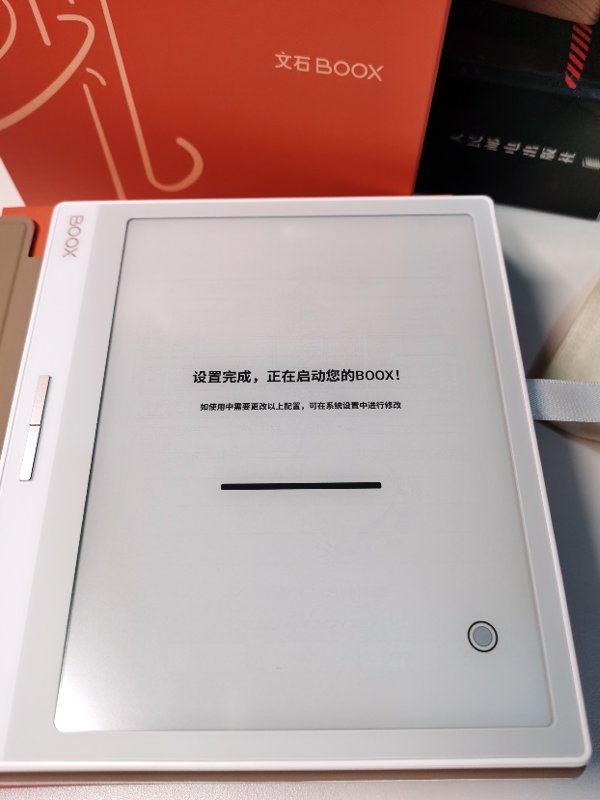
Setup Complete
Entering the System
What comes into view is the main interface
It still gives a very refined feeling.
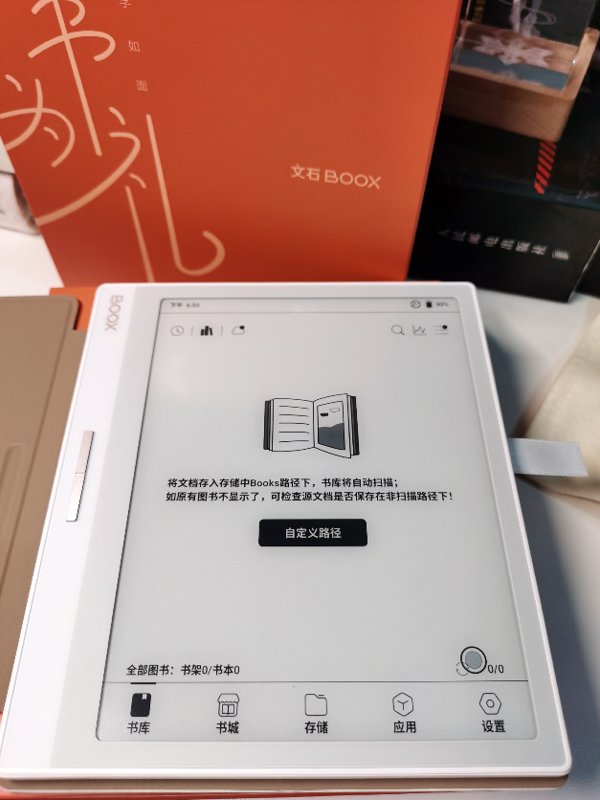
This drop-down control bar is also quite nice, and like tablets on the market, it's on the right side. Swiping down on the left brings up the notification bar, though the UI for the notification bar is a bit less polished.
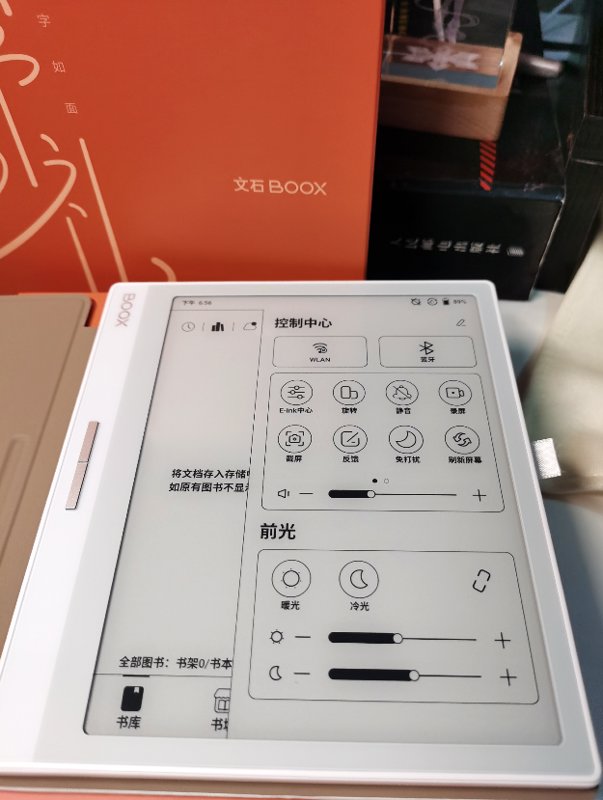
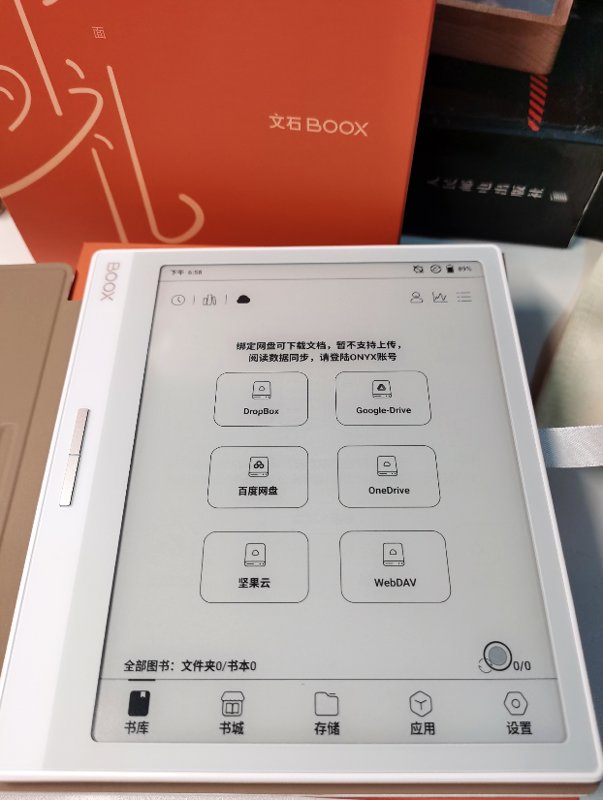
It supports many cloud synchronization features.
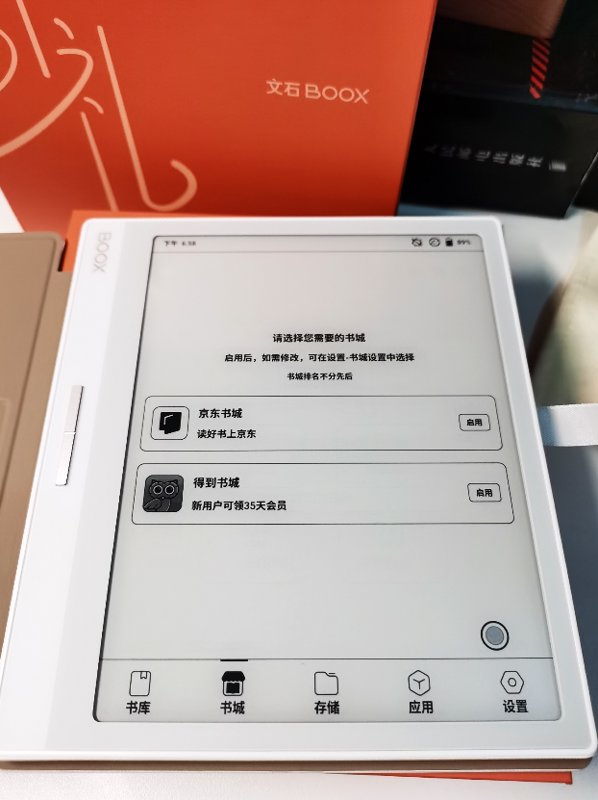
The built-in bookstore sources are JD and Dedao, but I don't use either. Uninstall, uninstall~
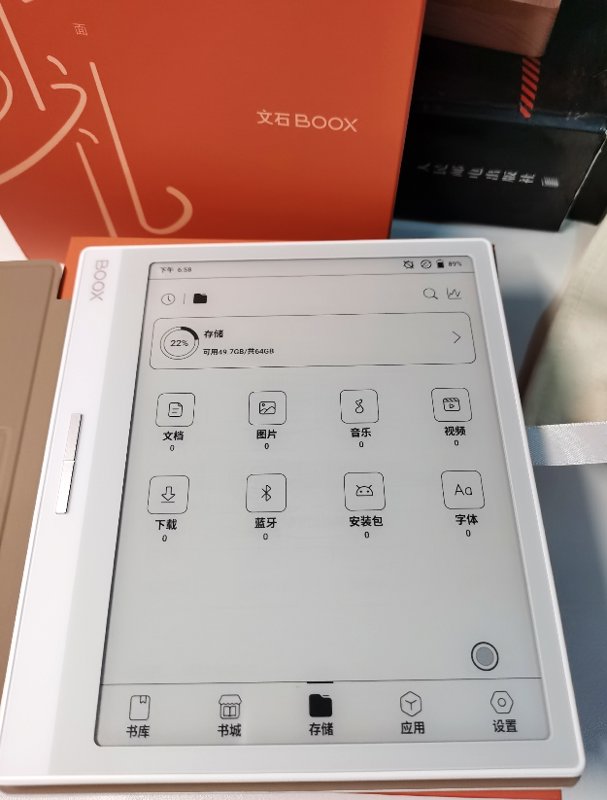
The file manager is directly integrated into the main interface, with a clean UI—much better-looking than the Moaan (墨案) model introduced earlier.
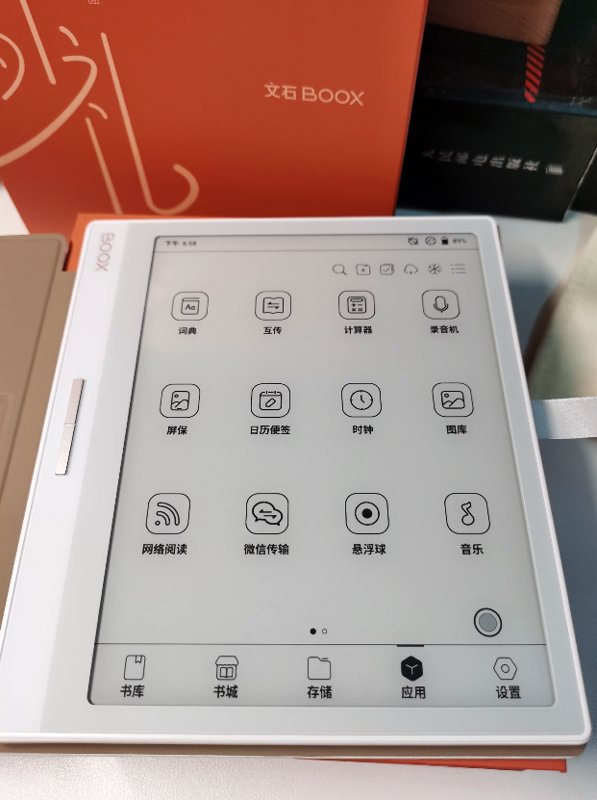
The application list interface uses a 4x3 layout, and the effect is quite good.
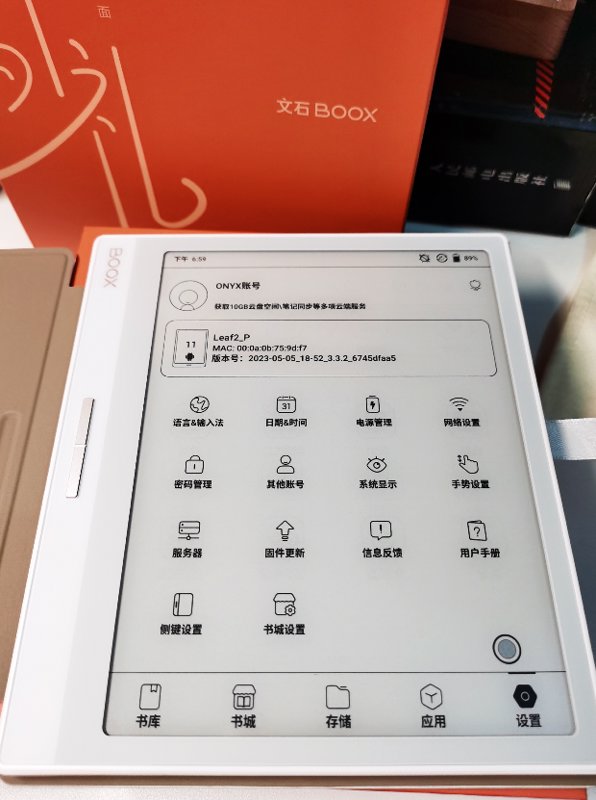
The settings interface—this one finally feels somewhat modern. Yesterday, the settings UI of the Moaan Mix7 made me feel like I was back in Android 2.3...
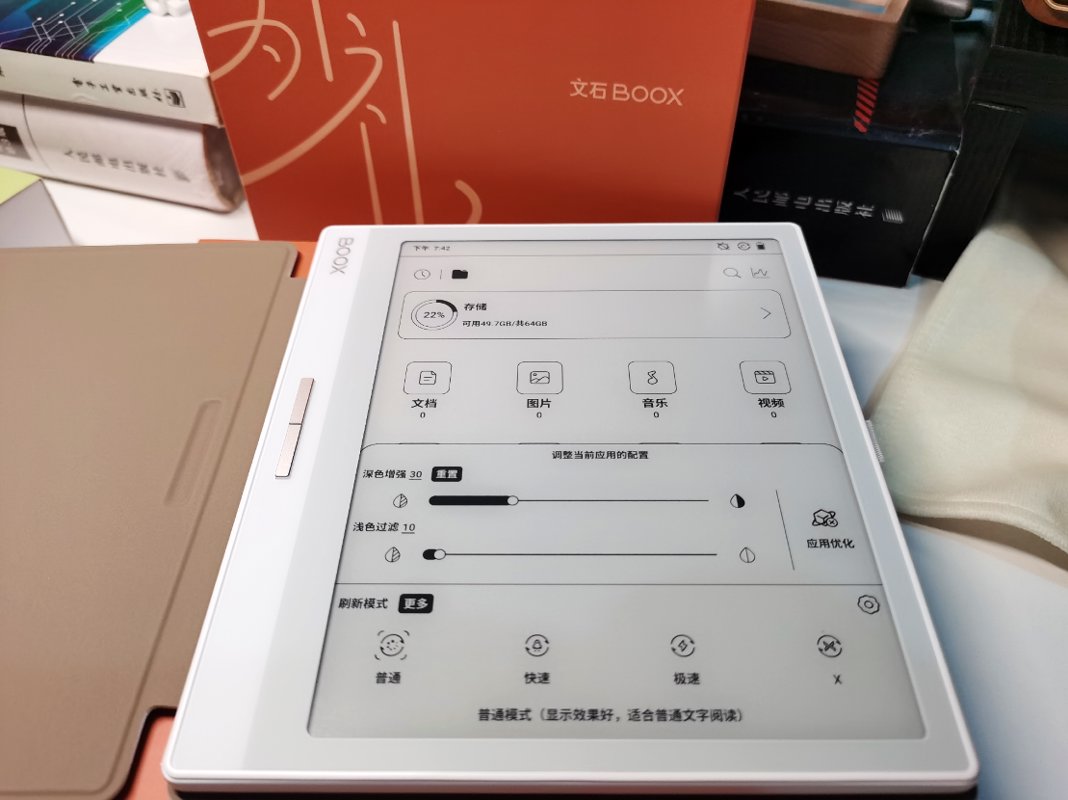
The E-Ink Center—this is a feature unique to Onyx Boox (文石) for adjusting display effects. By default, you can swipe up from the bottom-left corner of the screen, which is quite convenient~
User Experience
A few quick notes:
- At 180g, it's indeed very lightweight—feels light as a feather in hand, making you instinctively cradle it carefully.
- The symmetrical, thin design with a white front panel looks great aesthetically, but the in-hand feel is slightly lacking. It feels too heavy with a protective case, yet a bit slippery without one.
- The system is quite good with many features (though not all are useful). It offers more customization options than my previous Moaan mix7, making it highly engaging to tinker with.
- Many built-in apps are included, but several are practically useless and cannot be uninstalled, taking up significant storage space. (For example, music and gallery apps—why would an e-reader need these??)
- Possibly due to the above point, upon first boot, I noticed over 10GB of storage already used. The system plus built-in apps consume quite a bit.
- The CPU performance is relatively poor, leading to slower responses during everyday use (like opening apps such as WeChat Reading). (The difference isn't as noticeable without a comparison.)
- The file-sharing features are comprehensive and even support RSS subscriptions. As soon as I discovered this function, I immediately subscribed to IT Home and Zhihu Daily—it's incredibly satisfying~
- The built-in app store includes the "Open Source Reading" app, which definitely deserves praise. It saves me the hassle of manually downloading and importing it.
OK, that's all for now. I'll write a more detailed comparison article with other e-readers later.
References
_EOF_
Onyx leaf2 unboxing and usage experience
- 本文作者:
- 程序设计实验室
- 版权声明:
- 本博客所有文章除特别声明外,均采用 BY-NC-SA 许可协议。转载请注明出处!
相关文章
汉王clear开箱与使用体验
差点忘了7.8寸开放系统这块,还有汉王也是老牌有实力的厂家,再加上汉王clear的风评不错,价格也不贵,所以我也入手了一个。
2025-10-28 · 墨水屏 · 约 1 分钟
墨案mix7开箱与使用体验
我在18年第一次接触了 kindle 这种电子墨水屏设备,我在 kindle 上看完了诸如「刘慈欣全集」、「金庸全集」之类的大部头,电子墨水屏的看书效果确实非常好, 21年把 kindle 卖掉了,最近阅读量比较大,一直用平板看书也不是很好,于是打算入手国产开放系统的电子书。
2025-10-28 · 墨水屏 · 约 1 分钟
华为MatepadPaper开箱与使用体验
华为的Matepad Paper在电子墨水屏中属于是硬件配置的天花板,使用麒麟820e作为CPU,性能超过了大部分的电子书产品,因为之前的文石leaf2和墨案mix7用的都不是很满意,所以我抱着试试看的想法下单了这个华为Matepad Paper。
2025-10-28 · 墨水屏 · 约 1 分钟
墨案mix7与文石leaf2对比评测
墨案mix7输入法秒杀文石,手感完胜,UI却简陋如古董。文石leaf2界面精致,功能多,性能却拖后腿。充电续航半斤八两,手感墨案碾压,文石滑溜难握。总之,各有所长,选谁看运气,反正都够用。
2025-10-28 · 墨水屏 · 约 1 分钟
讨论
共 0 条加载评论中…