

How to Choose Desktop Speakers on a 1K Budget? Edifier N500 Unboxing First Impressions
Fixing the old speakers wasn't enough—I turned around and dropped a thousand yuan on the N500. I said my desk space was limited, but really I just had an itch to buy. The packaging arrived all wrinkled, but the accessories were neatly sorted into their own boxes. There are so many ports the volume knob had to hide on the back. Sound quality? Saving that for the next post—unboxing first, as is proper.
目录12 个章节
Preface
I've written quite a few headphone unboxings before; this time let's look at speakers.
A while back I repaired my Edifier M230 mini speakers that I'd been using for several years. Repair notes here:
- Edifier M230 Teardown and Repair: Fixing Battery Damage and Power-On Failure—A 25-Yuan Fix for a 100-Yuan Third-Party Repair Job, Plus a Common Power Supply Issue
- Edifier M230 Mini Speakers Fully Revived!
Even though I got the old mini speakers working again, with speakers it's a matter of bigger drivers being stronger by the inch. And the M230 is a battery-powered Bluetooth speaker after all, not really suited for being plugged in long-term, so I'd been itching to get a proper set of desktop speakers.
After some research, I settled on the Edifier N500, picked up on JD.com for about 1K. There are actually plenty of options at this price, and Edifier has quite a few products with even better value, but my desk space is fairly limited too. Considering the N500's size and features were a better fit, I went with this one in the end.
Without further ado, let's take a look~
Packaging
The outermost layer is a kraft cardboard box with the model printed right on it.
This box looks like it's been through quite an ordeal😂
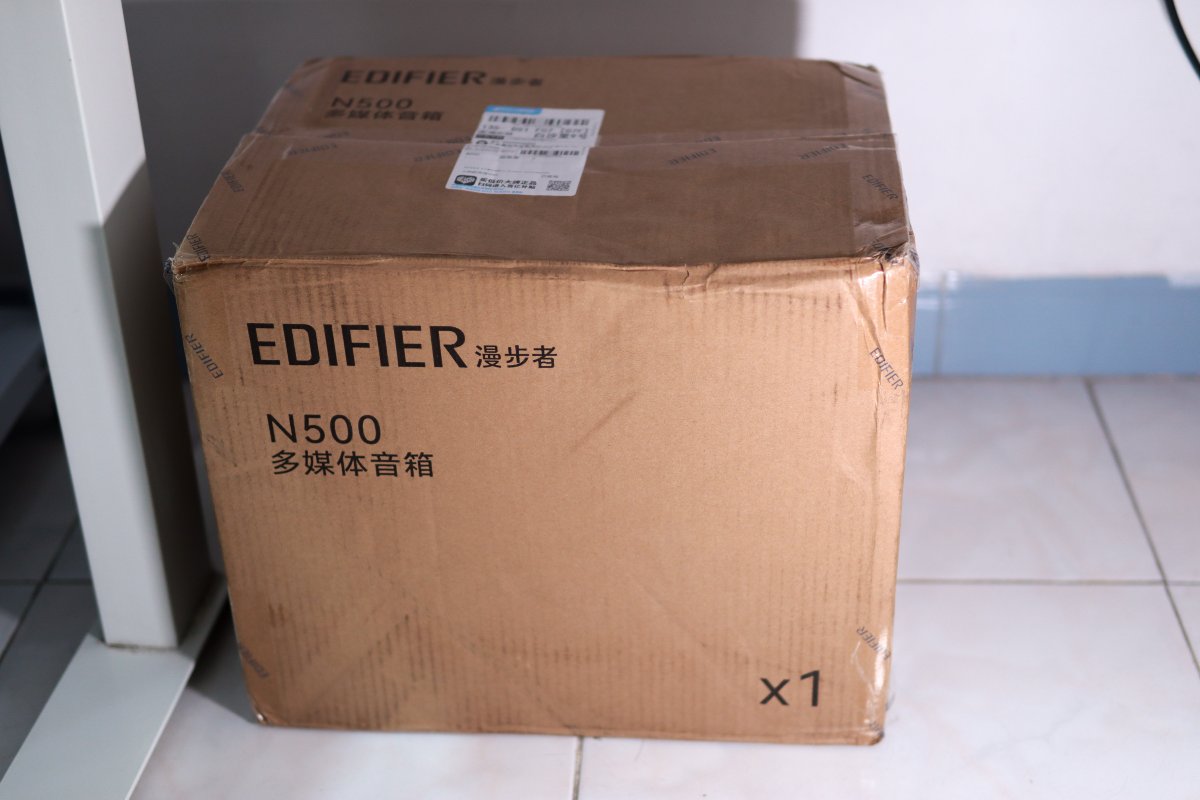
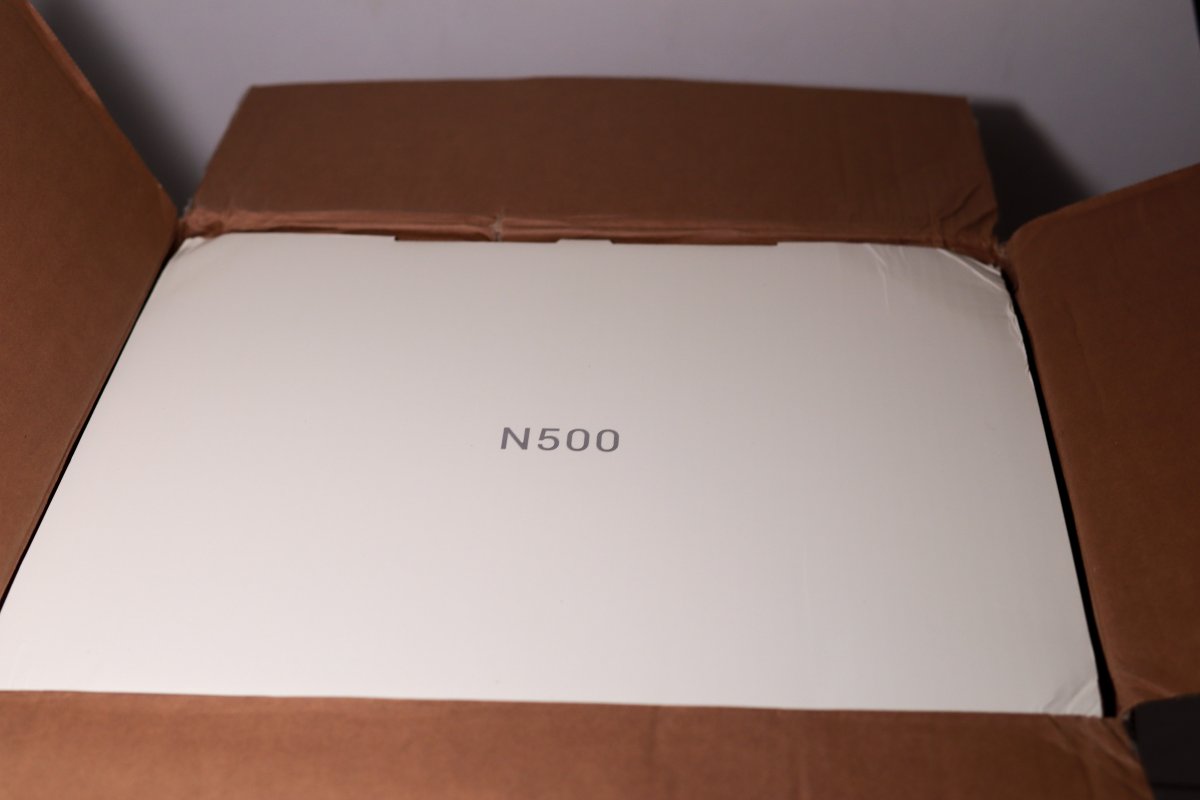
After opening it, there's another layer of white packaging inside.
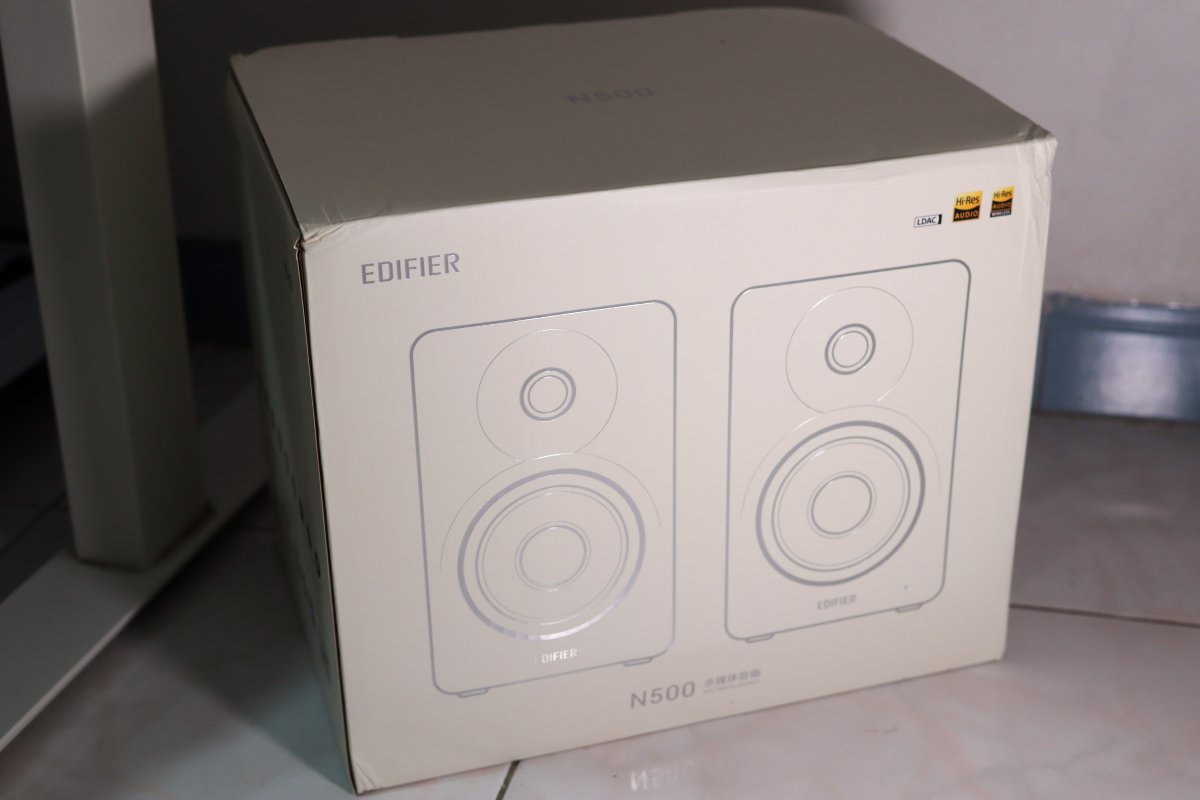
Taking it out for a look, the front has a line drawing of the speakers—pretty clean.
The corners of the box are a bit crushed though.
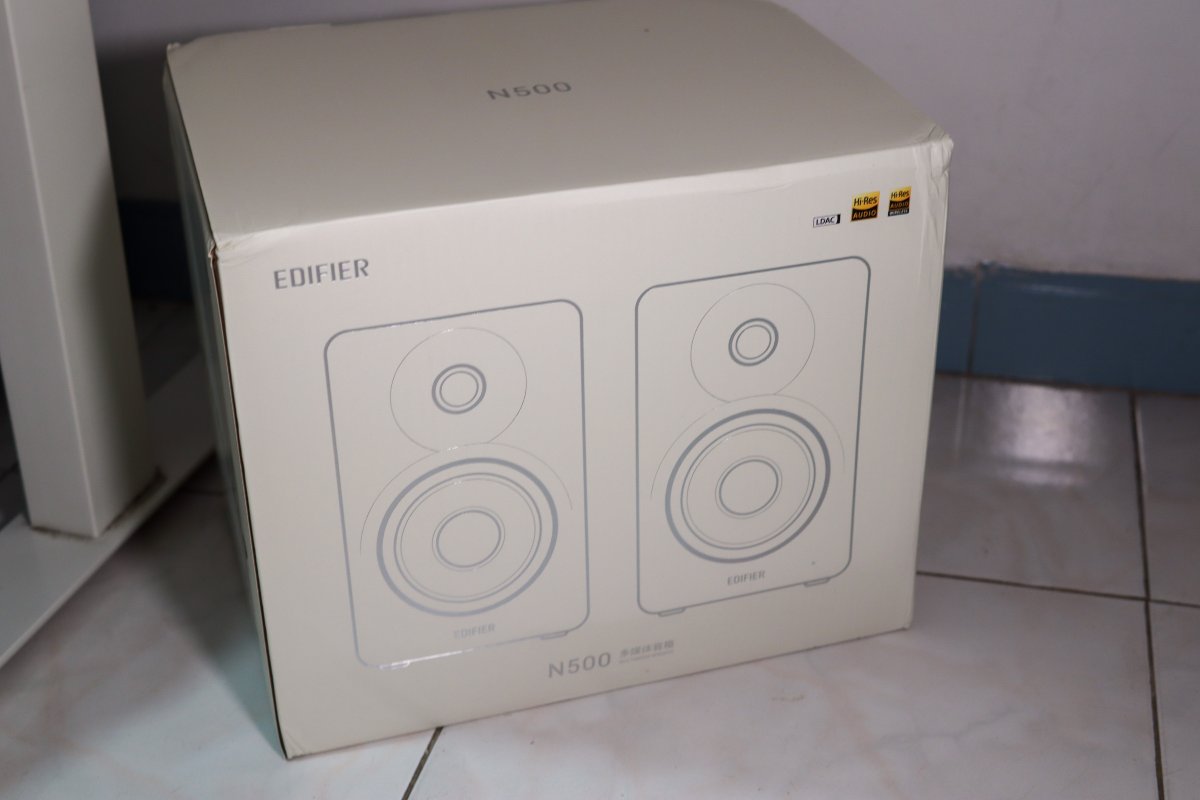
The upper right corner is printed with LDAC and two Hi-Res gold badges.
Unboxing
Opening the box, the top layer has two small boxes labeled "Accessories Inside" and "Feet Pads Inside" respectively.
All laid out nice and clear😄
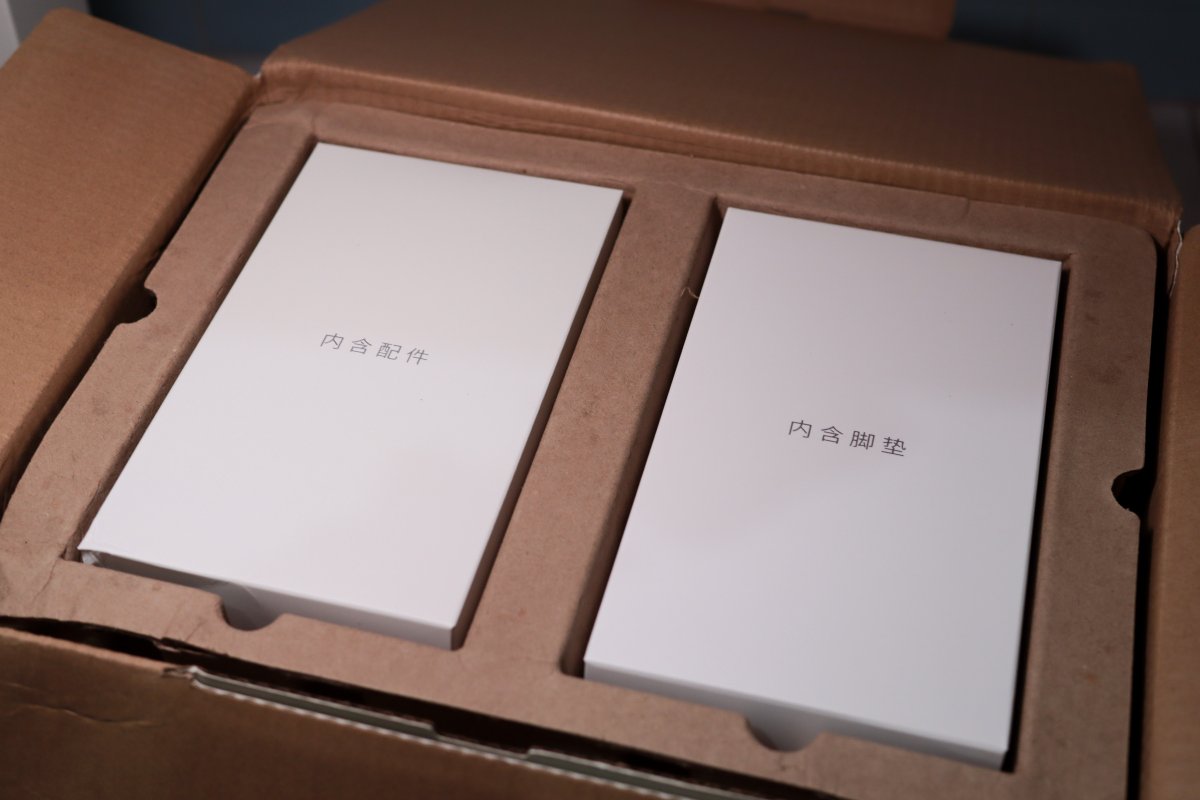
Lift off that top layer and the speakers themselves are underneath.
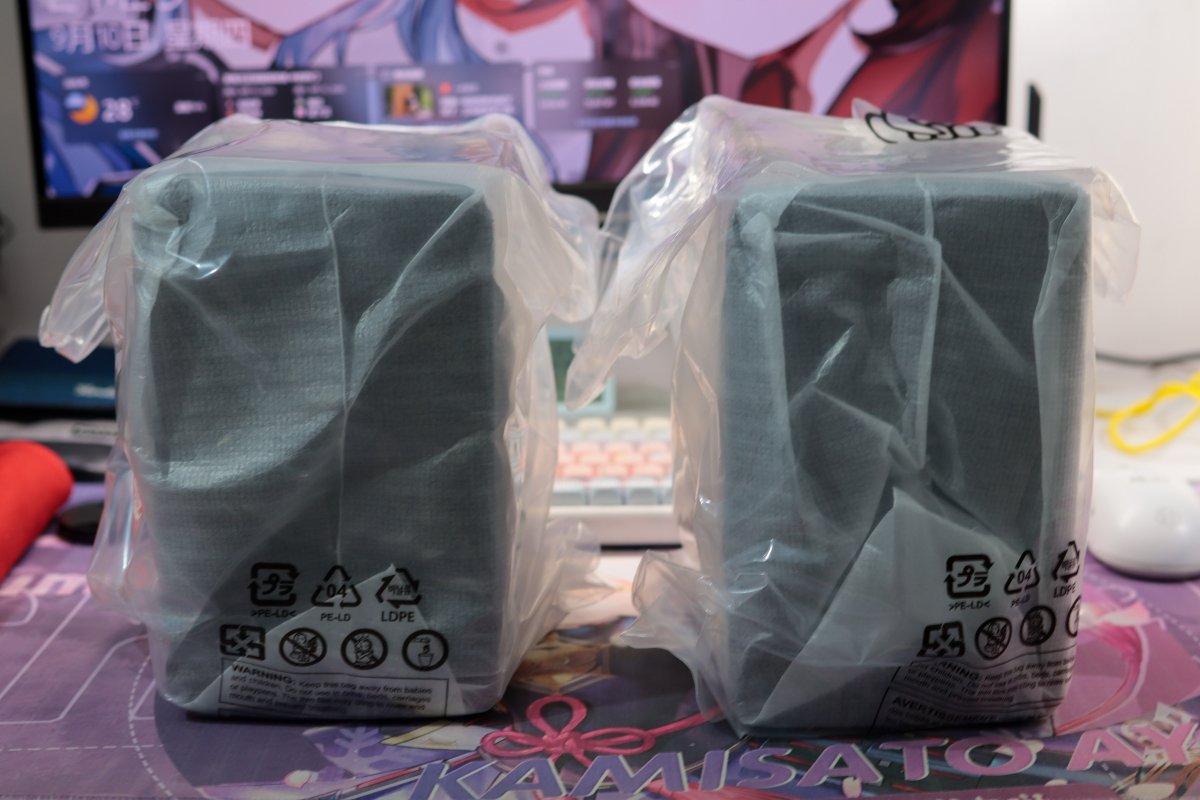
Both speakers are in protective bags, with handling diagrams printed on them.

Accessory Boxes
First, let's take out the two accessory boxes.
Looking at these two boxes alone, you'd think I'd bought some extra new gadgets🤣
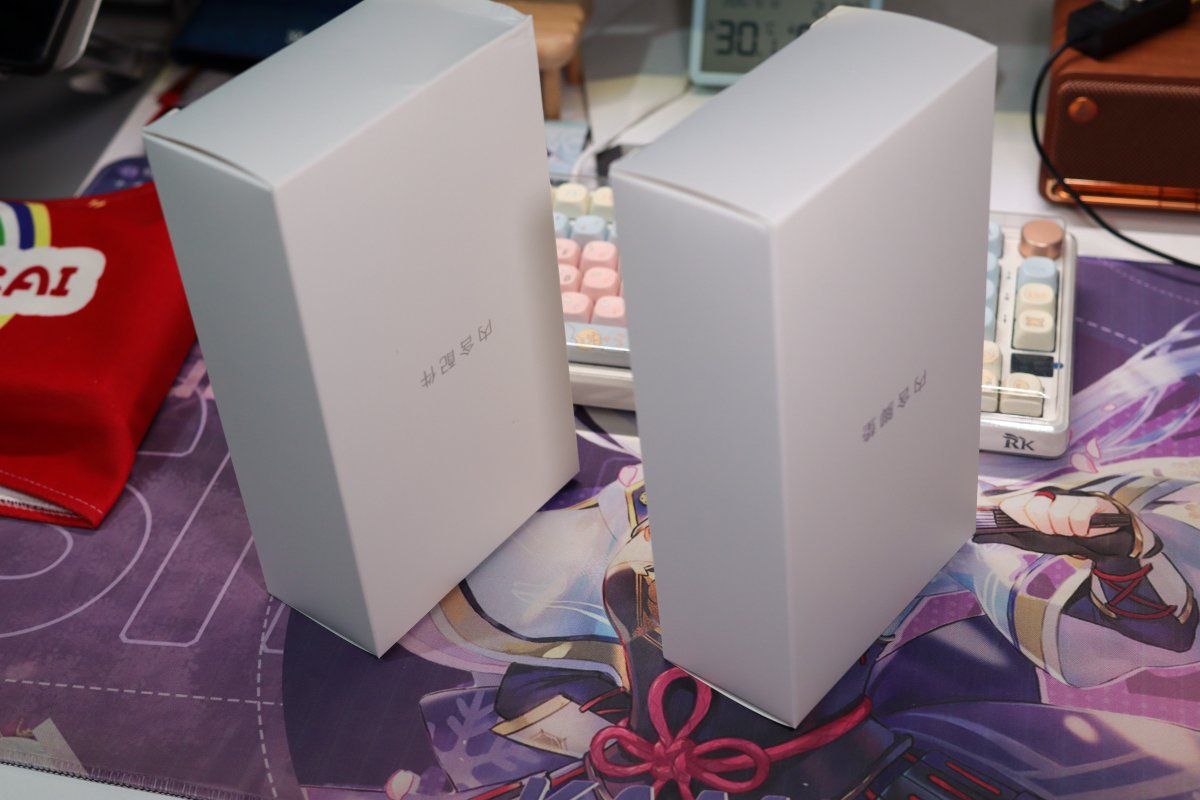
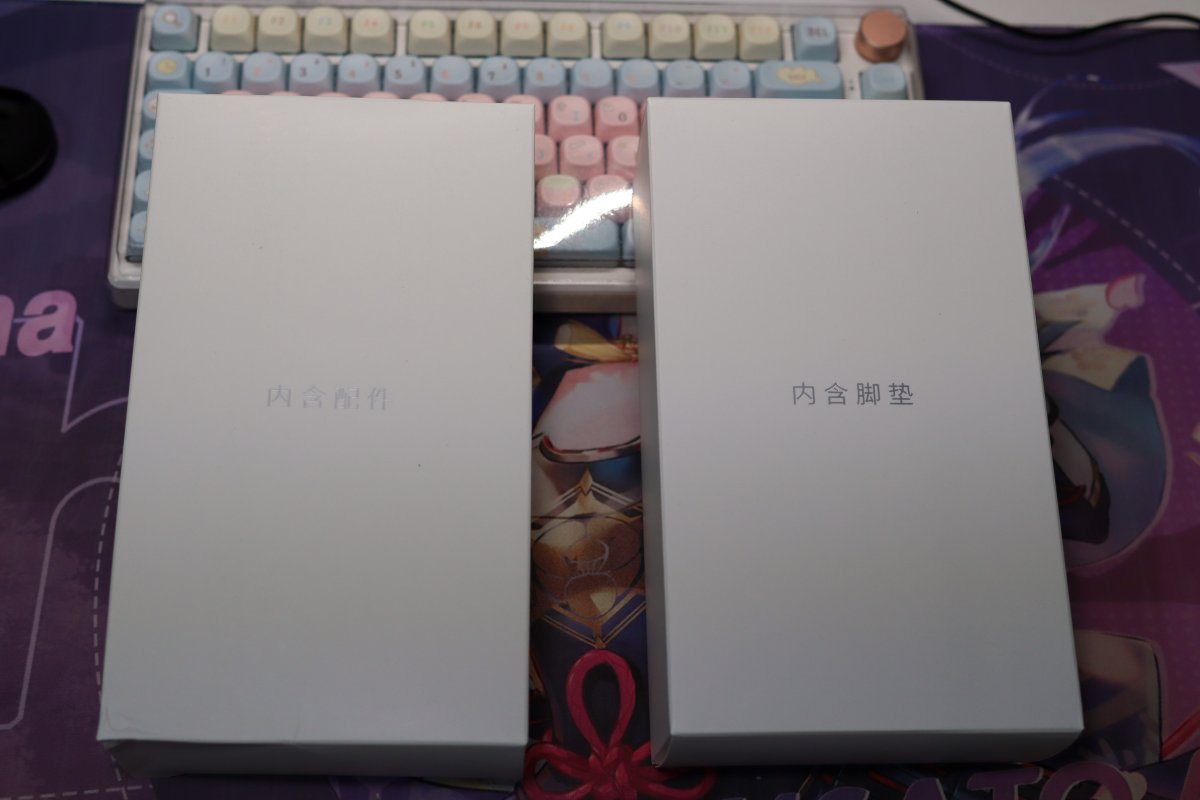
From the front, accessories and feet pads each get their own box.
The Speakers
Moved them onto the desk for a group shot first.
The protective bags aren't off yet, but you can already get a general idea of how they look.
Bags off, this is the front.
Two drivers, one above the other, with the Edifier logo at the bottom. No flashy decorations.
Black with rounded corners—I actually quite like this look.
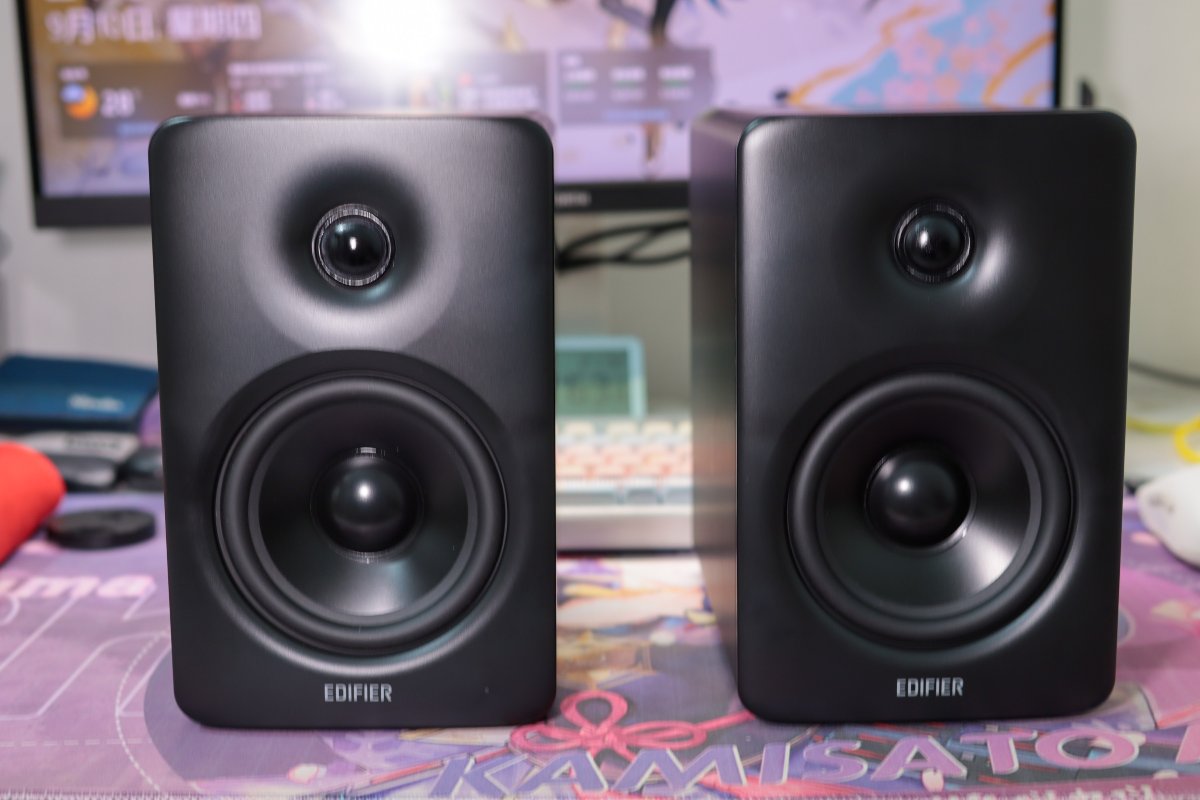
Another angle.
The sides are solid black too; overall it looks pretty clean.
Though the pair together is pretty sizable—you do need to leave them some desk space😄
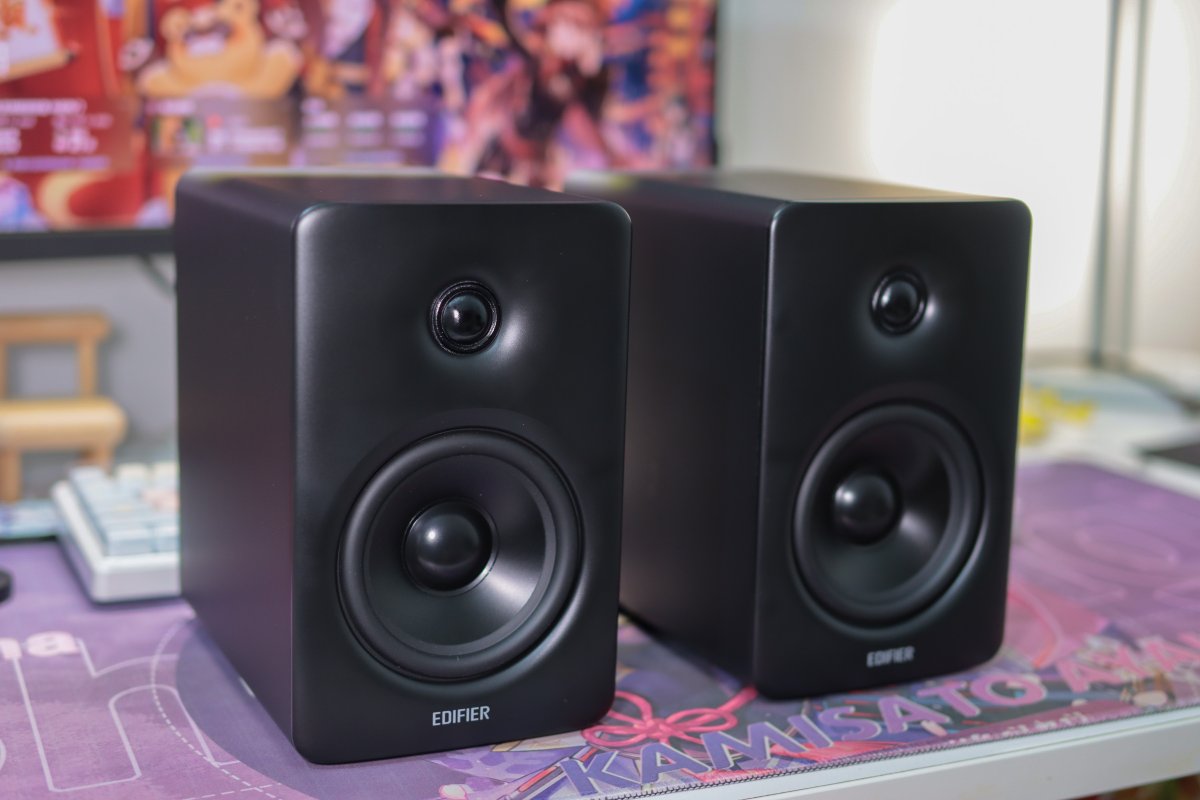
Accessories
Unpacking the accessories: a manual, a remote, cables, and two black feet pads.
The feet pads getting their own box is a nice touch—no need to hunt down pads separately.
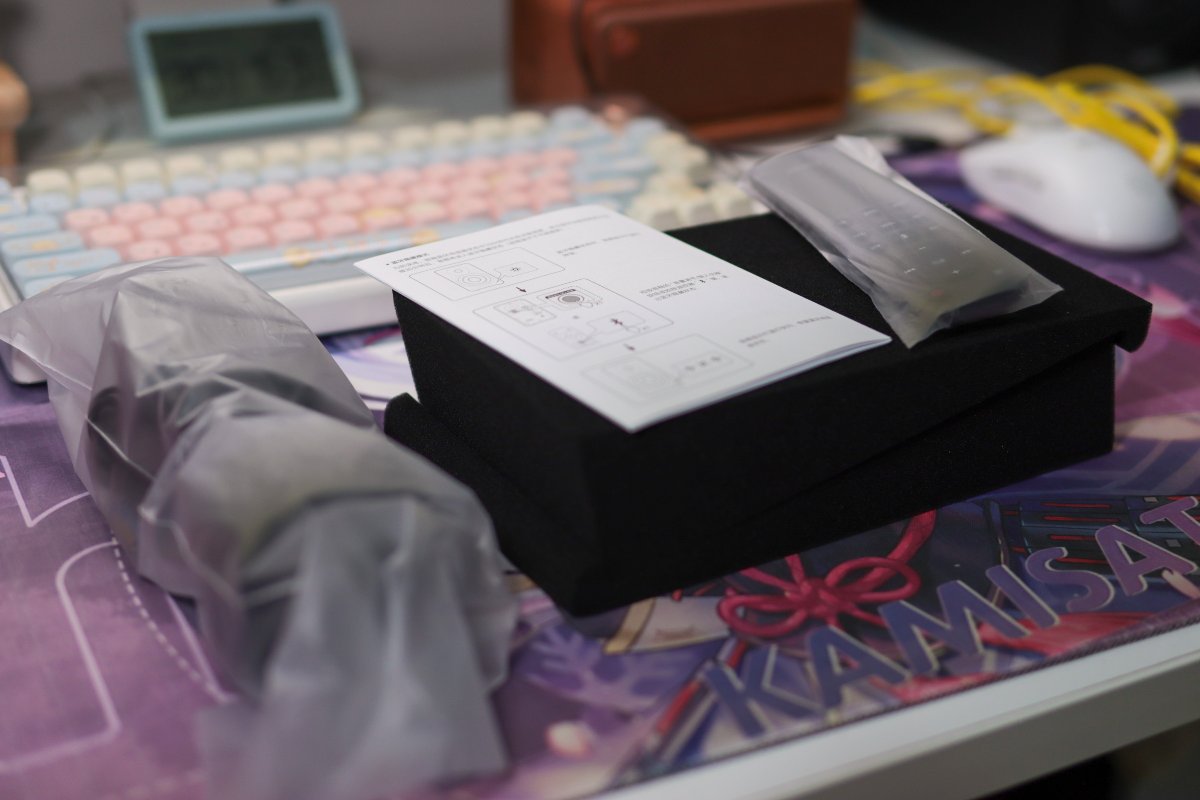
Cables
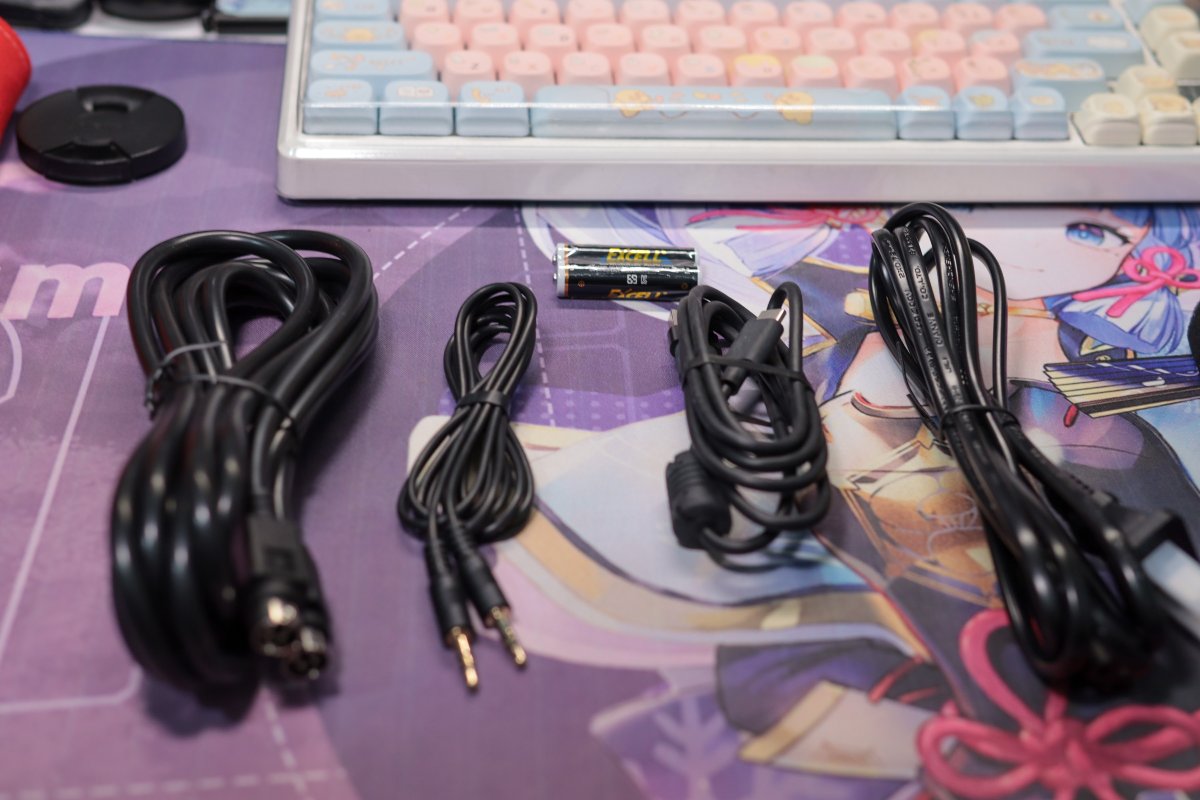
Spreading the cables out for a look.
From left to right: the cable connecting the two speakers, a 3.5mm audio cable, a USB-A to Type-C cable, and the power cord.
The remote even comes with batteries installed—nice.
Remote
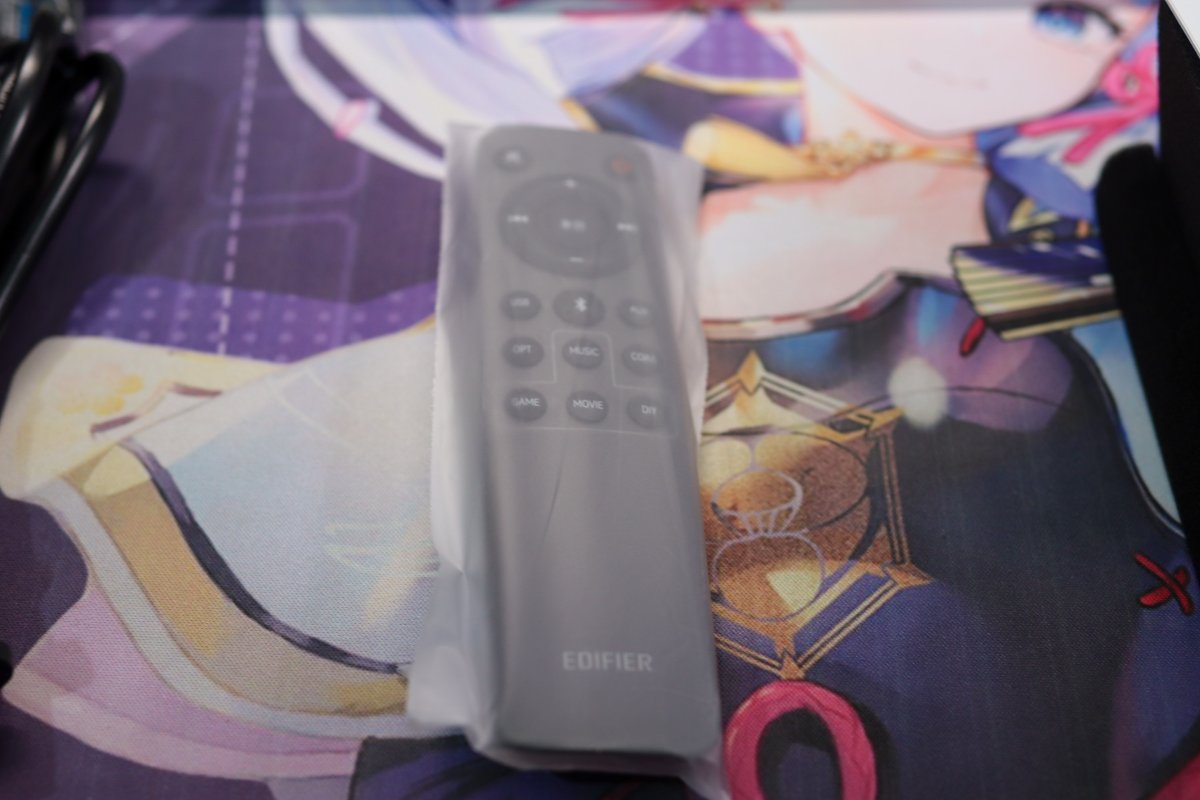
A dedicated shot of the remote, still in its protective bag.
Besides volume and playback controls, there are input source switching and MUSIC, GAME, MOVIE mode buttons.
Pretty comprehensive feature coverage, and convenient in actual use.
Back and Ports
The back is a lot busier.
The right-channel unit has the knob, power inlet, and all the various input/output ports clustered on it.
Up top is a large bass-reflex port.
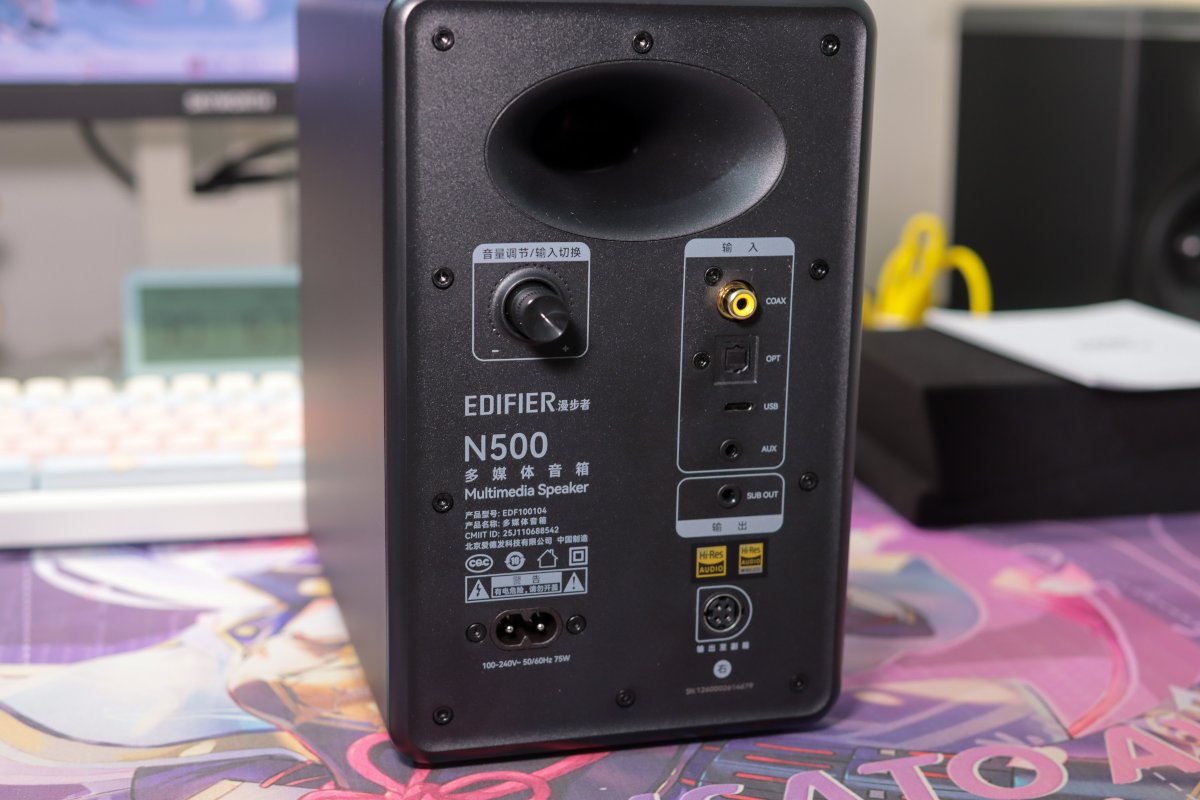
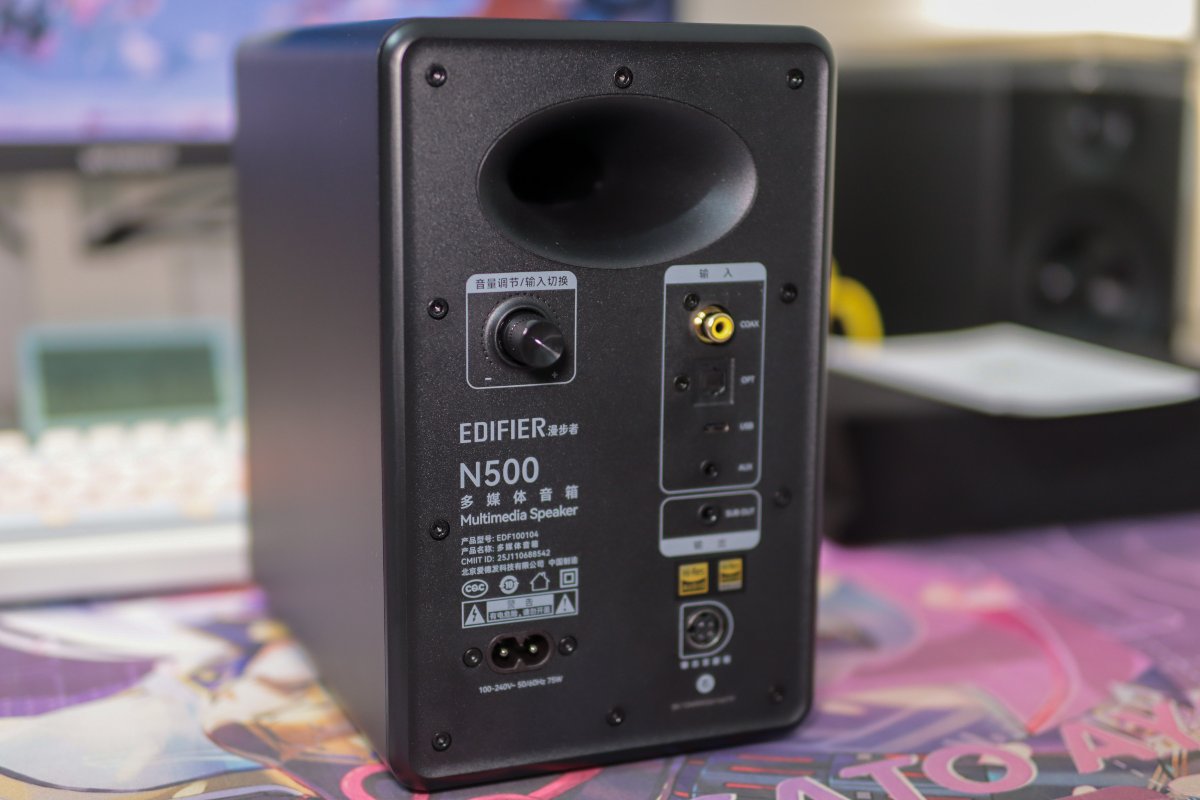
Another angle.
Inputs include coaxial, optical, USB, and AUX, with the USB using a Type-C connector.
There's also a SUB OUT below, leaving room to add a subwoofer later.
The volume knob is on the back as well, doubling as input switching. Having lots of ports is a plus, but given where this knob sits, it feels more convenient to just use the remote.
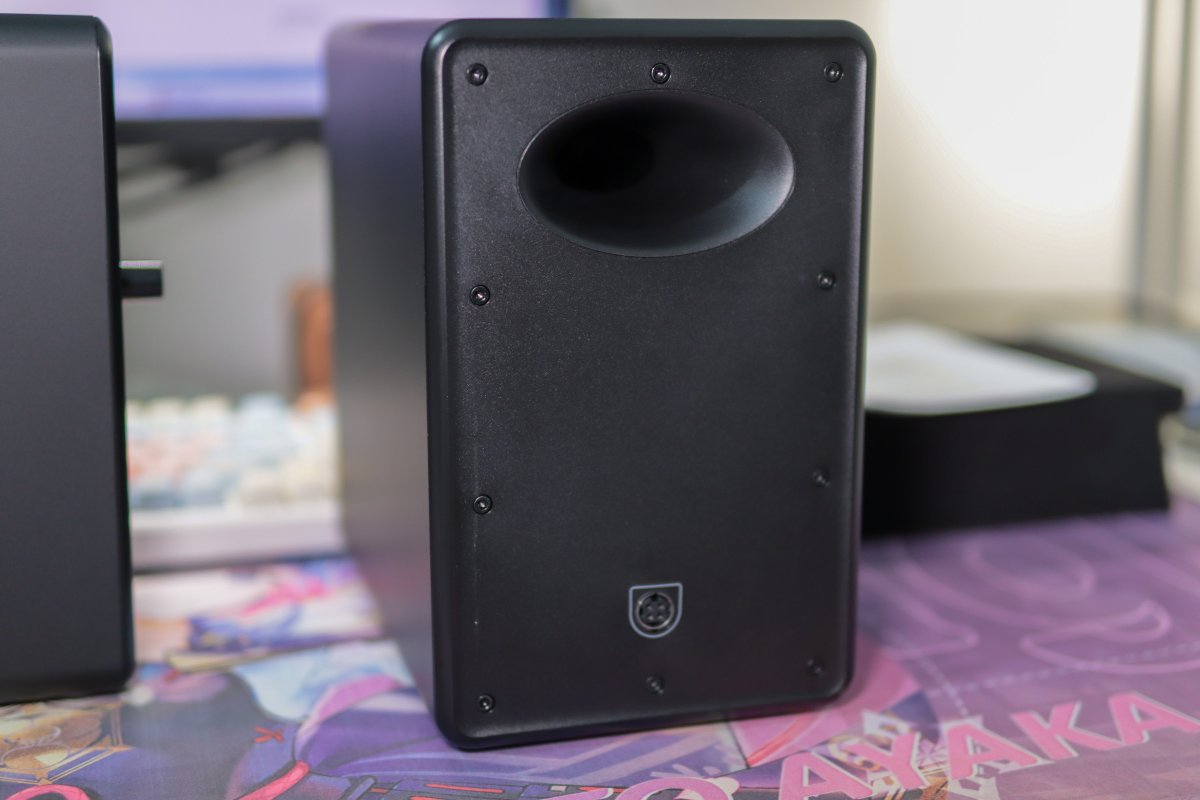
The other one is much simpler.
Besides the bass-reflex port up top, there's only a connection jack below.
So even though they look the same from the front, the backs are quite different.
Grilles
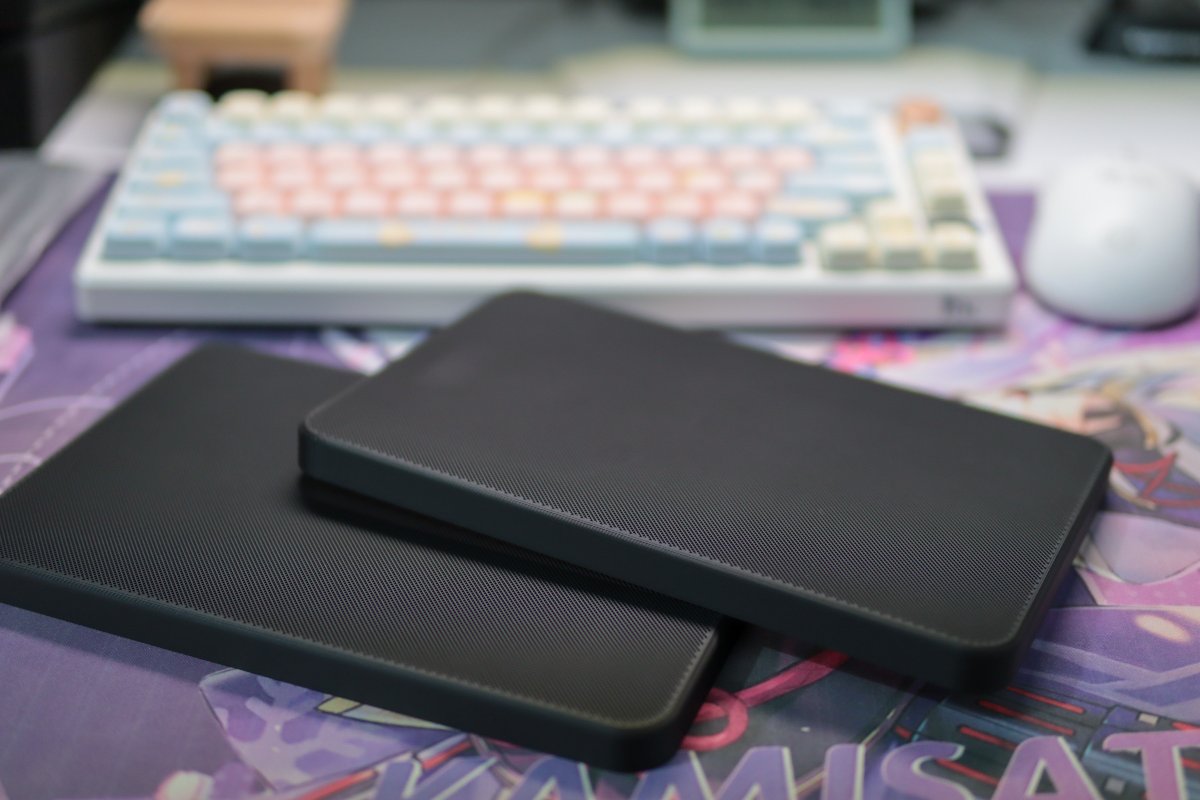
I bought two grilles on Pinduoduo for dust protection and to protect the drivers.
I didn't put them on when photographing the speakers earlier; here's a look at them together.
On the Desk
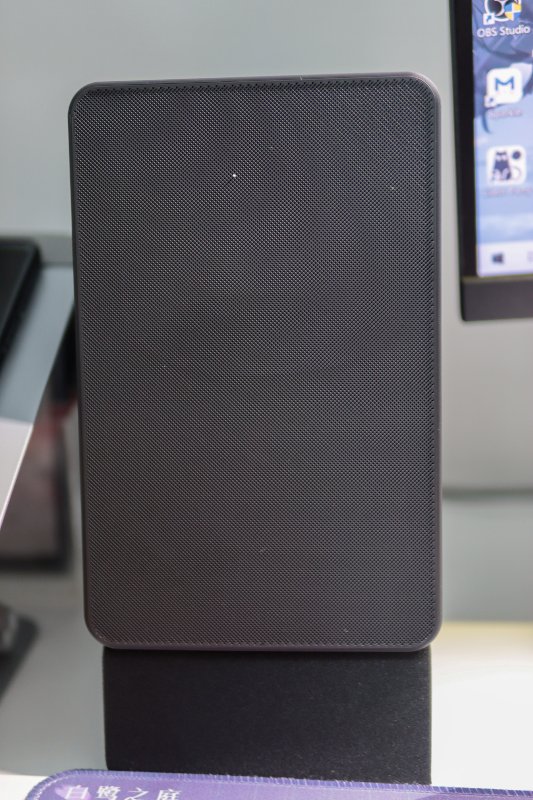
Finally, grilles on, feet pads on, placed next to the monitor.
Once they're on, things are a lot more low-key—a solid black slab from the front, even the logo is hidden.
With the drivers exposed they feel more like speakers; with the grilles on they're a bit cleaner. Each look has its charm.
Wrap-up
I'll just document the unboxing and appearance this time.
I quite like the N500's black look, the ports are fairly complete, and they included the remote, feet pads, and other accessories.
As for how they sound and whether the different modes make much of a difference, I'll leave that for later~
_EOF_
How to Choose Desktop Speakers on a 1K Budget? Edifier N500 Unboxing First Impressions
- 本文作者:
- 程序设计实验室
- 版权声明:
- 本博客所有文章除特别声明外,均采用 BY-NC-SA 许可协议。转载请注明出处!
相关文章
信了恰饭博主的邪,我居然下单了杂牌头戴式耳机
百元杂牌耳机的样子像索尼,但降噪?音质?别逗了。博主推荐就信了?买回来用一次就消失,证明需求是电子垃圾的温床。现在降价到50+,商家笑得合不拢嘴。
2025-10-28 · 音频 · 约 1 分钟
我的最爱还是半入耳式耳机,漫步者 Lolli ANC 开箱
半入耳才是真爱,开放式耳机没捂热就沦为运动配件。200块的 Lolli ANC 密封性意外扎实、降噪够用,低频管饱,层次和空间感也就别奢求了。至于换台手机听感就变脸——这年头蓝牙耳机还得看厂商脸色?
2026-10-30 · 音频 · 约 1 分钟
倍思G10-入耳式2.4G-TWS耳机开箱
倍思G10-入耳式2.4G-TWS耳机
2025-10-28 · 音频 · 约 1 分钟
第一次体验开放式耳机,漫步者XClip开箱
十来个TWS最后都沦为电池消耗品,这次两百块买个耳夹式试水。音质确实超预期,低频却轰得人头疼;戴两小时照样不适,戴上去还没半入耳利索。至于近200MB的国产App,臃肿得毫不意外。
2026-10-26 · 音频 · 约 1 分钟
讨论
共 0 条加载评论中…