Edifier HECATE G3Mpro Mouse Unboxing
The Edifier HECATE G3Mpro boasts a stylish design and silent micro-switches that double the satisfaction. Tri-mode switching? A scroll wheel plus back button combo handles it in three seconds, way better than that clunky switch on the Xuanxiong panda. At just 63g ultra-light, 70 hours of battery life, it’s a joy to use daily. The driver software is straightforward, keyboard feel terrible? Pfft.
目录13 个章节
Foreword
The last post talked about my recent mouse purchase.
However, the Xuan Panda P1 had two points of dissatisfaction: the button sounds were too loud, and the 3-mode switching toggle wasn't very user-friendly.
So, I got my hands on another mouse in the same category, the Edifier HECATE G3Mpro.
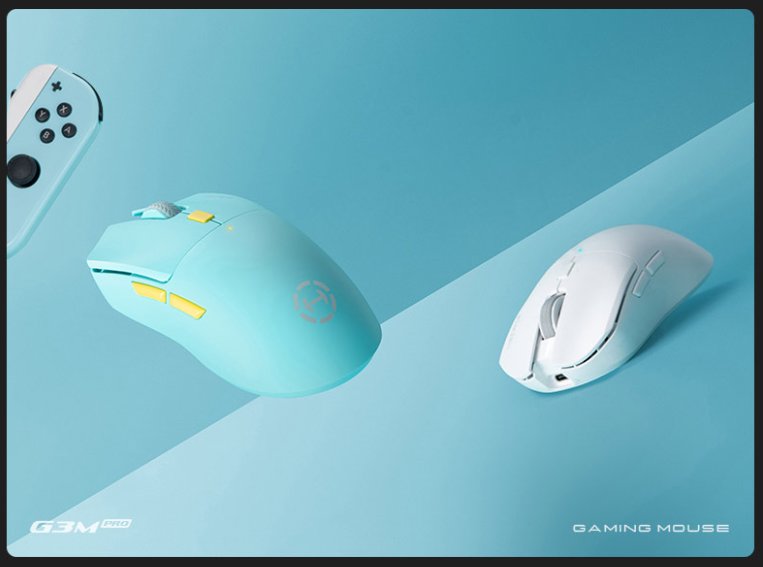
This time, I chose the Mint Blue color—it looks pretty good!
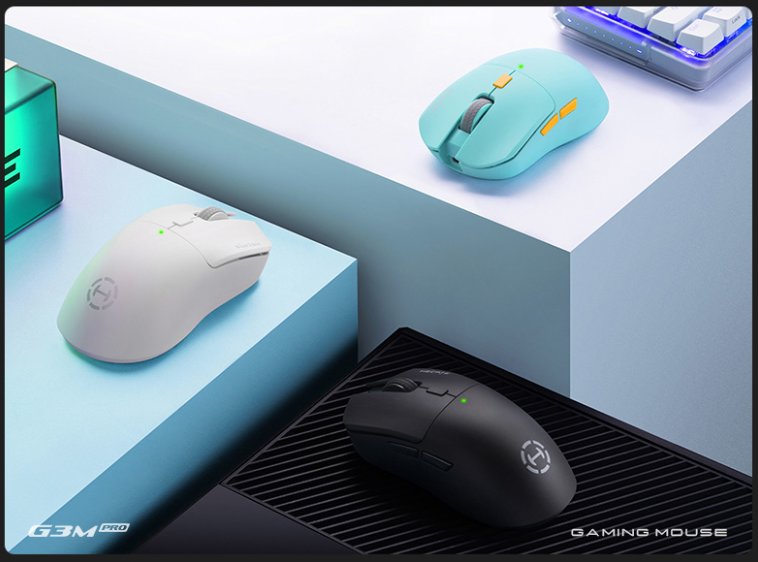
Edifier's sub-brand HECATE, which focuses on e-sports peripherals, is quite good at photography too.
The design of this model is really nice.
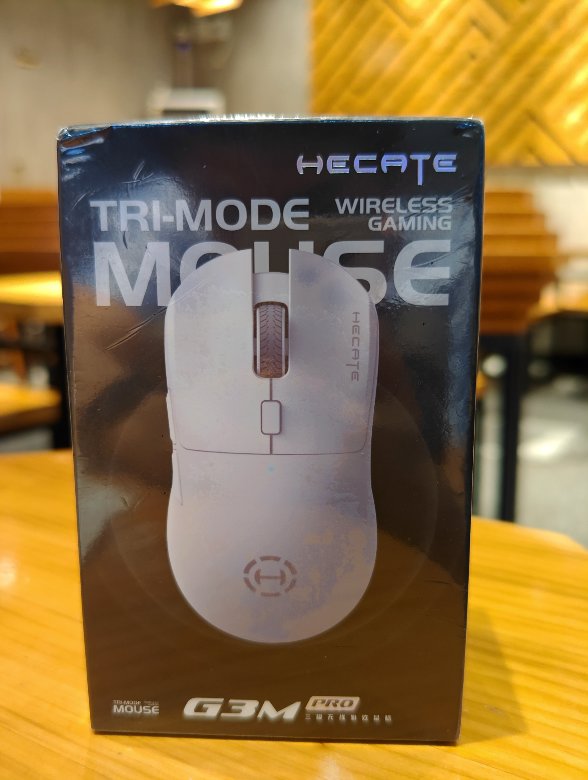
Packaging
This packaging feels a bit more substantial than the Xuan Panda's.
Front
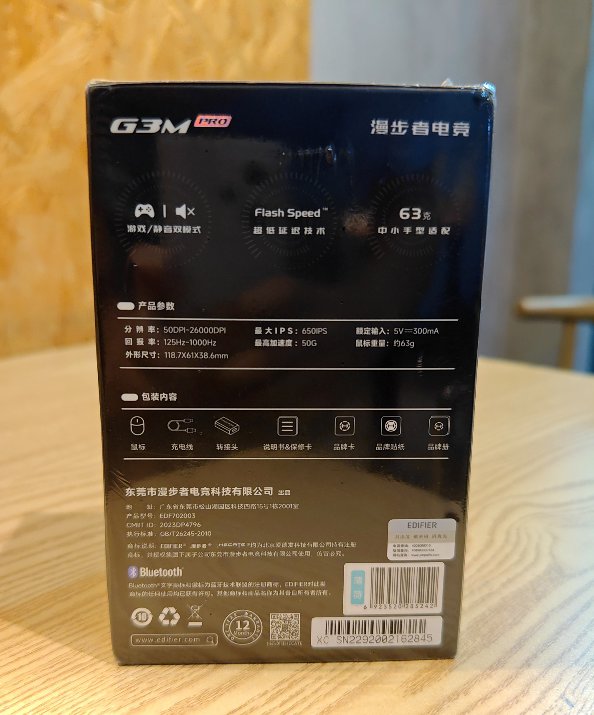
Back of the Packaging Box
Unboxing
This texture looks good!
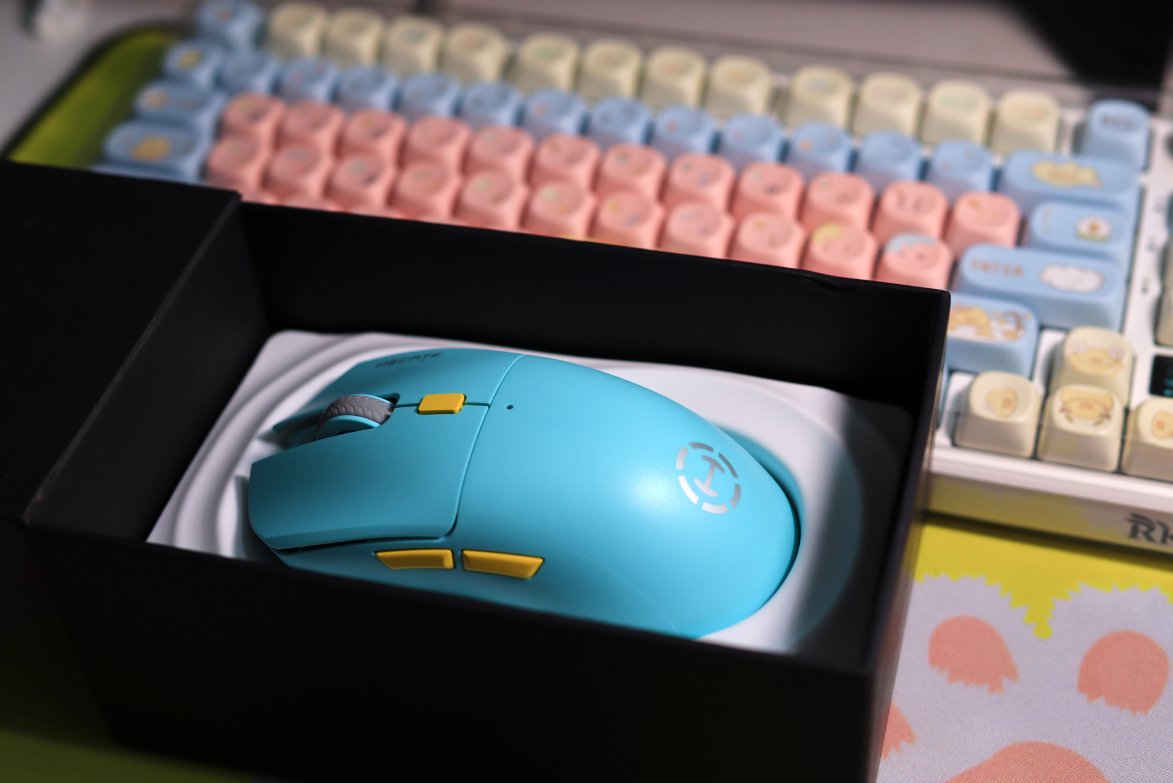
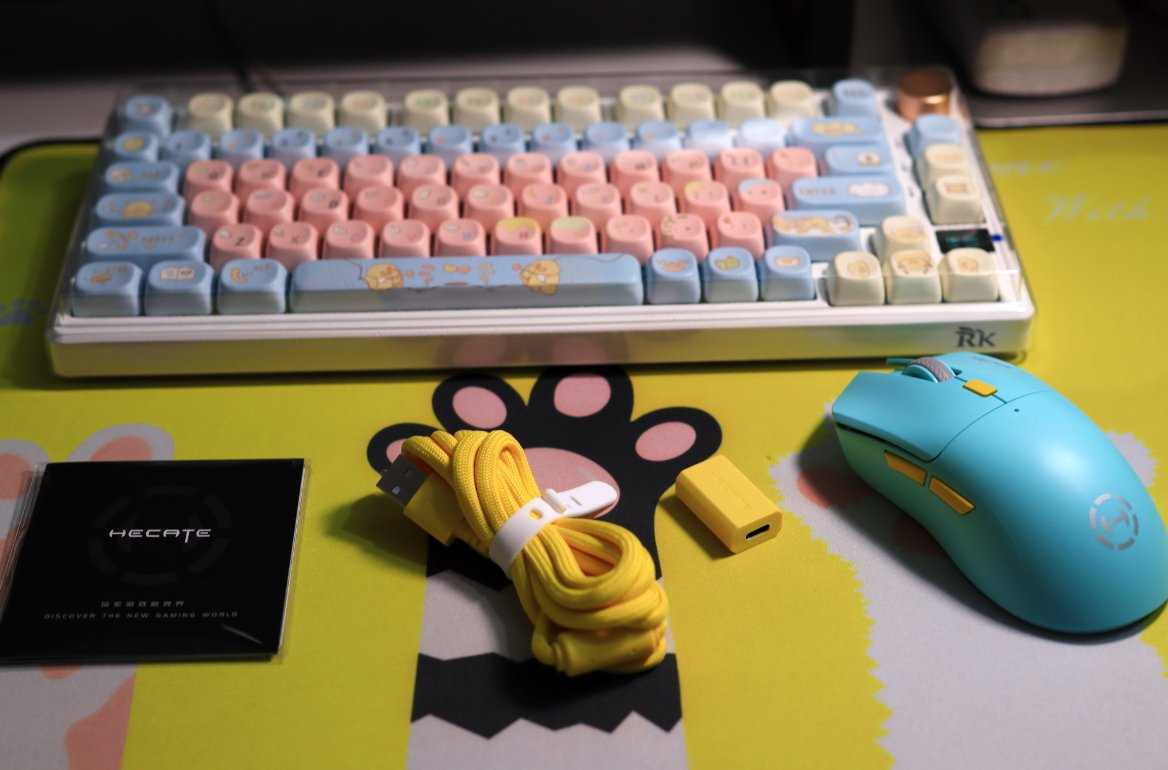
Accessories
In addition to the mouse
there are a data cable, an adapter
as well as the popular HECATE brand promotional brochure, sticker card, manual, and such.
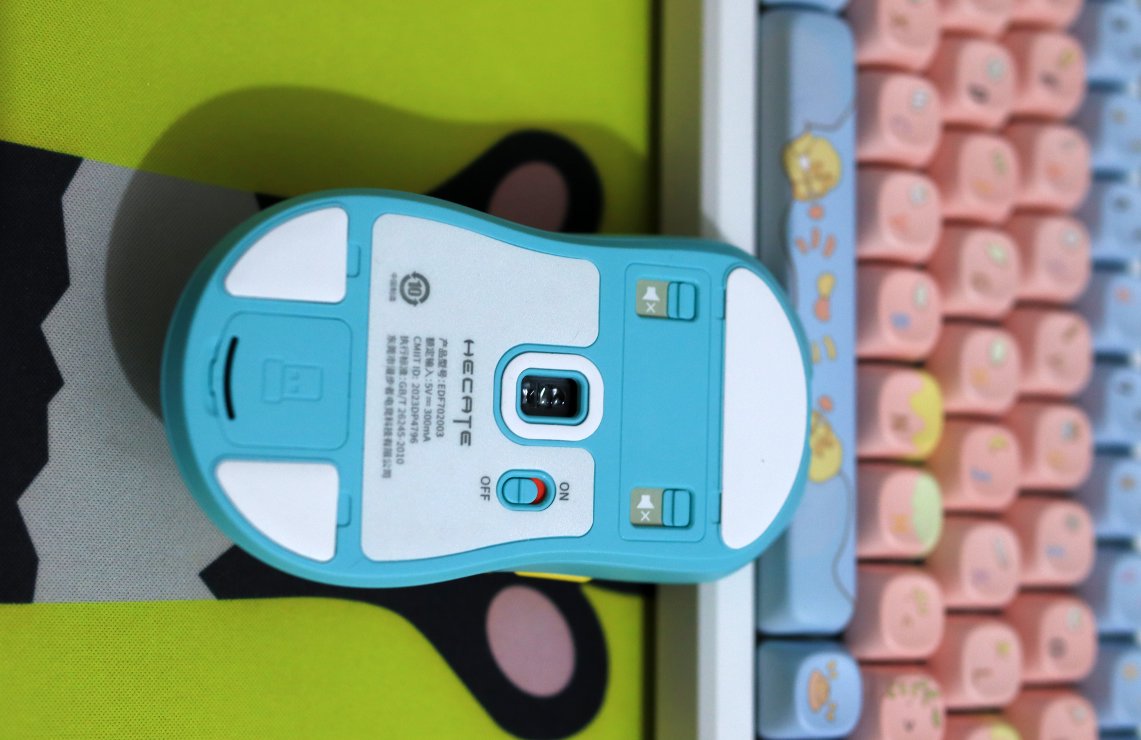
Back of the Mouse
This back is different from the one on the Xuan Panda.
There is no three-mode switch, only a simple power switch, which I like. So how do you switch between the three modes? I will explain later.
Also, there are two microswitch toggles. When activated, they can instantly turn it into a silent mouse.
Driver
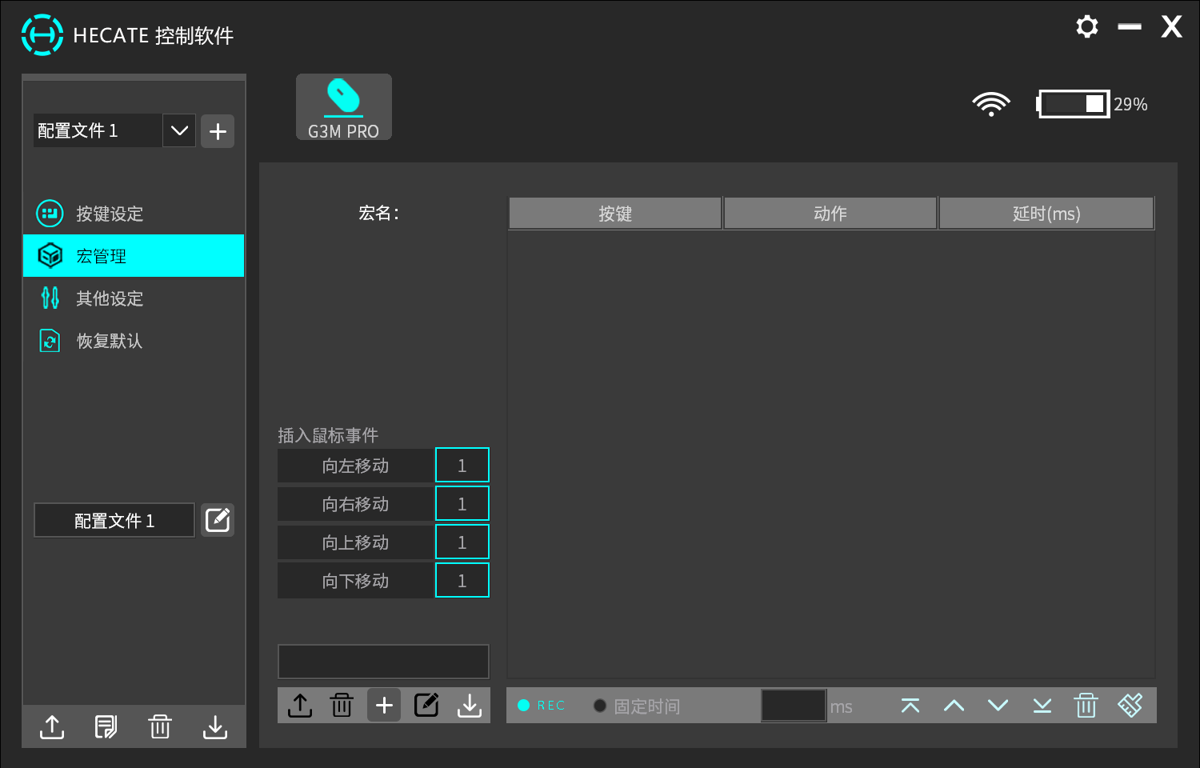
The driver software is quite straightforward.
- Key binding configuration
- Mouse macros (鼠标宏)
- Miscellaneous settings
Of course, the most important feature for me is checking the battery level.
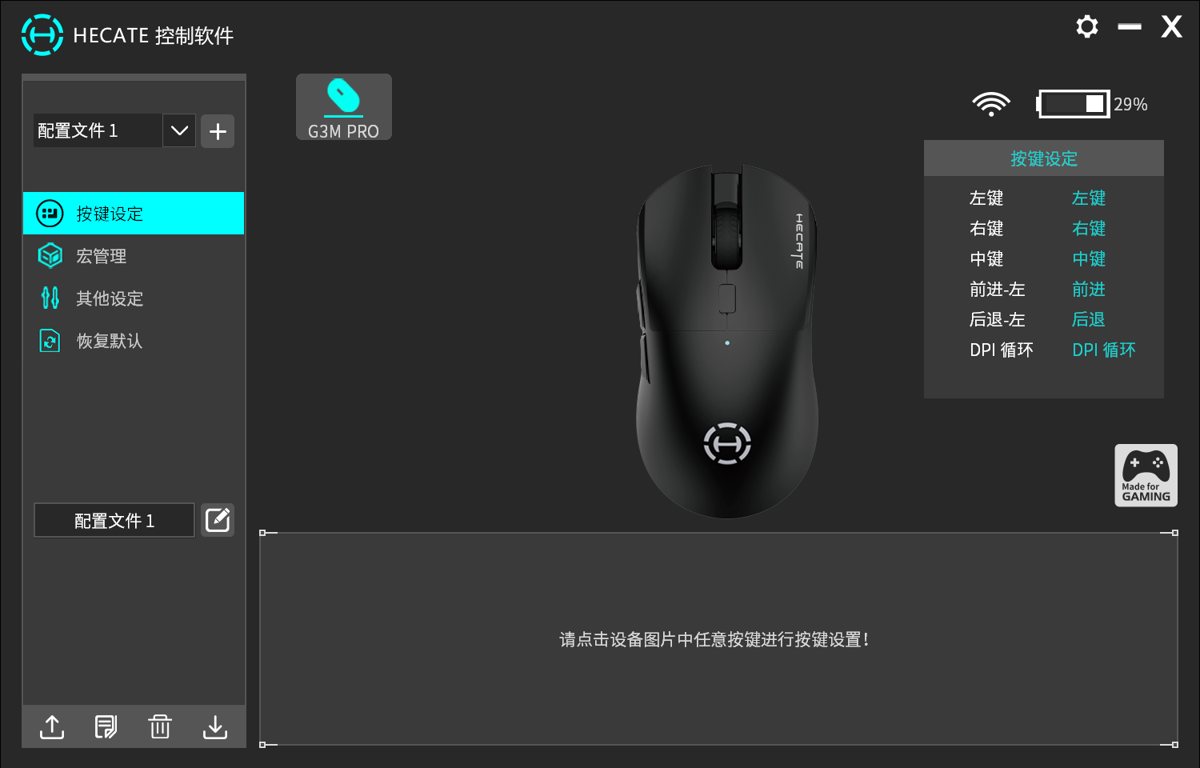
Mouse macro settings—I’ve never used them, but they look pretty advanced.
Parameters
The following specifications are from the official website
- Patented silent gaming dual micro-switch
- PAW3395 high-performance sensor
- 26,000 DPI adjustable
- 1ms ultra-low latency
- 2.4G/Bluetooth/wired tri-mode connection
- 63g ultra-lightweight
- 70H ultra-long battery life
User Experience
The design is indeed better-looking than the Xuan Panda one.
In addition, there are two points I particularly like:
- It has a silent switch, allowing you to toggle silent mode.
- The switch on the bottom only controls the power, making it less prone to accidental activation.
The hand feel is also decent.
Q & A
Q: So how do you switch between the three modes?
A: Hold down the scroll wheel and the back button for more than 3 seconds. Bluetooth mode is indicated by the blue light flashing slowly, and 2.4G mode is indicated by the yellow light flashing slowly. For wired mode, there's no need to switch; just plug in the cable and it's automatically in wired mode~
Q: How do you pair a Bluetooth device?
A: Simultaneously hold down the left, middle, and right buttons for more than 3 seconds. Pairing in Bluetooth mode is indicated by the blue light flashing quickly, and in 2.4G mode by the yellow light flashing quickly. Search for the "HECATE G3M PRO" device in your phone, computer, tablet, or other devices and connect to it.
Summary
Great!
Now using it every day
Currently using it with a laptop; my desktop still uses the original A4Tech wired mouse 😃
Preview
Recently, I've been using my laptop a lot, and I found that the keyboard feel is truly awful. So, I often take my desktop's mechanical keyboard (RK75S) to use with the laptop, but constantly carrying it back and forth is a bit troublesome. Therefore, I decided to buy a portable mechanical keyboard (low-profile switches (矮轴)) to pair with my laptop. I can also bring it along when going out.
I've already ordered the Ajazz AK832pro, and once it arrives, I'll do an unboxing~😏
Oh right, I also got a gamepad. The previous Xiaomi gamepad from years ago (probably around 2012?) was thrown away by me, as it was pretty much useless. I'll do an unboxing review for that as well later🕶
_EOF_
Edifier HECATE G3Mpro Mouse Unboxing
- 本文作者:
- 程序设计实验室
- 版权声明:
- 本博客所有文章除特别声明外,均采用 BY-NC-SA 许可协议。转载请注明出处!
相关文章
玄派玄熊猫P1鼠标开箱
旧鼠标电池漏液?又是这破事,换了个玄派玄熊猫P1。三模切换开关硬得离谱,掰过头变蓝牙模式,呵呵。按键声大得像打鼓,其他凑合吧。
2025-10-28 · 鼠标 · 约 1 分钟
英菲克in6鼠标开箱
鸡哥电脑一直和其他电脑共用之前的「漫步者鼠标」 这次单独配了个鼠标方便使用 简单在B站看了下选购视频 就入手了这款英菲克in6
2025-10-28 · 鼠标 · 约 1 分钟
百元级三模鼠标:前行者X23 Pro简单开箱体验
95块到手37,优惠堆叠得确实够努力。但手感轻飘飘、塑料毛刺感,果然一分钱一分货。驱动靠WebHID还能用——也就这点值得夸一下。
2026-07-23 · 鼠标 · 约 1 分钟
从 WebStorm 转到 VSCode!使用一周体验报告
JetBrains 开源门槛提高?被迫转 VSCode,体验槽点满满:路径识别弱,自动引入加错后缀,标签不自动关闭,控制面板还无法折叠。轻量响应快,但细节反人类,免费还要啥自行车?
2024-01-28 · IDE · 约 1 分钟
讨论
共 0 条加载评论中…