Double Eleven I bought a new phone, Nubia Z50S unboxing and simple usage review
Stocked up on the Nubia Z50S during Double Eleven, an excuse for storage anxiety? Battery life is ridiculously strong, the system is directly copied from OriginOS, but no telephoto lens and yet still smiling. Turning it into the main phone, bugs are tolerable, and the price is right.
目录7 个章节
Foreword
One day in late October, while browsing IT Home, I suddenly saw that Nubia (努比亚) had released a new phone, claiming to be the highest cost-performance model with the Snapdragon 8 Gen 2, and I was immediately attracted. Although Nubia is a rather niche brand, I have used it before. Back in 2018, my OnePlus 3 broke, and at the time, thinking of finding a backup phone to get by, I bought a Nubia Z18 mini. It was very compact, and the camera wasn’t bad either. I took this phone to many places for travel photography—although the resolution wasn’t very high, the quality of the shots was still acceptable.
So, seeing that Nubia released such a cost-effective phone this time, and realizing that the storage on several of my current phones was all 128GB and running out, I immediately placed a deposit and placed an order.
PS:
- Many netizens commented that it was so cheap because they were clearing out inventory. This seems to be the case so far. Fortunately, I bought it early—after placing a deposit on the first release, it went out of stock.
- This time, the photos were finally taken with a camera again. However, I just grabbed a desk lamp for supplementary lighting, and the warm light mode caused significant color cast. I managed to recover it later using Lightroom.
- Lightroom is really great to use! I need to find time to write a blog post about color grading.
Unboxing
This box is quite nice.
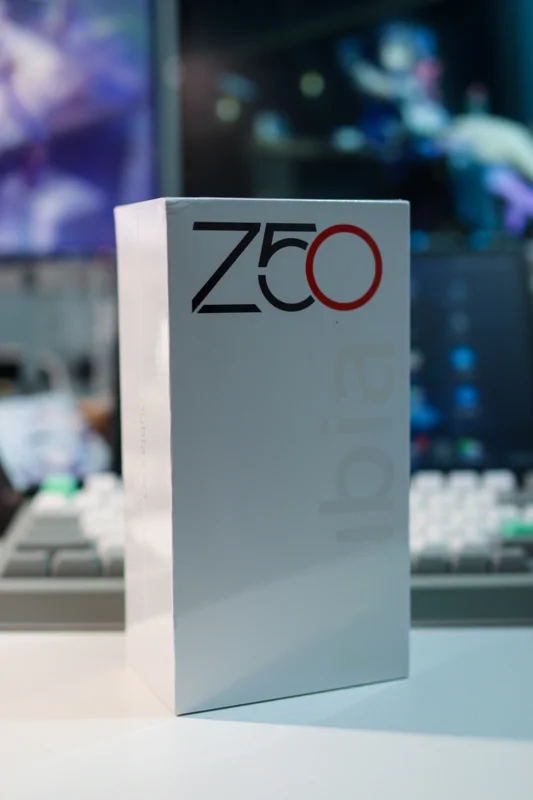
Compared to the eco-friendly box of the Hisense A9 I bought last time, this one feels much better.
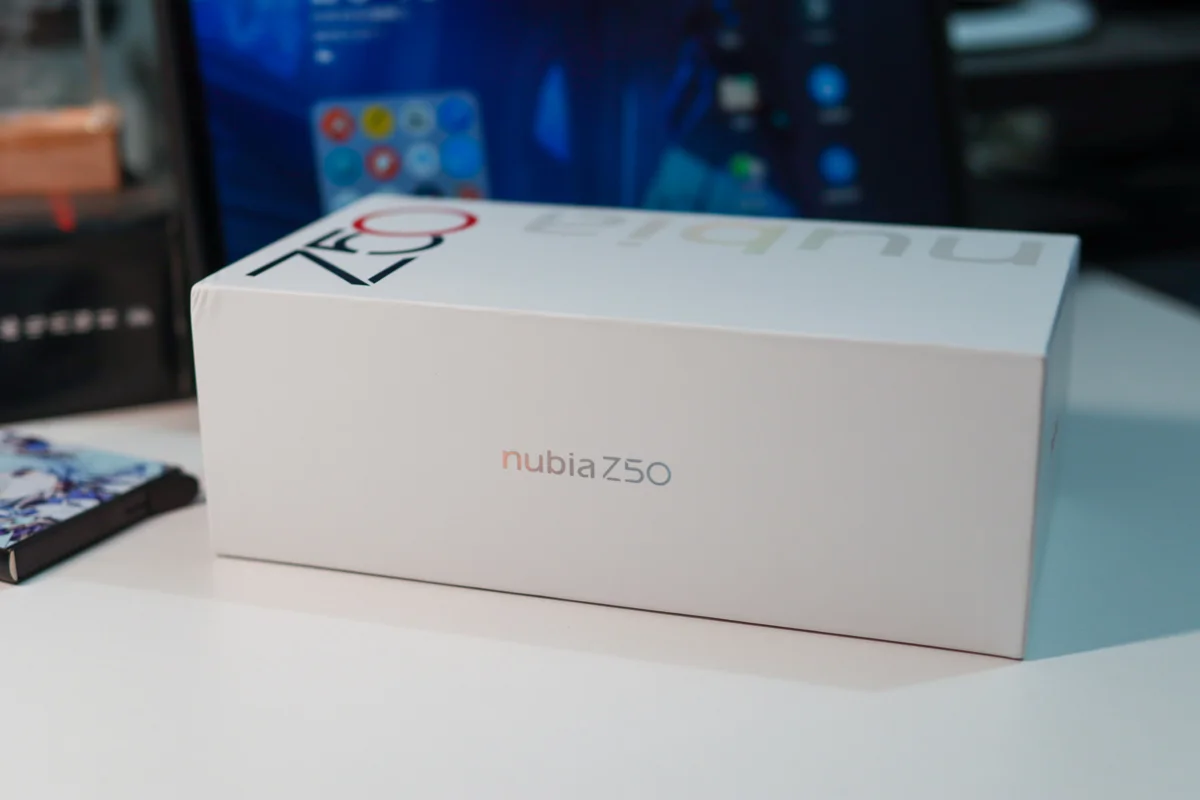
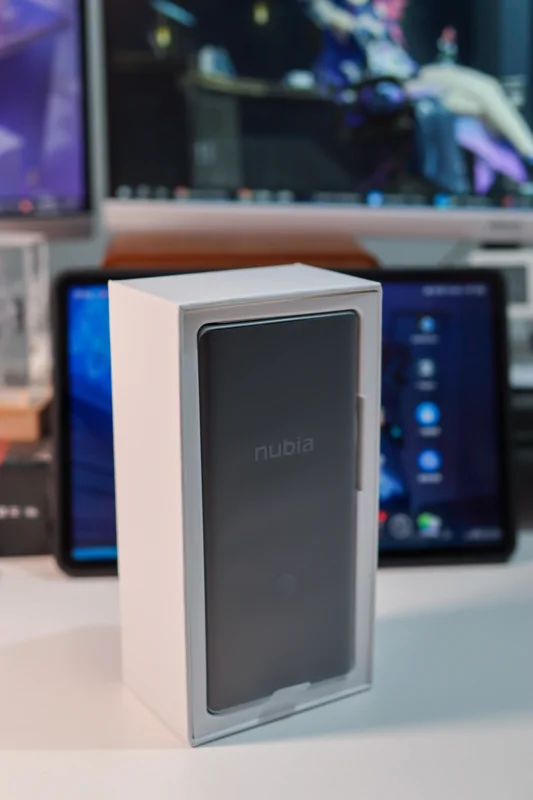
Continuing the unboxing.
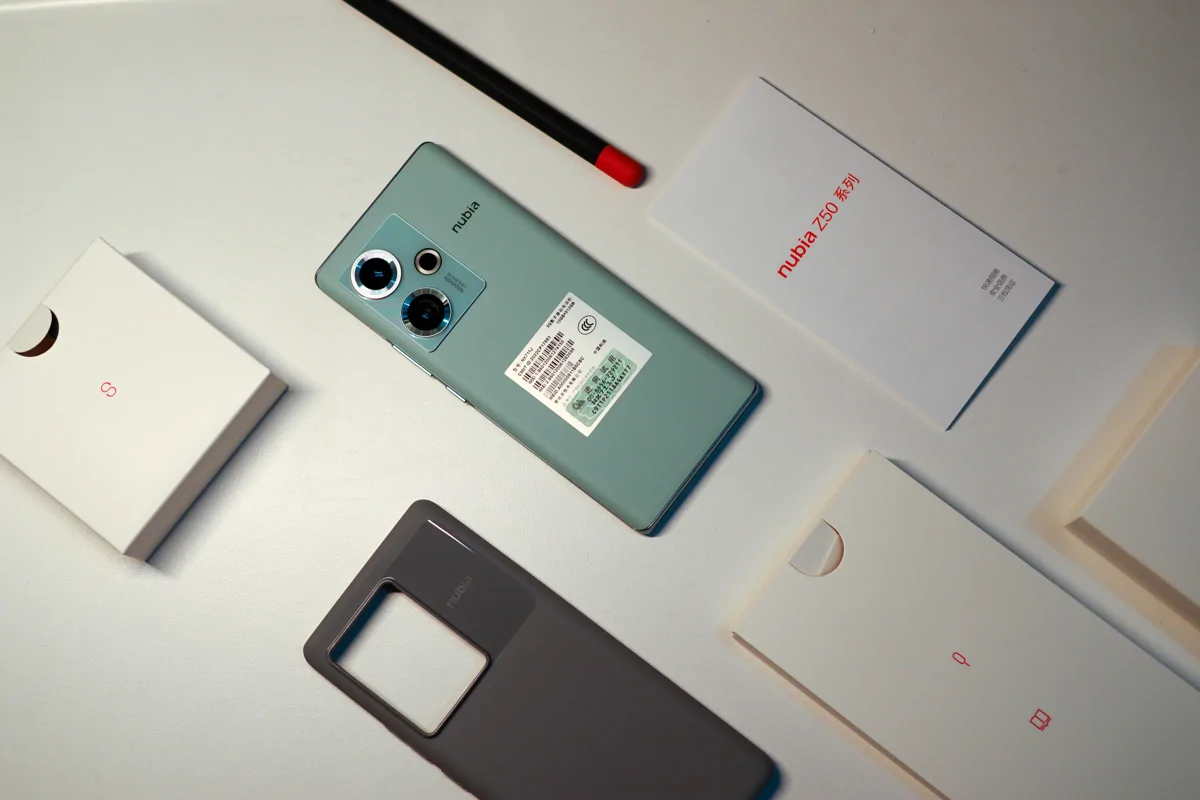
Accessories
Included are the 80W fast charging adapter and data cable, which is really great.
(PS: Found my M-Pencil 2nd generation to be an extra)
Appearance
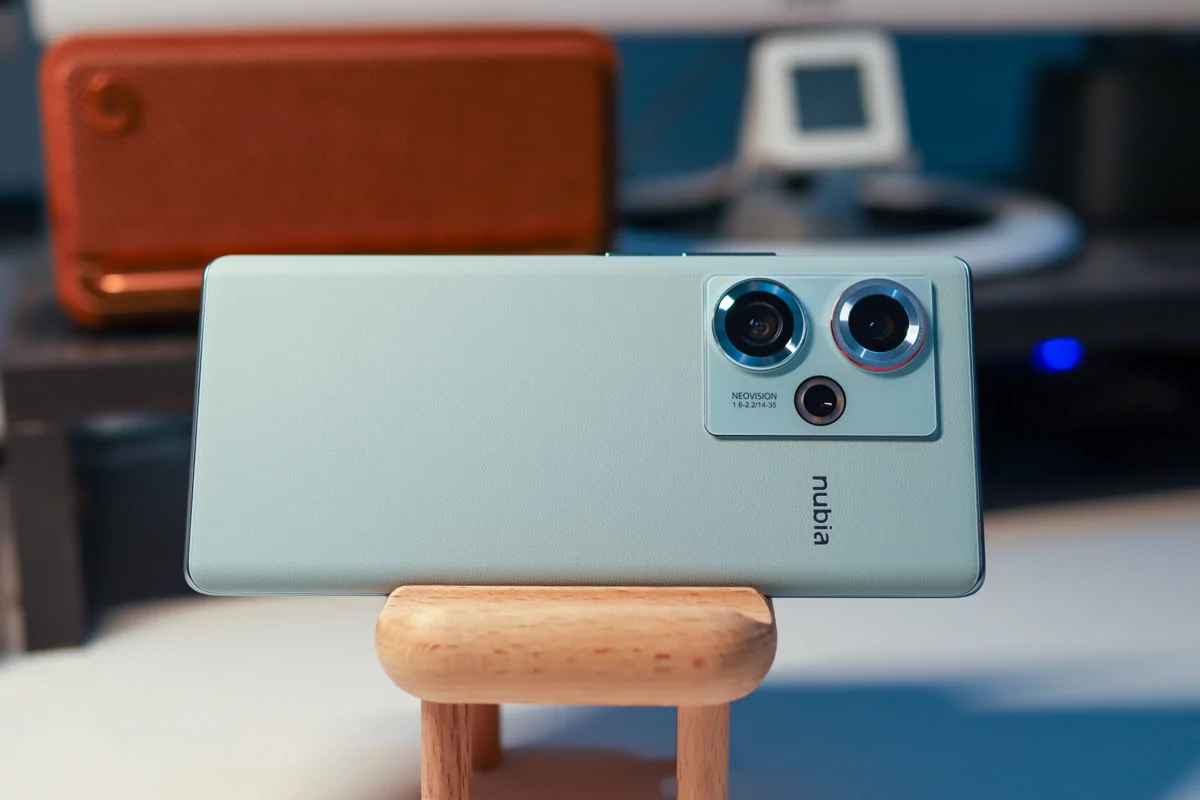
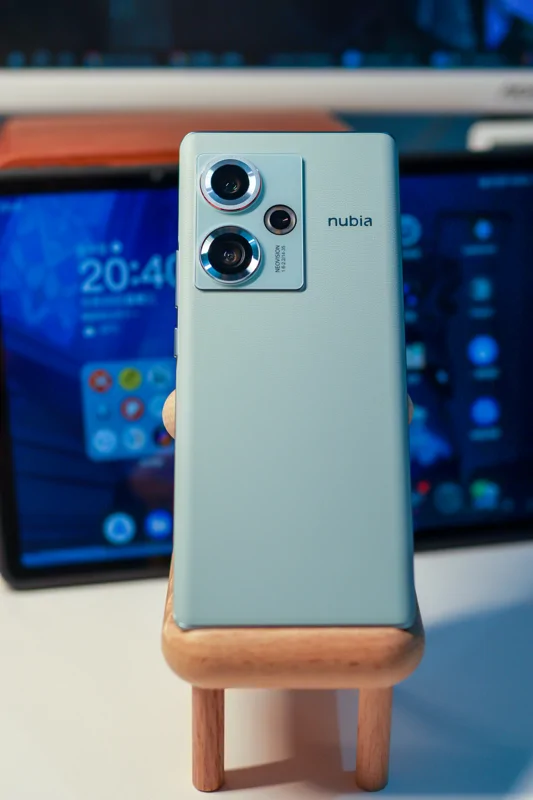
The cyan version is the vegan leather model. It's my first time using a phone with vegan leather, and the feel is absolutely fantastic!
Here's a vertical shot.
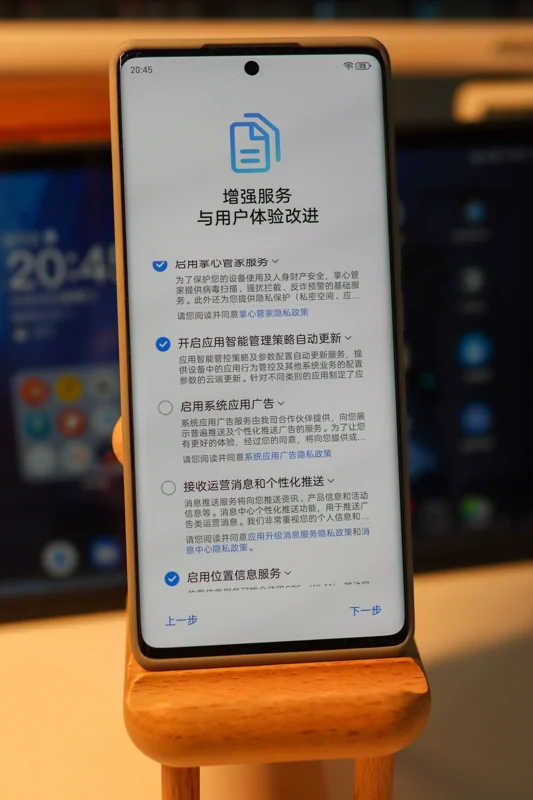
Booting Up
On the first boot, you can turn off ads with one click, which is so user-friendly.
The default desktop feels quite professional.
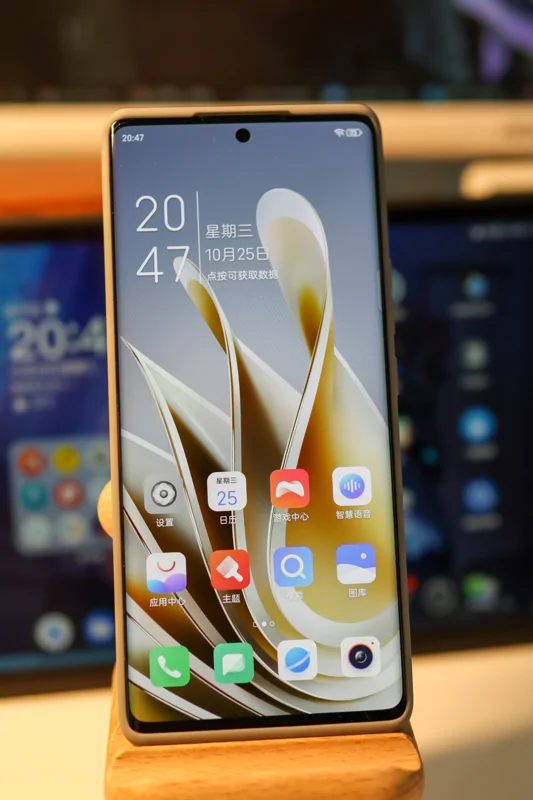
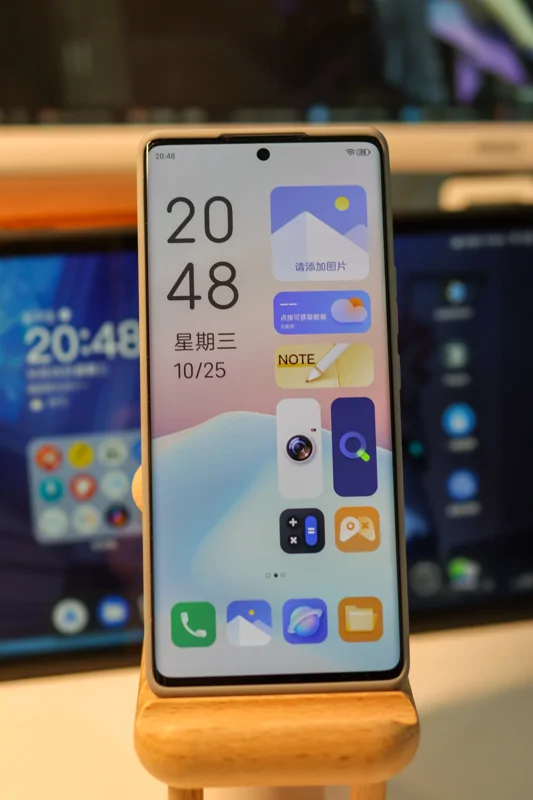
You can switch desktop modes, similar to vivo's OriginOS 1.x version—one traditional desktop and a new "Atomic Desktop," with the two completely independent of each other.
Look at this desktop—compared to OriginOS 1.x,it's not just similar,it's exactly the same……
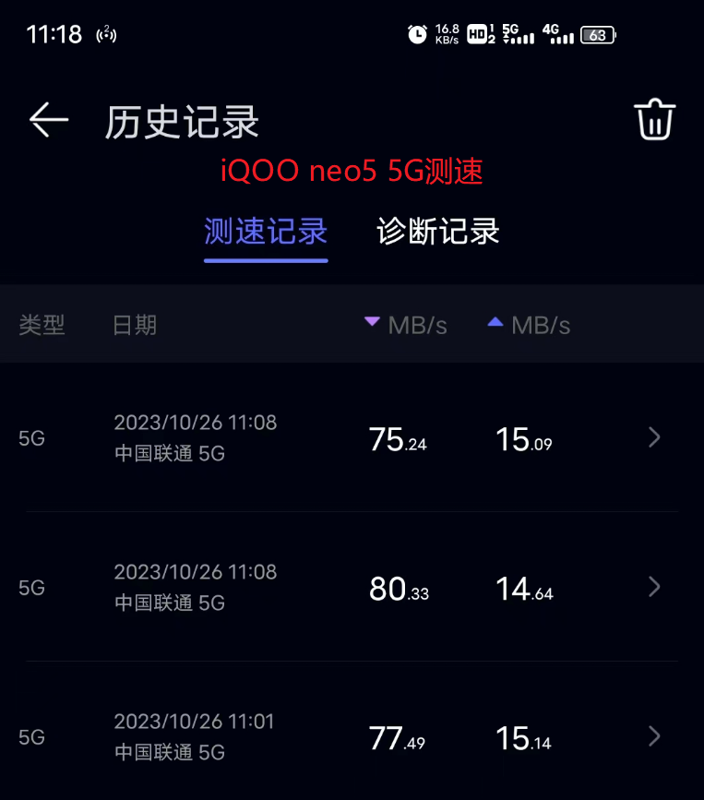
Network Speed Comparison
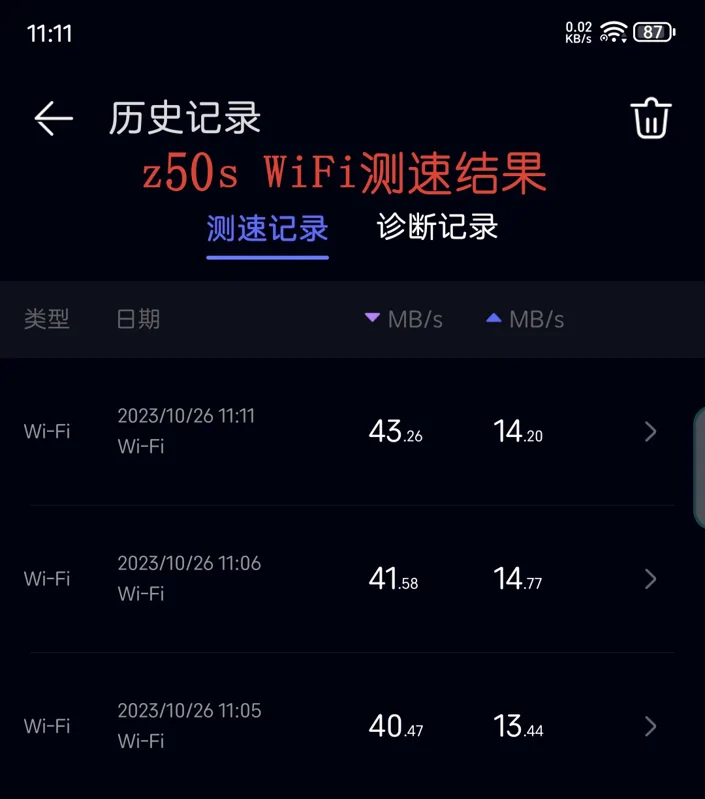
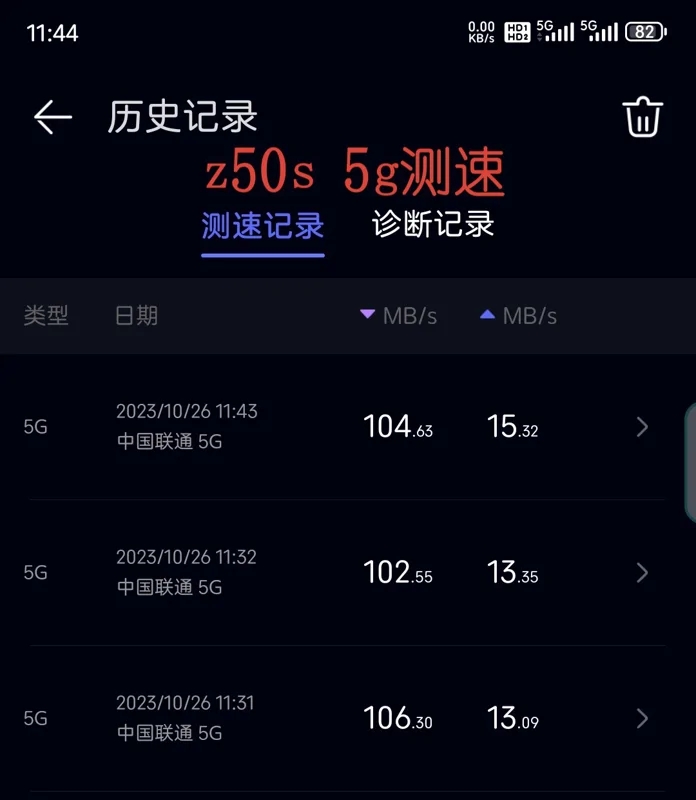
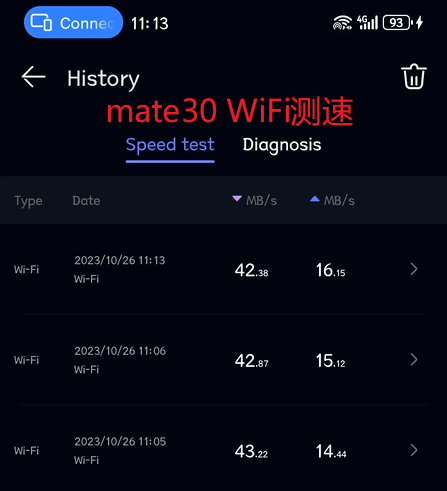
I noticed many users on Coolapk say this phone has poor signal, slow WiFi speeds, and connection drops. However, after testing it myself when I got it, I found everything works normally. So, the first thing I did after buying a new phone was "uninstall Coolapk 😃".
| z50s WiFi | z50s 5G |
|---|---|
 |  |
| mate30 WiFi | iQOO Neo5 5G |
 |  |
Summary
It's been almost a month since I started using it. Initially, I planned to use it as a secondary device, but after a few days, I found it quite good and switched it to my primary phone.
I don't use the phone heavily each day, so this isn't a deep dive—just a simple rundown of my experience so far, which has been decent overall.
- Battery life is excellent. With an average screen-on time of about 3 hours per day, I can charge it every two days.
- Full-power Snapdragon 8 Gen 2 paired with aggressive scheduling (similar to Red Magic), delivering very strong performance.
- Camera is pretty good, though the lack of a telephoto lens is a bit disappointing—it reduces the fun factor (but at this price, what more could you ask for?).
- First time using a curved screen and vegan leather—it's an interesting experience. No accidental touches during normal use, but I did encounter some during MOBA gaming sessions.
- The system includes a built-in Google framework, which is very convenient. I'm more accustomed to downloading apps from Google Play. If you can't install Google Play, you can try the Aurora Store, an open-source app.
- Nubia's MyOS isn't as bare-bones as some online comments suggest. It has most features, including a small window mode. In fact, it's much better than the iQOO Neo5 I bought before, which had Origin OS 1.x—almost a half-baked system at the time. The small window feature was basically unusable, lacking even basic scaling. Of course, OriginOS has since matured considerably.
- MyOS's desktop design is essentially a copy of OriginOS 1.x, and they even created two incompatible versions. Why mimic the worst aspects? It's actually inferior to the OriginOS 1.x desktop—all widgets lack interactive functionality, which feels pointless.
- There are still some system bugs, though you won't easily encounter them during normal use. An occasional restart is fine—at this price, I can live with it.
- The best part is that the system is clean and ad-free, much better than the Mate 30 I used before.
That's all for now—I'll add more if I think of anything later.
_EOF_
Double Eleven I bought a new phone, Nubia Z50S unboxing and simple usage review
- 本文作者:
- 程序设计实验室
- 版权声明:
- 本博客所有文章除特别声明外,均采用 BY-NC-SA 许可协议。转载请注明出处!
相关文章
一加Ace3Pro极简开箱
买了台一加Ace3Pro,系统广告恶心到吐,拍照还烂得要命。GPU跑分猛,CPU却低得离谱,搞什么鬼?颜值手感还行,但屏幕和拍照拉垮,不值这价。
2025-10-28 · 手机 · 约 1 分钟
怎么2025年还有人买 iPhone16 啊?使用了一个月之后,我居然成为果粉了
标题党罢了,三月入的iPhone16。小屏手感尚可,A18芯片总算不烫手了。iOS依然教用户用手机,但这块OLED屏实在辣眼睛。
2025-10-28 · 手机 · 约 1 分钟
牙膏挤爆,可惜系统拉胯。手机厂商集体涨价下 iPhone17 的性价比咋样?
iPhone 17?哦,那个怕iPhone 18涨价才急着买的“牙膏挤爆”版。拼夕夕5099到手,配件全拼多多,3.9元手机壳配10元三张膜,库克看了都沉默。至于iOS 26,bug多到让安卓用户集体回旋镖,两三天一充的续航全靠用得少撑着。
2026-07-31 · 手机 · 约 1 分钟
LCD党的最后倔强:moto g75 开箱与使用体验(附OLED屏幕伤眼原理科普)
一位数码爱好者兼LCD党,在OLED横行的时代,依然坚守护眼信仰,入手 moto g75 的开箱与体验
2025-10-28 · 手机 · 约 1 分钟
讨论
共 0 条加载评论中…