

Sharing My Desk Makeover 2.0: Turns Out Cable Management Is This Simple
Another desk makeover? Is the cable problem really unsolvable? Magnetic cable clips and an under-desk storage rack treat the symptoms, not the root cause—the mess just changes location. Why obsess over tidiness within your line of sight when nobody cares about the chaos underneath?
目录10 个章节
Introduction
I'm back with another desk makeover!
I previously shared a laptop side-stand, which received a lot of attention and discussion from friends, showing that people really do care about their everyday office desk environment.
See: When I Discovered My Laptop Could Also “Work Standing Up”…

Besides the “mobile office desk” combo of laptop + monitor, I also have a standing desk I use with my desktop PC.
A while back I already moved the desktop PC off the desk onto an under-desk PC tray. After the makeover, desk space increased a lot. I wrote an article about it at the time, which likewise received quite a bit of attention and discussion.
See: Unboxing a PC Tray: Desk Space Doubled, No More Clutter

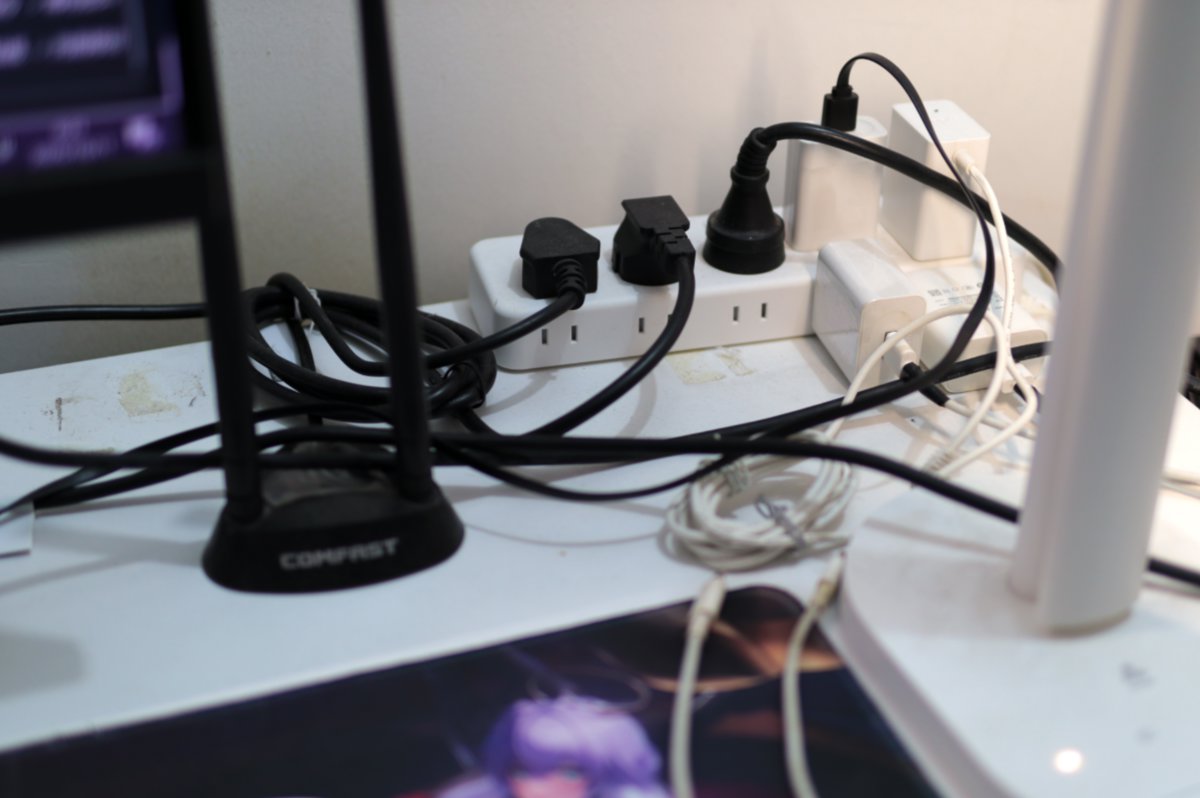
But desk makeovers have no end! Even though I have more space now, there are too many cables on the desk—it’s very messy.
The focus of this makeover is solving that problem. I used two small things: magnetic cable clips + an under-desk storage rack. Simple and blunt, but the results are outstanding.
The Original Desk
The power strip sat on the desk, and a pile of cables were on the desk too—very messy.
Putting the power strip on the desk also wasted space.
The Desk Now
A corner of the desk after the makeover

A corner of the desk after the makeover

Front view

Next, I’ll introduce the tools used this time
Magnetic Cable Clips
Features:
- Compact, doesn’t take up space
- Adhesive, no drilling required
- Convenient for organizing charging cables
The packaging looks like this

There are even individual little packages inside

The result after installation

Under-Desk Storage Rack
Features
- No drilling required
- Depth is just right for a power strip
- Load capacity is pretty decent
Packaging
This packaging is worth a good rant
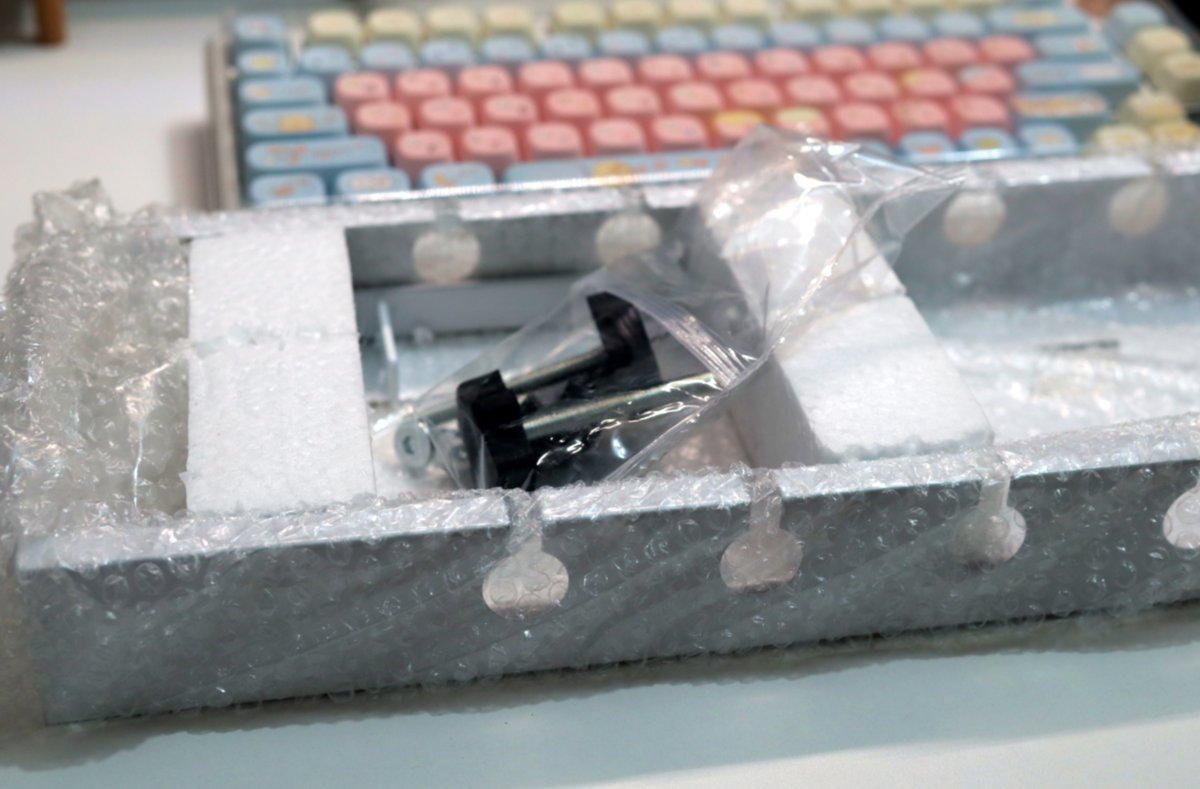
Way too many foam pellets—they got everywhere
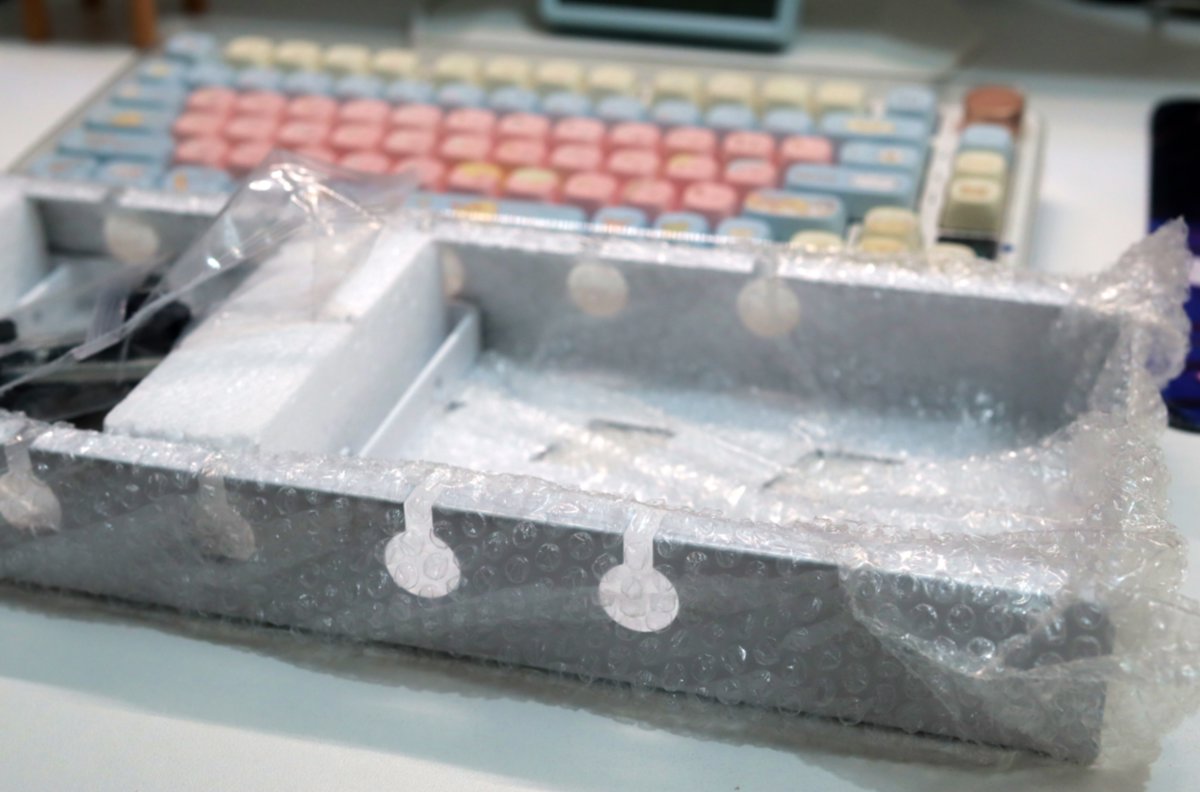
Unboxing
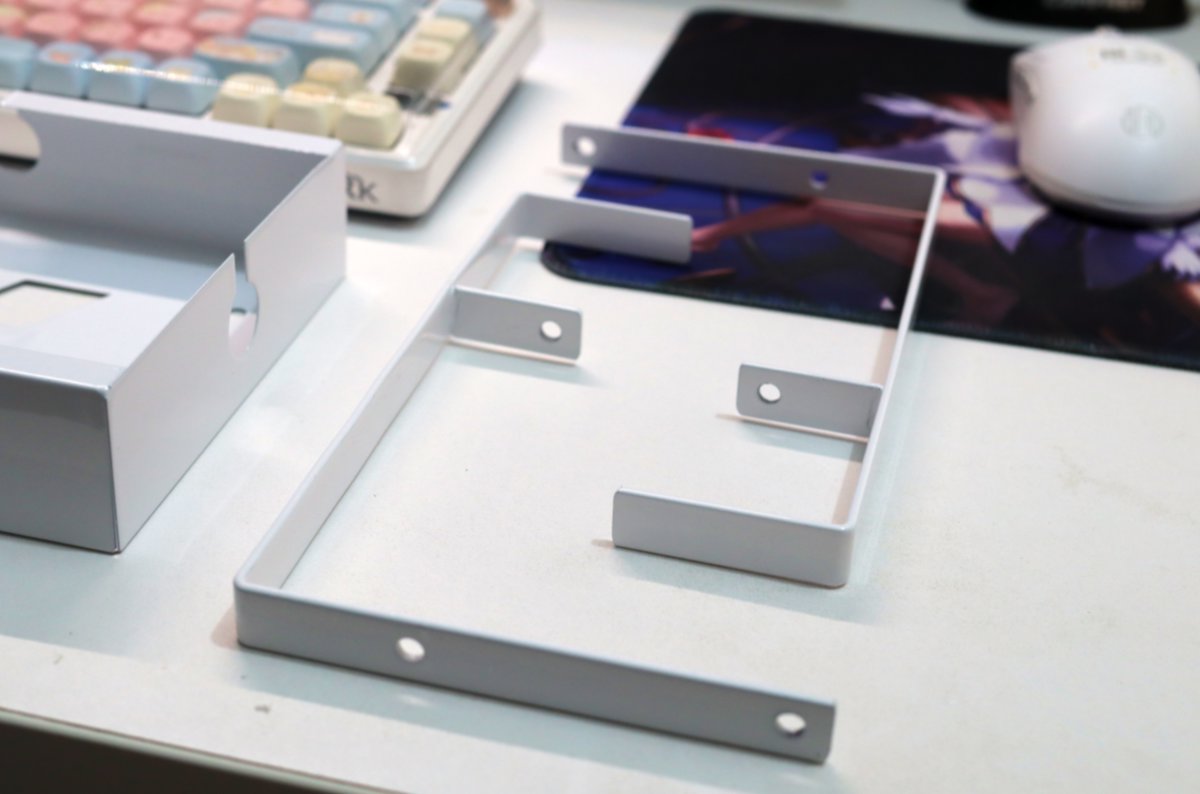
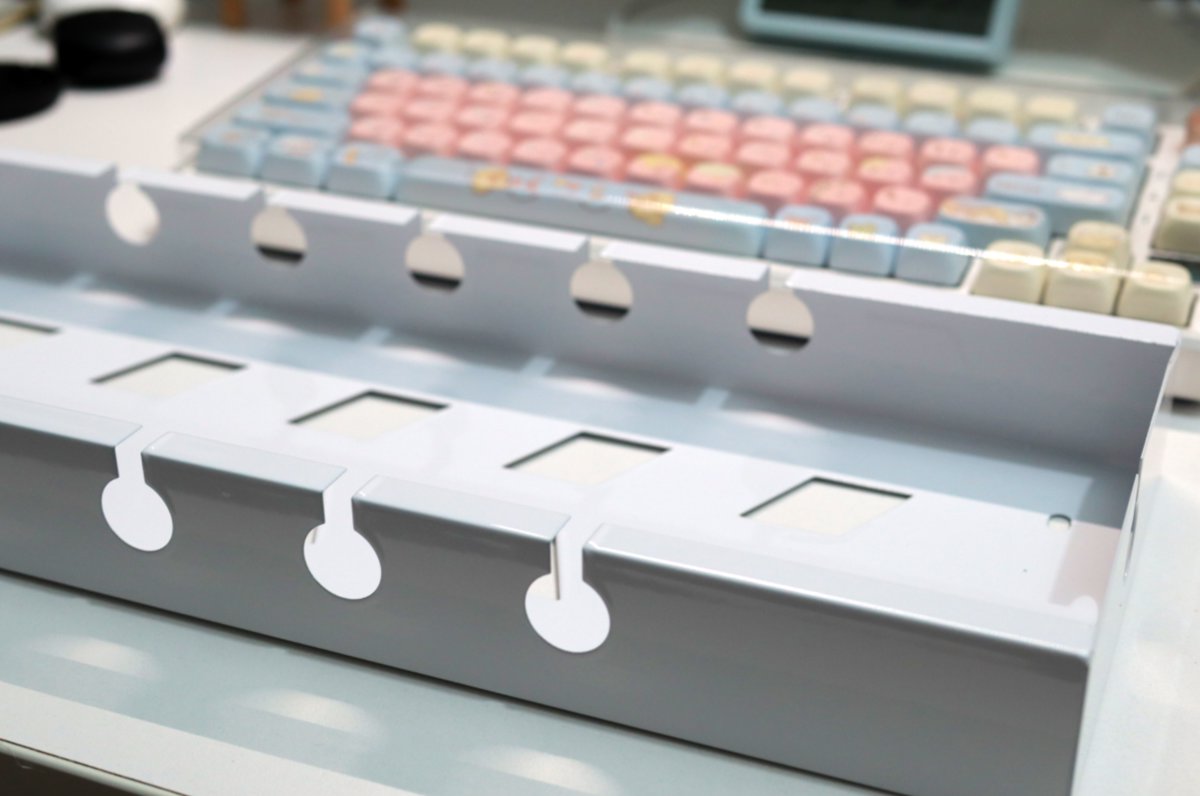
The structure is very simple: just two iron bars plus a basket
The basket is also fairly shallow—just right for a power strip
Accessories
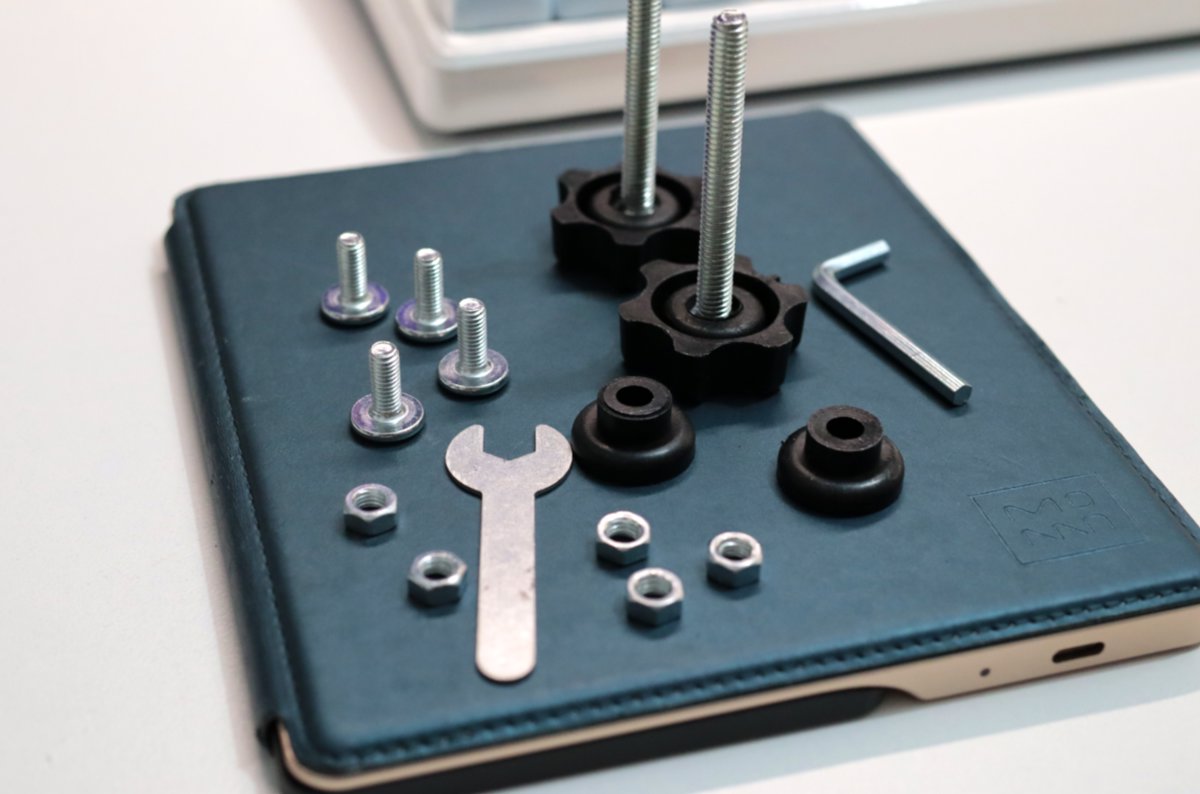
A few screws, supports quick-release

It even comes with a cute little wrench
Installation
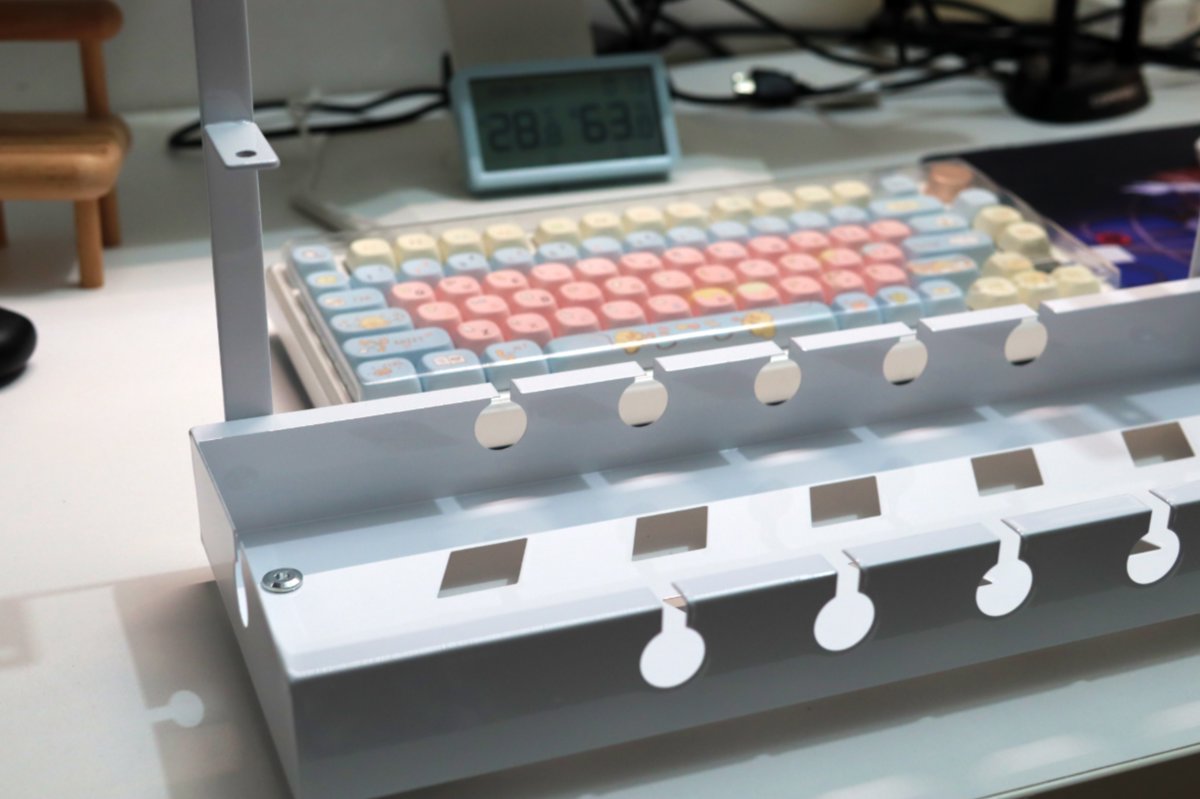
Assembly is easy—done in a few minutes
(You can see how messy the cables in the back are)
This is what it looks like installed under the desk
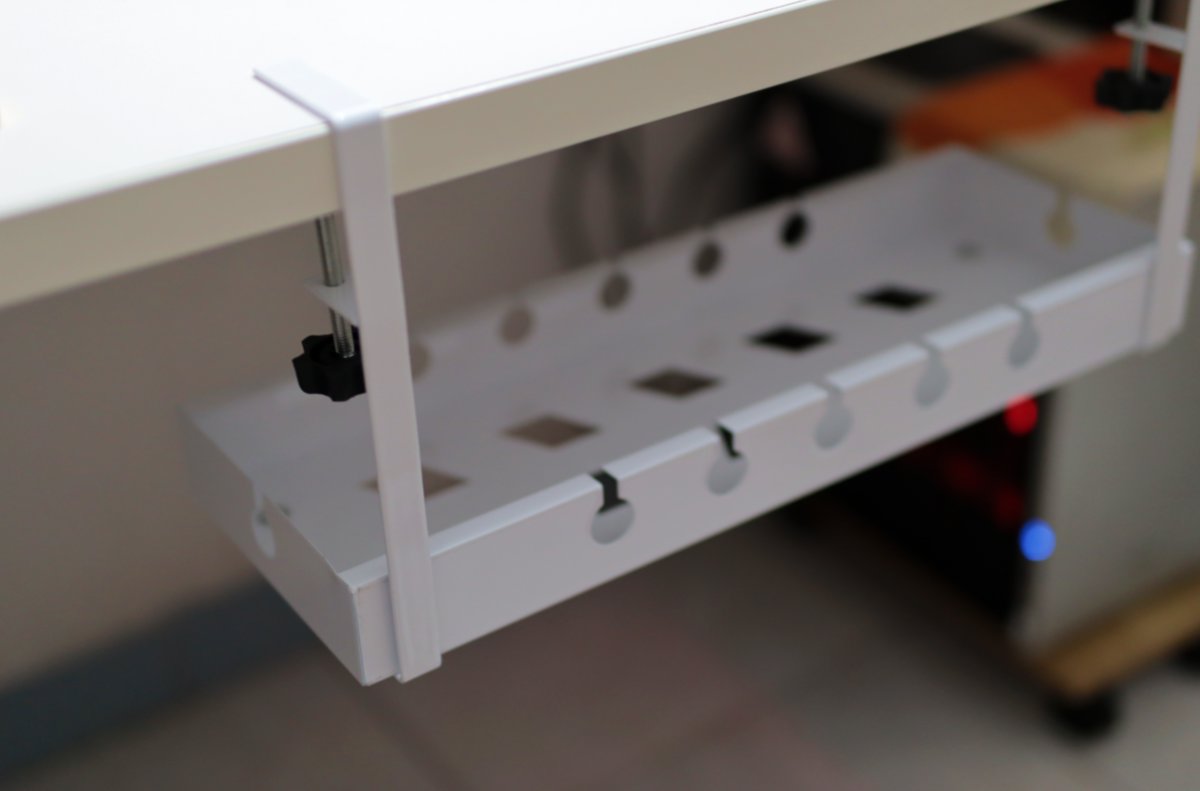
Finally, move the power strip and cables and everything down there 🤣

Chaos doesn’t vanish into thin air—it just moves somewhere you can’t see 😄
Wrap-up
Even though the cables under the desk are still a mess
But as long as you can’t see them, they might as well not exist, hahaha
_EOF_
Sharing My Desk Makeover 2.0: Turns Out Cable Management Is This Simple
- 本文作者:
- 程序设计实验室
- 版权声明:
- 本博客所有文章除特别声明外,均采用 BY-NC-SA 许可协议。转载请注明出处!
相关文章
初音未來键帽后续,急需一个好用的收纳盒
买了个键帽盒,结果装完合不上,坑死了。胶带救急,真是笑掉大牙。二次元玩家连收纳盒都这么难搞?
2025-10-28 · 其他 · 约 1 分钟
开箱两个新的笔记本支架
69块的铝合金确实精致,35块的铁架子沉得像块砖,包装环保到直接散架。双十一背刺得漂亮,早知道就等促销买俩铝合金了。折叠支架那浅钩子,放游戏本滑出去谁负责?
2026-10-25 · 其他 · 约 1 分钟
佳能微单电池充电器开箱
佳能原装充电器?傻大黑粗,单充还慢,找不到了。第三方小巧,Type-C双充,实用。哦,这才叫效率。
2025-10-28 · 其他 · 约 1 分钟
中年人三宝,Anker140w充电器开箱
中年人觉醒充电头收藏癖,190块捡漏Anker 140W,结果给ThinkBook供电照样偷电池。小屏确实好看,不能接米家又算什么智能?氮化镓烫手是通病,懒得折腾,继续用。
2026-10-24 · 其他 · 约 1 分钟
讨论
共 0 条加载评论中…