Change your Deepin system's theme ~ Let's go!
My current desktop: Due to the U.S. sanctions leading Huawei computers to adopt the Deepin system, Deepin has recently gained significant attention. In fact, Deepin's interface has always been quite attractive—its claim of creating the most suitable system for Chinese users is not just talk. However, Deepin has one downside: the title bar in the default theme is too large, taking up too much space. That's why we need to switch themes and make some adjustments. Deepin's desktop is built with Qt, so the first step is to change the KDE theme, followed by arranging the GTK3 theme. The themes you can switch to in Deepin's system settings are actually GTK themes.
My current desktop:
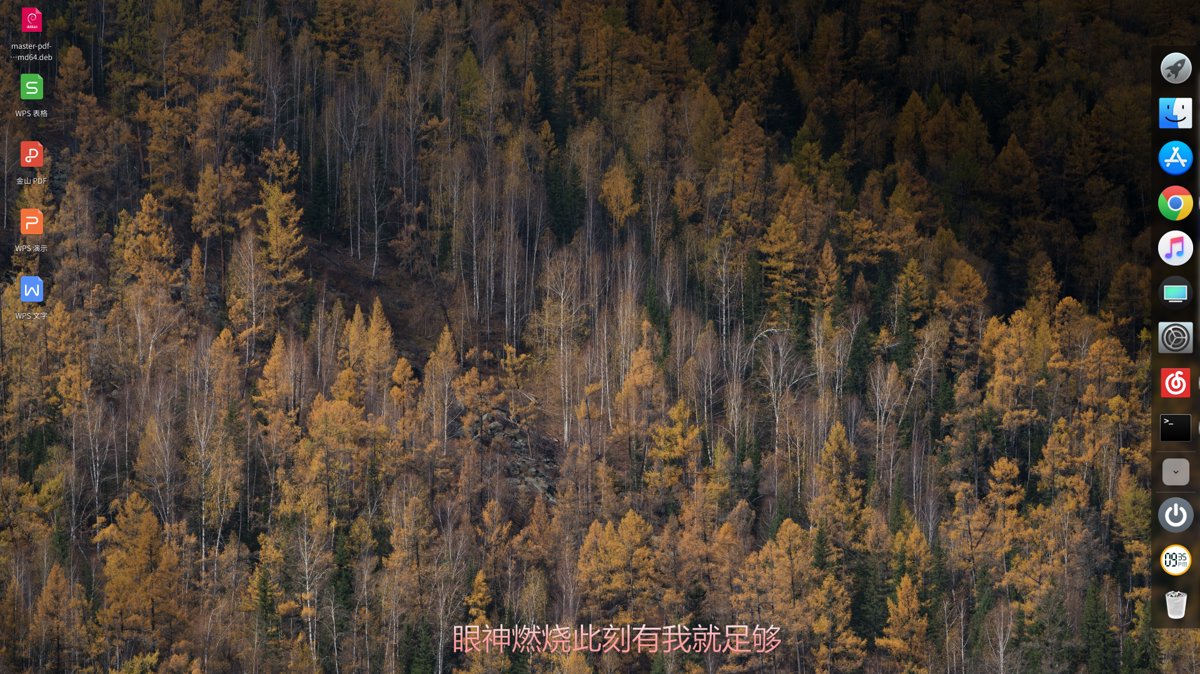
Due to the U.S. sanctions and Huawei's adoption of the Deepin operating system, Deepin has recently gained significant attention. In fact, Deepin's interface has always been visually appealing—it's no exaggeration when they claim to have built a system most suitable for Chinese users.
However, one downside of Deepin is that the title bar in the default theme is oversized... it takes up too much space. That's why we're going to tweak it with a theme change.
Deepin's desktop is built on Qt, so we'll first need to switch to a KDE theme and then set up a GTK3 theme. The themes you change within Deepin's system settings are actually GTK themes, which only affect GTK applications.
First, download this theme: pingguo-aurorae
Then, extract it into the Home directory / .local / share / aurorae / themes/ directory. If any of these folders are missing, just create them yourself.
You'll also need to install the KDE Settings application, as we need to set the theme for Qt applications. Deepin's system settings cannot change Qt themes. Here's how:
sudo apt install systemsettings
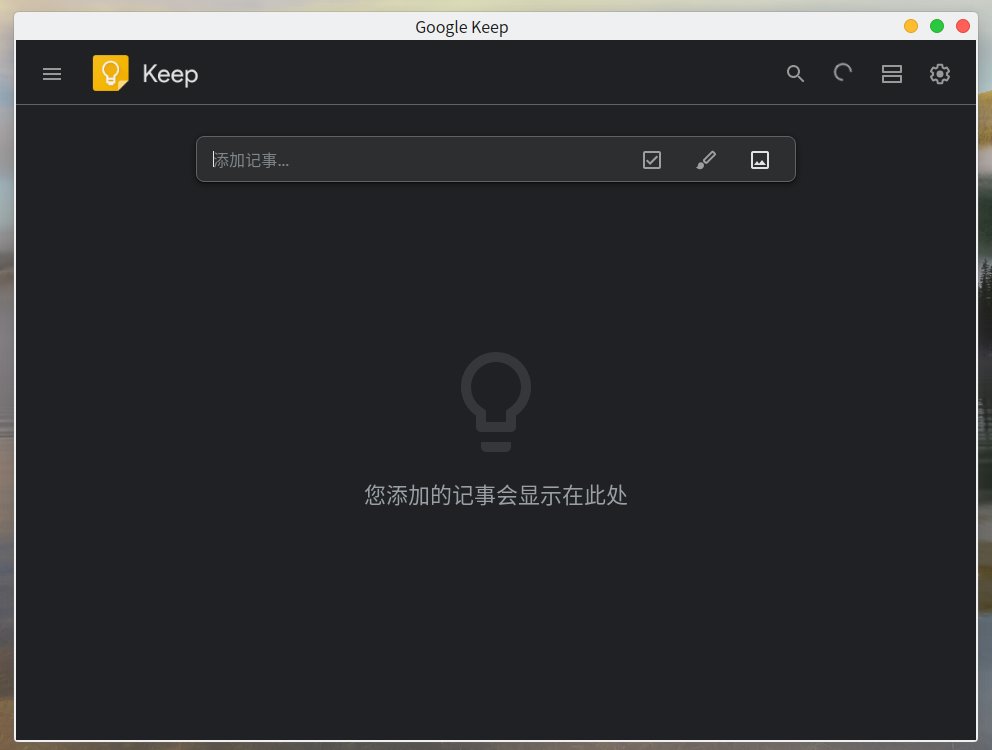
After that, open KDE Settings, go to Application Style, and choose a color scheme you like.
The effect after setup:
_EOF_
Change your Deepin system's theme ~ Let's go!
- 本文作者:
- 程序设计实验室
- 版权声明:
- 本博客所有文章除特别声明外,均采用 BY-NC-SA 许可协议。转载请注明出处!
相关文章
Debian下SSH服务的安装与配置
https://cnzhx.net/blog/linux-server-ssh-key-auth-configuration/
2025-10-27 · 系统配置 · 约 1 分钟
Ubuntu-18-04-开启托盘图标点击最小化
前言 Ubuntu的托盘挺好看的,美中不足的就是点击一个打开的应用图标不能像Windows那样最小化。 操作 gsettings set org.gnome.shell.extensions.dash-to-dock click-action 'minimize' 截图
2025-10-27 · 系统配置 · 约 1 分钟
小心误关了NAS服务器!修改Linux的电源键功能
NAS居然离线关机了?电源键被傻逼系统接管了。改改`logind.conf`让这玩意忽略电源键,省得误操作重启关机。谁用谁知道,别真当NAS是玩具。
2025-10-27 · 系统配置 · 约 1 分钟
修改Linux系统的鼠标滚轮的速度
Linux默认的鼠标滚轮实在太慢了,总是让我有一种Linux很卡的错觉,而且还不像Windows那样可以直接修改所有程序中的鼠标滚轮速度,不过没事,可以用imwheel这个工具来修改~ 安装 Debian系: sudo apt install imwheel Arch: sudo pacman -S imwheel 配置 创建~/.imwheelrc文件 nano ~/.imwheelrc 编辑内
2025-10-27 · 系统配置 · 约 1 分钟
讨论
共 0 条加载评论中…