

The Best Linux Distro: An In-Depth Experience with Ubuntu 18.04
Preface Regular readers of my blog and WeChat official account should know that I'm a fanatical Linuxer with an obsessive fondness for Linux systems, so you shouldn't find it strange when you see this article. What you should really wonder, though, is: why do I say Ubuntu is the best Linux distro? Given my habits and style, shouldn't it be the big lizard (openSUSE) or Arch (Manjaro)? This article will answer these questions. Why Ubuntu Is the big lizard not good-looking? Or is Arch not easy to use? Why mess wi
目录8 个章节
Preface
Regular readers of my blog and WeChat official account should know that I'm a fanatical Linuxer with an obsessive fondness for Linux systems, so you shouldn't find it strange when you see this article. What you should really wonder, though, is: why do I say Ubuntu is the best Linux distro? Given my habits and style, shouldn't it be the big lizard (openSUSE) or Arch (Manjaro)? This article will answer these questions.
Why Ubuntu
Is the big lizard not good-looking? Or is Arch not easy to use? Why mess with the rabbit (Ubuntu)?
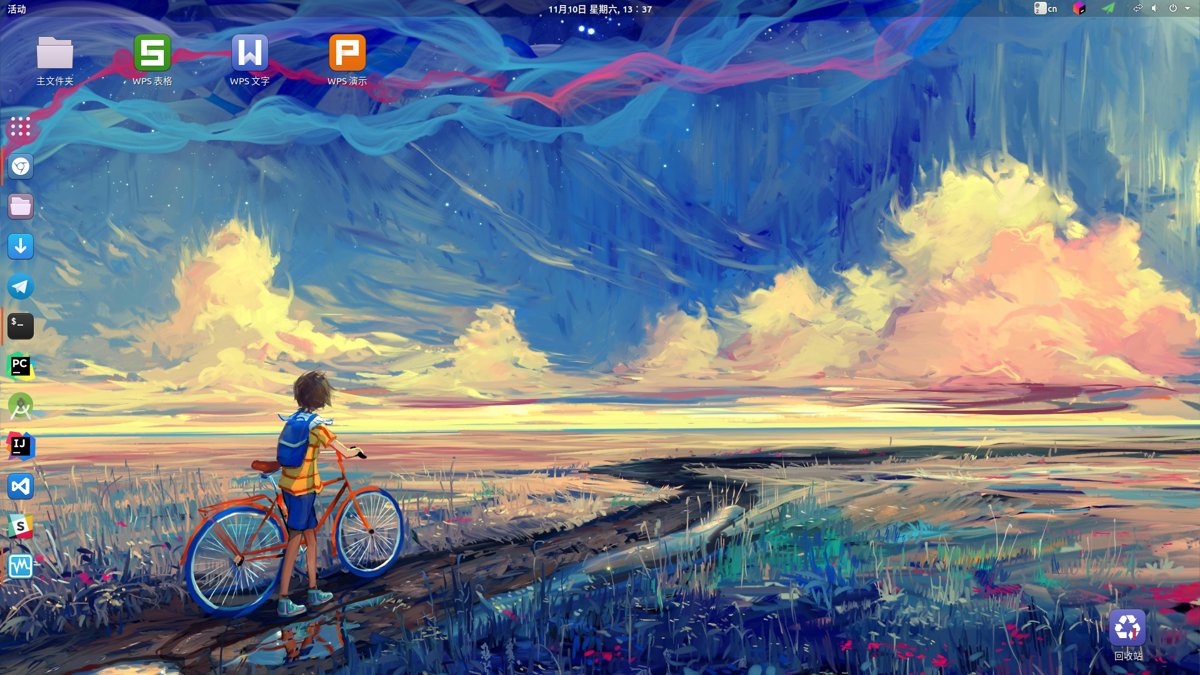
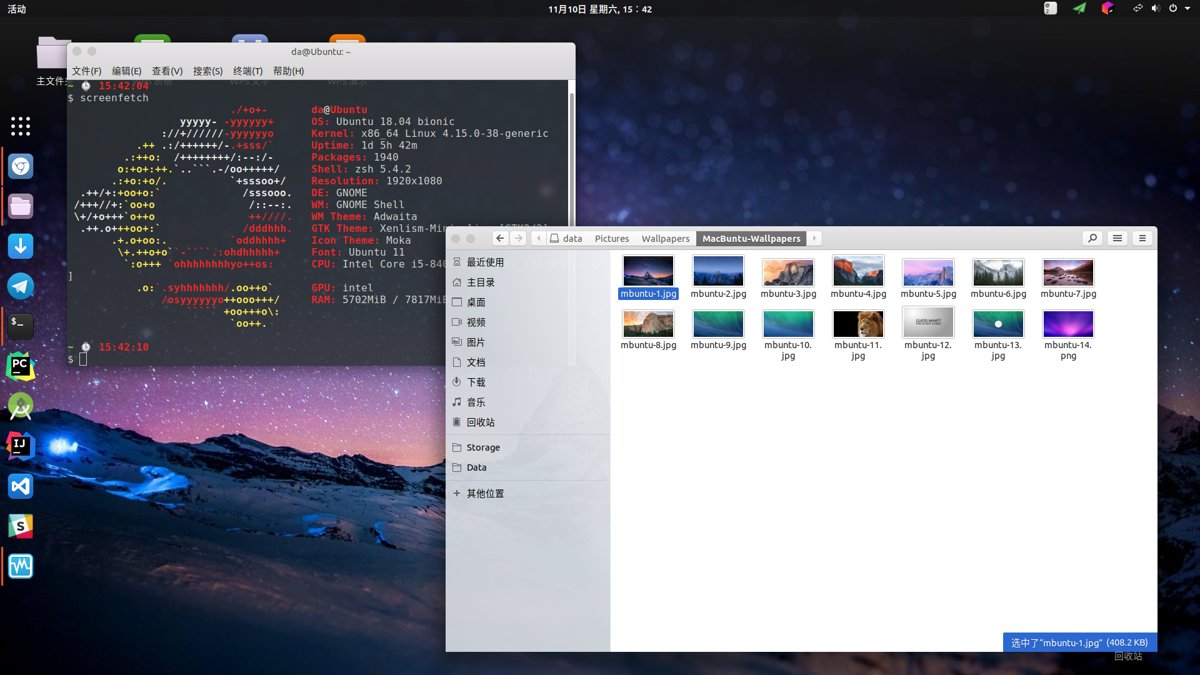
First, here's my desktop:
1. The big lizard looks great, but it's not the best
The openSUSE development team is also pretty much the KDE desktop environment development team, and they have that German strictness about details, so it can definitely be counted as one of the best-looking Linux distros.
However, the software repos of the openSUSE stable release seem a bit outdated, and the packages available for direct install aren't rich enough. As for Tumbleweed (the rolling-release branch), although the packages are all very new, it's not stable enough, with the constant risk of a broken rolling update.
2. Arch is the way
In the early years on Baidu's Linux Tieba, there was an "Arch cult" faction that tried to convert every Linux user to the Arch camp. I have to say, anyone who has tried Arch will be won over by its high customizability and the richest package collection in the universe (Long live AUR!), then fall deeply in love with Arch and be unable to extricate themselves.
But the downsides of a rolling-release system like Arch are also obvious—see the openSUSE Tumbleweed section above. Still, Arch is truly a system that everyone who wants to learn Linux must experience!
3. Still the familiar rabbit—Ubuntu
Ubuntu, as (supposedly) the desktop Linux distro with the largest install base, did not earn that reputation for nothing. Behind this rabbit is a commercial company. Although it's not a giant on the scale of Microsoft or Apple, Ubuntu's attention to detail ranks among the very best of Linux distros. Before the 18.04 release, Ubuntu's original Unity desktop environment really suited my taste. Unfortunately, for various reasons I couldn't make 16.04 my long-term daily driver, so my knowledge of the Unity desktop remains limited to a few brief install experiences.
As my long-term daily system, I can summarize Ubuntu's advantages as follows:
- As the largest Debian-based distro, it has a rich package collection
- As the Linux distro with the largest user base, it has a complete and huge community; any problem you run into can easily be answered in the community
- Compatibility with Chinese domestic software (e.g. Sogou Input Method, WPS Office, NetEase Cloud Music) is excellent. Almost all Chinese software for Linux released on official sites is built for Ubuntu, so compatibility is top-notch
- After switching to the GNOME desktop in 18.04, performance improved a lot, and looks and customizability improved enormously
- As for the rest, it's more that I just like the Debian ecosystem~
Screenshots
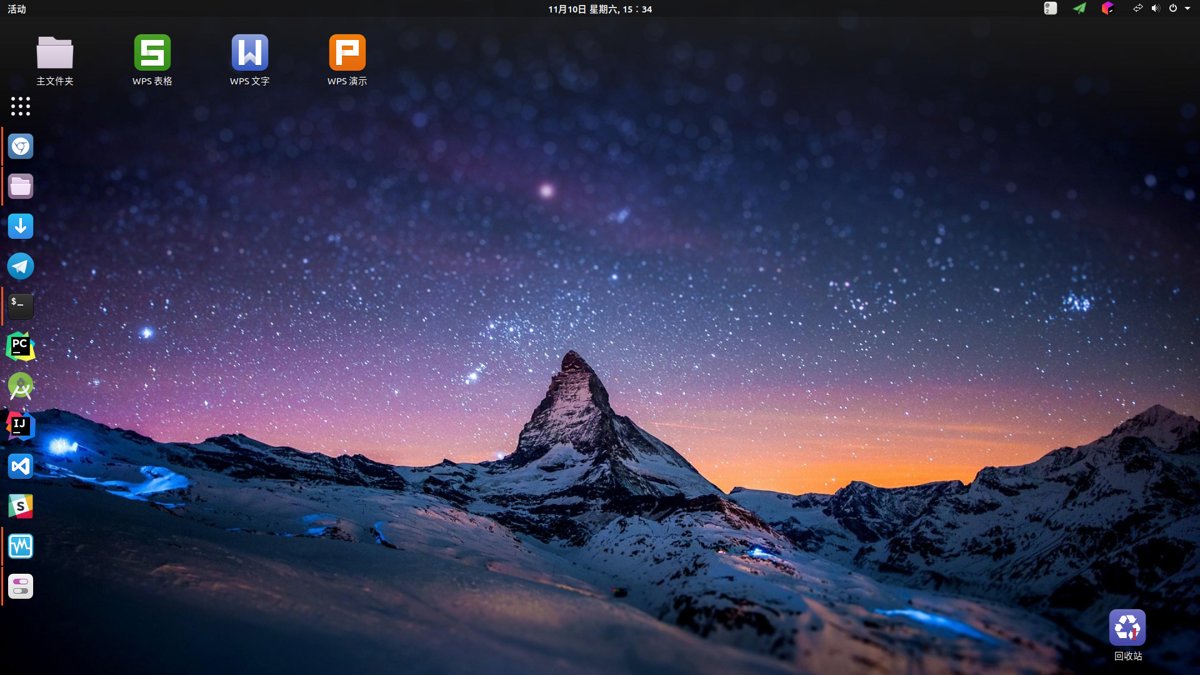
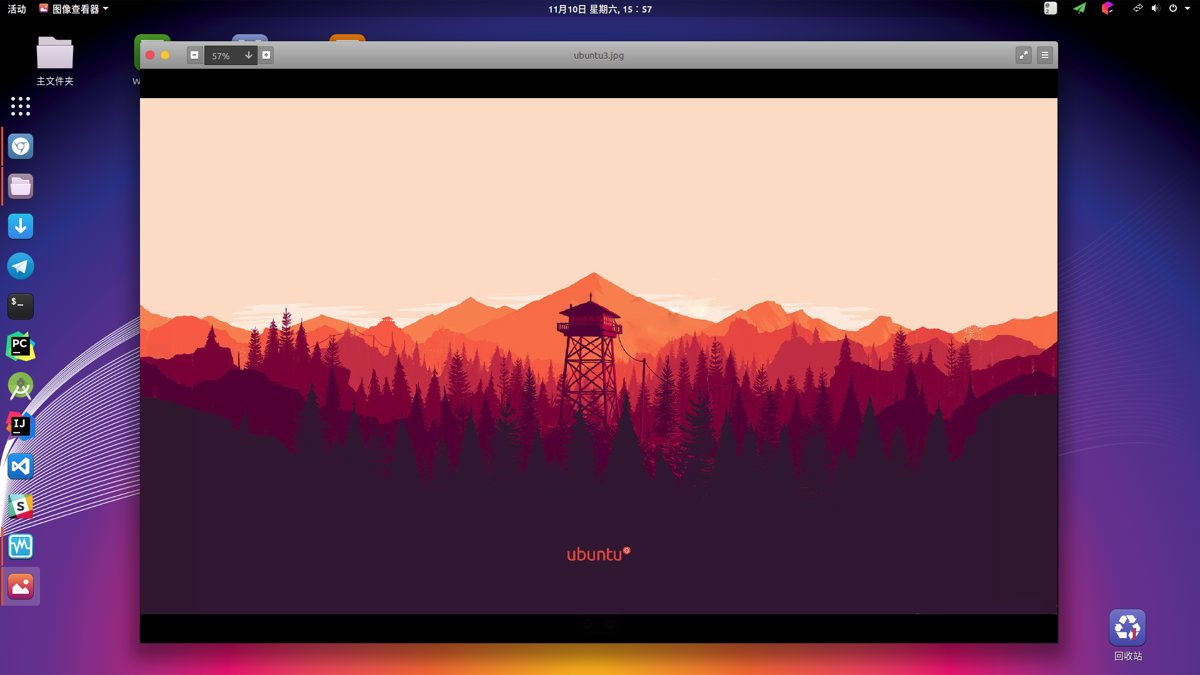
After some simple configuration and theming, the desktop looks like this. I think it's pretty OK~
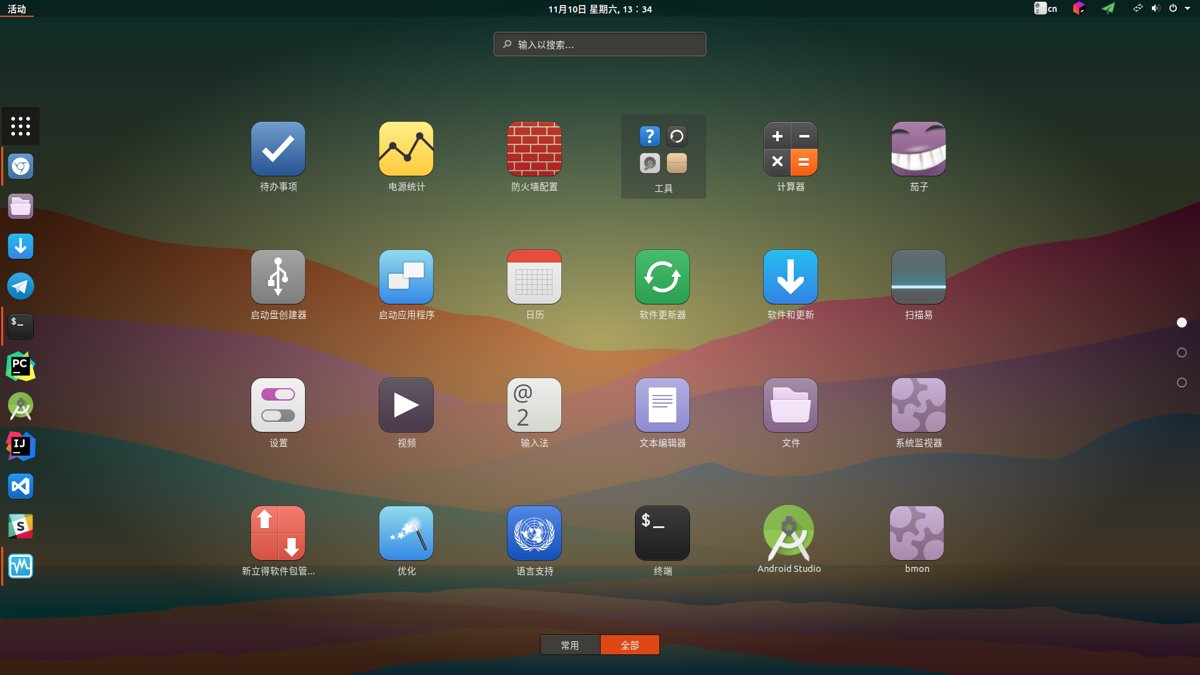
The all-apps view. Icons are Moka, with very comprehensive coverage.
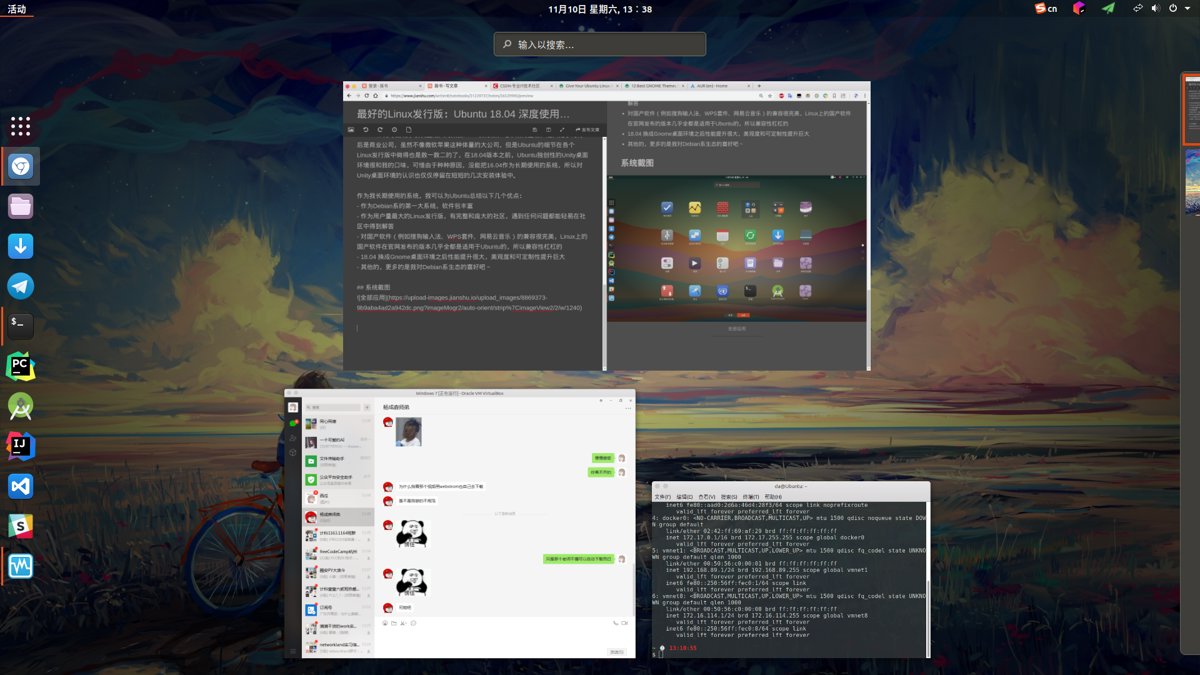
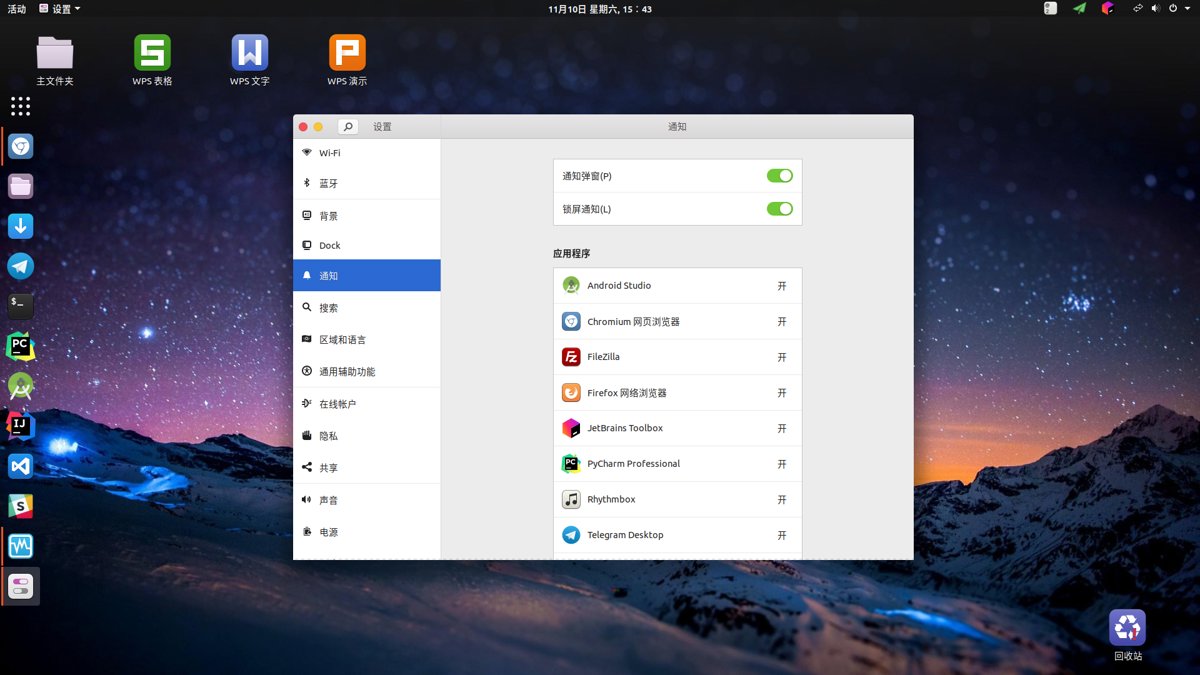
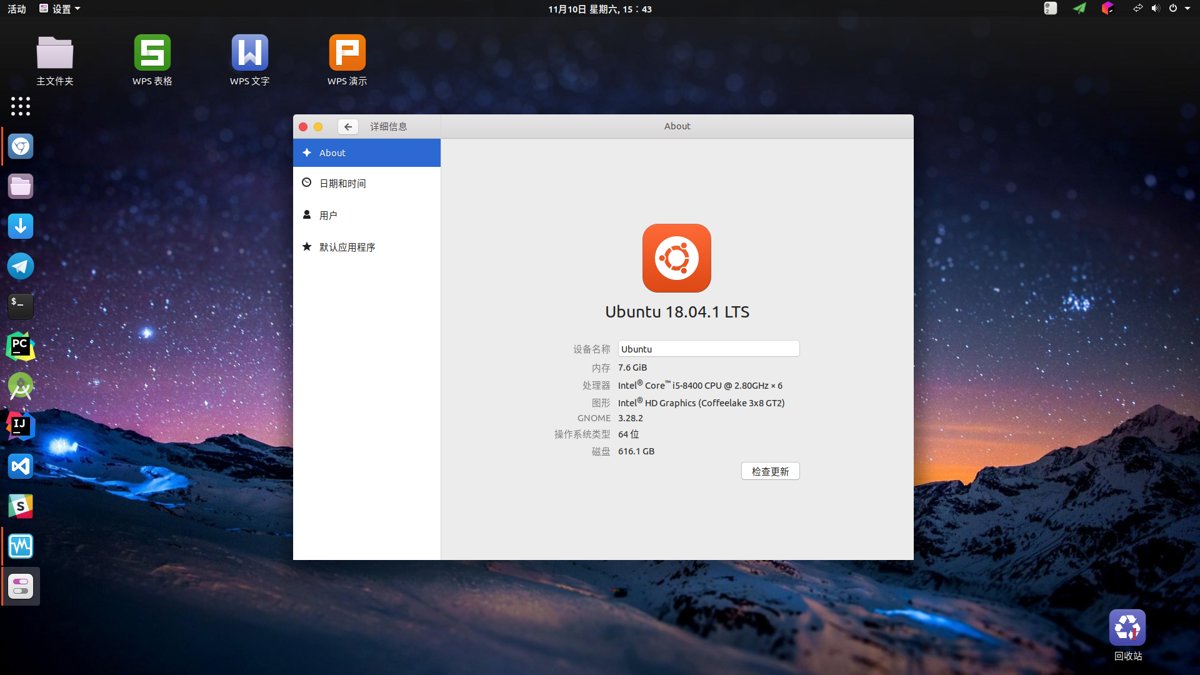
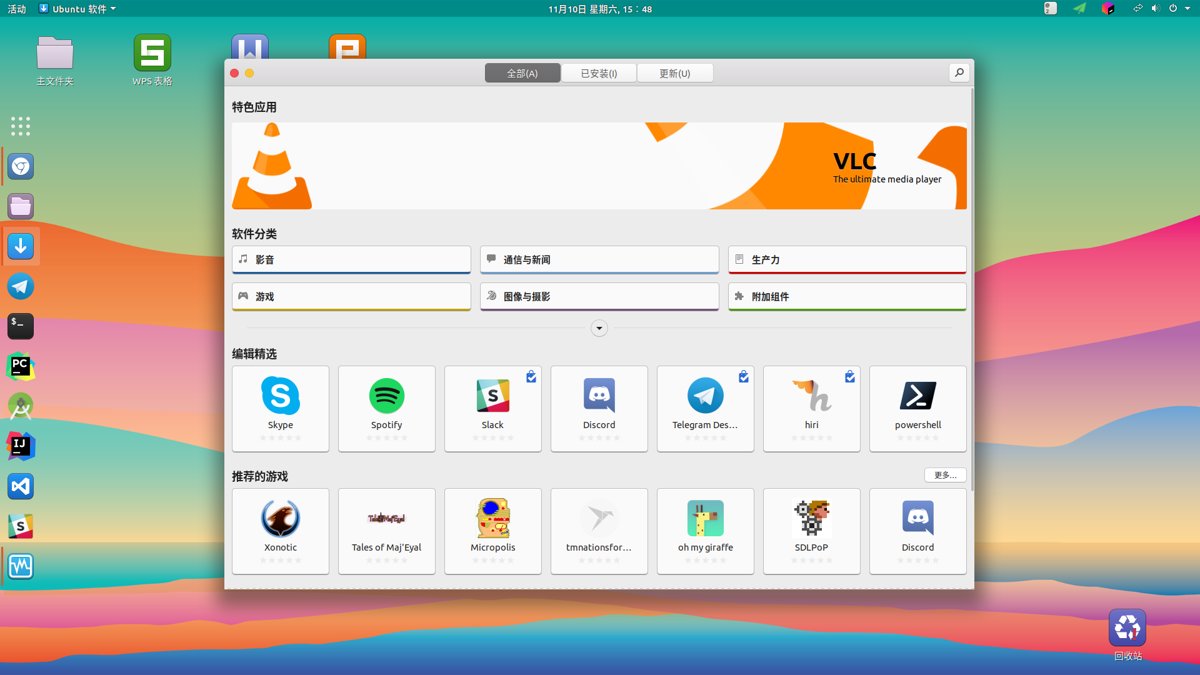
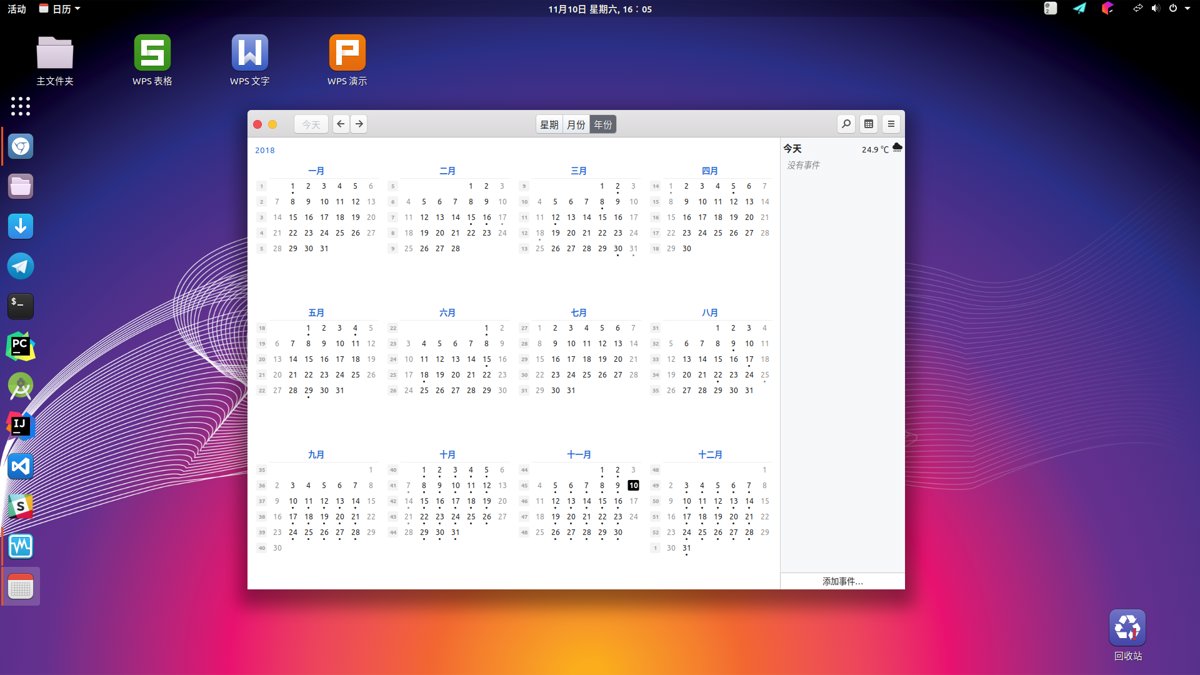
GNOME's built-in calendar can sync Google Calendar and Microsoft Calendar—very convenient!
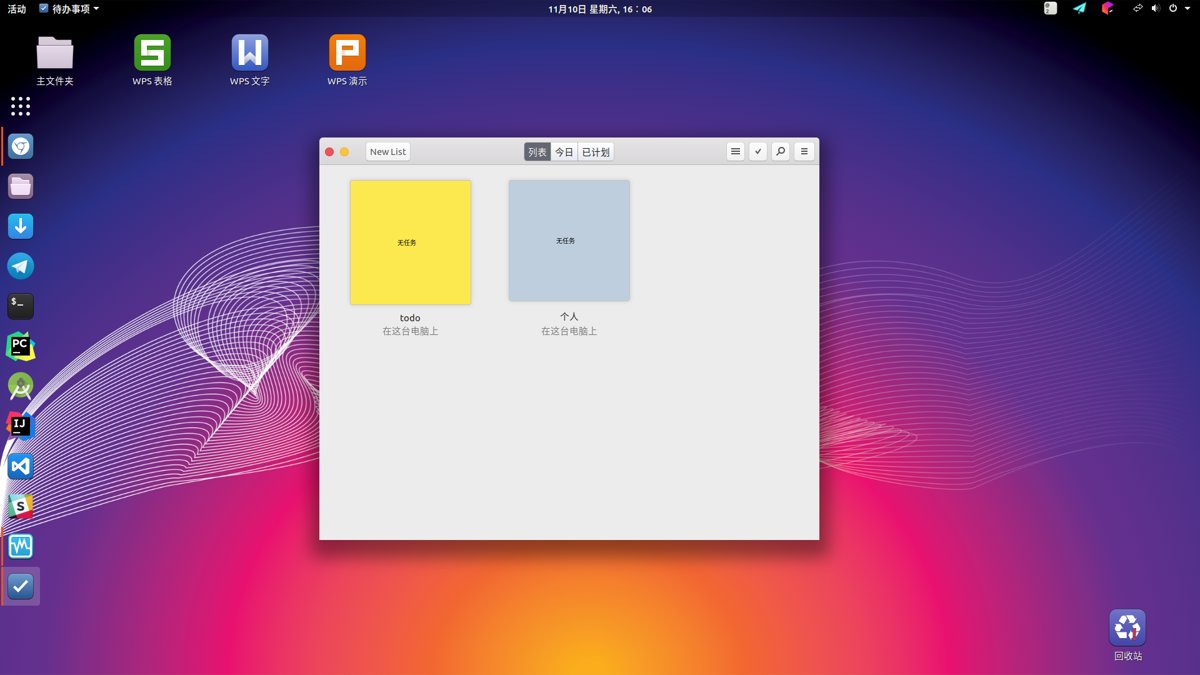
GNOME comes with quite a few nice things. This TODO List is pretty good, though unfortunately it can't sync with Google Keep
Software Ecosystem
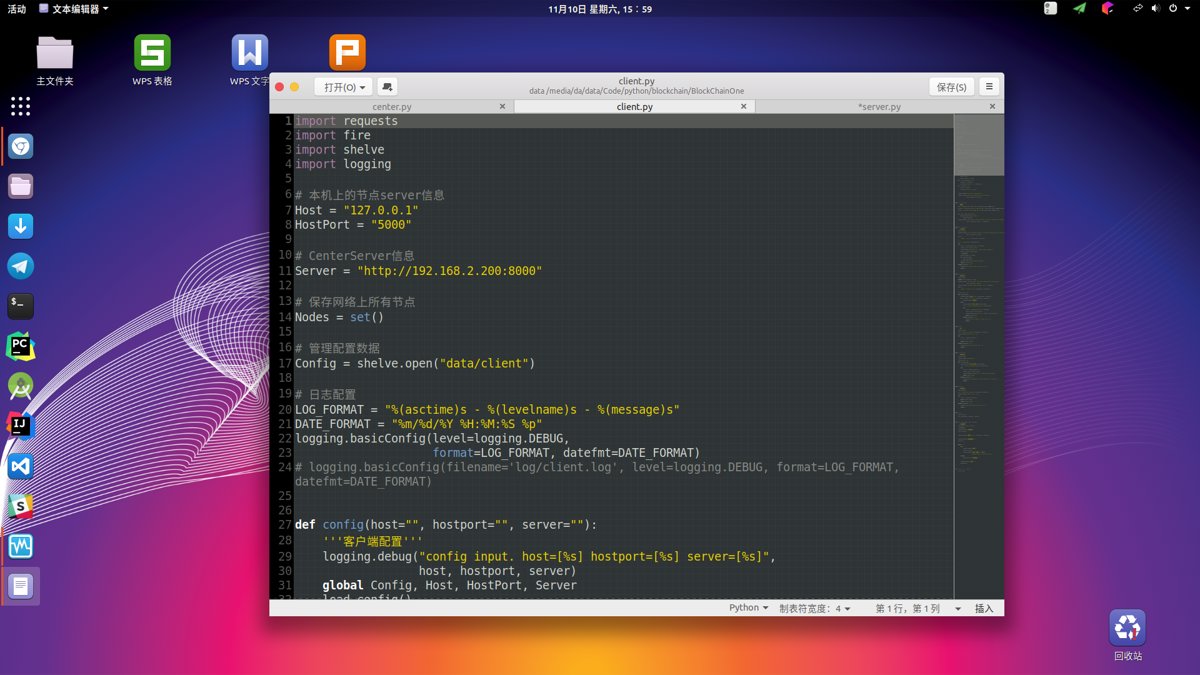
In the screenshots above there are already some handy little tools that come with GNOME. For daily Linux use, you're not missing any software except Tencent's WeChat and QQ. Honestly, with the JetBrains suite for development, that's enough for a programmer, and with Unix's complete toolchain, the Linux development environment is exceptionally comfortable.
As for Tencent's toxic WeChat and QQ, I solve that by running Windows 7 in a VirtualBox VM. Today's hardware is more than enough; the performance cost of a Windows 7 VM is almost negligible. I won't post screenshots, to save myself the hassle of redacting chat logs.
Ubuntu is a Debian-based distro. Through the apt package manager you can install a massive amount of software. If you can't find a package in the official repos, don't forget PPA, that godsend. PPAs feel like they occupy the same place as Arch's AUR—tons of third-party packages are published on PPAs, so you can say there's almost no software you can't find.
Development Experience
As for the development experience, Linux distros are all pretty similar. Install the JetBrains suite, set up VSCode, and writing code is a blast. The rest of the experience depends more on how smooth the system is. After using it for a while, GNOME's smoothness is very good. On my desktop (i5-8500 + 8GB RAM) there's no stuttering at all.
Some people were worried that after Ubuntu switched to GNOME, usability would drop. I honestly don't think there's any difference. Ubuntu's GNOME is ready out of the box—it looks pretty good without any configuration at all (well, except the wallpaper colors are kinda ugly).
For GNOME extensions I only installed a User Shell theme to enable Shell Theme. I don't install anything else. Extensions are made by third-party individual developers after all, with no guarantee of stability or security. Default GNOME already looks good enough; there's no need to mess around with this stuff—if you crash the system, it's not worth it.
Ubuntu or Windows?
This question has been asked countless times. I don't think there's any need to agonize over it. If you want Windows, use Windows; people who like Linux will naturally use Linux. There's no need for this kind of either-or choice.
Only kids make multiple-choice questions.
So the best answer is dual boot~ (and some people switched to Mac)
Windows is the #1 desktop OS, and neither Linux nor Mac can match its software ecosystem, so you must have a Windows system on hand. And then! The last few Windows 10 updates have had so many bugs I can barely stand it (don't tell me you haven't run into them—whether you have or not doesn't matter; what matters is that an obsessive person like me absolutely cannot tolerate Windows 10's various bizarre little bugs). Using Windows as a daily development system just doesn't work. Support for the Unix toolchain is extremely poor, installing and configuring various dev environments is extremely painful—it's really disgusting!
But for the occasional video work and such, I still have to open Windows.
As for gaming, I don't play PC games (can't afford it), so that's not a concern.
Conclusion
I love Linux! And I enjoy the high productivity that Linux brings me.
PS: A lot of people in the comments asked for the desktop wallpapers, so here's a link: https://storage.deali.cn/wallpapers_2018-11-21.tar.gz
Feel free to reach out
- Live coding stream: https://live.bilibili.com/11883038
- WeChat official account: DealiAxy
- Zhihu: https://www.zhihu.com/people/dealiaxy
- Jianshu: https://www.jianshu.com/u/965b95853b9f
_EOF_
The Best Linux Distro: An In-Depth Experience with Ubuntu 18.04
- 本文作者:
- 程序设计实验室
- 版权声明:
- 本博客所有文章除特别声明外,均采用 BY-NC-SA 许可协议。转载请注明出处!
相关文章
在鸡哥14x上安装Linux:Fedora 42 上手体验
鸡哥14x装Fedora42挺顺,驱动开箱即用。GNOME小清新,但Wayland半死不活,终端没透明度,多任务不如Windows整齐。小bug不少,网络又废了?重装吧。
2025-09-07 · Linux评测 · 约 1 分钟
关于系统的折腾-&-OpenSuSE养老
前言 最近python写得多了真的受不了Windows的开发环境了,于是又开始折腾系统,先是试了黑苹果,结果发现真的是难,问题一大堆 = = ... 于是果断选择回到我大蜥蜴的怀抱,用过那么多桌面环境,最喜欢的还是Gnome,所以就这样吧,在大蜥蜴养老就行了,好像这次安装完之后没什么大问题了,除了输入法暂时用不了搜狗,其他都ok,不折腾了,太浪费时间。 附上截图 欢迎与我交流 打代码直播间:htt
2021-12-18 · Linux评测 · 约 1 分钟
国产Linux发行版Deepin浅度体验
前言 昨天系统又重装了两次,所以没时间写推文了,今天刚刚搭完就来写了。 这几天电脑升级硬件之后系统还没配置好,只是装了个Win10,我还是更喜欢在Linux环境工作,又看到Deepin的界面设计得很好看,于是就装了一个试试效果。 但是用的时间还不长,所以只能是浅度体验。 系统截图 两种模式的桌面。 时尚模式(类似于Mac系统) 高校模式(类似与Windows系统) Dashboard(所有应用程序
2021-12-18 · Linux评测 · 约 1 分钟
无需折腾的Linux发行版:Manjaro体验与配置笔记,开箱即用-真香!
本文的系统配置部分会持续更新,欢迎关注和交流~ 前段时间装了KDE版的Manjaro之后又换了黑苹果,不过没折腾好,这不又乖乖换回了Manjaro,这次我用了Gnome,很久没用Gnome,Manjaro的调教有点惊艳到我了~ 首先是开机的时候就弹出来Hello界面,以前没怎么注意它,这次发现居然已经预设了好几种布局,真的啥都有,连自己折腾都省得了。我果断选了最喜欢的unity布局(其实就是装了u
2025-10-27 · Linux评测 · 约 1 分钟
讨论
共 0 条加载评论中…