

What's the one feature a portable monitor can't do without? ARZOPA is a cautionary tale
Bought an ARZOPA for 348 yuan. The CNC chassis is pretty slick, the stand beats aigo's, but unfortunately there's no DDC/CI. The matte screen looks cheap, and the colors don't match the aigo14 either. Refined, sure, but they gutted a key feature—you'll know once you use it.
目录15 个章节
This article was self-funded, not a sponsored post! Pure original with no AI pollution—read with confidence!
Introduction
In my previous article I introduced the highly cost-effective 14-inch aigo portable monitor
At the same time I also picked up another 14-inch ARZOPA portable monitor, model A1 GAMUT SLIM
I hadn't heard of this brand before, but the product is quite refined—supposedly CNC metal unibody.
Bought it in October for 348 yuan, a bit over 80 yuan more expensive than the aigo14 from the last post. Let's see if it's worth it~
(It's already gone up to 409 yuan now 😑)
Specs
- Resolution: 1920*1080
- Refresh rate: 60Hz
- Panel: IPS
- Weight: 0.6kg
- Brightness: 250nit
- Contrast ratio: 800:1
Packaging
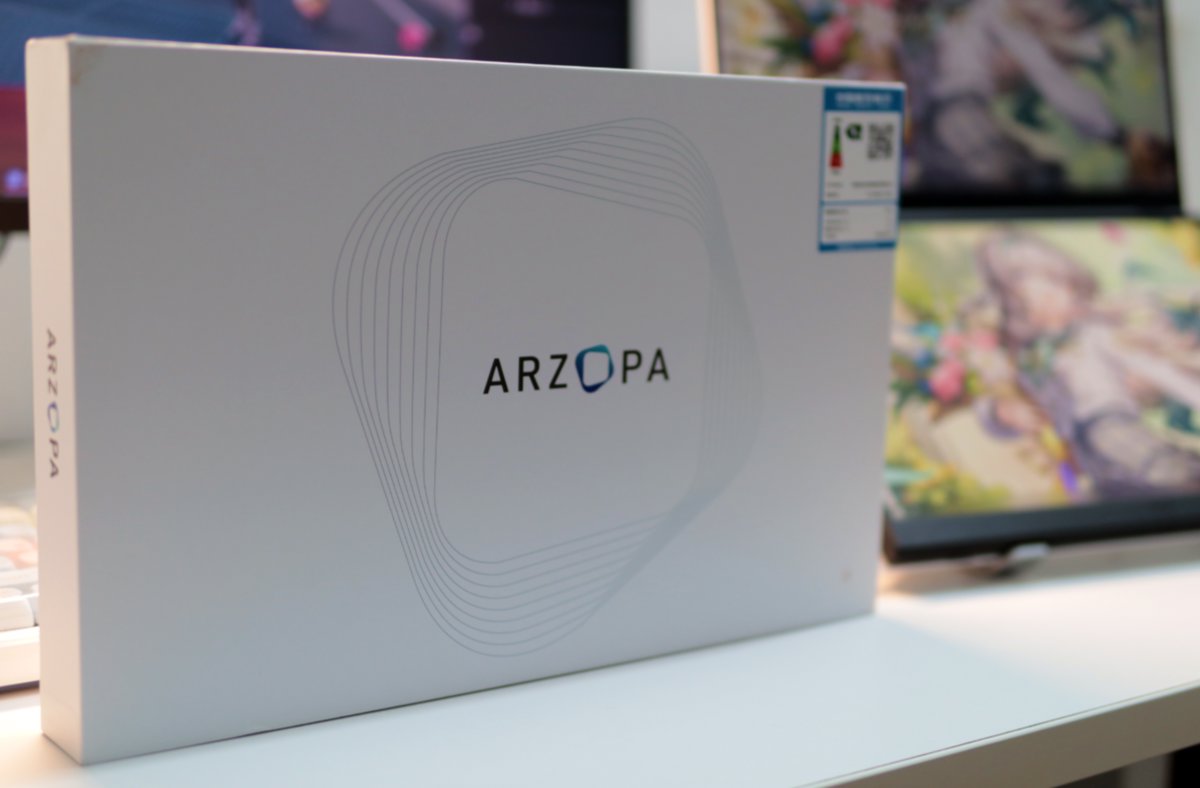
The packaging is pretty nice. Paired with the energy-efficiency label in the upper right, it has that small-appliance shopping feel
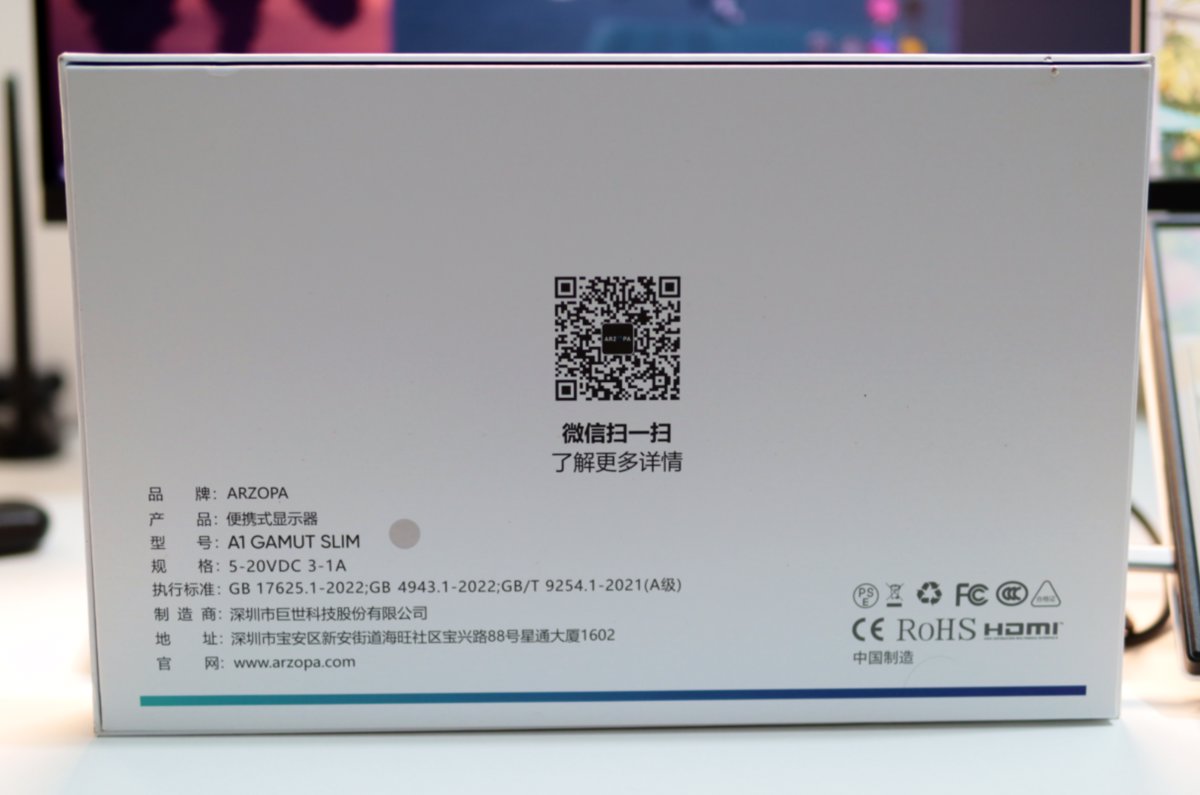
The back is a huge QR code. This design doesn't look as good.
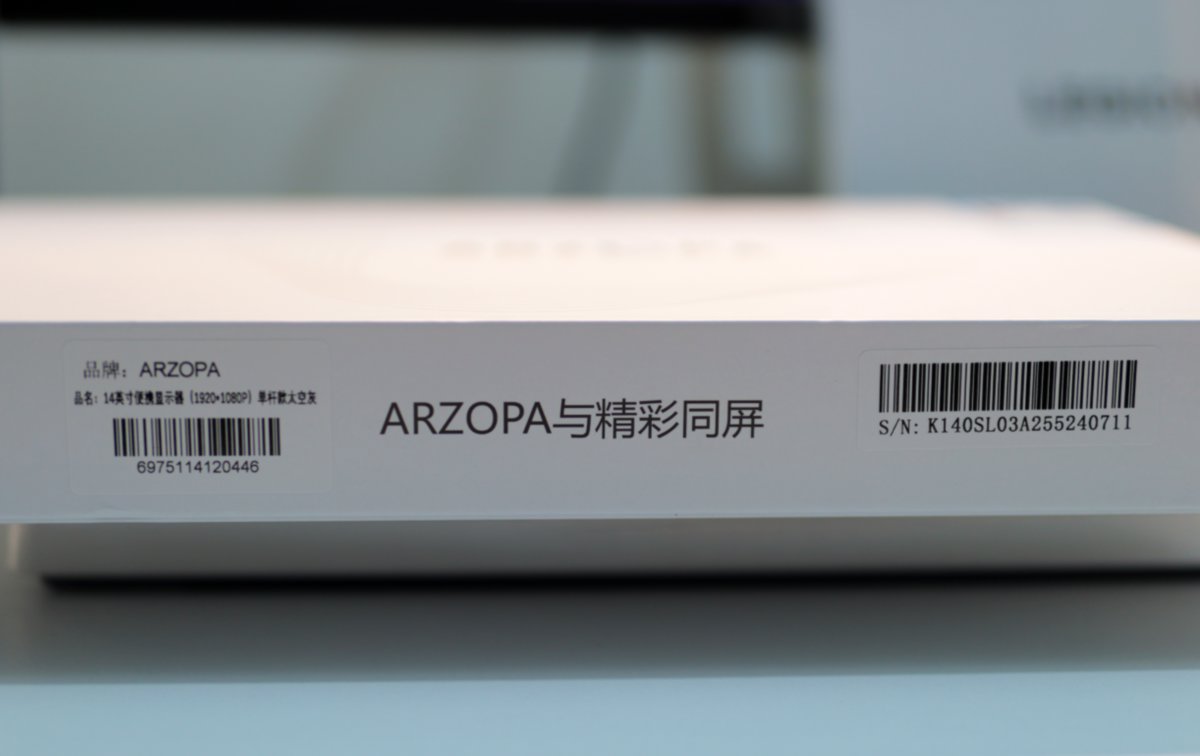
There's a slogan on the side too, but it's much more low-key than aigo's 🤣
Unboxing
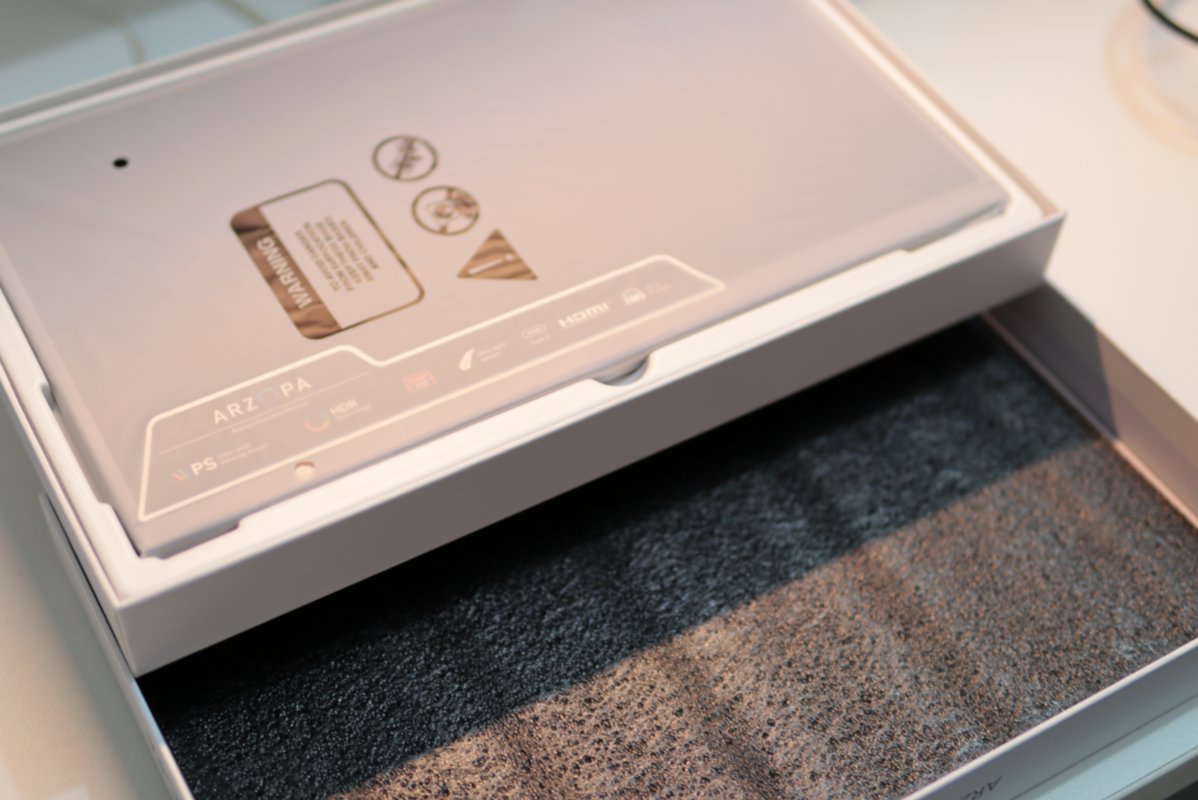
The protection is okay, but unlike the aigo14 which has foam all around, this one only has foam on the upper layer of the box
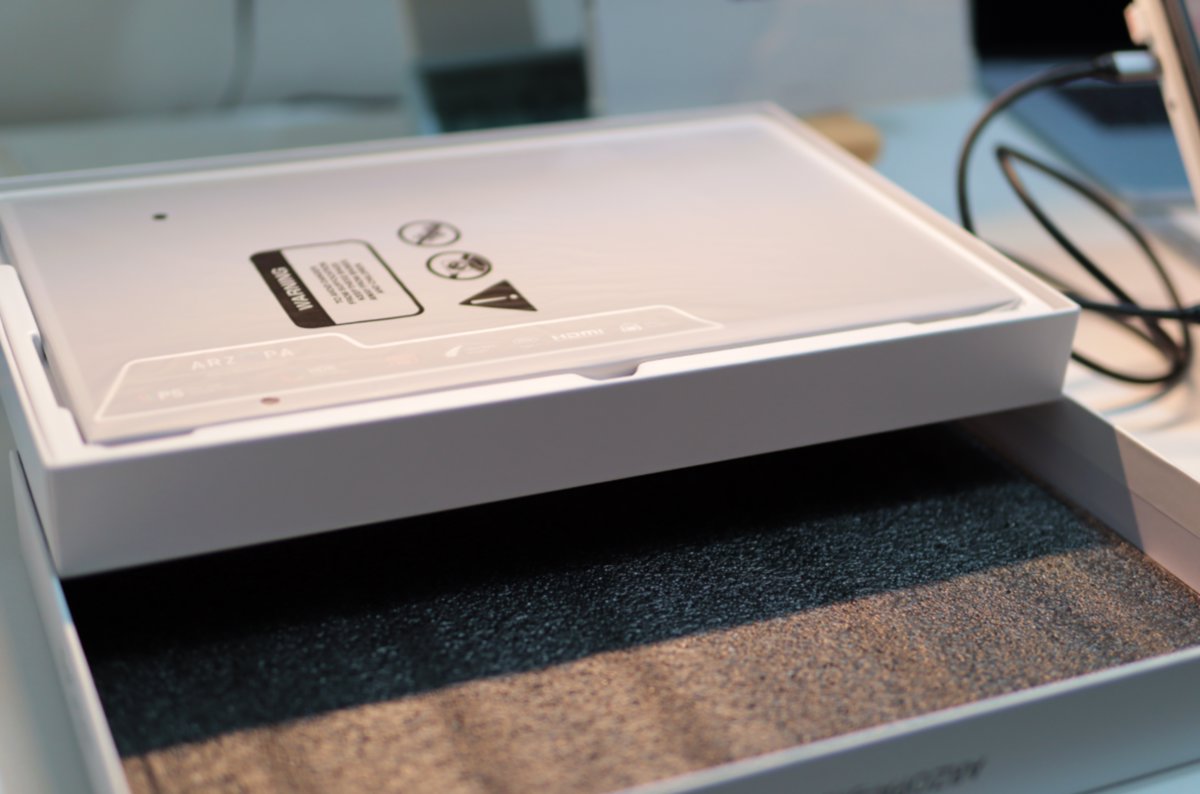
But the protective pouch and stickers give off a premium vibe
Accessories
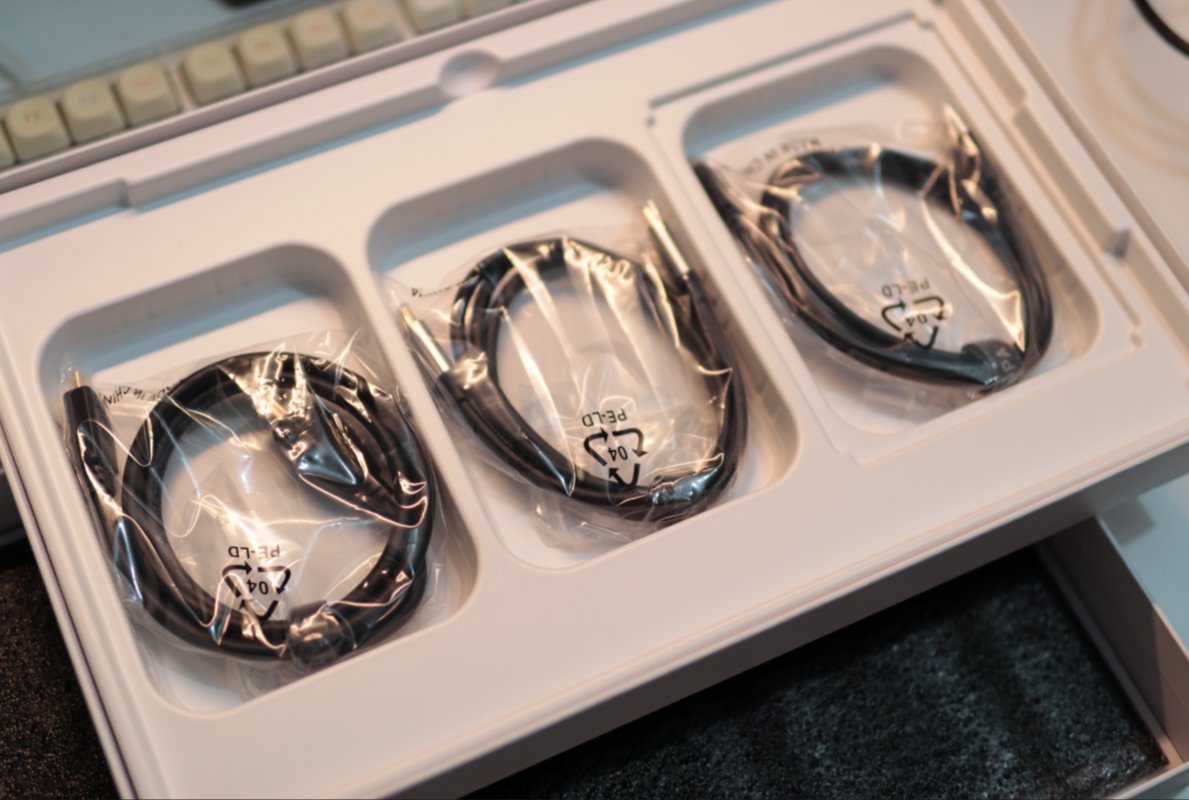
Compared with the aigo14, it has one extra cable: mini HDMI and C to C cables, plus a USB to Type-C cable.
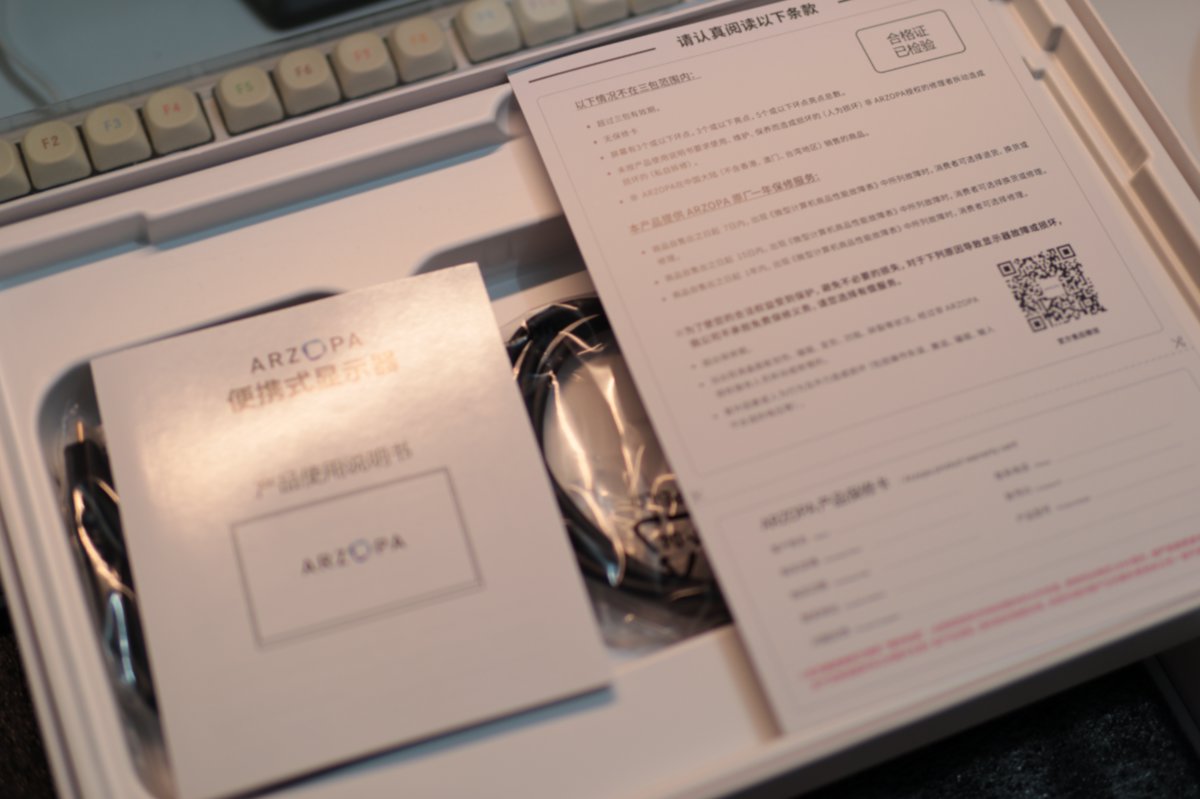
Manual and warranty card
Exterior
Let's look at the exterior details
Buttons
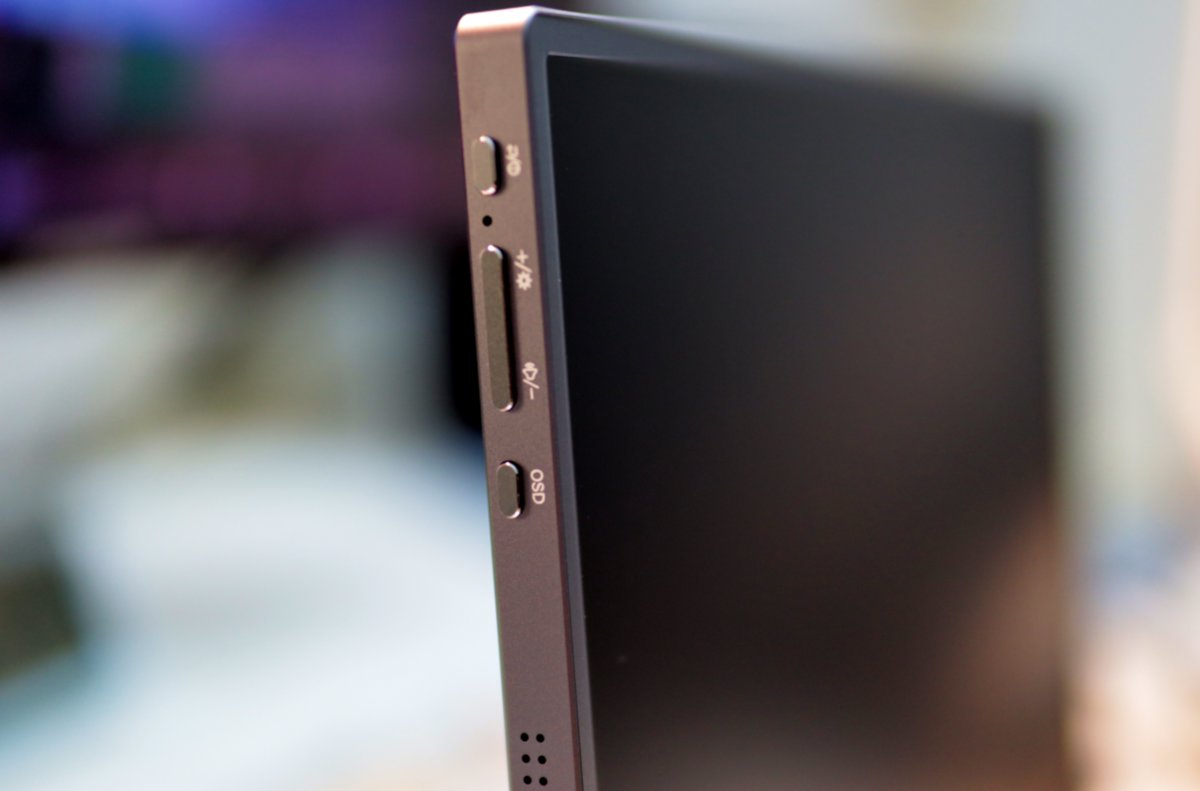
The metal body does have a nice feel. The buttons are on the upper left side.
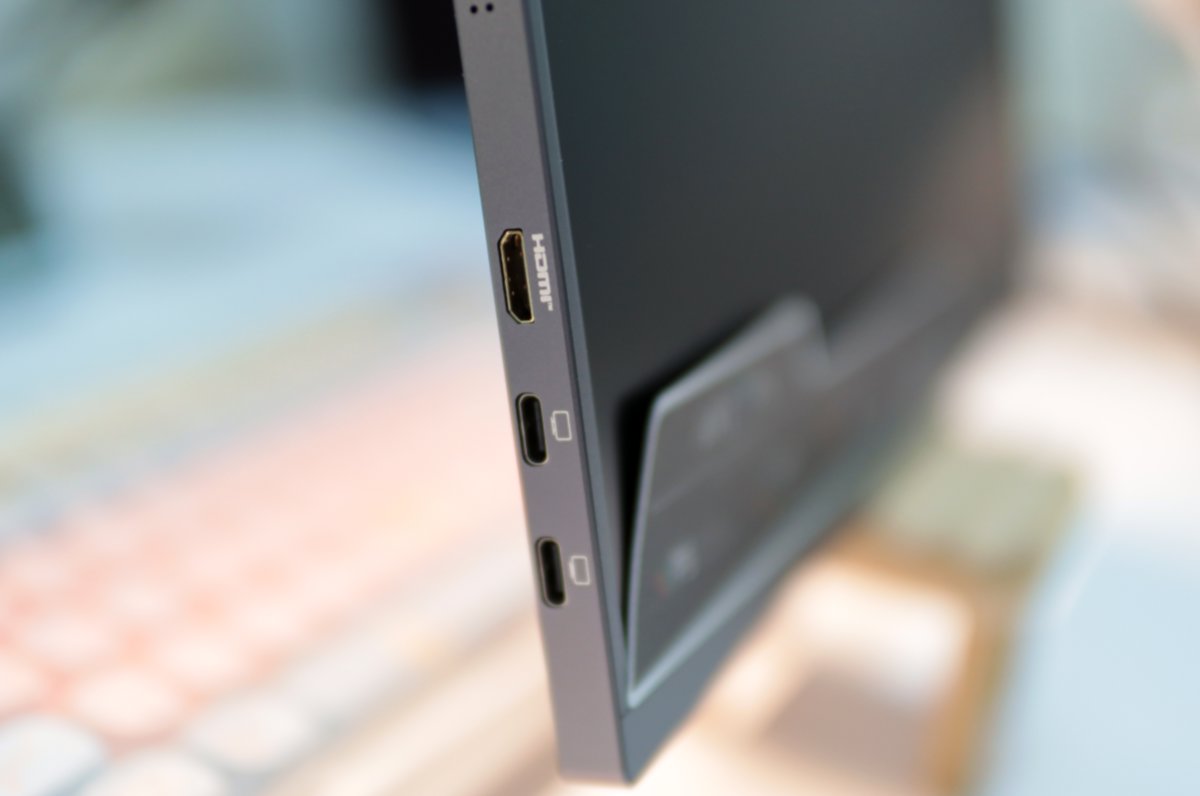
Ports
Display ports are on the lower left
Front
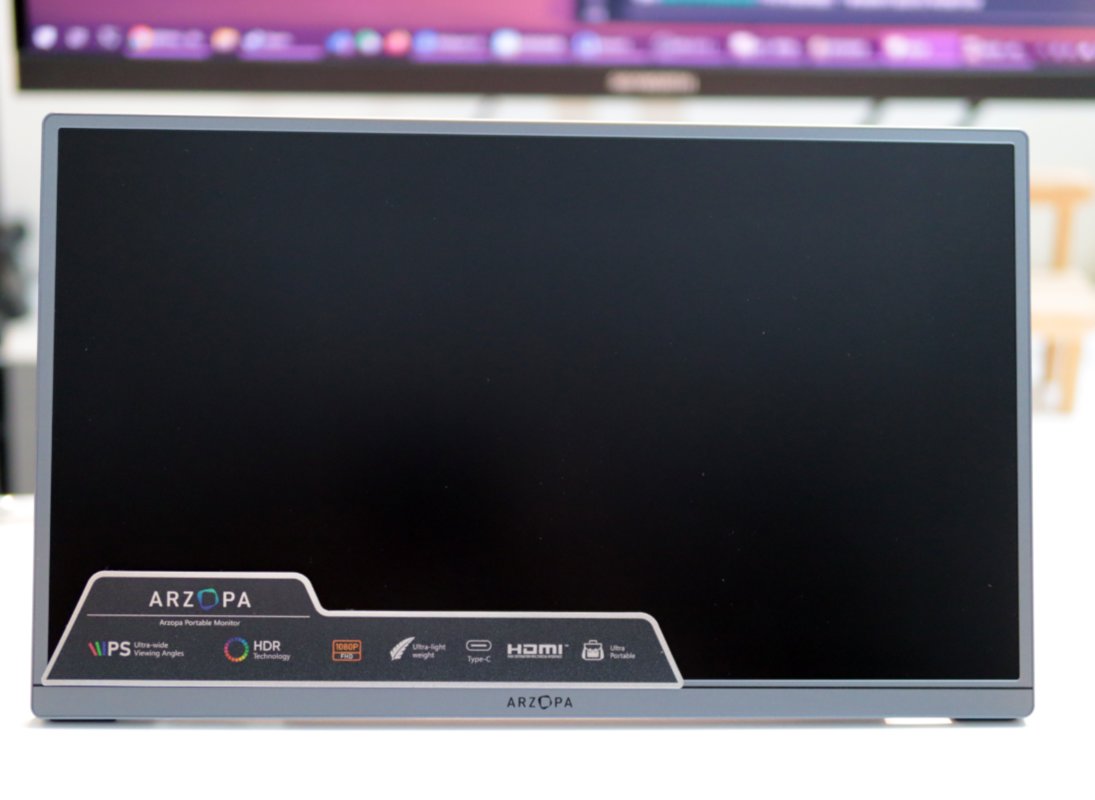
The bezels are fairly thin; it looks pretty good.
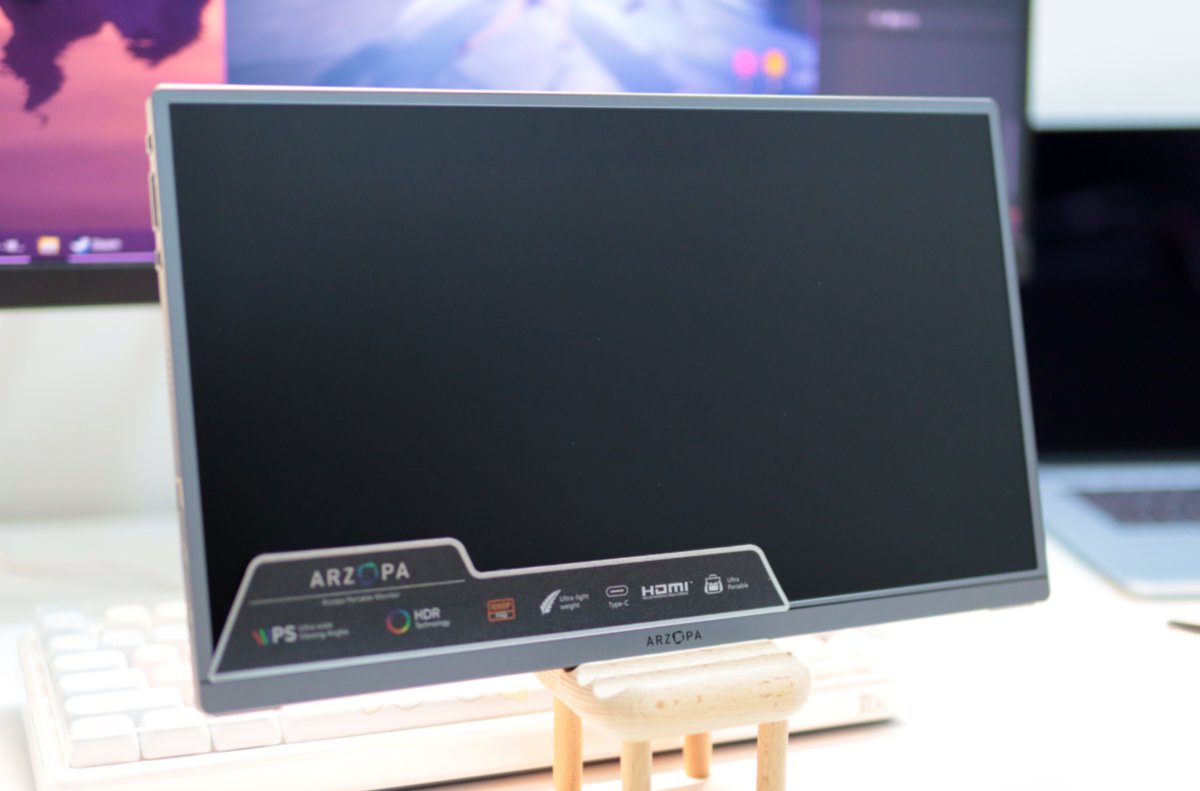
Here's another shot, sitting right on the desk.
Rear stand
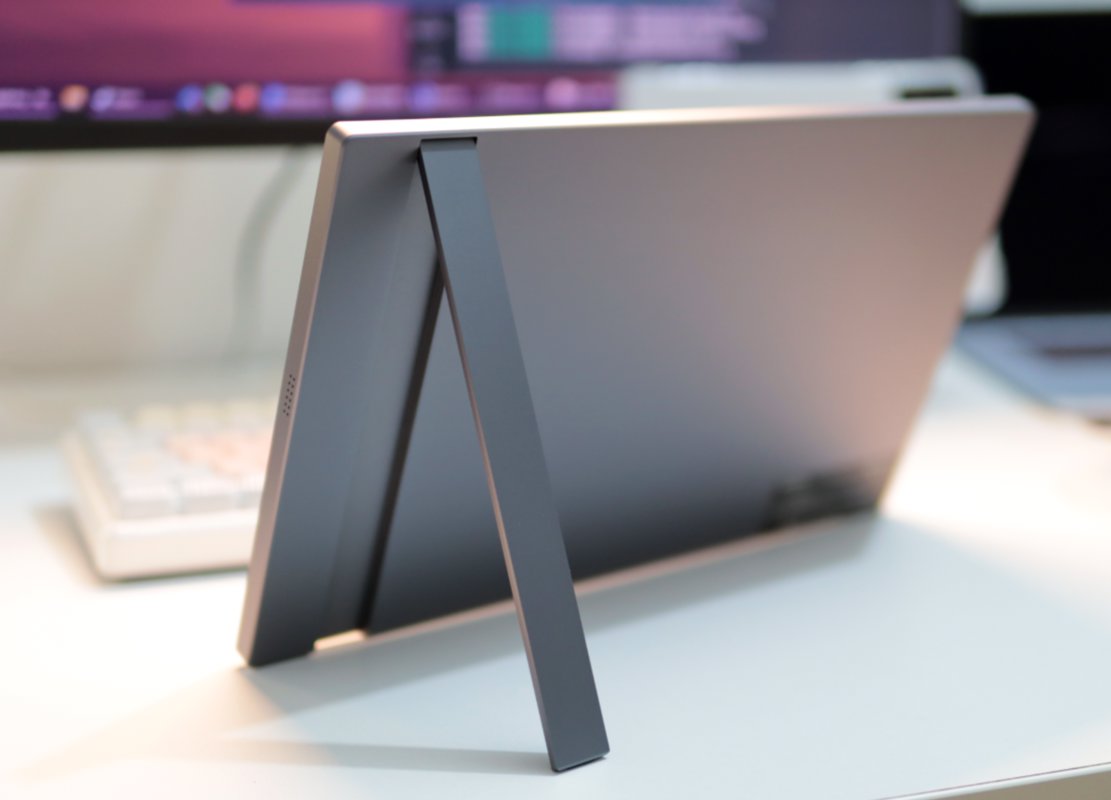
This stand is way better than the aigo14's. It supports stepless adjustment, up to 80 degrees
OSD
This on-screen menu is customized by the manufacturer
The UI looks much better than the aigo14's ancient interface
Maybe that explains why this monitor doesn't support DDC/CI 🤣
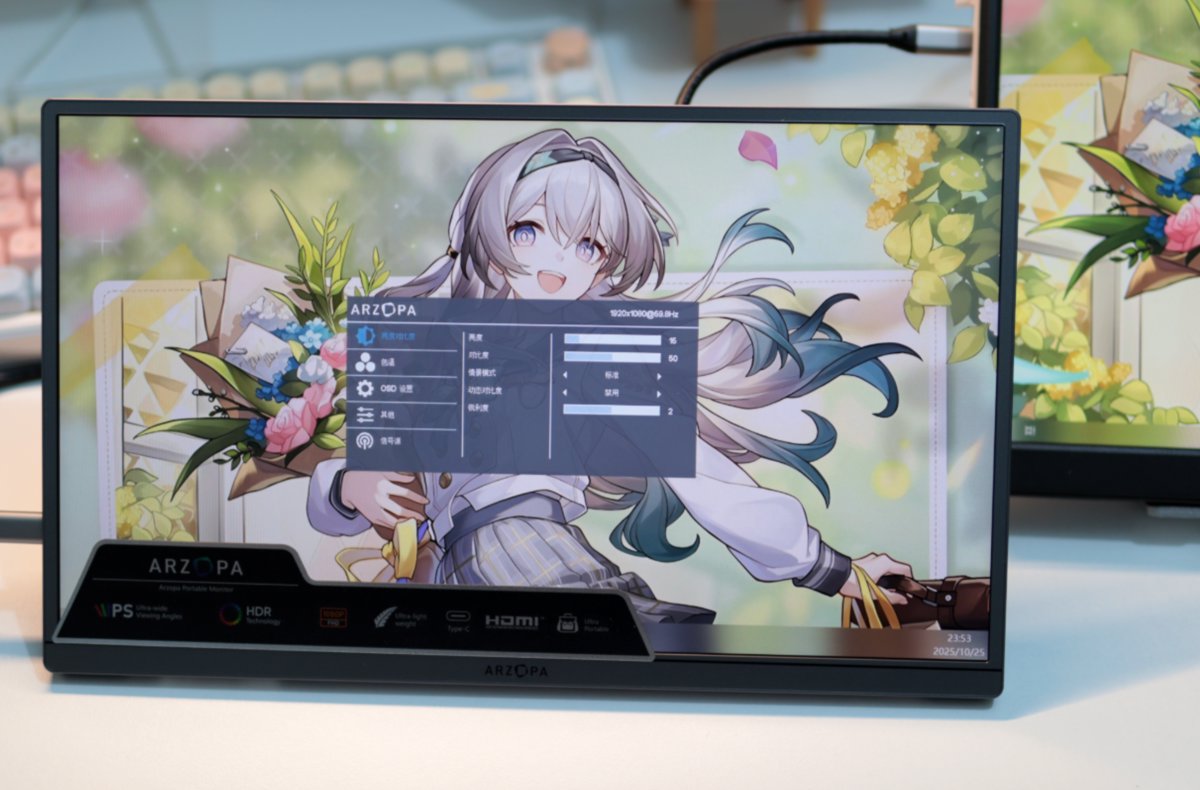
Screen impression - compared with Jige 14x
Let's compare it with the Jige 14x's screen
This monitor's aspect ratio is 16:9, so it looks a bit longer. That's different from the Jige 14x's own 16:10 ratio, but it doesn't matter much.
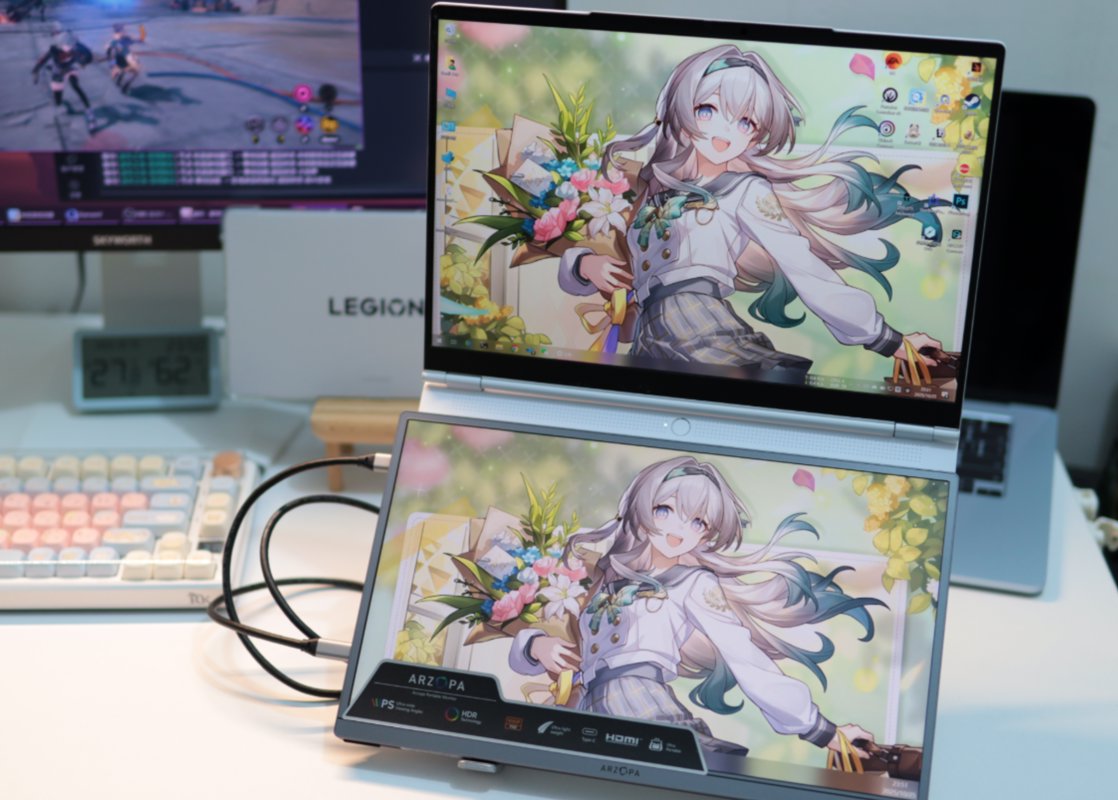
Let's compare the three screens
They are, respectively
| Jige 14x | |
|---|---|
| ARZOPA A1 GAMUT SLIM | aigo14 |
This portable monitor is a matte screen, which can resist reflections to some extent, but it doesn't look as good as the aigo14.
The aigo14 still has nicer colors. The ARZOPA is a bit on the white side.
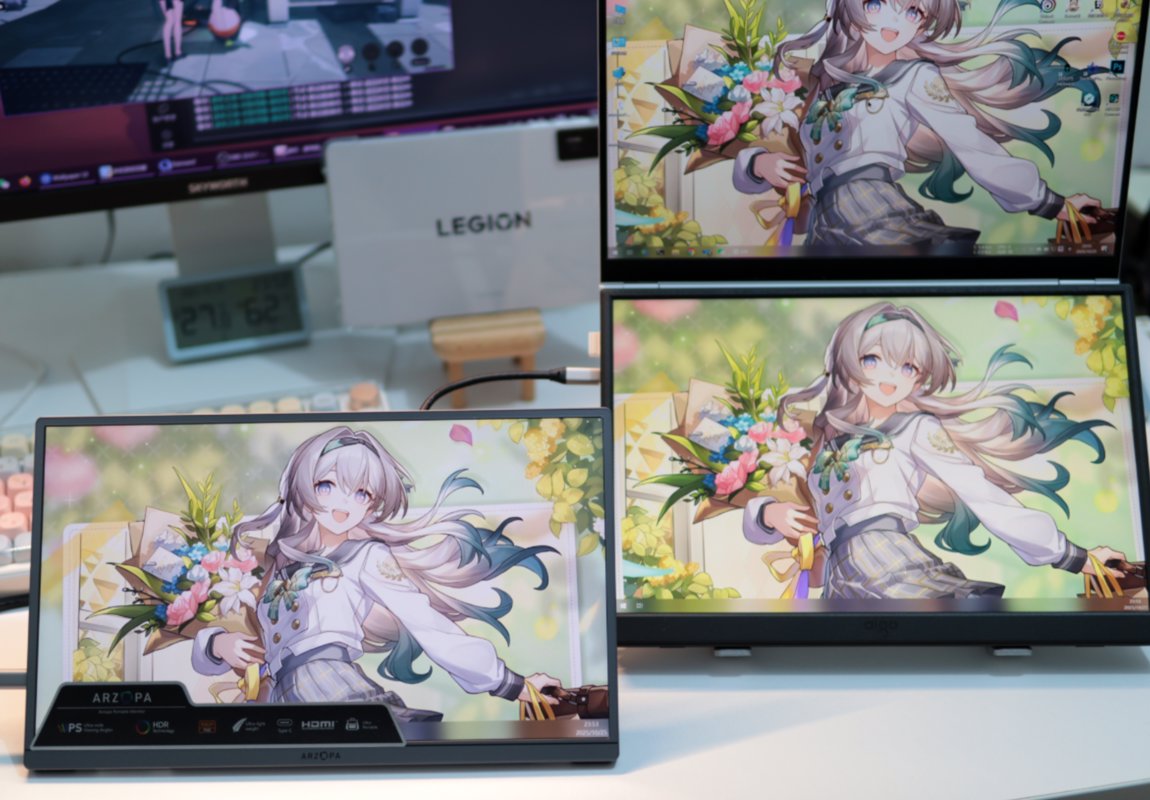
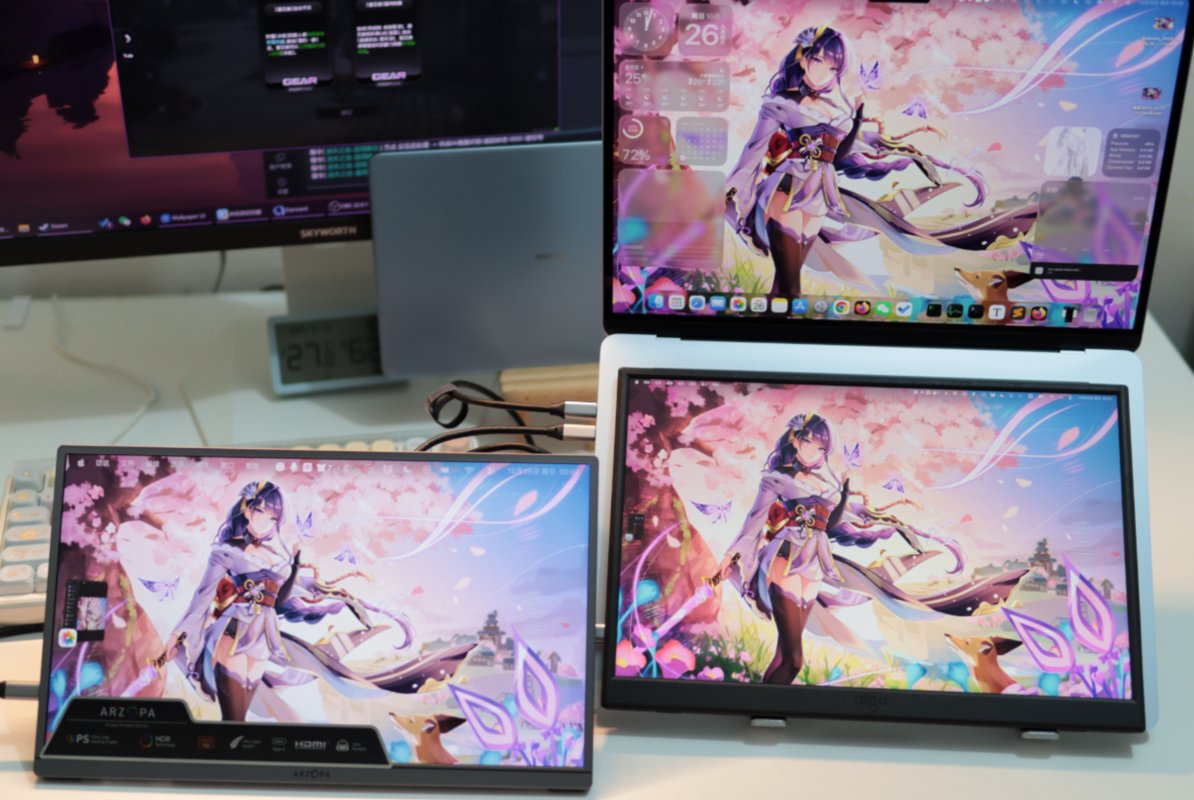
Compared with MacBook
Monitor order as shown in the table
| MacBook Air | |
|---|---|
| ARZOPA A1 GAMUT SLIM | aigo14 |
Issues
This portable monitor does not support DDC/CI! You can't adjust the monitor's brightness and contrast directly from the computer!
This is a really bad point! I can't figure out why such a refined monitor doesn't provide this feature.
Wrap-up
This monitor really is gilt on the outside and rotten within.
They made the build quality so good, yet gutted the critical DDC/CI feature. Unfathomable.
Of course some people might not care about this feature, in which case it's still worth considering. This portable monitor is truly much more refined than the aigo14 I introduced last time 👍
_EOF_
What's the one feature a portable monitor can't do without? ARZOPA is a cautionary tale
- 本文作者:
- 程序设计实验室
- 版权声明:
- 本博客所有文章除特别声明外,均采用 BY-NC-SA 许可协议。转载请注明出处!
相关文章
298 元买了个没人听过的便携屏,我到底图啥?
买Eimio便携屏就为了试试皮套?298块,参数一般,包装简陋,亮度调到20%还是最亮,这DDC/CI功能简直是反人类设计。还不如直接买个内胆包+支架,至少稳定。
2025-11-22 · 显示器 · 约 1 分钟
便携屏搭配笔记本,比我想象的更有用:爱国者aigo14开箱
笔记本加个便携屏,瞬间变双屏?这搭配挺有意思。爱国者这14寸屏够便携,但支架和扬声器差点意思。小瑕疵能忍,性价比就这样。
2025-11-19 · 显示器 · 约 1 分钟
300 多块钱的 2K 14寸便携屏开箱,大家觉得性价比如何?
那位作者终于想起自己还有个数码号了。376块的2K便携屏,支架终于不智障了,音质却烂得跟恐龙玩具似的。最烦的是连DDC/CI都不支持,还好有ClickMonitorDDC这种邪门工具可以强控,不过亮度最高只能到35%——所以便宜没好货,这道理还要我教?
2026-07-09 · 显示器 · 约 1 分钟
反向升级,爱国者aigo14便携屏2026新款开箱
2026款“爱国者”便携屏,涨了两块钱却砍掉了DDC/CI调亮度,还把支架改得又丑又没法搁笔记本键盘上。什么叫反向升级?这就叫反向升级。
2026-07-07 · 显示器 · 约 1 分钟
讨论
共 0 条加载评论中…