

Android on PC — A Brief Look at PhoenixOS
Preface I actually prepared this brief review of PhoenixOS several months ago. At the time I had just seen news that the official version of Android 7.0 x86 had just been released, so I downloaded and installed it, and the result.....the experience was terrible = =, those 4 characters are the only way to describe it. But since I was trying Android x86, I couldn't leave disappointed, so I installed and tried PhoenixOS, a well-known Chinese OS deeply customized based on Android x86. This article does not cover how to install it, because the installation process is very simple. If you nee
目录4 个章节
Preface
I actually prepared this brief review of PhoenixOS several months ago. At the time I had just seen news that the official version of Android 7.0 x86 had just been released, so I downloaded and installed it, and the result.....the experience was terrible = =, those 4 characters are the only way to describe it. But since I was trying Android x86, I couldn't leave disappointed, so I installed and tried PhoenixOS, a well-known Chinese OS deeply customized based on Android x86.
This article does not cover how to install it, because the installation process is very simple. If needed, I'll write a separate installation tutorial.
A Brief Look
Boot loader. PhoenixOS uses Grub just like other Linux distributions
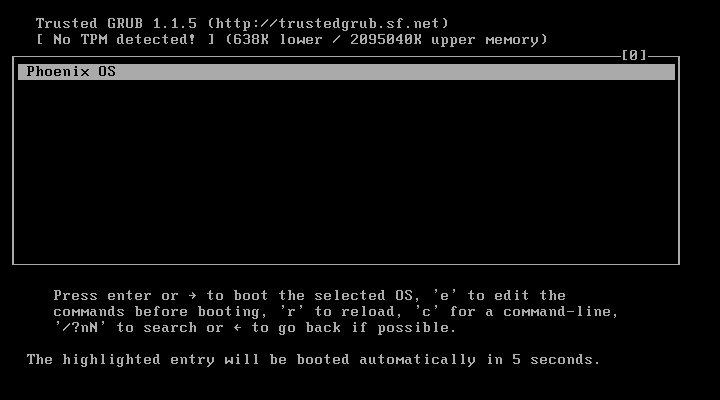
Boot screen
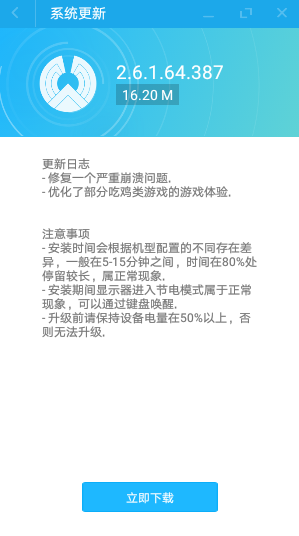
Hadn't booted it in a long time; as soon as I did, it prompted me to update the system
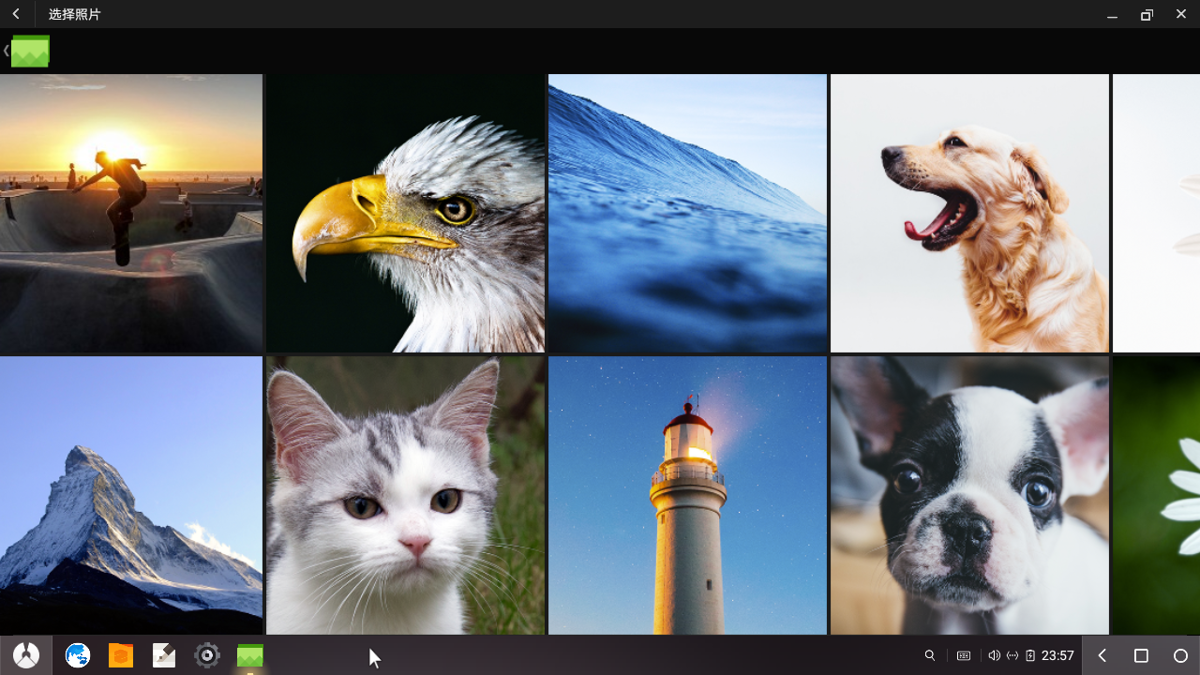
Gallery
Desktop
It still looks pretty nice; the overall style is similar to Windows
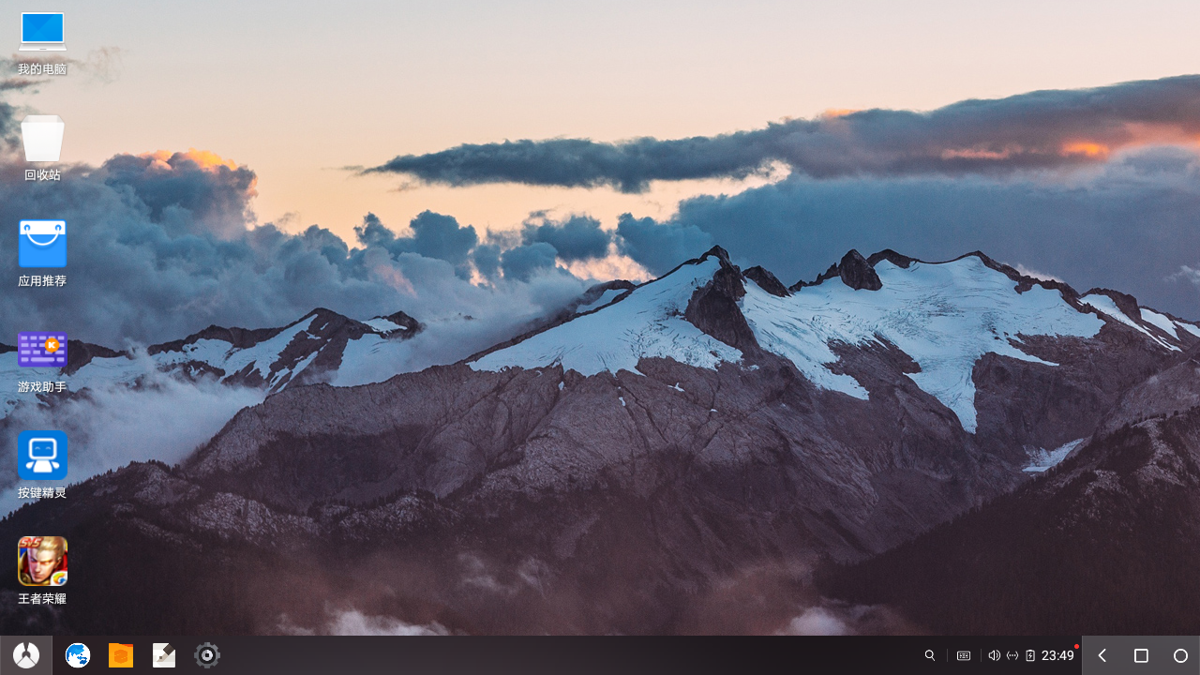
Notification bar
Has a bit of that imitating-Win10-Notification-Center vibe.
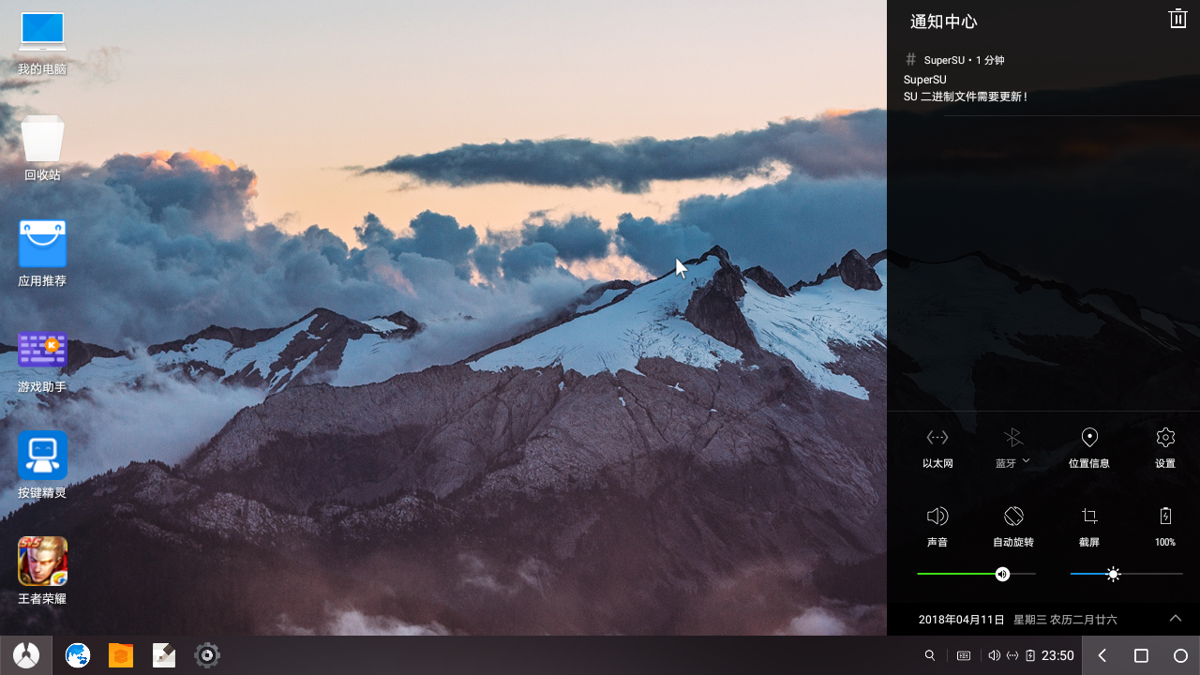
Settings screen
PhoenixOS rewrote Android's native Settings, but there's a toggle button in the upper-right corner of the settings screen. I won't screenshot it, though, because the native settings interface is really kind of ugly.
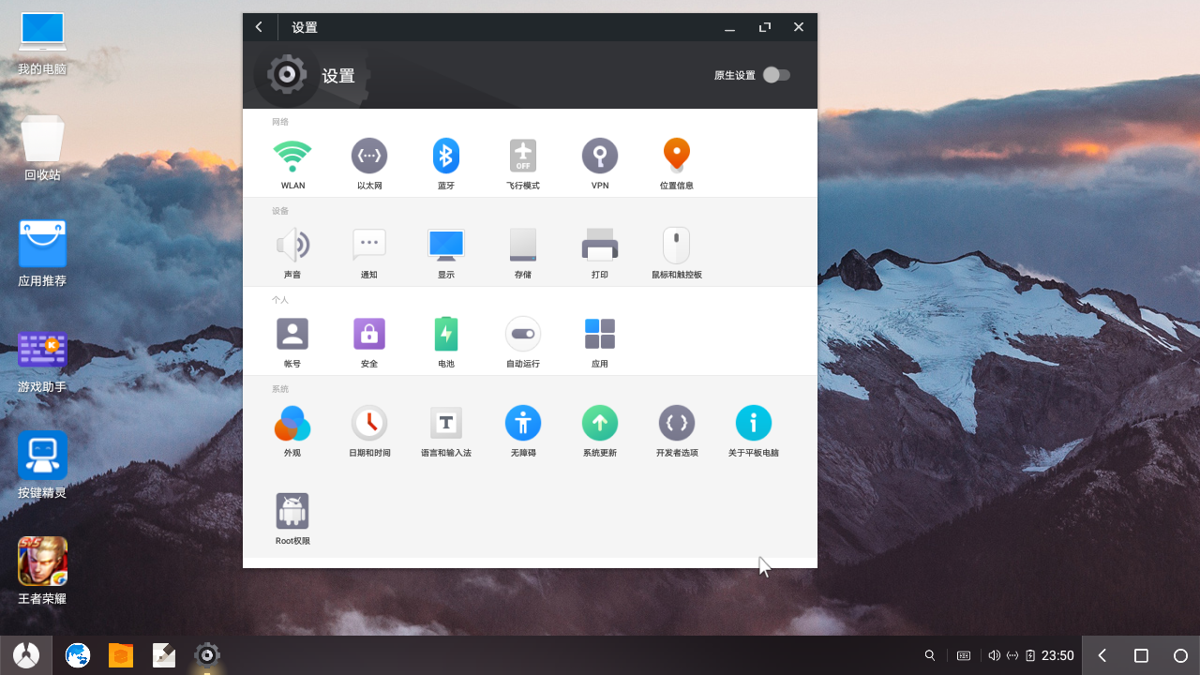
Game Assistant
Playing games is probably one of PhoenixOS's major features. Compared with a whole bunch of Android emulators, this native system should have more of an advantage when gaming on a PC.
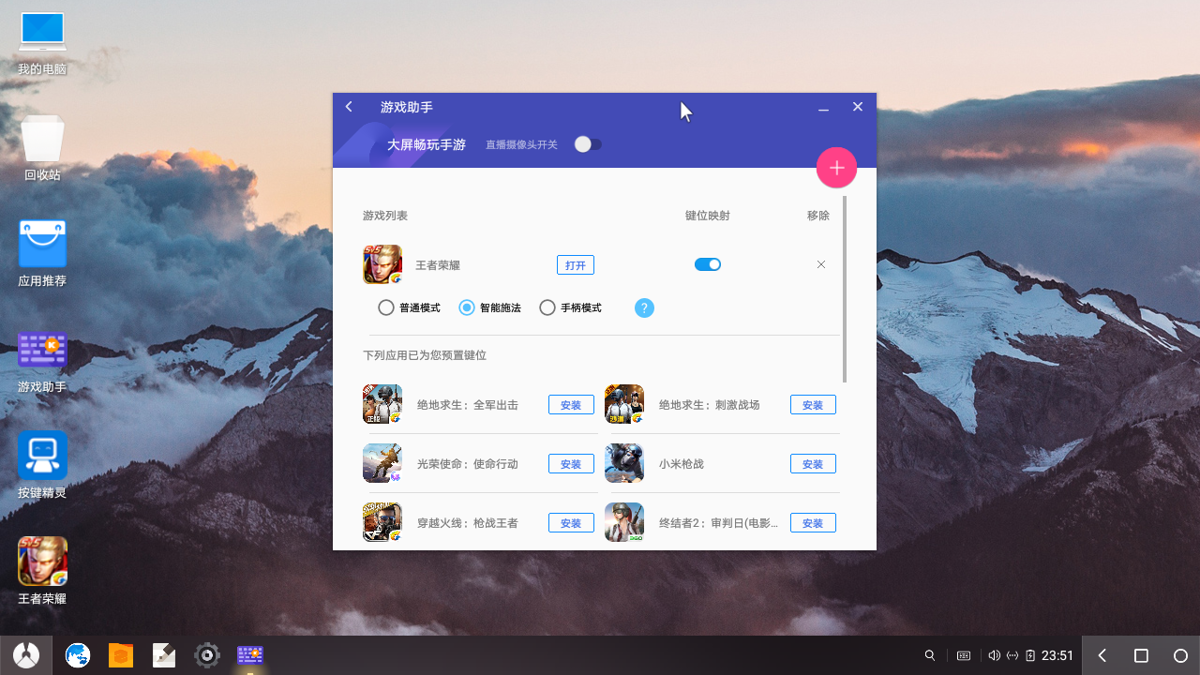
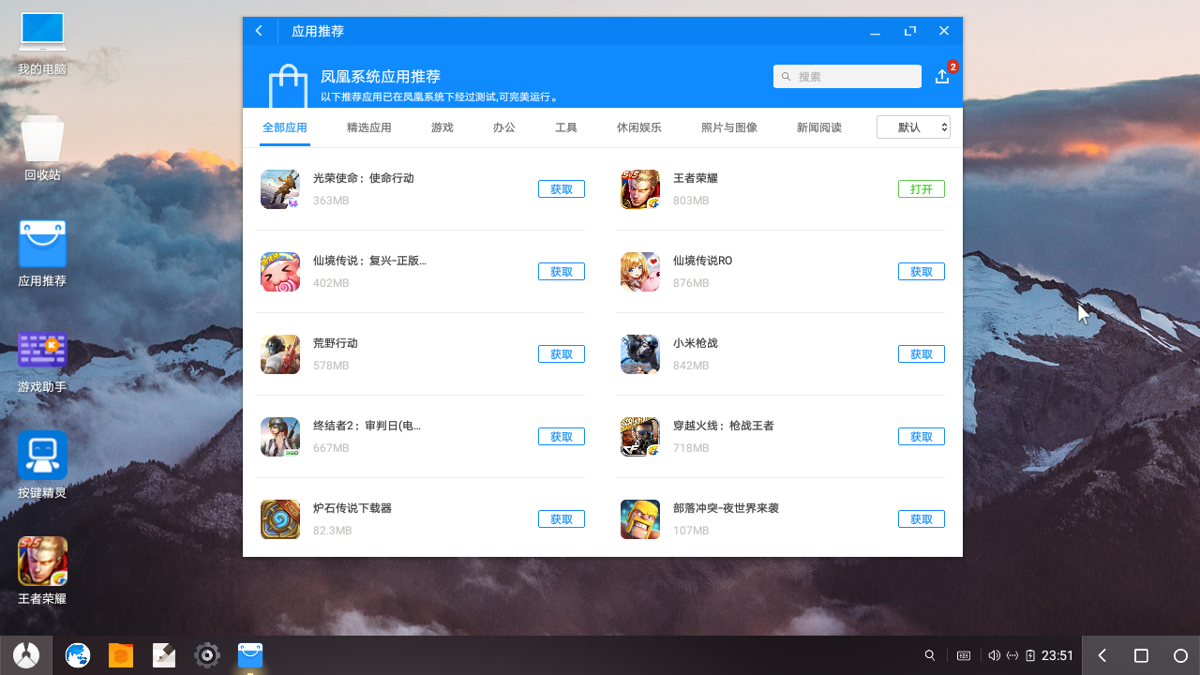
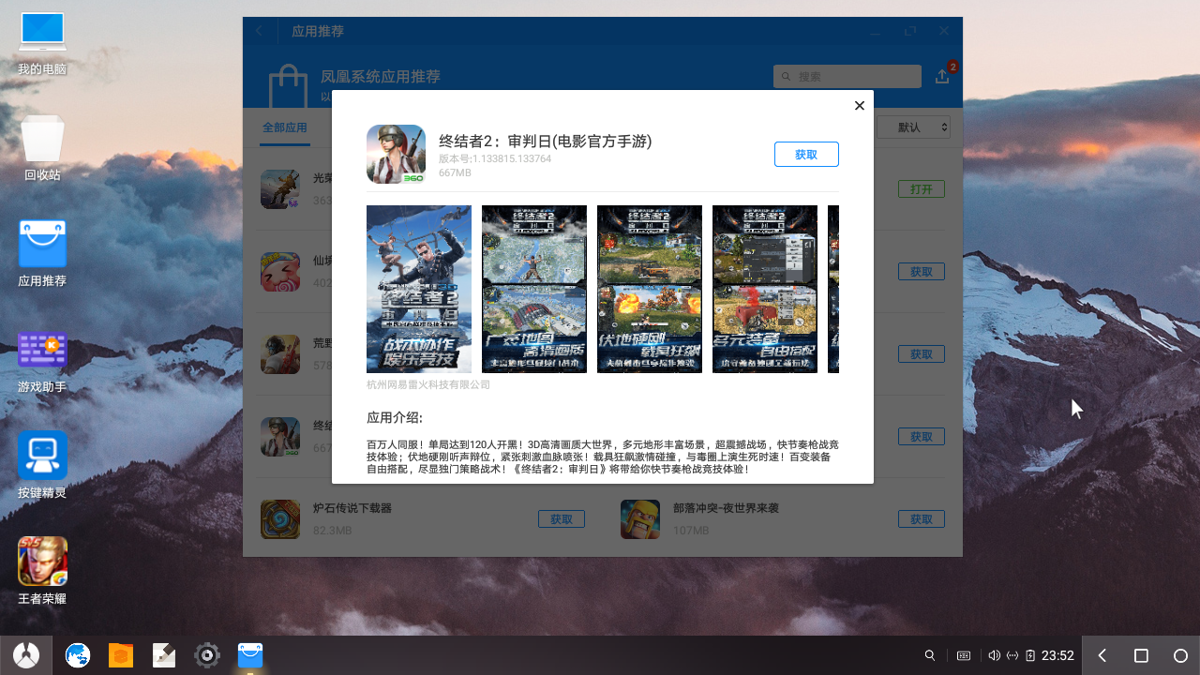
App Center
Not much to say—the various Android emulators in China all have this too, making it convenient to install apps and games.
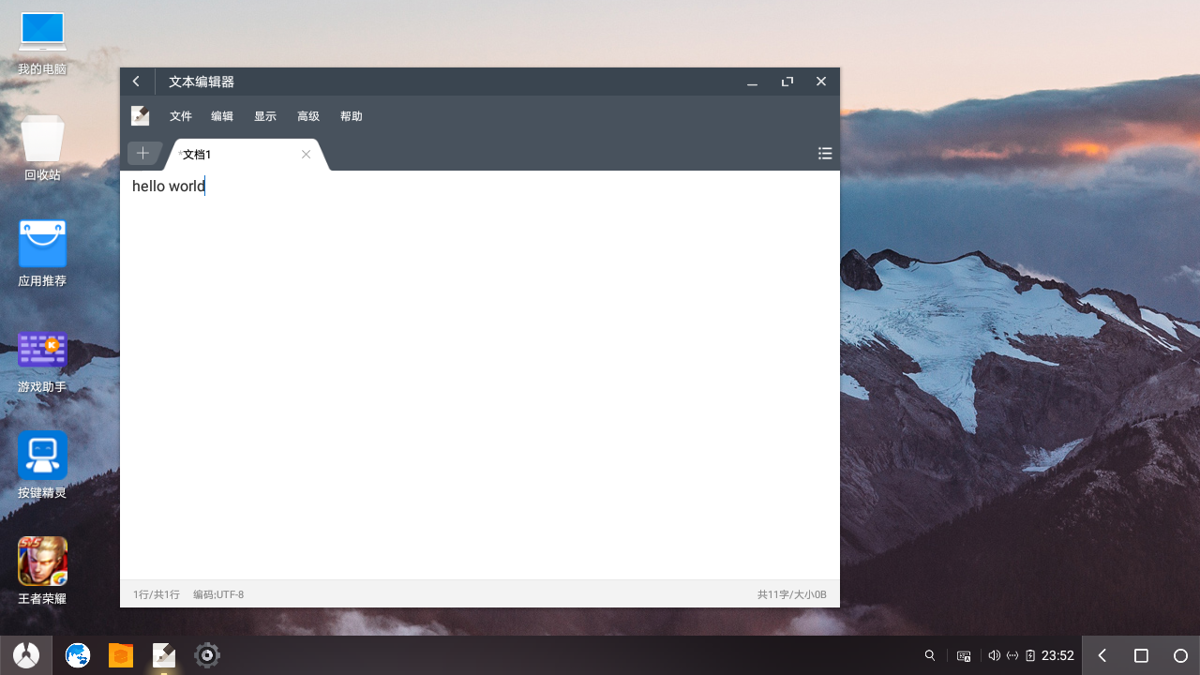
Built-in text editor
The interface is well designed and fits computer users' operating habits well. Personally it feels a bit like 超卓编辑器.
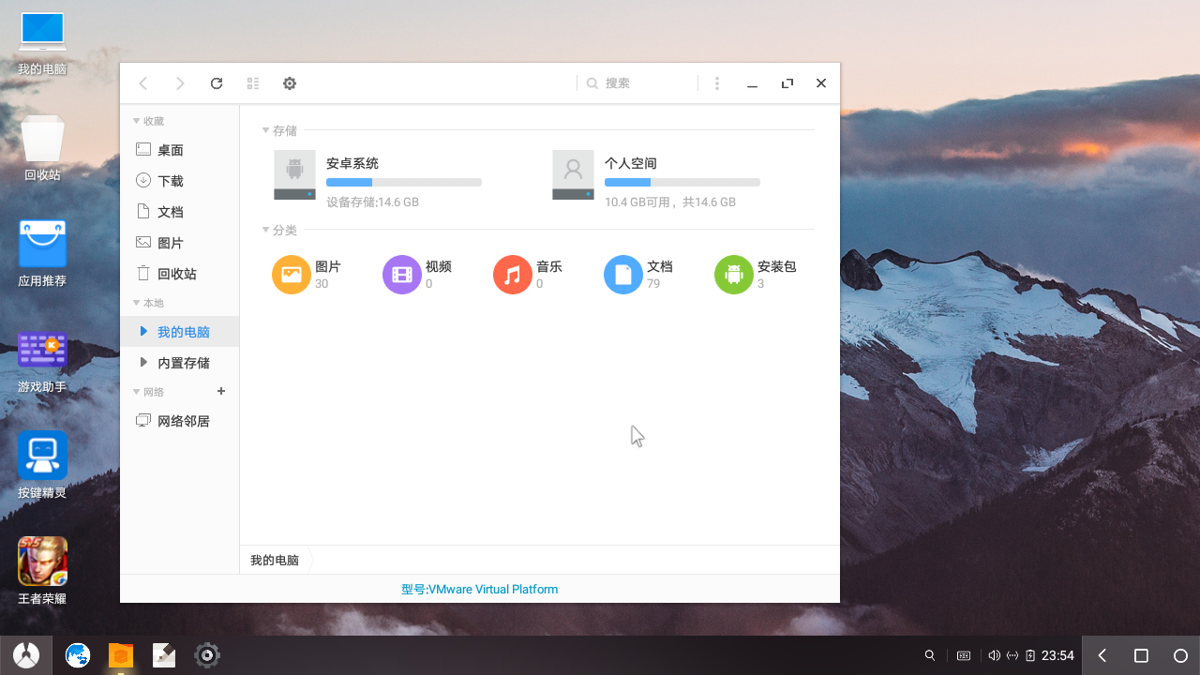
File manager
This one deserves a thumbs-up; the interface looks great. It's somewhat similar to the file managers on ordinary Linux distros. I think this one is closer to Gnome's file manager.
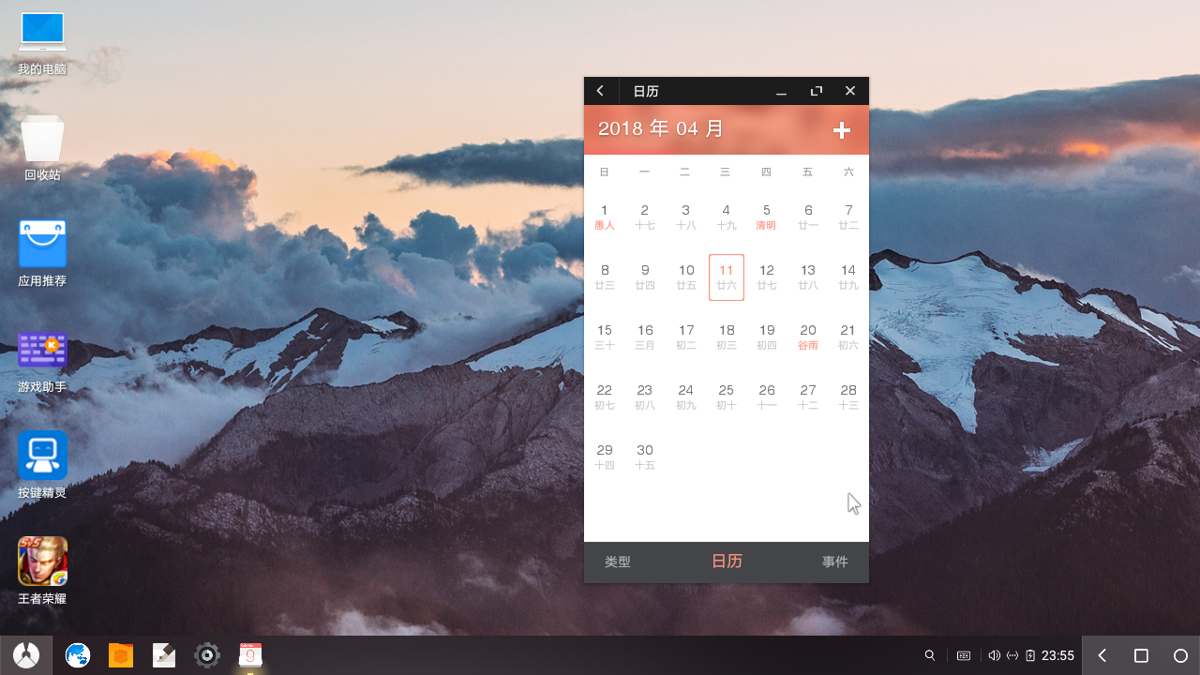
Calendar
The display is relatively small, and fullscreen seems to have a slight display issue. Not much to comment on.
App split-screen
Similar to desktop systems like Windows: drag a window to the left or right edge to split the screen. Very comfortable.
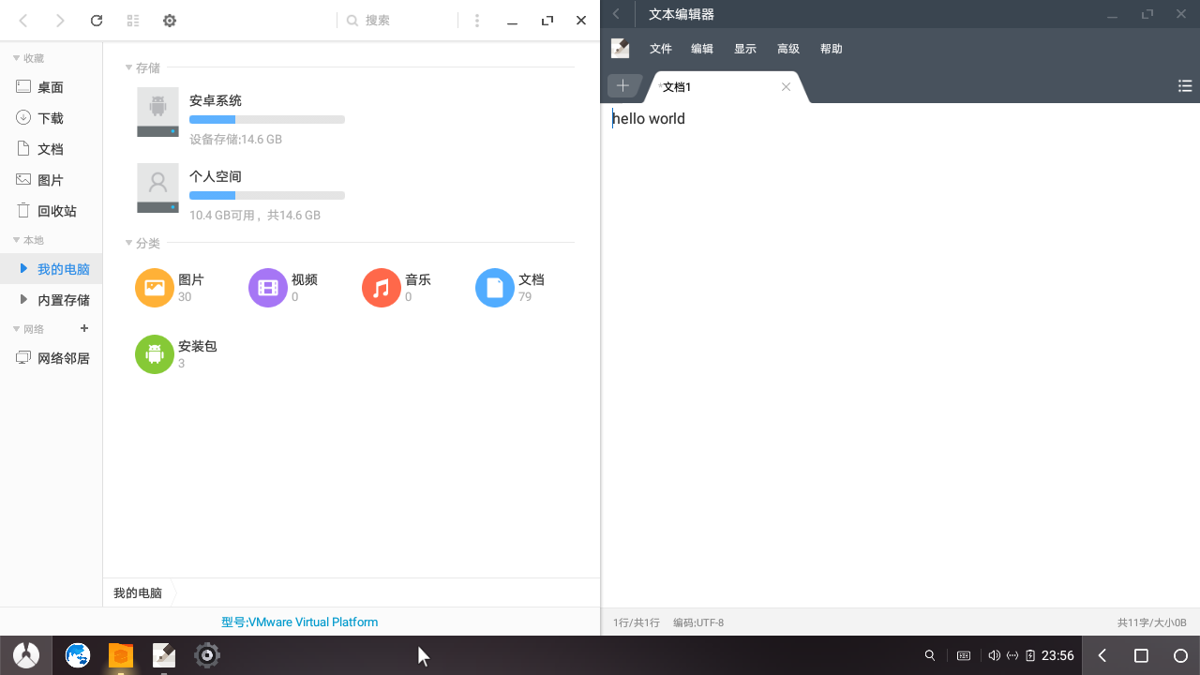
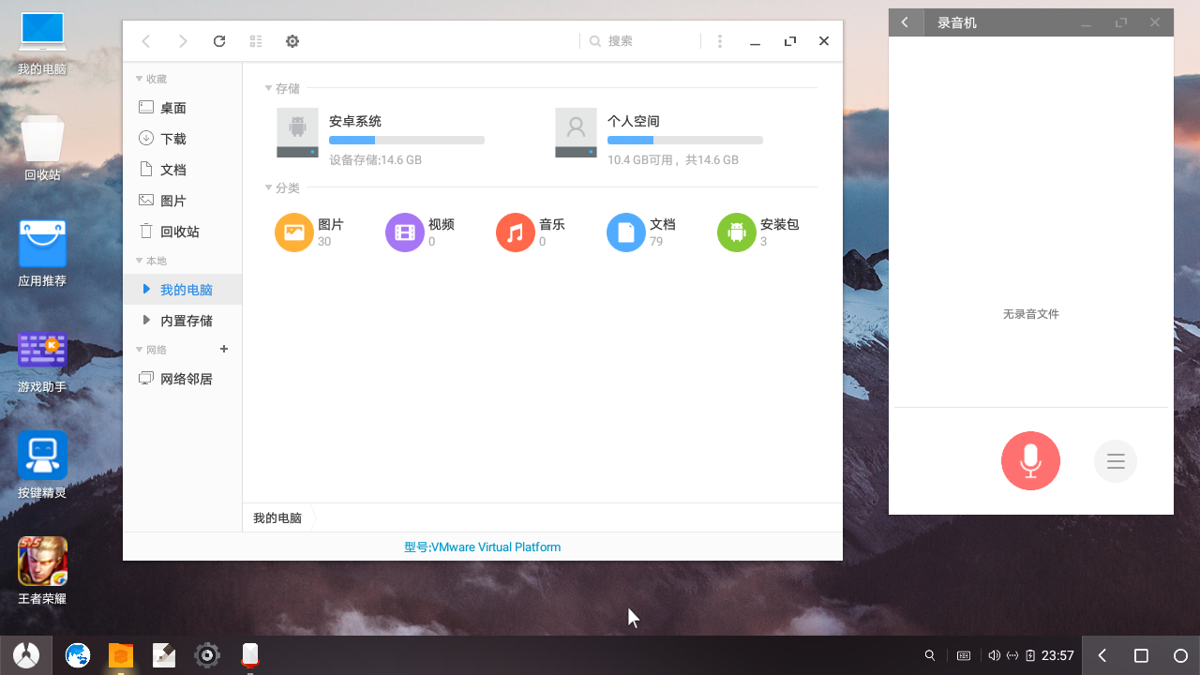
Multi-window mode
You can treat PhoenixOS as a desktop system; switching among multiple windows is no problem at all.
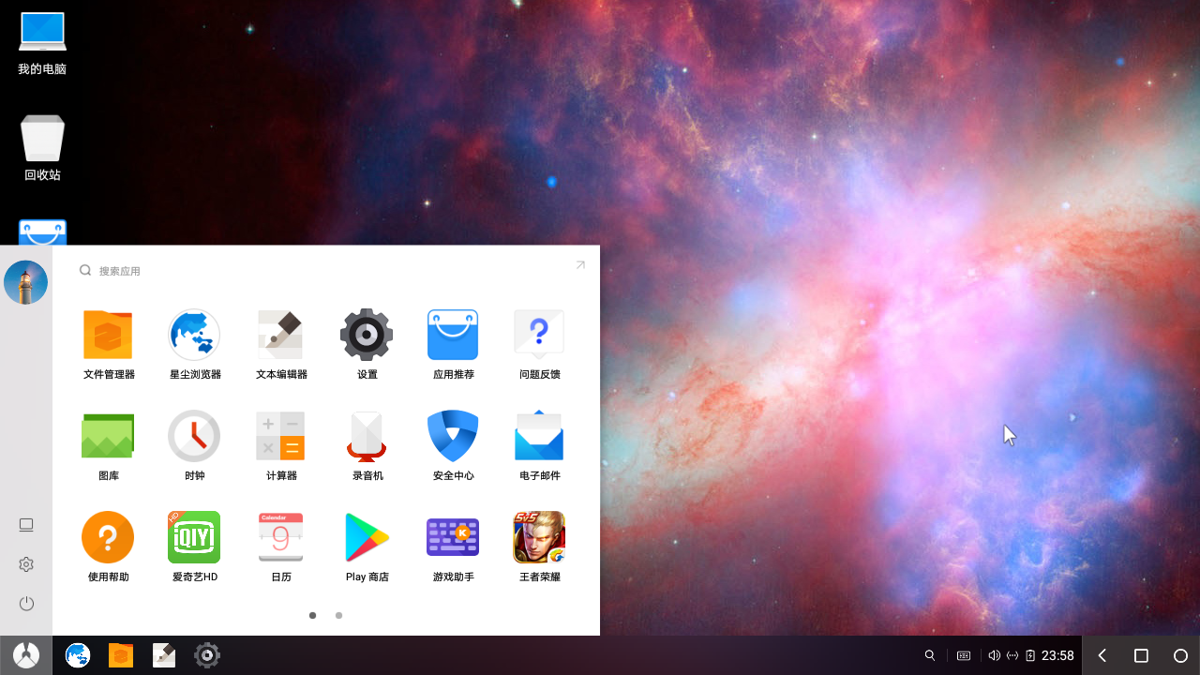
Menu/drawer
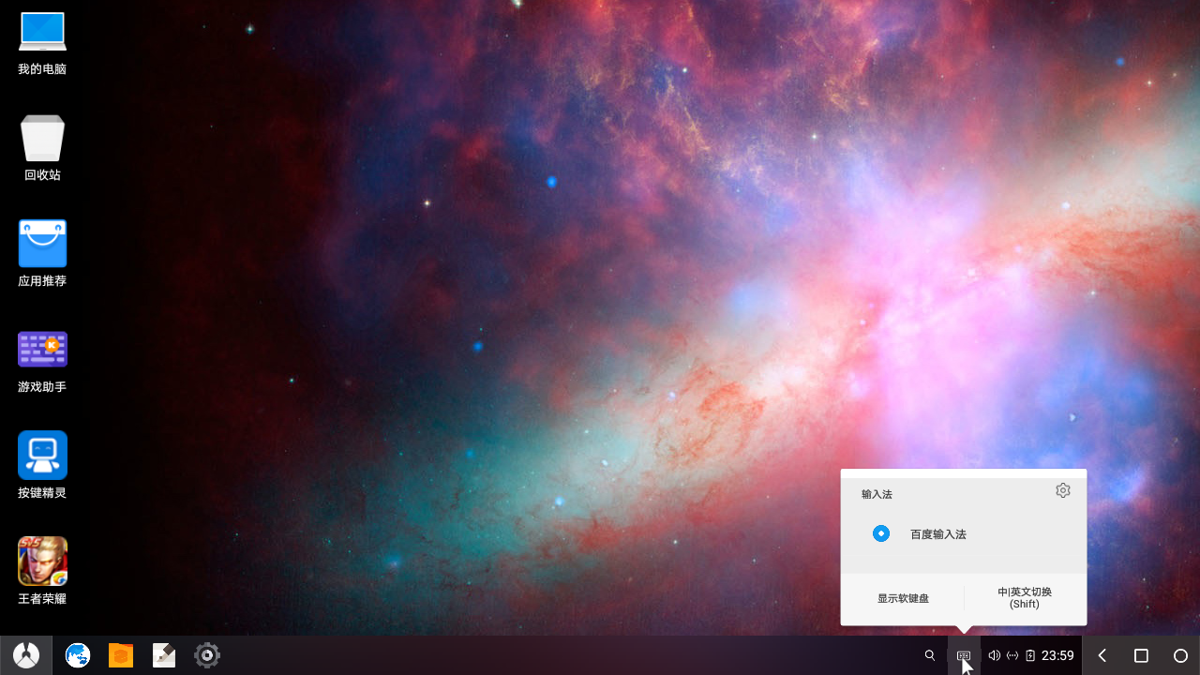
Input method switching
Very much like Windows and Linux; switching input methods is convenient, though there probably aren't many input methods adapted for the keyboard.
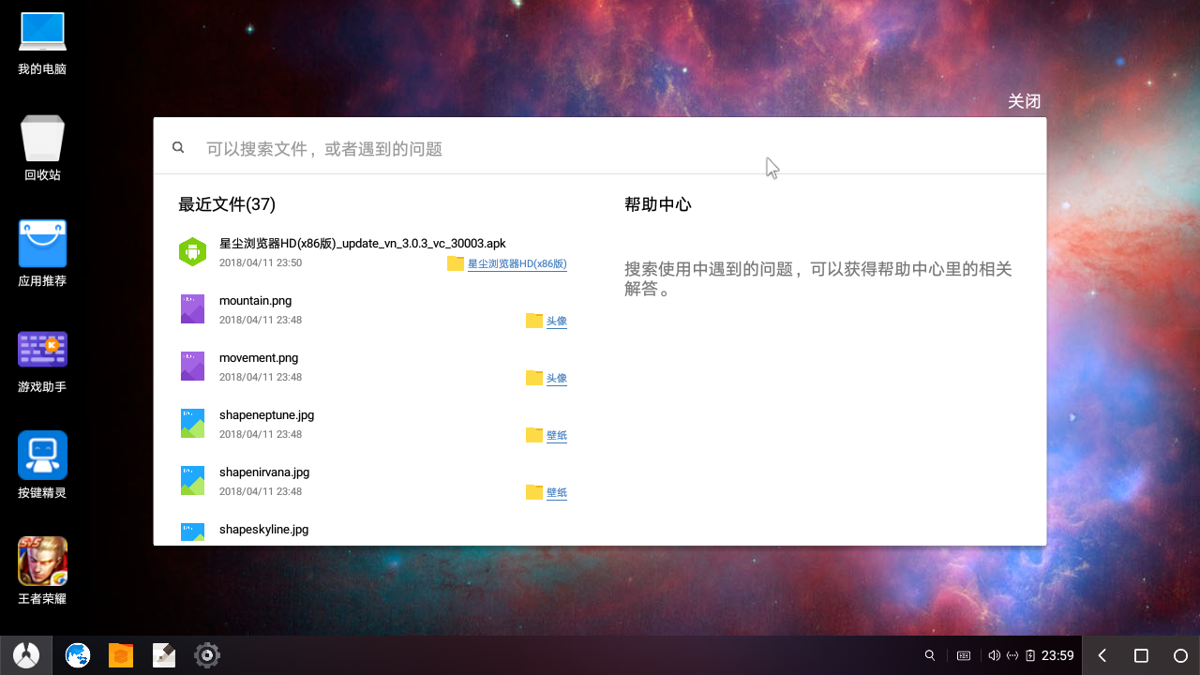
Help Center
The help center even has a search function. Nice.
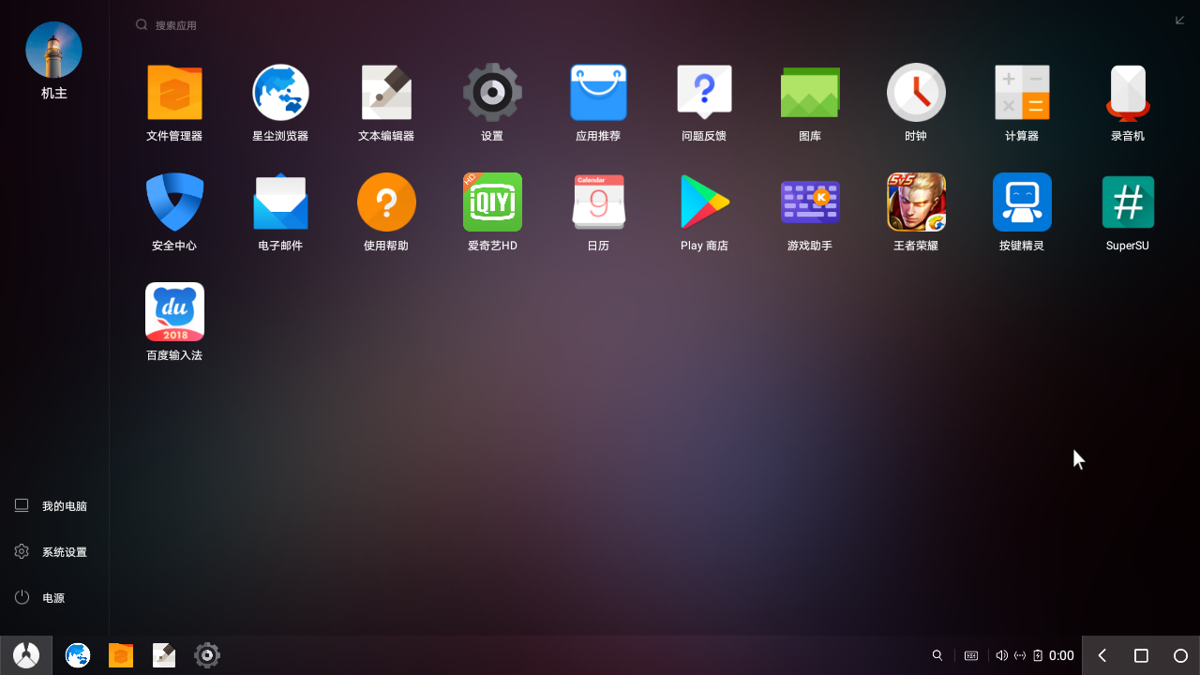
Menu/drawer after going fullscreen
The frosted-glass effect looks pretty nice
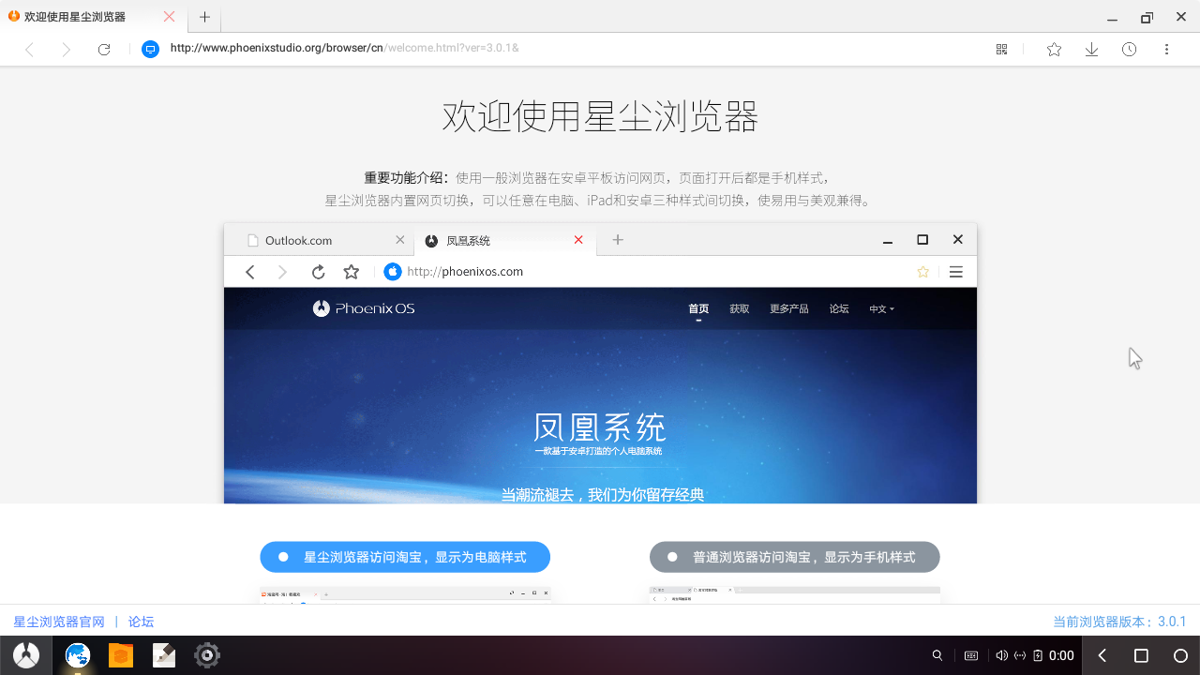
Built-in browser
This browser is quite good. They clearly put real work into optimizing it for computer use, so using it feels close to a desktop system. There are still some small shortcomings, but since this is only a brief look, I won't analyze them in depth.
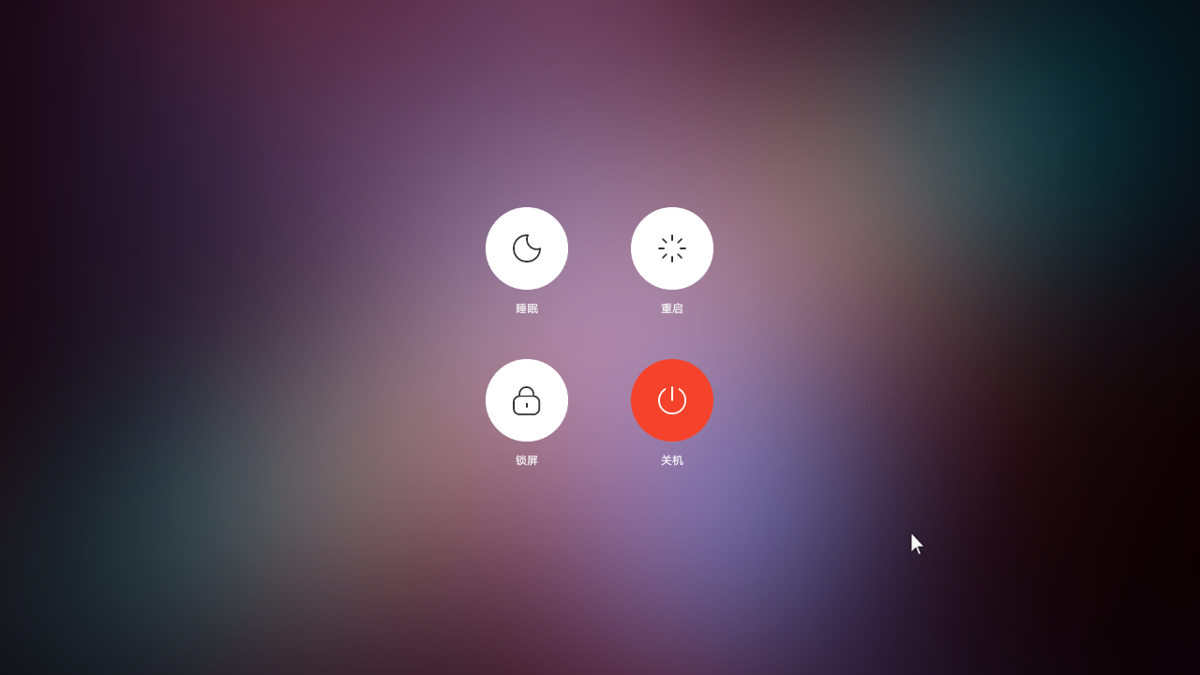
Finally, the power menu
Feels similar to MIUI. The background still uses the frosted-glass effect. Nice.
About

For more interesting tips, follow my WeChat official account: DealiAxy Every article is also collected on my blog: blog.deali.cn
_EOF_
Android on PC — A Brief Look at PhoenixOS
- 本文作者:
- 程序设计实验室
- 版权声明:
- 本博客所有文章除特别声明外,均采用 BY-NC-SA 许可协议。转载请注明出处!
相关文章
在Android模拟器里取得root权限
前言 android 开发过程中程序很多时候免不了需要对系统目录下的内容进行操作,虽然android的内核是linux系统,但是在linux中切换到root下的方式是sudo root,但是在的android中并没有提供我们su文件。 So我们要向需要root的系统中添加su文件,同时改变su二进制文件的权限。 操作步骤 步骤一 将需要root的模拟器运行起来 步骤二 在有 supersu.apk
2022-06-17 · Android · 约 1 分钟
Android-x86-7-1-稳定版初体验
前言 最近Android x86发布了7.1的稳定版本,作为一名~~伪极客~~,自然是要安装体验一下。 关于在电脑上可以用的Android系统,可能大部分人了解的都是 Remix OS 和 Phoenix OS 这两个。不过这两个也是基于Android x86的nightly版本构建的,还是原版的才原汁原味呐。 这里不得不吐槽一下,这个Android x86项目的官网真是简陋,只有这么一个捐赠的海
2021-12-18 · Android · 约 1 分钟
一加3升级Android9-0的刷机折腾之路
前言 你能想象一个16年发布的手机,到现在三年了,从一开始的Android6.0到现在的Android9.0吗?这系统更新的周期,可以说是比较良心了~ 不过这次升级Android9.0 虽然说是官方给出的ROM包,不过还是有一些小坑的,折腾了一个下午和晚上才最终装上去,也可能是我太久没有刷机了,生疏了不少吧。 先放截图 系统镜像下载 首先去官方通道下载镜像: 官方的Android9.0现在出到第二
2021-12-18 · Android · 约 1 分钟
如何查看安卓模拟器的ADB端口号?
找到模拟器的进程 用tasklist查看进程pid tasklist 找到模拟器进程的PID,然后再使用netstat命令。 netstat -ano | findstr 1000 这里的 1000 就是上面查到的进程PID。 根据获取到的端口号,就可以使用 ADB 连接了。 adb connect 127.0.0.1:端口号 当然最好的方法还是去模拟器提供商的网站上查一下,这是最方便的。 例如我
2021-12-18 · Android · 约 1 分钟
讨论
共 0 条加载评论中…