

A Portable Monitor with a Laptop Is More Useful Than I Expected: aigo 14 Unboxing
Add a portable monitor to a laptop and it instantly becomes dual-screen? This combo is pretty interesting. aigo's 14-inch screen is portable enough, but the stand and speakers are a bit lacking. If you can live with the small flaws, the value is about what you'd expect.
目录14 个章节
Introduction
I've found that portable monitors are a perfect match for laptops
Using just a laptop's single screen feels too awkward
Add a portable monitor over the laptop keyboard, and it's like having a foldable-screen laptop 😄
The ways you can use it get a lot more interesting: as a preview while editing video, to test results while coding, to look up guides while gaming…
That said, I started looking at portable monitors back in October this year and came up with the following buying criteria:
- On a screen this small, you can barely tell 1080p, 2K, and 4K apart, so 1080p is fine for resolution
- Anything too big is out. A portable monitor has to be portable—if it doesn't even fit in a backpack, what's portable about it? So 16-inch is a pass
- Considering the laptop sizes I use most (Jige 14x, MacBook Air 15-inch), I went with 14-inch so it would work with both
- For brightness, it has to be 350 nits or more, otherwise you can't see anything once the lighting gets bright
- Refresh rate doesn't really matter—I'm not using it for gaming, 60 Hz is enough
That narrowed the field a lot.
There are plenty of portable monitors on the market, but most are no-name brands. I picked a few that looked decent. aigo and Sculptor both have a three-year warranty, which seemed a bit more trustworthy.
In the end, following a recommendation from some Bilibili rec video, I bought the aigo 14 for 276 yuan—pretty high value for money.
Looking at the price now (2025-11-19), it's already 300 yuan 🤣
This article is a self-funded purchase, not a sponsored post!
Specs
- Resolution: 1920*1200
- Refresh rate: 60Hz
- Panel: IPS
- Weight: 0.46kg
- Brightness: 400 nits
Packaging
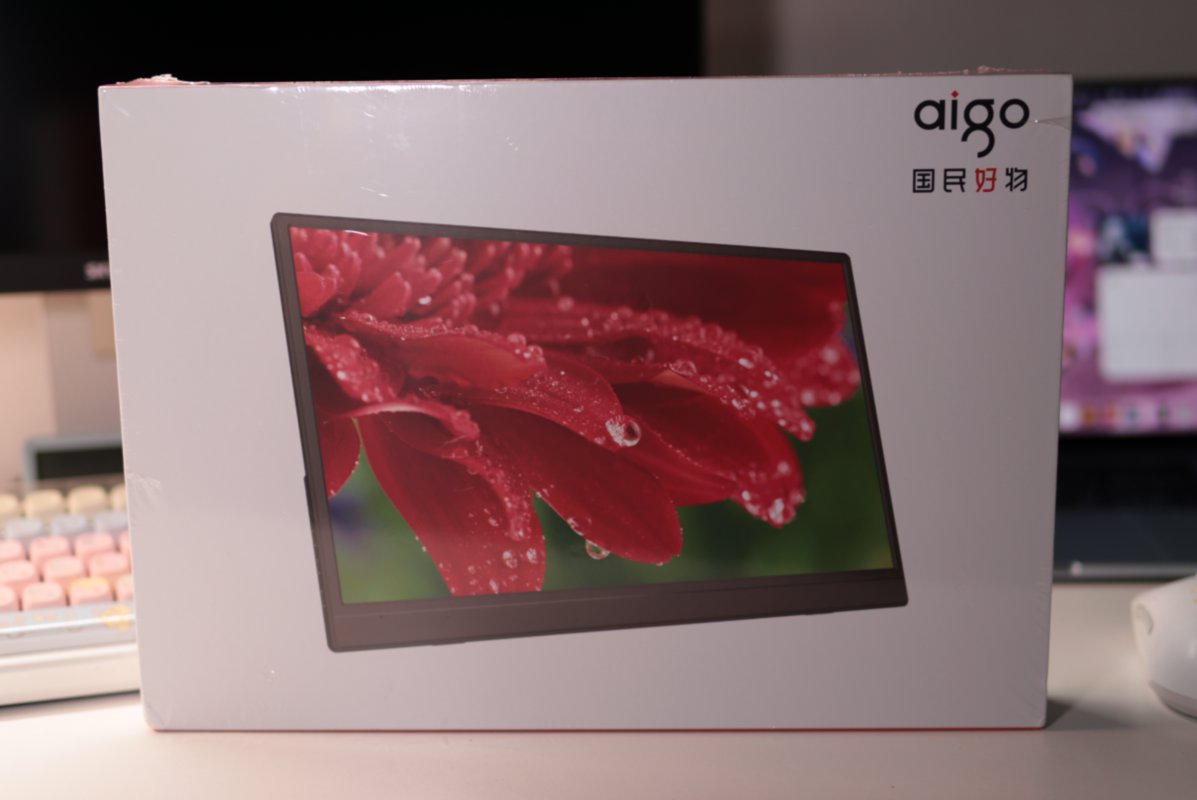
There's a layer of plastic wrap on the outside of the box
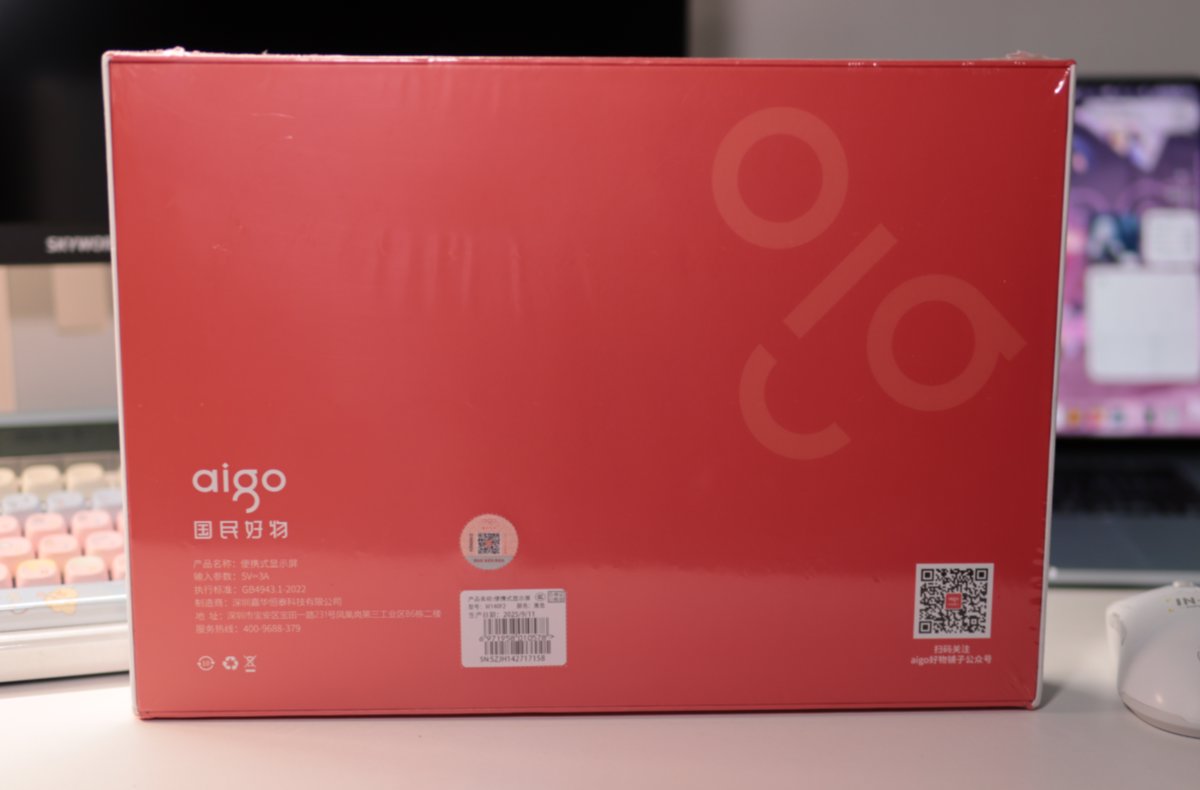
The back
The color scheme looks pretty nice—reminds me of a OnePlus phone I bought before
Laid flat
This slogan
Unboxing
Right when you open it, there's the manual and a WeCom QR code card
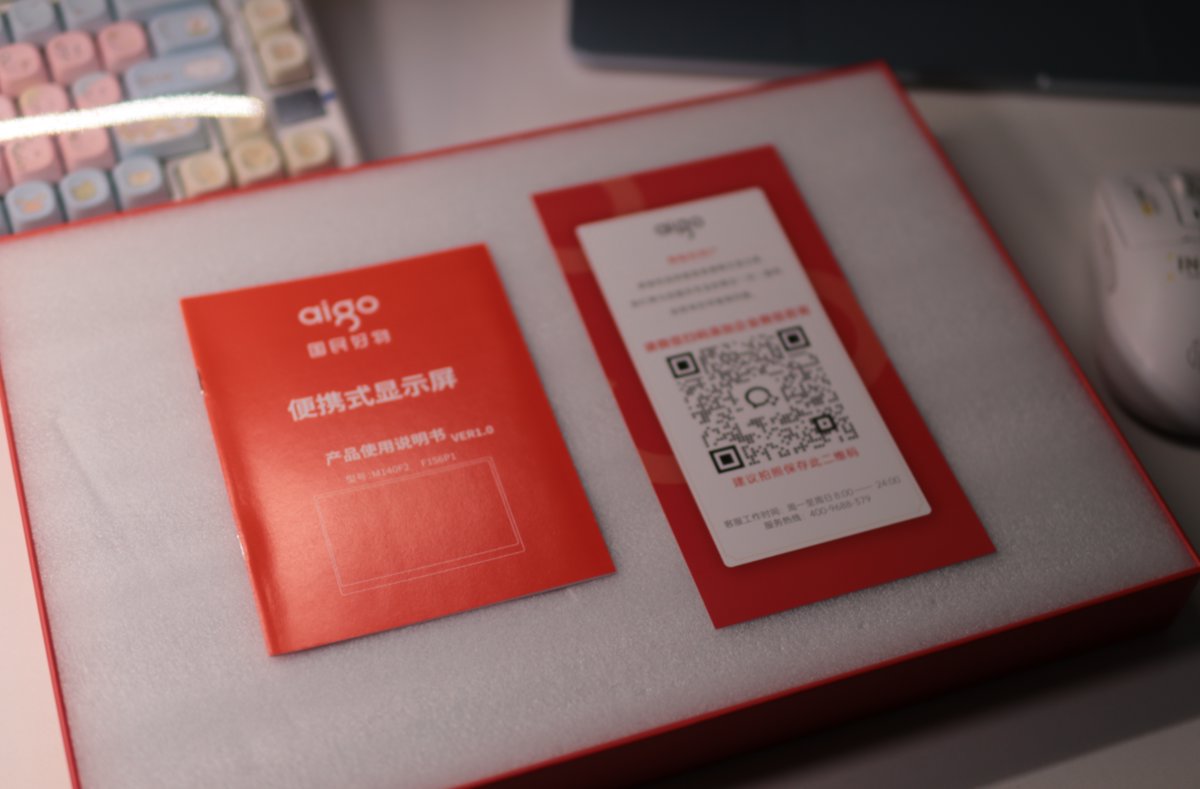
The packaging protection is pretty decent
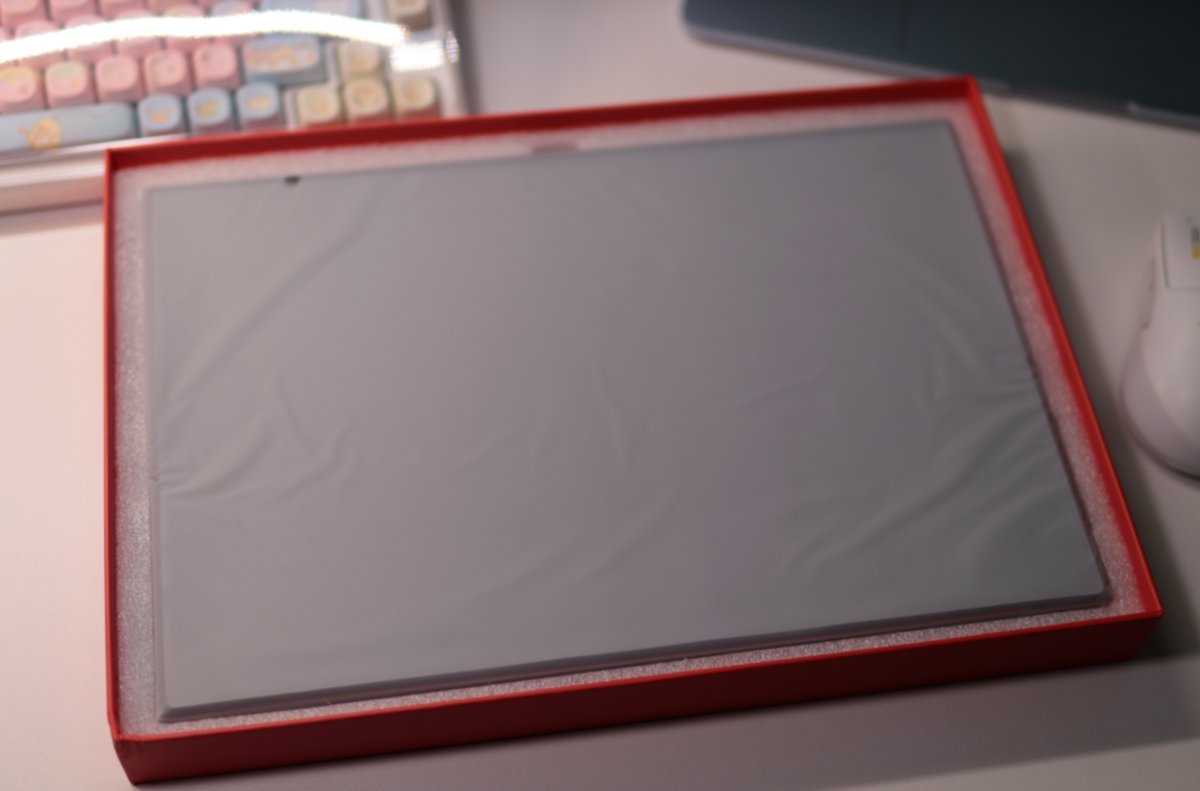
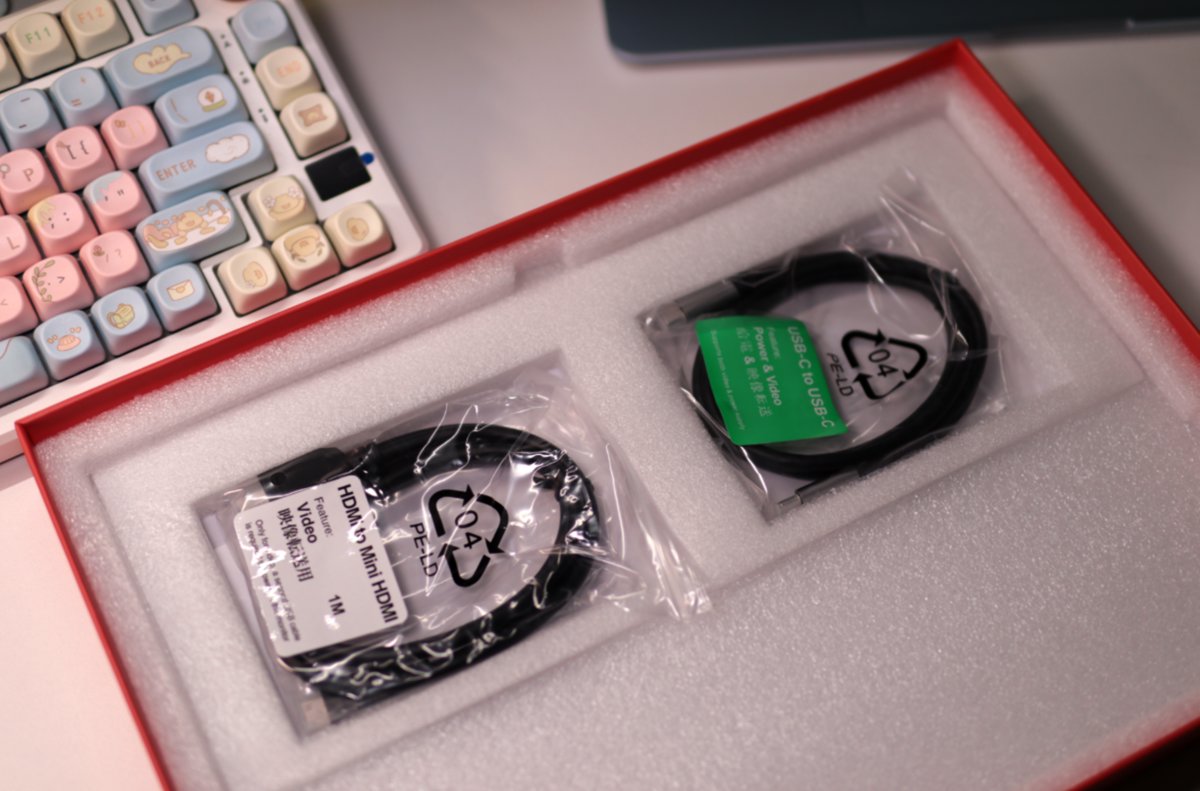
Accessories
It comes with two cables
One HDMI to mini HDMI
And one Type-C cable
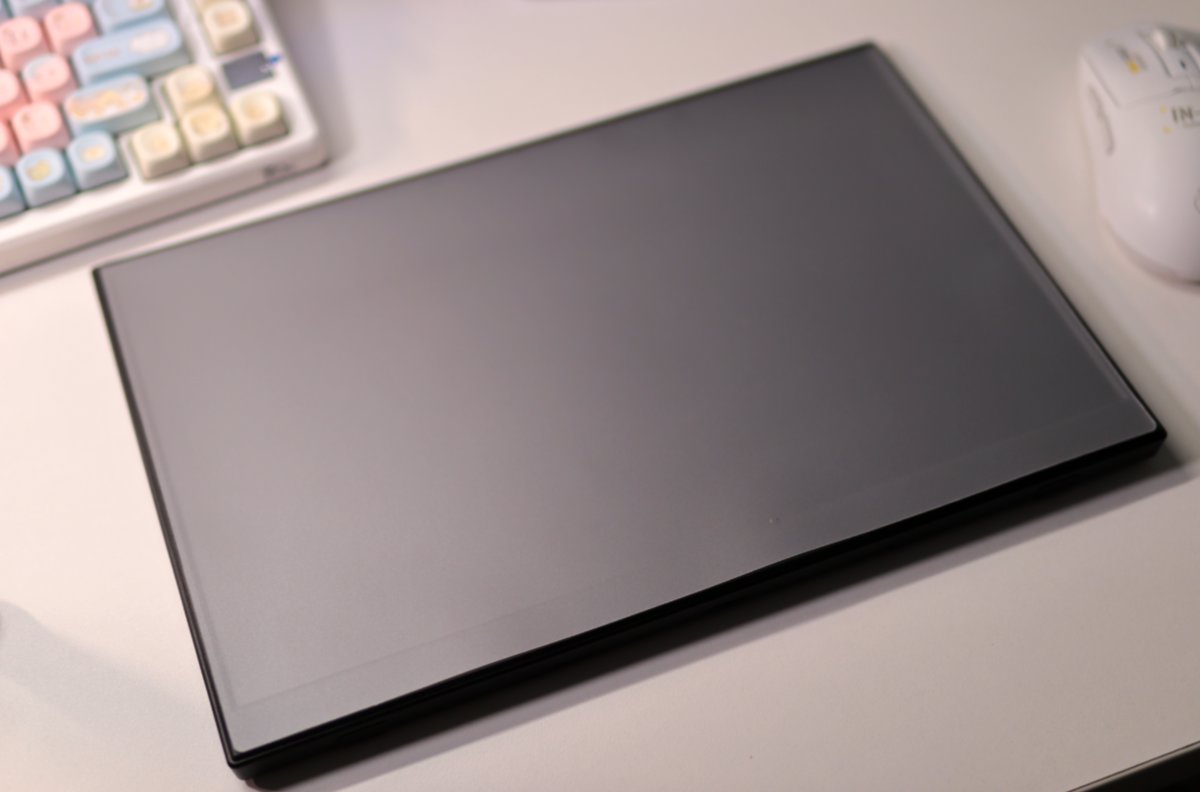
The Screen
There's a film of unclear purpose stuck on this portable monitor
The Stand
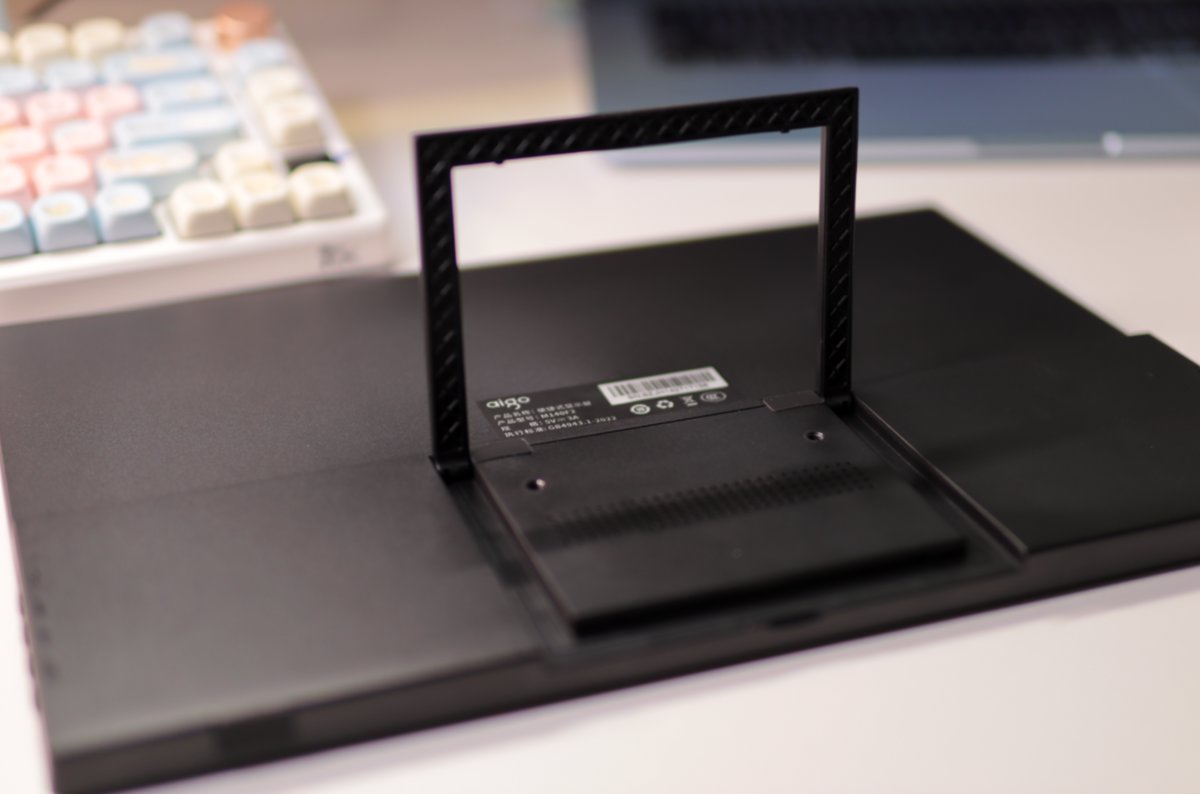
There's a stand on the back
But this stand isn't great to use—it's very flimsy, and you have to pry hard to open it. I was worried I'd accidentally snap it
The stand can open up to 90 degrees at most
Ports and Buttons
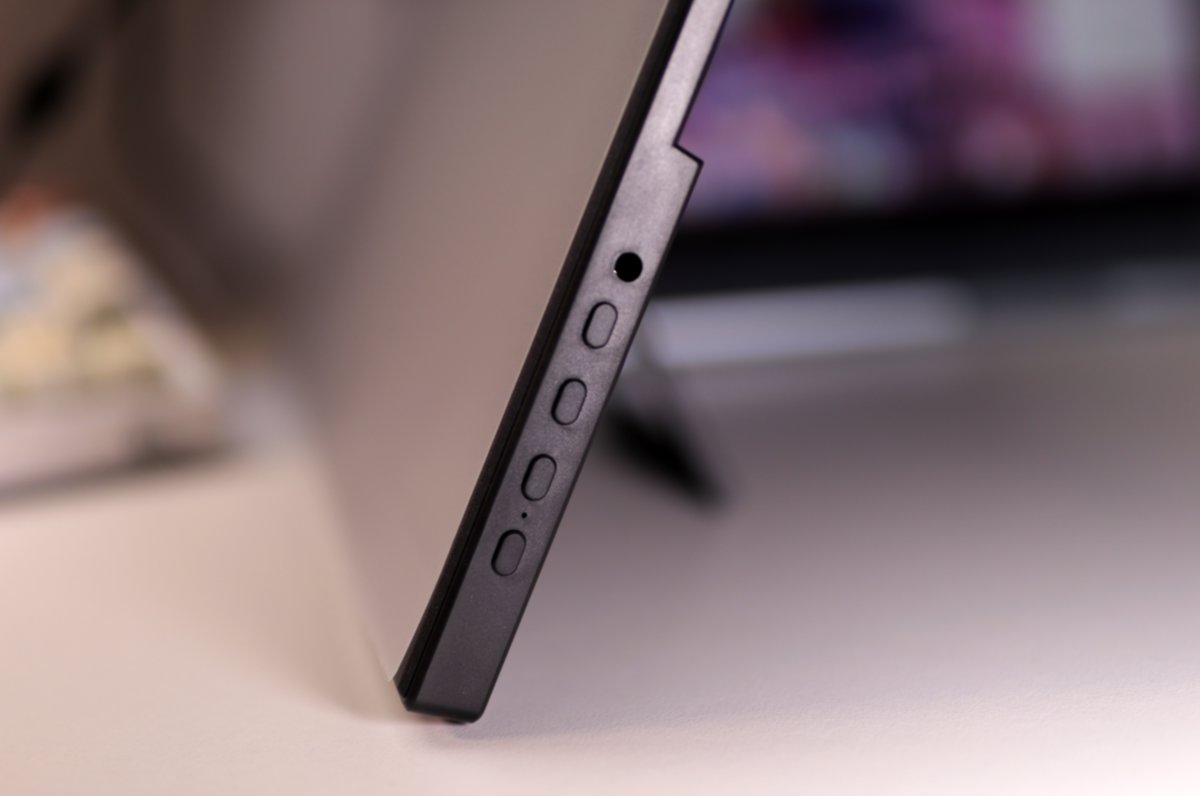
On the right side of the portable monitor are the buttons and the headphone jack
The plastic shell feels a bit off in quality and looks cheap
But it is very light
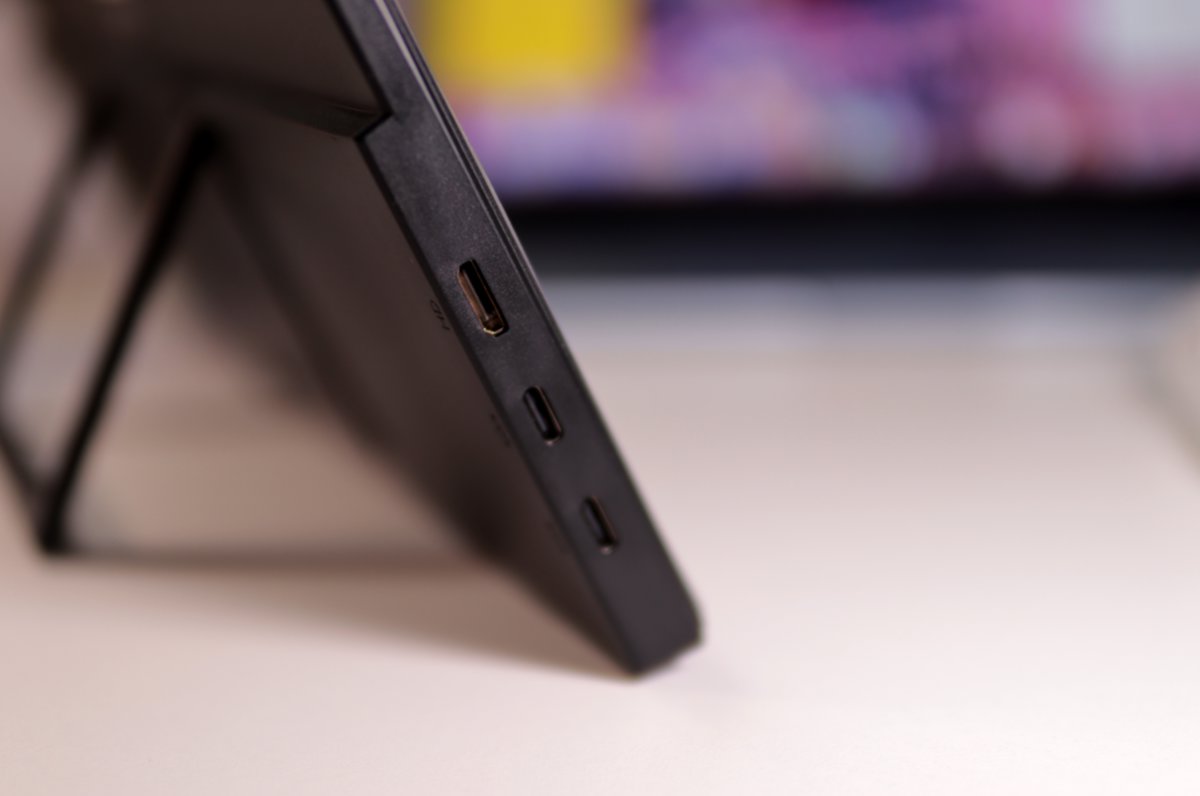
On the left are a mini HDMI and two Type-C ports
Real-world Use
This portable monitor supports Type-C single-cable connection, and the connecting experience is decent
MacBook
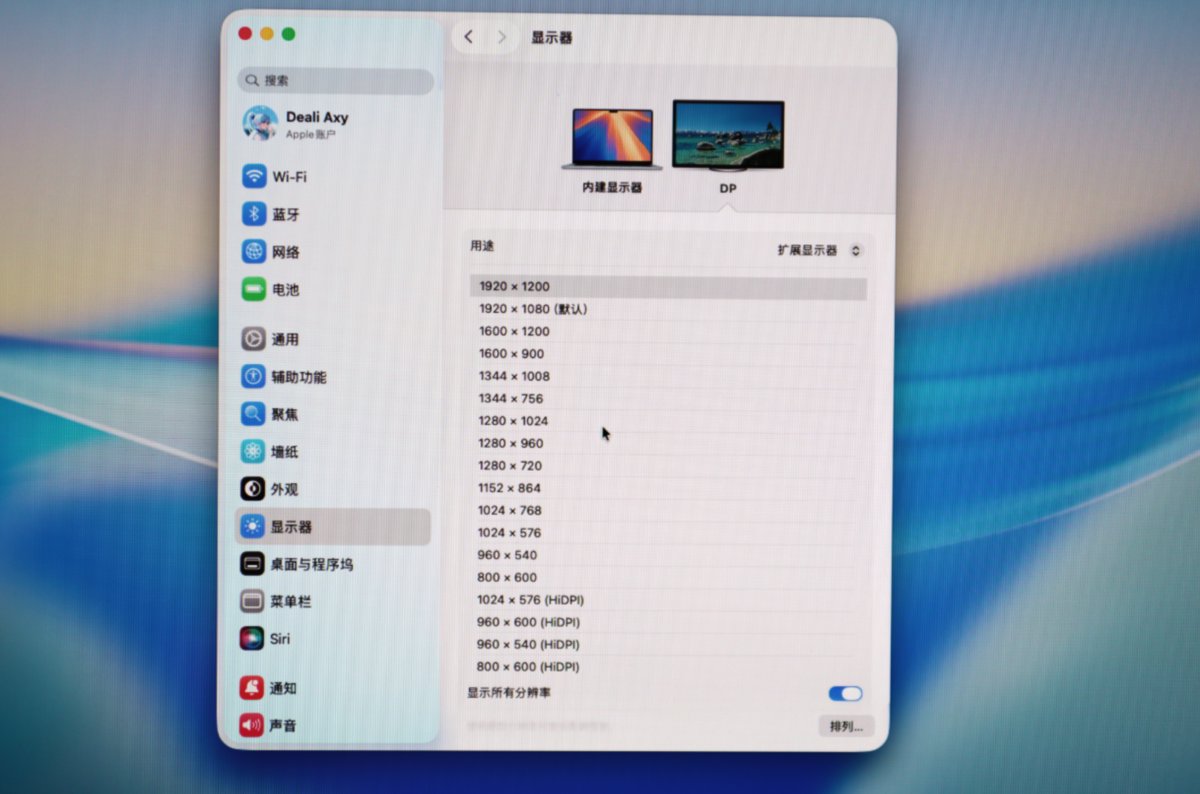
The MacBook couldn't automatically detect the aspect ratio. After connecting, it started at 1920x1080, and the image was stretched and distorted
The actual resolution of this display is 1920x1200
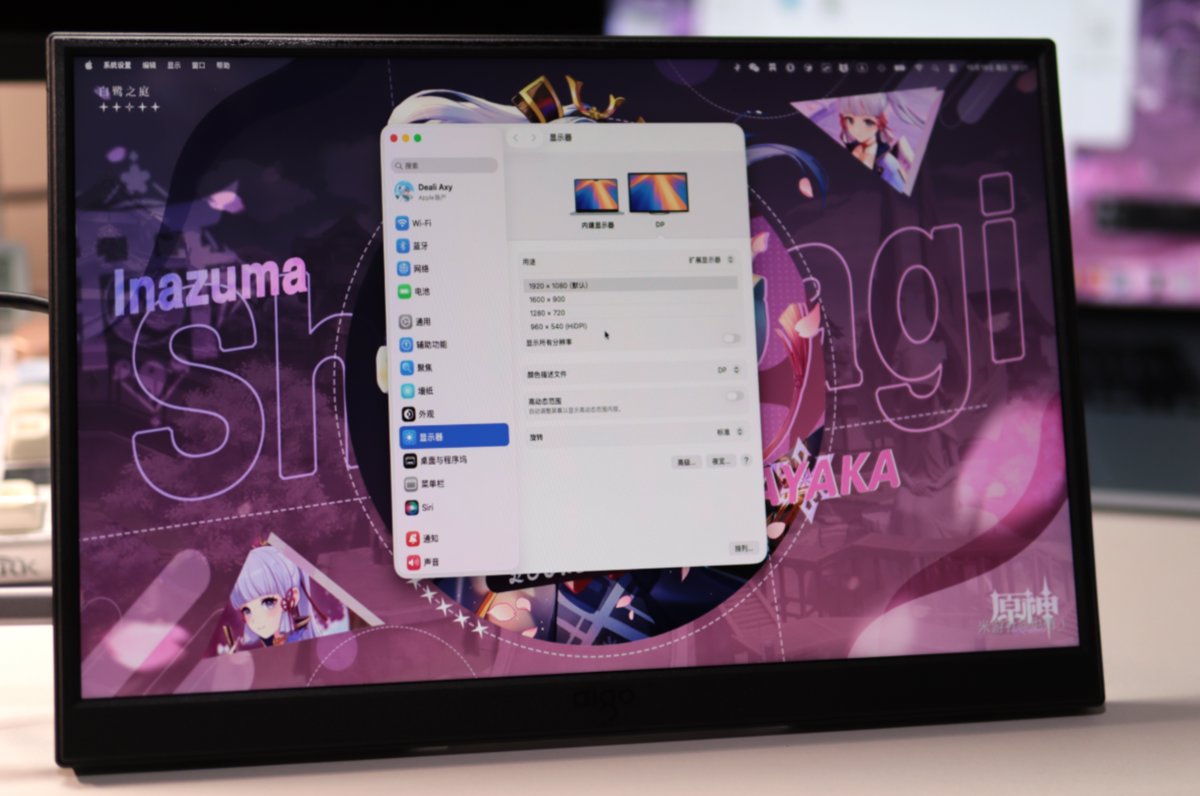
After I manually changed it to 1920x1200, it felt much better
But without choosing a HiDPI resolution, it still looks fairly blurry on a Mac
This portable monitor's best pairing is not a MacBook
For a Mac, I'd still recommend pairing it with a 4K display
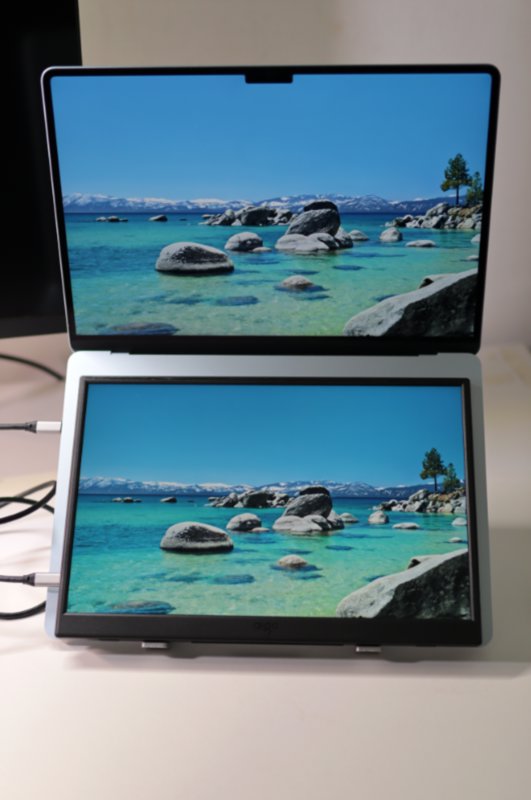
Let's look at the colors
I don't have professional testing gear, so I put the MacBook Air screen next to the portable monitor and took a photo
At least it looks pretty good
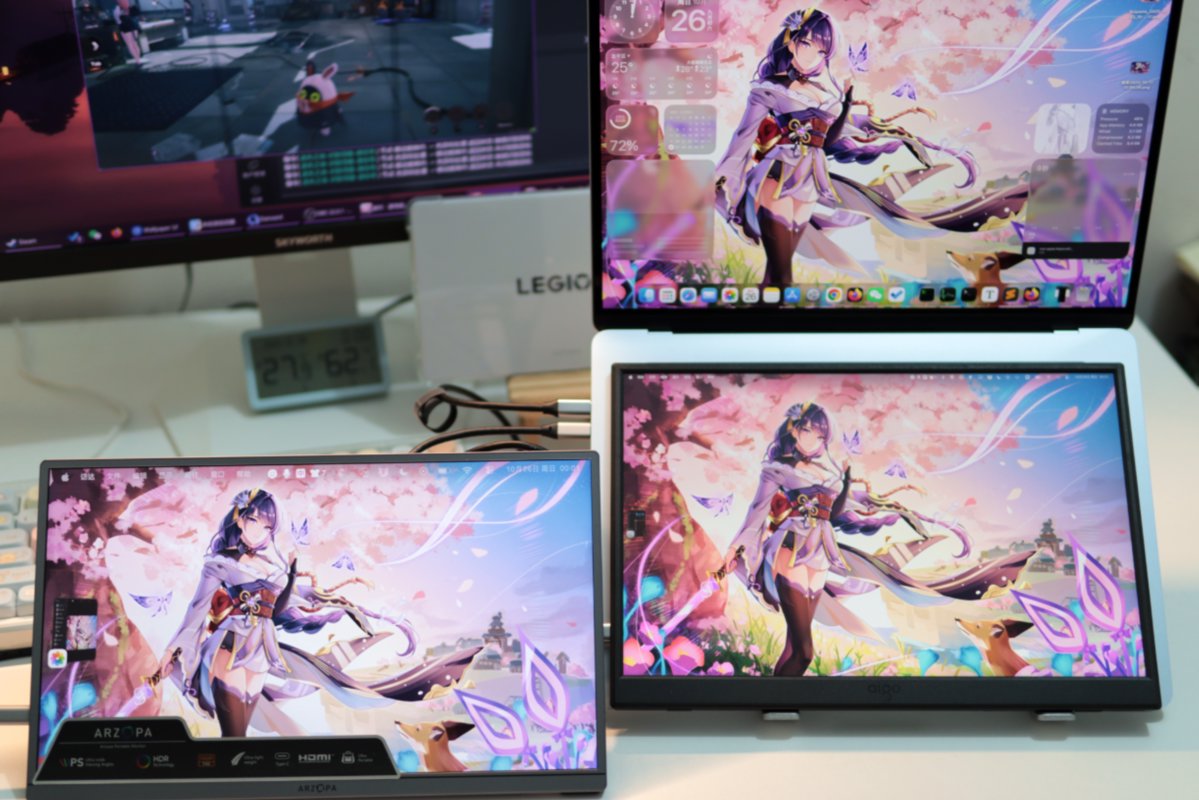
Here's another comparison
(The one at the bottom left is another portable monitor, unrelated to this article)
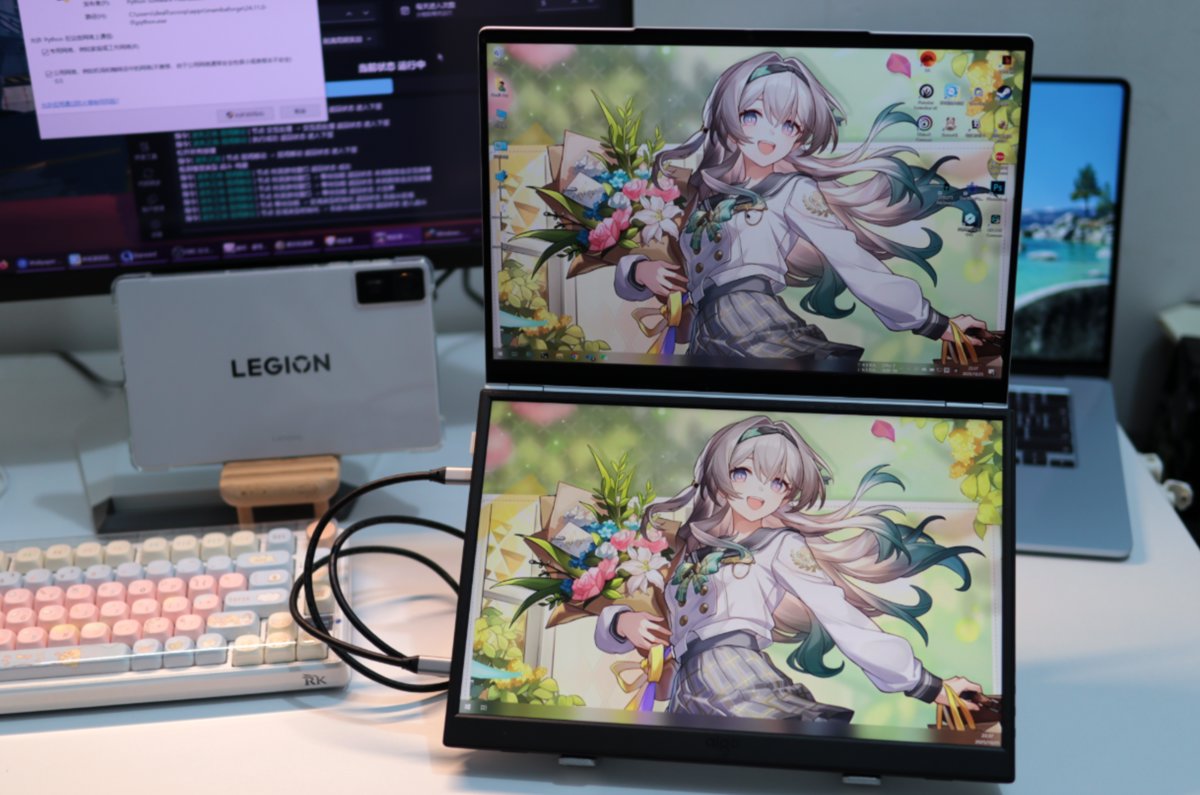
Paired with the Jige 14x
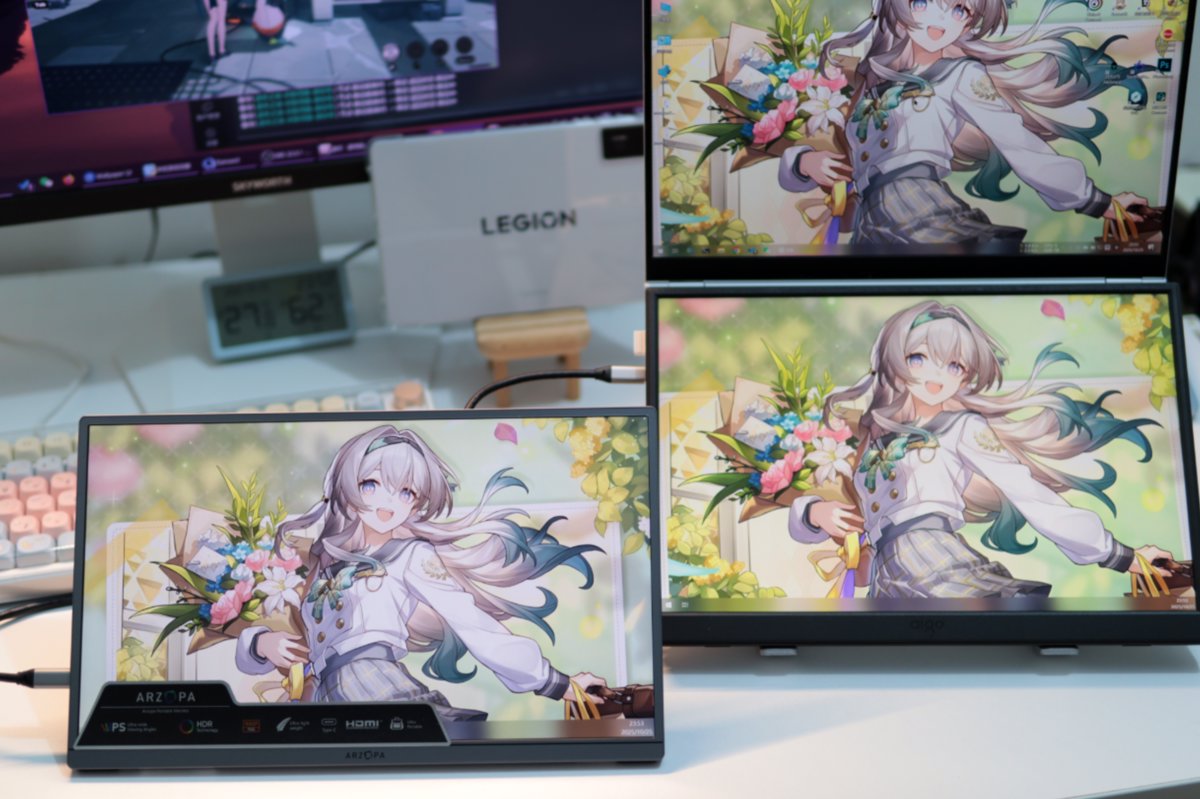
I have to say this portable monitor and the Jige 14x are a perfect match
They have the same 16:10 aspect ratio (except the Jige 14x's resolution is 2880x1800)
The size is just right too—both are 14 inches. Lay it over the keyboard, and it's like I have a dual-screen laptop 😄
Here's another comparison
(The one at the bottom left is another portable monitor, unrelated to this article)
Other Notes
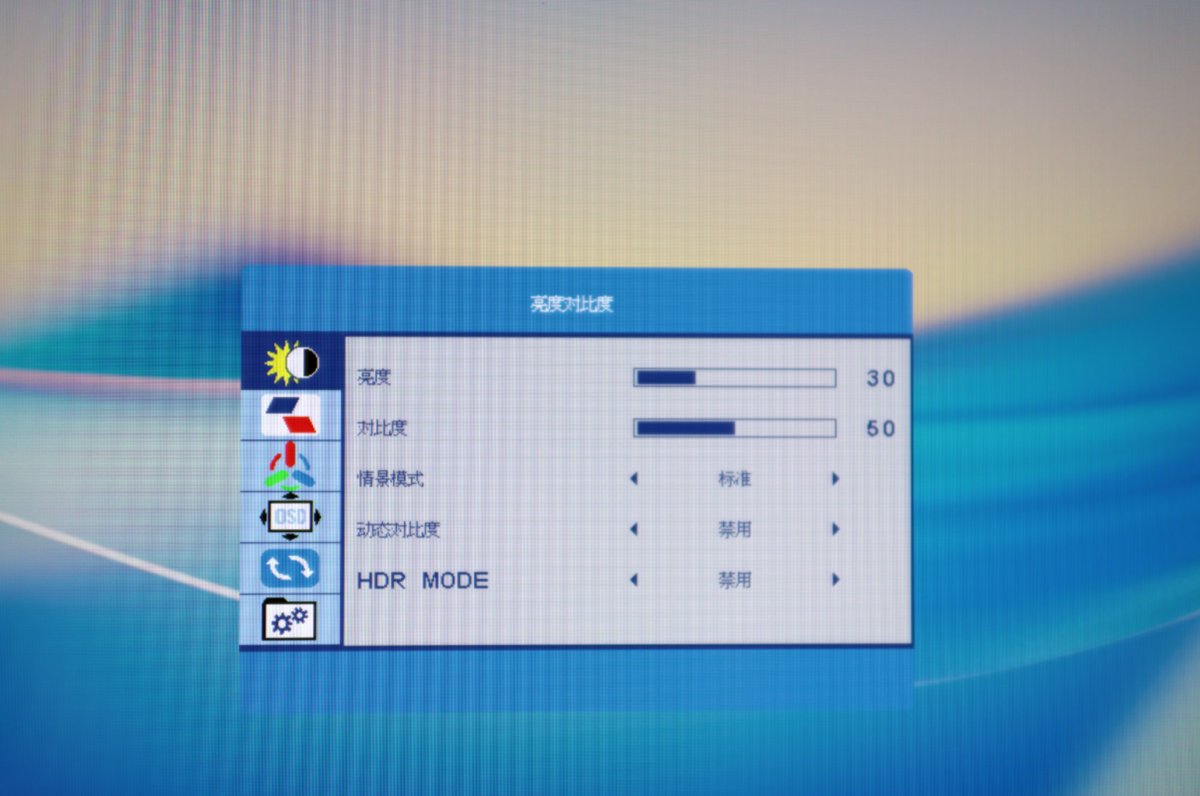
The OSD (On-Screen Display) also feels very dated
Oh right, this portable monitor also has speakers, but they're even quieter than the Jige 14x's, and the sound quality is even worse. Feels like they'd have been better off skipping the speakers and putting the cost into improving the stand or the shell 🤣
Issues
This portable monitor supports DDC/CI, meaning you can adjust the display's brightness and contrast directly from the computer, which is great in itself
For adjusting monitor brightness from your computer, see: Using Twinkle Tray to quickly adjust the brightness of multiple monitors
But something's wrong with the controller board: brightness adjustment from 0-70% is all ok, but at 71% it suddenly becomes the darkest. Effectively the brightness adjustment range is only 0-70%, and from 71% on it wraps back to 1% 😂
Wrap-up
I later bought a few other portable monitors, but looking back, this aigo 14 is still the more well-rounded one
You won't get a perfect product at this price. If you can live with the small flaws, it's still pretty good
I'd still skip the no-name brands—I'm afraid they'd break before long
_EOF_
A Portable Monitor with a Laptop Is More Useful Than I Expected: aigo 14 Unboxing
- 本文作者:
- 程序设计实验室
- 版权声明:
- 本博客所有文章除特别声明外,均采用 BY-NC-SA 许可协议。转载请注明出处!
相关文章
300 多块钱的 2K 14寸便携屏开箱,大家觉得性价比如何?
那位作者终于想起自己还有个数码号了。376块的2K便携屏,支架终于不智障了,音质却烂得跟恐龙玩具似的。最烦的是连DDC/CI都不支持,还好有ClickMonitorDDC这种邪门工具可以强控,不过亮度最高只能到35%——所以便宜没好货,这道理还要我教?
2026-07-09 · 显示器 · 约 1 分钟
反向升级,爱国者aigo14便携屏2026新款开箱
2026款“爱国者”便携屏,涨了两块钱却砍掉了DDC/CI调亮度,还把支架改得又丑又没法搁笔记本键盘上。什么叫反向升级?这就叫反向升级。
2026-07-07 · 显示器 · 约 1 分钟
298 元买了个没人听过的便携屏,我到底图啥?
买Eimio便携屏就为了试试皮套?298块,参数一般,包装简陋,亮度调到20%还是最亮,这DDC/CI功能简直是反人类设计。还不如直接买个内胆包+支架,至少稳定。
2025-11-22 · 显示器 · 约 1 分钟
便携屏最不能缺的功能是什么?ARZOPA 给了反面教材
348买的ARZOPA,CNC外壳挺秀,支架比爱国者强,可惜没DDC/CI。雾面屏看着就廉价,色彩也比不上aigo14。精致是精致,关键功能阉割,谁用谁知道。
2025-11-20 · 显示器 · 约 1 分钟
讨论
共 0 条加载评论中…